Best Affordable AI Avatars with Realistic Expressions
Discover affordable options for AI avatars with realistic facial expressions. Compare features, pricing, and quality to create lifelike digital characters.
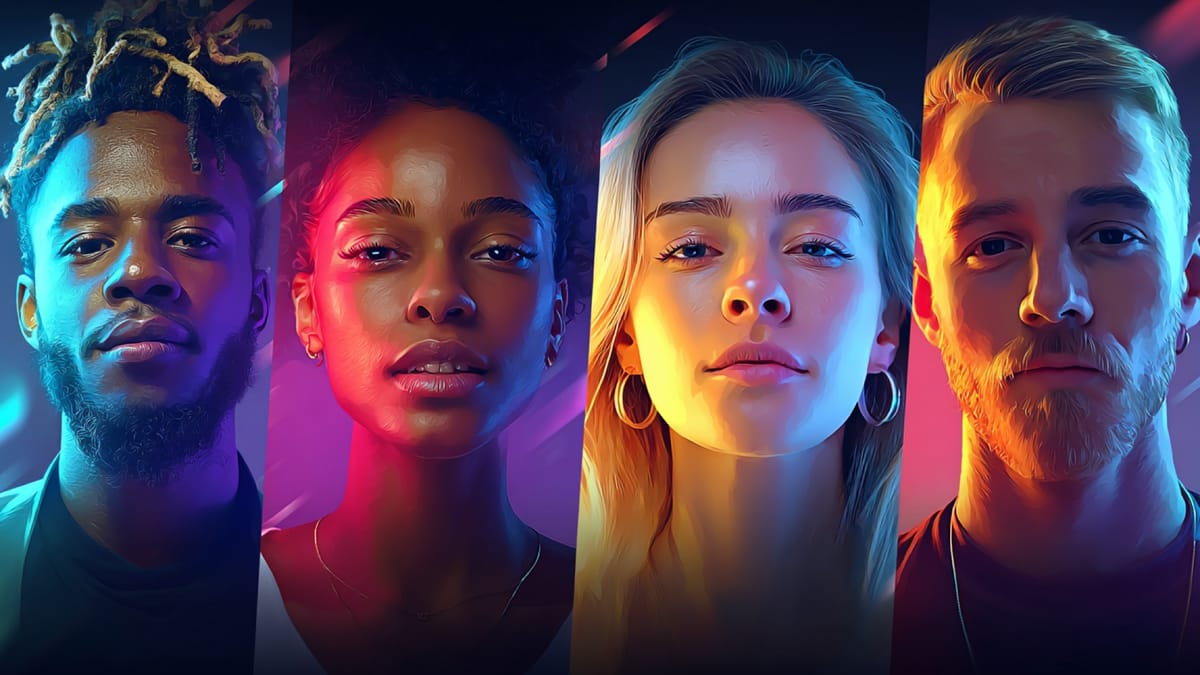
You’ve probably tried an AI avatar tool already. It looked promising in the demo, maybe even impressive in a still frame. But once the avatar started talking, something felt… off. The face was stiff, the smile didn’t move naturally, or the eyes just didn’t react the way a real person’s would.
That’s usually where the frustration begins. The truly realistic AI avatars seem locked behind expensive plans, while the free tools give you flat expressions, limited customization, or obvious watermarks. You want something affordable. But you also need facial expressions that don’t break trust the second your video starts.
If you’re searching for affordable options for AI avatars with realistic facial expressions, you’re not just looking for a tool. You’re trying to create content that feels human, whether that’s for ads, product explainers, training videos, or social media. In this guide, we’ll break down the tools that actually balance cost and realism, including free options, photo-to-avatar generators, and AI avatar video platforms that don’t look robotic.
Quick Overview
- Affordable AI avatar tools fall into three main types: talking-head video generators (HeyGen, Synthesia), 3D exportable avatars (Avaturn), and scene-integrated character systems like Frameo.
- Realistic facial expressions depend on accurate lip-sync, natural blinking, subtle micro-expressions, and how well the voice tone aligns with animated movement.
- Free AI avatar generators can help you test concepts, but most limit exports, watermark videos, or restrict advanced facial animation to paid plans.
- Choosing the right format depends on your goal: Instagram ads need vertical expressive avatars, corporate training needs studio-style presenters, and storytelling needs consistent multi-scene characters.
- Frameo differs by placing AI avatars inside structured, cinematic video scenes with character persistence, voice pairing, and storyboard control rather than isolated talking-head clips.
What Is an AI Avatar Creator?
An AI avatar creator is a tool that lets you generate a digital human that can speak, move, and show facial expressions using just text or a photo.
In simple terms, it replaces the need to film a real person when creating videos.
How Does it Work?
Most AI avatar generators combine a few core elements:
- Text-to-speech voice generation
- Facial animation and lip-sync technology
- Pre-built or photo-based avatar models
- Video export for ads, training, or social content
Some tools focus on basic AI avatar free features, while others offer realistic AI avatars with advanced facial expressions and micro-movements.
Why People Use Them?
AI avatar creators are popular because they help you:
- Avoid being on camera
- Produce videos faster
- Create multilingual content easily
- Reduce production costs
If you’re looking for affordable options for AI avatars with realistic facial expressions online, the real goal is simple: create content that feels human without overspending.
Top 5 Affordable AI Avatars You Can Try Today
These affordable AI avatar tools help you create realistic, expressive digital presenters without stretching your budget.
Let’s look at the platforms that balance price, facial realism, and practical usability.
1.Frameo.ai
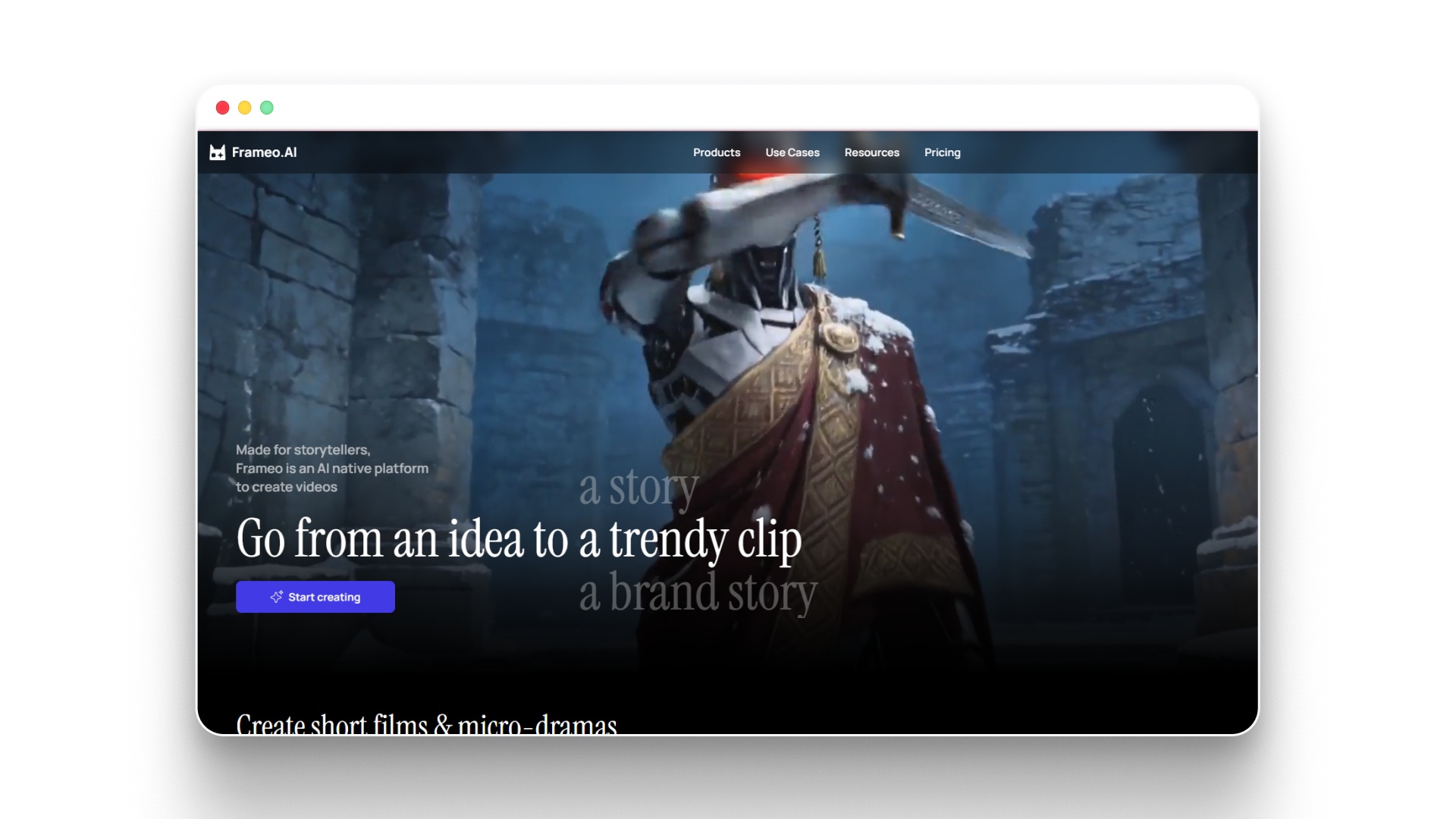
Frameo is a full-stack AI video creation platform that includes realistic AI characters as part of a structured storytelling workflow. Instead of generating isolated talking heads, it allows you to build expressive digital characters that live inside complete, scene-based videos.
If you’re looking for affordable options for AI avatars with realistic facial expressions that go beyond basic presenter clips, Frameo positions avatars inside cinematic, narrative-driven environments.
Frameo focuses on character consistency, scene control, and script-to-video production in one unified workspace. Avatars are not standalone exports; they are integrated into multi-scene storytelling sequences with coordinated composition and voice pairing.
Key Capabilities
Frameo’s character system is embedded directly into its end-to-end video workflow:
- Generate AI characters aligned with your screenplay
- Maintain character likeness across multiple scenes and episodes
- Assign and customize AI-generated voices for each character
- Edit characters conversationally (change clothing, age, visual traits)
- Upload reference images to include real people as characters
- Build storyboard sequences before final video generation
- Control framing and animation flow at the shot level
- Edit script, visuals, audio, and effects inside a unified timeline
- Collaborate in real time within shared workspaces
- Export vertical, mobile-first video formats
Unlike simple AI avatar generators, characters operate inside structured scenes with coordinated backgrounds, location continuity, and multi-character interaction.
Why Frameo Stands Out
Frameo is designed for narrative continuity rather than one-off avatar videos.
- Character persistence across scenes and episodes
- Coordinated multi-character composition
- Scene and location consistency
- Conversational editing for faster iteration
- Integrated screenplay → storyboard → video assembly in one system
Because the avatar layer is embedded into a complete storytelling engine, users can move from idea to finished video without switching between multiple tools.
Pros
- Strong character consistency across scenes
- Realistic facial animation within structured video environments
- Integrated script-to-video workflow
- Multi-character scene coordination
- Built-in voice pairing and audiovisual assembly
Cons
- More suited for structured video projects than quick static talking-head clips
- Requires familiarity with storyboard-style workflows
2.HeyGen
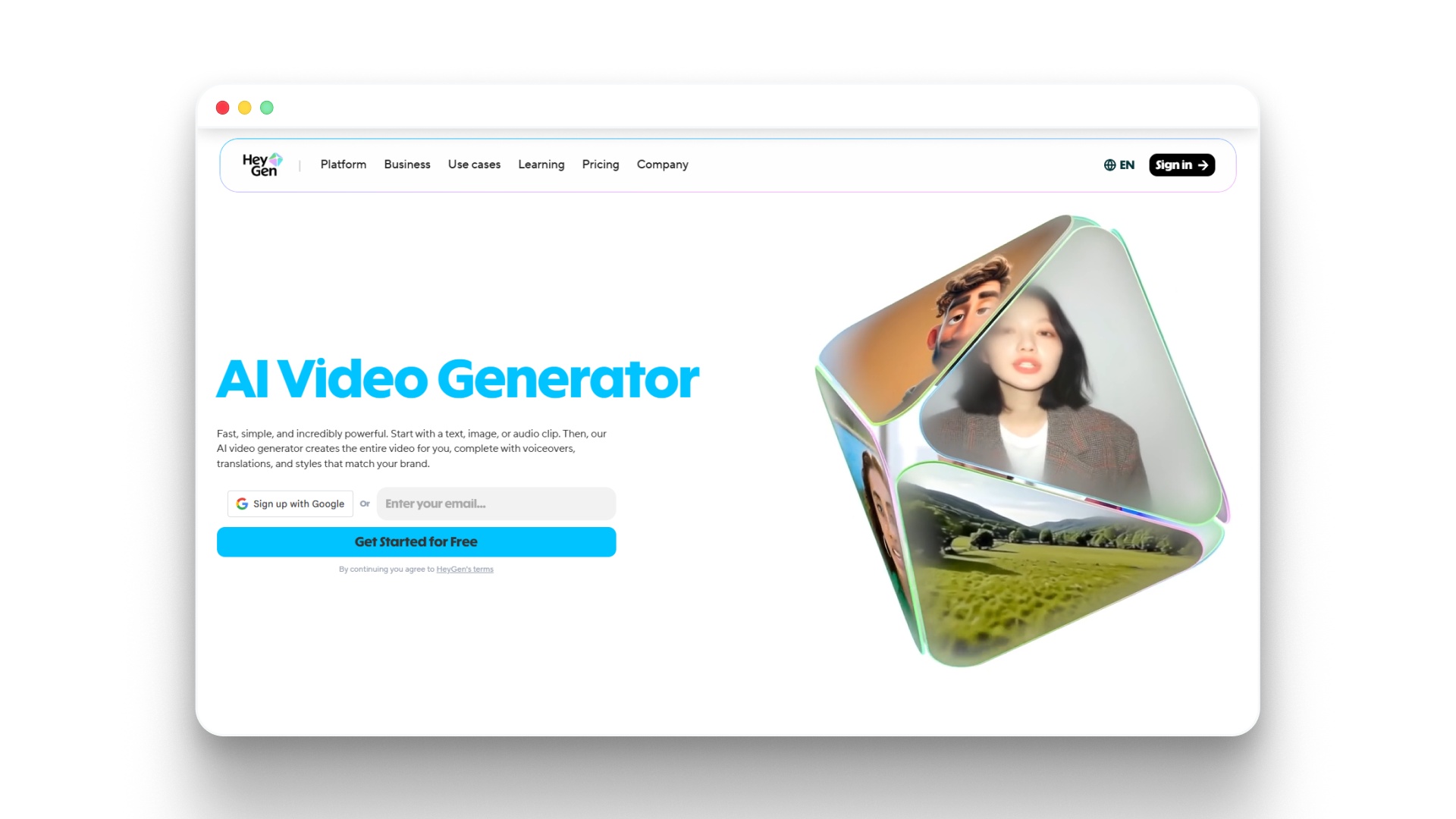
Free AI Video Generator: Create Stunning Videos with AI
HeyGen is an AI video generation platform designed to create presenter-style videos using pre-built or custom AI avatars.
It focuses on turning scripts into talking-head videos quickly, primarily for marketing, training, and corporate communication.
Key Capabilities
HeyGen centers around fast script-to-video production with AI presenters.
- Library of pre-built AI avatars
- Text-to-video generation with automatic lip-sync
- AI avatar generator from photo (custom avatar creation on select plans)
- Multilingual voice and translation support
- Voice cloning (higher-tier access)
- Background templates and presentation layouts
- Auto subtitles and captions
- Brand kit integration for consistent visuals
The workflow is structured around slide-style scenes rather than cinematic storytelling.
Pros
- Easy to use for non-editors
- Solid lip-sync performance
- Wide language support
Cons
- Custom avatars and advanced features are locked behind higher-tier pricing
- Limited scene control compared to full video production platforms
- Primarily talking-head style; less suited for dynamic storytelling
- Facial expressions, while realistic, can feel uniform across longer videos
- Limited creative control over shot composition and animation depth
- Free plan includes restrictions on exports and features
For a closer look at how AI characters are built and animated step by step, see How to Create an AI Character Video.
3.Synthesia
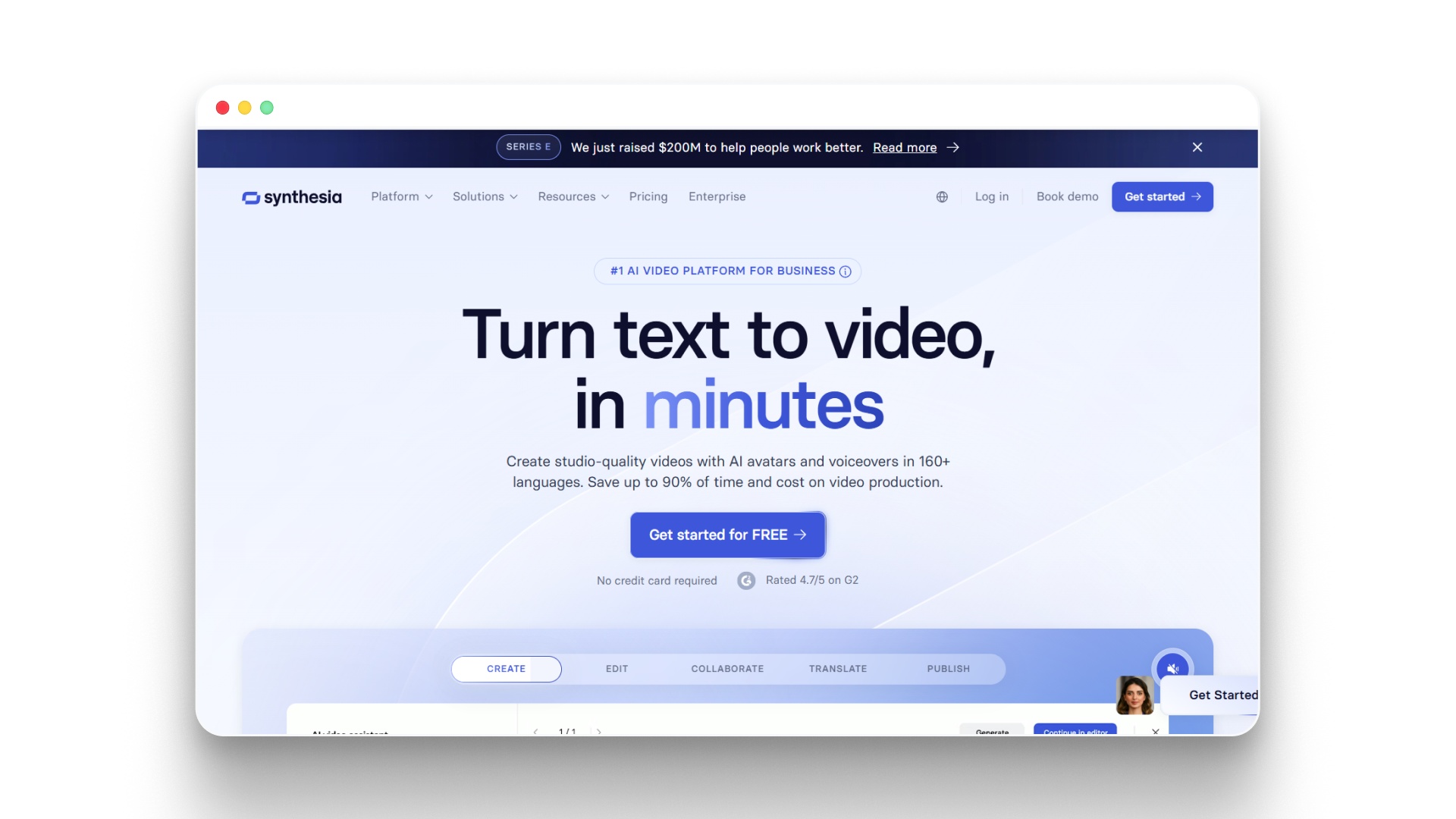
Synthesia: #1 AI Video Platform for Business
Synthesia is an AI video generation platform that enables users to create presenter-led videos using realistic AI avatars and text-based scripts.
It is primarily built for corporate training, internal communications, onboarding, and business explainers.
Key Capabilities
Synthesia focuses on structured, studio-style avatar videos.
- Library of 140+ pre-built AI avatars
- Text-to-video generation with automatic lip-sync
- AI avatars that support 120+ languages and accents
- Custom avatar creation (enterprise plans)
- AI avatar generator from photo (for business users)
- Screen recording and media uploads inside scenes
- Subtitle generation and translation tools
- Brand kit customization
- Template-based video layouts
The workflow is slide-based, allowing users to structure content scene by scene.
Pros
- Large selection of professional-looking avatars
- Strong multilingual support
- Clean, corporate-ready templates
- Accurate lip-sync performance
- Designed for scalable business video production
Cons
- No permanent free plan (only limited demo access)
- Higher pricing compared to many free AI avatar video generator tools
- Limited emotional range in facial expressions
- Primarily presenter-style videos with minimal cinematic control
- Custom avatars require enterprise-level plans
- Less flexibility for dynamic storytelling or social-first content
4.Avaturn
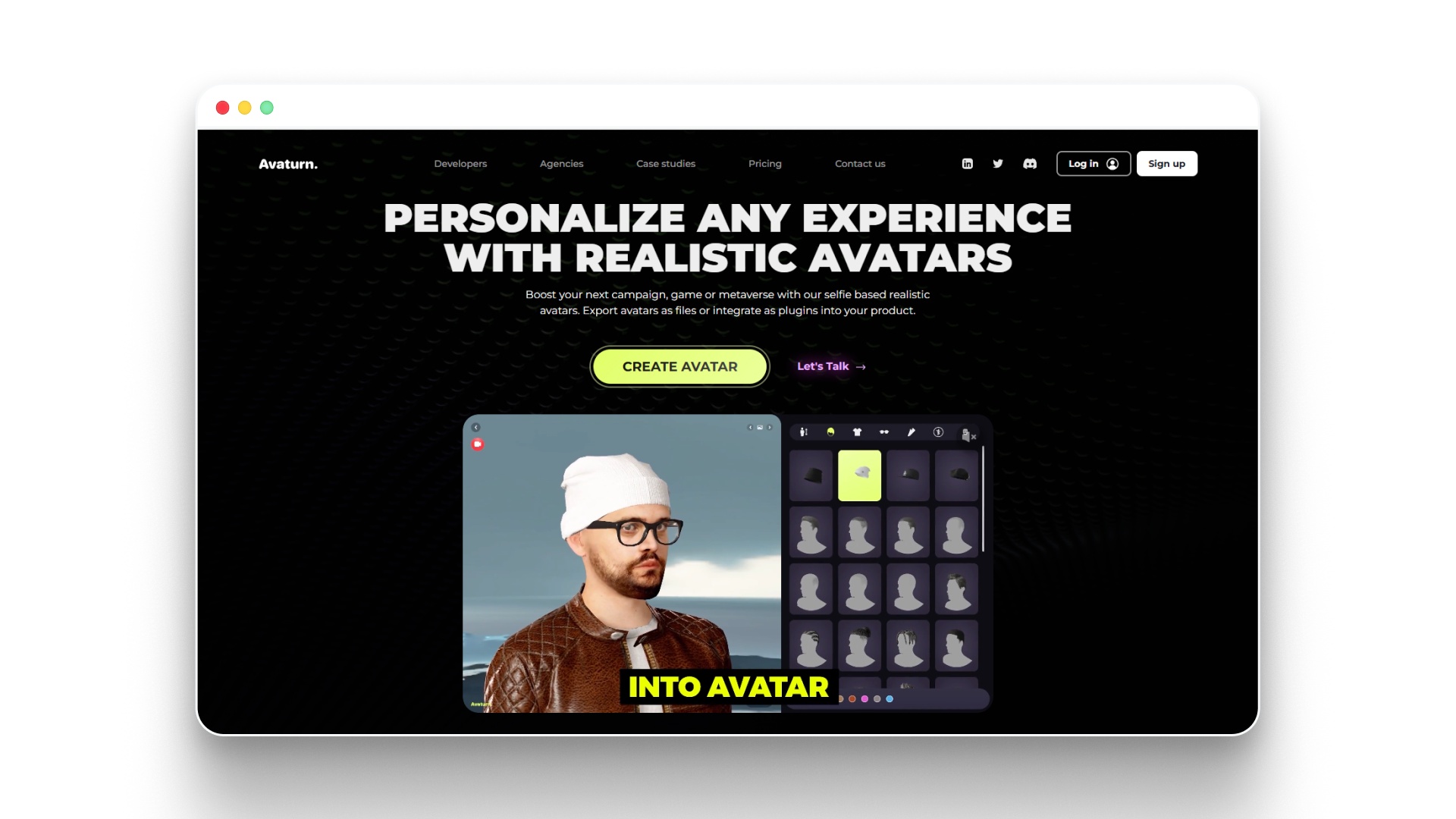
Avaturn | Realistic 3D avatar creator
Avaturn is a 3D AI avatar generator that creates customizable, game-ready avatars from a single selfie.
It focuses on realistic 3D human models designed for virtual worlds, apps, games, and metaverse-style experiences rather than traditional talking-head videos.
Key Capabilities
Avaturn specializes in photo-to-3D avatar creation with strong customization depth.
- AI avatar generator from photo (single selfie upload)
- Realistic 3D avatars with adjustable facial features
- Extensive customization (hair, clothing, body type, accessories)
- Exportable avatars compatible with game engines (Unity, Unreal)
- Support for AR/VR and metaverse integrations
- Blendshape support for facial animation
- SDK and API access for developers
It is built more for interactive and virtual environments than script-driven video generation.
Pros
- Strong 3D realism compared to many free avatar tools
- High level of facial and body customization
- Game-engine compatibility
- Developer-friendly integrations
- Suitable for virtual environments and digital identity use cases
Cons
- Not designed as an AI avatar video generator
- No built-in text-to-speech or automatic lip-sync system
- Requires external tools for animation and voice integration
- More technical setup compared to browser-based talking avatar platforms
- Free usage has limitations on exports and features
5.Adobe Firefly
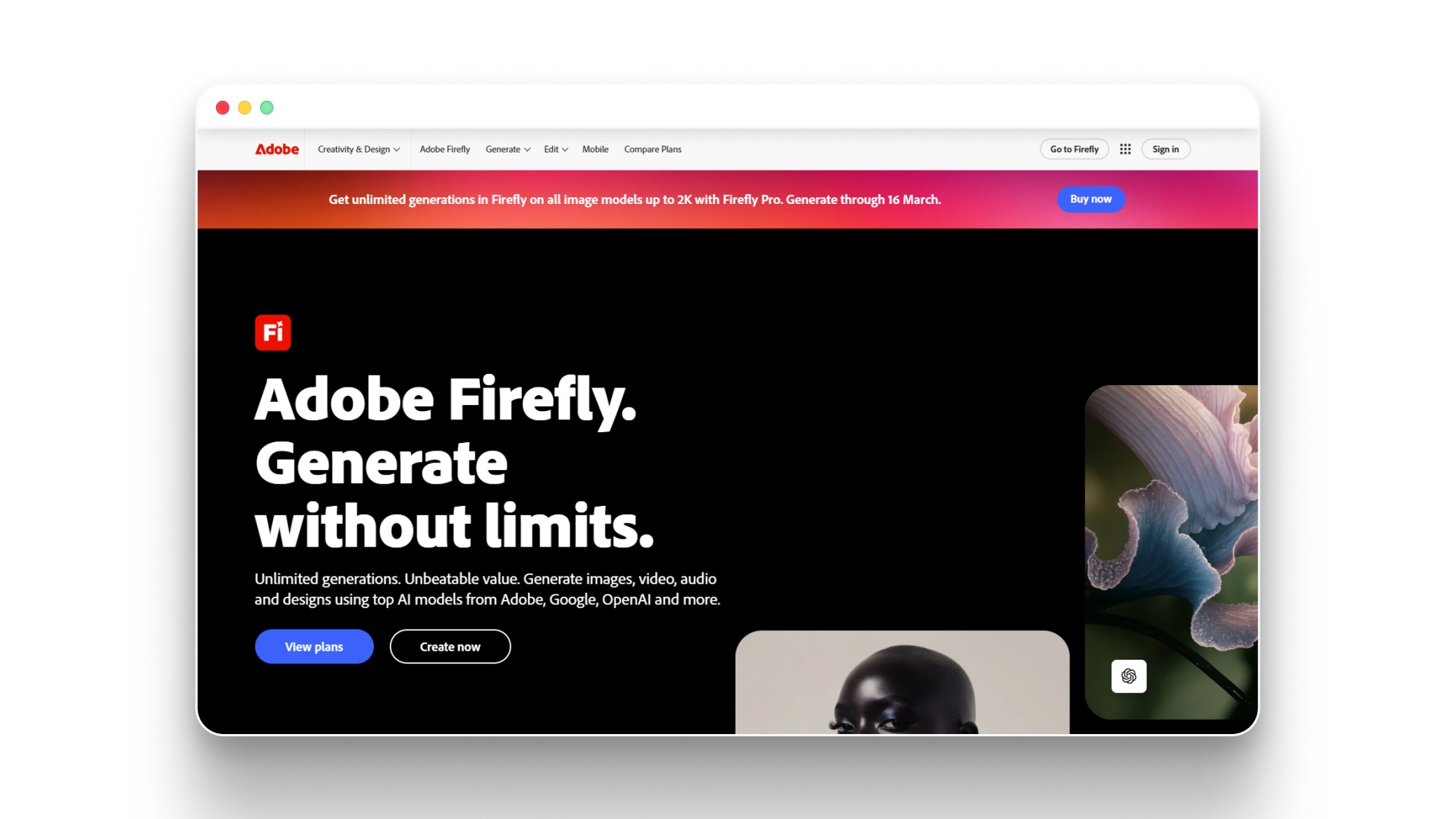
Adobe Firefly - Free Generative AI for creatives
Adobe Firefly is Adobe’s generative AI system designed for image, text effects, and creative asset generation within the Adobe ecosystem.
It is not a dedicated AI avatar video generator, but it can be used to design stylized or semi-realistic avatar visuals for creative projects.
Key Capabilities
Firefly focuses primarily on generative image creation rather than full talking avatar videos.
- Text-to-image generation
- Generative fill and image editing
- Style transfer and visual variation tools
- Character and portrait generation through prompts
- Integration with Photoshop and other Adobe Creative Cloud apps
- Commercially safe AI models trained on licensed Adobe Stock and public domain data
Users can generate realistic AI avatars as still images, then animate them using other Adobe tools like After Effects or Character Animator.
Pros
- High-quality image generation
- Strong creative control over styles
- Seamless integration with Adobe Creative Cloud
- Commercial usage clarity within Adobe’s ecosystem
- Good for creating custom avatar visuals
Cons
- Not a built-in AI avatar video generator
- No native text-to-speech or automatic lip-sync
- Requires additional Adobe tools for animation
- More suited for designers than quick video creators
- Not ideal for users specifically searching for affordable options for AI avatars with realistic facial expressions online in video format
If you want to compare the broader landscape of AI video tools beyond avatars, explore Best AI Video Generator in 2026 for Content Creators.
Free AI Avatar Generator Tools Worth Trying
If you're exploring affordable options for free AI avatars with realistic facial expressions, there are several tools that let you experiment without paying upfront.
Here are free or freemium AI avatar generator platforms worth testing before committing to a paid plan:
- CapCut: Offers an AI avatar video generator free inside its editor, with basic talking avatars, auto-captions, and social-ready exports, though customization and realism are limited.
- Canva: Includes AI avatar-style presenters and animation tools within Canva’s video builder, suitable for simple explainers and social content, but not deeply expressive avatars.
- Vidnoz: Provides a free tier for talking avatar videos, including text-to-speech and lip-sync, with export limitations and watermark restrictions.
- D-ID: Allows users to generate speaking avatars from photos, offering limited free credits to test facial animation and lip-sync realism.
- Ready Player Me: A free AI avatar generator from photo alternative focused on 3D avatars for games and virtual environments, not traditional talking videos.
Free tools are useful for testing concepts, but they often come with export limits, watermarks, restricted realism, or limited control over facial expressions.
Factors to Consider When Choosing Affordable AI Avatars
Not every “affordable” AI avatar tool gives you the same level of realism, control, or output quality, so choosing the right one depends on what you actually need it for.
Before picking a platform, look at these practical factors:
- Facial Expression Realism: Does the avatar show natural micro-expressions, blinking, and subtle facial movement, or does it feel stiff and repetitive over longer videos?
- Lip-Sync Accuracy: Poor lip alignment instantly breaks trust, especially in ads, product explainers, or client-facing videos.
- Customization Options: Can you adjust voice, tone, clothing, background, and branding, or are you locked into preset templates?
- Photo-to-Avatar Capability: If you want personalization, check whether the AI avatar generator from the photo feature is included or locked behind higher plans.
- Video vs. Static Output: Some tools only generate images, while others offer a full AI avatar video generator free or paid workflow with export options.
- Pricing Structure: Look closely at what “free” actually means.
Many platforms limit exports, watermark videos, or restrict realistic facial expressions to paid tiers. - Scalability: If you plan to create content regularly, ensure the tool supports batch generation, multiple formats, and consistent character use.
- Usage Rights & Commercial Licensing: Always verify whether your plan includes commercial usage, especially for ads or client projects.
Pro tip: If you’re comparing tools and want realistic facial expressions plus full video control in one workflow (not just a talking head), explore how Frameo integrates avatars directly into cinematic storytelling scenes instead of isolated presenter clips.
The right choice isn’t just about the lowest price; it’s about balancing realism, flexibility, and long-term usability.
How to Choose the Right AI Avatar Format?
Not every AI avatar format works for every goal, and choosing the wrong one can make your content feel flat or unnecessarily complex.
Here’s how to decide what actually fits your use case.
1.Photo-Based Avatars
If you want something that feels close to you, an AI avatar generator from a photo is often the starting point.Choose this format if you:
- Want a recognizable digital version of yourself
- Create personal brand content or founder updates
- Need a consistent identity across videos
- Prefer minimal design setup
Just remember: realism depends heavily on facial animation quality and voice pairing.
2.Pre-Built Talking Avatars
These are ready-made digital presenters you can assign a script to and export quickly.This works well when you:
- Need quick training videos
- Produce internal communications
- Create explainer videos at scale
- Want an AI avatar video generator, free or low-cost option
They’re efficient, but often limited in emotional depth and scene flexibility.
3.3D Avatars
3D AI avatars are ideal for virtual environments, apps, or metaverse-style projects.Choose this if you:
- Build AR/VR experiences
- Need game-engine compatibility
- Focus on digital identity or avatars for platforms
These aren’t usually built for cinematic video storytelling.
4.Story-Integrated AI Characters
Some platforms go beyond static talking heads and integrate AI avatars directly into scene-based video creation.This format works best when you:
- Need consistent characters across multiple scenes
- Want expressive facial animation tied to storytelling
- Create episodic or marketing-driven narrative videos
- Care about shot composition, pacing, and continuity
For example, tools like Frameo combine avatar creation with screenplay-to-video workflows, which allow characters to exist inside full scenes rather than isolated presenter frames. This gives you more control if your goal goes beyond simple talking-head content.
Quick Decision Rule
- If you need speed → choose pre-built presenters.
- If you need personalization → choose photo-based avatars.
- If you need immersive environments → choose 3D avatars.
- If you need storytelling with consistent characters → choose scene-integrated avatar systems.
The right format isn’t about what’s trending; it’s about what matches your content goal, budget, and realism expectations.
For a deeper breakdown of how AI text-to-video systems generate motion, lip-sync, and character continuity, see How OpenAI Text to Video Actually Works.
Tips for Getting Realistic Facial Expressions from AI Avatars
Even the best AI avatar tool can look unnatural if you don’t guide it properly.
Here are practical ways to make your AI avatars feel more human and less robotic.
- Write Conversational Scripts
Stiff, overly formal scripts produce stiff delivery.
Short sentences, natural pauses, and everyday language improve facial rhythm and expression. - Match Voice Tone with Emotion
A serious message needs a calm voice.
An energetic announcement needs a vocal lift.
Expression realism improves when voice and facial animation align. - Avoid Long, Unbroken Monologues
Extended blocks of speech often reduce expression variation.
Break scripts into shorter scenes to maintain natural facial movement. - Use Micro-Emotional Cues in Your Script
Small emotional signals like “honestly,” “we were frustrated,” or “that changed everything” help drive subtle expression shifts. - Choose the Right Avatar Style
Hyper-realistic avatars require higher animation accuracy.
Slightly stylized avatars can sometimes feel more natural because expectations are different. - Pay Attention to Eye Movement and Blinking
Natural blinking patterns and subtle eye shifts add realism.
Tools that support expression layering or scene-based animation usually handle this better. - Keep Backgrounds and Framing Clean
Distracting backgrounds amplify minor expression flaws.
Clean composition helps viewers focus on the face. - Test Short Clips Before Final Export
Render a 10–15 second preview first.
Check lip-sync timing, facial transitions, and overall delivery before producing the full video.
Realism doesn’t just come from the tool you choose; it comes from how intentionally you use it.
If you’re concerned about compliance, consent, and ethical risks when using realistic AI avatars, review AI Video Generation Ethics: Risks, Rules, and Best Practices.
Wrapping Up
Affordable options for AI avatars with realistic facial expressions are no longer limited to high-budget studios. Whether you need an AI avatar generator free for testing, a photo-based avatar for personalization, or a realistic AI avatar generator for professional video, the key is choosing a format that matches your content goals, not just your budget.
If you want expressive AI avatars that live inside full scenes rather than basic talking heads, explore Frameo. It combines character consistency, facial realism, and script-to-video production in one streamlined workflow.
Try Frameo today and create realistic AI avatar videos that actually feel human.
FAQs
1.What’s the most affordable AI avatar generator for Instagram content?
For Instagram, look for tools that support vertical video, short-form exports, and natural facial animation. Platforms like Frameo work well because they support mobile-first formats and expressive characters suited for Reels and short ads.
2.Which AI tool is best to generate human avatars?
The best tool depends on your goal, but platforms that combine realistic facial expressions with strong lip-sync accuracy tend to perform better. Frameo is a strong option if you need consistent human-like avatars inside full video scenes rather than simple talking heads.
3.Can I create a realistic AI avatar for free?
Yes, several platforms offer free or freemium AI avatar generators, though they often limit exports, watermark videos, or restrict advanced facial expression features. Free plans are useful for testing before upgrading.
4.How do I create an AI avatar from a photo?
You can upload a selfie into an AI avatar generator from a photo tool, which maps facial features and generates a digital version of you. Some platforms also allow you to animate that avatar with voice and lip-sync for video content.
5.Are AI avatar videos good for marketing and ads?
Yes, realistic AI avatars are increasingly used for ads, explainers, and training videos because they reduce production costs while maintaining a human presence. The key is choosing a tool with natural facial expressions and accurate lip-sync to maintain trust.