AI-Generated Minecraft Movie Trailer Guide
Create stunning AI-generated Minecraft movie trailers with our guide. Enhance visuals with Edimakor and speed with InVideo AI. Start now!
Every creator hits the same moment after watching a viral AI trailer. You see a blocky Minecraft world transformed into something cinematic. Dramatic lighting. Deep voiceover. Music that feels like it belongs in a theater. And suddenly you’re thinking, “Wait… I could make this.”
That’s where most people either rush in without structure or get overwhelmed by tools.
The truth is simple: an AI-genrated minecraft movie trailer isn’t about fancy software. It’s about control. Control over pacing. Visual consistency. Sound design. Structure.
Just like writing a podcast script keeps an episode from drifting, building an AI trailer requires intentional sequencing. You’re not just editing gameplay. You’re shaping anticipation.
This guide walks you through how to create an AI-generated Minecraft movie trailer that feels cinematic, cohesive, and ready for YouTube or Shorts.
Key Takeaways
- AI-generated Minecraft trailers blend gameplay, AI visuals, and cinematic editing into structured short films.
- The strongest trailers focus on pacing and emotional build, not just visual upgrades.
- High-quality prompts determine whether AI visuals feel generic or cinematic.
- Audio design often matters more than visuals for emotional impact.
- Structured workflows reduce editing time and increase viral potential.
What Is an AI-Generated Minecraft Movie Trailer?
An AI-generated Minecraft movie trailer is a fan-made cinematic edit that transforms gameplay footage into something that feels like a blockbuster film.
Instead of showing raw gameplay clips, creators typically:
- Reframe gameplay as a story
- Enhance frames using AI-generated visuals
- Add dramatic music and narration
- Structure scenes using the pacing of a real movie trailer
The result is not “Minecraft gameplay.” It’s a concept film preview. And when done well, it taps into nostalgia, curiosity, and cinematic imagination all at once.
Why the AI-Generated Minecraft Movie Trend Is Exploding
AI-generated Minecraft movies are not just a fad. They are gaining huge popularity because they combine familiar worlds with cinematic storytelling in ways that keep viewers hooked. Here is why this trend is growing fast:
- Familiar worlds. Viewers instantly recognize the characters, locations, and gameplay, which creates an instant connection.
- Cinematic transformation. AI adds dramatic lighting, realistic textures, dynamic camera angles, and epic perspectives to simple Minecraft visuals.
- Emotional storytelling. Quiet or ordinary scenes can become moments of tension, wonder, or excitement, drawing viewers into the story.
- Short-form attention appeal. These videos are perfect for social media feeds, grabbing attention quickly and keeping it throughout the clip.
- Creative reinterpretation. Familiar elements are shown in new and unexpected ways, turning everyday gameplay into heroic battles or epic adventures.
- Visual surprise. Ordinary objects like a diamond sword or a village suddenly feel legendary, evoking a sense of awe in viewers.
- High shareability. The mix of recognizable content and cinematic flair makes these videos easy to share and discuss online.
It is this combination of recognition, transformation, and emotional impact that makes viewers watch from start to finish. A simple village scene can feel like the opening of an apocalypse. A player’s tool can feel like a hero’s weapon. The thrill comes from turning the ordinary into something extraordinary.
Also Read: How to Write a Script: Step-by-Step for AI, Shorts and Film.
6 Essential Steps To Craft Cinematic AI Minecraft Trailers
Creating a cinematic Minecraft trailer is about more than just cool effects. It is about building mood, guiding attention, and telling a story. Each step, from recording gameplay to adding motion and sound, shapes how viewers experience your trailer. Follow these steps to turn simple clips into a cinematic sequence.
Step 1: Gather Cinematic Source Clips
Before touching AI tools, start with strong raw material. The foundation of a cinematic trailer is in what you capture first. Look for scenes that naturally hold tension, scale, or beauty:
- Survival moments with tension fights, escapes, or critical health situations.
- Nether or End battles in intense environments naturally create drama.
- Large builds and sweeping landscapes give an epic perspective.
- Large builds, with scale-sweeping landscapes or massive constructions, give an epic perspective.
If you record gameplay yourself, approach it like filming a movie, not playing a game. Think about camera angles, composition, and pacing.
Plan shots with cinematic intention. Even a simple zoom or tilt can add drama later. Structure your footage now, so your AI enhancements amplify purpose rather than create randomness.
Step 2: Extract Still Frames for AI Enhancement
This is where transformation begins. Instead of working solely with video, capture your strongest moments as still frames. These images act as your canvas for cinematic enhancement:
- Realistic lighting, subtle shadows, natural glow, and highlights that feel cinematic.
- Cinematic color grading adjusts hue and contrast for mood and tone.
- Environmental detail adds particles, fog, or enhanced textures.
- Depth and atmosphere layers of foreground, midground, and background create immersion.
Remember, you’re amplifying Minecraft’s visuals, not replacing them. Subtle realism wins over heavy stylization. The goal is a believable cinematic evolution that enhances emotion and immersion without breaking continuity.
Step 3: Write Better AI Prompts
AI visuals only work as well as the prompts you provide. A vague phrase leads to generic results. Structure your prompts like a director giving shot instructions:
Instead of:
“Minecraft hero cinematic”
Try:
“Cinematic Minecraft warrior standing on a cliff at sunset, dramatic lighting, ultra-detailed textures, epic fantasy tone, 4K realism, shallow depth of field.”
Focus on:
- Consistent character design and repeated visuals of your hero or NPCs build recognition.
- Lighting coherence ensures all frames have the same time of day and light sources.
- Perspective alignment maintains consistent camera angles across shots.
For episodic or trailer sequences, visual consistency is crucial. Repetition of character appearance and environmental style reinforces immersion and credibility.
Also Read: 20 AI Video Generator Prompt Examples Creators Can Use.
Step 4: Structure the Trailer Like a Real Film Preview
Even AI-generated visuals need cinematic pacing. A strong trailer follows emotional and narrative beats:
- Hook (0 to 5 seconds): Lead with your most dramatic or visually striking scene to grab attention instantly and make viewers curious about what happens next.
- Establish World (5 to 20 seconds): Show the scale, environment, and context so viewers understand where the story takes place and feel immersed in the setting.
- Introduce Conflict (20 to 40 seconds): Hint at danger, tension, or stakes to make viewers care about what will happen and create suspense.
- Escalate (40 to 60 seconds): Use quick cuts, rising music, and visual intensity to build excitement and bring the story toward its peak.
- Climax and Title Reveal: End on impact, highlighting the most dramatic moment and revealing the title so viewers feel satisfied and eager to see more.
Skipping this structure risks visuals feeling random, no matter how stunning. Think in narrative arcs, not just isolated moments.
Step 5: Add Motion to Static AI Frames
Still AI-generated frames need cinematic motion to keep viewers engaged:
- Slow zooms. They draw attention to key details or build tension. This helps viewers focus on what matters most in the scene.
- Subtle pans. They guide the viewer’s eyes across important elements. This makes it easier to follow the story naturally.
- Parallax effects. They add a sense of depth by moving the foreground and background separately. This makes the image feel three-dimensional.
- Cinematic transitions. They use fades, cross-dissolves, or whip-pans to connect shots smoothly. This keeps the rhythm of the trailer consistent.
Motion should enhance storytelling rather than distract from it. Subtlety is key. When done right, viewers feel immersed without noticing the mechanics.
Step 6: Audio Is Half the Experience
Even the most visually stunning trailer can feel flat without sound. Audio elevates perception and emotional impact:
- Deep cinematic trailer music sets epic scale and tone.
- Bass drops emphasize tension or dramatic moments.
- Rising tension builds gradually increase suspense.
- Dramatic narration or SFX guides storytelling and adds realism.
Audio often keeps viewers watching longer than visuals alone. If your trailer lacks emotional impact, the problem is usually sound design.
Also Read: Bring Your Scripts to Life with Frameo’s AI Voice for Videos.
Top Tool Options for Building AI Minecraft Trailers
Not every creator works the same way. Some focus on enhancing gameplay, while others build entire trailers from scratch using AI. Choosing the right tools helps you stay organized and produce cinematic, consistent results.
Here is a clear breakdown of common tool types and their purpose:
Tool Type | Purpose | What It Helps You Do |
AI Visual Generation Tools | Enhance still frames or generate cinematic reinterpretations | Improve lighting, textures, depth, and atmosphere in key moments |
Editing Platforms | Combine gameplay, AI visuals, narration, and music | Structure clips, sync audio, and apply cinematic timing and transitions |
Structured AI Video Workflows (Frameo) | Build trailers from scratch instead of only enhancing gameplay | Maintain character consistency, scene pacing, and narrative structure |
Platforms like Frameo allow creators to move from script to scene to cinematic output within a single workflow.
This makes it easier to keep characters consistent, control pacing, and maintain a clear narrative arc. Instead of assembling random clips, you are building a film-style sequence. For episodic Minecraft trailers, this approach keeps the story coherent and professional across multiple videos.
Advanced Approach to Building a Full AI Minecraft Movie and Making It Go Viral
If you want to go beyond enhancing gameplay, you can create an entire Minecraft movie entirely with AI. This approach moves you from editor to director and gives your trailer a clear story, cinematic style, and strong visual identity.
Here is how to do it:
- Write a short script to plan the story, characters, and emotional beats.
- Design characters visually to keep their appearance consistent in every scene.
- Build consistent environments that reflect the mood and scale of your world.
- Animate scene transitions to guide viewers smoothly from one moment to the next.
This method takes more planning, but the result is trailers with purpose, style, and narrative depth. You are not just showing Minecraft; you are telling a story.
Once your AI-generated Minecraft movie concept is ready, the next challenge is making sure people actually watch it. Strategy matters just as much as visuals. Here is how to make your AI Minecraft trailer go viral.
Great visuals get attention, but strategy keeps viewers watching. Focus on these key elements:
- Create a Strong Thumbnail
- Use side-by-side comparisons to show transformation
- Highlight cinematic lighting and contrast
- Include bold curiosity-driven text
- Hook Viewers Immediately
- The first three seconds decide whether viewers stay
- Start with action or dramatic transformation, not explanation
- Keep the Length Ideal
- 45 to 90 seconds for YouTube videos
- 20 to 40 seconds for Shorts
- Shorter, impactful videos often perform better
- Turn Your Trailer into a Series
- Build a recurring format instead of a single video
- Examples include Minecraft Horror Movie, Minecraft War Movie, Minecraft Sci-Fi Trailer
- A series increases watch time, engagement, and subscriber growth
By combining creative AI planning with strategic execution, your Minecraft trailers can feel cinematic, tell a compelling story, and capture attention on social platforms. The key is intention; every scene, frame, and sound should serve the story and emotion you want to convey.
Common Minecraft Trailer Mistakes to Avoid and Best Practices
Even with AI, creating cinematic Minecraft trailers is not automatic. Many creators focus on effects but forget the story, pacing, and consistency. Avoiding these common mistakes can make your trailer feel professional and engaging. Use AI to enhance creativity, but remember it cannot replace planning and structure.
Here is a clear overview of what to watch for and how to fix it:
Common Mistake | Why It Hurts Your Trailer | Best Practice |
Overusing AI effects | Too many flashy effects distract viewers from the story | Apply AI enhancements only where they serve the scene or emotional beat |
Ignoring pacing | Scenes feel rushed or slow, losing viewer interest | Plan timing for each shot and follow a narrative rhythm |
Weak audio | Visuals alone may feel flat or unimpactful | Use music, sound effects, and narration to enhance emotion and immersion |
Inconsistent character design | Characters look different in each frame, breaking immersion | Keep the same appearance, outfit, and style throughout |
No narrative arc | Clips feel random and disconnected | Structure your trailer with a clear hook, build-up, conflict, and climax |
By following these best practices, your AI-generated trailer will feel cohesive, cinematic, and emotionally engaging. AI is a tool to support your vision, not a shortcut for planning and storytelling.
Create Cinematic AI-Generated Minecraft Movies Faster With Frameo
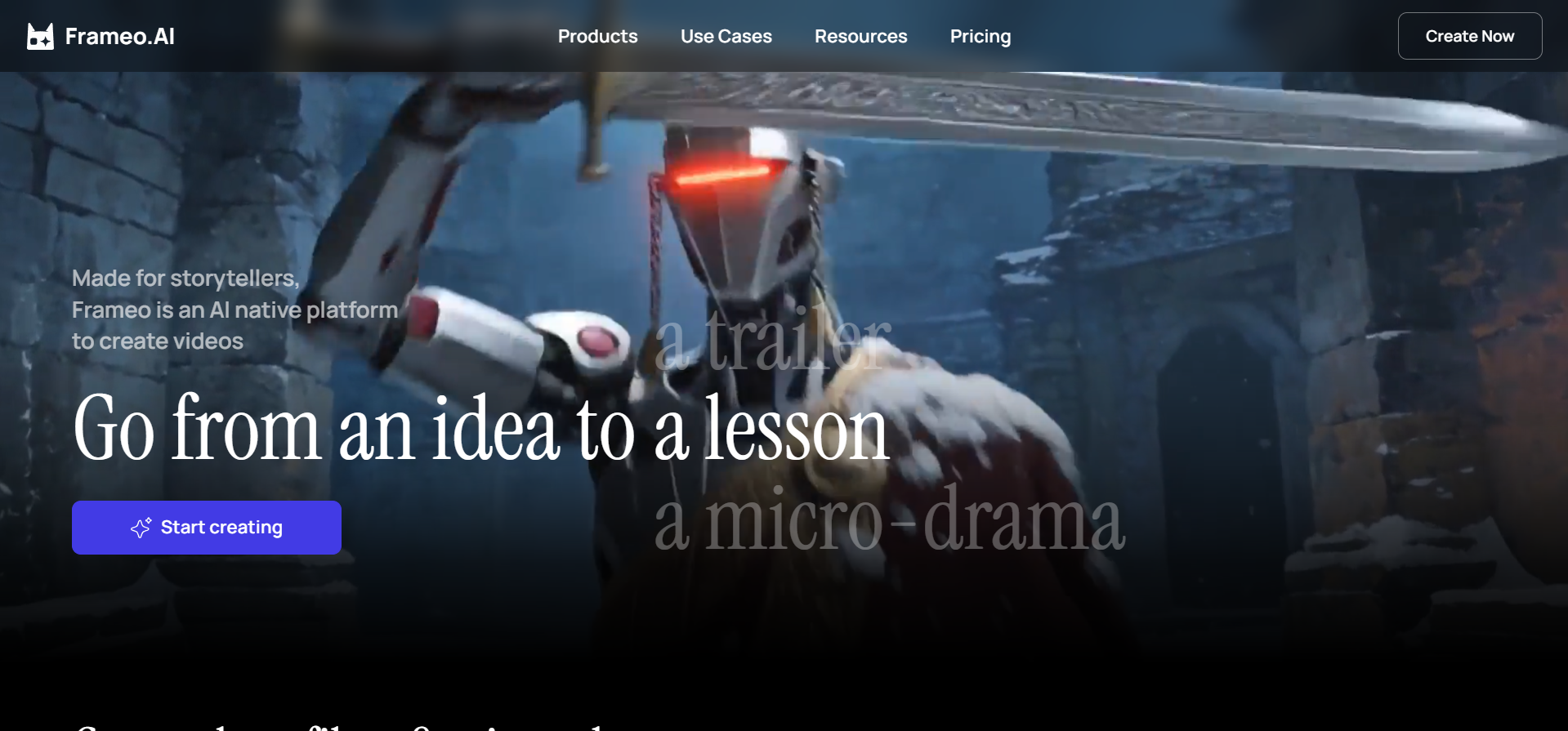
If you’re learning how to create AI-generated Minecraft movies, the real question is not whether AI visuals make gameplay cinematic. It is how to apply AI tools at scale while keeping narrative control. That is where Frameo fits.
Frameo is designed for story-first video creation, not random clips or disconnected visuals. Here is what it offers for building AI Minecraft movies:
- Script-to-Video Structuring: Turn written story ideas into organized visual sequences where AI-generated characters, environments, and action follow a clear narrative arc.
- Controlled Cinematic Motion: Apply camera moves, slow zooms, and pans to AI-generated frames so scenes feel dynamic and cinematic rather than inconsistent.
- Storyboard-to-Output Workflow: Move from concept to full cinematic Minecraft trailer in one workspace without juggling multiple editing tools.
- Visual Consistency Across Scenes: Keep character designs, environment styles, and perspective consistent across the entire video.
- Conversational Refinement: Adjust scene pacing, camera motion, and visual focus through guided edits instead of rebuilding clips from scratch.
If you’re creating Minecraft story trailers, epic cinematic battles, or episodic AI-generated content, Frameo helps you combine visuals, motion, and narrative with clarity and consistency. The result is AI Minecraft movies that feel professional, cinematic, and fully engaging from start to finish.
Final Thoughts
AI-genrated Minecraft movies are no longer just a fun experiment. They are becoming a key way for creators to tell engaging stories, showcase imaginative worlds, and capture audience attention online. What began as simple gameplay enhancement has grown into a full cinematic approach for YouTube, Shorts, and social media content.
For Minecraft creators, the question is not whether to use AI, but how to use it purposefully. Every shot, character, and effect should add to the story, create emotion, and guide viewers through your cinematic world without feeling random or overdone.
Try Frameo now to turn your ideas into polished Minecraft trailers. From script to scene to cinematic visuals, Frameo helps you keep characters consistent, control the pacing, and produce story-driven videos that stand out and keep viewers engaged.
FAQs
1. Can AI replace Minecraft creators or filmmakers?
Not entirely. AI speeds up repetitive tasks such as lighting, camera movement, and visual effects. Human creativity, story planning, and direction remain essential for making engaging and coherent films.
2. Are there ethical concerns with AI Minecraft movies?
Yes, creators debate whether AI should assist human storytelling or replace it. The main concerns focus on originality, authenticity, and ensuring the creator’s vision remains central.
3. Can AI help tell the story, or just improve visuals?
AI can suggest scene composition, camera angles, and even storyboard ideas. But human guidance is needed to build emotional arcs, plot progression, and meaningful storytelling.
4. Can I turn AI Minecraft movies into a series?
Yes. Episodic content like Minecraft horror, war, or sci-fi trailers works well with AI. Series help maintain narrative continuity and build audience engagement over multiple videos.
5. What tools are best for creating AI-generated Minecraft movies?
Platforms like Frameo let you move from script to scene to cinematic output in one workflow. Editing software and AI visual generators help with visuals, but structured workflows keep story, characters, and pacing consistent.