Latest AI Tools Transforming Video Production in 2026
Stay updated with AI tools for video production news today and explore the latest 2026 innovations reshaping editing, scripting, effects, and content creation.
You open your project board, and there it is again, three videos overdue, two scripts waiting for approval, and a Slack message asking if the “short-form cut” is ready yet. You haven’t even finished the long-form version.
If you’re in SaaS, you’re expected to ship product videos every sprint. If you’re in eCommerce, creative fatigue is real, and ad testing never stops. If you run an agency, revisions stack up faster than exports. And if you’re a founder, video has quietly become the one channel you can’t afford to ignore, but also the one that eats the most time.
The hard part isn’t coming up with ideas. It’s the execution bottleneck. Editing takes too long. Repurposing is manual. Localization is expensive. Motion graphics slow everything down. And scaling output without sacrificing quality feels almost impossible.
That’s exactly why people are searching for AI tools for video production in 2026. Not out of curiosity, but out of pressure. Because in 2026, AI isn’t about “cool features.” It’s about removing the parts of production that slow teams down.
Quick Overview
- AI video production in 2026 spans text-to-video, avatar presenters, cinematic generators, and full workflow platforms with scalable credit systems.
- Most tools use credit-based pricing, where costs scale quickly with duration, resolution, rendering priority, and usage volume.
- Short-form content, ad creatives, training videos, and social distribution require different generation limits and editing capabilities.
- Built-in editing, localization, voice generation, and collaboration features determine whether a tool reduces or multiplies workflow complexity.
- Frameo combines scripting, generation, editing, templates, localization, and team collaboration into one scalable production environment.
How AI Tools Fit Into Modern Video Production?
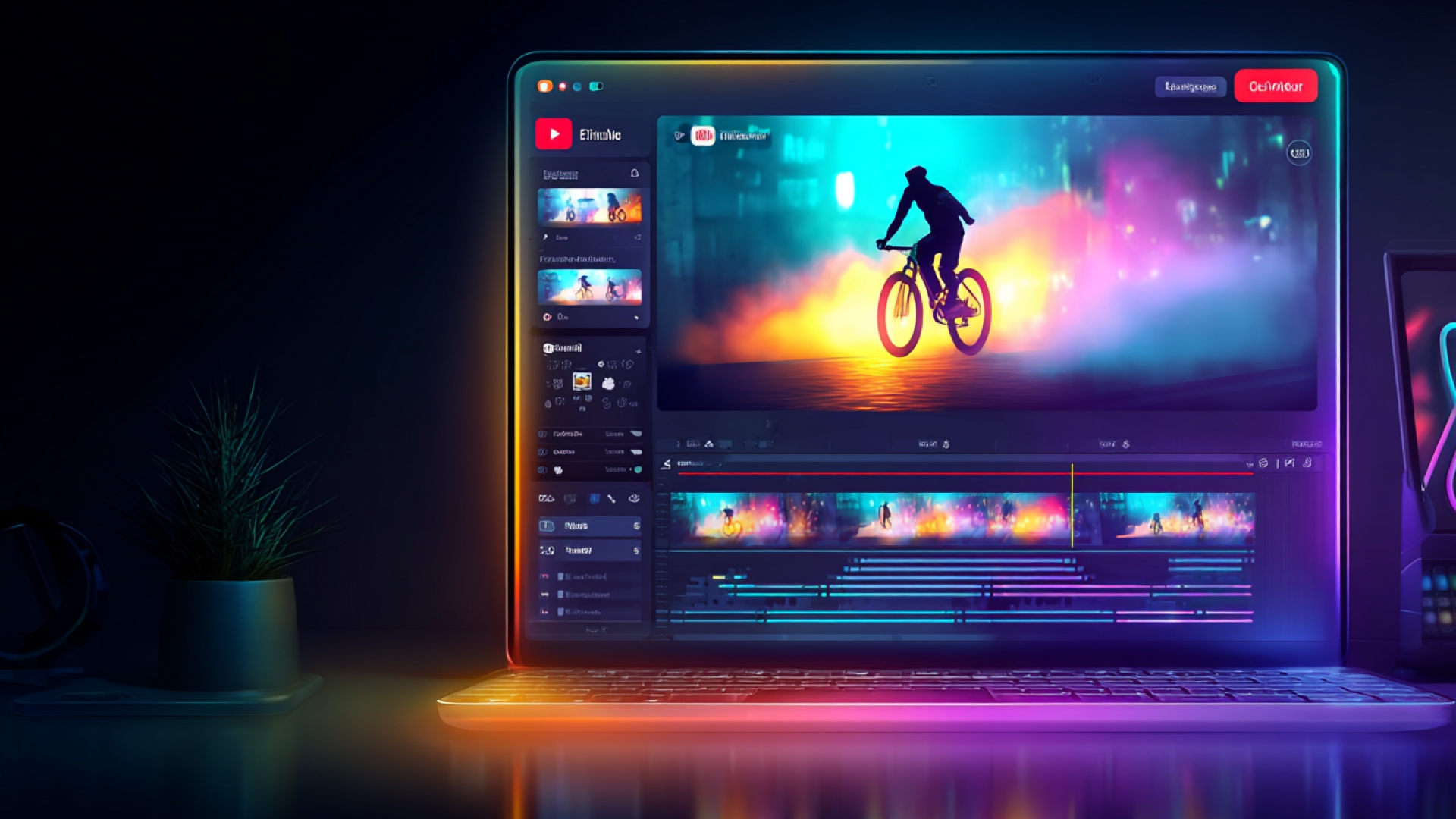
AI tools for video production now influence every stage of the workflow, not just editing.
To see why they matter in 2026, here’s how they plug into modern video pipelines.
1.Pre-Production
- AI assists with:Script drafting and refinementIdea generation and hooksStoryboard and shot planningThis reduces the time between concept and first draft.
2.Production
AI supports:
- Text-to-video generation
- AI avatars and synthetic presenters
- Scene enhancement and background edits
Teams can produce faster without scaling physical resources.
3.Post-Production
AI tools now automate:
- Rough cuts and filler removal
- Captions and subtitles
- Short-form repurposing
This is where most teams gain immediate efficiency.
4.Distribution & Scaling
AI enables:One video becomes many platform-ready assets.
- Multi-format exports
- Translation and voice dubbing
- Engagement-based optimization
In 2026, AI tools for video production are no longer single-task utilities; they are embedded across the entire video lifecycle.
Key AI Trends in Video Production for 2026
AI tools for video production in 2026 are not just improving speed; they are reshaping how teams plan, produce, and scale content.
Before diving into specific platforms, here are the major trends defining AI tools for video production news today.
Generative Video Moves Beyond Experiments:
- Text-to-video models now generate multi-scene outputs, not just short clips
- Prompt control is becoming more precise, enabling cinematic consistency
- Brands are using generative engines for ads, demos, and rapid prototypes
Editing Becomes Assistive, Not Manual:
- AI now handles rough cuts, silence removal, and pacing suggestions
- Automated captions and highlight detection are standard features
- Editors spend more time refining creative direction, less time trimming footage
One Video, Many Formats:
- AI tools automatically resize content for vertical, square, and widescreen
- Batch exports for social, ads, and web reduce repetitive editing work
- Platform-specific optimization is becoming built-in
Localization at Scale:
- AI voice dubbing supports multi-language distribution
- Subtitles and translations are generated in seconds
- Global brands are producing region-specific versions without full re-edits
Enterprise Workflow Integration:
- AI is integrating into collaboration and asset management systems
- Natural language search makes large media libraries easier to navigate
- Teams are building structured, repeatable video pipelines
Performance-Driven Production:
- AI tools analyze retention data to suggest hook improvements
- High-performing segments are automatically flagged for repurposing
- Creative decisions are increasingly guided by engagement insights
Related read: AI Techniques for Remote Video Production
So now AI trends in video production point toward smarter, scalable systems where creation, optimization, and distribution operate as one connected workflow.
Top 7 AI Tools Revolutionizing Video Production in 2026
AI tools for video production in 2026 are pushing beyond automation, introducing generative engines, intelligent editors, and workflow platforms that fundamentally change how videos are created and scaled.
Let’s look at the latest AI tools revolutionizing video production right now and what makes them worth paying attention to.
1.Frameo.ai
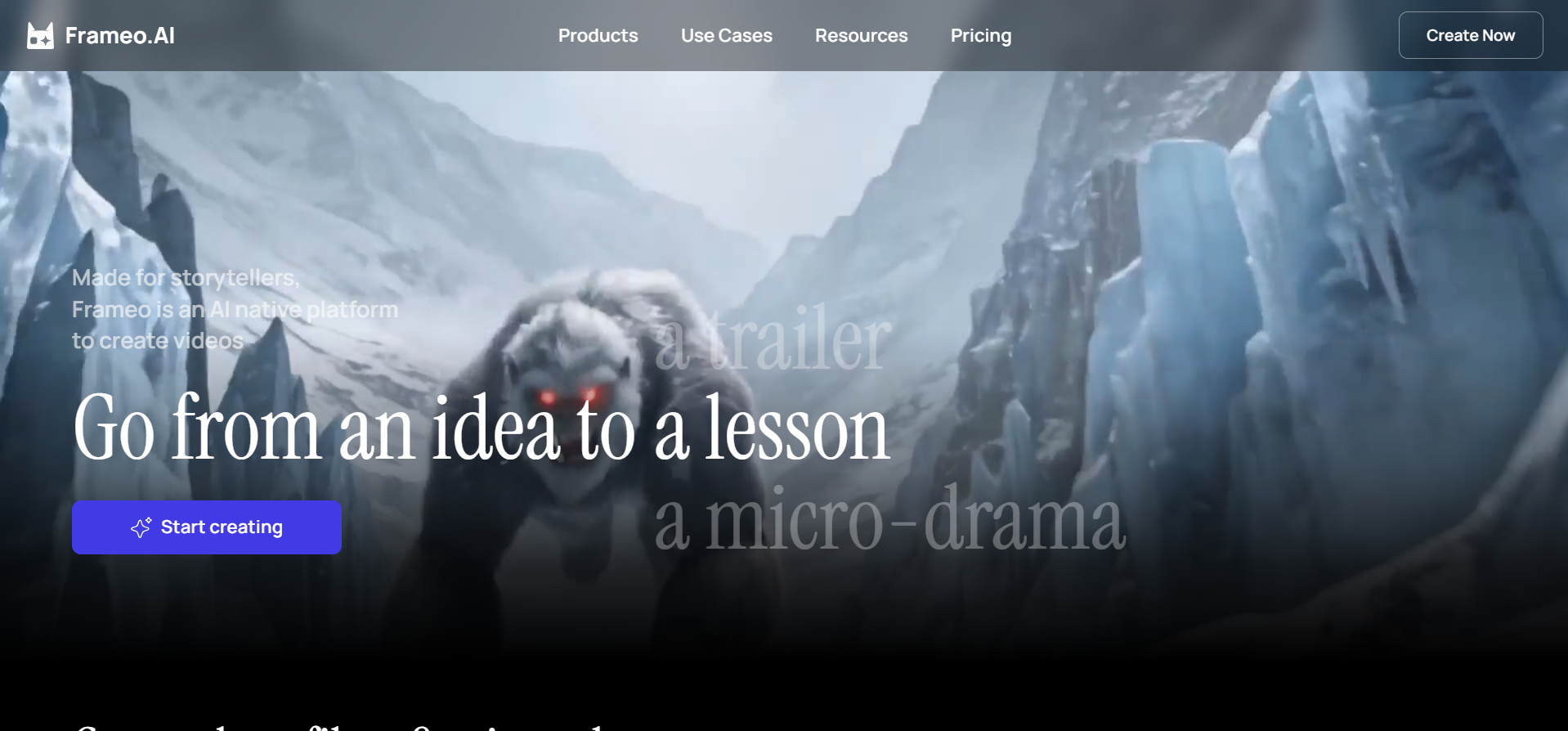
Frameo is a full-stack AI video creation platform designed to turn scripts, ideas, and story concepts into complete, publish-ready videos without relying on traditional production workflows. It brings scripting, visual generation, editing, voice, and format optimization into one connected environment, making it easier for creators, marketers, and teams to move from concept to final output faster.
Core Capabilities That Power Frameo
Frameo combines multiple AI-driven tools into a unified workflow instead of separating scripting, editing, and publishing across different platforms.
- AI Video Generation
- Convert scripts directly into structured videos
- Turn story prompts into scene-based outputs
- Generate video clips for ads, explainers, and short-form content
- Script & Story Development
- AI script writer for structured narratives
- Story-to-video and script-to-video workflows
- AI storyboarder for scene planning before generation
- AI Video Editing & Enhancement
- Built-in AI video editor for pacing and refinement
- Automated caption and text integration
- Face swap and AI face tools for creative flexibility
- Voice & Audio Tools
- AI voice generator and text-to-speech
- Voiceover generation in multiple tones
- Story-to-audio workflows, including book-to-audiobook
- Image & Visual Creation
- AI image generator for custom scene assets
- Infographic-style video generation
- Anime video and creative visual formats
- Content-Specific Generators
- AI video ads builder
- UGC-style video creator
- Podcast video maker
- Trailer and music video maker
- Training and learning video generator
- Platform-Ready Outputs
- YouTube video maker and YouTube Shorts generator
- Instagram and TikTok video formatting
- Social-first export optimization
Template Library: Frameo also offers ready-made templates across industries and formats, allowing users to start with structured frameworks instead of blank projects.
Why Frameo Is Gaining Adoption?
Frameo is being adopted because it removes common production bottlenecks that slow down modern video teams.
Teams use it to:
- Reduce dependency on external editors or studios
- Shorten turnaround times from days to minutes
- Standardize storytelling across campaigns
- Rapidly test multiple video variations
- Scale localized or platform-specific versions without rebuilding projects
Instead of stitching together five different tools for scripting, visuals, editing, and publishing, Frameo.ai centralizes the workflow in one place.
For marketers, this means faster creative testing.
For creators, it means fewer technical barriers.
For businesses, it means scalable video output without scaling production costs.
Who is Frameo Is Best Suited For?
Frameo is particularly effective for:
- Digital Marketers running paid ads and social campaigns
- UGC creators building short-form, conversion-driven videos
- SaaS teams producing demos and onboarding content
- eCommerce brands are testing creative variations weekly
- Filmmakers prototyping scenes or trailers
- Learning & Development teams are creating structured training modules
- Social media creators optimizing for TikTok, Instagram, and YouTube
- Podcast creators turning audio into video formats
It is built for users who need consistent video output across formats without managing fragmented production workflows.
2.Google Veo 3 (Veo 3.1)
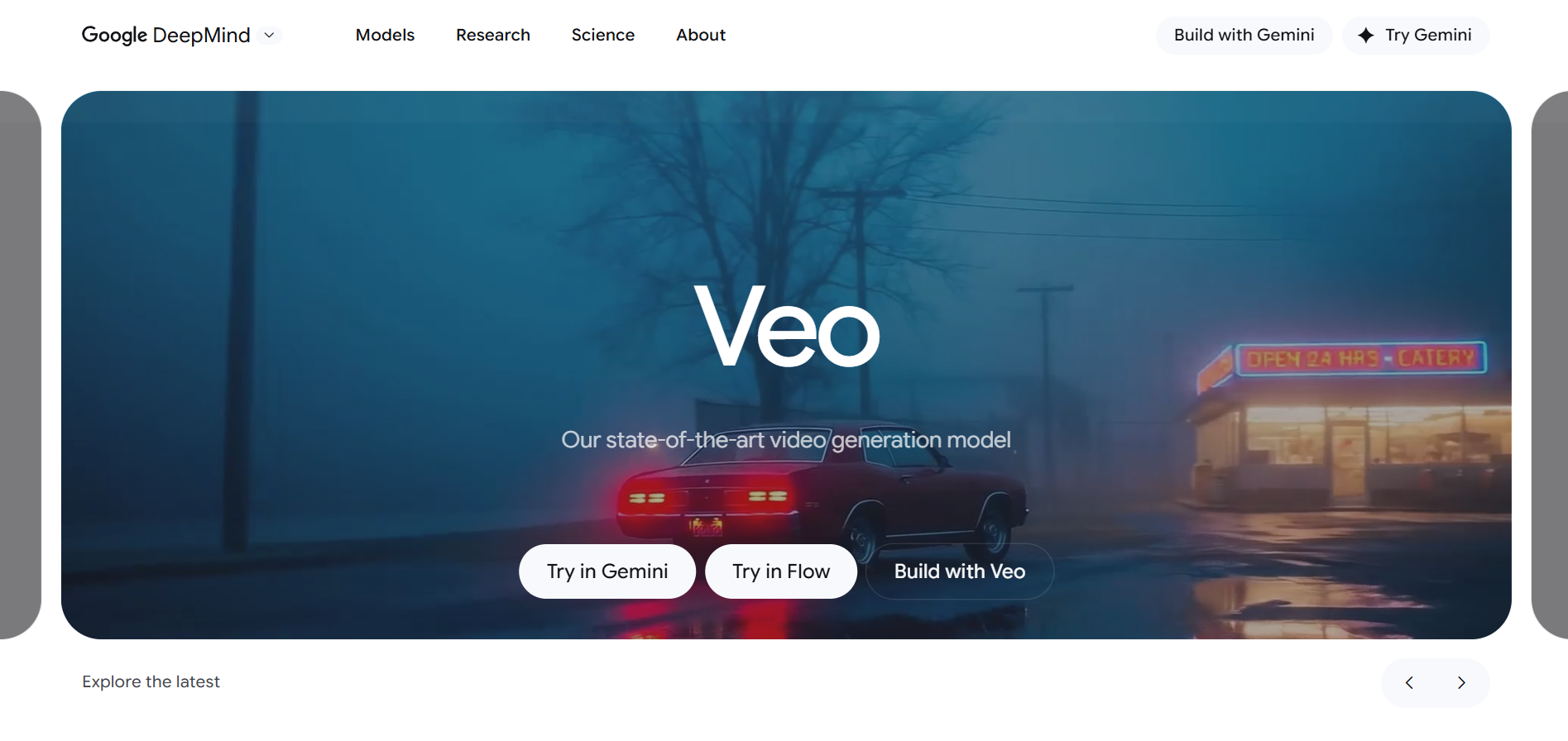
Google’s Veo 3 is a state-of-the-art text-to-video generative model developed by Google DeepMind and integrated across tools like Gemini and Vertex AI. It builds on earlier versions to create short, high-fidelity videos from text or image prompts, including native audio, realistic motion, and synchronized sound effects, marking a major evolution from static AI visuals to dynamic video generation.
Key Capabilities
- Text & Image-to-Video Generation: Veo 3 can turn simple text descriptions or images into short videos with lifelike visuals, motion, and context-aware scene details.
- Native Audio and Lip-Sync: Unlike earlier models, Veo 3 integrates sound, including ambient audio and speech that aligns with generated video content.
- Aspect Ratio and Resolution Options: It supports vertical (9:16) and landscape outputs, and with upgrades like Veo 3.1 can deliver up to 4K quality via upscaling.
- Fast Iteration with Veo 3 Fast: A streamlined variant designed for rapid, lower-cost generation for drafts and testing.
- Platform Integration: Accessible via tools like Gemini AI, Vertex AI, and Flow, enabling both developer API access and creative prototyping experiences.
Pros
- High visual realism
- Native audio generation
- Vertical and social-ready outputs
- Fast draft generation mode
- Strong Google ecosystem integration
Cons
- Short clip length limits
- Weak long-form continuity
- Prompt-sensitive results
- Inconsistent character stability
- Limited creative control vs. Pro Tools
- Premium access required
- Still requires manual post-editing
3.Kling AI
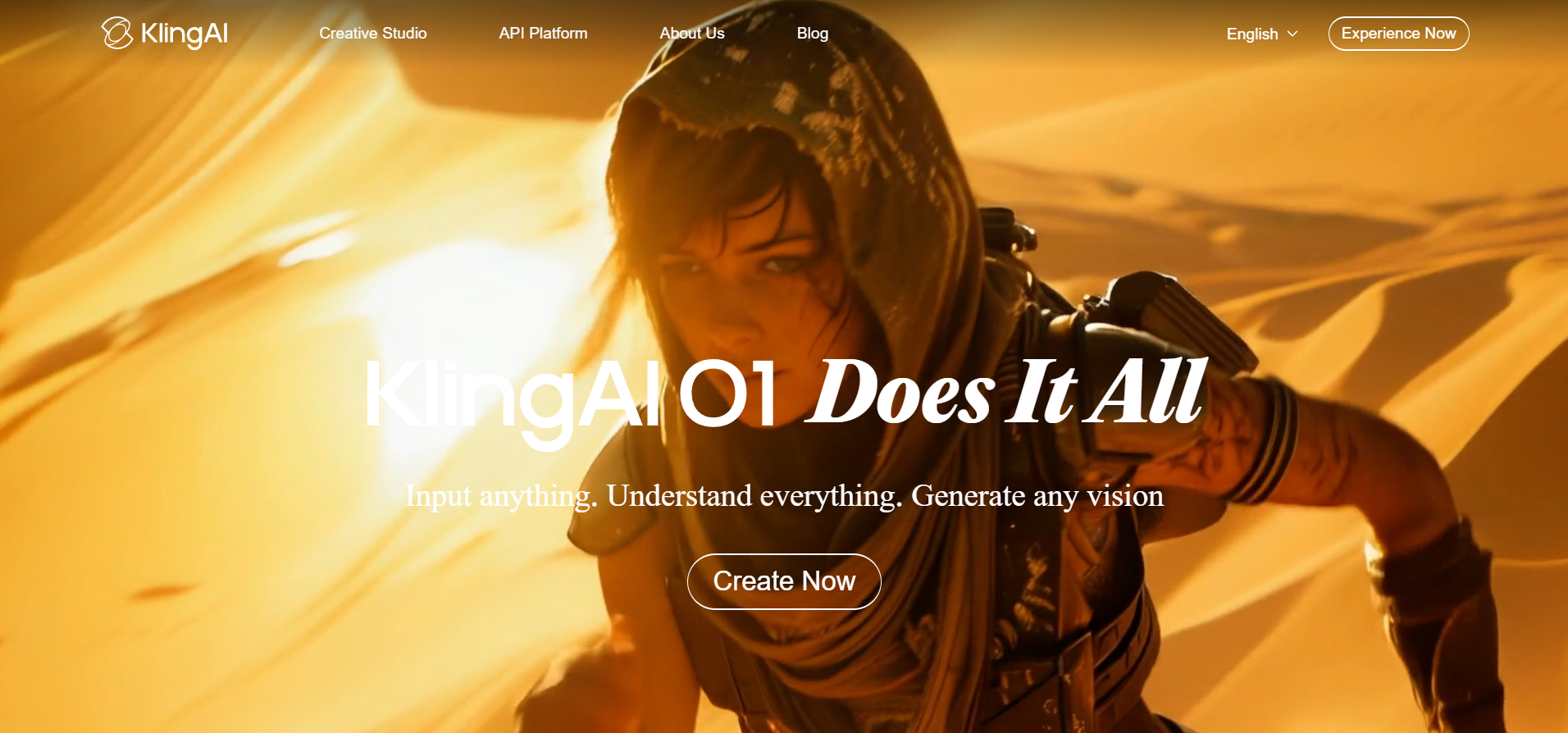
Kling AI is a text-to-video model developed by Kuaishou, known for generating longer, high-resolution AI videos with stronger motion realism and physics simulation than many early-generation competitors.
Key Capabilities
- Extended Video Duration:Kling AI supports significantly longer clip generation (reportedly up to around two minutes in some versions), making it more suitable for narrative scenes rather than just short social snippets.
- Text & Image-to-Video Generation: Users can generate videos from detailed text prompts or reference images, enabling both idea-first and visual-first workflows.
- Advanced Motion Realism: The model focuses on natural body movement, object interaction, and environmental physics, aiming to reduce the “floaty” or unrealistic motion common in early AI video tools.
- Cinematic Camera Simulation: Kling supports dynamic camera behaviors such as panning, zooming, and depth-of-field effects to create more film-like outputs.
- High-Resolution Output: It is capable of generating 1080p-quality videos with improved temporal consistency across frames compared to earlier AI video models.
Pros
- Longer clip generation
- Strong motion realism
- Cinematic visual quality
- Improved physics modeling
- High-resolution outputs
Cons
- Limited availability outside China
- Not deeply integrated into global creator tools
- Slower generation speed
- Inconsistent character continuity in complex scenes
- No native editing suite
- Requires external post-production tools
Related read: AI Guidelines for Documentary Filmmaking
4.Synthesia
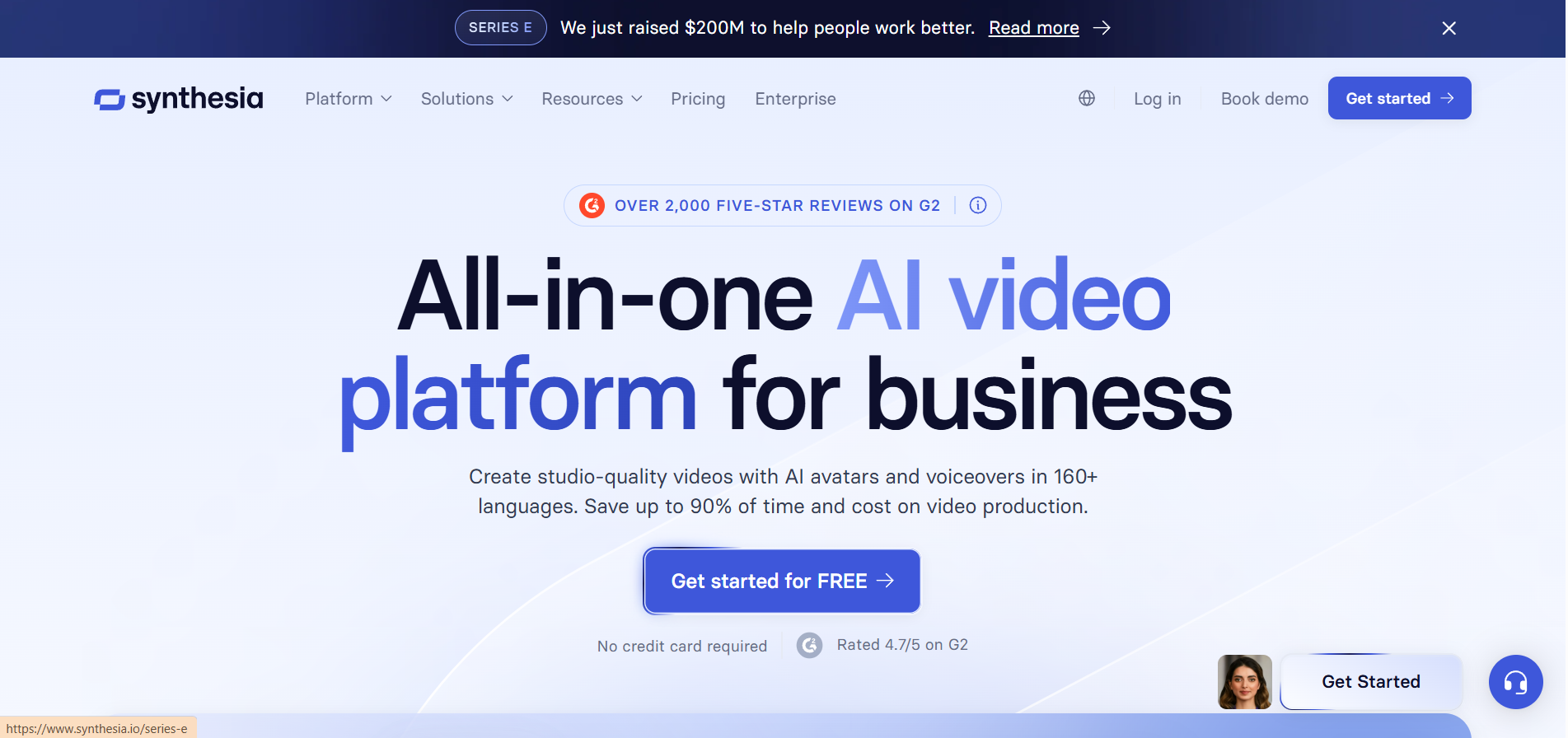
Synthesia is an AI video creation platform focused on avatar-led videos for business communication, training, marketing, and internal content. Instead of generating cinematic scenes, it allows users to create presenter-style videos using realistic AI avatars that speak scripted text in multiple languages.
Key Capabilities
- AI Avatar Video Creation: Synthesia enables users to generate videos featuring realistic digital presenters who deliver scripts naturally without needing cameras, actors, or studios.
- Text-to-Video Workflow: Users simply input a script, choose an avatar, select a background or template, and generate a ready-to-use video within minutes.
- Multi-Language Voice Support: Supports 140+ languages and accents, allowing global teams to localize training, onboarding, and marketing videos efficiently.
- Custom AI Avatars: Enterprises can create branded avatars based on real team members for consistent internal and external communication.
- Template-Based Production: Pre-designed templates for training, HR, onboarding, product explainers, and corporate communication simplify structured video creation.
- Enterprise Integration & API: Offers API access and enterprise workflows for scaling video creation across large teams and organizations.
Pros
- No camera or studio required
- Fast script-to-video workflow
- Strong multilingual support
- Enterprise-ready features
- Professional presenter-style output
Cons
- Limited cinematic creativity
- Avatar realism is still slightly artificial
- Not built for narrative storytelling
- Limited scene dynamics
- Custom avatars cost extra
- Less suitable for social-first content
- Subscription pricing can scale quickly
5.Higgsfield
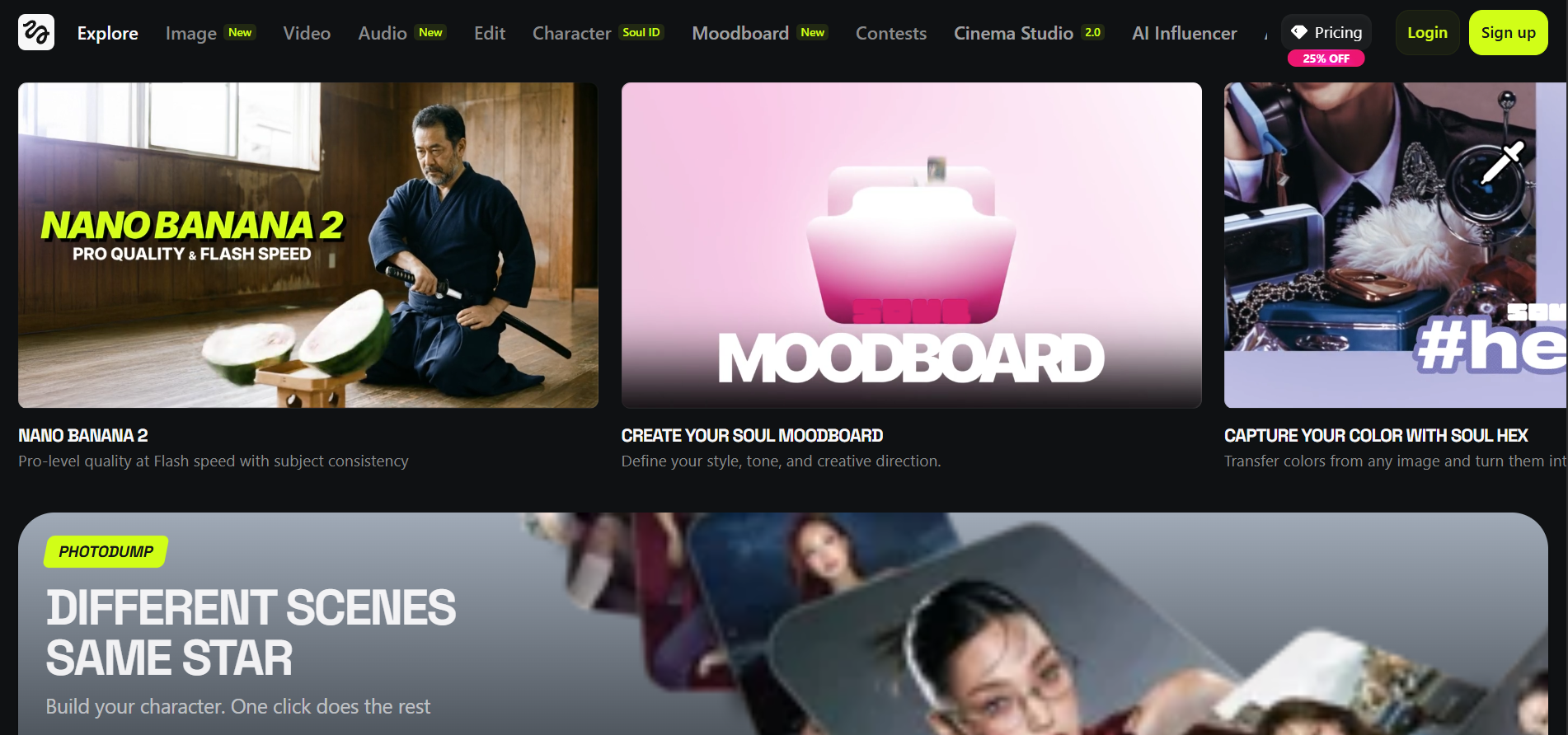
Higgsfield is an AI video generation platform focused on creating high-end, cinematic short videos from text prompts. It positions itself toward creators and brands that want stylized, dramatic visuals with strong camera motion, rather than corporate explainer-style outputs.
Key Capabilities
- Cinematic Text-to-Video Generation: Higgsfield generates visually dramatic short videos from text prompts, emphasizing mood, lighting, and stylized environments rather than simple stock-style clips.
- Advanced Camera Motion Control: The platform focuses heavily on dynamic camera movements such as tracking shots, zoom-ins, orbit motion, and dramatic framing to create film-like sequences.
- Character & Scene Stylization: It supports stylized characters and environments with a strong emphasis on visual identity, making it useful for fashion, music, and creative campaigns.
- Short-Form Optimized Output: Higgsfield is designed primarily for short-form video formats suited to social platforms and visual-first storytelling.
- Creative Prompt Engineering System: The tool allows detailed scene descriptions to influence lighting, motion, atmosphere, and overall tone.
Pros
- Strong cinematic visuals
- Dynamic camera simulation
- High esthetic quality
- Social-first output style
- Good for creative campaigns
Cons
- Short clip limitations
- Limited long-form storytelling
- Prompt-sensitive results
- Inconsistent character continuity
- No built-in editing suite
- Not enterprise workflow-focused
- Requires external post-production tools
6.Sora (OpenAI)
Sora is OpenAI’s large-scale text-to-video generation model designed to create realistic, multi-scene videos from detailed text prompts. It gained major attention for producing longer, high-fidelity clips with cinematic coherence, complex motion, and consistent scene logic compared to earlier AI video systems.
Key Capabilities
- Text-to-Video Scene Generation: Sora can generate videos from detailed written prompts, producing multi-shot scenes with realistic environments, lighting, and character motion.
- Longer Duration Outputs: Unlike many early AI video tools limited to a few seconds, Sora is designed to handle longer video sequences with improved temporal consistency.
- Complex Motion & Physics Simulation: The model supports natural body movement, object interaction, environmental dynamics, and camera shifts that feel closer to real-world cinematography.
- Multi-Character Scene Handling: Sora can generate scenes involving multiple subjects interacting within structured environments.
- High Visual Fidelity: It produces high-resolution, detailed outputs with attention to texture, depth, and realistic environmental rendering.
Pros
- High cinematic realism
- Longer clip duration
- Strong scene coherence
- Complex motion handling
- Multi-character support
Cons
- Limited public access
- Not fully production-ready
- Inconsistent fine-detail accuracy
- Struggles with exact physics precision
- No built-in editing tools
- Requires strong prompt engineering
- Still evolving in reliability
7.Runway Gen-3
Runway Gen-3 (Gen-3 Alpha) is Runway’s advanced text-to-video model built for creators, filmmakers, and marketers who want high-quality AI-generated video with stronger control over motion, style, and continuity. It improves on earlier versions with better character consistency, more natural movement, and enhanced cinematic detail.
Key Capabilities
- Text-to-Video Generation: Gen-3 converts detailed prompts into short, stylized video clips with improved scene coherence and visual realism.
- Image-to-Video Animation: Users can upload a still image and animate it into a moving scene, useful for concept art, ads, and stylized visuals.
- Motion & Style Control: Runway emphasizes controlled motion dynamics, enabling smoother subject movement and cinematic camera behavior.
- Director-Style Prompting: Users can influence tone, lens style, movement, and framing using structured prompt inputs.
- Integrated Editing Ecosystem: Gen-3 operates within Runway’s broader creative suite, allowing users to edit, extend, and refine AI-generated clips inside the same platform.
Pros
- High visual quality
- Strong motion consistency
- Creative style control
- Integrated editing tools
- Good for social and ads
Cons
- Short clip duration
- Character continuity is not perfect
- Requires detailed prompts
- Premium pricing tiers
- Rendering time can vary
- Limited long-form capability
- Still needs manual refinement
Related read: AI in Video Post-Production for Marketing Agencies
AI Video Tool Pricing Comparison
Pricing structures across AI video platforms vary widely, from credit-based generation to enterprise subscription tiers.
Here’s a side-by-side breakdown to help you compare costs, limits, and positioning at a glance.
Tool | Entry Plan | Mid Tier | High Tier | Credit System | Notable Limits |
|---|---|---|---|---|---|
Frameo | $10/mo – 600 credits | $75/mo – 7,500 credits | $200/mo – 25,000 credits | Yes (monthly credits) | Credits reset monthly |
Frameo Team | $515/mo – 60,000 credits | $15/seat add-on | Enterprise Custom | Shared org credits | Centralized billing |
Google Veo 3 (Gemini) | Free – 50 credits/day | $19.99/mo – 1,000 credits | $249.99/mo – 25,000 credits | Yes (AI credits) | Tied to the Gemini ecosystem |
Kling AI | Free – 66 credits/day | $37/mo – 3,000 credits | $180/mo – 26,000 credits | Yes (credit-based) | Per-second credit usage |
Synthesia | Free – 3 mins/mo | $64/mo – 30 mins | Enterprise Custom | Credit per minute | No rollover credits |
Higgsfield | Free – limited credits | ~$35/mo – 600 credits | ~$250/mo – 6,000 credits | Yes (model-based credits) | Credits expire/reset |
Sora (via ChatGPT) | $20/mo – 30–50 gens | $200/mo – 500–1,000 gens | Invite-based access | Generation quota | Limited public rollout |
Runway Gen-3 | Free – 125 credits | $35/mo – 2,250 credits | $95/mo – Unlimited tier | Per-second credits | 10 credits/sec (Gen-3) |
Pricing Insights: What This Means for Creators & Teams
If you’re an individual creator or early-stage marketer, entry tiers like Frameo Starter, Kling Standard, or Runway Standard offer manageable monthly costs with predictable credit limits. These plans work best for short-form content, testing, and controlled output.
For growing teams and agencies, mid-tier plans (Frameo Creator, Google AI Pro, Runway Pro, Synthesia Creator) provide better scalability, higher credit ceilings, and fewer bottlenecks, but costs increase quickly if output volume spikes.
Enterprise-level usage becomes significantly more expensive across all platforms. Google AI Ultra, Frameo Team/Enterprise, and custom Synthesia tiers are positioned for high-volume workflows, collaboration, and compliance, not casual production.
In short:
- Short-form & testing → lower tiers
- Scaling ads & social → mid tiers
- High-volume production & enterprise control → top tiers
Related read: AI in Video Post-Production for Marketing Agencies
How to Choose the Right AI Video Tool?
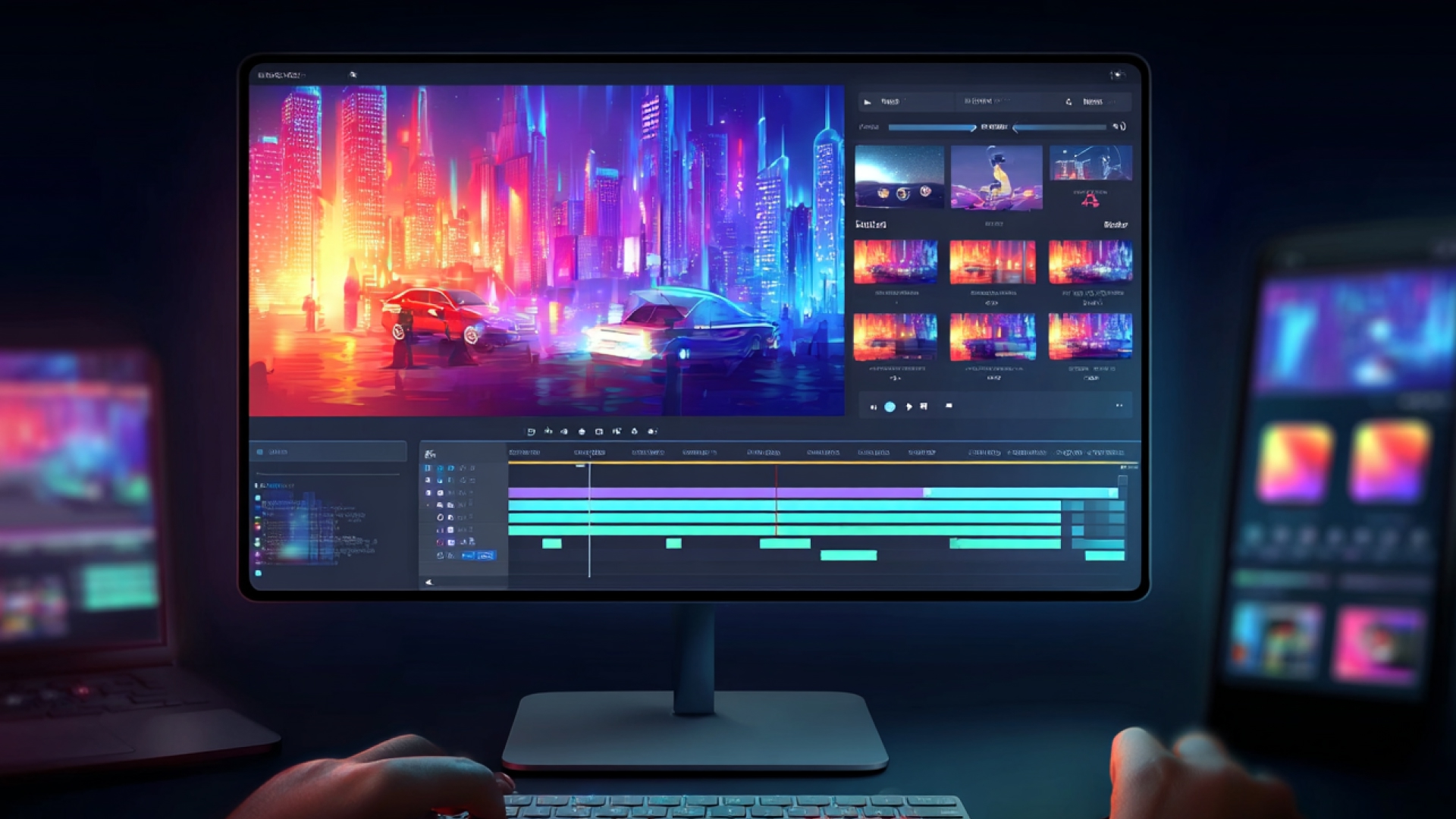
Choosing the right AI video platform depends less on hype and more on how you plan, produce, and scale content.
Before committing to a subscription, use this checklist to evaluate what actually fits your workflow.
- Define your primary goal: cinematic storytelling, ads, training, or social-first content
- Evaluate clip length needs: short-form snippets vs. longer narrative videos
- Check credit structure: per-second billing vs. per-minute vs. generation quotas
- Assess editing flexibility: built-in editor vs. export-and-edit elsewhere
- Review localization needs: multilingual voice, captions, and dubbing support
- Compare collaboration features: solo creator vs. team workspace requirements
- Analyze scalability: can the platform support growing output volume?
- Consider ecosystem lock-in: standalone tool vs. tied to larger AI suite
- Factor in rendering speed and queue priority
- Calculate real monthly cost based on expected usage, not just entry price
If you need a balanced platform that combines scripting, generation, editing, localization, templates, and team collaboration in one workflow, Frameo naturally stands out for creators and marketing teams who want scalable output without juggling multiple tools.
The best tool isn’t the one with the most hype, it’s the one that fits how you actually produce video.
Wrapping Up
AI tools for video production in 2026 are no longer optional experiments; they are operational advantages. The teams winning right now aren’t just generating videos; they’re building faster workflows, testing more ideas, and scaling content across formats without multiplying production costs.
The real shift isn’t just better visuals. It’s a tighter system. Tools that let you move from script to publish-ready video without switching platforms, chasing editors, or rebuilding assets for every channel.
If you’re serious about producing consistent, multi-format, high-converting videos without the chaos of fragmented tools, Frameo is built for exactly that shift.
Create smarter workflows, prototype faster, and scale without friction. Start building your next video with Frameo today.
FAQs
1.What are the best AI tools for video production in 2026?
The best tools depend on your goal: cinematic generation (Sora, Veo, Kling), avatar-led business videos (Synthesia), creative editing (Runway), or full workflow platforms like Frameo.
2.Can AI completely replace video editors?
No. AI accelerates drafting, editing, and generation, but human refinement is still required for storytelling, brand alignment, and high-end production.
3.Is AI video production expensive?
Costs vary widely. Entry plans start under $20 per month, but high-volume or enterprise use can scale into hundreds of dollars monthly depending on credit usage.
4.Which AI video tool is best for YouTube and social media?
Tools optimized for short-form formats and fast iteration, such as Runway, Kling, and Frameo, are commonly used for YouTube Shorts, Instagram, and TikTok content.
5.Are AI-generated videos copyright safe?
Copyright policies vary by platform. Most tools allow commercial use on paid plans, but users should review terms regarding training data, licensing, and content ownership.