9 Best AI Video Generator Tools in 2026 Trusted by Creators
Find the best AI video generator tools 2026 creators rely on for story videos, ads, and daily short-form output. Compare features and pricing in this guide.

If you publish videos regularly and feel the pressure to keep pace with TikTok, Reels, Shorts, or client deliverables, searching for the best AI video generator tools in 2026 usually comes from a familiar set of challenges. Maybe you need faster ways to turn scripts into scenes, tools that can generate full vertical clips without filming, or a system that helps you keep up with daily posting across multiple platforms.
With the AI video market projected to reach USD 17.5 billion by 2032, creators and small teams are shifting toward platforms that can handle story prompts, character consistency, visual sequencing, voice tracks, and final exports in one simplified flow.
People exploring the best AI video generator tools 2026 tend to look for options that match their content style, publishing volume, and the workflow they rely on to stay consistent week after week.
In this guide, you will find a breakdown of the strongest tools for 2026, what each one specializes in, and how to choose the right fit for your content goals and production load.
Key Takeaways
- Frameo stands out for story-driven creators since it builds full 60-second vertical videos with consistent characters and shot-by-shot storyboards, starting at $10 per month.
- Kaiber, Fliki, HeyGen, and InVideo each serve very different formats, from audio-reactive visuals ($29 per month) to narration-led videos ($28 per month) to avatar presentations ($29 per month) to ad-ready templates ($28 per month).
- Utility-focused platforms like Veed.io (₹499 per month), Kapwing ($16 per month), and Runway ($12 per month) support editing, dubbing, resizing, or scene modification rather than full narrative generation.
- 2026 video workflows increasingly rely on prompt-based scenes, consistent characters across episodes, multilingual exports, and audio-to-video generation to meet high posting volumes.
- The strongest results come from selecting a tool that mirrors your exact format and workflow, which is why Frameo fits naturally for creators posting scripted story clips, episodic shorts, or character-led vertical videos.
Why Use an AI Video Generator
AI video creation in 2026 supports clear, practical needs for creators, small teams, and niche content pages. These tools help users produce short clips, story videos, and promo content at the speed required by today’s posting cycles. The points below outline the specific reasons people rely on the best AI video generator tools 2026 without repeating keywords unnecessarily.
- Daily Output For Short Platforms: Pages that post three to ten clips each day use these tools to produce vertical videos in minutes, complete with captions, timing marks, and platform-safe text placement.
- Script To Scene Production For Story Accounts: Micro-drama channels and fan storytellers turn short scripts into animated scenes without hiring voice actors, illustrators, or editors.
- Promo Clips For Small Teams: Shops and service brands create quick 20 to 40-second promos with product shots, intro text, and simple voice lines that fit ad placement rules.
- Avatar Formats For Anonymous Creators: Meme pages, commentary channels, and faceless creators publish using avatars, character shots, and auto voices without recording any footage.
- Multi-Language Publishing: Global pages produce the same clip in several languages through auto voice tracks and caption swaps, avoiding separate recording sessions.
- Template Workflows For Repeatable Formats: Recipe pages, countdown channels, and fact accounts use templates that generate batches of similar clips in one session.
- Predictable Pricing For Budget Control: Teams compare plans by export limits, voice credit counts, and monthly allowances, which keeps spending clear for anyone reviewing the AI video generator pricing comparison 2026.
Creators who rely on AI for everyday production usually end up comparing platforms to see which one actually fits the pace and format of their work. That brings us to the tools shaping 2026.
Best AI Video Generator Tools 2026
Creators, studios, and small teams rely on AI video tools to produce short clips, story scenes, avatar videos, product showcases, and quick social content. The platforms listed below are selected based on confirmed features from their official product pages, giving a clear view of what each tool can deliver in real workflows across 2026.
Frameo
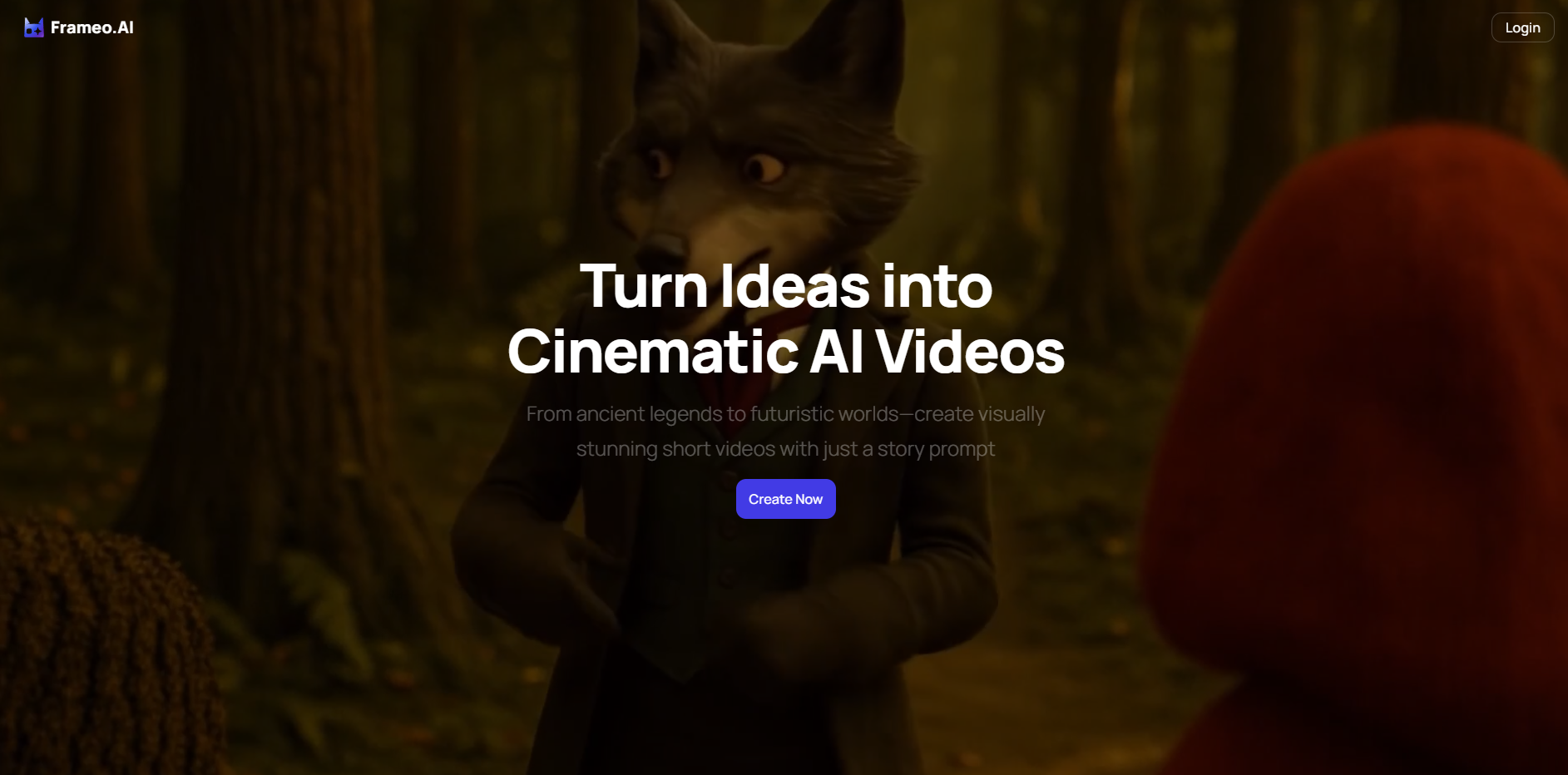
Frameo creates short cinematic videos from a written story prompt. Users can design characters, map out scenes through an AI-generated storyboard, and produce a complete 60-second vertical video without filming or traditional editing. The platform supports animated styles, realistic styles, audio input, and creative controls for characters and scenes.
- Prompt To Video: Users enter a story prompt, and Frameo generates a full reel with animated or realistic visuals.
- Character Builder: Supports custom heroes, creatures, and avatars with consistent appearance across the full video. Outfits, poses, and expressions can be adjusted through text input.
- Storyboard Creation: Frameo produces a shot-by-shot storyboard for up to 60 seconds of footage, giving users a clear view of each scene before the final render.
- Audio To Video: Users can upload voiceovers, podcasts, or music, and Frameo converts the audio into a complete vertical clip with synced visuals and captions.
- Scene And Background Controls: Users can change backgrounds, camera direction, composition, or swap characters through text instructions.
- Product And Ad Mode: Supports product-based videos created from images or text descriptions, including voice tracks and layouts suited for platforms like TikTok, Reels, and Shorts.
- Vertical Export: All videos render in 9:16 format for mobile platforms.
Kaiber AI
Kaiber AI lets users generate animated videos and motion visuals from text, images, or existing video and audio. It’s aimed at creators, musicians, artists, and marketers, supporting stylized visuals and audio-reactive animations.
- Text-to-Video Generation: Users input text descriptions, and Kaiber generates animated video sequences that reflect the prompt.
- Image-to-Video / Video Transformation: Upload a static image or existing video, Kaiber can animate or restyle it, adding motion, effects or transitions.
- Audio-Reactivity: Visuals can be synced with music or voiceovers, movement, transitions, and effects that respond dynamically to audio tracks.
- Style & Filter Customization: Users can tweak art style, camera angles, visual tone, and animation parameters, from abstract, stylized animations to more realistic motion.
See the full workflow in Frameo Case Study: Create 30 Days Of Content In One Afternoon With AI
Veed.io
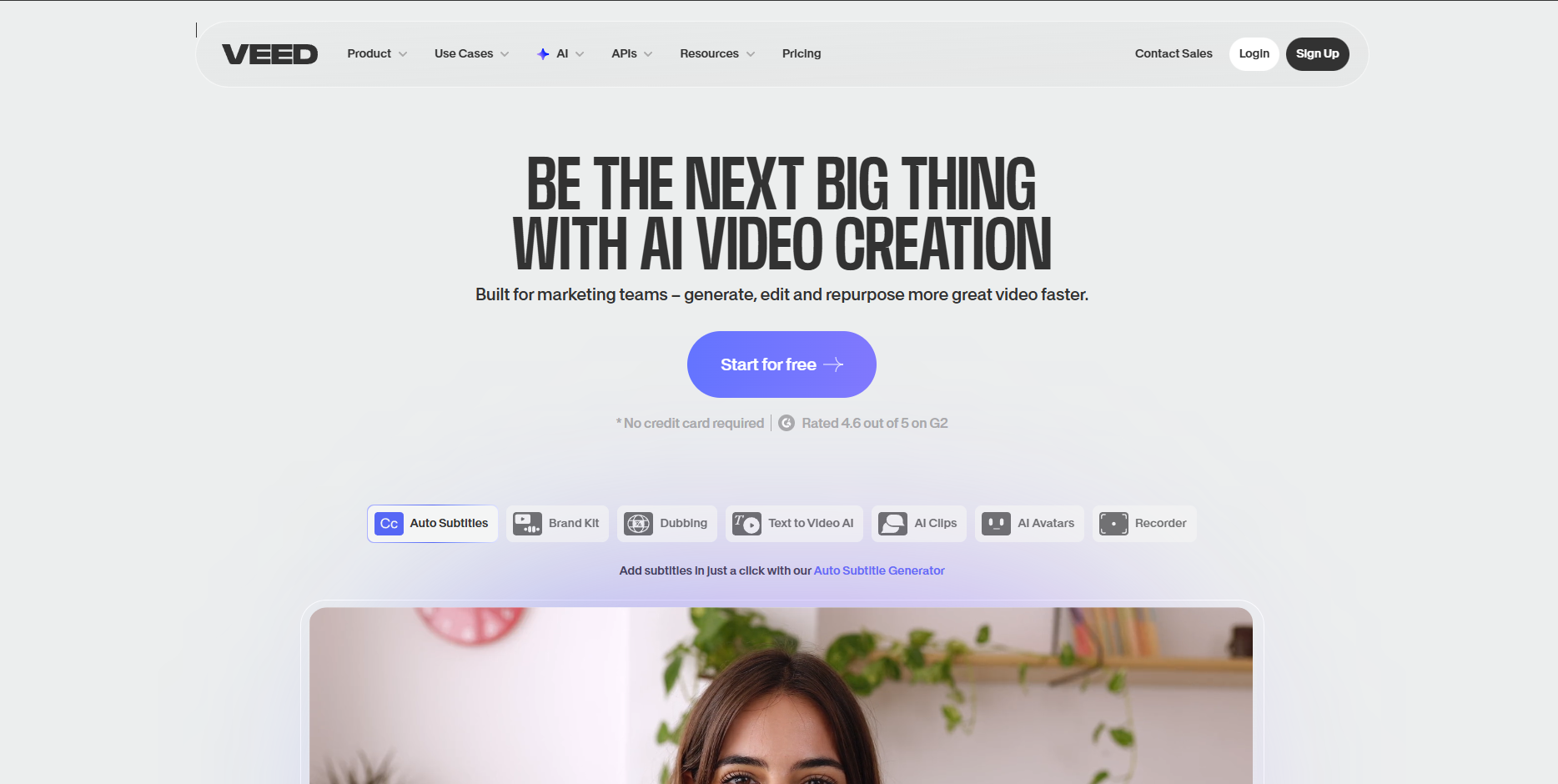
Veed.io combines AI video generation models and classic editing tools in one browser-based platform. Users can create videos from text or images, then edit, caption, dub, and animate, making it suitable for social content, tutorials, ads, and quick video workflows.
- Multiple AI Models for Generation: Options like Veo 3, Kling, PixVerse, etc, let users choose between quick social clips and more realistic or cinematic output depending on need and budget.
- Text-To-Video and Image-To-Video AI: Start from a text prompt or uploaded media, Veed.io generates a video automatically, including scenes and basic motion.
- AI Avatars and Voice Tools: Supports AI avatars, voice cloning, dubbing, and auto-subtitle generation, useful for talking-head content, tutorials, social posts, and global audiences.
- Built-in Editor for Polishing: After generation, users can edit the timeline, adjust audio, add text/branding, remove filler words, and apply background removal, all within the same platform.
HeyGen
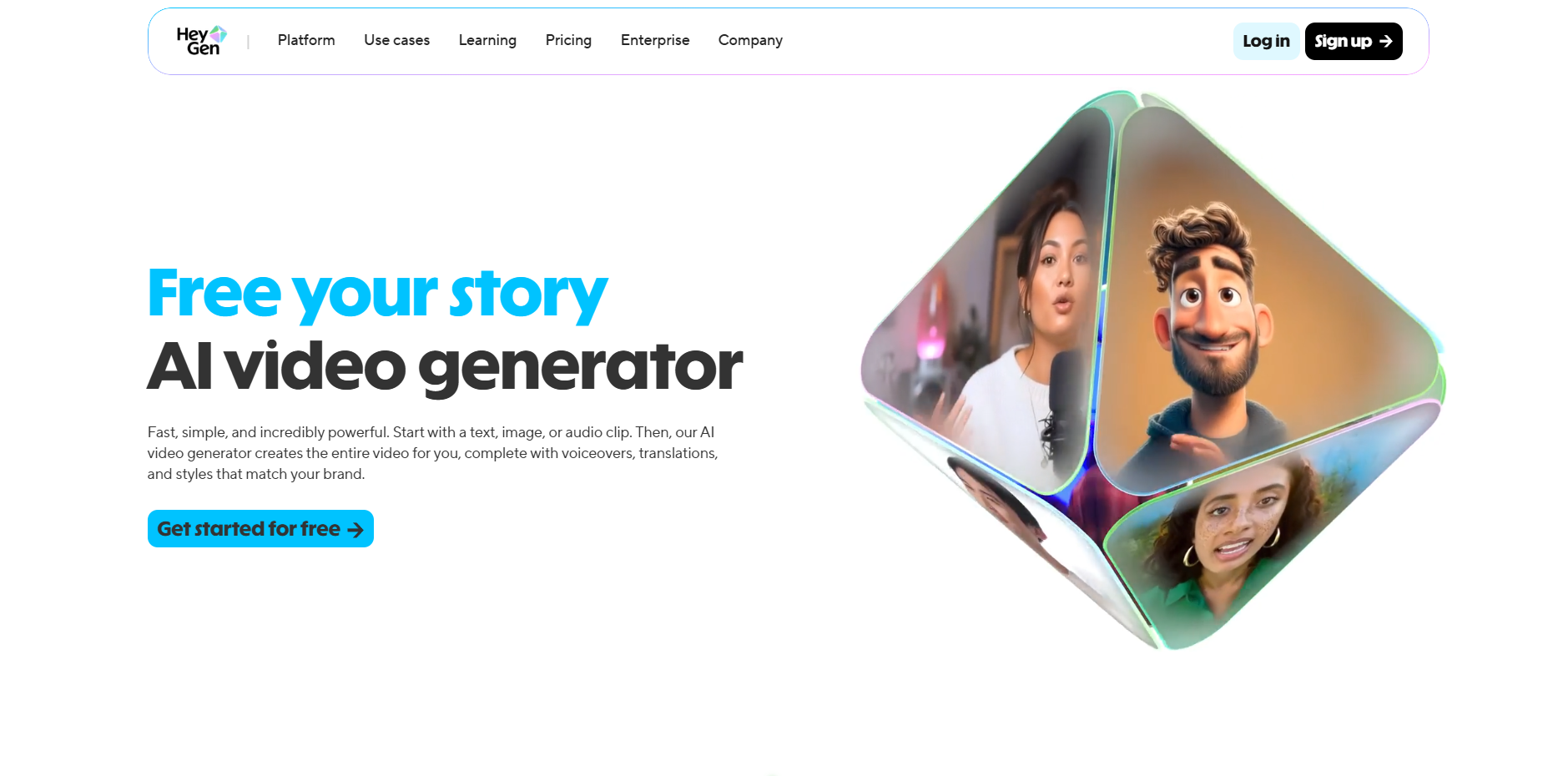
HeyGen specializes in AI-driven talking-head videos, combining text or audio input with digital avatars, voice generation, and media templates. It’s often used for explainers, marketing clips, tutorials, or multilingual content.
- Text / Audio / Image Input: Users can start from a script, voiceover, or image. HeyGen builds the video around that input automatically.
- AI Avatars For Talking Videos: Generate videos featuring digital presenters, useful for education, product demos, reviews, and social content without needing real actors.
- Voiceover and Dubbing Support: Generate narration or dubbed versions for different languages, allowing a broader reach with one asset.
- No Editing Experience Needed: Designed so that non-editors can create polished video content, from input to finished clip, without complex software.
- Suitable For Social & Business Use: Works for marketing, tutorials, social posts, and branded videos, a fit for creators, marketers, educators, and small teams.
Kapwing
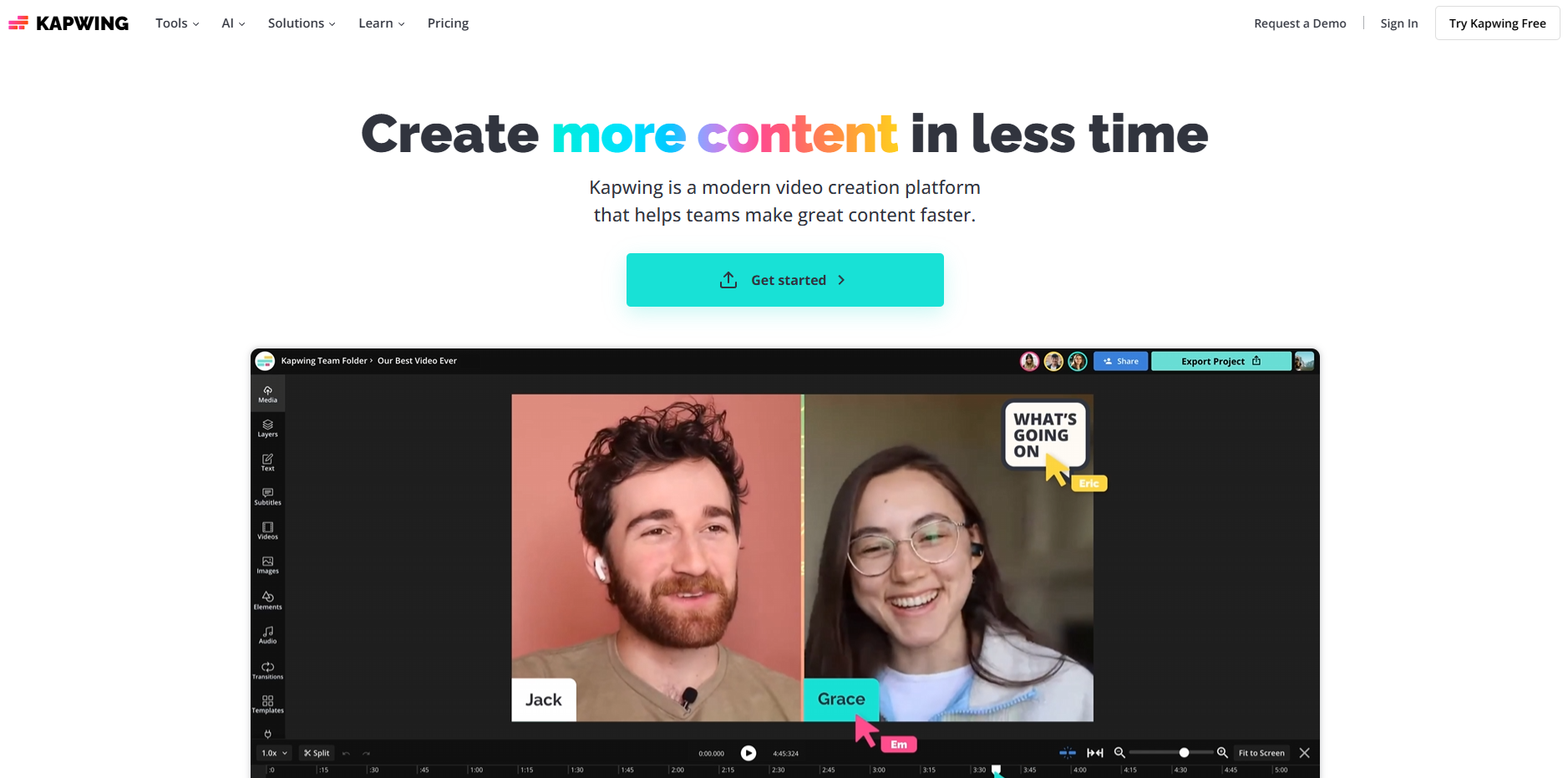
Kapwing provides AI text-to-video and image-to-video generation along with an online editing studio, good for creators who want a straightforward web-based tool for short-form clips, ads, or social posts.
- Text-to-Video and Image-to-Video Generation: Users can start from text, articles, or images to generate dynamic video clips for social content or ads.
- Browser-Based Editing Studio: After generation, creators can edit the timeline, add text overlays, captions, brand assets, or music, all within a browser, no installation needed.
- Easy Format Conversion: Videos can be resized automatically for different social platforms, vertical, square, or widescreen, to match posting requirements.
- Good for Social and Marketing Clips: Useful for ads, short explainer clips, social posts, memes, especially when you want a fast turnaround and minimal complexity.
InVideo
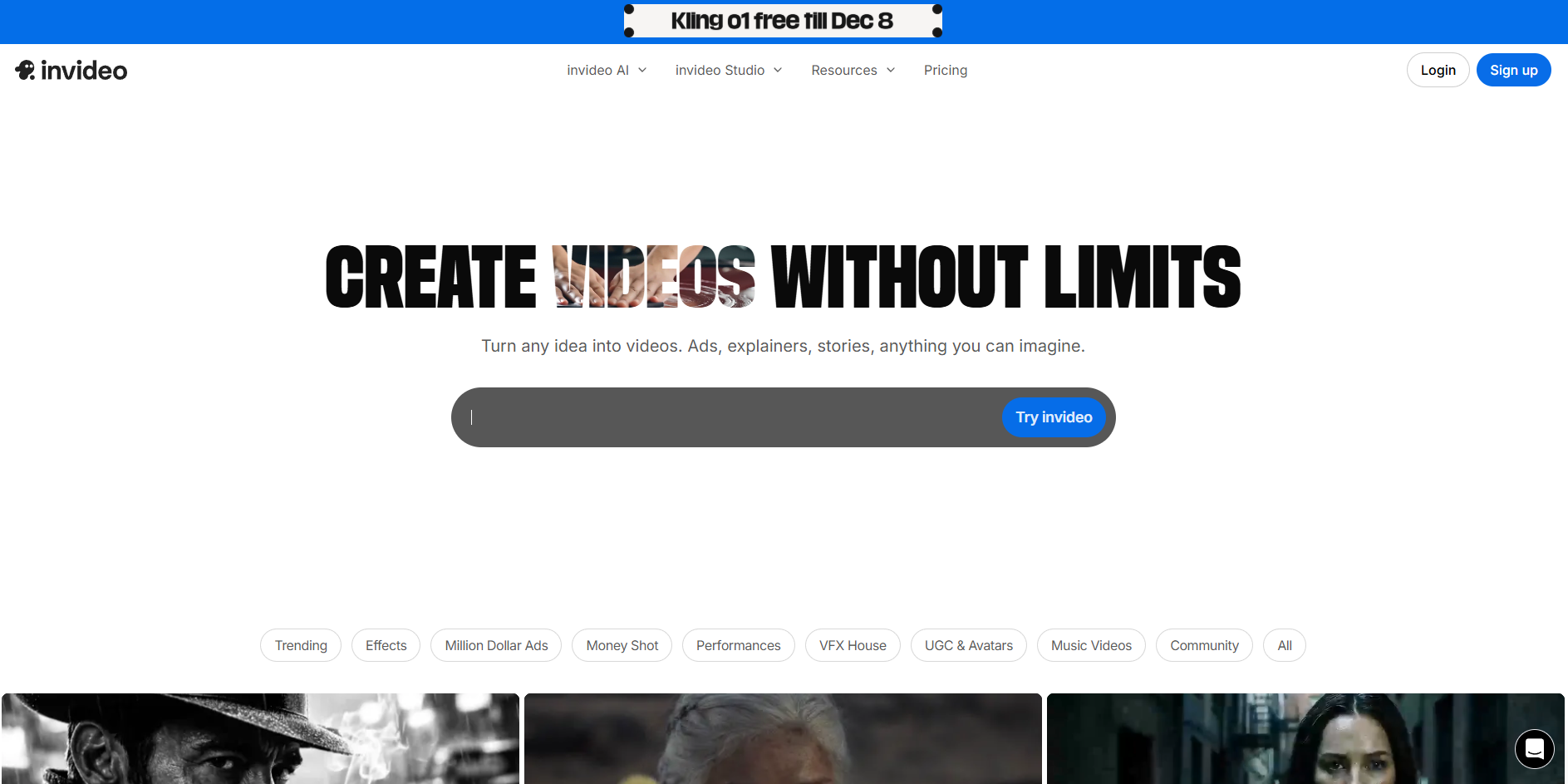
InVideo offers prompt-based video creation, template libraries, voice tools, and a full browser editor. It is commonly used for social clips, marketing posts, list videos, and simple explainer content.
- AI Script-To-Video Builder: Converts user scripts into full video sequences with matching visuals pulled from its stock library.
- Media Library Access: Includes millions of royalty-free clips and photos sourced from partners like Shutterstock and Storyblocks.
- Template System: Covers ads, listicle formats, product posts, intro cards, and social hooks.
- Voice Options: Includes TTS voices plus the option to upload user audio and sync it with on-screen timing.
Synthesia
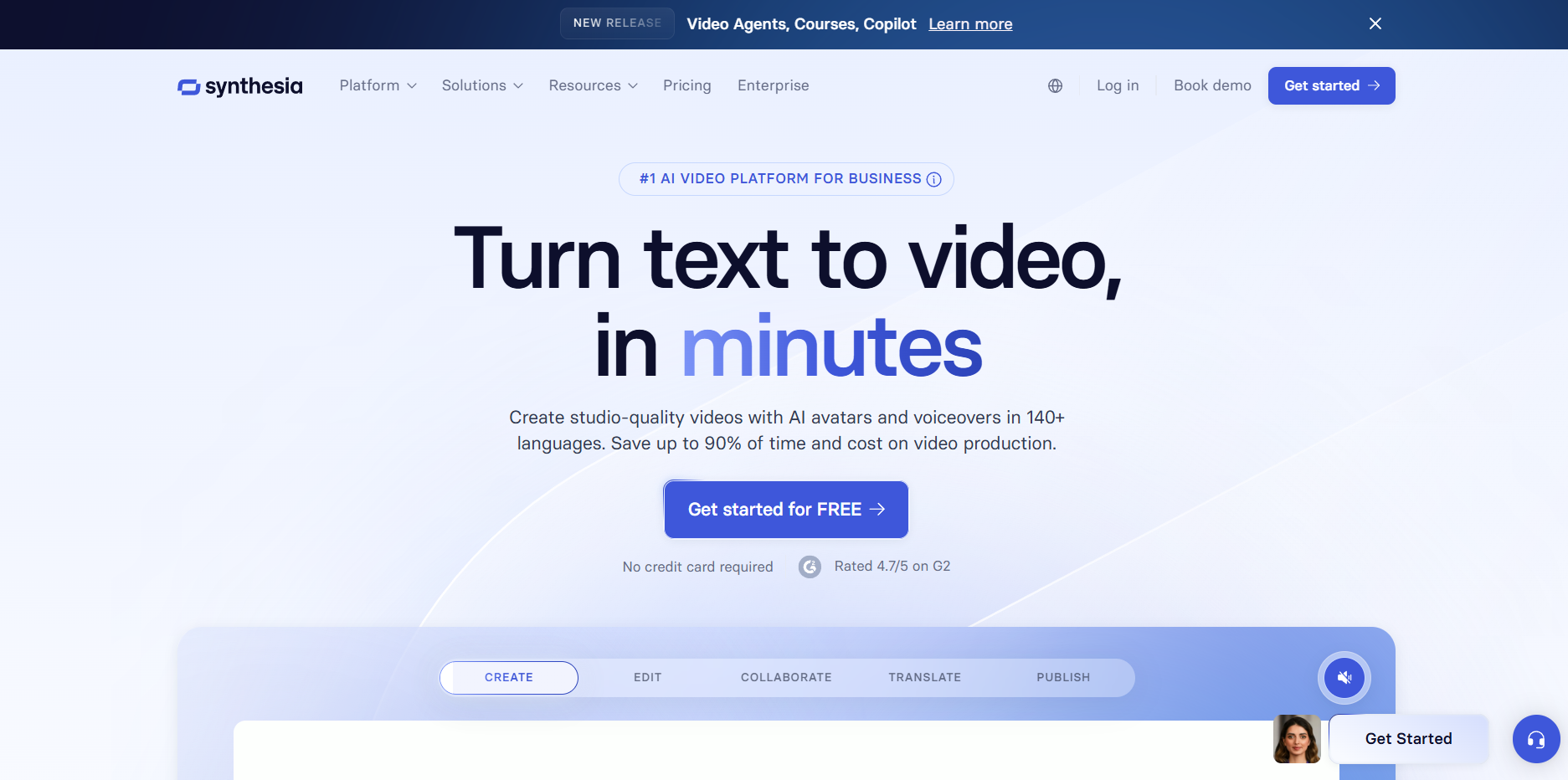
Synthesia focuses on avatar-led video production using scripts. It is used for training videos, onboarding material, product walkthroughs, and corporate communication.
- Avatar Library: Includes 200+ digital presenters in varied looks and speaking styles.
- Script Input Panel: Users type text, and Synthesia auto-generates the spoken video segment.
- Multilingual Speech: Offers more than 120 languages and regional voice variants.
- Brand Kits: Let companies set logos, colors, and fonts for a consistent visual identity.
- Scene Builder: Supports slide-style layouts with text boxes, media uploads, and screen recordings.
openAI Sora
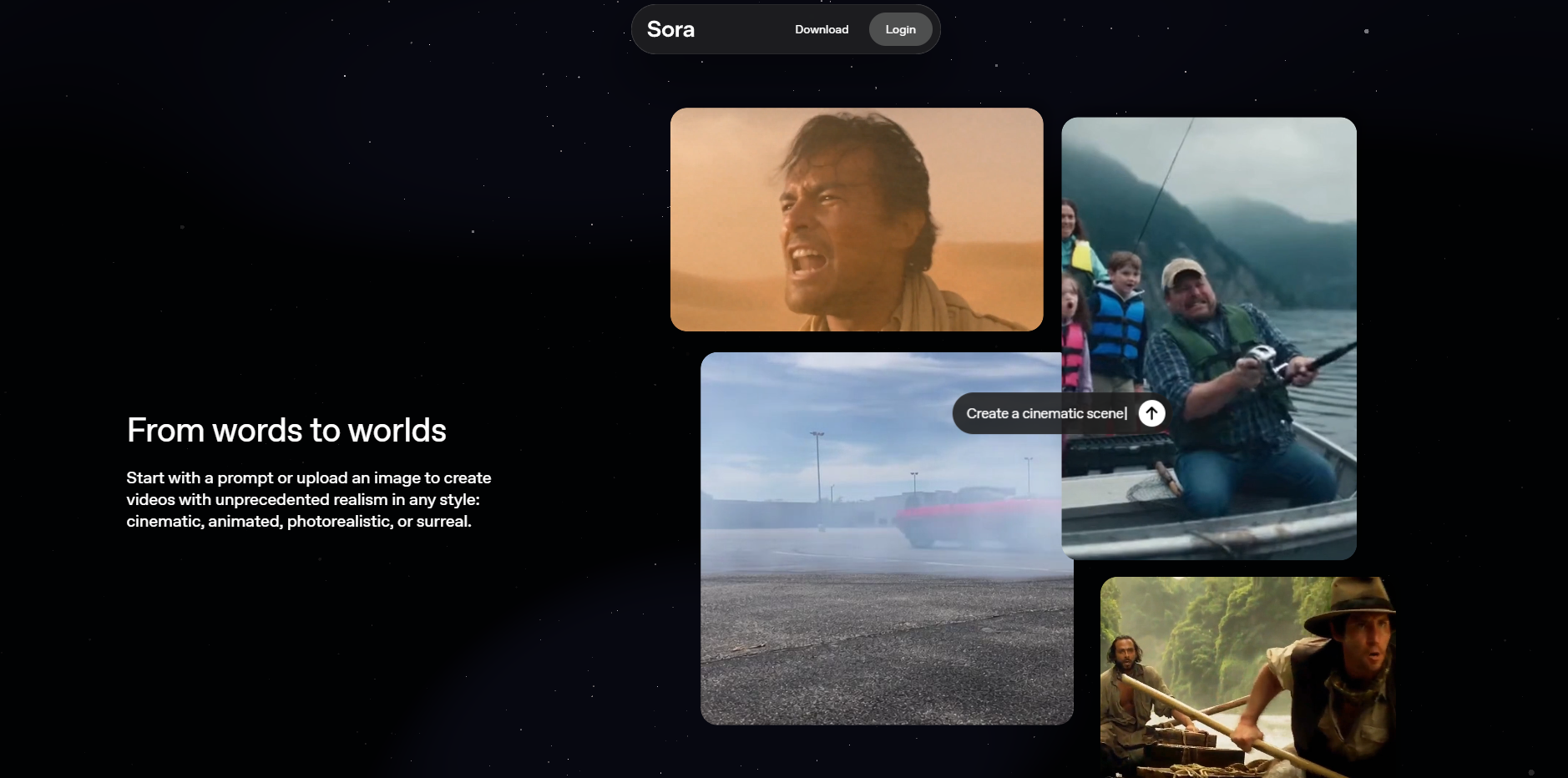
Sora is a text-to-video model introduced by OpenAI that generates high-resolution videos from written prompts. OpenAI has shown examples of scenes with consistent characters, detailed environments, and complex motion, but the model is not publicly available for general use yet. The features listed below reflect only confirmed capabilities demonstrated by OpenAI.
- Extended Video Length: OpenAI has shown Sora producing videos up to one minute long from a single prompt.
- Complex Motion Handling: Demonstrations show moving objects, characters, and camera motion rendered in a smooth, continuous sequence.
- Scene and Character Consistency: Sora can maintain the same characters and objects throughout a video, even in sequences with multiple actions.
- Prompt-Driven Camera Movement: Videos released by OpenAI show support for panning, tracking shots, and changes in perspective when described in the prompt.
Runway
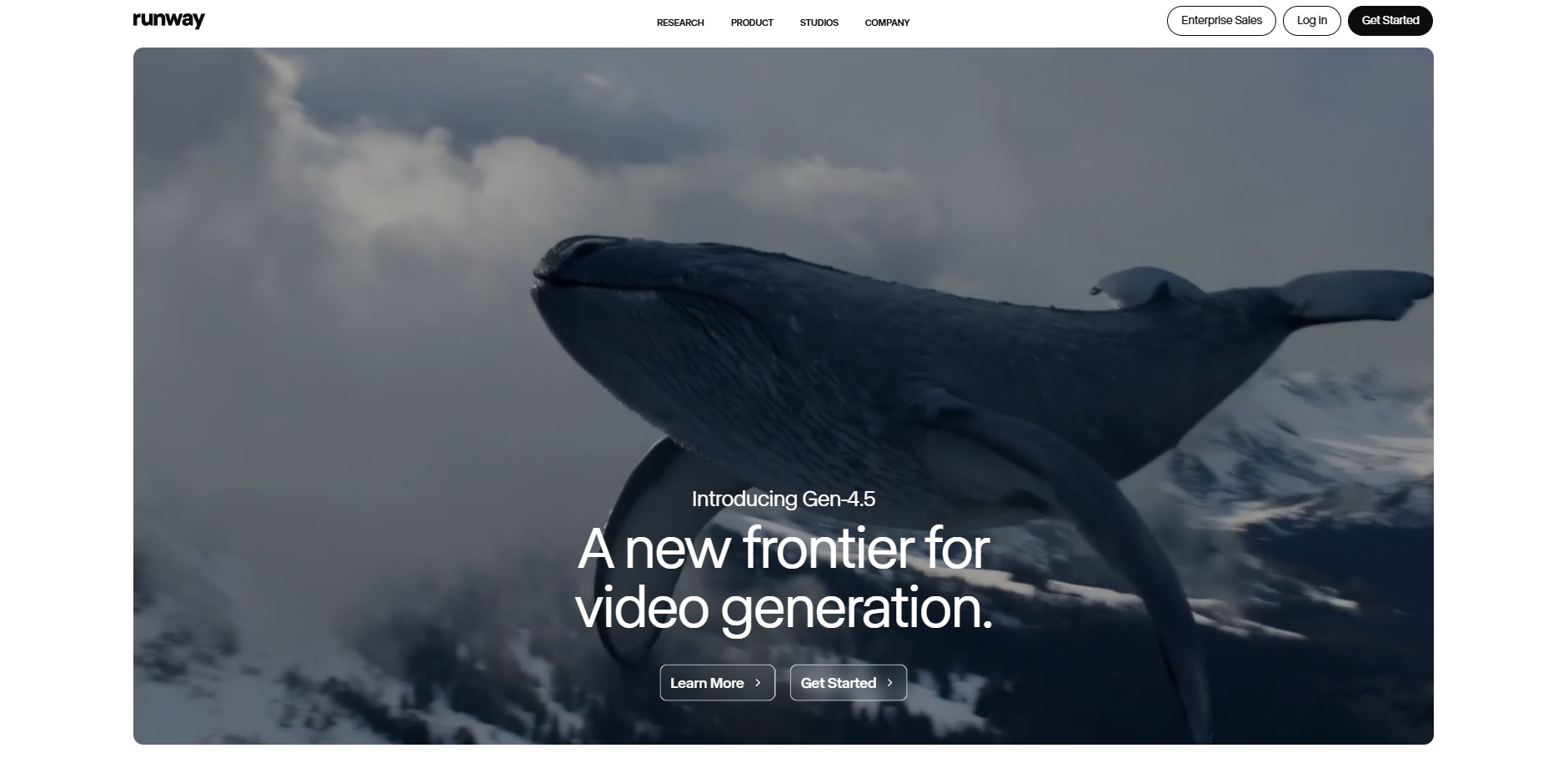
Runway provides AI models for video generation and video editing, including Gen-1 and Gen-2. The platform is used for creative content, concept footage, ad material, and scene modification. Its tools allow users to generate new videos from prompts, transform existing footage, or edit specific elements inside a clip.
- Gen-2 Text-To-Video: Creates video from text prompts, image prompts, or a combination of both. Runway has released public examples of short generative clips built through Gen-2.
- Video Inpainting: Allows users to remove or replace objects inside an existing video. Runway demonstrated object removal, item replacement, and region-level edits in its video editor.
- Motion Brush: Lets users define where motion should appear inside a scene. The model animates only the selected area while keeping the rest of the frame stable.
- Style Features: Users can set visual styles such as animated looks, stylized filters, or more realistic tones based on available presets and prompt guidance.
AI Video Generator — Basic Paid Plan Pricing (monthly)
Monthly base prices for each tool’s entry-level paid plan as listed on their official pricing pages.
Tool | Basic Paid Plan (name) | Monthly Price (as shown) |
Starter | $10 / mo | |
Kaiber | Creator | $29 / mo |
Fliki | Standard | $28 / mo (or $14 / mo when billed yearly) |
InVideo | Plus | $28 / mo |
OpenAI (Sora via ChatGPT) | ChatGPT Plus | $20 / mo |
Veed.io | Lite | ₹499 / mo (billed yearly) |
HeyGen | Creator | $29 / mo |
Kapwing | Pro | $16 / mo (billed annually) |
Runway | Standard | $12 / user/mo (billed annually) |
Because no two workflows operate the same way, the tools that stand out in 2026 can be matched to distinct creator needs.
Learn how creators produce faster in Creating AI-Generated Videos for YouTube A 2025 Guide
Best Tools for Specific Creator Needs
Different creator groups work with very specific formats. Some build story-driven reels, some rely on avatars, and others need promo videos or training clips. Each tool in the list below fits a clear use case based on its documented features and real-world output.
Creator Need | Recommended Tool | Why It Fits |
Short Story Videos With Characters | Generates 60-second vertical videos from prompts, builds full storyboards, supports custom characters, and allows background, pose, and expression changes. | |
High-Volume Daily Posting | Frameo | Produces vertical clips in minutes from prompts or audio, suited for creators who publish frequent episodic content. |
Faceless Creator Channels | Frameo | Character tools let users run full channels without appearing on camera, with consistent character design across videos. |
Product Ads for Social Platforms | Frameo | Converts product photos or descriptions into vertical ads with synced voice tracks. |
Music-Based Visuals | Kaiber | Audio-reactive animation and stylized text-to-video output. |
Talking Avatar Videos | HeyGen | Script-based digital avatars with multilingual voice options and presenter-style delivery. |
Narration-Led List or Fact Videos | Fliki | Text-to-speech paired with stock visuals for list and slideshow formats. |
Training and Workplace Content | Synthesia | Digital presenters, script timing, and multi-language support for structured communication. |
Social Editing + AI Generation | Veed.io | Browser-based timelines, captions, dubbing, and text-to-video tools. |
Simple Ad and Reel Editing | Kapwing | Web editor with text-to-video, resizing, overlays, and timeline cuts. |
Template-Based Promos | InVideo | Script-to-video builder with ad templates and stock assets. |
High-End Concept Shots (Demo Only) | openAI Sora | One-minute generative videos shown in public demos; not yet publicly released. |
Scene Changes and Object Removal | Runway | Text-to-video, inpainting, motion brush, and visual style adjustments. |
Seeing how each tool serves a specific creator style sets up an important decision point around selecting the right match for your workflow.
If you want a quick way to see how Frameo fits into your content budget, take a look at Is Frameo Worth? It A Breakdown of Pricing and Value
How to Pick the Right AI Video Generator in 2026
The choice depends on the exact videos you create, the platforms you post on, and the tools you use during production. The points below focus on specific, real factors that determine whether Frameo, Kaiber, Runway, HeyGen, Fliki, Synthesia, Veed.io, Kapwing, InVideo, or Sora fits your workflow.
- Identify the Exact Format You Publish: Story channels that post 30–60 second reels with recurring characters need a tool like Frameo, which builds a full storyboard and keeps characters consistent across shots. Music editors who create beat-driven visuals need Kaiber for audio-responsive motion. Talking channels need HeyGen or Synthesia for presenter clips.
- Check How the Tool Builds a Scene: If your workflow relies on turning a short prompt into a full video with multiple shots, Frameo is the only one in this list with a built-in shot-by-shot storyboard generator. If you modify scenes after generation, Runway offers inpainting and motion controls for specific regions.
- Verify Character or Presenter Requirements: Channels with signature characters need a tool that keeps the same look in every clip. frameo supports consistent characters with pose, outfit, and expression controls. Business teams needing human presenters should look at HeyGen or Synthesia for digital spokespersons.
- Review Language and Voice Needs: For creators posting the same video in several languages, Frameo, HeyGen, Fliki, and Synthesia offer built-in multilingual voice tracks. If you only need narration for list or fact videos, Fliki is centered on that.
- Match Tool Speed to Your Posting Schedule: Daily short-form channels that release five to ten clips per day need fast generation. Frameo and Veed.io handle prompt-to-video output within minutes. Platforms like Runway or Sora are better suited for fewer, more complex shots rather than volume-based posting.
- Compare Pricing Against Actual Usage: Check limits such as:
- Number of monthly exports
- Maximum video length
- Voice credits
- Access to advanced models (e.g., Runway Gen-2)
- Availability of templates or stock media
This helps determine whether a plan from Frameo, InVideo, Veed.io, or Kapwing fits your publishing pace and platform focus.
With selection criteria in place, the broader forces moving AI video forward this year offer useful context for picking the right platform.
If you are planning your content pipeline for the year ahead, take a quick look at AI Video Production Trends 2025: What Creators Can’t Afford to Miss
AI Video Trends Influencing 2026 Tools
AI video creation in 2026 reflects clear shifts in how creators publish stories, tutorials, ads, and daily short-form clips. The points below outline trends supported by real creator workflows, each paired with a short example for clarity.
- Growth of Prompt-Based Storytelling: Creators now write short scripts like “a traveler finds a glowing stone in a cave” and expect the system to produce a full vertical scene with pacing and transitions.
- Demand for Consistent Characters Across Episodes: Story channels introduce recurring figures and reuse them every day. For example, a fantasy page may feature the same hero in 20 consecutive reels.
- Higher Output Volume for Short-Form Platforms: Many accounts post five to ten clips daily. A meme page might turn every trending audio into a quick visual sequence within minutes.
- Increased Use of Vertical Product Clips: Small shops upload product photos and generate a short promo such as “new launch, swipe to see colors” without recording video.
- Scene Control Through Text: Creators commonly type instructions like “change the background to a night market” or “turn the character toward the camera” to refine a shot.
- Storyboard Previews Before Rendering: Channels producing multi-shot shorts prefer a quick layout showing shot 1: intro, shot 2: reaction, shot 3: reveal, before committing credits to the final render.
- Growing Interest in Audio-Driven Video Generation: A narrator may upload a 20-second voice clip and expect matching visuals with synced captions built directly from the audio.
- Broader Use of Multilingual Output: Global pages create the same reel in English, Spanish, and Hindi; each version keeps the visuals identical while swapping the voice track and captions.
See which AI tools are redefining film production in Top AI Tools for Film Production in 2025
Top 6 Use Cases Supported by the Best AI Video Generator Tools 2026
People searching for the best AI video generator tools 2026 usually want to solve production bottlenecks tied to output volume, character consistency, speed, or brand demands. The use cases below reflect how these platforms work in everyday publishing cycles, campaign schedules, and story formats.
- Short Vertical Stories for Daily Posting: Creators producing episodic content rely on tools that convert short scripts into multi-shot vertical videos with consistent visuals.
- Audio-Led Clip Production for Podcasts and Voice Narrators: Voice uploads become full clips with matching scenes, captions, and timing, helping narrators repurpose podcast segments or commentary tracks.
- Product Launch Clips for Small Brands and DTC Stores: Tools turn product images or descriptions into quick vertical ads that fit TikTok, Reels, and Shorts placement rules without studio shoots.
- Avatar-Driven Content for Anonymous Creators and Educators: AI avatar systems support explainer videos, commentary, lessons, and multilingual formats without requiring on-camera recording.
- Template-Based Batch Output for High-Volume Social Accounts: Pages with recurring formats use batch creation workflows to produce dozens of similar clips in one session across different niches.
- Scene Editing and Visual Revisions for Concept Footage: Some tools support object removal, motion adjustments, or restyles of existing footage, which helps creators fix scenes without reshoots.
Find the best value, check out AI Animation Tools Pricing Compared: Which One’s Worth Paying For?
Conclusion
As AI video platforms become more specialized, it is easier to see which ones support scripted channels, which ones focus on avatar delivery, and which ones are better suited for quick ad production. The strongest results usually come from choosing a tool that mirrors the structure of your own workflow. When the generation process matches the way you plan scenes, write scripts, or prepare visual beats, production feels smoother, and revisions stay manageable even during busy posting cycles.
Creators working with short narrative formats often need reliable character consistency, predictable scene progression, and the ability to adjust visual elements through simple inputs rather than full edits.
This is where Frameo fits naturally because its pipeline follows the same order a creator uses when building a short story for TikTok, Reels, or Shorts. You set the idea, map the shots, guide the characters, and the platform delivers a complete vertical video that reflects the written structure.
If you are ready for a workflow that supports story-driven content without slowing you down, you can try Frameo for free and turn your next script into a finished vertical video with one prompt.
FAQs
- Do the best AI video generator tools 2026 support scene reuse for multi-episode formats?
Some tools let creators reuse characters, locations, and camera framing so ongoing series stay consistent. This matters for story channels building daily vertical uploads. - Can AI video content creation tools 2026 handle uploads from external audio workflows?
Yes. Several platforms accept voiceovers from studio mics, mobile memos, or podcast takes, then generate visuals that follow pacing and tone from the uploaded audio. - How accurate are caption timings across different platforms in an AI video generator pricing comparison 2026?
Timing varies. Some tools lock captions to waveform peaks, while others rebuild timings during final render. This can change how clips display on TikTok, Reels, and Shorts. - Do any of the best AI video generator tools 2026 support full-scene previews before credit usage?
A few platforms offer shot maps or draft sequences so creators can review pacing, angles, and character placement before spending credits on the full render. - Can AI video content creation tools 2026 manage heavy posting cycles without slowing down?
Yes, but speed differs by model load and queue time. High-volume creators often pick tools that support near-immediate vertical exports, especially when posting five or more clips per day.



