5 Best AI Video Creator for Instagram Reels: 2026 Guide
Explore the best AI video creator for Instagram Reels with options that support story clips, product videos, faceless formats, and regular posting habits.
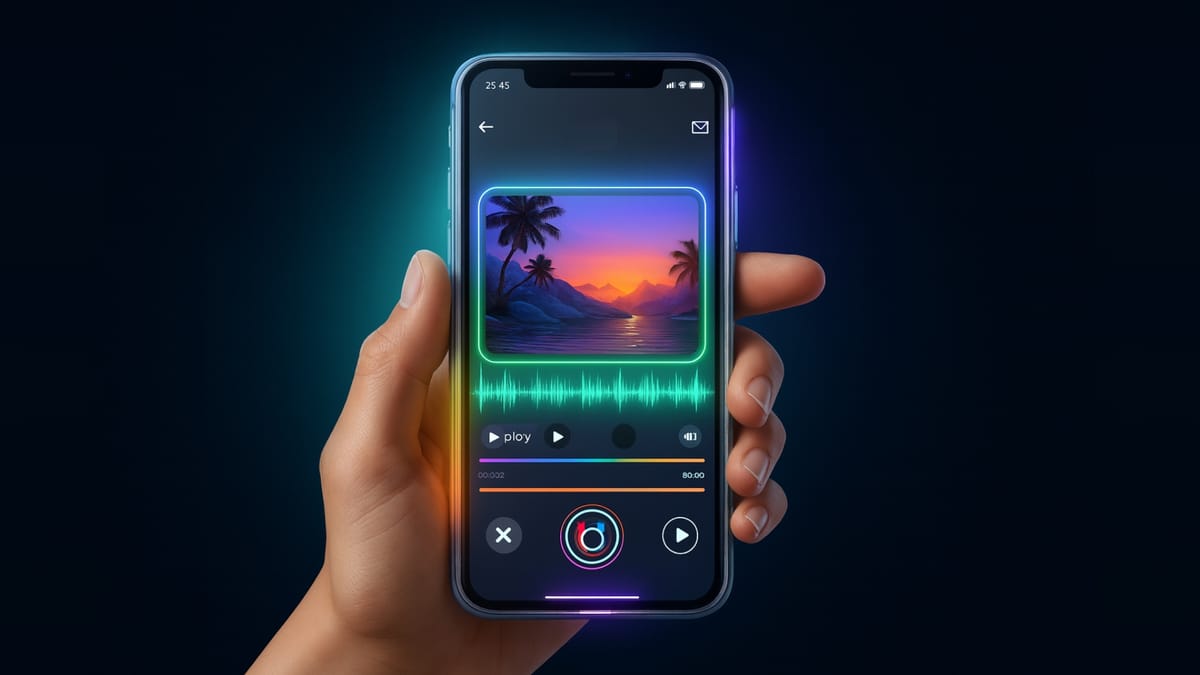
If you’re grinding through Instagram posts trying to keep your page active, it makes sense that you’d start searching for the best AI video creator for Instagram Reels. Most creators hit a point where recording, cutting clips, finding the right pacing, and posting daily start to drain time that should go toward ideas and growth. Small teams feel it even more when the pressure to stay visible increases, and the search for the best AI video creator for Instagram Reels becomes less of a curiosity and more of a survival move.
And you’re not imagining the shift. The AI video tools market is projected to reach approximately $11.9 billion by 2033 with a 25% CAGR, which shows how many creators are reaching for faster workflows that still look strong on a crowded feed.
This guide breaks down what actually matters to creators: pacing that holds attention, export settings that stay sharp after Instagram compression, tools that support faceless clips, and workflows that help you post without losing hours every week.
Key Takeaways
- AI systems improve Reel pacing by locking clip beats into the 0.7–1.2 second range, removing the frame-by-frame adjustments creators usually handle manually.
- Frameo produces full narrative Reels by converting scripts into camera plans, character motion, dialog timing, and continuity that stay consistent across shots without manual sequencing.
- Tools tuned for Instagram avoid UI overlap by placing text within safe zones and adapting layouts for vertical framing, preventing captions from being covered during playback.
- CapCut, InVideo, and Kapwing each solve different creator problems, from beat-aligned cuts and product sequences to reframing horizontal footage and cutting pauses from dialog clips.
- Export settings matter for clarity; Instagram recompression handles 1080×1920 at 6–10 Mbps reliably, and Frameo applies these values automatically to protect detail in AI-generated visuals.
Why AI Tools Outperform Manual Editing for Reels
AI tools cut out the slow steps tied to manual editing. They handle scene building, pacing, voice setup, and vertical framing in one workflow. This helps creators produce Instagram Reels that match current viewing habits without spending hours inside editing timelines.
- Auto Timing That Matches Reel Retention Patterns: AI sets clip lengths to the 0.8 to 1.2 second range that performs well on Instagram Reels, something creators usually tweak frame by frame
- Scene Builds Without Layered Timelines: Instead of stacking tracks manually, AI groups visuals, motion, and audio into one layout ready for export, which removes dozens of micro-edits
- Prompt-Based Voice Setup: Manual editors require separate recording, trimming, and syncing steps, while AI tools generate clean narration and sync it to scene beats instantly
- Vertical Framing Without Rework: Manual tools often crop or resize clips individually, while AI systems build every shot in 9:16 from the start, so creators skip reframing work
- Faster Meme and Trend Formats: AI templates cover reaction cuts, caption placements, and timing patterns tied to trending Reel styles, so creators avoid building these layouts from scratch
- Consistent Lighting and Color Across Clips: Manual editing needs LUTs and adjustment layers, while AI applies unified color styling across all scenes for a smoother watch
- Quick Production for Daily Posting Schedules: Creators who post frequently can finish full drafts within minutes instead of hours, which supports higher output without burnout
These advantages set the stage for a closer look at the tools that apply these capabilities with real precision in Instagram’s short-form format.
If you want to build clips that stand out in crowded feeds, start with the guide here: The Rise of Animated Shorts: How to Stand Out on Social Media with Frameo
Best AI Video Creator for Instagram Reels 2026
Creators searching for the best AI video creator for Instagram Reels look for tools that improve results in the areas that shape Reel performance: clip pacing tuned for retention, vertical framing that avoids UI overlap, compression settings that hold detail after Instagram reprocessing, hook timing within the first second, and AI systems that build scenes or edits without long timelines.
These platforms support creators who want to create video reels with AI, create reels with AI, and use an AI video editor for Instagram Reels that fits the posting rhythm common in 2026.
Frameo
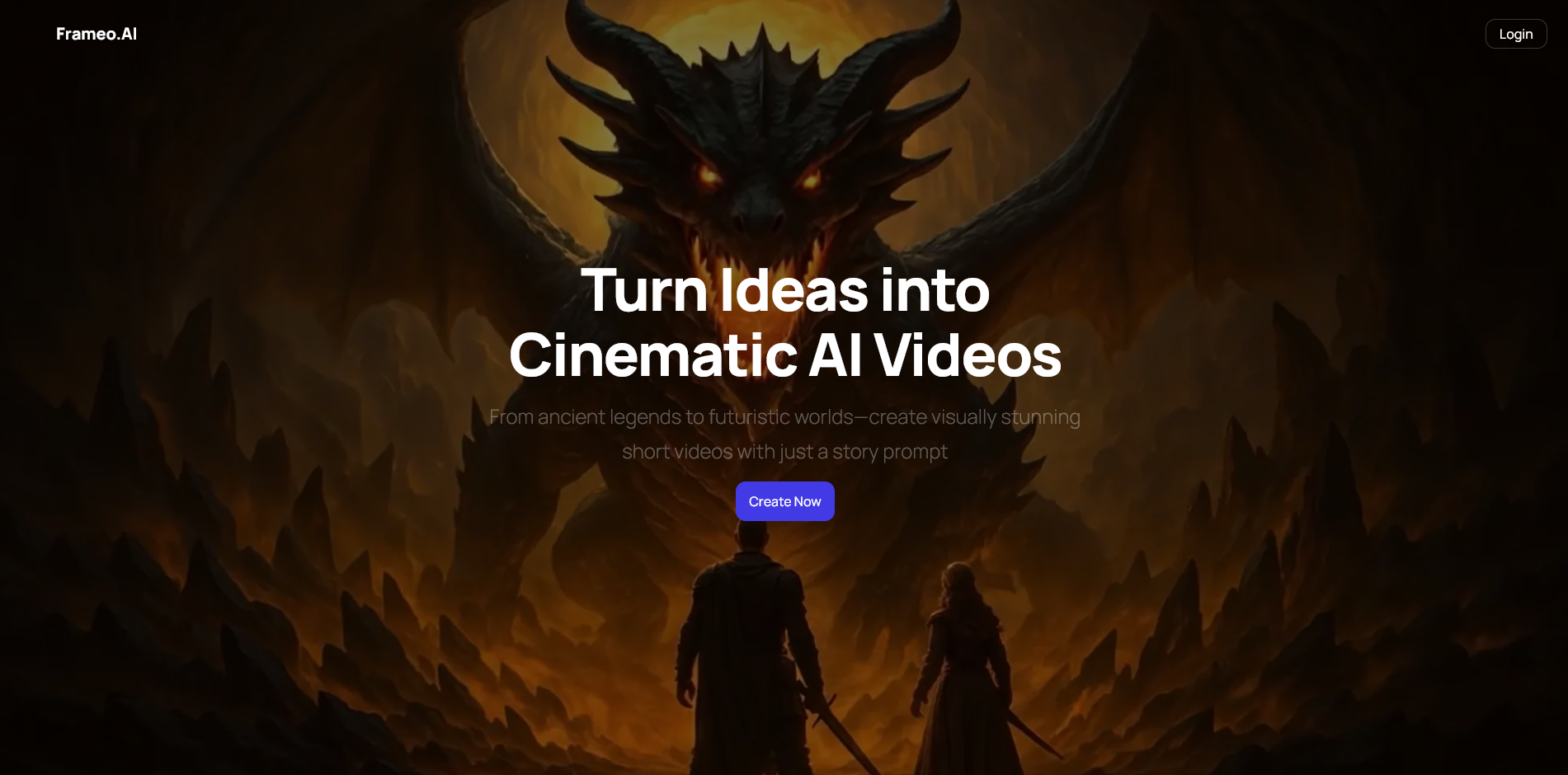
Frameo is built for creators who want automated scene construction rather than timeline editing. It produces vertical shorts that follow Reels' retention patterns, with shot timing, character motion, dialog sync, and story cuts generated from short text prompts. This is the only tool in this list that can produce a full 60-second narrative clip without manual placement of assets.
- Prompt-to-Shot Engine: Converts short text into camera plans, angle shifts, character actions, and scene continuity without requiring manual sequencing.
- Auto Dialog Sync: AI voices are mapped to mouth motion and beat timing based on Instagram’s average speech pacing (170–190 wpm).
- Reels Compression Profile: Exports at bitrates that avoid pixel breakup after Instagram recompression, a common issue in mobile uploads.
- Character Continuity System: Keeps outfits, lighting direction, and facial structure identical across shots, which prevents visual jumps in story Reels.
- Faceless Story Output: Builds narrative scenes using avatars, art styles, or animated photos, letting creators produce story Reels without on-camera footage.
- Shot-Driven Script Parser: Breaks a script into moments that match common Reels hooks (cut at 0.7–1.1 seconds per beat to maintain attention).
If you’re searching for a smoother content routine, this real example can help: Create 30 Days of Content in One Afternoon With AI.
CapCut
CapCut is dominant among daily Reels creators because its engine is tuned for social-platform pacing. The AI models detect beats, identify on-screen activity, and generate transitions that match current trends in short-form editing.
- Beat Detection Model: Cuts clips at peaks in the waveform, a style used in most trending Reels.
- Auto Velocity Adjustments: Slows or speeds footage to match hook timing without frame tearing.
- Smart Cutout: Removes backgrounds around faces or bodies using segmentation models that work well with low-light mobile footage.
- Subtitle Timing Engine: Generates captions that follow speech spikes instead of fixed intervals, which increases retention.
- Template Logic: Loads layouts built from analysis of high-engagement Reels patterns (fast intro + burst cuts + looping ending).
InVideo
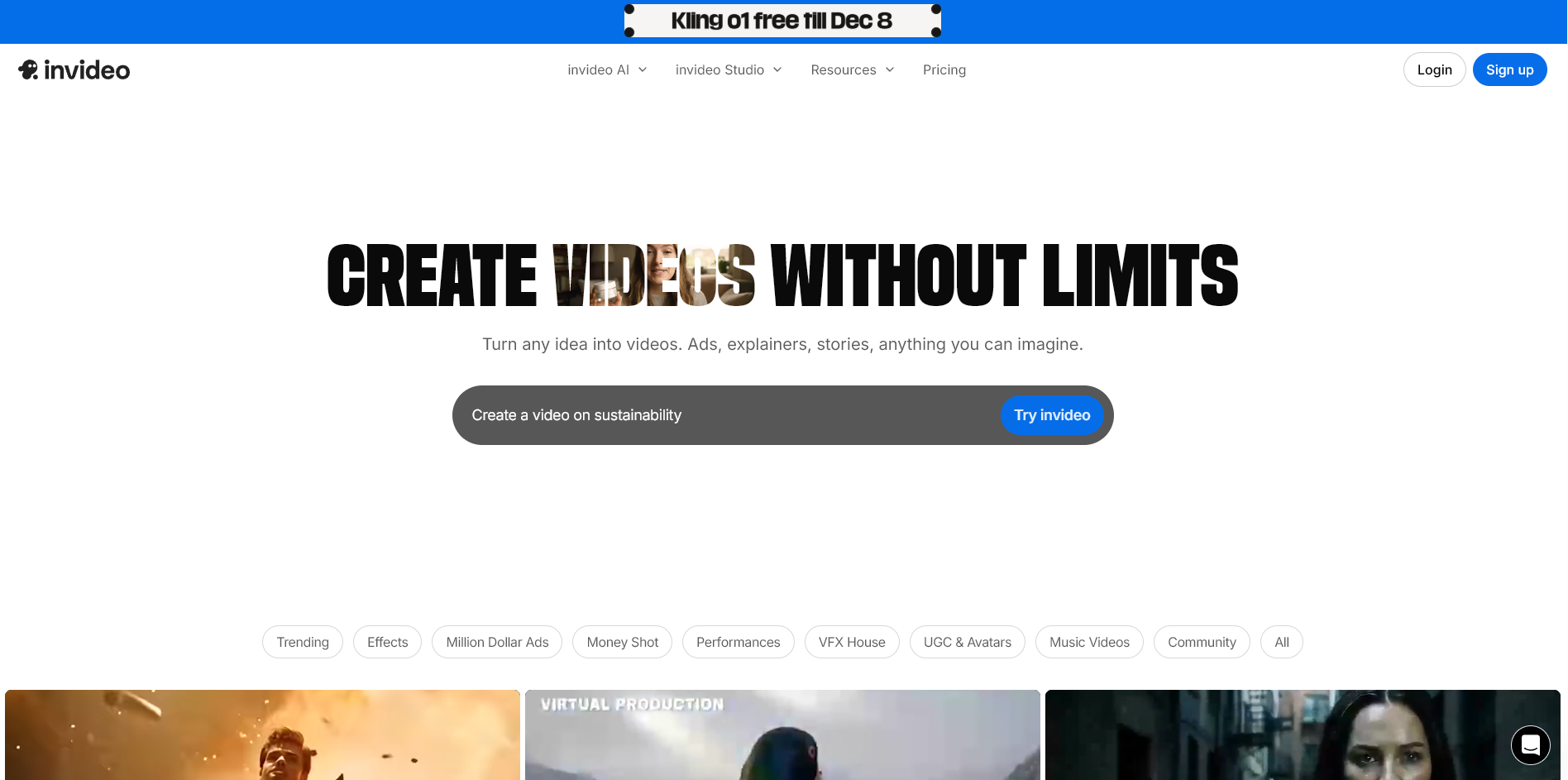
InVideo suits creators who publish product Reels, list-style Reels, or promo-style videos. It focuses on structured scenes driven by text inputs, making it helpful for small sellers or creators with frequent posting schedules.
- Text-to-Scene Generator: Turns bullet lists, product specs, or script lines into short segments with visual emphasis.
- Stock Integration Layer: Pulls stock clips that match keywords and auto-adjusts framing for vertical output.
- AI Voice Bank: Gives creators pre-tuned voices that handle price calls, feature breakdowns, and CTA lines common in business Reels.
- Hook Template System: Places short title cards at the start of the clip, timed to the first 1–2 seconds where drop-off is highest.
- Auto Placement for Offers: Positions prices, discount tags, or product highlights in areas that avoid Instagram UI overlap.
Canva
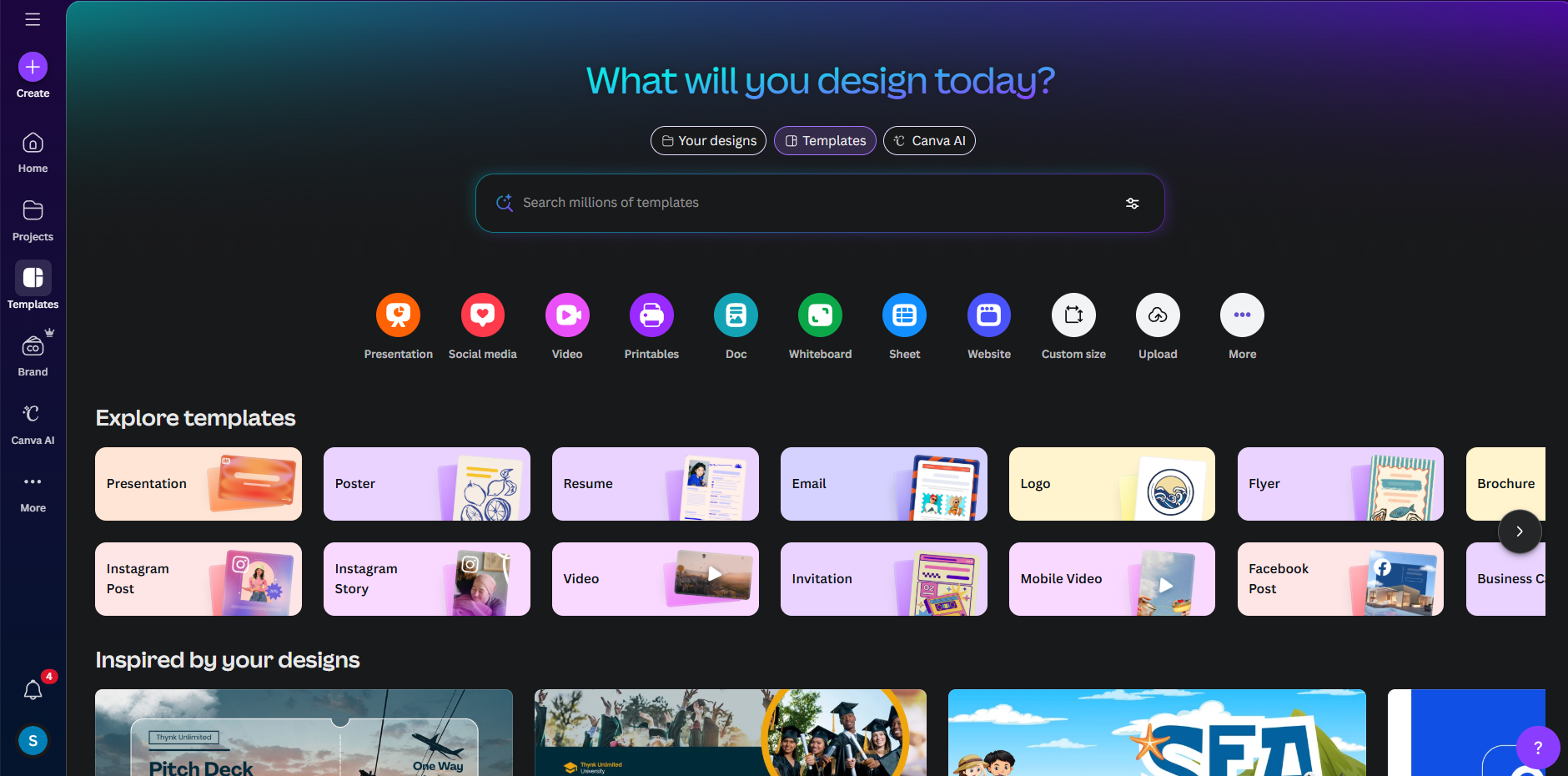
Canva is used by creators who want graphics-forward Reels with text blocks, stickers, and brand visuals. Its AI tools support layout generation, pacing, and vertical formatting without manual resizing.
- Vertical Layout Generator: Rearranges elements to fit within the safe zone of Instagram’s top and bottom UI overlays.
- Style Match Tool: Pulls colors and fonts from a brand file and applies them across scenes to keep a consistent look.
- AI Scene Drafts: Creates short video sequences from written inputs, built mainly for aesthetic clips, announcements, or promo cards.
- Audio Timing Suggestions: Highlights moments in the music track where text or transitions should land.
- Loop Point Helper: Sets the final frame to match the first frame so the Reel loops cleanly, a factor that boosts watch time.
Kapwing
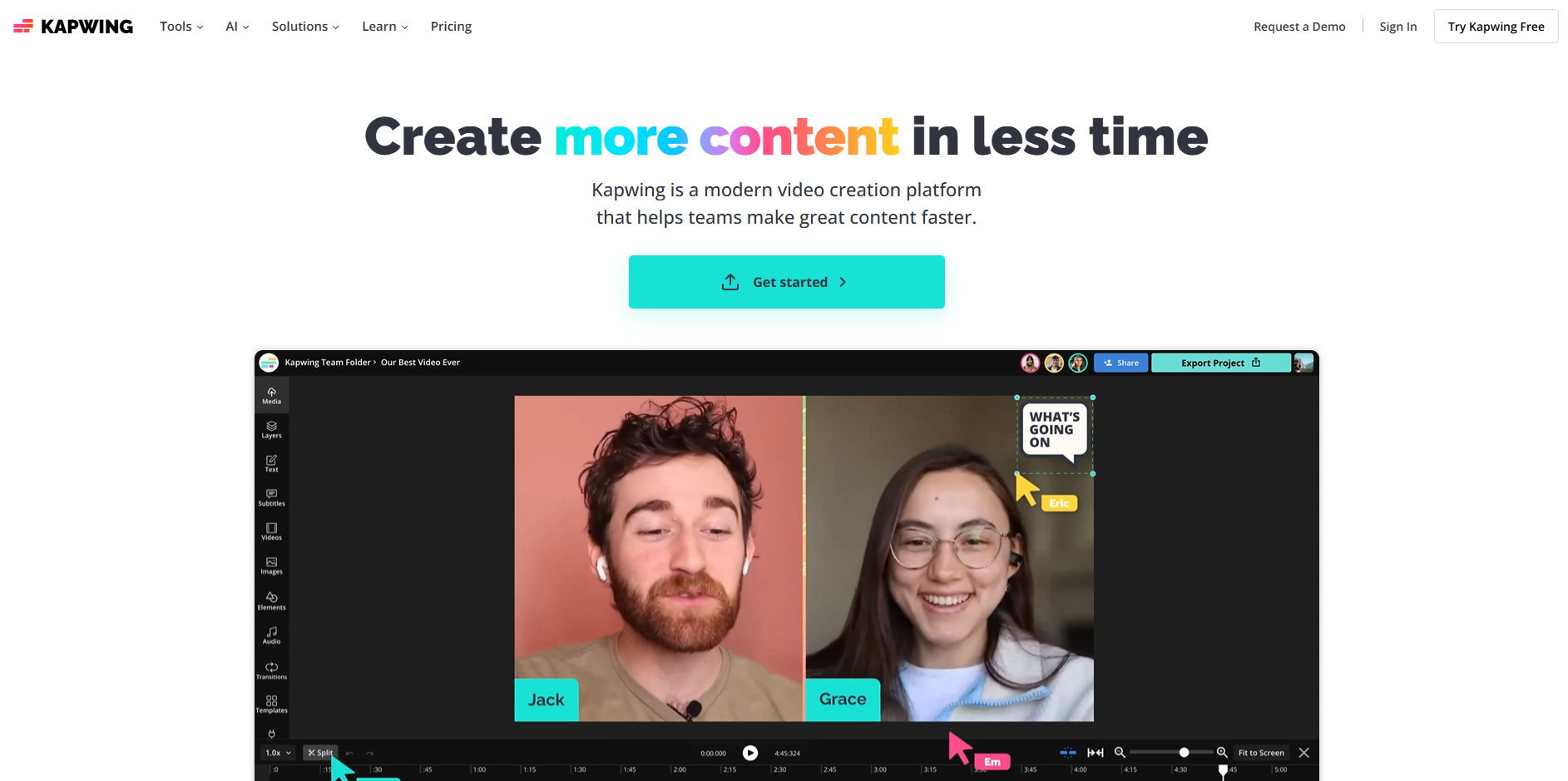
Kapwing is strong for creators who repurpose longer content into Reels. It excels in cutting, reframing, and formatting dialog-heavy or podcast-style clips.
- Smart Reframe: Tracks faces and centers them in 9:16 even when the original footage is landscape.
- Auto Cut: Identifies pauses, filler words, or low-energy moments and removes them for faster pacing.
- AI Subtitle Engine: Creates captions with stacked-letter spacing that matches fast-reader styles common on Reels.
- B-Roll Finder: Suggests short stock clips based on spoken words and places them over voice lines
- Silence Trimmer: Cuts all dead air from talking clips to keep retention high.
Pricing Table: Best AI Video Creator for Instagram Reels
Creators comparing plans usually focus on credit limits, export quality, voice options, and how reliably each tool handles vertical clips. The pricing below gives a quick scan of those differences.
Tool / Plan | Approx Price / Billing | What You Get (for Reels / AI-video use) |
Frameo, Explorer | US $25 / month | 1,500 credits (≈12 video slides or 4 animated videos) |
Kapwing, Pro | US $16 / member/month (annual billing) | Full editing + AI tools + HD/4K export (no watermark) |
InVideo, Plus | US $28 / month | Moderate access to stock video, video generation, and standard export options |
CapCut, Pro | US $9.99 / month (or ~US $89.99 / year) | Removes watermark, unlocks 4K export, AI captions/background removal / full effects library |
Canva, Pro (with video tools) | US $12–14 / month (individual Pro) | Vertical templates, video drafts from text, brand kit support, simple export |
As you compare these platforms, certain patterns in creator needs start to stand out, which makes tool selection far more intentional than a simple feature checklist.
Discover why it matters in AI Video Production: Key Benefits and Future Trends
How to Choose the Right AI Tool for Your Reels
Creators choosing an AI tool for Reels usually focus on pacing control, voice options, export reliability, and how well the platform handles vertical scenes without extra editing. The right pick depends on the type of content you make, the volume you post, and whether you need animation, faceless formats, or footage-based edits.
- Match the Tool to Your Content Style: Different creators need different systems. Story-driven pages benefit from prompt-based scene builders, while product pages rely on text-to-scene structures that handle price cards, angles, and shot emphasis. Talking creators need tools that clean audio, trim silence, and maintain focus on faces in 9:16.
- Check How the Tool Handles Vertical Framing: Some editors still build layouts in landscape first, which can cause cut-off text and awkward cropping during export. The best options construct every shot in 9:16 from the start, so captions, subjects, and motion stay inside Instagram’s safe zones.
- Look at Voice and Dialog Capabilities: Creators posting story clips or explainer-style Reels need clean narration with timing that matches scene pacing. AI tools differ sharply here; some generate voice lines that follow spoken rhythm closely, while others produce mismatched timing that requires manual fixes.
- Evaluate How the Tool Treats Pacing: Reels rely on quick beats. AI tools that understand short-form rhythm can place cuts around high-attention points, keep scenes tight, and avoid dead frames. Tools without pacing logic leave you adjusting timing manually.
- Check Export Quality and Compression Behavior: Instagram recompresses video aggressively. Tools built for Reels export at bitrates and profiles that hold detail after upload. Poor exports lead to blocky motion, crushed shadows, and soft edges, all of which reduce watch-through rate.
- Consider Your Posting Frequency: Creators who publish daily need a system that reduces manual adjustments. Tools that generate scenes, voices, and transitions from prompts save hours each week. If you post only a few Reels a month, simpler editors may be enough.
- Factor in Feature Depth Without Overload: Some tools are built for animation, some for talking clips, and others for product showcases. Pick the one that supports your workflow without adding steps that slow you down.
If your goal is to keep your Reels active without slowing your workflow, check out: Create Reels with AI in Seconds Using Just a Prompt
6 Use Cases for the Best AI Video Creator for Instagram Reels
Creators searching for the best AI video creator for Instagram Reels usually need help with pacing, hook timing, vertical framing, and fast production cycles. These use cases reflect how Reels-focused creators actually rely on AI to publish consistently without slowing down their workflow.
- Turning Short Prompts Into Fully Timed Reels: Creators can type a single idea and get a vertical clip with cuts spaced for Reels retention ranges, without adjusting frames or placing elements manually.
- Building Faceless Clips for Pages That Avoid On-Camera Recording: AI-generated avatars, animated scenes, and voice lines allow creators to maintain steady posting even on days they cannot record themselves, keeping their feed active.
- Converting Bullet Lists Into Product or Tip Reels: Small businesses and educators can drop in a list of points, and the tool converts each line into timed shots with on-screen text placed away from Instagram UI zones.
- Repurposing Long Videos Into Short, Platform-Ready Reels: Podcast hosts and coaches can upload longer footage and get trimmed vertical cuts with removed pauses, centered framing, and captions that match speech cadence.
- Producing Reels for Multi-Language Audiences: Creators testing new regions can generate several language versions of the same clip, complete with matched narration timing and localized on-screen text.
- Creating Story-Driven Reels Without Footage: Writers and fiction creators can feed a script into the AI and receive character scenes, dialogue timing, and shot sequences that match the intended mood, all built for 9:16.
Explore the best-in-class tools in Top AI Tools for Film Production in 2025
How to Create Video Reels with AI (Step-by-Step Flow)
Creators who want to create video reels with AI, create reels with AI, or use an AI video editor for Instagram Reels work through a flow shaped by pacing, hook timing, vertical-safe framing, and export settings that survive platform compression. The steps below reflect how Reels are produced in 2026 with AI-driven tools.
Step 1: Define the Reel Format You Want to Produce
Different Reel formats require different timing structures.
- Story clips use beats around 0.7 to 1.1 seconds
- Meme clips rely on a hook delivered within the first 0.4 seconds
- Product clips center visuals and apply clear contrast
- Voiceover clips use steady A-roll pacing with B-roll placed every 1–2 seconds
A clear format helps the AI interpret your creative direction.
Step 2: Pick an AI Tool Built for Reels
Choose a platform designed for 9:16 creation from the start.
- Frameo for animated scenes, story-driven clips, and faceless formats
Frameo is the recommended option because it builds vertical shots without manual trimming and can generate full sequences from written inputs.
Step 3: Prepare Your Input (Prompt, Script, or Footage)
AI engines respond best to structured inputs.
- Story Reels work well with scripts divided into moments
- Product Reels need product shots plus short highlight text
- Meme Reels need a punchline placed at the start
- A-roll Reels need raw footage along with a style description
Well-prepared inputs lead to predictable pacing.
Step 4: Build the Clip Inside Frameo
Frameo handles the construction process through a scene-generation engine.
- Converts text into camera setups, lighting direction, and animated motion
- Syncs AI voices to mouth movement and beat timing
- Creates transitions that match Reel pacing patterns
- Builds shots in 9:16 with safe-zone framing
- Adjusts timing based on script beats
- Produces preview scenes for refinement before export
This step sets your structure, pacing, and visual continuity.
Step 5: Add Text, Captions, or Hooks
Effective Reels use precise text placement.
- Keep hooks in the upper central area
- Keep on-screen text readable within safe zones
- Limit caption blocks to 12–14 words
- Avoid the bottom 260px to prevent overlap with Instagram UI
Text placement has a direct effect on retention.
Step 6: Finalize Audio, Voice, and Timing
Audio timing influences whether users continue watching.
- Keep narration speed between 0.98–1.05×
- Align visual cuts with audio peaks
- Keep dialog above –18 LUFS
- Remove silence longer than 80ms
These adjustments create a steady rhythm that matches short-form expectations.
Step 7: Export With Reel-Safe Settings
Use export settings that hold clarity after Instagram compression:
- 1080 × 1920 resolution
- 6–8 Mbps bitrate for footage
- 10+ Mbps for AI-generated visuals
- MP4 (H.264) format
- Stable frame rate at either 24 or 30
Frameo applies these settings automatically during export.
Step 8: Upload and Optimize Inside Instagram
Small adjustments inside Instagram influence performance.
- Pick a thumbnail that centers key subjects
- Keep captions short
- Use niche-relevant hashtags
- Post during peak audience activity
These steps help the Reel retain viewers from the first frame.
Compare plans now in AI Animation Tools Pricing Compared: Which One’s Worth Paying For?
Final Thoughts!
Reels succeed when the viewer feels pulled into a moment quickly, and creators who publish regularly know how hard it is to shape those moments without losing momentum in the process. The challenge is not ideas; it is keeping a steady flow of content while still leaving room for new concepts, visuals, and experiments that separate your page from every other account in your niche. The right tool supports that goal by giving you room to try more formats, test different moods, and produce clips that reflect your voice instead of pushing you into rigid templates.
Frameo helps creators do that by giving them control over details that are usually out of reach without animation or production skills: character motion that matches written prompts, scene shifts that follow your script line by line, voices that land with the right timing, and visuals built directly for vertical viewing. These features make it possible to publish Reels built from imagination rather than whatever footage you happen to have on your phone.
If you want your next Reel to feel closer to the idea you pictured when you wrote it down, Frameo gives you the tools to build it. Start creating today.
FAQs
- Can an AI tool match the pacing style used by top Reels creators?
Yes. The best AI video creator for Instagram Reels can read your script or prompt and set beat timing to match short-form viewing habits. This helps creators who want to create video reels with AI that feel structured rather than random. - How do AI tools handle character consistency when building story Reels?
Some platforms track clothing, face structure, and lighting from one shot to the next, so you can create reels with AI that look like they came from a single session instead of disconnected clips. - Can an AI video editor for Instagram Reels help with safe-zone text placement?
Yes. Advanced editors calculate the top and bottom UI areas inside Instagram and position text inside the readable zone, so captions stay visible on all devices. - Do AI tools support Reels that rely on dialog instead of fast cuts?
They do. When using the best AI video creator for Instagram Reels, you can feed a dialog script, and the system will sync mouth motion and voice pacing, which is helpful for creators who publish story-driven clips. - Can I use AI to test multiple versions of the same Reel?
Yes. Many systems let you generate alternate hooks, timings, or scene structures so you can create video reels with AI in batches and upload the version that performs best with your audience.



