Best AI Video Generator in 2026 for Content Creators
Discover the best AI video generator 2026 built for serious content creators. Compare features, quality, pricing, and tools to create professional videos faster

Video creation in 2026 isn’t limited by ideas, it’s limited by how fast creators can turn those ideas into finished videos.
Ideas come easily. What slows creators down is turning those ideas into finished videos, again and again, across platforms that all demand different formats, pacing, and visual styles.
A single script now needs to live as a Reel, a Short, a feed video, and often an explainer or ad. Each version needs structure, pacing, and clarity without being rebuilt from scratch. Each version needs motion, structure, and clarity. Editing everything manually doesn’t scale, but fully automated tools often break the moment you need consistency or control.
That’s why the conversation around the best AI video generator in 2026 has shifted.
Creators aren’t looking for tools that can generate video. They’re looking for tools that can handle real workloads: repeatable output, stable visuals, controllable pacing, and formats that don’t need rebuilding after export.
This guide compares the AI video generators that are actually used in creator workflows today. Not demos. Not viral clips. Tools that hold up when you’re producing regularly and can’t afford to start over every time.
Quick Overview
- Content creators in 2026 need AI video tools that preserve story flow, visual consistency, and pacing, not just fast clip generation.
- Most popular AI video generators excel at speed or visuals, but struggle with multi-scene continuity and repeatable outputs.
- Tools differ sharply by use case: some suit experimentation, others ads, explainers, or social-first publishing at scale.
- Some tools stand out by turning scripts into structured, scene-driven videos that remain consistent across iterations and platforms.
What Content Creators Actually Need in 2026
By 2026, content creation isn’t limited by ideas or platforms. It’s limited by execution speed, consistency, and control. Creators don’t struggle to imagine videos anymore. They struggle to ship them repeatedly, without quality breaking down.
The expectations have changed, and so have the requirements.
1.Consistency Across Formats, Not Just One Video
Creators rarely make a single video in isolation. One idea now needs to become:
- A vertical short for Reels or Shorts
- A square or landscape cut for feeds
- A slightly longer version for explainers or landing pages
What creators need is visual continuity across variations. Characters, tone, pacing, and framing must stay aligned without recreating everything from scratch.
Tools that generate one-off clips but fail at repetition don’t hold up in real workflows.
2.Speed Without Losing Structure
Speed matters, but not at the cost of coherence.
Creators want tools that move fast without turning videos into random sequences. That means:
- Clear beginnings, middles, and endings
- Predictable pacing
- Scenes that feel intentional, not stitched together
Fast generation only helps if the output is already close to usable.
3.Control Through Direction, Not Timelines
Most creators don’t want traditional video editors anymore. Timelines slow things down.
What they do want is the ability to direct outcomes:
- Decide what happens first, next, and last
- Adjust pacing without frame-by-frame editing
- Refine visuals through instruction, not manual fixes
The shift is from editing tools to directional tools.
4.Reliability Over Spectacle
Impressive demos don’t survive daily use.
Creators value tools that behave consistently across runs, prompts, and revisions. Fewer regenerations matter more than flashier visuals. Predictability saves time, money, and mental energy.
In 2026, reliability is a feature, not a bonus.
- Repeated use without visual drift
- Iteration without breaking continuity
- Formats that match real publishing platforms
5.Built for Ongoing Output, Not Experiments
Most creators are publishing weekly or daily. That changes everything.
They need AI video generators that support:
- Repeated use without visual drift
- Iteration without breaking continuity
- Formats that match real publishing platforms
Tools designed only for experimentation quickly become bottlenecks.
Creators are choosing tools that reduce friction across every step: planning, generating, refining, and publishing. Anything that adds extra cleanup or rebuild work gets replaced.
For a broader view of where creator workflows are heading next, Future of Content Creation: 2026 Trends & Predictions explores how AI video, short-form formats, and hybrid creation models are reshaping what creators are expected to produce.
How AI Video Generators Are Used Today
In 2026, AI video generators are used as production tools, not experiments. Creators rely on them to produce short-form content, campaign series, explainers, and educational videos at scale, where speed, consistency, and structure matter more than one-off visual quality.
1.Short-Form Social Content Production
Creators use AI video generators to produce Reels, Shorts, and feed videos at scale without manual editing. Scripts or ideas are turned into structured visuals that match platform pacing and attention spans. The focus is on speed with consistency, not one-off viral experiments.
2.Campaign and Content Series Creation
AI video tools are used to generate multiple videos from a single idea or theme. Creators maintain visual continuity across episodes, ads, or recurring formats without rebuilding assets each time. This supports ongoing posting schedules and long-term audience growth.
3.Concept Development and Pre-Visualization
Before committing to full production, creators use AI video generation to visualize ideas quickly. These videos act as moving storyboards that test tone, pacing, and visual direction. It reduces guesswork and prevents wasted effort later.
4.Product, Feature, and App Explainers
AI-generated videos help creators explain tools, products, or workflows clearly without filming. Structured scenes, captions, and voiceovers make complex ideas easier to follow. This is especially useful for SaaS content, tutorials, and onboarding videos.
5.Educational and Knowledge-Based Content
Educators and knowledge creators use AI video generators to transform written material into visual explanations. Visual cues, consistent pacing, and narration improve retention across platforms. The emphasis is on clarity over cinematic flair.
6.Brand and Ad Concept Testing
Marketers use AI video tools to prototype ad creatives before final production. Multiple hooks, visuals, and message variations can be tested quickly. This allows performance-driven decisions without high upfront production costs.
For example, a single ad script can be generated into multiple hooks, visual variations, and pacing options, allowing creators to test performance before committing to final production.
Across all these use cases, the pattern is the same: AI video generators are used where speed, repeatability, and structure matter more than manual control.
To see how these same AI video workflows are applied beyond creator content, Gen AI in Advertising: Top Benefits and Use Cases connects generation speed and format flexibility to real campaign execution and performance.
Not every AI video generator is designed for the same job. Some tools excel at experimentation, others at presentation, and only a few support real publishing workflows. The tools below are compared based on how they perform in day-to-day creator use, not on demo quality alone.
Best AI Video Generators in 2026
By 2026, AI video tools have stopped competing on novelty and started competing on usefulness. The best platforms are no longer the ones that generate the flashiest clips, but the ones that help creators move from idea to publishable video without friction.
Below are the AI video generators that content creators actually rely on today, based on output quality, control, workflow fit, and how well they support real publishing demands rather than isolated demos.
1.Frameo
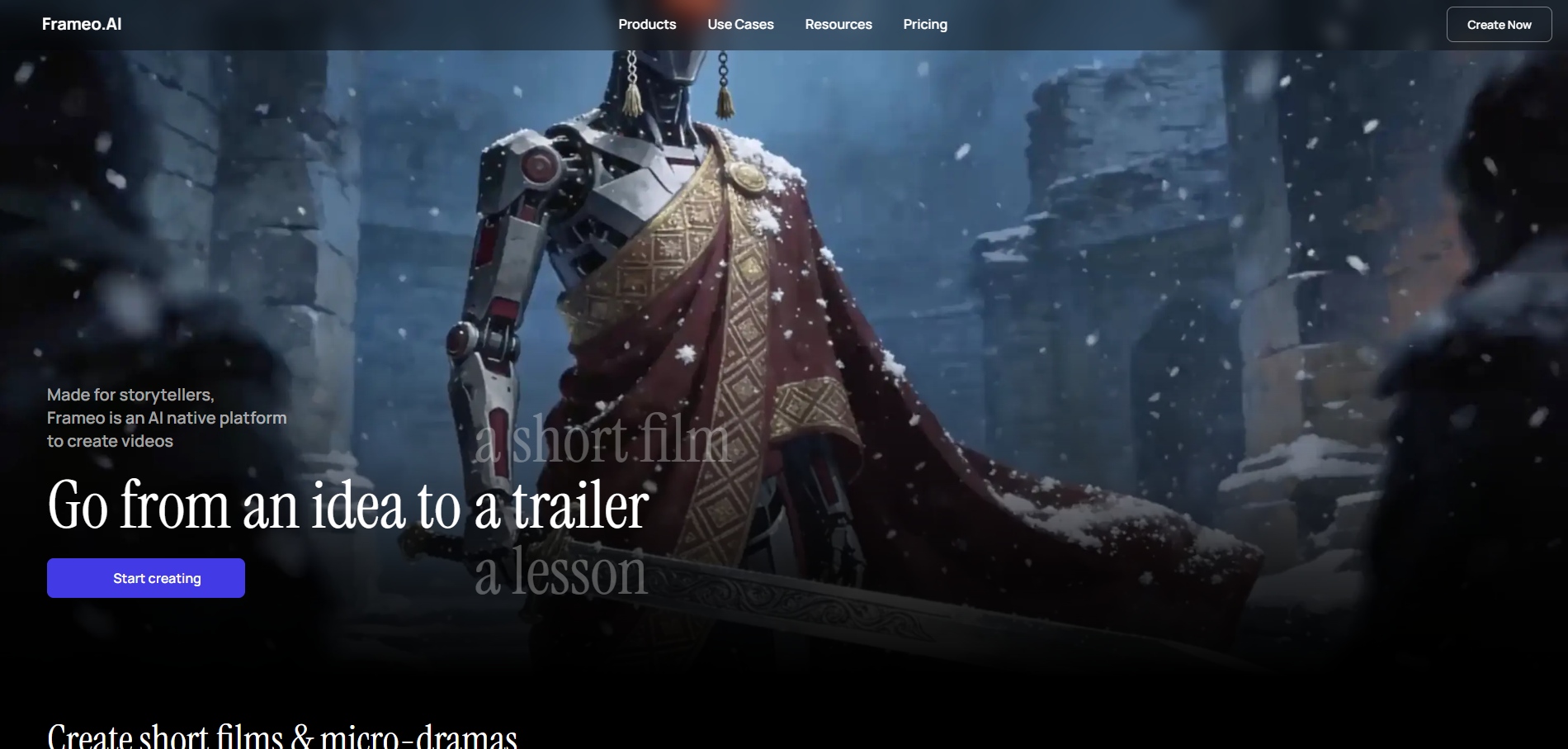
Frameo is designed for creators who need structure and repeatability, not just fast generation. Instead of jumping from a prompt to a random clip, it helps creators plan scenes, pacing, and continuity before rendering. difference matters in 2026, when volume alone isn’t enough and consistency across platforms decides performance.
At its core, Frameo turns written ideas into structured, campaign-ready videos. Creators start with a script or story prompt, define how the video unfolds, and guide characters, scenes, and pacing in advance. The result is a video that feels planned rather than generated.
Why are creators choosing Frameo in 2026?
- Story-first text to video: Frameo generates videos as connected sequences, not isolated shots. This makes it ideal for explainers, ads, reels, and narrative shorts where order and clarity affect retention.
- Character consistency across scenes: Creators can design characters, avatars, or product heroes once and keep them visually consistent across the entire video. Clothing, expressions, and presence don’t randomly change between scenes.
- AI-generated storyboards before rendering: Instead of waiting for a full render to see what worked, Frameo lays out a clear storyboard first. This allows creators to adjust pacing, scene order, and emphasis early, saving regeneration time.
- Audio-to-video workflows: Voiceovers, podcasts, or narration can be uploaded and automatically converted into synced video with captions and scene transitions. This is especially useful for faceless creators and educational content.
- Built for vertical platforms by default: All videos render in 9:16, making them immediately usable for TikTok, Instagram Reels, YouTube Shorts, and paid social placements without re-editing.
Core Video Creation Tools Inside Frameo
- Script to Video Maker: Convert full scripts into scene-based videos without timelines or manual editing.
- Story to Video Maker: Turn story outlines or narrative prompts into ordered visual sequences.
- Video Clip Generator: Create short clips from longer scripts or concepts for ads, reels, and social use.
- Voiceover for Video: Add narration synced to scene timing and visual flow.
- AI Voice Generator (Video-ready): Generate voice tracks designed to match the pacing and tone of video scenes.
Where Frameo fits best
- Short-form storytelling and reels
- Product and brand videos
- Explainers and educational content
- Creators producing high volumes with consistent formats
Trade-offs to know
- Less focused on experimental, one-off visual effects
- Not designed for abstract art or purely cinematic experimentation
Frameo stands out in 2026 because it treats AI video as a production system, not a novelty generator. For creators who care about repeatable output, narrative control, and videos that are actually ready to post, it functions more like a storytelling engine than a simple text-to-video tool.
2.Runway
source
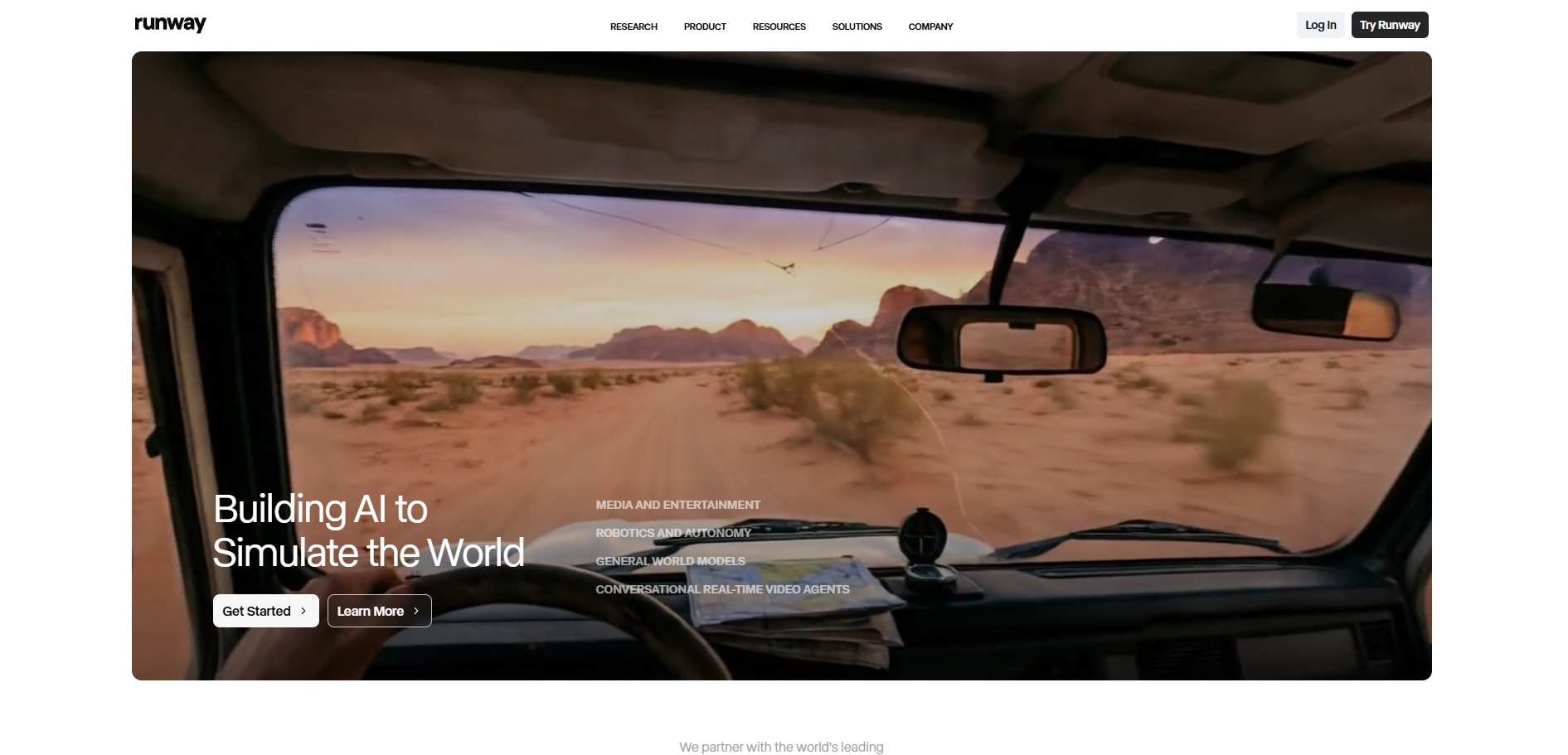
Runway is a powerful AI video platform built for creators who want hands-on visual control and are comfortable shaping results through experimentation. Rather than guiding users through a structured story flow, Runway exposes creative tools that let visuals evolve through iteration, layers, and effects.
It’s widely used by filmmakers, designers, and advanced creators who treat AI video as a creative medium rather than a repeatable production system.
Where Runway performs well
- Advanced text-to-video and image-to-video generation: Runway’s generative models are capable of producing visually striking clips, especially for cinematic concepts, abstract visuals, and experimental storytelling.
- Strong creative and effects toolkit: Beyond generation, Runway offers background removal, motion tracking, inpainting, and video manipulation tools. This makes it useful for creators who want to modify or extend AI outputs manually.
- High visual flexibility: Creators can push style, lighting, motion, and composition in unconventional ways. This freedom is valuable for music videos, concept films, and visual art projects.
Limitations creators often encounter
- Consistency requires effort: Maintaining the same character, environment, or visual tone across multiple generations often takes repeated prompting and post-editing rather than being handled natively.Learning curve for non-technical creators: The flexibility Runway offers also means more decisions. Creators without editing or visual production experience may find the interface and tools overwhelming.
- Less structure for narrative content: Runway does not guide users through story sequencing, pacing, or scene logic. Multi-scene videos require manual planning and assembly.
- Higher iteration cost: Because outputs are exploratory by nature, creators often need multiple generations and edits to reach a usable result.
- Not optimized for high-volume content workflows: Creators producing daily reels, ads, or repeatable formats may find the workflow slower and harder to standardize.
How creators typically use Runway
- Experimental visuals and concept films
- Cinematic brand explorations
- Visual effects and post-production augmentation
Runway excels when visual experimentation is the goal. For creators who want maximum creative freedom and don’t mind shaping results manually, it’s a strong choice. But when consistency, speed, and story structure matter, many creators pair or transition to tools designed around narrative flow and repeatable output rather than pure experimentation.
3.Sora 2
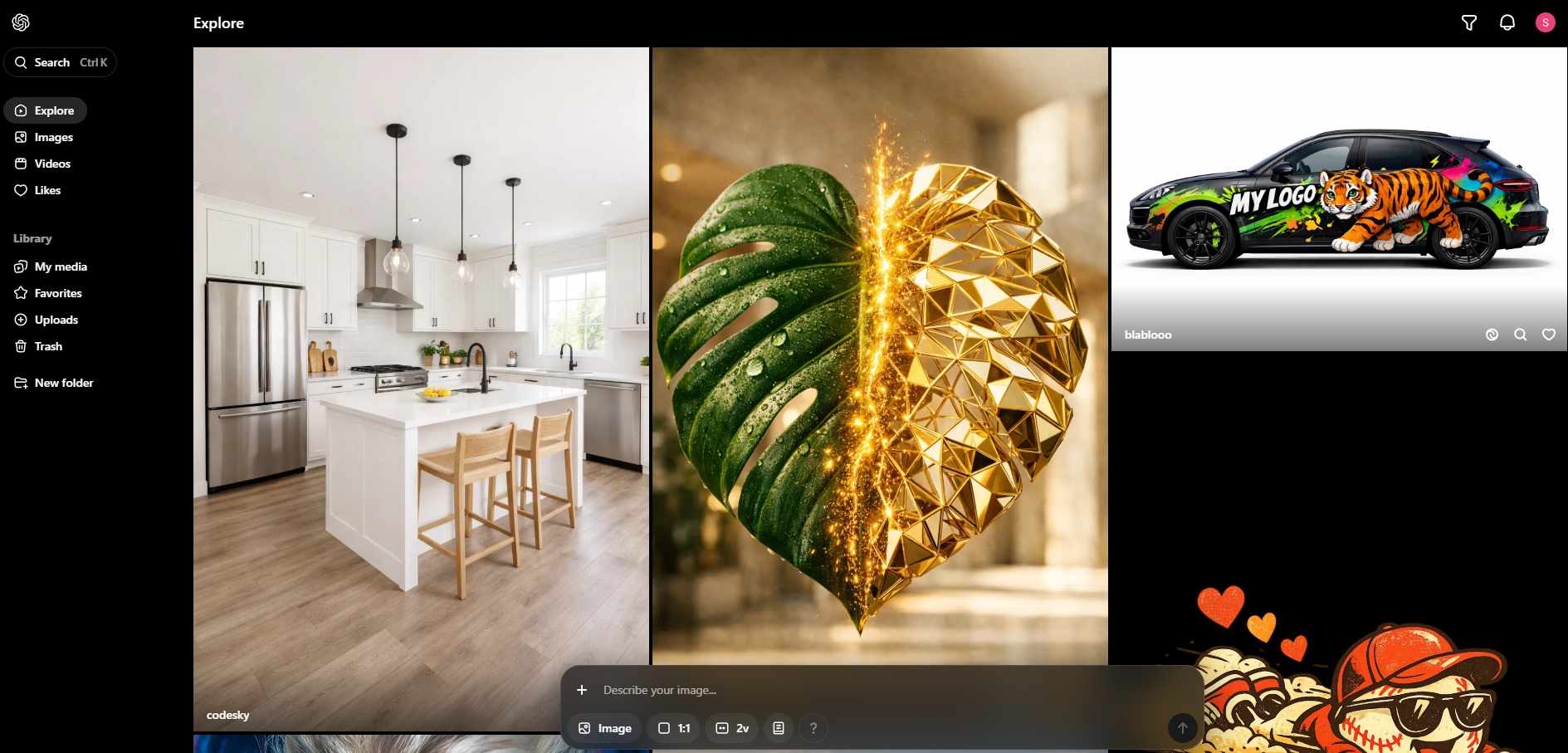
Sora 2 is a text-to-video model built to translate written ideas into cinematic, visually rich video clips. It is designed to extrapolate from prompts, filling in motion, environment, and pacing in a way that feels directed rather than assembled.
Creators often approach Sora 2 as a creative exploration engine rather than a production system. It shines when prompts are conceptual, and outcomes are meant to inspire, test ideas, or visualize scenes that would be difficult to film.
Where Sora performs well
- Strong cinematic interpretation: Sora expands prompts into scenes with depth, camera movement, and atmospheric detail. Even minimal input can result in visually engaging outputs.
- Natural motion and spatial awareness: Body movement, camera flow, and environmental interaction often feel cohesive, especially in narrative or cinematic scenarios.
- High-quality concept visualization: Sora 2 is effective for story ideas, mood exploration, and early-stage visual development where polish matters less than direction.
Common limitations in creator workflows
- Limited control over structure and pacing: Creators cannot reliably dictate scene order, timing, or narrative beats. Outputs are generated as single clips without story logic.
- Inconsistent repeatability across generations: Running the same or similar prompts can produce noticeably different results, making controlled iteration difficult.
- No native editing or sequencing workflow: Sora generates clips, not timelines. Stitching scenes together requires external tools and manual planning.
- Not optimized for branded or format-specific content: Maintaining consistent characters, layouts, or brand elements across multiple videos is unreliable.
- Access and usage constraints: Availability is limited, often gated by rollouts or platform restrictions, which complicates regular production planning.
How creators typically use Sora
- Cinematic concept visuals
- Narrative experimentation and story ideation
- Mood boards and creative exploration
- Early-stage visual references
Sora works best when imagination is the priority and precision is secondary. It helps creators see what an idea could look like, but turning those clips into structured, repeatable videos usually requires another layer in the workflow—especially when consistency, pacing, or scale start to matter.
4.Hygen
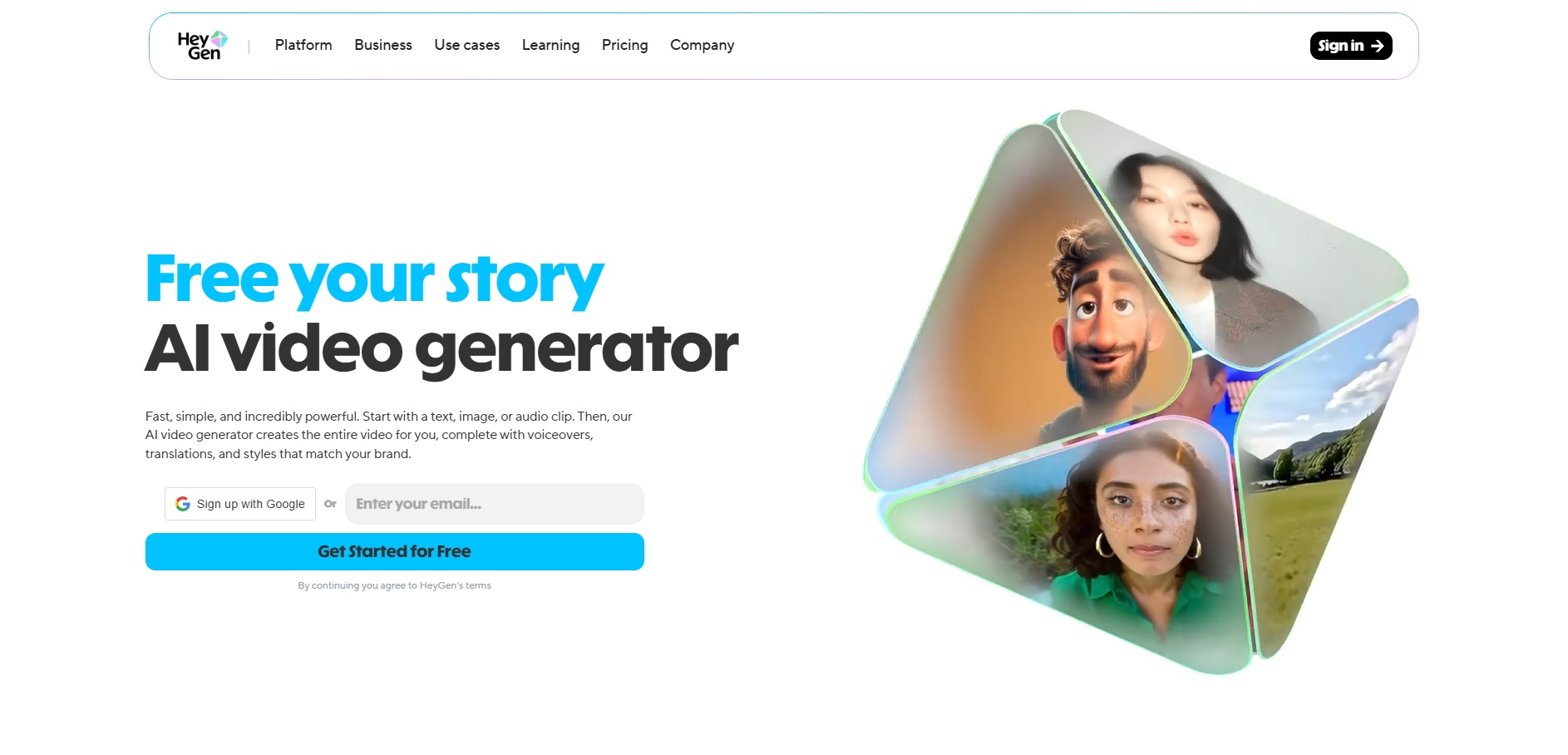
HeyGen is an AI video generator built around avatar-led, talking-head videos. Instead of generating cinematic scenes, it focuses on turning scripts into presenter-style videos using AI avatars that speak directly to the camera.
Creators usually turn to HeyGen when the goal is clarity and speed, not visual storytelling. It’s designed to replace simple talking-head recordings, internal videos, and basic explainers without needing a camera or on-screen talent.
Where HeyGen performs well
- Avatar-based script delivery: HeyGen excels at converting written scripts into clean presenter videos with synchronized lip-sync and consistent framing.
- Fast turnaround for informational content: Videos can be generated quickly with minimal setup, making them useful for teams producing updates, walkthroughs, or announcements.
- Strong multilingual support: HeyGen supports multiple languages and accents, which helps creators localize content without reshooting videos.
Limitations creators often encounter
- Presentation-heavy visual style: Most outputs follow the same talking-head format, which limits creative variation and visual engagement.
- Weak storytelling and scene control: There is little ability to design narrative flow, scene changes, or visual progression beyond the presenter.
- Not optimized for short-form social performance: Avatar videos often feel static in feeds like Reels or Shorts, where motion and pacing matter more.
- Limited flexibility for branded visuals: Custom layouts, dynamic compositions, and product-centric storytelling are difficult to execute.
How creators typically use HeyGen
- Explainer and tutorial videos
- Internal communications and training
- Product walkthroughs
- Multilingual informational content
HeyGen works best when the objective is clear communication, not creative storytelling. It removes friction from speaking-to-camera workflows, but creators aiming for narrative depth, visual sequencing, or campaign-ready videos usually need a more story-driven system layered on top.
5.Synthesia
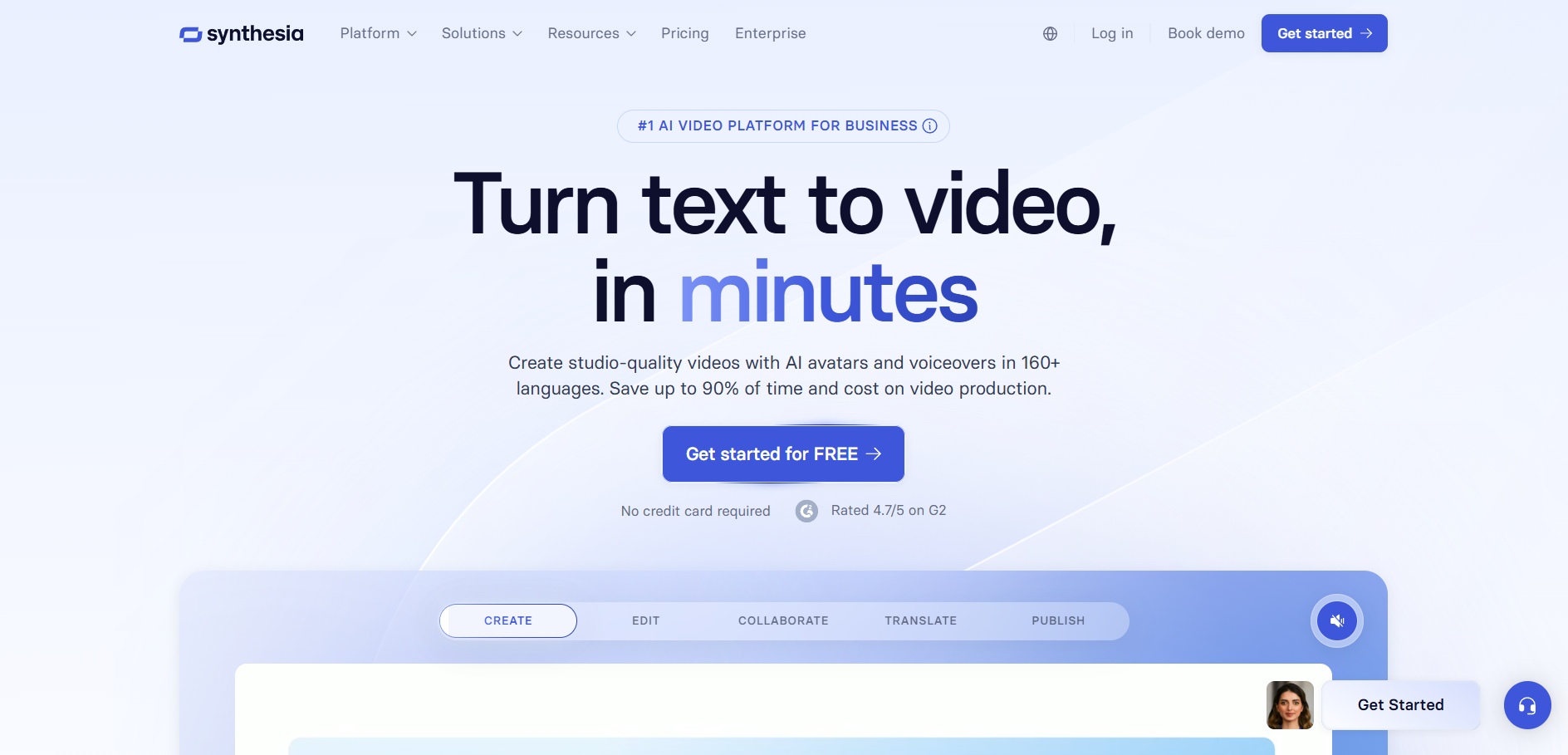
Synthesia is an AI video generator built for script-driven presenter videos, with a strong focus on corporate communication, training, and scalable informational content. Like HeyGen, it centers on AI avatars, but positions itself more firmly toward enterprise and instructional use cases.
Creators and teams usually choose Synthesia when they need repeatable, professional-looking videos at scale, especially for audiences where clarity and consistency matter more than creative flair.
Where Synthesia performs well
- Studio-style AI presenters: Synthesia offers a large library of realistic AI avatars that deliver scripts cleanly, making videos feel polished and professional.
- Enterprise-grade consistency: Videos maintain uniform framing, tone, and delivery, which is valuable for training, onboarding, and documentation.
- Strong localization capabilities: Synthesia supports many languages and accents, allowing creators to scale the same message globally without reshooting.
Common limitations in creator workflows
- Rigid visual format: Most videos follow a presenter + background structure, which limits creative flexibility and visual storytelling.
- Low engagement for social-first content: The formal, studio-like look often underperforms on platforms like TikTok, Reels, and Shorts.
- Minimal narrative or scene control: Creators cannot easily design multi-scene flows, pacing shifts, or story arcs.
- Not built for experimental or branded storytelling: Custom visuals, dynamic product moments, or expressive motion are difficult to achieve.
How creators typically use Synthesia
- Corporate training and onboarding
- Educational and instructional videos
- Internal communications
- Compliance and documentation content
Synthesia is effective when the goal is clear, scalable communication, especially in structured or professional environments. For creators focused on storytelling, audience retention, or campaign-driven videos, it’s usually a supporting tool rather than a primary creative engine.
6.Veed.io
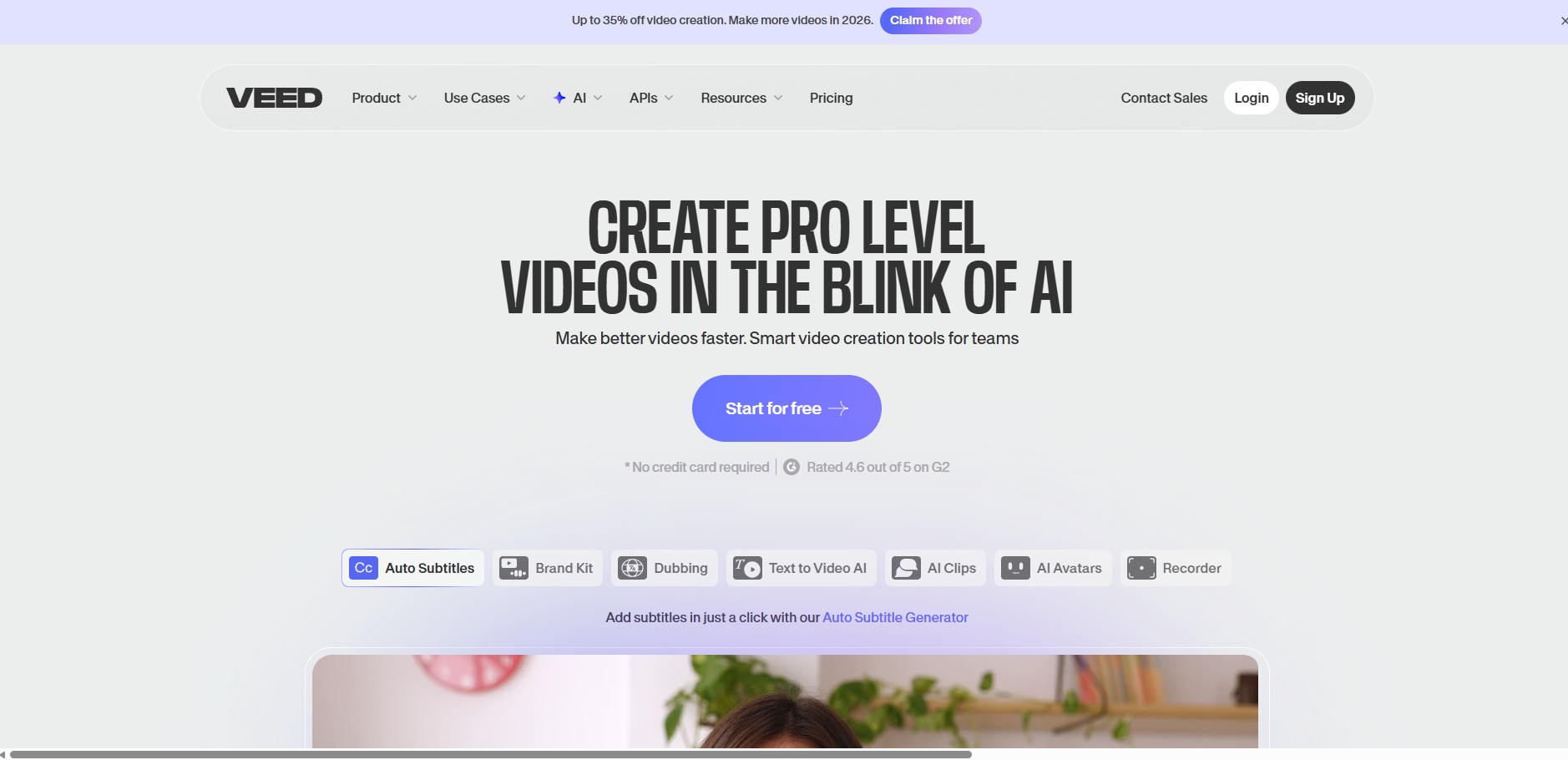
Veed.io is a browser-based video editor with AI-assisted features, not a pure text-to-video generator. Content creators typically use it after footage exists to clean, format, and adapt videos for social platforms quickly.
It’s popular with solo creators and small teams who need speed and accessibility more than deep automation or narrative control.
Where Veed.io performs well
- Fast social video editing: Veed.io makes it easy to trim clips, resize formats, and prepare videos for platforms like Instagram, TikTok, and YouTube.
- Strong subtitle and caption tools: Auto-generated captions, styling options, and quick edits make it useful for accessibility and engagement.
- Low learning curve: Creators can jump in without prior editing experience and still produce clean outputs.
Limitations creators often encounter
- Not a true AI video generator: Veed.io does not create videos from scripts or prompts; it enhances existing footage.
- Manual effort still required: Story structure, pacing, and sequencing must be handled by the creator.
- Limited scalability for content-heavy workflows: Editing dozens of variations still takes time, even with AI assistance.
- Weak narrative automation: There is no concept of story flow, character continuity, or scene logic.
How creators typically use Veed.io
- Captioning and formatting short-form videos
- Polishing user-generated or recorded footage
- Repurposing videos across platforms
- Quick turnaround edits for social posts
Veed.io works best as a finishing and optimization tool, not a creative engine. Many creators pair it with AI generation platforms upstream, using Veed to refine outputs rather than originate them.
7.Pictory
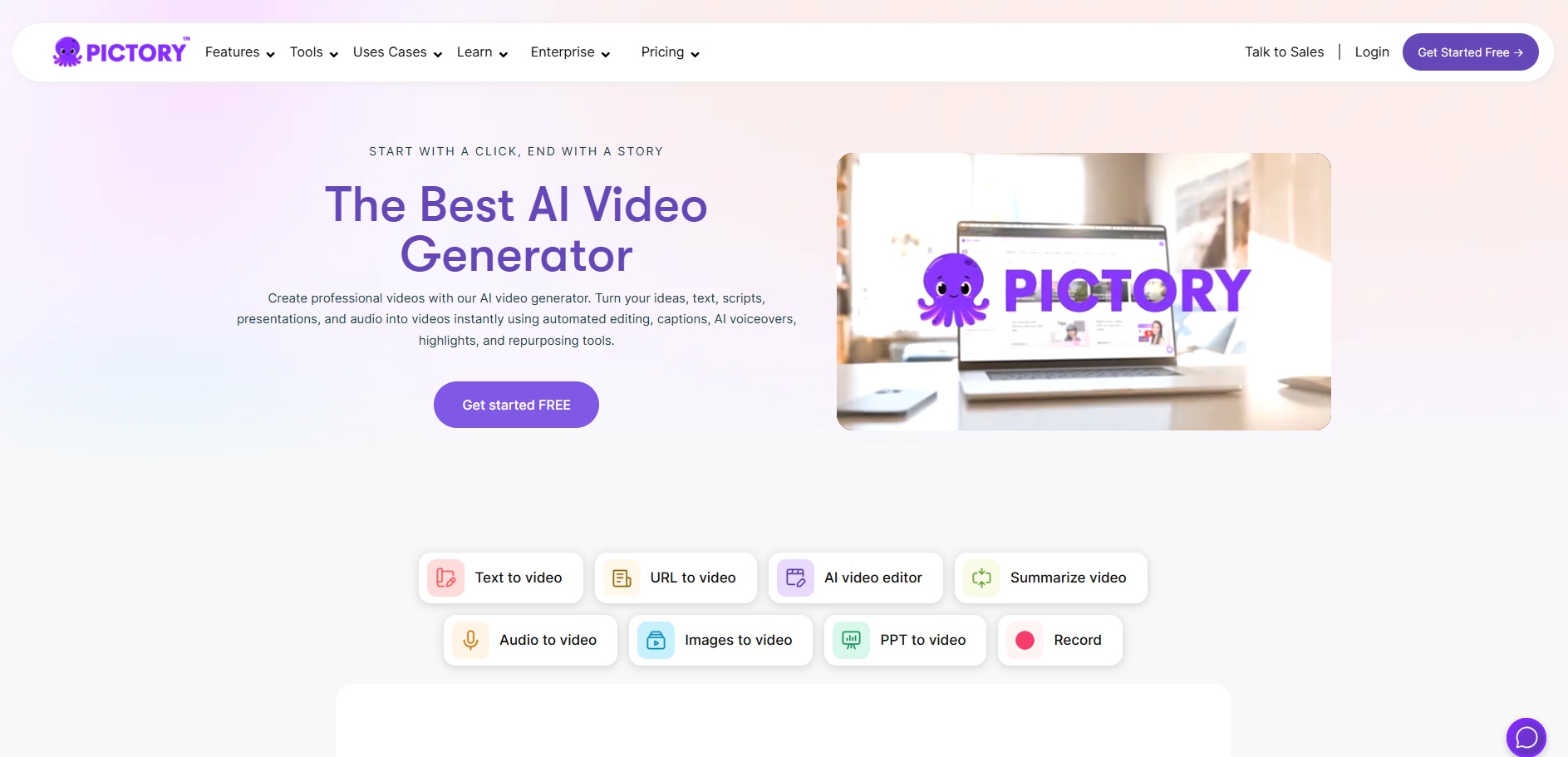
Pictory is an AI-assisted video generator focused on turning long-form text into short, shareable videos. It’s commonly used by content creators who want to repurpose blogs, scripts, or articles into a video without filming or advanced editing.
Rather than starting from a story structure, Pictory works by extracting highlights from text and pairing them with stock visuals, captions, and background music.
Where Pictory performs well
- Text-to-video repurposing: Creators can convert blog posts, scripts, or URLs into videos quickly, making it useful for content recycling.
- Built-in stock media library: Visuals are automatically selected from stock footage, reducing the need to source assets manually.
- Automated captions and summaries: Pictory handles subtitles and text overlays well for informational or explainer-style videos.
- Low barrier to entry: The platform is easy to use for creators without video editing experience.
Common limitations in creator workflows
- Generic visual output: Stock footage often feels loosely connected to the message, especially for nuanced topics.
- Limited narrative control: Creators cannot shape scenes, pacing, or story flow beyond basic edits.
- Weak character or brand consistency: There’s no system for recurring characters, visual identity, or structured storytelling.
- Best suited for summaries, not original stories: Pictory excels at condensing content, but struggles with story-driven or creative videos.
How creators typically use Pictory
- Turning blog posts into short social videos
- Creating summary clips for newsletters or websites
- Repurposing written content for distribution channels
- Producing informational videos at scale
Pictory is effective when the goal is speedy content repurposing, not original visual storytelling. Creators focused on story-first videos, campaign narratives, or structured sequences often need a more intentional creative system earlier in the workflow.
8.Lumen5

Lumen5 is an AI-powered video creation tool built primarily for turning written content into branded social videos. It’s widely used by content teams that prioritize consistency, speed, and volume over deep creative control.
The platform centers around templates, brand kits, and automated text-to-visual mapping, making it easy to convert blogs, articles, or announcements into short videos without starting from scratch.
Where Lumen5 performs well
- Content-to-video automation: Lumen5 efficiently converts blog posts, articles, and landing page copy into video formats suitable for social feeds.
- Strong brand consistency tools: Brand kits allow creators to lock fonts, colors, and logos, which is valuable for teams managing multiple channels.
- Template-driven workflows: Pre-built layouts make it easy to maintain visual consistency across recurring content formats.
- Accessible for non-video teams: Minimal editing skills are required, making it popular with marketing and social media teams.
Limitations creators often encounter
- Template-bound creativity: Visual output is constrained by layouts, limiting originality and storytelling depth.
- Shallow narrative control: Creators can’t meaningfully shape pacing, scene logic, or emotional flow.
- Stock-heavy visuals: Videos often rely on generic stock footage, which can feel repetitive across posts.
- Not designed for story-first or ad-driven video: Lumen5 works for distribution, not persuasion or cinematic storytelling.
How creators typically use Lumen5
- Repurposing blog content into social videos
- Creating announcement and update videos
- Maintaining branded video output at scale
- Supporting content-heavy publishing strategies
Lumen5 is best viewed as a distribution and consistency tool, not a creative engine. For creators who want videos to follow a story, evolve across scenes, or adapt for performance-driven formats, more structure is needed earlier in the process than Lumen5 is designed to offer.
For a wider industry-level comparison beyond creator tools, Best AI Video Generation Models of 2026 breaks down how models like Sora 2, Veo 3, and others differ at the model architecture and capability level.
Pricing and Capability Comparison Across Leading AI Video Tools
Pricing matters less than usable output. For creators, the real cost is how much publishable video a tool produces reliably, how predictable usage limits are, and whether regeneration is required to fix structure or consistency.
The comparison below focuses on cost structure, generation limits, creative control, and suitability for serious content creation, using only the pricing details you shared, no assumptions, no extrapolation.
Tool | Entry Price | How Pricing Works | Approx. Video Output at Entry Tier | Creative Control & Structure | Best Fit for Creators |
|---|---|---|---|---|---|
$10 / month | Credit-based, predictable monthly allocation | Scales from short-form clips to long-form outputs depending on plan | High – scene flow, pacing, characters, narrative-first | Creators producing story-led, repeatable, campaign-ready videos | |
Runway | $0 (Free) / $12 per user | Credits per model, per user | ~25s at Standard | Medium – powerful tools, manual workflows | Visual experimentation, creative teams |
OpenAI (Sora 2) | Token-based | Pay per input/output token | Variable, hard to estimate | Low–Medium – model-driven output | Research, experimentation, prototyping |
HeyGen | $0 / $29 | Subscription-based, avatar limits | Up to 3 mins (Free) | Low – avatar-led, presentation style | Talking-head explainers, localization |
Synthesia | Free / ₹1,999 | Credit-based annual plans | ~10 mins/month (Free) | Low – studio presenter format | Corporate, training, internal comms |
Veed.io | $12 per user | Per-user subscription | Editing-focused, not generative | Low – editing-first | Captioning, social video cleanup |
Pictory | $45.86 / month | Minutes-based (API focused) | 120 video minutes | Low – stock-driven automation | Content repurposing at scale |
Lumen5 | $27.55 / month | Media credits + templates | Credit-dependent | Low – template-bound | Branded content distribution |
Frameo’s pricing scales with storytelling output, not just raw generation. The jump from seconds to minutes is predictable, not model-dependent. Most alternatives charge for access to models or avatars, not for structured, usable video output.
If you want to see how these tools perform outside creator workflows, Gen AI in Advertising: Top Benefits and Use Cases shows how AI video models are being evaluated for real campaign outcomes, not just creative output.
How to Choose the Right AI Video Generator in 2026?
Choosing the best AI video generator in 2026 comes down to what you need the video to do after it’s generated. Most tools can create clips. Far fewer support repeatable output, narrative control, and scaling without rework.
Use this lens when deciding:
- If your priority is storytelling and consistency, choose a tool that lets you plan scenes, pacing, and structure before generation. This avoids regeneration loops and keeps videos usable across campaigns.
- If your priority is experimentation or visual effects, tools optimized for model access and creative freedom work well, but expect more manual refinement and less predictability.
- If your priority is presenter-led or corporate video, Avatar-based platforms are efficient, but limited in visual variety and narrative depth.
- If your priority is speed over originality, Template- and stock-driven tools help with volume, but struggle with differentiation and brand storytelling.
For creators publishing regularly, the best choice is the one that reduces decisions, not adds them, and turns ideas into finished videos without rebuilding every time. Tools like Frameo stand out by treating video as a structured output, not a one-off generation.
Conclusion
AI video generators in 2026 are no longer about novelty or speed alone. The real difference lies in how well a tool supports repeatable creation, narrative clarity, and real publishing workflows. While many platforms can generate impressive clips, only a few help creators move from idea to usable video without constant rework or creative drift.
For content creators producing consistently across platforms, the best AI video generator is the one that reduces friction, preserves intent, and scales output without sacrificing control. As expectations around video quality, pacing, and storytelling rise, structure becomes the advantage that separates usable tools from impressive demos.
If you’re done stitching together disconnected clips and want videos that actually hold together as stories, it’s worth exploring how Frameo approaches AI video differently.
FAQs
1.What’s the biggest mistake creators make when choosing an AI video tool?
Choosing based on visual demos instead of workflow fit. Many creators realize too late that a tool generates good-looking clips but doesn’t support iteration, consistency, or publishing at scale.
2.Do AI video generators work for ads that need clear messaging?
They can, but only if the tool allows control over pacing, structure, and visual emphasis. Generators that jump straight from text to visuals often miss hierarchy, which is critical for ad performance.
3.Can AI video generators handle long-form or multi-scene videos reliably?
Most tools struggle with multi-scene continuity beyond short clips. Generators built around storyboards or scene sequencing perform better than single-prompt systems when videos exceed a few seconds.
4.Why do AI-generated videos look different every time with the same prompt?
Most AI video generators introduce randomness by design, especially when prompts lack fixed constraints. Without locked characters, camera rules, or scene order, the model reinterprets details on each generation.
5.Is there an AI video generator that doesn’t require editing afterward?
Yes, but only tools that generate videos from structured scripts or scene-based workflows reliably avoid post-editing. Prompt-only generators often require cleanup for pacing, continuity, or platform fit.



