Best AI Video Generators for 2025 Comparison
Compare the best AI video generator tools for 2025. Discover high-res options like Sora 2 and Veo 3. Click now for the full comparison!
AI video generators have moved from novelty tools to everyday creation platforms. What started as simple animations or slideshow videos has evolved into text-to-video systems capable of generating cinematic clips, social media shorts, marketing videos, and even short films.
At the same time, the market has become crowded. Nearly every tool claims to be the best AI video generator, yet most are built for very different use cases. Some focus on short-form social content, others on marketing templates, avatars, or experimental visuals. Choosing the wrong tool often leads to wasted time, poor output quality, or unnecessary costs.
This guide compares the best AI video generators available today, based on how creators actually use them. Instead of hype or feature lists, we focus on real workflows: short-form videos, text-to-video creation, social media content, and practical limitations like pricing, quality, and control.
TL;DR / Key Takeaways
- There is no universal “best” AI video generator. The right tool depends on format, publishing frequency, and how much creative control you need.
- Short-form creators need workflow fit, not cinematic demos. Vertical output, pacing, and repeatability matter more than raw visual realism.
- Text-to-video and template tools solve different problems. Mixing them up leads to generic outputs or unnecessary complexity.
- Free plans are for testing, not publishing. Watermarks, credit caps, and duration limits make them impractical for consistent creation.
- Tools designed for social-first storytelling outperform general platforms over time. Structure, scene control, and speed drive engagement more than novelty.
How We Evaluated the Best AI Video Generators
There is no single definition of “best” when it comes to AI video creation. A tool that works well for marketing promos may perform poorly for short-form storytelling, and a cinematic generator may be impractical for daily social posting.
To keep this comparison grounded, we evaluated each AI video generator using the same practical criteria:
- Video quality and realism
How natural the motion looks, how consistent scenes feel, and whether outputs hold up beyond first glance. - Creation method
Whether the tool supports text-to-video, image-to-video, templates, or avatar-based workflows. - Creative control
The ability to guide scenes, pacing, characters, voice, and visuals rather than relying on random outputs. - Social-media readiness
Support for vertical (9:16) video, short durations, captions, and fast turnaround. - Ease of use and speed
How quickly a creator can go from idea to publishable video without technical overhead. - Pricing and usage limits
Credit systems, watermarks, free tiers, and whether outputs are usable for real projects.
These criteria reflect how creators, freelancers, and marketers actually judge AI video tools in practice.
Types of AI Video Generators (Why “Best” Depends on Use Case)
Before comparing tools, it’s important to understand that AI video generators fall into distinct categories. Most frustration comes from expecting a tool to do something it was never designed for.
Broadly, today’s AI video generators fit into the following types:
- Text-to-video generators
These tools turn written prompts or scripts into animated or cinematic video clips. They are often used for storytelling, shorts, and concept videos. - Image-to-video and animation tools
These focus on adding motion to photos, characters, or illustrations. They work well for visual effects and stylized clips but may lack narrative structure. - Template-based AI video makers
These tools generate videos using pre-designed layouts, stock assets, and automated transitions. They are popular for marketing and promotional content. - Avatar and talking-head generators
These specialize in presenter-style videos using AI avatars and voice synthesis, often for explainers, training, or localization.
Understanding these categories makes it easier to judge whether a tool is the best AI video generator for your specific goal, rather than expecting one platform to handle every use case equally well.
Also read:
The Best AI Video Generators (Compared)
Below are some of the most widely used AI video generators today. Each tool is evaluated using the same criteria so you can compare them fairly and understand where each one fits best.
1. Frameo
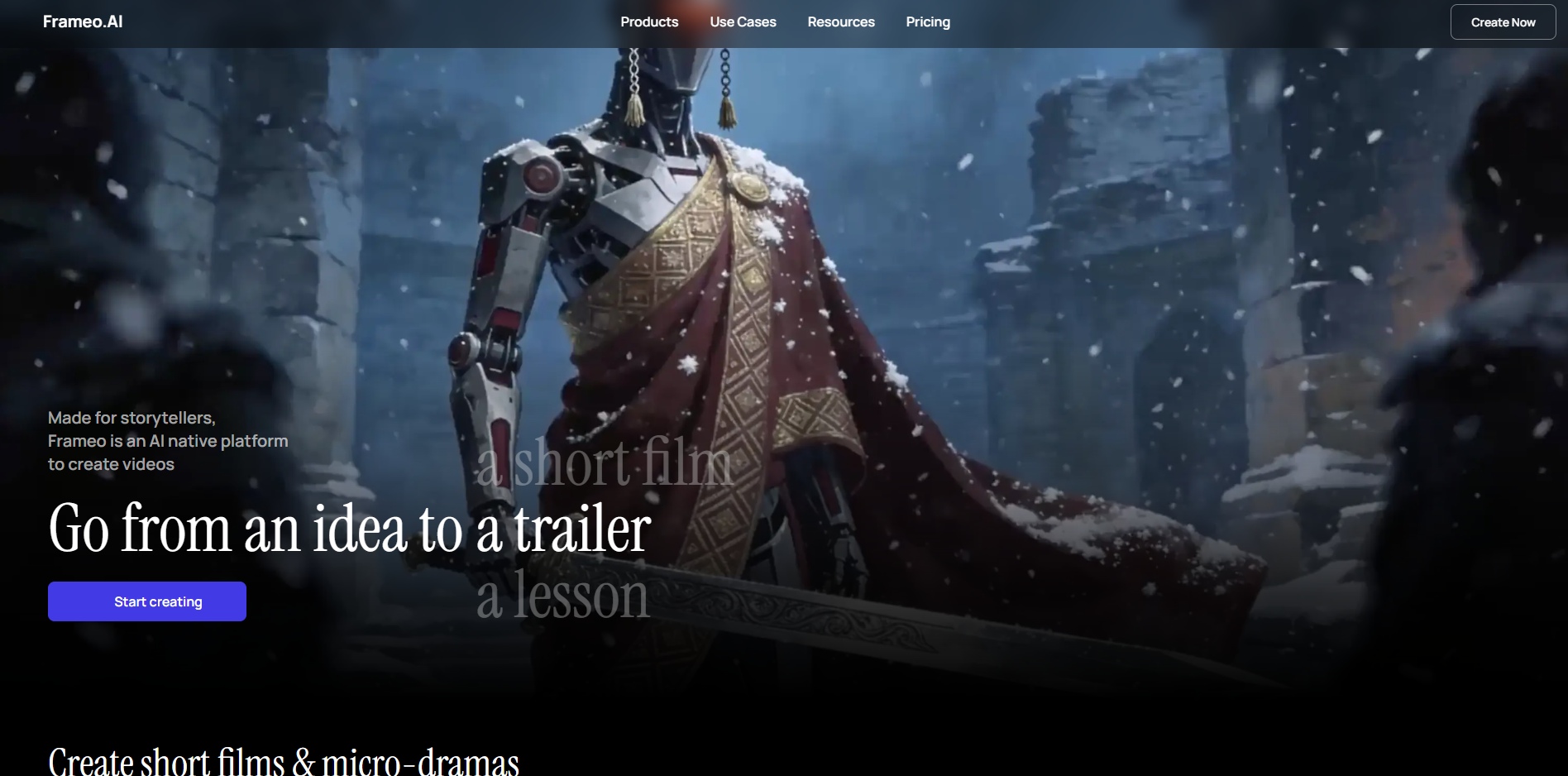
Frameo is an AI-powered video creation platform built specifically for short-form, vertical, story-driven content. Instead of treating video creation as editing timelines or assembling templates, Frameo starts from story intent, turning prompts or scripts into cinematic, scene-based videos that are ready for social platforms.
What makes Frameo stand out is its focus on how modern creators actually work. Most creators today are not producing long-form films or polished commercials. They are publishing Reels, Shorts, TikToks, micro-dramas, memes, and faceless videos, often daily. Frameo is designed around that reality.
It prioritizes pacing, narrative flow, and vertical-first output, which removes the friction that creators usually face when adapting generic AI videos for social media.
Key features
- Text-to-video generation designed for short, cinematic clips
- Scene-based and storyboard-style video creation
- Native vertical (9:16) output for Reels, Shorts, and TikTok
- Faceless and avatar-driven video workflows
- Built-in AI voiceovers and dubbing for narration and dialogue
Pros
- Purpose-built for short-form and social media content
- Strong story coherence and scene consistency
- No-code workflow that doesn’t require editing skills
- Ideal for faceless creators and anonymous content pages
- Fast turnaround for trend-based or daily content creation
Cons
- Not intended for long-form or traditional timeline editing
- Limited use for enterprise training or long explainer formats
Best for
- Creators producing Reels, Shorts, and TikToks
- Story-based or cinematic short videos
- Faceless content, AI storytelling, and micro-dramas
Pricing
- Subscription-based with monthly credit limits
- Full details available on the official pricing page
Also read:
- 5 Best AI Video Creator for Instagram Reels: 2026 Guide
- How This Solo Marketer Made 30 Days of Content in One Afternoon with Frameo
2. Runway
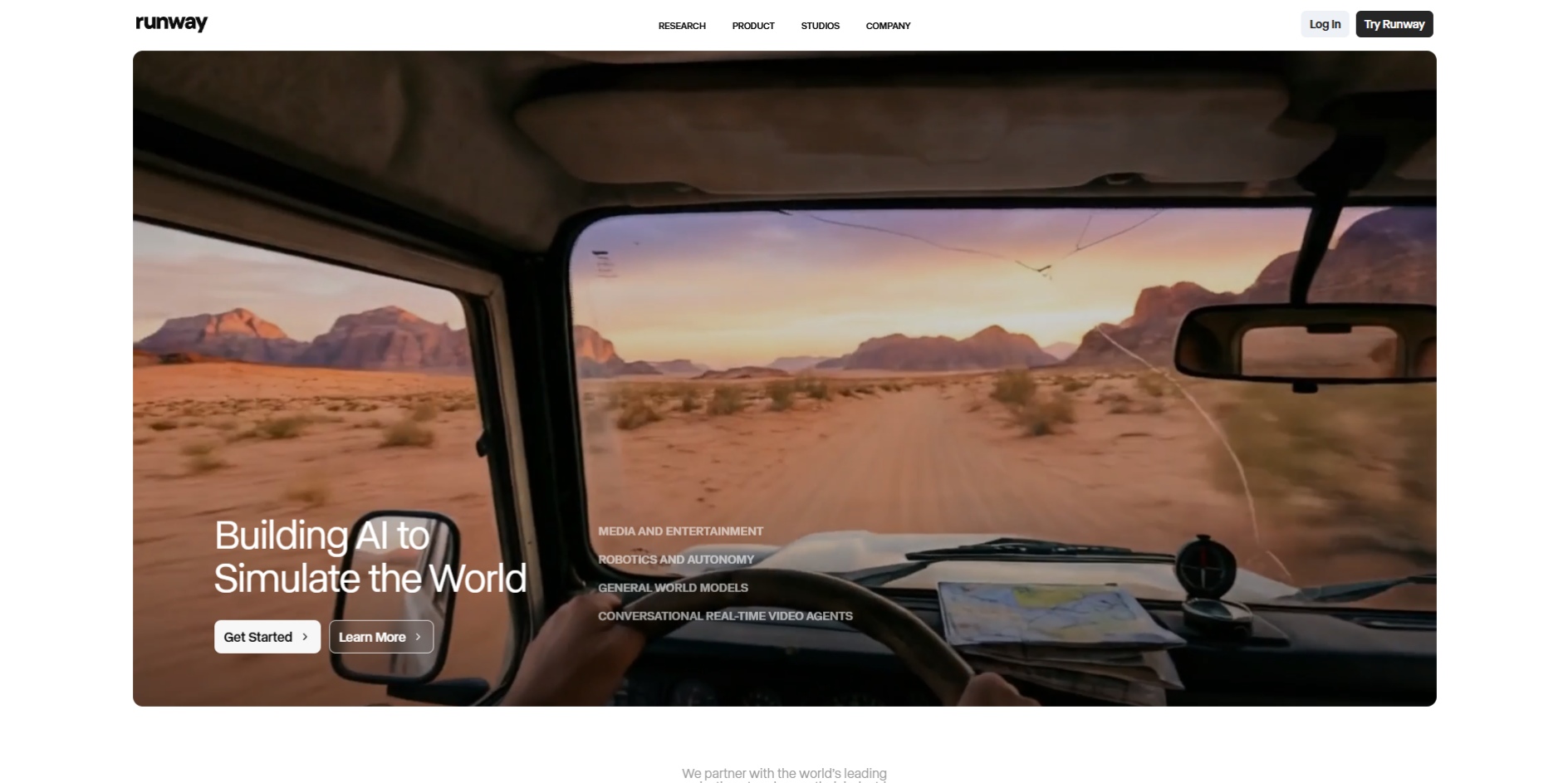
Runway is a creative AI video platform aimed at designers, filmmakers, and experimental creators who want more control over visuals and effects. It offers text-to-video, image-to-video, and a range of AI-assisted creative tools that allow users to explore motion, composition, and visual styles.
Runway is powerful, but it is not optimized for speed or social-first workflows. It works best when creators are experimenting with visuals rather than producing large volumes of short-form content.
Key features
- Text-to-video and image-to-video generation
- Advanced motion and visual effects tools
- Creative controls for style and composition
Pros
- High level of creative flexibility
- Strong visual experimentation capabilities
- Popular among designers and filmmakers
Cons
- Steeper learning curve
- Slower workflow for daily or trend-based content
- Not optimized for vertical-first social publishing
Best for
- Designers and filmmakers
- Experimental or concept-driven videos
Pricing
- Free tier with usage limits
- Paid plans scale by usage and features
3. Google Veo (via Gemini)
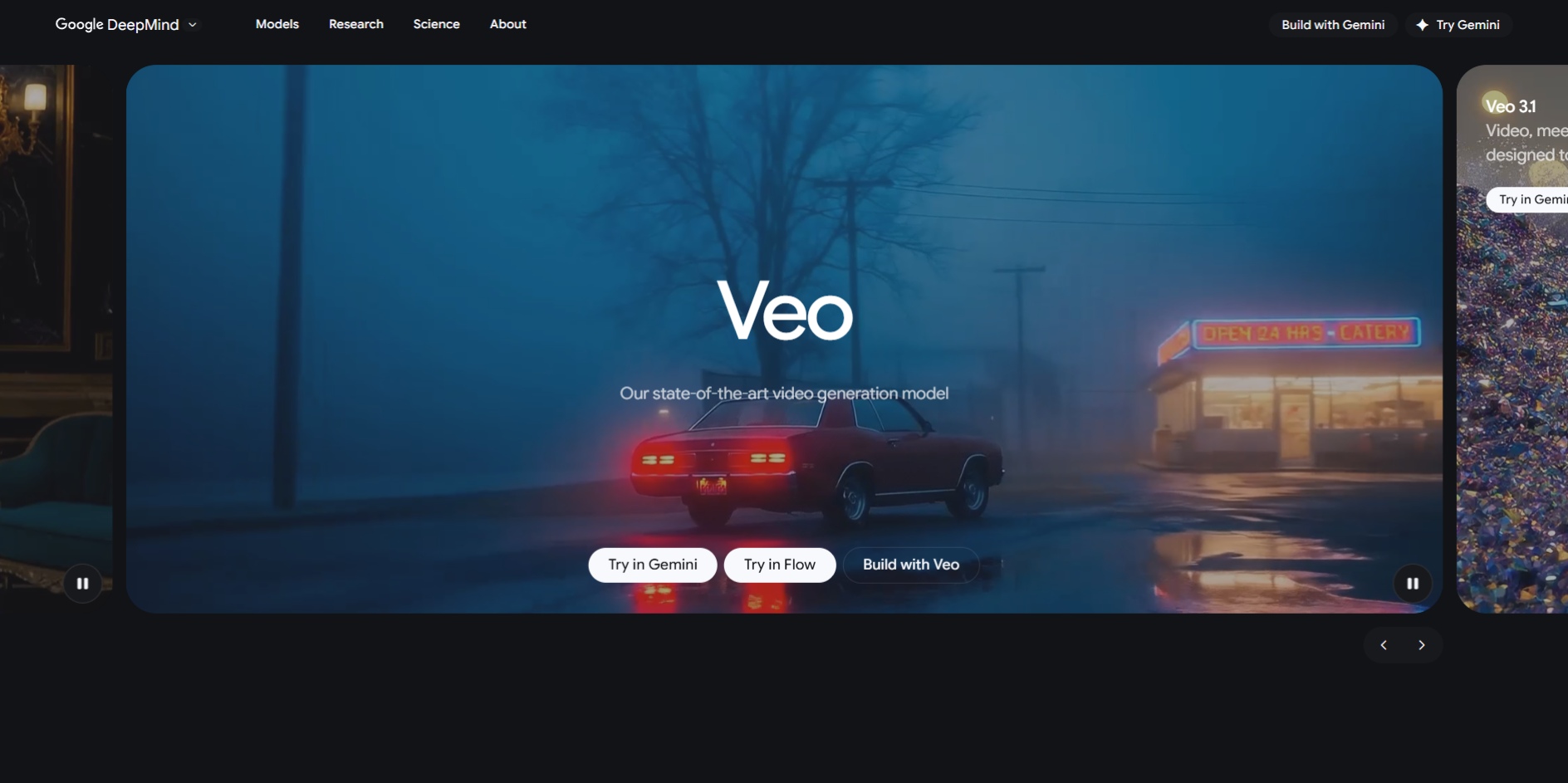
Google Veo is Google’s generative video model, accessible through Gemini, designed to produce short, high-quality video clips from text prompts. Veo focuses heavily on visual realism, motion accuracy, and cinematic polish, making it one of the strongest models in terms of raw output quality.
That said, Veo functions more like a model showcase and concept generator than a creator-first video platform. While the visuals can be impressive, creators often need additional tools or workflows to turn Veo-generated clips into publish-ready social content.
Key features
- Text-to-video generation with strong visual realism
- Native audio generation in supported outputs
- Supports both vertical and horizontal video formats
Pros
- High-quality visuals and smooth motion
- Strong prompt interpretation
- Backed by Google’s AI infrastructure
Cons
- Limited clip duration
- Less control over storytelling structure
- Not optimized for rapid, repeatable social content creation
Best for
- Concept videos and visual experimentation
- High-fidelity short clips for inspiration or prototyping
Pricing
- Available via Gemini plans or API access
- Pricing varies based on usage and access level
4. OpenAI Sora
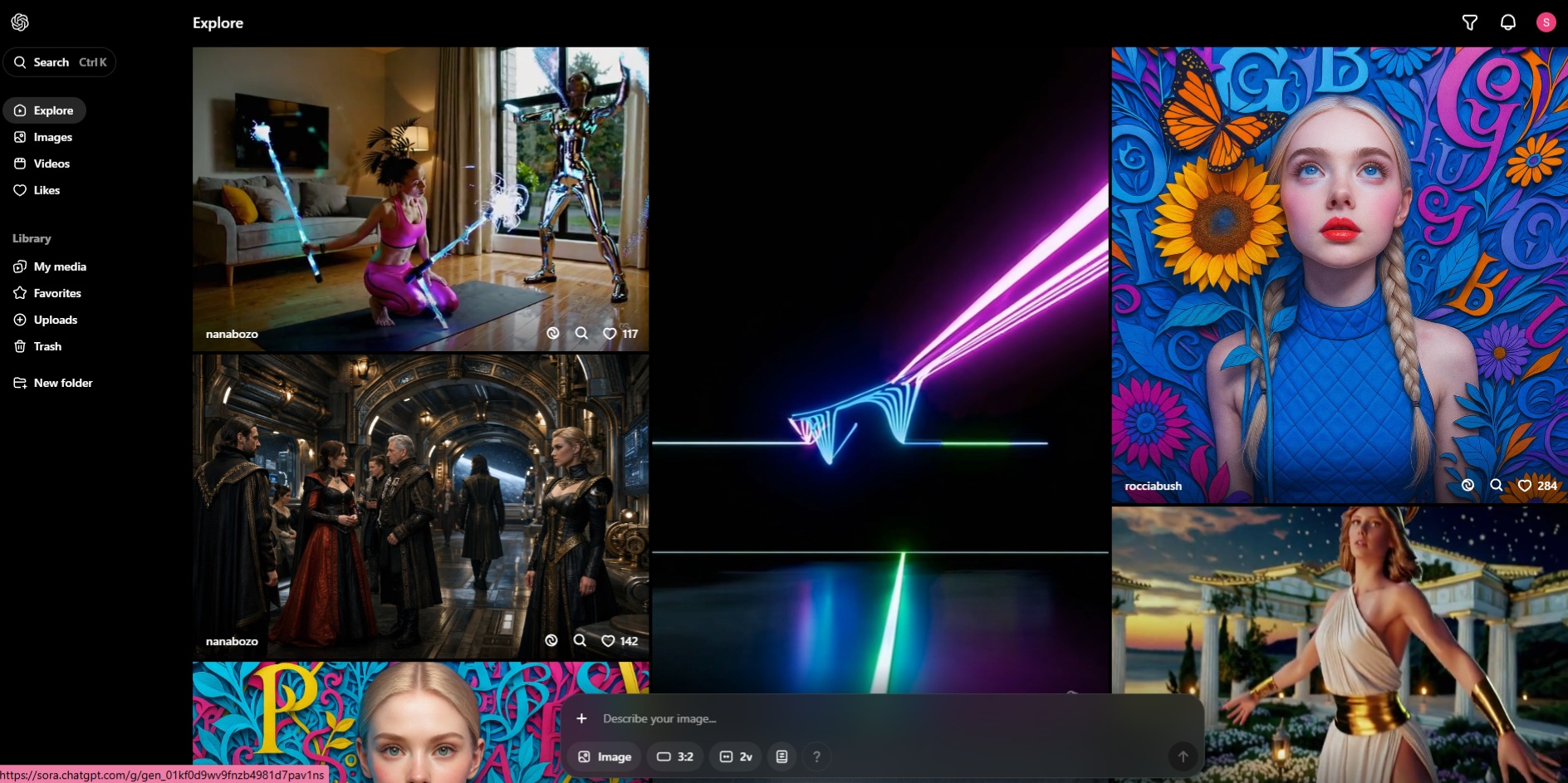
OpenAI Sora is a text-to-video model designed to generate realistic and imaginative video clips directly from written prompts. It gained attention for its ability to understand physical motion, camera movement, and scene transitions with a high level of coherence.
However, Sora is currently better suited for conceptual generation and ideation than for production-scale content creation. It lacks the workflow structure and publishing features that creators need for frequent or social-first output.
Key features
- Prompt-based video generation
- Strong understanding of motion, depth, and scene continuity
Pros
- High conceptual and visual quality
- Impressive handling of complex prompts
Cons
- Limited availability and access
- Not designed for daily publishing workflows
- Minimal built-in controls for pacing or social formats
Best for
- Concept development and creative exploration
- Testing visual ideas before production
Pricing
- Included with select ChatGPT plans
- Availability and limits depend on region and plan
Also read:
5. InVideo
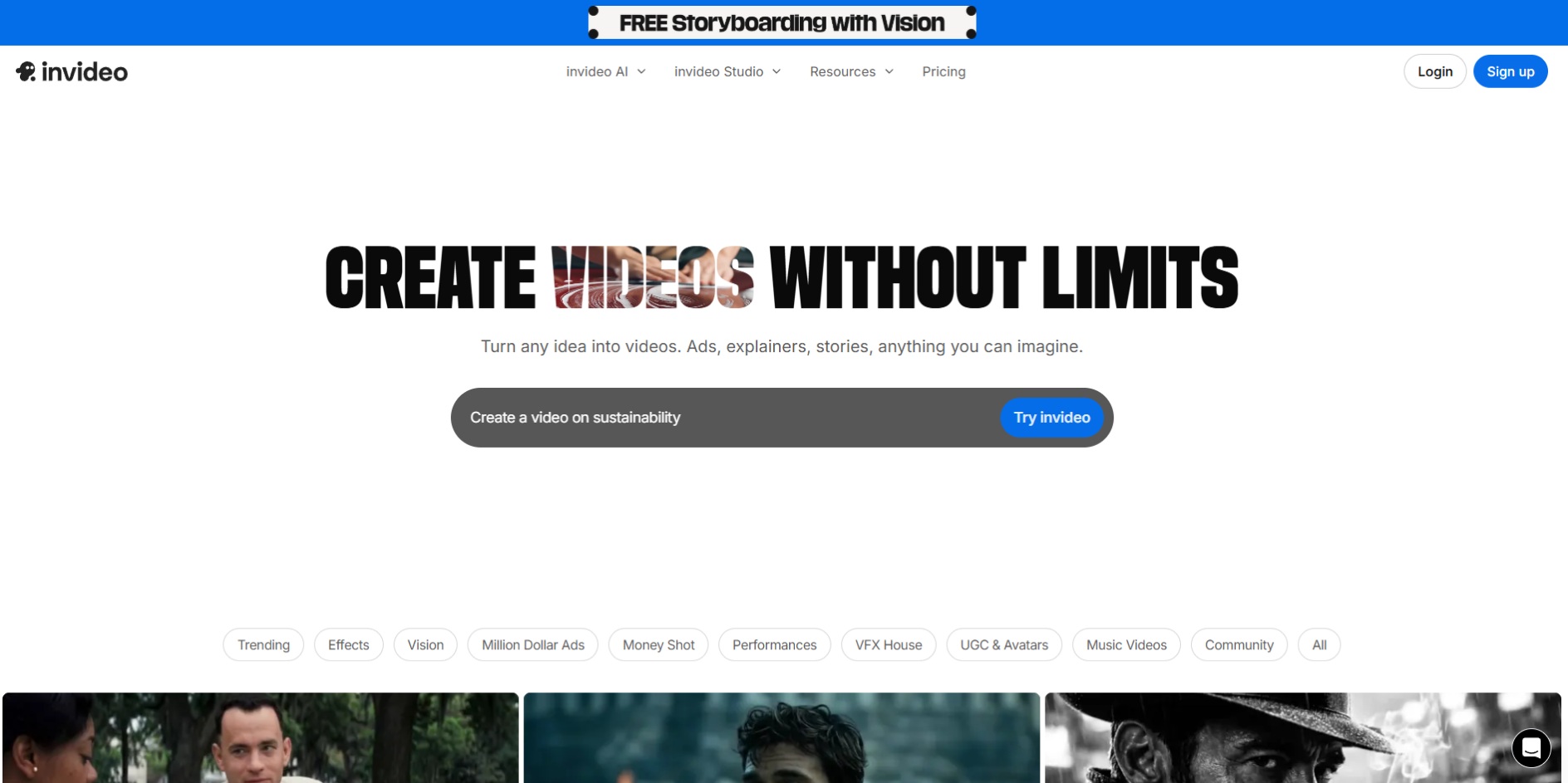
InVideo is a template-driven AI video creation platform aimed primarily at marketers and small businesses. Instead of generating videos from scratch, it relies on pre-built layouts, stock footage, and automated transitions to turn scripts into polished promo videos.
This approach makes InVideo accessible, but it also limits flexibility. Videos tend to look similar, and the platform is less suitable for creators who want cinematic storytelling or unique visual styles.
Key features
- Script-to-video creation using templates
- Stock footage, music, captions, and transitions
- AI-generated voiceovers
Pros
- Easy to use for non-creators
- Fast output for marketing and promo content
- Large template library
Cons
- Outputs can feel generic
- Limited control over storytelling and visuals
- Not designed for cinematic or story-driven videos
Best for
- SMBs and marketers creating ads or promo videos
- Simple explainer or announcement-style content
Pricing
- Free plan includes watermark
- Paid plans unlock exports and higher usage limits
Also read:
6. HeyGen
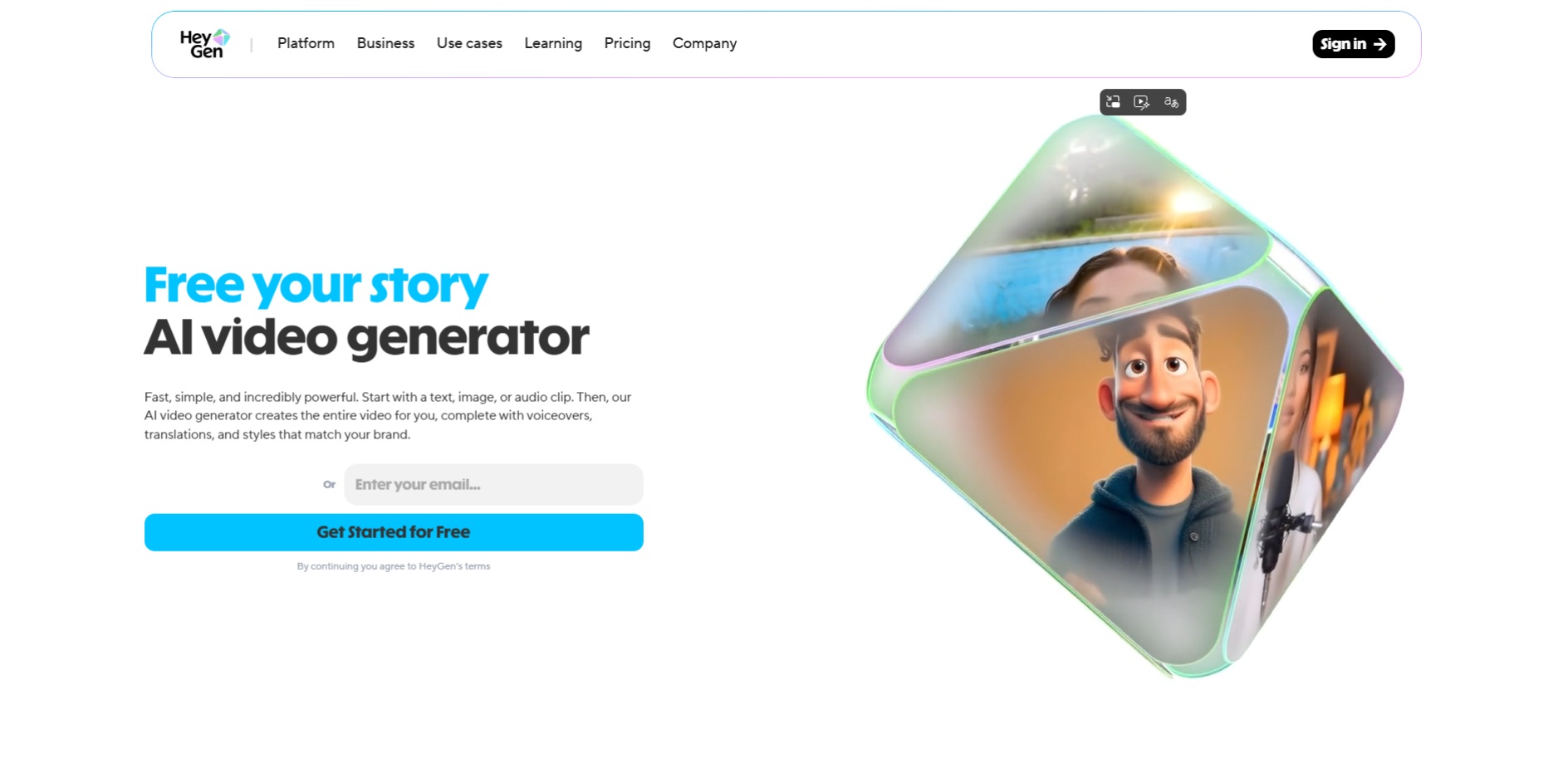
HeyGen is an AI video creation platform centered around avatar-led and talking-head videos. It allows users to generate videos using virtual presenters, paired with AI voiceovers and translation features. The platform is commonly used for explainers, onboarding videos, and localized content.
While HeyGen performs well in structured, presenter-style formats, it is not designed for cinematic or story-driven video creation. Videos tend to follow a predictable visual style, which may not suit creators aiming for dynamic or narrative-based content.
Key features
- AI avatars and talking-head video creation
- Voice cloning and multilingual translation
- Script-based video generation
Pros
- Strong for explainer and instructional videos
- Useful for multilingual and localization workflows
- No need for on-camera recording
Cons
- Limited creative and visual flexibility
- Not suited for cinematic or narrative storytelling
- Avatar style may not align with creator-led brands
Best for
- Business explainers and onboarding videos
- Corporate or educational content
- Localization and translated video workflows
Pricing
- Subscription-based with usage and export limits
Also read:
7. Canva
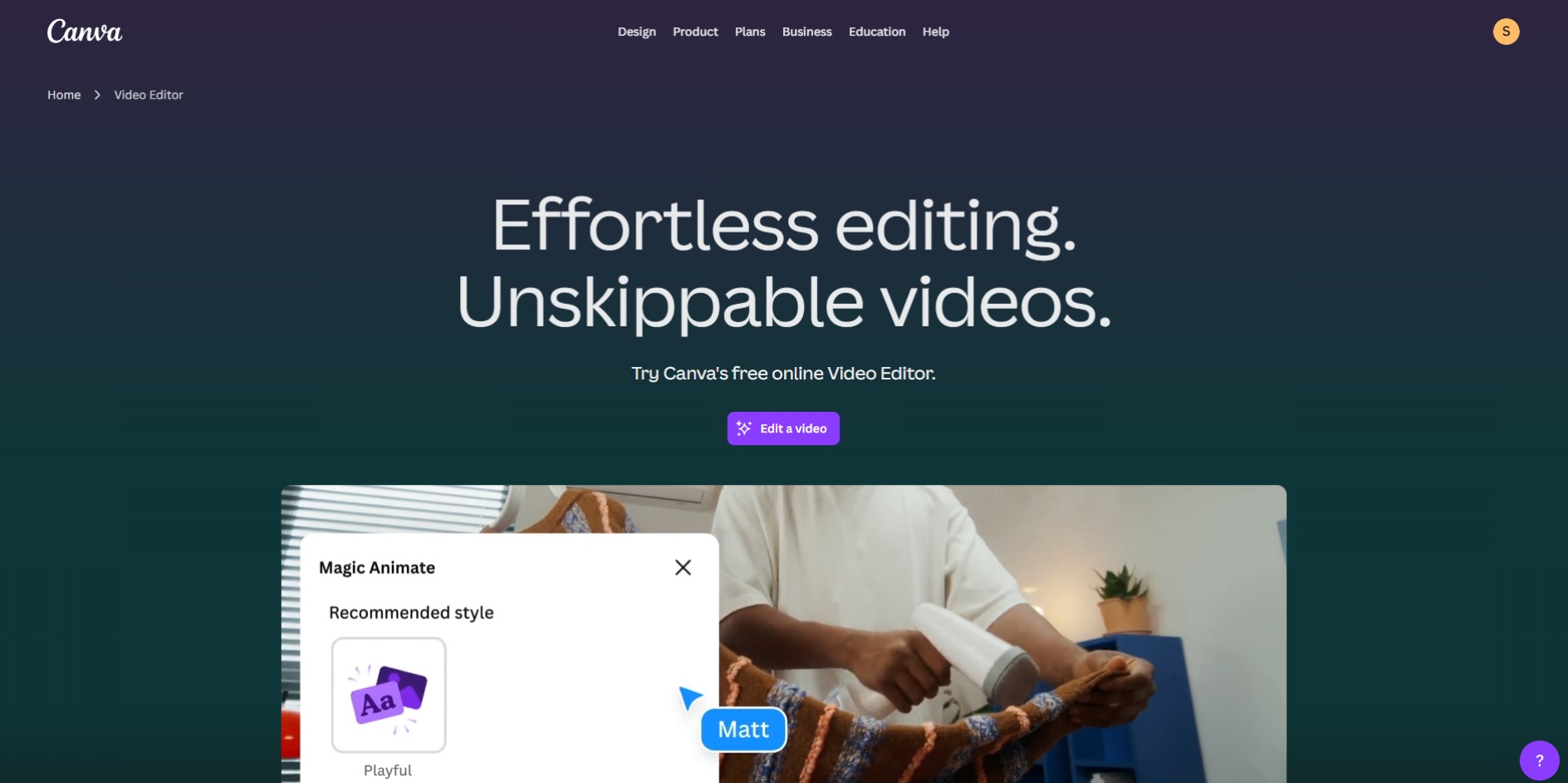
Canva offers AI-assisted video creation as part of its broader design platform. Its video tools focus on templates, drag-and-drop editing, and quick assembly, rather than full generative storytelling. Canva’s AI features help automate layouts, animations, and basic transitions.
This makes Canva approachable, but also limits originality. Videos created in Canva are easy to produce but often lack the cinematic depth or narrative flow required for short-form storytelling.
Key features
- Template-based AI video creation
- Drag-and-drop editor with stock assets
- Basic text-to-video and animation support
Pros
- Extremely easy to use
- Suitable for quick, simple videos
- Good for teams already using Canva
Cons
- Limited creative control
- Outputs often look templated
- Not built for story-driven or cinematic videos
Best for
- Simple social posts and presentations
- Marketing visuals with minimal customization
Pricing
- Free tier available
- Paid plans unlock advanced features and exports
Best AI Video Generators for Social Media (Reels, Shorts, TikTok)
Short-form platforms have very different requirements compared to traditional video platforms. Videos must hook viewers immediately, fit vertical screens, and communicate meaning quickly.
Not all AI video generators handle these constraints well.
Below is how the most popular tools perform specifically for social media content:
- Frameo
Best suited for Reels, Shorts, and TikTok due to vertical-first output, strong pacing, and story-driven workflows. Ideal for creators publishing frequently or experimenting with formats. - Google Veo
Produces high-quality short clips, but requires additional steps to adapt content for social platforms. - Canva / InVideo
Easy to use for simple posts and promos, but limited in storytelling depth and originality.
For creators focused on engagement rather than polish alone, tools that prioritize pacing, narrative clarity, and vertical formatting perform significantly better over time.
Also read:
Best Free AI Video Generators (And What “Free” Actually Means)
Many AI video generators advertise free plans, but these plans often come with strict limitations. Understanding what “free” includes helps avoid wasted time and frustration.
In most cases, free AI video generators include:
- Watermarked exports
- Limited video duration or resolution
- Monthly or weekly credit caps
- Restricted access to advanced features
Free plans are useful for testing workflows, but they are rarely practical for consistent content creation or professional publishing. Creators producing videos regularly often outgrow free tiers quickly.
Also read: Top Free InVideo Alternatives Without Watermark
Why Frameo Stands Out Among AI Video Generators for Short-Form Creators
Most AI video generators are built either as general-purpose creative tools or as marketing utilities. They can generate videos, but they are not designed around how short-form content is actually consumed or produced.
Frameo stands out because it is built from the ground up for short, vertical, narrative-driven videos. Instead of forcing creators to adapt wide videos, templates, or experimental clips into social formats, Frameo starts with the assumption that content will be watched on a phone, in a feed, and within seconds.
The key difference is workflow design.
Where many tools focus on generating impressive visuals, Frameo focuses on generating publishable videos. That means pacing, scene order, voice, and format are treated as first-class elements, not afterthoughts.
In practice, Frameo excels because it:
- Encourages scene-based thinking instead of one-shot clips
- Maintains visual and narrative consistency across short videos
- Outputs native 9:16 vertical videos without cropping or manual adjustment
- Supports faceless creation, which is essential for many modern creators
- Allows creators to iterate quickly without rebuilding videos from scratch
This makes Frameo particularly effective for creators producing content daily or experimenting with multiple formats, such as micro-dramas, story-based reels, meme videos, or narrated shorts.
Also read:
How to Choose the Right AI Video Generator for Your Needs
Choosing the best AI video generator depends less on which tool is the most advanced and more on what kind of videos you actually want to create. Many creators end up frustrated because they pick tools that don’t match their workflow.
A simple way to decide is to start with your primary goal:
- If you create short-form content for social media
Look for tools that support vertical video, strong pacing, and fast iteration. Story structure and scene consistency matter more than cinematic effects. - If you focus on marketing or promotional videos
Template-driven tools with stock assets and captions may be sufficient, especially for ads or announcements. - If you experiment with visuals or concepts
Creative-first platforms are better suited for testing ideas, even if they require more setup. - If you publish frequently
Speed, repeatability, and format consistency will matter more than one-off visual quality.
Understanding these priorities helps narrow down options quickly and avoids paying for features you won’t use.
Common Mistakes Creators Make When Choosing AI Video Tools
AI video generators are easy to try, but harder to evaluate properly. Many creators make similar mistakes early on.
Some of the most common ones include:
- Choosing tools based on hype instead of workflow fit
- Ignoring output format and struggling with horizontal-to-vertical conversions
- Overpaying for advanced features that aren’t used
- Relying entirely on “free” plans for ongoing creation
- Assuming higher realism always leads to better engagement
The most effective creators treat AI video tools as production systems, not novelty generators. Consistency and speed often outperform one-off visual polish.
Conclusion
The best AI video generator is not the one with the most impressive demos, but the one that fits how you create and publish content. Some tools excel at visual experimentation, others at marketing templates, and a few are designed specifically for short-form storytelling.
For creators producing Reels, Shorts, TikToks, and story-driven vertical videos, workflow and format matter more than novelty. Tools that prioritize pacing, narrative flow, and social-ready output consistently deliver better results over time.
If your goal is to create high-quality, short-form videos quickly, without editing complexity; Frameo offers a creator-first approach built around how modern content is actually made.
Start creating with Frameo today and turn simple ideas into publish-ready vertical videos with speed, structure, and creative control.
Frequently Asked Questions (FAQs)
1. What Is the Best AI Video Generator Right Now?
The best AI video generator depends on your use case. Some tools are designed for short-form social content, while others focus on marketing templates, avatars, or experimental visuals.
2. Which AI Video Generator Is Best for Social Media?
AI video generators that support vertical (9:16) formats, fast turnaround, and strong pacing work best for Reels, Shorts, and TikTok.
3. Are Free AI Video Generators Actually Usable?
Free AI video generators are useful for testing, but most include limits such as watermarks, short duration, or restricted credits that make them unsuitable for regular publishing.
4. What’s the Difference Between Text-to-Video and Template-Based AI Video Tools?
Text-to-video tools generate scenes from written prompts, while template-based tools assemble videos using predefined layouts, stock footage, and automated transitions.
5. How Do I Choose the Right AI Video Generator?
Start by defining your goal, short-form content, marketing promos, experimentation, or frequent publishing, then choose a tool built around that workflow rather than one with the most features.



