Best AI Tools for Scalable Social Media Video Production
Discover the best AI-driven tool for scalable social media video production to create high-quality videos faster, boost reach, and grow your brand effortlessly.
You know the feeling. A video hits 100K views, and you think you’ve cracked it. Two days later, the same format barely reaches 3K. The hook that worked last week suddenly feels stale. The trend you planned to use is already dead.
That’s social media right now. It rewards speed, iteration, and volume, not perfection. If you’re serious about growth, you’re not making one video. You’re making dozens. Testing hooks. Swapping captions. Cutting long-form into shorts. Re-editing the same idea three different ways for three different platforms.
And that’s where things break.
Not creativity. Production.
Scaling from “I post when I can” to “I run a content engine” exposes everything: slow editing workflows, inconsistent branding, format mismatches, and team bottlenecks. This is why creators and growth teams are actively seeking AI tools to efficiently scale social media video production. They don’t want a gimmick. They want leverage.
As content volume expectations grow, creators are increasingly looking for AI-powered tools that help scale social media video production without increasing workload.
This guide breaks down the best AI tools for scalable social media video production and how they help creators maintain consistent output across TikTok, Reels, and Shorts.
Quick Look
- Social media algorithms now reward content velocity, retention, and repeatable format consistency over one-time virality.
- Scaling from 5 to 50+ videos monthly exposes workflow gaps in scripting, editing, branding, and platform formatting.
- Most AI tools generate clips, but few support structured batch production with narrative control and iteration speed.
- Scalable production requires script-to-video workflows, vertical optimization, variation testing, and brand consistency.
- Frameo enables repeatable, story-driven social video output without juggling multiple tools or restarting workflows weekly.
What Is an AI Video Tool for Social Media Production?
An AI video tool for social media production is a platform that helps creators turn ideas into short-form videos using automation and machine learning. Instead of manually handling every step, scripting, editing, captioning, and formatting, these tools streamline the process so videos can be created and published much faster.
For creators trying to maintain a steady posting rhythm across TikTok, Instagram Reels, and YouTube Shorts, AI-powered platforms make it easier to produce videos at scale without expanding production teams or spending hours in editing software.
Most modern AI video platforms designed for social content typically support workflows such as:
- Script-to-video creation
Convert written ideas, prompts, or scripts into short videos ready for social platforms. - Automated captions and voiceovers
Generate subtitles and narration automatically, speeding up the editing process. - Vertical video formatting
Prepare videos specifically for mobile-first feeds like Reels, Shorts, and TikTok. - Content variation testing
Create multiple versions of a video to experiment with hooks, pacing, and storytelling angles. - High-volume video workflows
Help creators publish consistently by simplifying how social videos are produced and exported.
Because social platforms reward consistency and rapid experimentation, creators increasingly rely on AI-driven video creation tools to keep up with demand. The right platform doesn’t just generate clips; it helps streamline the entire process of producing engaging social media videos regularly.
How Social Media Algorithms Work?
Social platforms no longer prioritize isolated viral moments; they reward consistent output, retention signals, and rapid iteration.
Here’s what has actually changed in how algorithms rank and distribute social video content:
- Retention Over Reach: Platforms prioritize watch time, replays, and completion rate more than follower count or past virality.
- Hook Speed Matters: The first 1–3 seconds now determine distribution expansion, especially on TikTok, Reels, and Shorts.
- Content Clustering: Accounts that publish around repeatable themes and formats see stronger algorithmic reinforcement.
- Iteration Signals: Posting multiple variations of the same concept increases testing velocity and algorithm learning.
- Native Formatting Bias: Vertical, captioned, platform-native edits outperform repurposed horizontal content.
- Frequency Thresholds: Accounts publishing consistently (not sporadically) receive more stable distribution patterns.
- Engagement Quality: Saves, shares, and meaningful comments now weigh more than passive likes.
If you’re building for scale, understanding these shifts isn’t optional; it directly shapes how often and how efficiently you need to produce video.
Related Read: Best AI Video Generation Models of 2026
How AI Videos Are Dominating Social Feeds?

AI-generated and AI-assisted videos are no longer experimental; they are actively shaping what performs across TikTok, Reels, and Shorts.
Here’s where that shift is becoming obvious:
1.Short-Form Storytelling at High Volume
- Creators are producing daily episodic content without traditional filming schedules.
- AI tools allow rapid hook testing across multiple variations of the same concept.
- Niche storytelling accounts are scaling faster because production time is compressed.
2.Faceless and Voice-Led Channels
- AI voiceovers power explainer pages, history accounts, finance clips, and product breakdowns.
- Anonymous creators are building large audiences without appearing on camera.
- Script-to-video workflows remove the need for recording setups and studio gear.
3.Trend Replication and Speed
- AI accelerates turnaround on trending formats before they expire.
- Creators can adapt viral structures into new angles within hours, not days.
- Automated captioning and formatting reduce editing lag during peak trend windows.
4.Hyper-Localized Content
- AI dubbing enables creators to publish the same video in multiple languages quickly.
- Region-specific versions improve engagement and expand global reach.
- Smaller brands are entering international markets without hiring localization teams.
5.Data-Driven Creative Testing
- AI-generated variations allow testing of hooks, pacing, and visual styles at scale.
- High-performing elements are identified faster through rapid iteration cycles.
- Growth teams rely on AI-assisted batch production to sustain testing velocity.
AI videos are not replacing creators; they are reshaping how quickly creators can produce, test, and distribute content across platforms.
Related Read: Google Veo 3.1 Enhances AI Video Feature for Social Media
What Most AI Video Lists Get Wrong?
Most “best AI video tools” articles focus on features, not what actually matters when you’re trying to scale social media production.
Here’s where those lists usually miss the point:
- Feature Hype Over Workflow Reality: They compare transitions, templates, and effects instead of asking whether the tool supports consistent weekly output.
- No Scalability Lens: Most lists don’t evaluate whether you can produce 30–100 videos a month without manual bottlenecks.
- Template ≠ Strategy: Having 500 templates doesn’t solve content fatigue or help you test structured hook variations.
- Ignoring Platform Differences: Tools are praised generically without discussing how they perform across TikTok, Reels, Shorts, and paid ads.
- No Mention of Iteration Speed: Social growth depends on testing multiple hooks and angles quickly, yet few reviews measure revision agility.
- Overlooking Branding Consistency: Scaling content often breaks visual identity, but most lists don’t assess style control across batches.
- Missing Repurposing Capability: Long-form to short-form transformation is essential for scale, yet many tools are reviewed only for text-to-video output.
If you're serious about finding the best AI tools for scaling social media video production, you need more than a feature checklist; you need a system lens.
Top 10 Best AI Tools for Scalable Social Media Video Production
These tools stand out not just for generating videos, but for helping creators and teams sustain high-volume, platform-ready output without breaking their workflow.
Let’s break down which platforms actually support scalable social media production and where each one fits.
1.Frameo
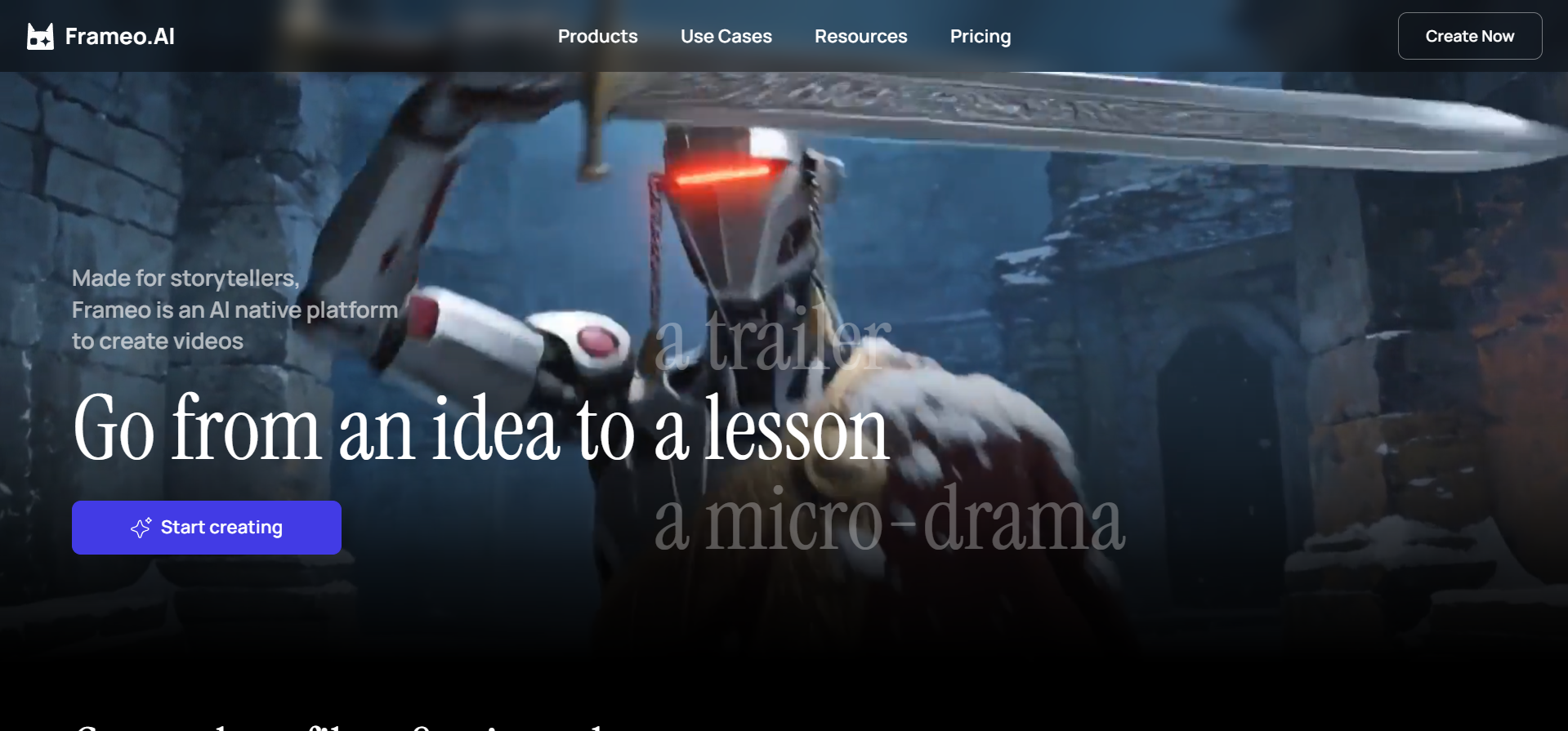
Frameo is an AI video generator built for creators who need to move from script to finished social-ready video without juggling five different tools. It combines story structuring, video generation, editing, voice, and platform formatting into one workflow designed for high-volume content production.
Key Tools for Social Media Content Creation
- Script to Video Maker: Turn structured scripts into fully generated short-form videos ready for Reels, Shorts, and TikTok.
- Story to Video Maker: Convert raw ideas into visual sequences with scene flow and pacing handled inside the platform.
- YouTube Short, Instagram & TikTok Generators: Export platform-optimized vertical videos without manual resizing or re-editing.
- AI Video Editor: Refine pacing, transitions, and visual flow without switching to traditional editing software.
- AI Voice & Voiceover: Generate narration for faceless channels, explainer videos, and UGC-style ads.
- AI Script Writer & Storyboarder: Structure content before production, making batch creation faster and more consistent.
- UGC & AI Video Ads Tools: Create product demos, testimonial-style videos, and short ad creatives for performance campaigns.
- Template Library: Start from ready-made formats for viral clips, product ads, brand films, and short-form storytelling.
Why Creators Choose Frameo
- It supports repeatable output instead of one-off generation.
- It also supports keeping the same characters, voices, and visual identity across multiple videos.
- It reduces tool-switching across scripting, editing, voice, and formatting.
- It works for faceless channels, brand pages, and ad accounts alike.
- It allows rapid iteration of hooks, pacing, and structure.
- It keeps production vertical-first and platform-native.
For creators trying to publish daily or agencies handling multiple clients, workflow simplicity becomes the real advantage.
Where Frameo Fits in a Scalable System
Frameo works best when you’re building a content engine, not just producing a single video. You can script once, generate multiple variations, adapt for different platforms, and test performance angles without restarting the entire process.
For creators searching for AI tools that support scalable social media video production, the real value isn’t just generation speed; it’s having a system that supports consistent output week after week.
2.Vizard
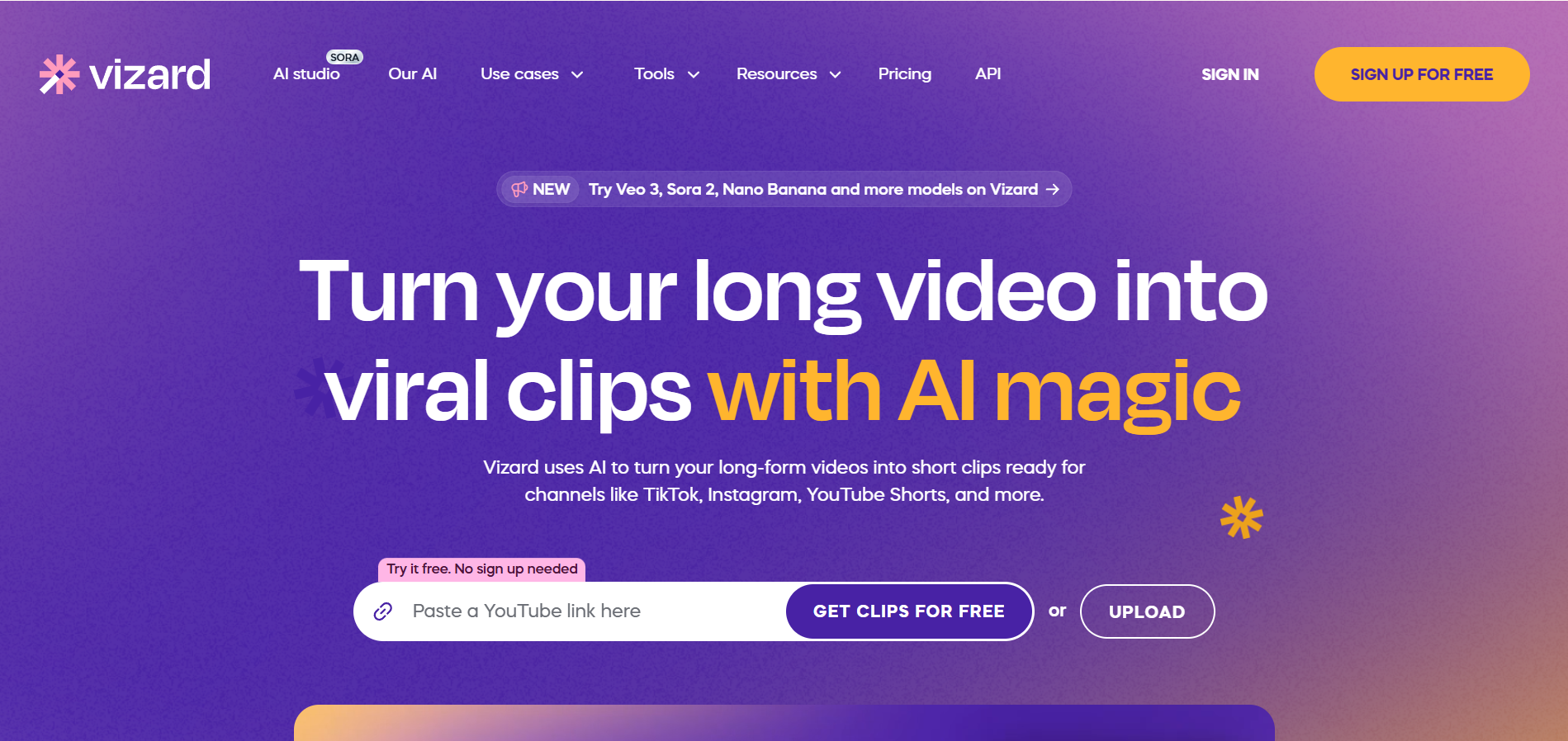
Vizard is built primarily for repurposing long-form videos into short, social-ready clips. It’s commonly used by creators, podcasters, webinar hosts, and marketing teams who want to extract multiple Shorts or Reels from a single long recording.
Key Capabilities for Social Media
- Auto Clip Extraction: Identifies highlight moments from long videos and turns them into short-form clips.
- Auto Captions: Generates dynamic subtitles optimized for social feeds.
- Speaker Detection: Tracks faces and reframes vertically for Shorts and Reels.
- Basic Editing Tools: Trim, resize, and add simple branding overlays.
- Platform-Ready Export: Vertical formatting for TikTok, Instagram, and YouTube Shorts.
Pros
- Saves time when repurposing podcasts or webinars.
- Works well for thought-leadership and talking-head content.
- Easy to use for non-editors.
Cons
- Not built for scripted narrative video creation.
- Limited control over story structure and pacing.
- Heavily dependent on existing long-form footage.
- Minimal character or visual consistency tools.
- Not ideal for ad creatives or cinematic-style content.
Vizard works best as a focused repurposing tool that helps extend the life of long-form content into short-form social clips efficiently.
3.Adobe Firefly

Adobe Firefly extends Adobe’s ecosystem with generative AI features for video, images, and editing workflows. It’s primarily designed for creators already working inside Premiere Pro and the broader Creative Cloud environment rather than standalone social-first creators.
Key Capabilities for Social Media
- Generative Fill for Video: Add or modify elements inside clips without manual compositing.
- Text-to-Image & Asset Creation: Generate backgrounds, overlays, and visual elements for social edits.
- AI-Assisted Editing Tools: Automate rough cuts and assist with repetitive post-production tasks.
- Seamless Creative Cloud Integration: Works directly inside Premiere Pro and other Adobe apps.
- Commercially Safe Outputs: Trained on licensed and Adobe-owned datasets for safer usage.
Pros
- Strong integration with professional editing workflows.
- Useful for enhancing existing footage.
- Reliable for teams already using Adobe tools.
Cons
- Not built as a standalone social video generator.
- Requires familiarity with Adobe’s ecosystem.
- Limited out-of-the-box short-form automation.
- No built-in content batching for high-volume creators.
- Higher learning curve compared to plug-and-play AI tools.
Adobe Firefly works best as an enhancement layer inside a professional editing stack, not as a scalable social media production engine on its own.
4.Invideo AI
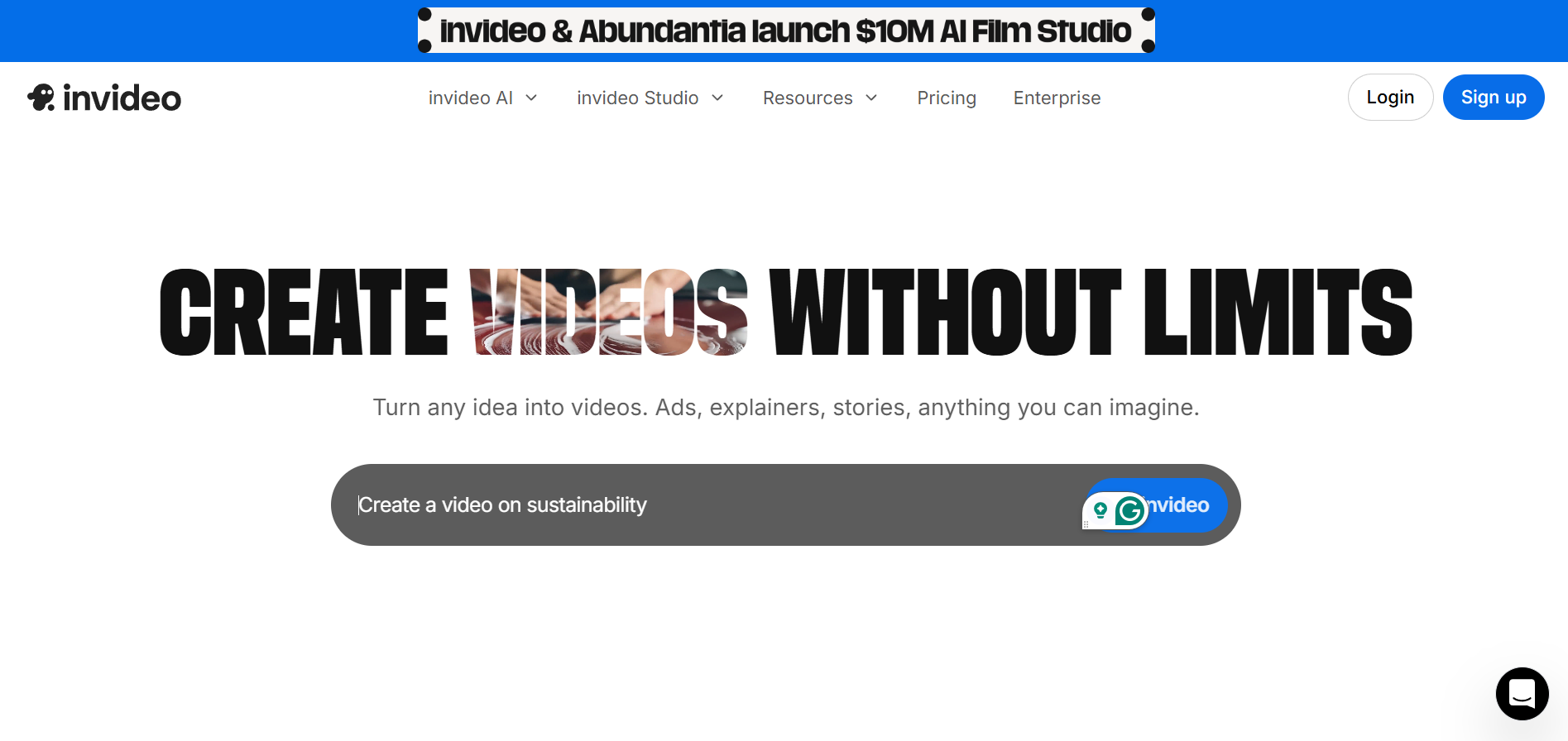
InVideo AI is built for turning text prompts into ready-to-export social videos quickly. It targets marketers, small businesses, and creators who want fast production without handling complex editing software.
Key Capabilities for Social Media
- Text-to-Video Generation: Converts prompts or scripts into structured videos with stock footage and music.
- Template Library: Large collection of social-first templates for ads, promos, and short-form content.
- Auto Captions & Subtitles: Adds on-screen text optimized for mobile viewing.
- Stock Media Access: Built-in access to royalty-free footage and images.
- Multi-Format Export: Vertical, square, and horizontal output for different platforms.
Pros
- Fast video creation from simple prompts.
- Beginner-friendly interface.
- Good for quick promotional or informational content.
Cons
- Heavy reliance on stock footage can make videos feel generic.
- Limited narrative control for story-driven content.
- Customization depth is restricted compared to advanced tools.
- Not ideal for episodic or character-consistent content.
- Scaling unique branded content can require significant manual tweaking.
InVideo AI works well for quick marketing videos, but it leans more toward templated automation than structured, scalable storytelling.
5.HeyGen
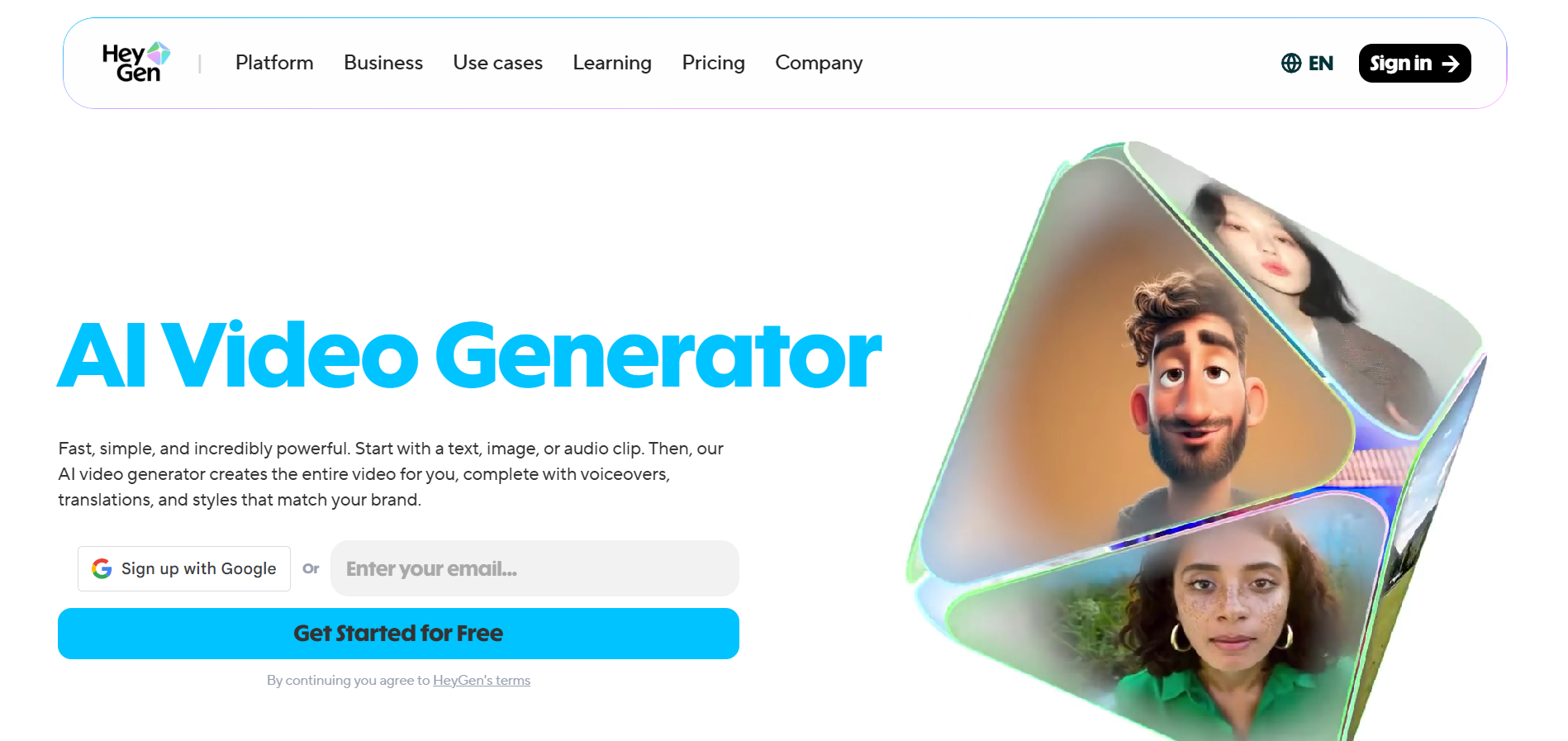
HeyGen focuses on avatar-led videos where a digital presenter delivers scripted content. It’s widely used for explainer videos, training materials, product walkthroughs, and multilingual business communication rather than trend-driven social storytelling.
Key Capabilities for Social Media
- AI Avatars: Generate talking-head style videos without recording yourself.
- Voice Cloning & Multilingual Dubbing: Translate and localize videos across multiple languages.
- Script-Based Video Creation: Upload a script and generate a presenter-style video automatically.
- Custom Avatar Option: Create a digital twin for brand consistency.
- Template Backgrounds: Add simple branded or professional backdrops.
Pros
- Useful for faceless educational or corporate content.
- Strong multilingual capabilities.
- Saves time for presenter-style videos.
Cons
- Limited cinematic or narrative storytelling capability.
- The avatar format can feel repetitive for social feeds.
- Not built for fast hook-testing or trend adaptation.
- Minimal dynamic editing or short-form experimentation tools.
- Less effective for highly visual, entertainment-driven platforms like TikTok.
HeyGen works best for structured, presenter-led communication, but it’s not optimized for high-velocity, trend-driven social media content scaling.
Related Read: How to Use Meta AI Video Generator for High-Quality AI Videos
6.Steve AI
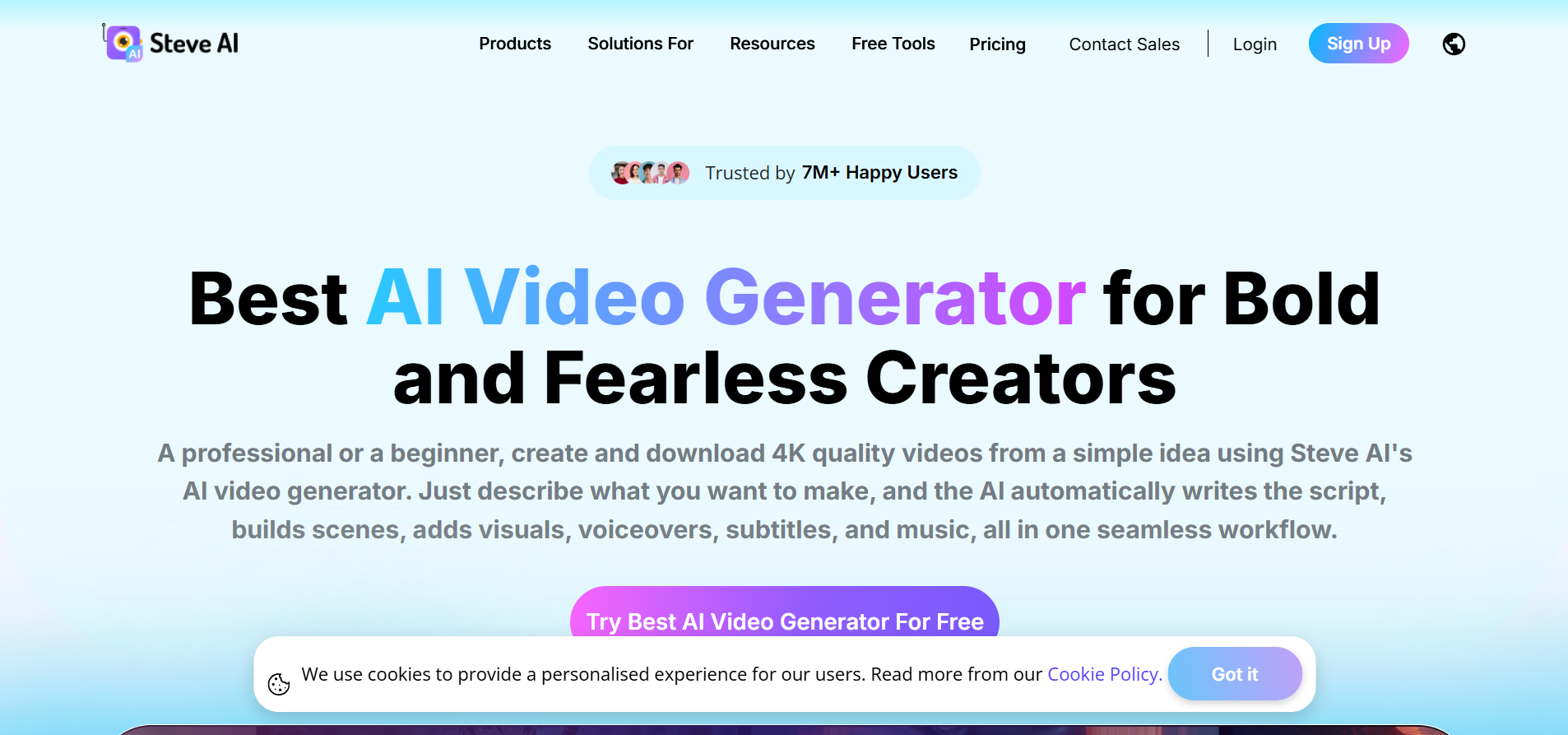
Steve AI focuses on turning scripts, blog posts, and prompts into animated or stock-based explainer videos. It’s primarily used for educational, corporate, and informational content rather than fast-moving, trend-driven social media campaigns.
Key Capabilities for Social Media
- Text-to-Animation: Converts written scripts into animated explainer-style videos.
- Blog-to-Video Conversion: Turns articles into short video summaries.
- Stock Footage Integration: Pulls from media libraries to match script content.
- Auto Voiceover: Generates narration synced with visuals.
- Template-Based Layouts: Prebuilt structures for promos, explainers, and training clips.
Pros
- Useful for educational or instructional content.
- Simplifies video creation for non-designers.
- Good for internal communications or LinkedIn-style posts.
Cons
- Animation styles can feel repetitive.
- Limited flexibility for high-impact, trend-driven short-form content.
- Not built for character consistency or episodic storytelling.
- Custom branding depth is restricted.
- Less suitable for high-volume creative testing across platforms.
Steve AI works best for structured explainers and informational videos, but it’s not optimized for scalable, performance-driven social media production.
7.Pictory
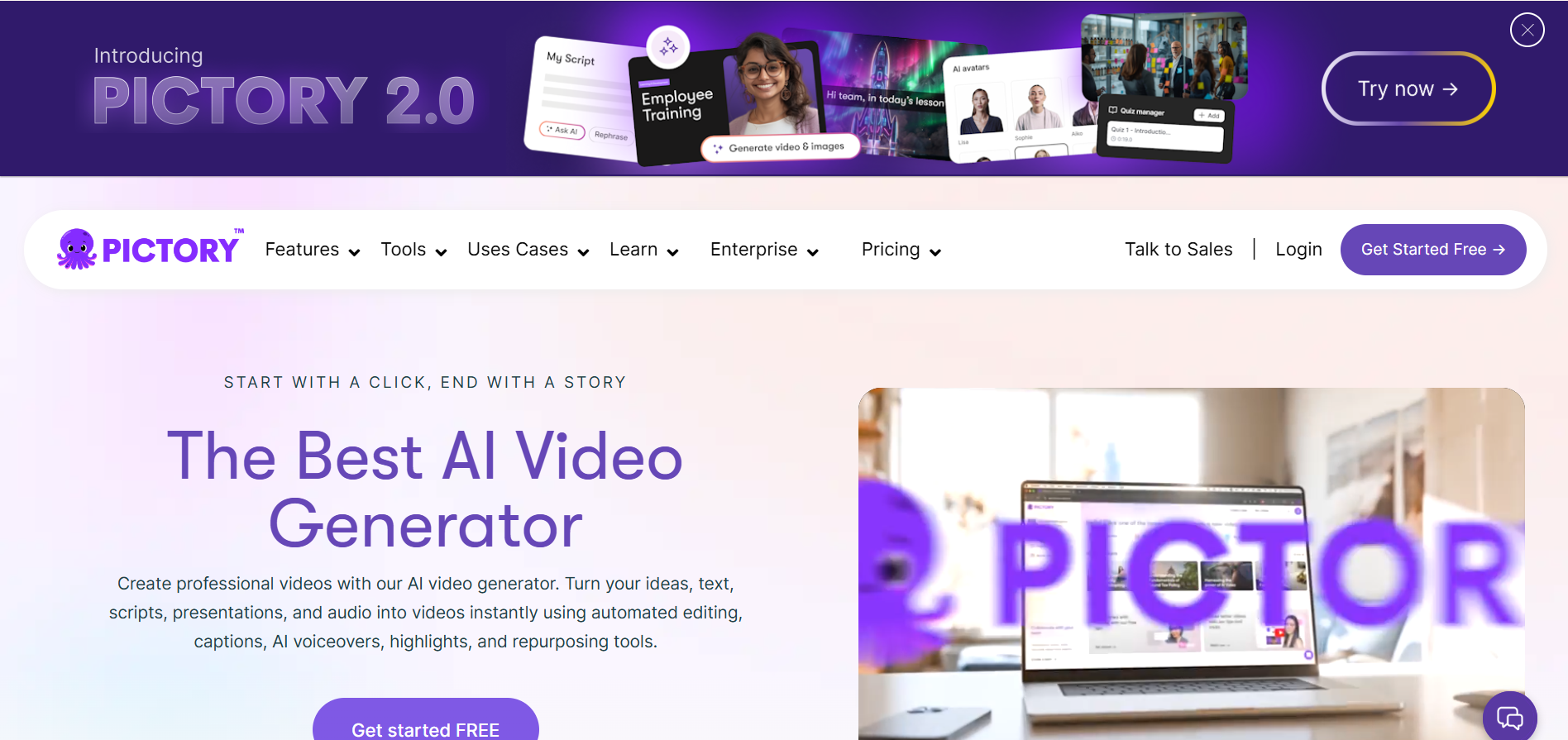
Pictory is built around turning written content into video quickly, making it popular among bloggers, course creators, and LinkedIn-focused marketers. It works best when you already have text-heavy content and want to convert it into short-form or summary-style videos.
Key Capabilities for Social Media
- Article-to-Video Conversion: Transforms blog posts into short videos using stock visuals.
- Script-to-Video Workflow: Upload a script and generate a video draft automatically.
- Auto Captioning: Creates subtitles optimized for silent viewing.
- Highlight Extraction: Pulls short segments from long videos for social clips.
- Stock Media Library: Built-in access to royalty-free images and video clips.
Pros
- Good for repurposing written content into video.
- Simple interface for non-editors.
- Useful for educational or informational posts.
Cons
- Heavy dependence on stock visuals reduces originality.
- Limited storytelling depth for narrative-driven content.
- Custom branding options are basic.
- Not optimized for rapid hook testing or high-velocity short-form growth.
- Less effective for entertainment-led platforms like TikTok.
Pictory is strong for content repurposing, but it leans more toward blog-to-video automation than scalable, creative social media production.
8.Synthesia
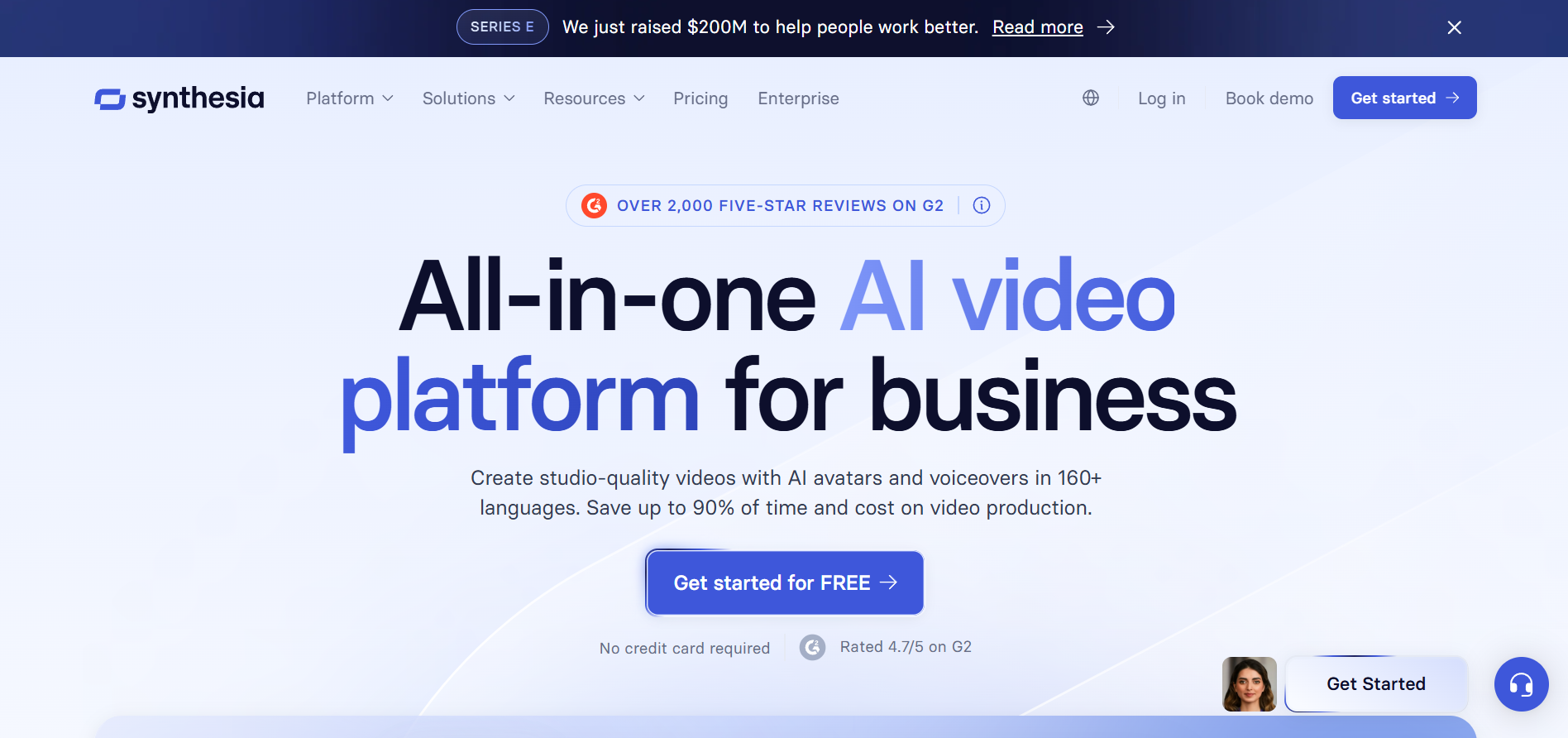
Synthesia specializes in AI avatar videos for training, onboarding, internal communication, and enterprise messaging. It’s widely adopted by corporate teams that need professional, multilingual presenter-style videos without filming real employees.
Key Capabilities for Social Media
- AI Presenters: Choose from a library of digital avatars to deliver scripted content.
- Multilingual Video Creation: Translate videos into dozens of languages with synced lip movement.
- Script-Based Workflow: Paste a script and generate a presenter-led video automatically.
- Custom Brand Templates: Add logos, colors, and standardized layouts.
- Enterprise Controls: Collaboration and permission settings for larger teams.
Pros
- Strong for training and professional communication.
- High-quality avatar realism compared to many competitors.
- Reliable for multilingual internal content.
Cons
- Designed primarily for corporate use, not trend-driven social media.
- Limited cinematic or narrative flexibility.
- The avatar format can feel static for high-engagement platforms.
- Not built for rapid short-form experimentation.
- Less suitable for creators aiming for entertainment-led growth.
Synthesia works best in structured corporate environments, but it’s not optimized for scalable, creative social media video production.
9.Runway Gen-4.5
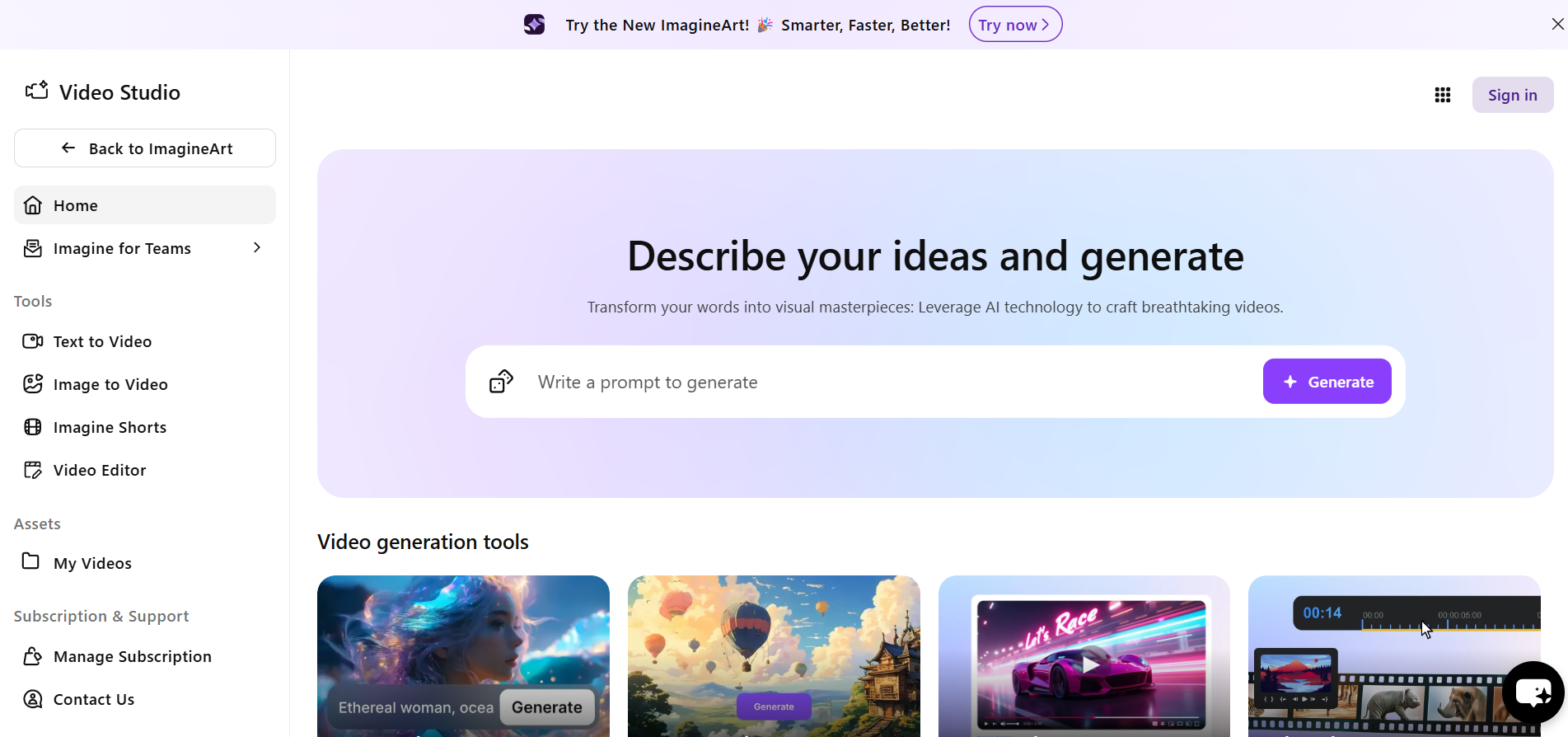
Runway Gen-4.5 is positioned as a high-end generative video model built for visually rich, cinematic outputs. It’s commonly used by filmmakers, VFX artists, and creative studios experimenting with AI-generated scenes rather than daily social media volume.
Key Capabilities for Social Media
- Text-to-Video Generation: Create short cinematic clips from descriptive prompts.
- Image-to-Video Animation: Animate still images into moving scenes.
- Advanced Visual Styles: Generate stylized, film-like shots with dramatic lighting and motion.
- Inpainting & Scene Editing: Modify parts of a frame using AI prompts.
- Creative Experimentation Tools: Useful for concept visuals and artistic sequences.
Pros
- Strong visual quality for cinematic-style clips.
- Useful for creative experimentation and concept work.
- Popular among digital artists and indie filmmakers.
Cons
- Not built specifically for scalable social media workflows.
- Requires strong prompting skills to get consistent outputs.
- Limited batch production and iteration tools.
- Can be resource-intensive for frequent posting.
- Less optimized for structured brand storytelling or high-volume content engines.
Runway Gen-4.5 excels in visual experimentation, but it’s not designed as a turnkey solution for scalable, repeatable social media video production.
10.Pika Labs
Pika Labs is known for generating stylized, visually striking AI video clips from text or image prompts. It’s widely used by digital artists and experimental creators who want short, eye-catching visuals rather than structured social media campaigns.
Key Capabilities for Social Media
- Text-to-Video Creation: Generate short animated clips from descriptive prompts.
- Image-to-Video Animation: Bring static images to life with motion effects.
- Style & Motion Controls: Apply cinematic, fantasy, or surreal visual styles.
- Quick Clip Generation: Produce short-form visuals suitable for intros or transitions.
Pros
- Strong for visually dramatic, scroll-stopping clips.
- Good for creative experimentation.
- Easy entry for short AI-generated visuals.
Cons
- Not built for structured storytelling or episodic content.
- Limited tools for brand consistency across batches.
- Minimal workflow support for high-volume posting.
- Outputs may vary in consistency across prompts.
- Not optimized for ad-ready or performance-driven social campaigns.
Pika Labs works well for creative visual bursts, but it’s not designed as a scalable social media production system.
Related Read: AI Video Generation Ethics: Risks, Rules, and Best Practices
Comparing AI Tools for Social Video Scale
Not all AI video tools are built for the same purpose. Some are optimized for repurposing, some for avatar-led explainers, others for cinematic experimentation, and only a few are structured for repeatable, high-volume social media production.
Here’s a simplified comparison based on scalability factors that actually matter:
Tool | Script-to-Video | Batch Output | Repurposing | Character Consistency | Platform Formatting | Narrative Control | Best Use Case |
|---|---|---|---|---|---|---|---|
Frameo | Yes | Strong | Yes | Strong | Native Vertical | High | Scalable social storytelling |
Vizard | No | Moderate | Strong | No | Vertical | Low | Long-form clip extraction |
Adobe Firefly | Limited | Low | No | No | Manual | Moderate | Editing enhancement |
InVideo AI | Yes | Moderate | Limited | No | Multi-format | Moderate | Template marketing videos |
HeyGen | Script-based | Moderate | No | Avatar-based | Multi-format | Low | Presenter videos |
Steve AI | Yes | Moderate | Blog-based | No | Multi-format | Low | Explainers |
Pictory | Yes | Moderate | Strong | No | Multi-format | Low | Blog-to-video |
Synthesia | Script-based | Moderate | No | Avatar-based | Multi-format | Low | Corporate training |
Runway Gen 4.5 | Prompt-based | Low | No | Weak | Manual | High (creative) | Cinematic clips |
Pika Labs | Prompt-based | Low | No | Weak | Manual | Moderate | Visual effects clips |
If you're serious about building a scalable, repeatable social video system instead of chasing one-off trends, Frameo gives you the structure and speed to make that happen consistently.
Wrapping Up
Social media has moved past the era of “one great video.” What wins now is structured volume, the ability to publish consistently, test rapidly, adapt formats, and maintain brand identity across platforms without exhausting your team. The tools you choose directly shape whether your content operation feels chaotic or systematic.
The best AI tools for scaling social media video production aren’t about flashy effects or endless templates. It’s about workflow strength, script-to-video capability, batch output, platform-native formatting, and iteration speed that supports real growth. When those elements align, scaling stops feeling overwhelming and starts feeling operational.
Build a repeatable, story-driven social video engine with Frameo and turn your content production into a scalable system, not a weekly scramble.
FAQs
1.What is an AI video generator?
An AI video generator uses artificial intelligence to create or edit videos from text prompts, scripts, or existing footage, speeding up production and reducing manual editing time.
2.Can AI video tools replace human editors?
AI tools accelerate basic editing, subtitles, and rough cuts, but they don’t fully replace human creativity and nuanced storytelling in complex projects.
3.Are AI video tools good for social media content?
Yes, many AI video tools simplify creation, automate captions, and help format videos for TikTok, Reels, and Shorts, making social production faster and more consistent.
4.Do AI video generators offer free plans?
Some AI video tools provide free plans or trials with limited features or watermarked outputs, while premium plans unlock higher quality and export options.
5.What should I look for in AI tools for social videos?
Look for tools that support script-to-video workflows, platform-native formatting, batch production, and easy export for TikTok, Instagram, and YouTube Shorts.