How to Create an Audiobook Easily With AI
Learn how to create an audiobook easily with AI tools like Frameo. Transform your manuscript into high-quality audio in no time with simple, effective steps.

Books began as spoken words, stories passed down through generations by voice alone. Fast forward to today, and that oral tradition has found new life in audiobooks.
The format connects readers to narratives in ways print sometimes can't - during commutes, workouts, or while cooking dinner.
Recent data from Edison Research and the Audio Publishers Association shows that just over half of Americans now listen to audiobooks regularly. This is a significant portion of the reading population choosing audio as their preferred medium.
For authors and publishers, this creates an opportunity worth exploring. Converting a written book into an audiobook no longer requires a professional studio or a massive budget.
This guide walks you through the practical steps to create an audiobook from your existing manuscript with the help of AI tools like Frameo.
Key Takeaways:
- AI audiobook creation takes hours, not weeks – Modern platforms convert your manuscript into professional narration in an afternoon, eliminating expensive studio time and voice actor fees while maintaining broadcast-quality output.
- Over 51% of Americans now listen to audiobooks regularly – The format has moved from niche to mainstream, creating a significant opportunity for authors to reach readers during commutes, workouts, and daily routines.
- Clean manuscript preparation prevents hours of corrections – Removing typos, formatting errors, and marking clear chapter breaks before uploading ensures AI narrators read your content correctly the first time.
- Test your audiobook on multiple devices before publishing – What sounds perfect through headphones might be muddy on car speakers; most listeners consume audiobooks in non-ideal environments like gyms or commutes.
- Choose voices based on genre expectations, not personal taste – A cheerful narrator ruins thriller tension while somber tones kill comedy energy; match vocal style to what your target audience expects from the genre.
How Difficult Is It to Create an Audiobook?
Not difficult at all. Modern AI audiobook creation tools have taken the hassle out of production, turning what used to be a weeks-long studio process into something you can handle in an afternoon.
These platforms manage the technical complexities while you focus on the creative choices.
Here’s what these tools can do, from start to finish:
- Voice Selection and Narration: Choose from dozens of natural-sounding AI voices that match your book's tone. The software reads your manuscript and generates professional narration without recording sessions or voice actor fees.
- Audio Quality Control: The platforms automatically adjust pacing, pronunciation, and tone to ensure consistent quality throughout. Background noise and technical glitches become non-issues since everything happens digitally.
- Format and File Management: Your audiobook gets converted into the proper file formats required by distribution platforms. Chapter breaks, metadata, and audio specifications all get handled automatically.
- Editing Capabilities: Fine-tune specific sections if needed. Most tools let you adjust speed, add pauses, or regenerate segments that don't sound quite right.
- Distribution Compatibility: Most platforms export files that meet Audible, Apple Books, and Google Play requirements, even if direct publishing isn’t built in.
The technical barriers that once kept independent authors out of audiobook production have essentially disappeared. What remains is simply deciding how you want your book to sound.
Step-by-step Guide to Creating an Audiobook With AI: 7 Steps

Creating an audiobook with AI is easier than you think. With the right tools, you can turn your manuscript into an engaging audiobook without professional studios or expensive equipment. Here’s a simple guide to help you get started.
Step 1: Prepare Your Manuscript
Clean up your text file before uploading it to any platform. Remove formatting inconsistencies, fix typos, and ensure chapter breaks are clearly marked. Most AI tools accept standard file types like Word documents or PDFs.
A well-organized manuscript helps the AI narrator understand pacing and structure. This prep work takes an hour or two but saves countless corrections later.
Step 2: Choose Your AI Narration Platform
Research platforms based on your budget and voice quality preferences. Listen to sample outputs before committing to one service. Some platforms offer subscription models while others charge per project.
Consider whether you need commercial rights for distribution on Audible or other retailers. Free trials let you test voices with a chapter before investing in the full audiobook.
Step 3: Select the Right Voice
Browse the voice library and match the narrator's tone to your book's genre and mood. A thriller needs different vocal energy than a self-help guide or romance novel. Most platforms let you preview how different voices handle your actual text.
Pay attention to the pronunciation of character names or technical terms. You can often adjust pitch, speed, and emphasis to fine-tune the performance. For example, mystery and thriller listeners expect slower pacing and lower pitch, while non-fiction performs better with neutral, confident delivery.
Frameo, lets you convert text into a professional-quality audiobook quickly, with voice options customized to your narrative style.
Step 4: Generate Initial Audio Files
Upload your manuscript and let the AI process it into narrated audio. This step usually takes anywhere from 30 minutes to a few hours, depending on the book's length.
The platform will break your content into chapters automatically if you've marked them correctly. Review the output for any mispronunciations or awkward pacing issues.
Pick a tool designed for long-form narration, not short clips—otherwise tone drift and voice inconsistency become obvious after an hour of listening.
Step 5: Edit and Refine Problem Areas
Listen through your audiobook and note sections that need adjustment. Most platforms let you regenerate specific sentences or paragraphs without redoing entire chapters.
Fix pronunciation errors by respelling words phonetically or using the platform's custom dictionary feature. Add pauses where natural breaks should occur. This quality control phase ensures your audiobook sounds polished rather than robotic.
Step 6: Add Production Elements
Insert chapter markers so listeners can navigate easily between sections. Some platforms allow you to add intro music, outro credits, or sound effects if appropriate for your genre. Export settings matter here. Aim for the technical specifications required by your distribution channels.
If you're looking for more tools to enhance your production process, check out our blog on Top 7 HeyGen Alternatives Creators Are Comparing in 2026.
Step 7: Distribute to Audiobook Platforms
Upload your finished files to retailers like Audible through ACX, Google Play Books, Apple Books, or Findaway Voices. Each platform has specific formatting requirements and royalty structures.
Fill out metadata, including book description, author bio, and genre categories. Set your pricing strategy or enroll in subscription programs. Most platforms review submissions within a few days before your audiobook goes live for purchase.
The success of your audiobook hinges on the AI tool you choose. In this next section, we’ll explore the top AI tools that can help you create professional-quality audiobooks with ease.
Best Audiobook Creator Tools Comparison
We evaluated these platforms based on voice quality, ease of use, pricing structure, and how well they handle long-form content. Each tool brings something unique to the table, whether that's advanced editing capabilities, extensive voice libraries, or seamless distribution integration.
AI Tool | Features | Best For |
|---|---|---|
Frameo | Story-first, customizable voices, natural-sounding narration, easy editing, fast conversion | Creators who want control over pacing, tone, and consistency |
Speechify | High-quality voice library, simple upload, speed adjustment, pronunciation library, commercial licensing | Quick, simple audiobook creation with natural-sounding voices |
Descript | Text-based editing, voice cloning, filler word removal, multi-track support, collaboration features | Authors looking for detailed audio editing with voice cloning capabilities |
Murf AI | Emotion controls, pitch modulation, emphasis markers, background audio, team workspaces | Users seeking studio-quality voiceovers with emotional depth and precision |
ElevenLabs | Ultra-realistic voices, voice design studio, multilingual voice cloning, long-form optimization, and project management | Fiction authors needing human-like character voices and multilingual support |
1. Frameo
Frameo approaches audiobook creation through its story-first philosophy, treating narration as an extension of narrative craft rather than just text-to-speech conversion.
The platform maintains consistency across chapters and series, ensuring your audiobook sounds cohesive from beginning to end.
Built for creators who value production control, Frameo offers precise adjustments to pacing, tone, and character voices throughout your manuscript.
Originally built for story-driven media, Frameo applies the same narrative continuity and pacing intelligence to audiobook creation.
How Frameo Helps With Audiobook Creation
- Voice Customization: Choose from a variety of voices, accents, and tones to match your book’s mood and characters.
- Voice Consistency: Once you’ve selected a voice, the AI ensures it stays consistent throughout, so listeners experience a smooth, uninterrupted narrative without sudden shifts in tone or style.
- Natural-Sounding Narration: Frameo’s AI ensures the audio sounds lifelike and engaging, avoiding robotic or mechanical tones. Our system is designed to mimic human speech patterns, delivering a more authentic and compelling listening experience.
- Book Trailer Creation: Generate compelling video trailers for your audiobook using Frameo's video storytelling capabilities. Promote your audiobook across social media with cinematic clips that capture your story's essence and drive listener interest.
- Easy Editing: With Frameo, you can easily adjust the pacing, tone, and voice speed to match the flow of your story. Simply prompt the AI with any adjustments you’d like to make, and it will adapt quickly.
2. Speechify
sourcelink
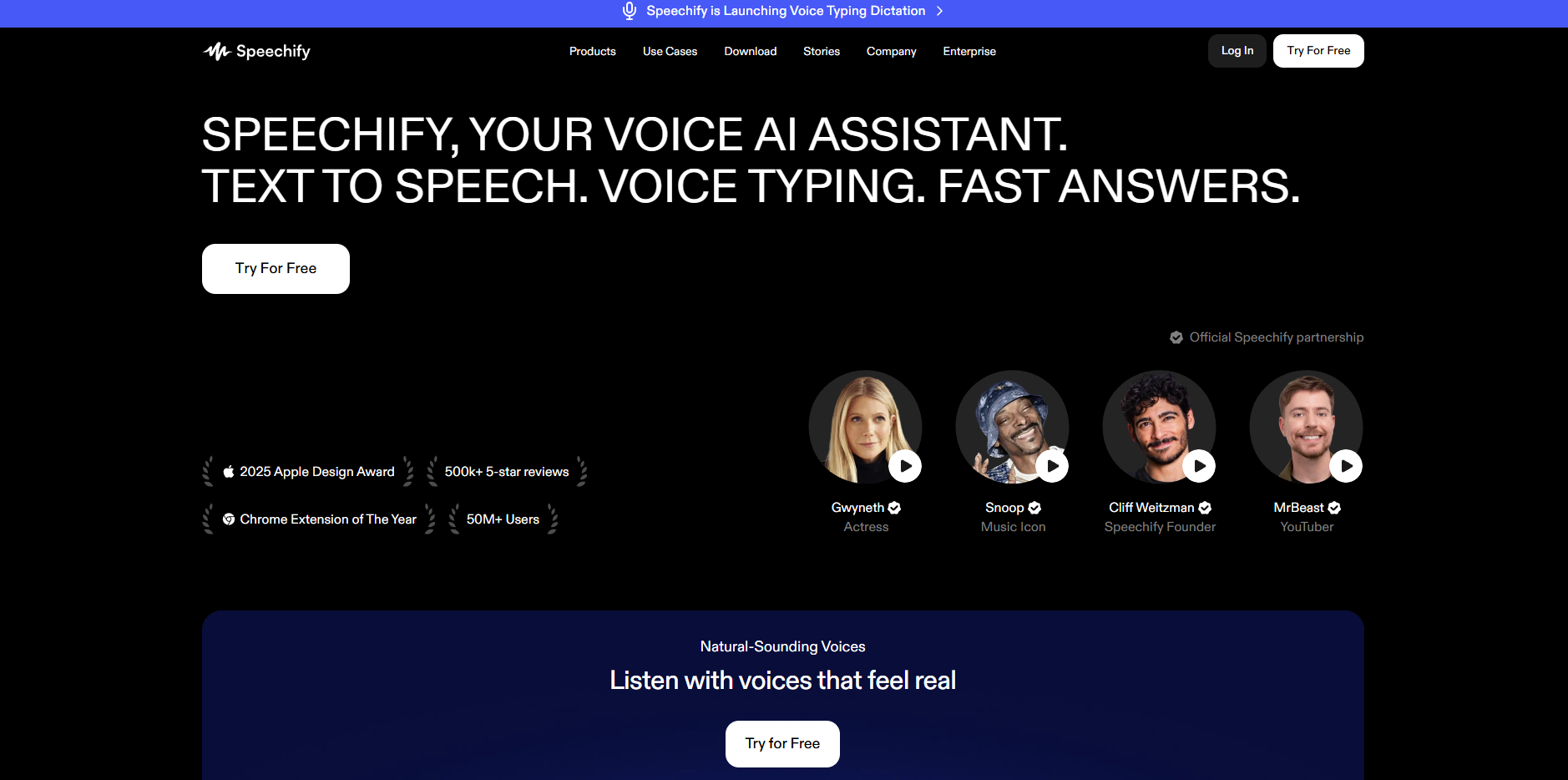
Speechify started as a reading app and evolved into a full audiobook creation platform. The service offers a straightforward upload-and-generate process that works well for authors who want quick results without extensive customization.
Voice quality ranks among the best in the industry, with natural inflections that don't sound robotic. The platform handles multiple languages and dialects, making it suitable for authors with international audiences.
How Speechify Helps With Audiobook Creation
- High-Quality Voice Library: Access dozens of professional-sounding voices across different ages, genders, and accents to match your book's needs.
- Simple Upload Process: Drop in your manuscript file, and the platform handles formatting, chapter detection, and initial narration automatically.
- Speed Adjustment: Control narration pace from slow and deliberate to quick and energetic, depending on your content type.
- Pronunciation Library: Build a custom dictionary for character names, invented terms, or technical vocabulary that AI typically struggles with.
- Commercial Licensing: Rights included for distribution on major audiobook platforms without additional fees or restrictions.
3. Descript
sourcelink
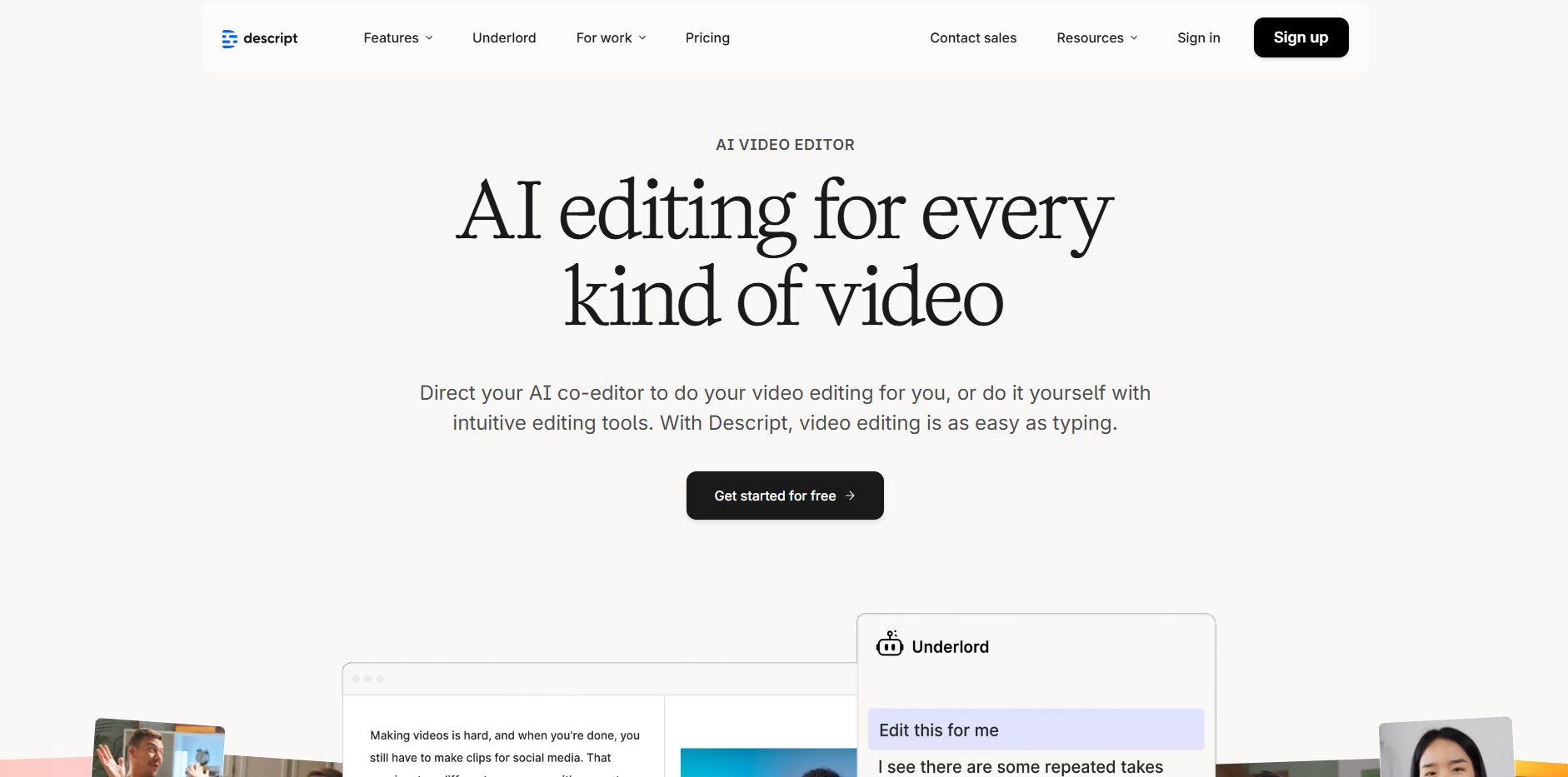
Descript functions as both an audio editor and an AI narration tool, giving you more hands-on control over the final product. The platform lets you edit audio by editing text, which streamlines the revision process considerably.
Overdub technology creates a custom AI voice clone from your own recordings, offering a middle ground between fully synthetic and human narration. This works particularly well for authors who want to narrate their own books but lack studio time or technical expertise.
How Descript Helps With Audiobook Creation
- Text-Based Editing: Fix mistakes or make changes by simply editing the transcript rather than cutting and splicing audio files.
- Voice Cloning: Record 10 minutes of your own voice, and the AI generates narration that sounds like you for the entire book.
- Filler Word Removal: Automatically detect and eliminate "um," "uh," and other verbal stumbles if using your own voice recordings.
- Multi-Track Support: Layer background music, sound effects, or multiple narrators for more complex audiobook productions.
- Collaboration Features: Share projects with editors or co-authors for feedback before finalizing your audiobook.
4. Murf AI
sourcelink
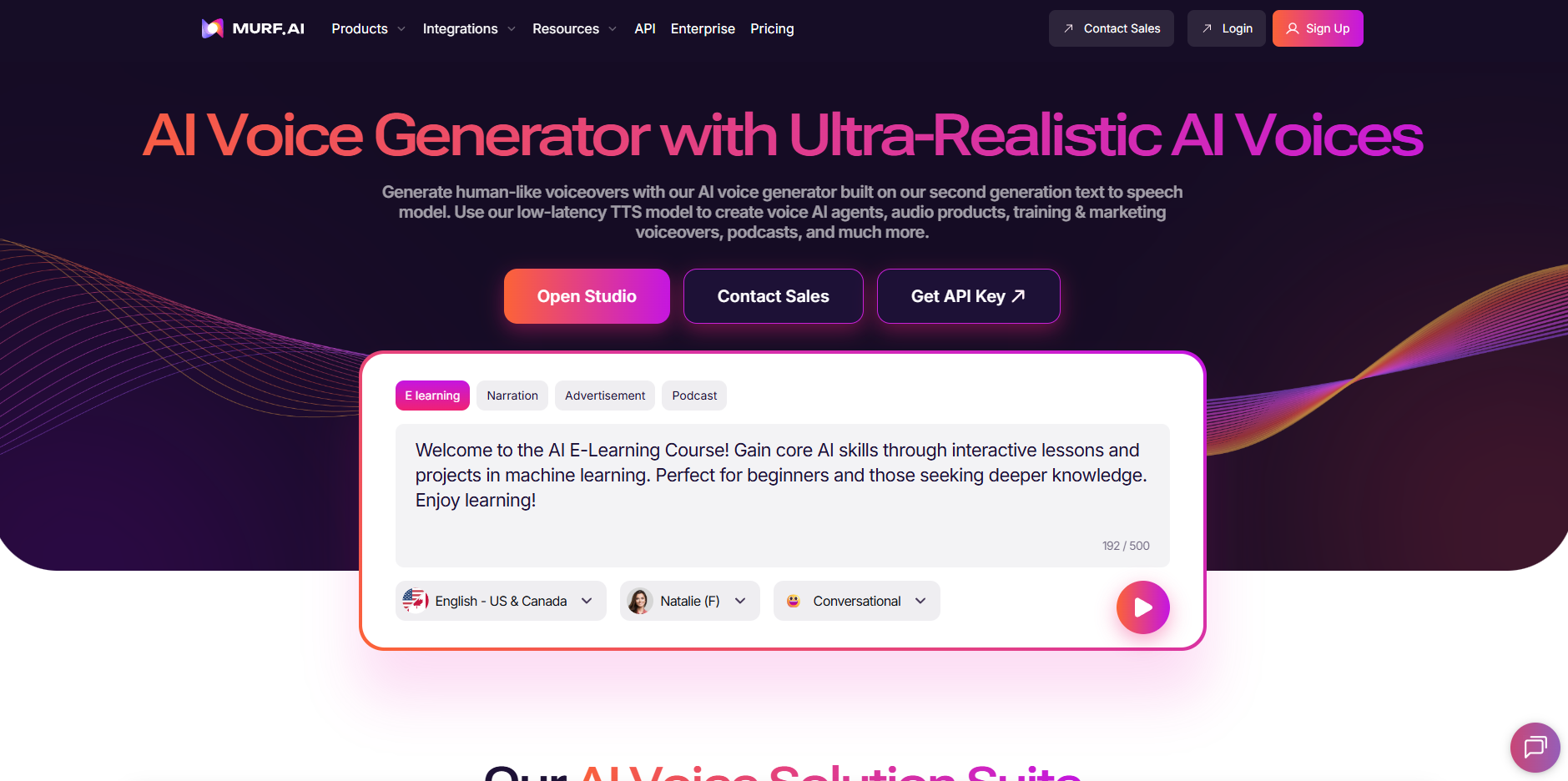
Murf AI specializes in creating broadcast-quality voiceovers with impressive emotional range. The platform offers granular control over pitch, emphasis, and pacing at the sentence level.
Voice actors are categorized by use case, making it easier to find the right narrator for specific genres like business books, fiction, or educational content.
Murf's interface feels more studio-oriented than conversational, which appeals to users who want precise production control.
How Murf AI Helps With Audiobook Creation
- Emotion Controls: Add happiness, sadness, urgency, or calmness to specific passages for more dynamic narration.
- Pitch Modulation: Adjust voice tone up or down to differentiate between characters or create distinct narrative voices.
- Emphasis Markers: Highlight specific words or phrases that need extra vocal weight or dramatic impact.
- Background Audio: Import music or ambient sound to enhance the listening experience without external editing software.
- Team Workspaces: Collaborate with narrators, editors, or producers within the platform for larger audiobook projects.
5. ElevenLabs
sourcelink
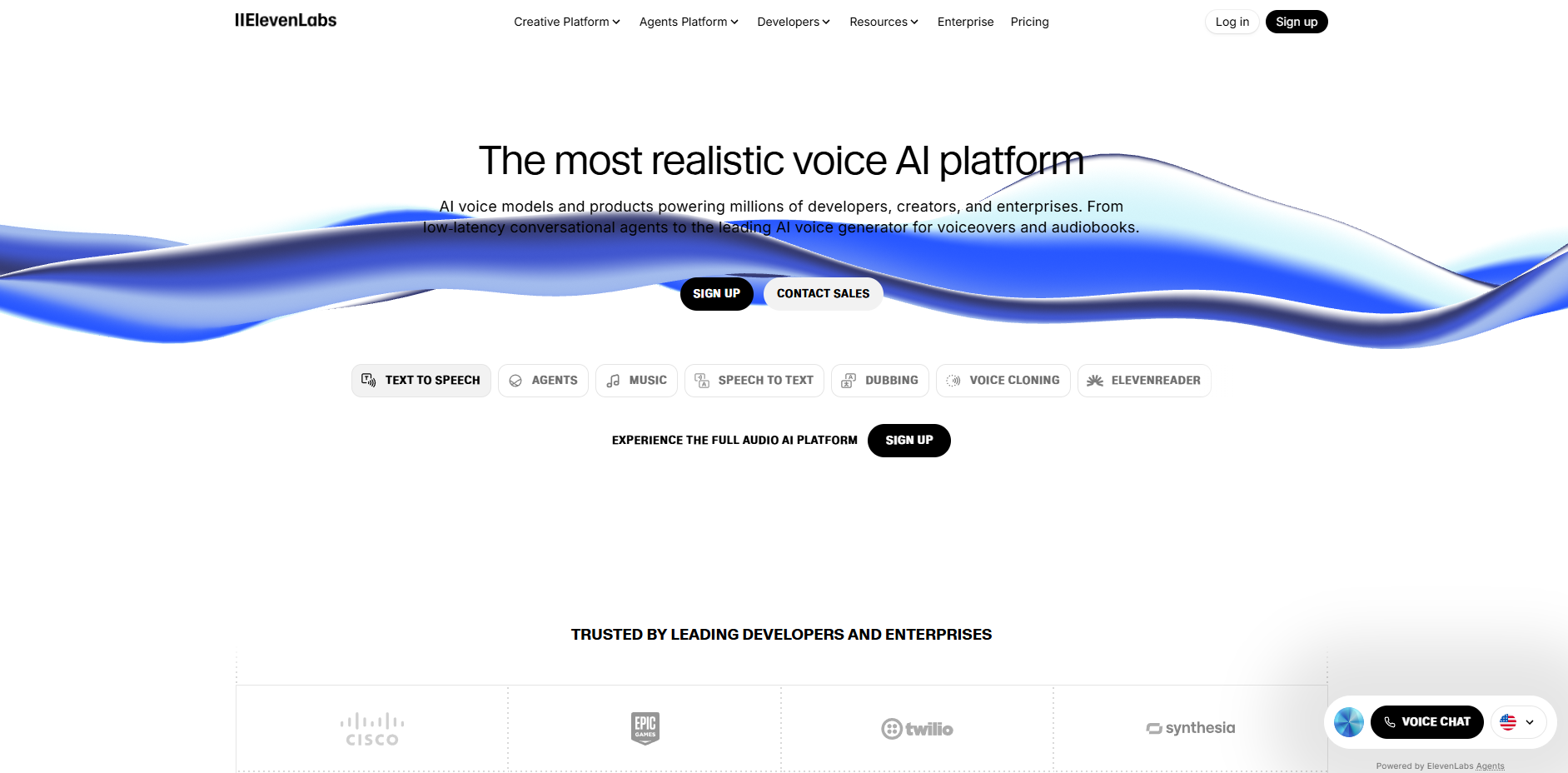
ElevenLabs focuses on producing the most human-like AI voices available, using cutting-edge voice synthesis technology. The platform excels at emotional delivery and natural speech patterns that listeners often mistake for human narrators.
Voice cloning capabilities allow you to create a custom voice from sample recordings, while the extensive voice library covers multiple languages and accents. The platform works particularly well for fiction authors who need compelling character differentiation.
How ElevenLabs Helps With Audiobook Creation
- Ultra-Realistic Voices: Advanced neural networks create narration that captures subtle human speech characteristics like breathing and tonal shifts.
- Voice Design Studio: Customize existing voices or generate entirely new ones based on specific parameters like age, accent, and delivery style.
- Multilingual Voice Cloning: Clone a voice in one language and have it narrate fluently in dozens of other languages.
- Long-Form Optimization: Technology specifically tuned for extended narration rather than short clips, maintaining consistency across hours of audio.
- Project Management: Organize multiple audiobooks with version control and collaborative editing features for larger production teams.
Most Common Audiobook Creation Mistakes to Avoid
Even with AI tools handling the technical work, certain mistakes can undermine your audiobook's quality and listener experience. Knowing what to watch out for saves time, money, and prevents poor reviews after publication.
Skipping the Manuscript Cleanup
Uploading a draft with typos, formatting errors, or inconsistent chapter breaks creates narration problems that require extensive editing later. AI narrators read exactly what you give them, including stray notes or formatting codes embedded in your document. Clean files produce clean audio.
Choosing the Wrong Voice for Your Genre
A cheerful, upbeat voice ruins the mood of a thriller, while a somber tone kills the energy of a comedy. Listen to voice samples with passages from your actual book before committing to one narrator. Genre expectations matter more than personal preference when selecting voices.
Ignoring Pacing and Pauses
Natural speech includes intentional pauses for emphasis, scene transitions, and emotional beats that AI doesn't automatically know to include. Audiobooks without proper pacing feel rushed and exhausting to listen to. Take time to add breaks where readers would naturally pause while reading.
Not Testing Audio Quality on Different Devices
What sounds perfect through studio headphones might be muddy on car speakers or tinny through phone speakers. Test your audiobook on earbuds, Bluetooth speakers, and regular headphones before finalizing. Most listeners consume audiobooks during commutes or workouts, not in ideal listening environments.
Overlooking Pronunciation Corrections
AI mispronounces character names, foreign words, technical terms, and invented vocabulary without guidance. Build a pronunciation guide before generating your full audiobook rather than fixing hundreds of errors afterward. Most platforms let you save custom pronunciations for future projects.
Forgetting About Chapter Markers
Listeners want to navigate between chapters or return to specific sections without scrubbing through hours of audio. Missing or incorrectly placed chapter markers frustrate users and lead to negative reviews. Verify that all markers align with actual chapter beginnings before distribution.
Neglecting the First Five Minutes
Many potential buyers sample your audiobook before purchasing, typically listening to the first few minutes. A weak opening with technical issues, poor pacing, or mismatched voice quality costs you sales. Polish your introduction until it represents the quality of your entire audiobook.
Using Inconsistent Audio Levels
Volume fluctuations between chapters force listeners to constantly adjust their device settings. Normalize audio levels across your entire audiobook so the listening experience remains consistent. Professional mastering tools or platform features can handle this automatically.
Rushing the Quality Control Phase
Listening through your entire audiobook feels tedious, but it catches errors that ruin the listener's experience. Set aside dedicated time to review every chapter with fresh ears. Small mistakes multiply over hours of content and damage your credibility as an author.
Ignoring Distribution Requirements
Each audiobook platform has specific technical requirements for file format, bitrate, and metadata. Uploading files that don't meet specifications delays your launch or results in rejection. Check requirements before finalizing your audio to avoid reformatting later.
How Frameo Helps You Overcome These Challenges
Frameo removes the guesswork from audiobook creation by handling technical complexities while keeping you in creative control.
- Voice Selection Feels Natural: Describe what you need in plain language instead of browsing hundreds of samples. Frameo suggests matching voices and lets you test them with your actual content.
- Pacing Happens Conversationally: Tell Frameo where your story needs to slow down or speed up. Simple requests like "add a pause here" work without complicated audio controls.
- Audio Quality Stays Consistent: Volume levels, tone, and vocal quality remain steady from the first chapter to the last. No manual balancing or technical adjustments required.
- Character Voices Stay Distinct: Multiple characters keep their unique voices throughout your entire audiobook automatically. Listeners never get confused about who's speaking.
- Files Come Out Distribution-Ready: Audio exports meet Audible and major platform specs automatically, no reformatting or rejected uploads.
- Revisions Happen Fast: Need to change one section? Frameo regenerates just that part without redoing everything else. Quick fixes stay quick.
Conclusion
Creating an audiobook no longer requires studio budgets or technical expertise. With AI tools handling the heavy lifting, you can focus on what matters - telling your story in a format that reaches listeners wherever they are.
The audiobook market continues growing, and now is the right time to give your readers another way to experience your work.
Frameo makes this process straightforward with our story-first approach to audio creation. Our platform maintains the narrative quality your book deserves while removing technical barriers that slow down production.
Ready to turn your manuscript into a professional audiobook? Get a free demo and see how simple the process can be.
FAQs
- What do I need to create an audiobook?All you need is your manuscript and an AI tool like Frameo to convert it into professional-quality audio. No need for a studio or voice actor.
- How long does it take to create an audiobook?With AI tools like Frameo, you can convert a full manuscript into audio in just a few hours, saving you weeks of work.
- Can I customize the voice in my audiobook?Yes, AI tools allow you to choose from various voices, accents, and tones to match your book’s style and characters.
- Do I need to be tech-savvy to create an audiobook?Not at all! AI tools like Frameo are designed to be user-friendly, so anyone can create an audiobook with minimal effort and no technical skills.
- Can I make changes to my audiobook after it’s been created?Yes, AI tools like Frameo allow you to easily adjust pacing, tone, and voice speed, making revisions simple if you want to improve the final product.



