Best Text-to-Video Local Model for AI Video Creation For 2026
Discover the best text-to-video local model for AI video creation in 2026. Compare performance, privacy, and speed for powerful, fast text-to-video generation
Running AI video generation locally sounds exciting at first—but quickly becomes complex in practice.
One project generates frames.
Another produces short clips.
A third claims to turn text into video but requires complex setups and powerful GPUs.
That’s when the real question appears: which local text-to-video model actually works for real video creation workflows?
Creators experimenting with local AI video creation quickly realize that not every tool is designed for the same purpose. Some models focus on research experiments, others require massive hardware, and only a few are practical enough for real workflows.
That’s why choosing the best text-to-video local model matters. In this guide, we’ll explore the models creators are experimenting with in 2026 and compare how they perform when generating AI videos locally.
Key Takeaways
- Local text-to-video models run directly on personal hardware, allowing creators to generate videos without relying on cloud-based AI platforms.
- Different models serve different purposes, with systems like Open-Sora focused on research, while Stable Diffusion pipelines and AnimateDiff support practical local video workflows.
- Hardware requirements vary widely, with many local video models needing GPUs with roughly 8–48 GB VRAM depending on generation length and complexity.
- Local AI video creation typically follows a pipeline, where prompts generate frames, motion modules animate them, and video tools compile the final output.
What Is a Text-to-Video Local Model?
Before comparing models, it helps to understand what a best text-to-video local model actually means and how it differs from cloud-based video generators.
1.Runs Directly on Your Hardware
A local AI video generator runs directly on your machine instead of remote servers.
- Generation happens on your GPU or CPU
- No cloud processing is required
- Models can be used for local AI video creation and experimentation
This approach allows creators to build and test workflows using a locally hosted AI video generator.
2.Converts Text Prompts Into Video
A text-to-video AI local install typically follows a generation pipeline where prompts are converted into frames and assembled into motion.
- Text prompts are interpreted by the model
- Frames or scenes are generated sequentially
- Frames are compiled into a video sequence
This process forms the foundation of most local text-to-video AI workflows.
3.Greater Control Over Video Generation
Running an AI text-to-video local system gives creators more flexibility compared to cloud tools.
- Adjust model parameters and prompts
- Experiment with custom generation pipelines
- Maintain privacy when running a local AI text-to-video generator
Local vs Cloud AI Video Generators
Local and cloud AI video generators differ in how videos are created, how much control you have, and how complex the workflow becomes.
- Local models: Run on your own hardware, giving you full control over prompts, parameters, and workflows. They’re ideal for experimentation and privacy but require technical setup, GPU resources, and managing multiple tools.
- Cloud platforms: Run on managed infrastructure, handling everything from generation to final output. They are easier to use, faster to get started with, and better suited for structured, production-ready videos.
In simple terms:
- Local = control, flexibility, deeper experimentation (but higher complexity)
- Cloud = speed, ease of use, structured outputs (but less control)
This growing interest in local models is exactly why many creators are starting to experiment with running AI video generation on their own machines.
Suggested read: AI Film Production Workflow: A Practical Pipeline for Short-Form Video
Why Creators Are Moving Toward Local AI Video Creation
Creators experimenting with AI video tools are increasingly exploring local AI video creation to gain more control over performance, privacy, and customization.
- Data privacy and control: Running a local AI video generator keeps prompts, scripts, and generated videos on your own machine instead of sending data to cloud servers.
- No subscription dependency: A locally hosted AI video generator allows creators to experiment without relying on monthly subscriptions or usage-based pricing models.
- Full experimentation freedom: With text-to-video AI local setups, creators can adjust parameters, modify models, and test different workflows without platform restrictions.
- Faster iteration for developers: Running an AI text-to-video local model makes it easier for researchers and developers to test prompts, tune models, and build custom pipelines.
- Offline generation capability: Many creators prefer local text-to-video AI systems because they can generate videos without constant internet access.
- Integration with custom workflows: A local AI text-to-video generator can be integrated with animation tools, editors, and automation pipelines.
Limitations of Local AI Video Models
While local AI video generation offers more control and flexibility, it also comes with practical limitations that can affect real-world workflows.
- High hardware requirements: Many models need powerful GPUs (often 8–48 GB VRAM), which can be expensive and not easily accessible
- Complex setup and maintenance: Installing dependencies, configuring environments, and managing updates can be time-consuming
- Fragmented workflows: Generating videos often requires combining multiple tools for frames, motion, and editing
- Inconsistent output quality: Results can vary depending on prompts, model tuning, and system performance
- Limited scalability: Running large or multiple video generations locally can slow down workflows compared to cloud systems
This growing interest in local generation is exactly why creators are actively searching for the best text-to-video models they can run locally.
5 Best Text-to-Video Local Models for AI Video Creation in 2026
With growing interest in running AI video tools on personal hardware, several models have emerged that allow creators to generate videos directly from text prompts without relying on cloud platforms.
The following models are among the most discussed options for creators experimenting with on-device video generation today.
1.Frameo

Frameo is an AI-powered text-to-video platform that turns prompts, scripts, or story ideas into structured cinematic videos. Instead of generating random clips, it builds scenes, characters, and shots in a controlled storytelling pipeline.
Frameo is not a local model but a full-stack AI video creation platform designed to turn prompts and scripts into structured cinematic videos. Unlike local models that generate raw clips or frames, Frameo focuses on story-driven video creation with consistent characters, scenes, and narrative flow.
Why Creators Choose Frameo?
- Story-First Video Creation: Frameo converts scripts, prompts, or ideas into structured scenes and cinematic sequences rather than isolated video clips.
- Consistent Characters and Style: The platform maintains visual identity across scenes so characters and environments remain coherent throughout the video.
- Simplified Video Production Pipeline: Script writing, scene generation, and video assembly happen in one environment instead of multiple tools.
- Creator-Focused Workflow: Designed for storytellers, marketers, and creators who want to produce narrative videos without complex AI setups.
Key Tools in Frameo
Frameo includes a wide set of AI tools designed for different types of creators and video workflows.
- AI Video Creation Tools: AI Video Generator, Script-to-Video Maker, Story-to-Video Maker, Video Clip Generator, AI Video Editor.
- Audio and Voice Tools: AI Voice Generator, AI Voice & Text, Voiceover tools for narration and dialogue generation.
- Visual Generation Tools: AI Image Generator, AI Storyboarder, Face Swap, and AI Face Swap capabilities.
- Content Creation Tools: AI Script Writer, Story creation tools, Book-to-Audiobook generation, Podcast Video Maker.
Frameo also supports specialized workflows for different creator groups:
- Marketing & Content Creation: UGC video creation, AI video ads, infographic video maker.
- Filmmaking & Creative Projects: Anime video creation, trailer maker, music video generator.
- Social Media Video Creation: YouTube Short generator, YouTube video maker, Instagram video maker, TikTok video creator.
- Learning & Training: Training video maker and educational video generation tools.
Frameo offers multiple pricing tiers designed for individuals, creators, and organizations, depending on video generation needs.
Individual Plans:
- Starter – $10/month: 600 credits per month, roughly ~30 seconds of generative video.
- Explorer – $25/month: 1500 credits per month, roughly ~1 minute 30 seconds of video generation.
- Creator – $75/month: 7500 credits per month, enabling up to ~7 minutes 30 seconds of video creation.
- Wizard – $200/month: 25,000 credits per month, allowing approximately ~30 minutes of generative video.
Team Plan (Best for Collaboration):
- $515/month base plan with 60,000 shared credits across team members.
- Seats start at $15 per user/month with shared workspaces, asset management, project version control, and team collaboration tools.
- Includes role-based access, usage analytics, centralized billing, and early access to advanced AI features.
Enterprise Plan:
- Custom pricing designed for large organizations with unlimited members, custom credits, dedicated support, SSO security, and tailored feature development.
2.Open-Sora
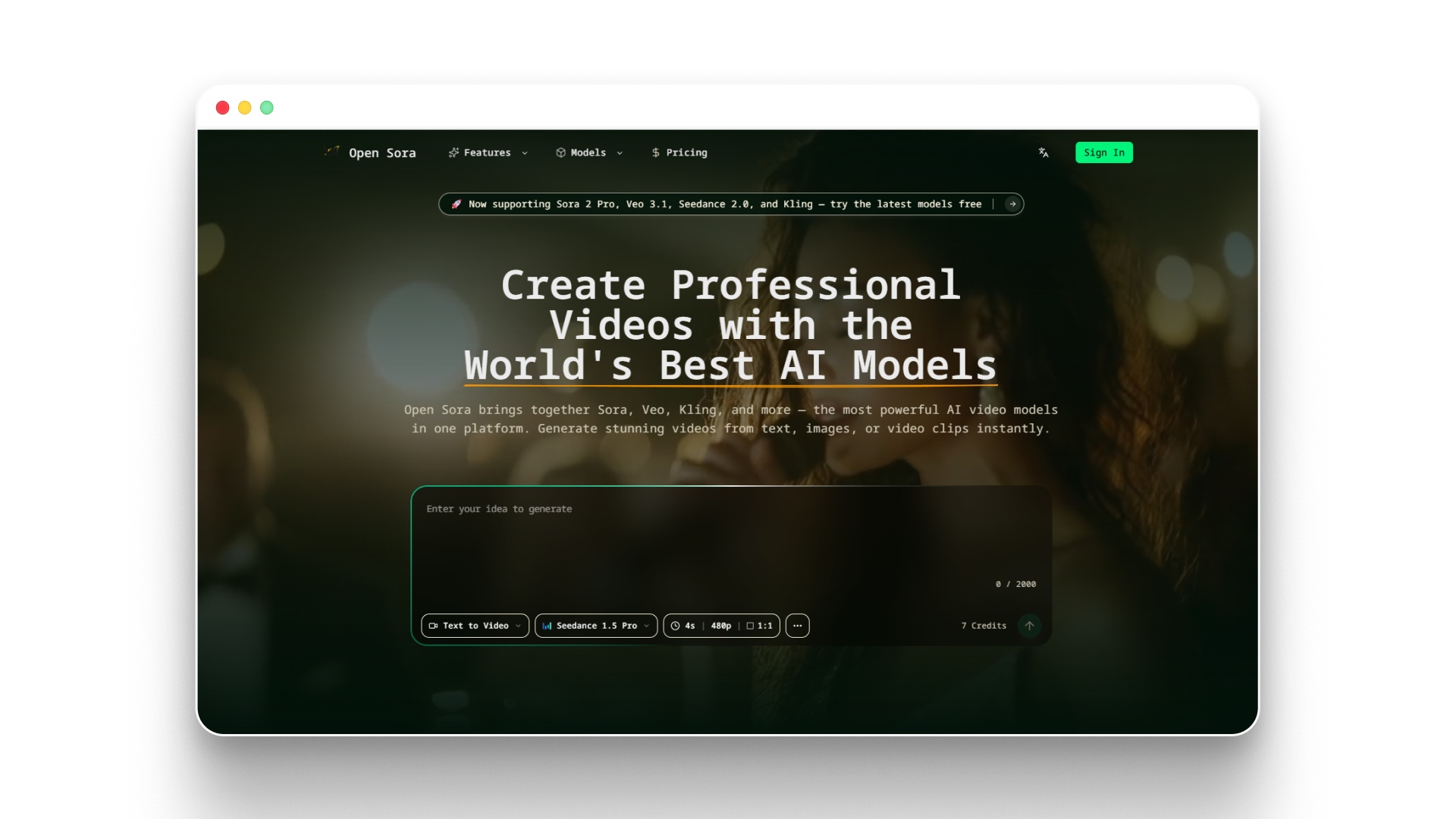
Open Sora — Free AI Video Generator | Text, Image & Video to Video
Open-Sora is an open-source text-to-video model designed to generate short video sequences from prompts using advanced generative architectures. It aims to replicate the capabilities of modern AI video systems while allowing developers to experiment with locally deployable video generation models.
Why Developers Experiment With Open-Sora
- Research-driven architecture: Designed to explore large-scale video generation and multi-scene prompt interpretation.
- Prompt-based video generation: Converts text prompts into short video clips using diffusion-based generation pipelines.
- Open-source experimentation: Developers can modify the model and integrate it into custom AI video workflows.
- Community development: Active contributors continue improving performance and generating quality.
Key Capabilities
- Text-to-video generation from prompts
- Experimental long-sequence video generation
- Research-focused generative architecture
- Open-source development environment
Pricing and Deployment
Open-Sora itself is open-source, but running it locally typically requires high-performance GPUs and infrastructure.
For organizations using related AI infrastructure APIs, pricing can vary depending on the model and processing needs.
Examples of AI model processing costs include:
- GPT-5.4 processing: around $2.50 per 1M input tokens and $15 per 1M output tokens for advanced workloads.
- GPT-5 mini processing: roughly $0.25 per 1M input tokens and $2 per 1M output tokens for lighter tasks.
These costs illustrate how running large generative models can scale depending on compute usage and infrastructure.
Suggested read: Best AI Video Generator in 2026 for Content Creators
3.Stable Diffusion
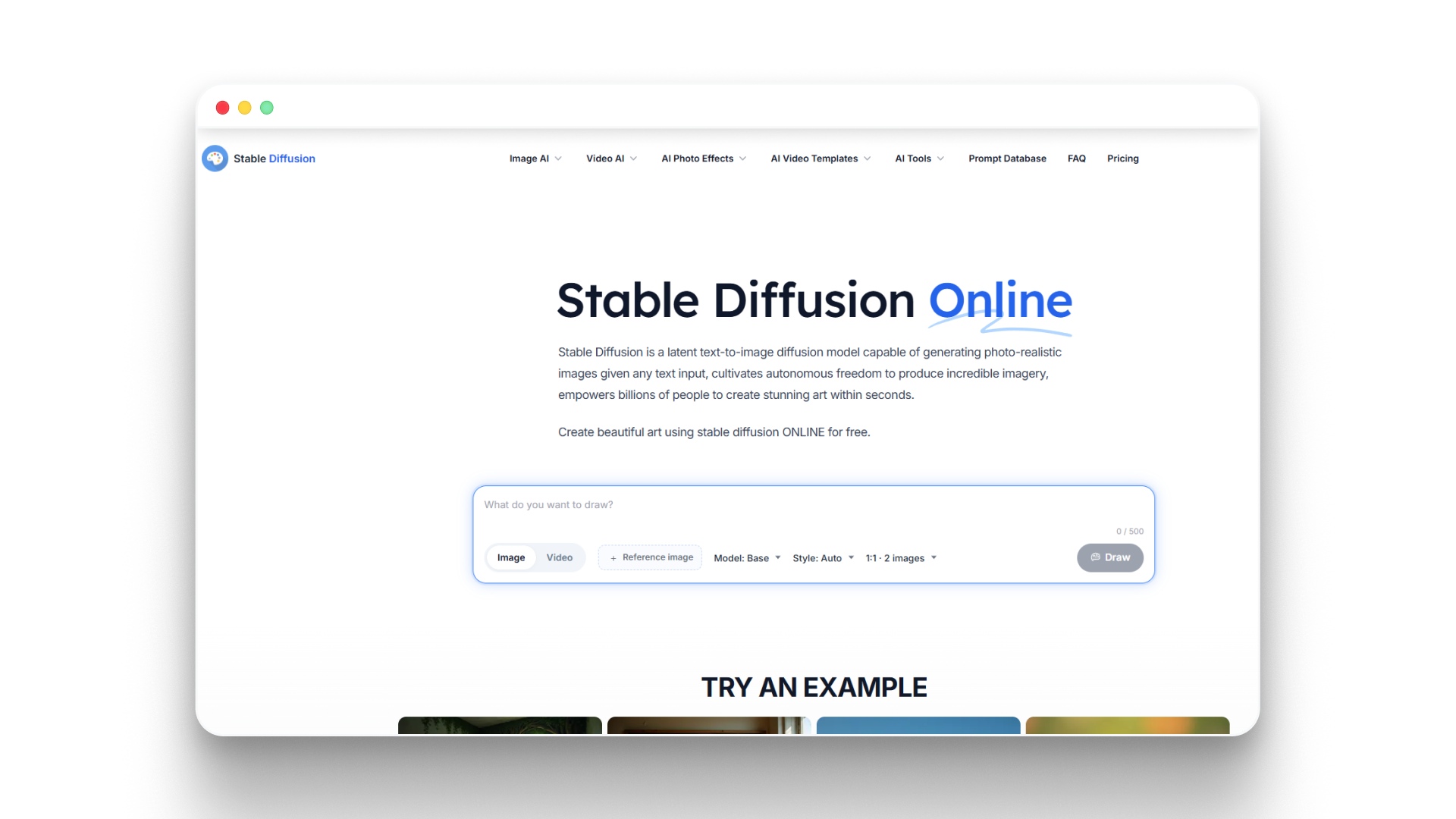
Stable Diffusion is one of the most widely used open-source generative models and has become a foundation for many local text-to-video workflows. While originally designed for image generation, extensions and motion modules now allow creators to generate animated sequences and short AI videos locally.
Why Creators Use Stable Diffusion for Video Generation
- Open-source flexibility: Developers can modify the model, add motion modules, and build custom video generation pipelines.
- Large ecosystem of tools: Works with interfaces like ComfyUI and other diffusion pipelines used for animation workflows.
- Image-to-video experimentation: Frames generated from prompts can be animated to create short video sequences.
- Strong community support: A large developer community continuously builds extensions, motion models, and workflows.
Key Capabilities
- Text-to-image generation used as video frame foundations
- Motion modules for animation workflows
- Integration with node-based generation pipelines
- Customizable parameters for creative experimentation
Pricing and Deployment
Stable Diffusion itself is free and open-source, which makes it one of the most accessible models for local AI video creation.
For developers using hosted infrastructure such as Segmind, usage-based pricing may apply:
- Serverless GPU usage: around $0.0043 per GPU second, allowing pay-as-you-go generation.
- Dedicated GPU endpoints: approximately $0.0007 – $0.0031 per GPU second for reserved compute capacity and faster response times.
This flexible deployment approach allows creators to run Stable Diffusion locally or scale generation using cloud GPU infrastructure when needed.
4.ModelScope Text-to-Video
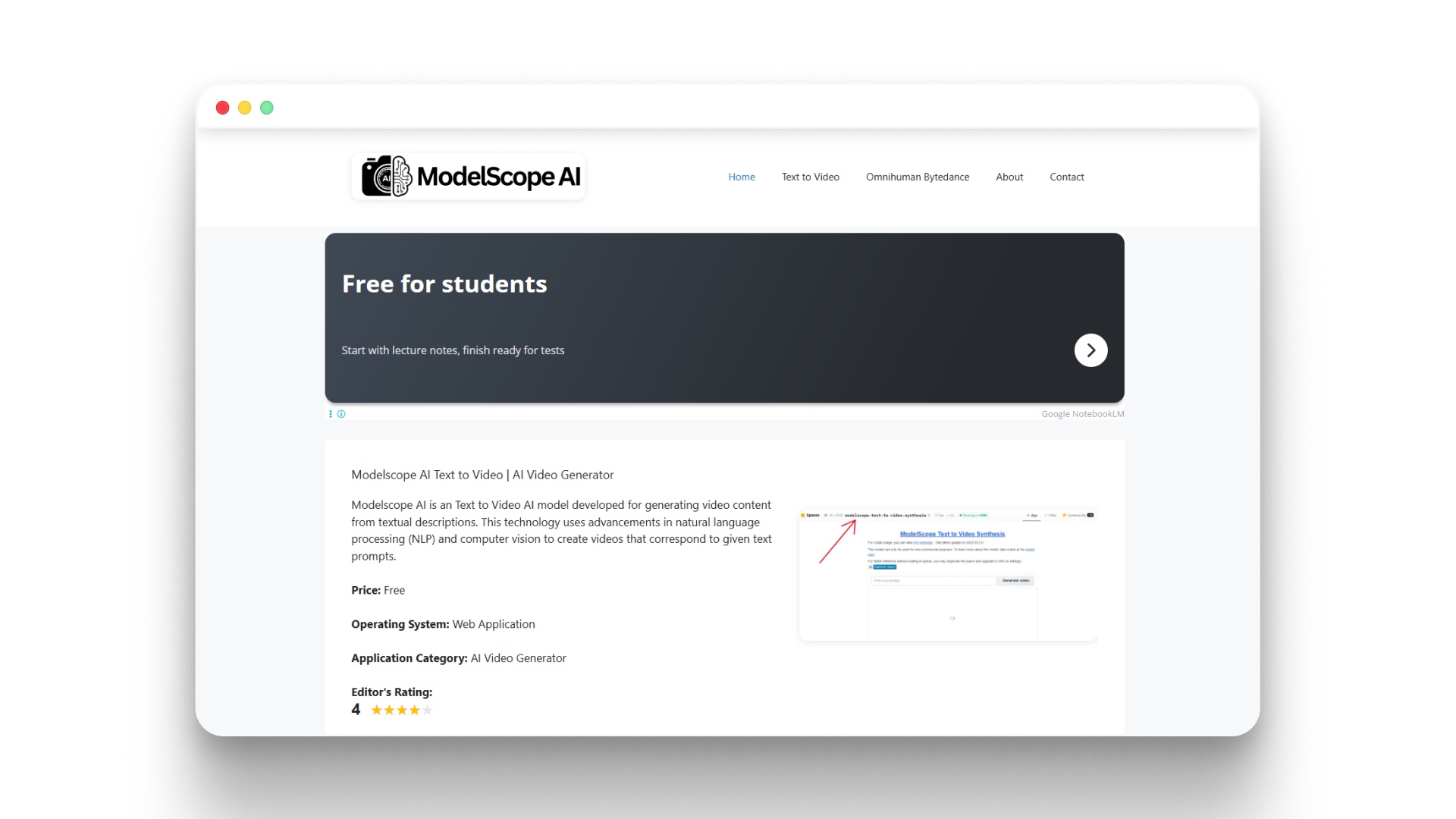
Modelscope AI Text to Video | AI Video Generator
ModelScope Text-to-Video is an AI model designed to generate short video clips directly from text prompts using natural language processing and computer vision techniques. It was developed to help researchers and developers experiment with prompt-based video generation without relying entirely on proprietary systems.
Why Developers Experiment With ModelScope
- Prompt-based video generation: Converts textual descriptions into short video clips that visually represent the prompt.
- Early text-to-video research model: One of the first accessible systems that developers used for experimenting with AI video generation.
- Open experimentation environment: Frequently used by researchers exploring locally deployable video generation workflows.
- Foundation for further research: Many newer video models build on similar techniques, combining NLP and computer vision.
Key Capabilities
- Text-to-video generation from natural language prompts
- Short AI-generated video clip creation
- Integration with machine learning pipelines
- Research-focused experimentation with video generation models
Pricing and Deployment
ModelScope Text-to-Video is generally free to use and is commonly available as a web-based AI video generation tool or open research implementation.
- Price: Free
- Category: AI Video Generator
- Technology: Combines NLP and computer vision for prompt-driven video generation
This accessibility makes it a useful model for developers and creators exploring early-stage AI video generation experiments.
5.AnimateDiff
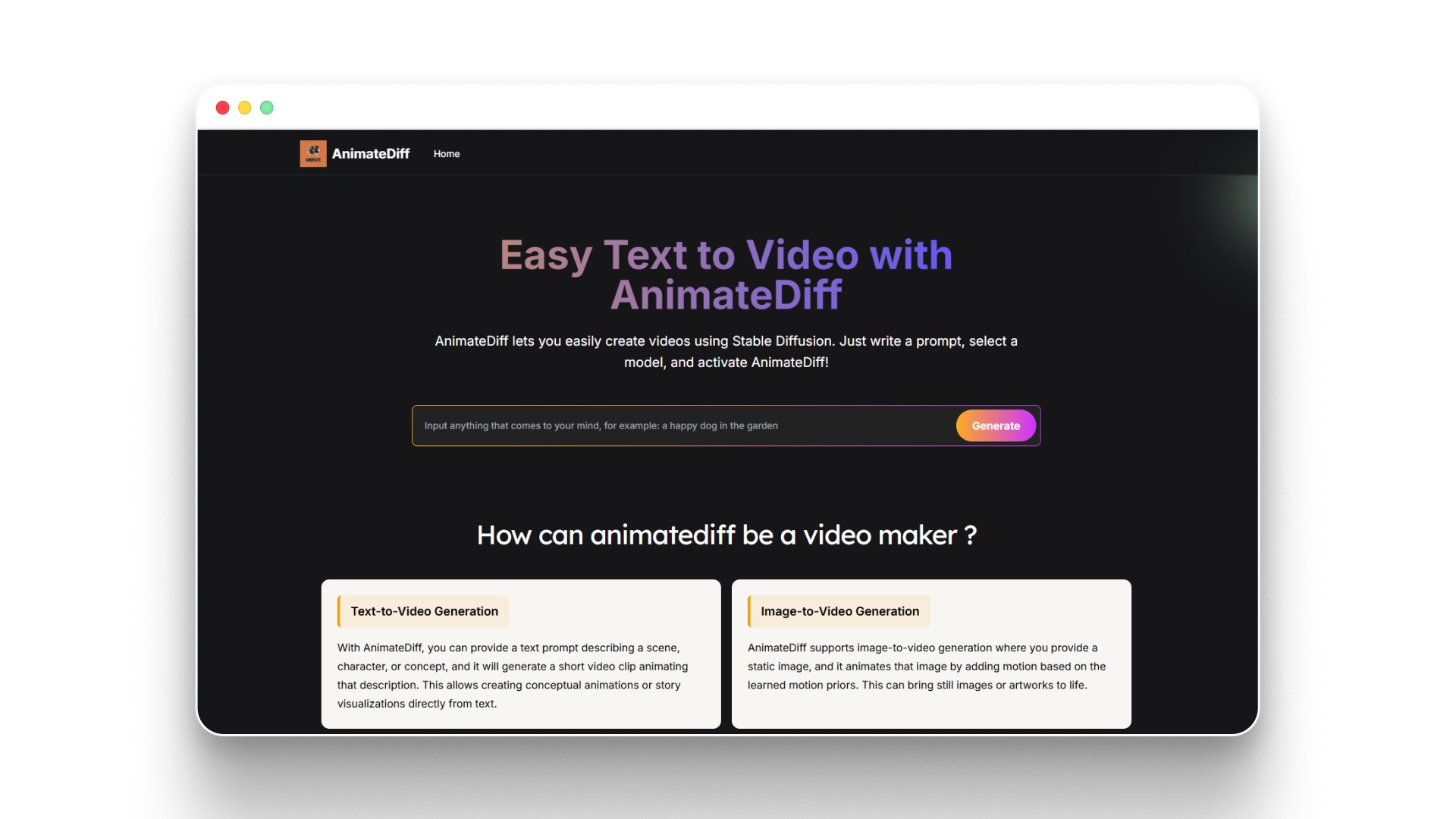
Text to Video with Stable Diffusion | Animatediff Video Maker Free Online
AnimateDiff is a motion module designed to extend Stable Diffusion pipelines by adding temporal motion to generated images. Instead of generating entire videos directly from prompts, it allows creators to animate sequences of images and turn them into short AI-generated video clips.
Why Creators Use AnimateDiff
- Motion generation for AI visuals: Adds animation and movement to frames generated by Stable Diffusion models.
- Works with local AI pipelines: Often integrated with tools like ComfyUI for building custom video generation workflows.
- Flexible experimentation: Supports prompt-driven animation and frame interpolation for short video clips.
- Strong open-source community: Developers continuously release motion modules and workflow improvements.
Key Capabilities
- Motion modules for Stable Diffusion pipelines
- Animation from generated image frames
- Integration with node-based AI workflow tools
- Short AI-generated video creation from prompts
Pricing and Deployment
AnimateDiff is open-source and free to run locally, which makes it accessible for creators experimenting with local AI video workflows.
- Open-source (Free): The core AnimateDiff software is available on platforms like GitHub and Hugging Face.
- API / Cloud usage: Running AnimateDiff through services like Replicate may cost around $0.10 per run, depending on generation settings.
- GPU cloud environments: Hosted environments such as ThinkDiffusion offer GPU instances ranging from $0.79 per hour (16GB VRAM) to $2.50 per hour (48GB VRAM), with occasional discounts available.
Because of its ability to animate Stable Diffusion outputs, AnimateDiff has become a practical tool for creators building locally controlled AI video workflows.
6.CogVideo
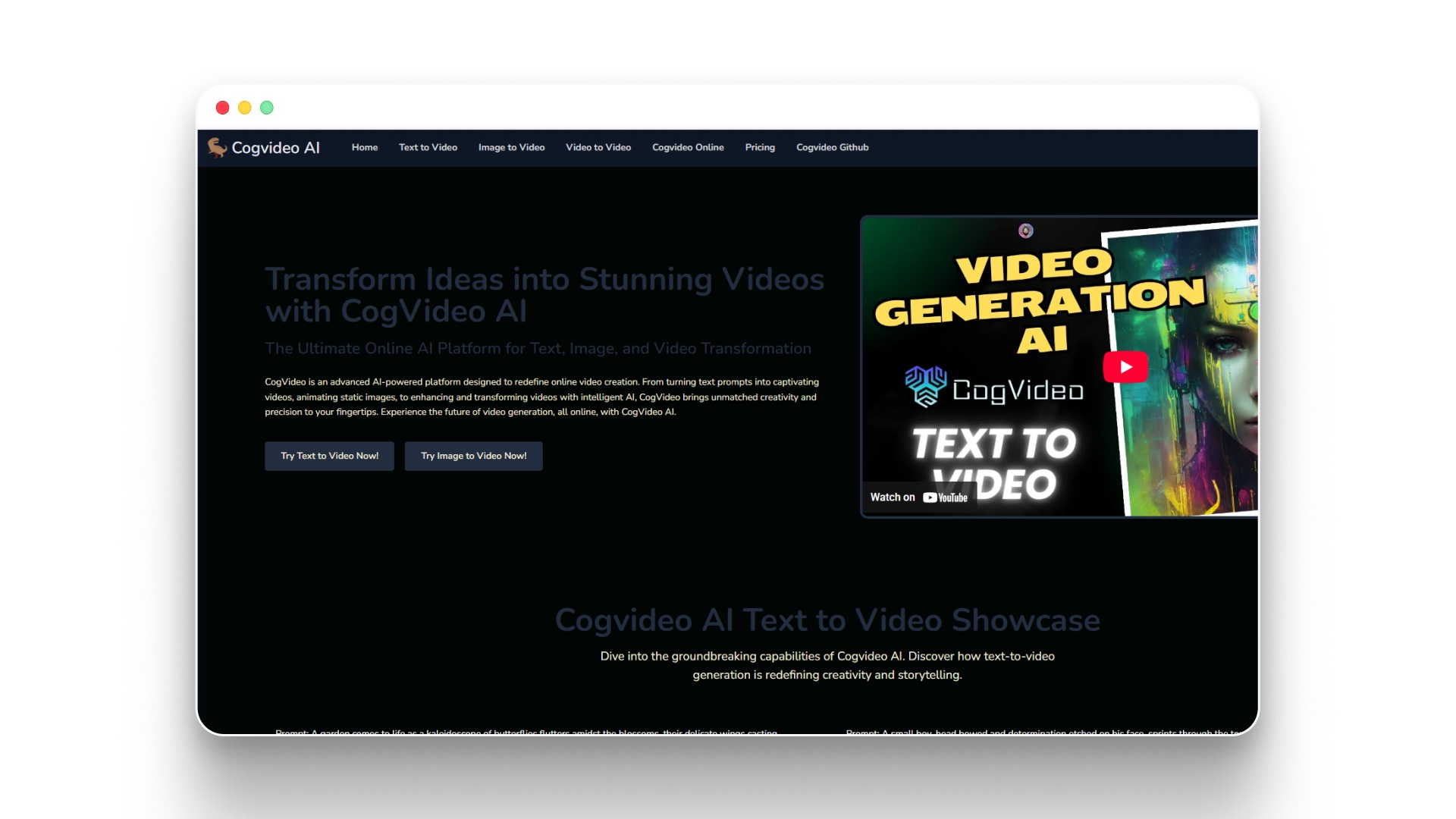
CogVideo - AI-Driven Text-to-Video, Image-to-Video, and Video-to-Video Platform
CogVideo is a text-to-video AI model designed to generate short video clips from natural language prompts using transformer-based architectures. It focuses on converting detailed text descriptions into coherent visual scenes for experimental AI video generation.
Why Developers Experiment With CogVideo
- Prompt-driven video generation: Converts textual descriptions into short video clips that visually represent the prompt.
- Advanced transformer architecture: Uses large-scale generative models designed specifically for video synthesis.
- Research-focused experimentation: Commonly used by developers exploring next-generation text-to-video systems.
- Scene-based generation: Designed to create short visual sequences rather than isolated frames.
Key Capabilities
- Text-to-video generation from prompts
- Short AI-generated video clip creation
- Transformer-based video generation architecture
- Research-focused video synthesis experiments
Pricing
CogVideo is often available through hosted platforms or API-based services, where pricing depends on generation limits and access tiers.
- Standard – $9.99: Generate 30 videos, available for 15 days, one-time payment, no watermark, commercial use included.
- Professional – $19.00: Generate 60 videos, available for 60 days, one-time payment, no watermark, commercial use included.
- Enterprise – $99.00: Generate 300 videos, available for 90 days, one-time payment, no watermark, commercial use included.
Its transformer-based architecture highlights how text-to-video research is evolving toward more coherent and scene-aware video generation models.
Suggested read: Best AI Video Generation Models of 2026
Comparing Popular Local Text-to-Video Models in 2026
Before choosing a model, it helps to compare how different systems perform in terms of hardware requirements, output quality, and generation complexity. The table below highlights some of the most discussed tools used for local AI video generation today.
Model | VRAM | Video Length | Quality | Difficulty |
|---|---|---|---|---|
Open-Sora | 24–48 GB+ | Long experimental clips | Research-grade | Advanced |
Stable Diffusion | 8–16 GB | Short sequences | Good with tuning | Intermediate |
ModelScope T2V | 10–16 GB | Short clips | Moderate | Intermediate |
AnimateDiff | 8–16 GB | Short animated clips | Good animation quality | Intermediate |
CogVideo | 16–32 GB | Medium clips | High experimental quality | Advanced |
VideoCrafter | 16–24 GB | Medium clips | High experimental quality | Advanced |
These differences show that each model serves a different purpose, from experimental research to practical creator workflows. Understanding these trade-offs makes it easier to choose a system that fits your hardware and creative goals.
Practical Workflow for Creating AI Videos Locally
Running video generation models locally usually involves combining multiple tools, dependencies, and workflows, making the process time-consuming and technically demanding. Although the exact steps vary between models, most local AI video workflows follow a similar sequence from prompt generation to final rendering.
- Set up the AI environment: Install dependencies such as Python environments, GPU drivers, CUDA libraries, and machine learning frameworks required to run video models locally.
- Choose the right video model: Select a locally deployable model that fits your hardware capabilities and generation goals.
- Generate frames from prompts: Use text prompts or scripts to produce scene images or short clips that will form the foundation of the video.
- Add motion and animation: Apply animation modules or motion-aware tools to transform static frames into moving video sequences.
- Compile frames into a video: Combine generated frames and clips using video processing tools to create the final output.
- Refine the storytelling and presentation: Add voiceovers, subtitles, or edits, and in some cases, creators also experiment with tools like Frameo when they want prompts to translate into structured scenes instead of individual frames.
A Simpler Way to Turn Ideas Into AI Videos
Running text-to-video models locally can be powerful, but it often requires managing multiple tools, GPU resources, and complex pipelines just to produce a short video. For many creators, the challenge is not generating frames or motion but turning an idea into a structured video with consistent scenes and characters.
This is where Frameo approaches AI video creation differently.
Instead of focusing only on raw text-to-video generation, Frameo is designed as a story-first AI video creation platform that converts prompts, scripts, or story ideas into structured cinematic videos.
What Makes Frameo Different?
- Story-to-video pipeline: Frameo converts prompts and scripts into scenes, shots, and structured video sequences instead of isolated clips.
- Character and style consistency: Characters, environments, and visual style remain consistent across scenes and episodes.
- Unified creation environment: Script writing, scene generation, visuals, audio, and video assembly happen inside one workspace.
- Built for creators: Designed for storytellers, marketers, filmmakers, and content creators experimenting with AI-generated video narratives.
For creators who want to focus on storytelling rather than managing complex model pipelines, Frameo offers a more structured way to turn ideas into cinematic AI videos.
Wrapping Up
Running text-to-video models locally is becoming an exciting direction for creators who want more control over how AI videos are generated. With the right models and hardware, it is possible to experiment with prompt-driven video generation, animation workflows, and custom pipelines directly on personal machines. As local models continue to evolve, developers and creators will gain even more flexibility in building advanced AI video workflows.
At the same time, not every creator wants to manage complex setups, GPU requirements, and multiple generation tools. Some prefer approaches that simplify storytelling while still using AI to generate cinematic scenes and videos. As AI video creation matures, both local experimentation and streamlined platforms will continue shaping how creators turn ideas into visual stories.
If you want a simpler way to turn story prompts into cinematic videos without managing multiple models, explore how Frameo helps creators generate structured video scenes.
FAQs
1.What is the best text-to-video local model?
There isn’t a single best model for every use case, but popular options include Stable Diffusion pipelines, ModelScope Text-to-Video, AnimateDiff, and VideoCrafter. The best choice usually depends on your hardware, desired video quality, and how complex your workflow is.
2.Can text-to-video AI run locally?
Yes, many AI video models can run locally if your system has sufficient GPU power and memory. Running models locally allows creators to generate videos without relying on cloud services.
3.How much GPU is required for local AI video generation?
Most local video generation models require GPUs with at least 8–16 GB of VRAM for stable performance. More advanced models may need higher VRAM or multiple GPUs to generate longer or higher-quality videos.
4.Are there free text-to-video AI models available?
Yes, several open-source text-to-video models are available for free, including AnimateDiff, ModelScope Text-to-Video, and Stable Diffusion-based pipelines. These models allow developers and creators to experiment with AI video generation without paying for cloud services.
5.Is running AI video models locally better than cloud tools?
Running models locally gives creators more control over privacy, customization, and experimentation. However, cloud platforms may offer easier setups and faster generation if local hardware resources are limited.