Top 7 HeyGen Alternatives and How They Differ in 2026
Compare leading HeyGen alternatives for 2026 with clear pricing and use cases that help you match each option to the type of videos you plan to create.
When you work on videos day after day, it is natural to reach a point where you want to compare different tools to see what else might fit your style or workflow. That is often when the search for HeyGen alternatives begins. Many creators look at options such as Frameo, Synthesia, Colossyan, Elai.io, D-ID, Veed.io, or DeepBrain AI, not because HeyGen falls short, but because each platform takes a different approach to video creation. Some focus on animated scenes, some focus on presenter clips, and others support editing or mixed-media projects. This helps creators match the tool to the exact format they need. As they compare HeyGen alternatives, the goal is simply to find the option that fits their content plan.
In this guide, you will see how these tools differ, where each one fits, and how to decide which direction supports your video workflow most effectively.
Key Takeaways
- Frameo starts at $25/mo and stands out as the only option in the list built for prompt-driven animated videos, image-to-video motion, and vertical formats without relying on presenter avatars.
- HeyGen’s Creator plan is $29/mo, offering unlimited avatar videos up to 30 minutes with 700+ stock avatars and 175+ languages.
- Synthesia and Colossyan begin at $29/mo and $19/mo, respectively, both oriented toward presenter-style clips, scripted explainers, and multi-language corporate or training content.
- Elai.io, D-ID, and DeepBrain AI cover specific gaps such as URL/PPT-to-video, photo-based talking clips, and avatar-based training videos, with starting prices at $23/mo, $4.70/mo, and $24/mo.
- Veed.io’s Lite and Pro tiers convert to roughly $5.55/mo and $13.33/mo, leaning toward editing, subtitling, and social-format assembly rather than avatar or animated generation.
Why Creators Look for HeyGen Alternatives
Search volume for alternatives rises because certain workflows call for features, controls, or output styles that differ from what HeyGen currently provides. These points reflect real user behavior seen across public reviews, product discussions, and creator forums.
- Expanded Avatar Control: Some users need avatar actions, facial cues, or body movement options that go past the current preset motions in HeyGen’s library.
- Greater Freedom in Scene Layouts: Projects that require prop placement, custom backgrounds, or multi-shot layouts may push users to compare tools with wider scene-building options.
- Source Footage Import Needs: Teams that rely on their own footage sometimes look for platforms that support direct video input, which HeyGen limits in certain plan levels.
- Advanced Lip-Sync Requirements: Users working with multi-language content often test other tools to find smoother timing between speech and mouth shapes for specific accents or pacing.
- AI Voice Variety: Some creators need voice styles for niche content, such as documentary formats, character roles, or regional tones that may not be present in HeyGen’s current catalog.
- Pricing Structure Fit: Users producing high-volume content review other tools when they need credit systems, monthly limits, or export rules that match sustained posting schedules.
This leads into a closer look at the options creators compare most in Top HeyGen Alternatives for 2026.
Creative angles mapped in The Rise of Animated Shorts: How to Stand Out on Social Media with Frameo
Top HeyGen Alternatives for 2026
If the features, format, or pricing of HeyGen don’t fit a project, creators often turn to other AI-driven platforms. These alternatives vary in style, from avatar-based videos to animated clips to social-format video makers. The 7 tools below are among the most referenced in recent reviews and comparison guides.
Frameo
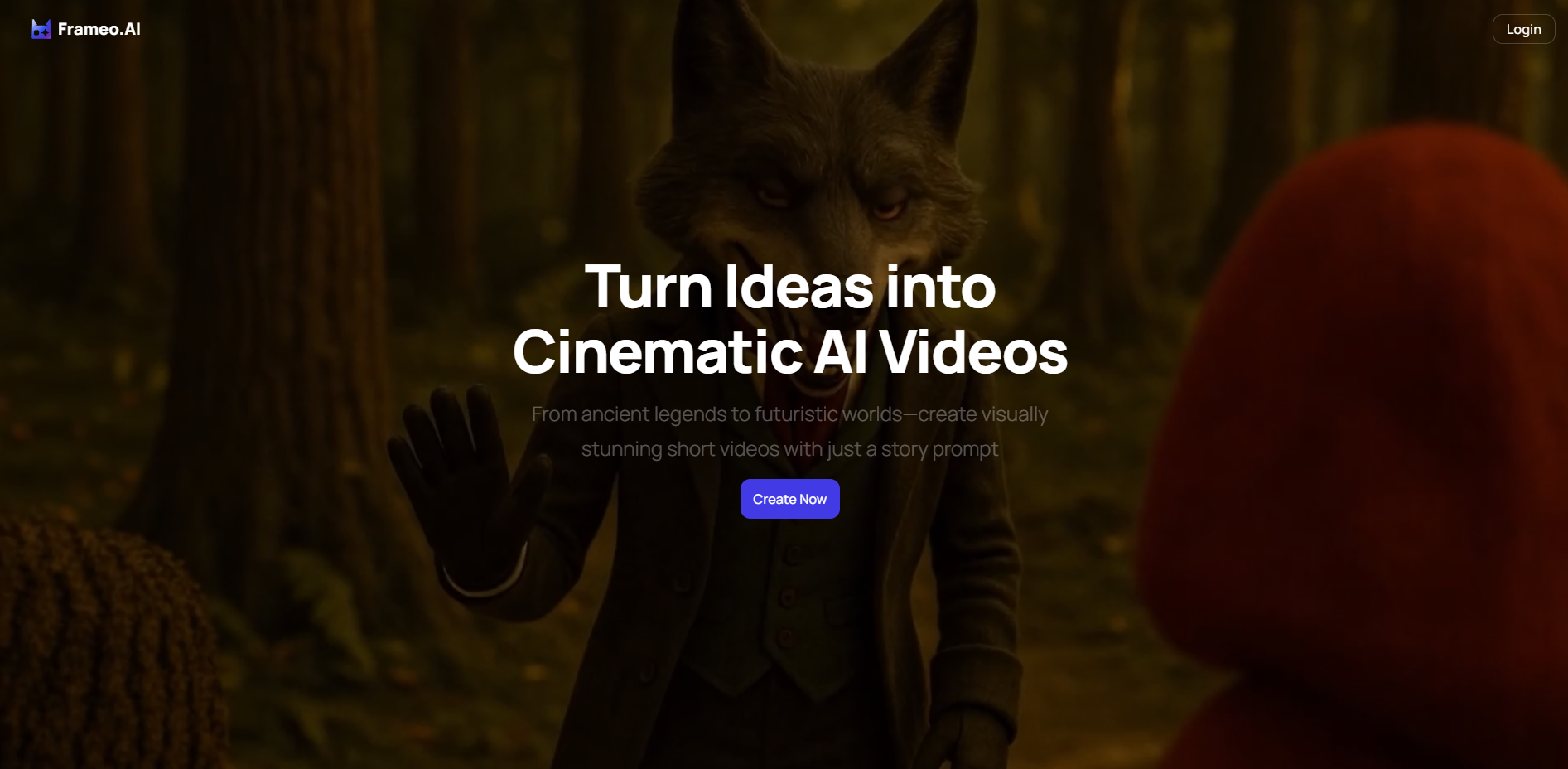
Frameo focuses on animated, stylized, and vertical-format videos. It appeals to creators who want more visual variety than standard avatar videos, especially for social platforms, short-form content, or creative storytelling.
- Prompt-to-Video Creation: Convert story prompts or scripts into animated short videos.
- Faceless & Avatar-Free Output: Create videos without live-recorded footage, useful for stylized or anonymous content.
- Image-to-Video Animation: Animate still images or artwork into motion, allowing product visuals or illustrations to come alive.
- Vertical Video Format (9:16): Generates videos optimized for mobile/social-media viewing.
- Voiceover & Dubbing Options: Add narration or dubbed dialog, useful for multilingual or dubbed content.
- Flexible Credit-Based Pricing: Allows creators to manage cost according to volume and complexity of output.
A closer look presented in Frameo Case Study: Create 30 Days Of Content In One Afternoon With AI
Synthesia
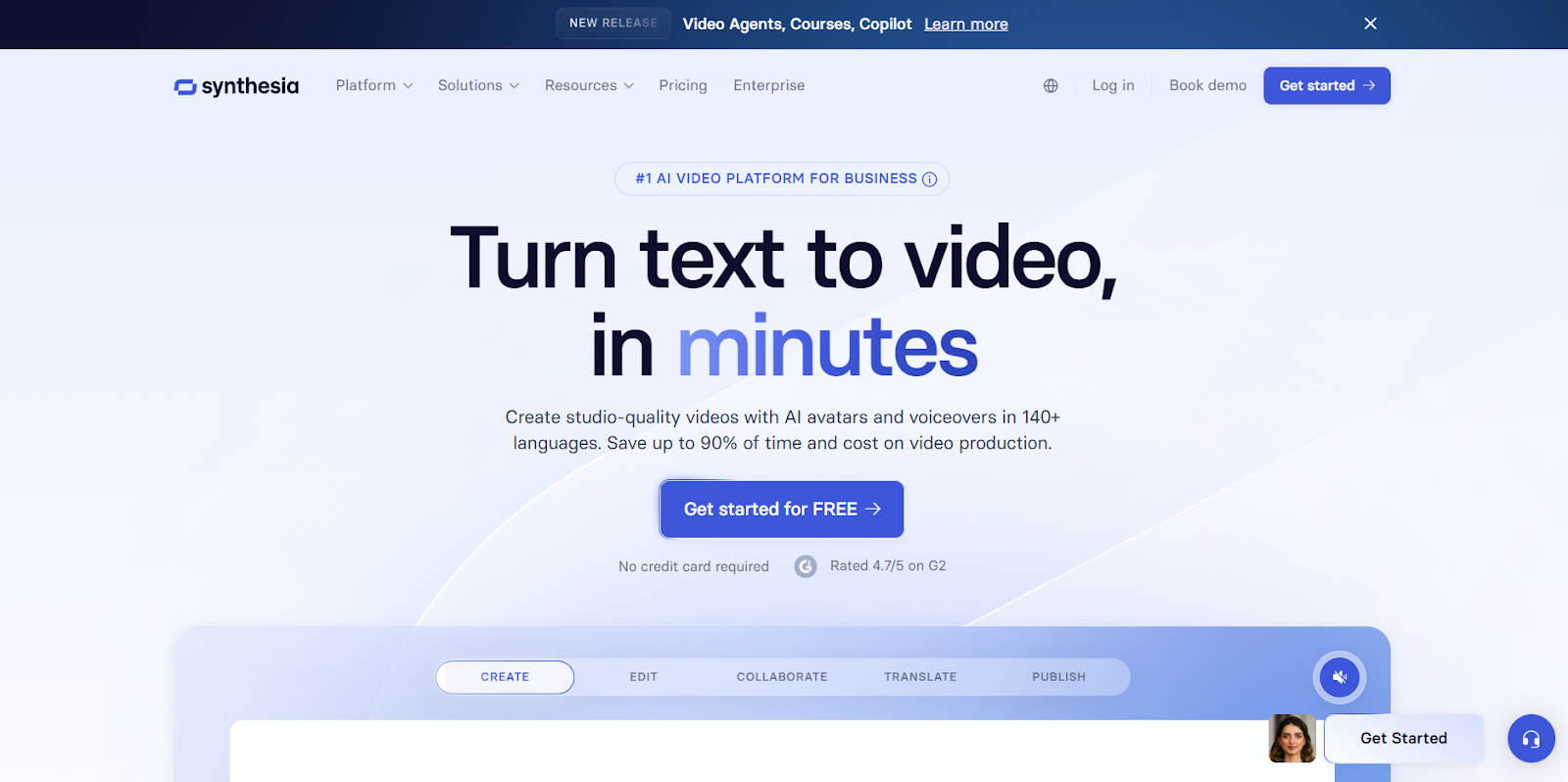
Synthesia remains a leading pick when realistic AI avatars, multilingual capability, and template-based workflows are needed, often for explainers, corporate videos, or global content.
- Large Avatar Library + Voice Options: Many avatar and voice choices for various presentation styles.
- Multi-Language Support: Useful for creators targeting diverse or global audiences.
- Template & Script-to-Video Workflows: Simplifies video creation from script, with minimum editing effort.
- Multi-Avatar Scenes (e.g., Dialogue or Interview Style): Allows more complex video formats with multiple speakers.
- Business & Team Features: Collaboration tools and workflows suited for small teams or agencies.
Colossyan Creator
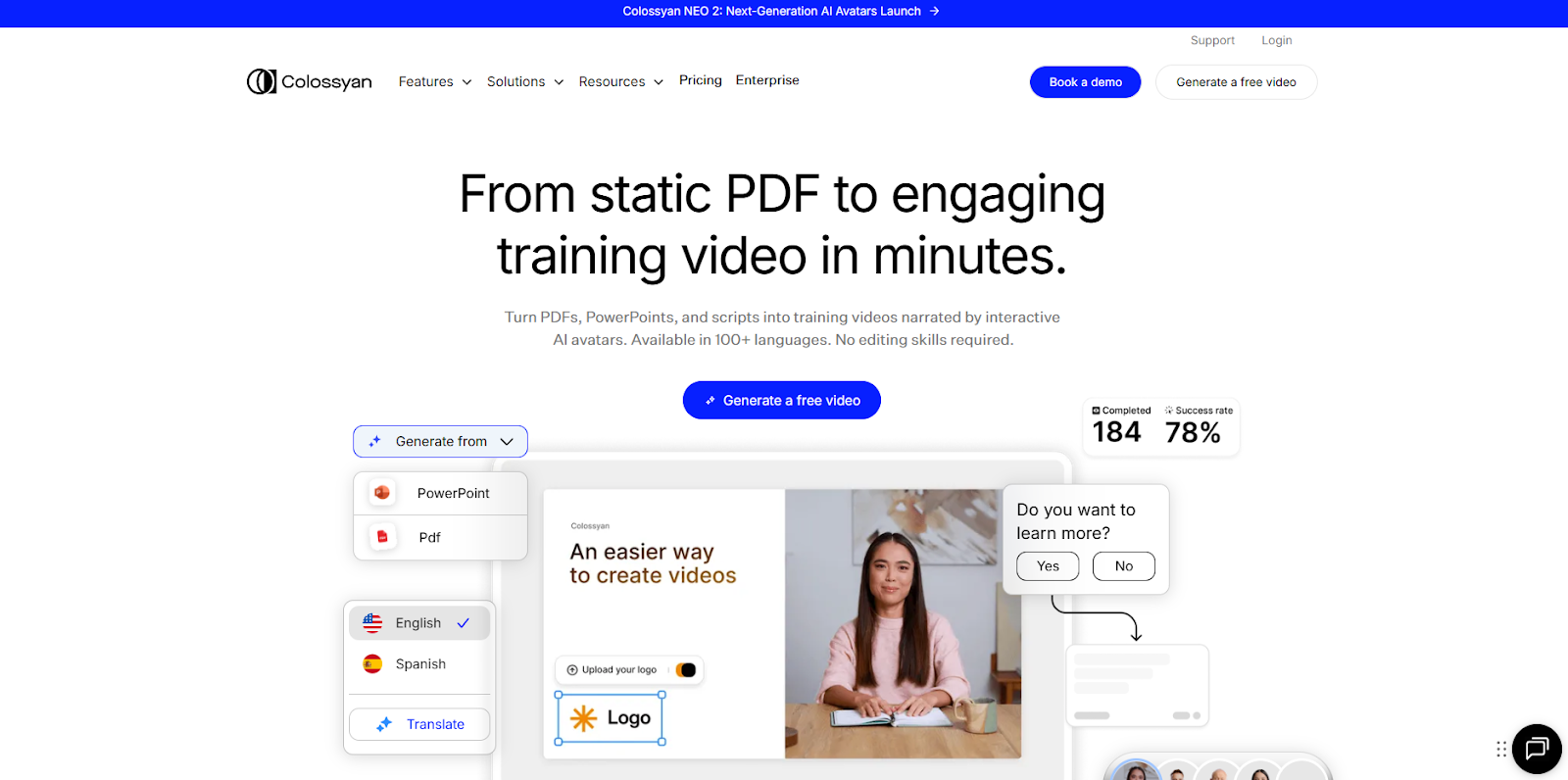
Colossyan Creator is oriented toward training, education, tutorials, and corporate-style video production using AI avatars and scripted video generation, often chosen for simplicity and cost-effectiveness in such formats.
- Text-to-Video with Presenter Avatars: Turns written scripts into talking-head style videos with avatar presenters.
- Good for Education and Training Videos: Favoured for learning modules, internal training, or corporate communications.
- Moderate Cost and Ease of Use: More accessible than full-scale animation pipelines for teams or small organizations.
- Multilingual and Localization Support: Works when content needs to reach global or multilingual audiences.
- Faster Turnaround vs. Traditional Video Production: Less overhead compared with filming and editing live-action videos.
Elai.io
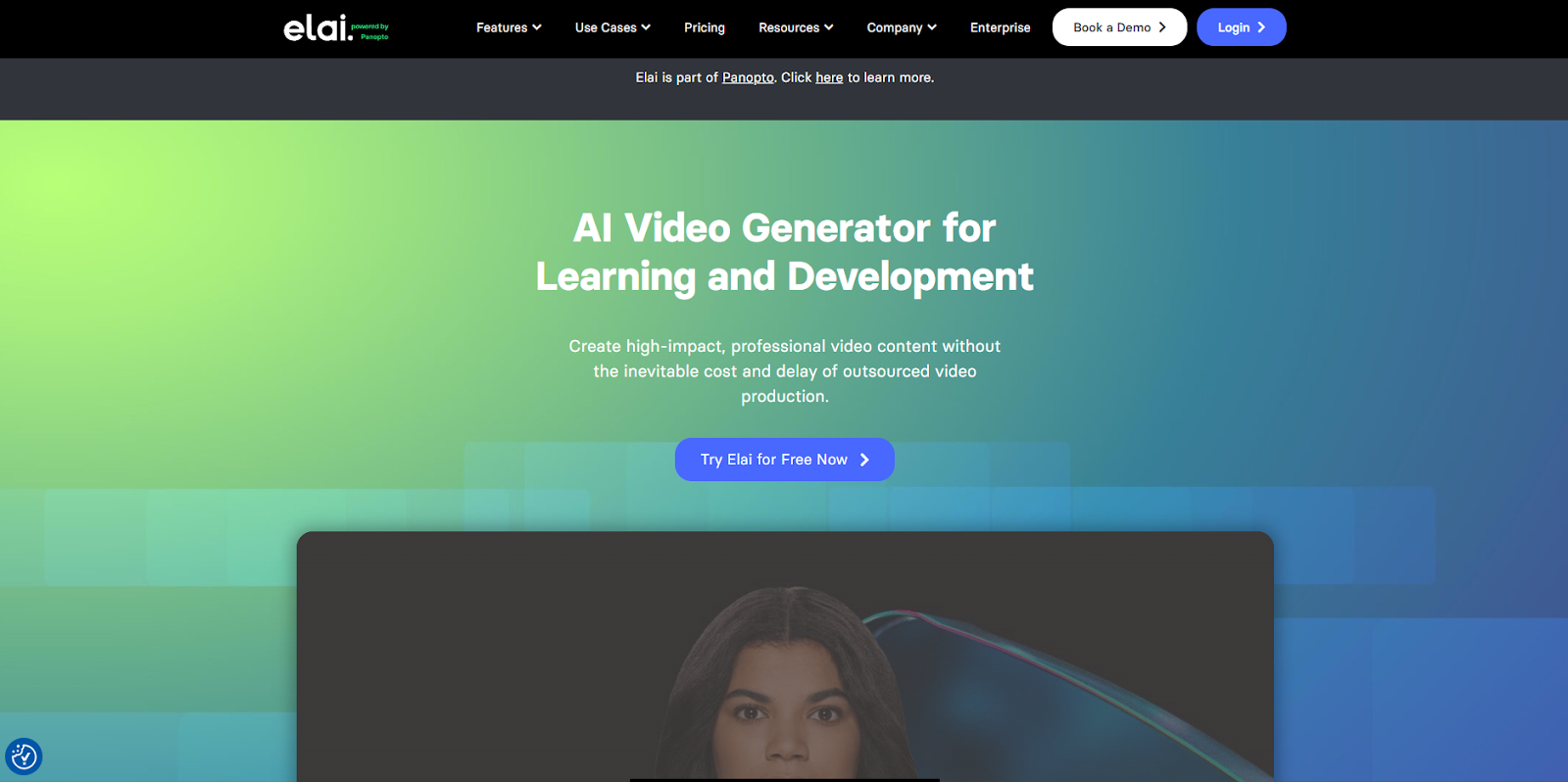
Elai.io is popular for marketing videos, explainers, and simple video content such as tutorials or promos. It converts text (or PPT/doc content) into video with avatars or voice-overs.
- Script/PPT/URL-to-Video Conversion: Useful for turning articles, presentations, or documents into video content.
- Avatar + Voiceover Support: Let creators add digital avatars or voiceovers, which is helpful when recording live footage is not an option.
- Multi-Language & Voice Cloning Options: Supports various languages and voice styles for broader reach.
- Suitable for Explainers, Marketing, or Internal Communications: Fits well for business-style videos: product demos, training, or social media promos.
- Simplicity Over Complexity: Requires minimal editing skill, beneficial for non-technical users.
D-ID
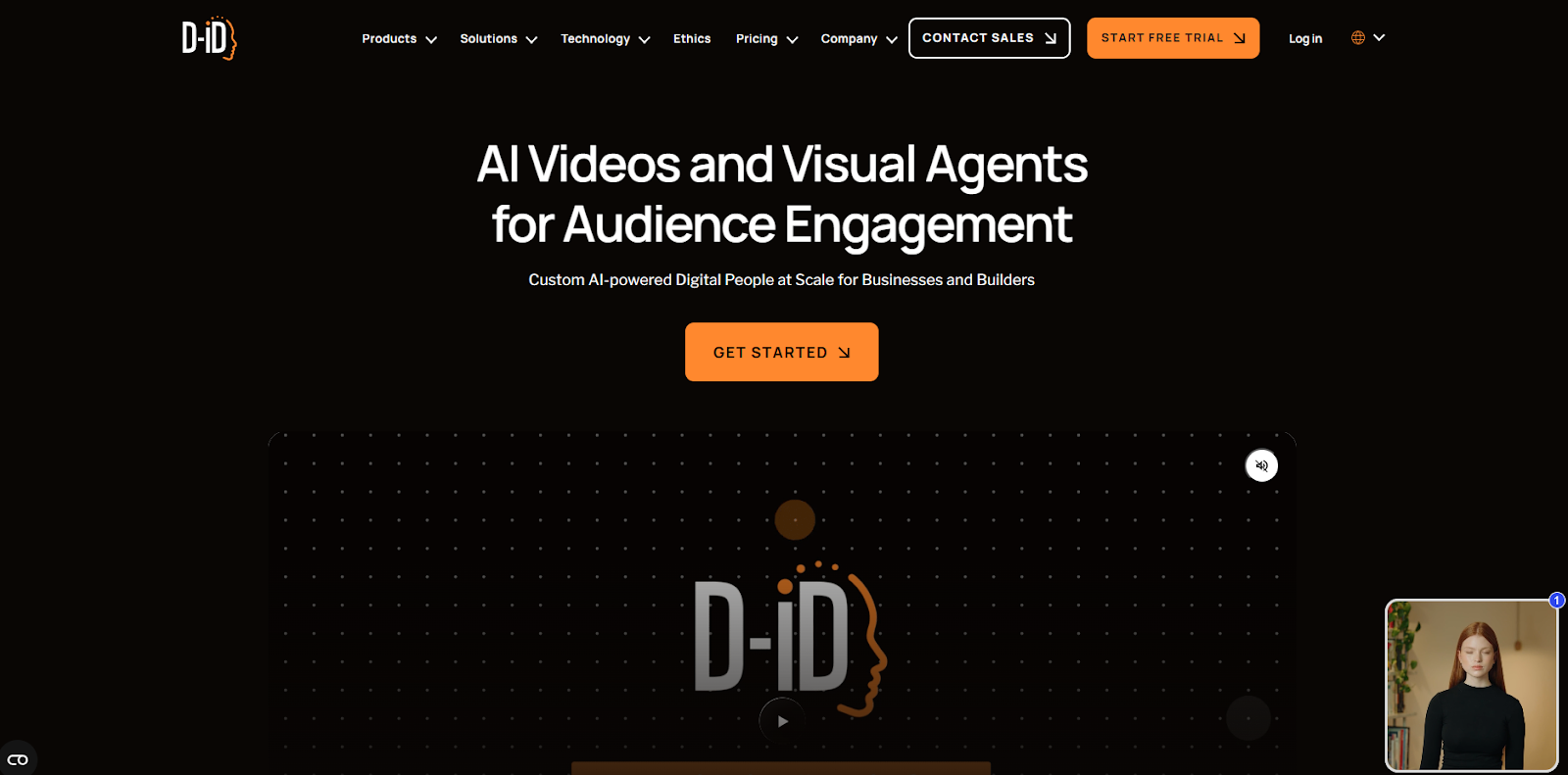
D-ID targets those who prefer talking-head or human-style video output, using AI to generate facial animation and synchronized speech from text or audio. It’s a go-to for voice-driven content where realism matters more than stylized animation.
- Create Talking-Head Videos from Text or Audio: Useful for interviews, narrations, or presentation-style content without live recording.
- Realistic Face & Voice Synchronization: Often selected when lip-sync accuracy and facial motion are important.
- Fast Output for Simple Video Needs: Ideal when the aim is quick turnarounds rather than heavy animation or stylized visuals.
- Good for Narration-Heavy Content: Works for voiceovers, how-tos, or explanation videos with minimal visual motion.
- Lower Learning Curve: Compared with full animation tools, it is easier to use for creators familiar with basic video formats.
Veed.io
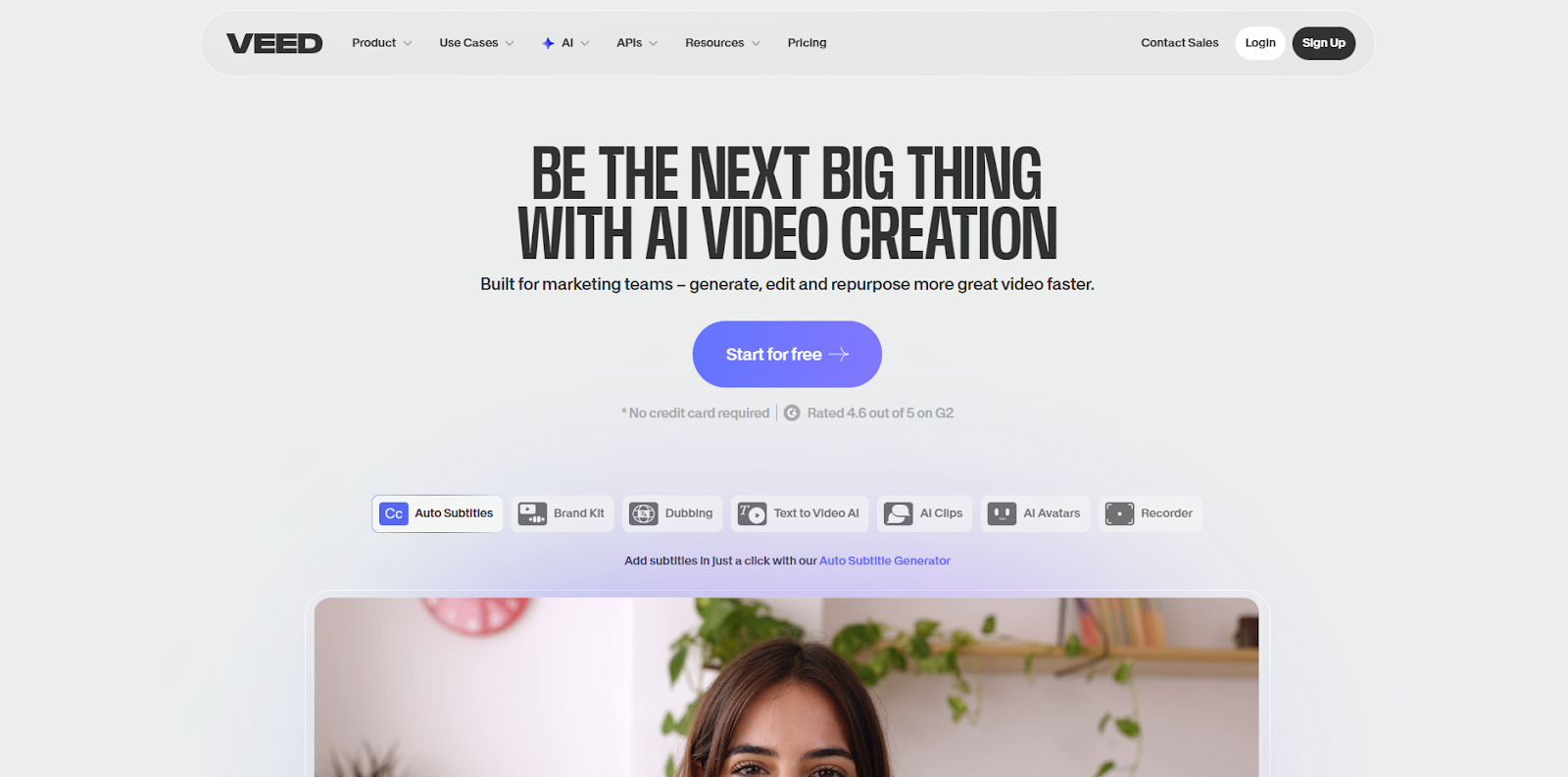
Veed.io is often recommended for creators who want quick editing, subtitling, video assembly, and some AI assistance, rather than full avatar or AI-animation capabilities. It works well as an editing layer or for social-first video cropping, captioning, and publishing.
- Simple Video Editing + AI-Assisted Features: Offers captioning, trimming, and basic effects, handy for quick social posts.
- Flexible for Existing Footage: Instead of only generating AI avatars, it can edit, process, or stylize live-action videos.
- Good for Shorts, Social Content, and Reels: Useful for creators needing fast turnaround and minimal editing overhead.
- Affordable & Accessible for Non-Professionals: Friendly to creators who don’t need full-scale production quality.
- Complementary Use: Often used alongside other tools (e.g., avatar generators) to polish, subtitle, or finalize content before publishing.
DeepBrain AI
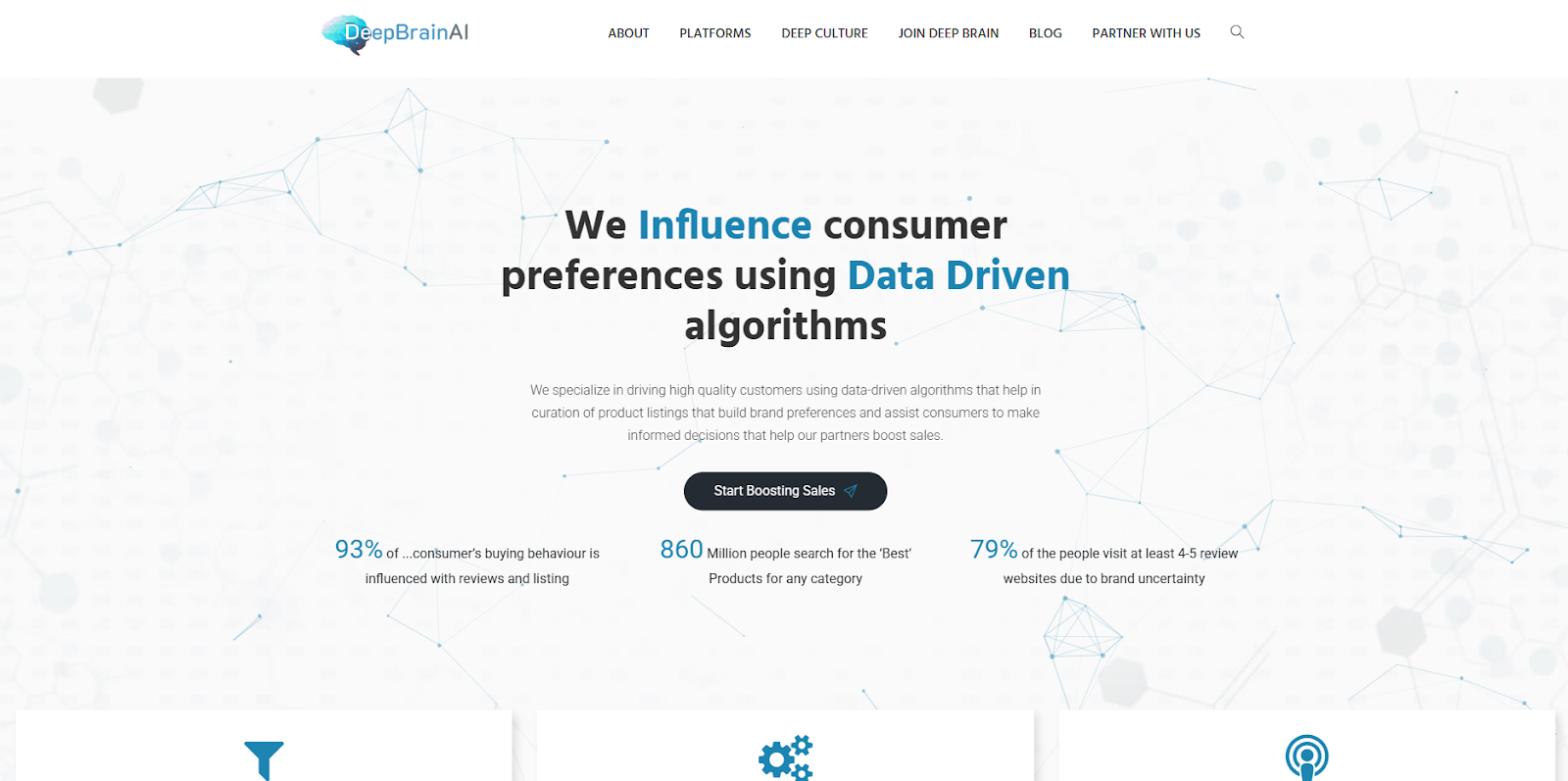
DeepBrain AI appears in many “best-of” lists alongside tools like Colossyan and D-ID. It caters to users who need simple AI-based video generation for things like explainer videos, internal training, or quick marketing content.
- Text-to-Video with Avatar/Presentation Style: Automates video generation without requiring filming or live actors.
- Suitable for Training or Business Contexts: Favoured for corporate communication, tutorials, and internal content.
- Cost-Effective Compared to Traditional Video Production: Reduces overhead when frequent or high-volume videos are needed.
- Multilingual Output and Voice Options: Helpful for global teams or multilingual content requirements.
- Lower Complexity Workflow: Intended for users without prior video-editing or production experience.
Full view in Bring Your Scripts to Life with Frameo’s AI Voice for Videos
Price Comparison Table
The table gives a clear view of how each platform structures its entry pricing for individual users.
The comparison sets up a smooth move into How To Pick the Right HeyGen Alternative.
Honest assessment in Is Frameo Worth? It A Breakdown of Pricing and Value
How To Pick the Right HeyGen Alternative
Each alternative focuses on a different production style. The points below highlight the exact checks that apply when comparing tools in this category.
- Video Type Fit: Match the tool to your format needs, presenter clips, animated shorts, slideshow videos, talking-head clips, or editing tasks.
- Language Requirements: Check each platform’s published language list if your workflow depends on accent range or region-specific voices.
- Scene Control Level: Confirm whether you need animated scenes (Frameo), presenter scenes (Synthesia, Colossyan, Elai.io, DeepBrain AI), facial motion from a photo (D-ID), or editing steps (Veed.io).
- Content Volume Match: Compare pricing structures such as minute-based plans, credit-based clip creation, or editor-style subscriptions based on your output pace.
- Upload Support: Review whether the tool accepts images, photos, URLs, full videos, or only scripts, depending on how you build each project.
- Output Format Needs: Check whether you need vertical 9:16, widescreen, square ratios, or mixed platform presets.
From here, the discussion turns toward the situations explored in Top 6 Use Cases for HeyGen Alternatives.
Full view in Creating AI-Generated Videos for YouTube A 2025 Guide
Top 6 Use Cases for HeyGen Alternatives
Creators search for alternatives when their projects require formats or workflows that differ from avatar-based presenter videos. The cases below reflect the most common shifts.
- Animated Story Videos: Used when a project needs character motion, scene generation, or vertical story clips instead of a talking presenter.
- Presenter-Free Training Clips: Selected when teams want scripted instructional videos without relying on a digital host or camera footage.
- Talking-Head Clips from a Photo: Chosen when a still image must deliver spoken content with synced facial motion.
- Document or Webpage Conversion: Applied when video chapters need to be generated from text sources such as articles, slide decks, or URLs.
- High-Volume Social Clips: Used when short-form posts require quick creation loops, vertical formatting, and lightweight editing steps.
- Mixed Footage Projects: Selected when a workflow involves trimming, captioning, or assembling existing video files alongside AI-generated content.
Key future cues highlighted in AI Video Production Trends 2025: What Creators Can’t Afford to Miss
Conclusion
A good comparison of tools often reveals small differences that only surface once you map them to your own plans. Those details help clarify which direction supports the type of videos you want to publish and the pace you prefer to keep. With that clarity, the next step is simply choosing the setup that fits the way you already work.
If your upcoming projects involve animated scenes, character-driven clips, or vertical formats shaped by prompts, Frameo gives you a clear space to build them. You can see how it matches your content goals by starting your next project on Frameo today.Get started with Frameo today for free!
FAQs
1.Are there HeyGen alternatives that support animated story clips instead of presenter videos?
Yes. Some options in the alternatives to the HeyGen AI video generator category focus on animated scenes, character motion, and vertical story formats.
2.Do any HeyGen competitors allow project creation from URLs or documents?
Yes. A few HeyGen competitors include tools that convert articles, slide decks, or links into video chapters.
3.Which HeyGen alternative AI video generator works best for short vertical posts?
Creators often compare 9:16 export options when choosing a HeyGen alternative AI video generator for platforms like TikTok and Reels.
4.Are there HeyGen alternatives that accept full video uploads for editing?
Some alternatives to HeyGen AI video generator support trimming, captioning, and assembly of uploaded footage.
5.Do any HeyGen competitors offer photo-based talking clips?
Yes. Certain HeyGen competitors can generate short talking-head clips from a still image with synced voice output.



