Top 10 Synthesia Alternatives And Competitors For 2026
Looking for a Synthesia alternative? Compare the top AI video tools for 2026 and learn how creators choose the right platform based on workflow, speed, and fit.

If you're looking for a Synthesia alternative, something probably isn't clicking. Maybe the pricing feels high for early testing, or perhaps you want to see how a script actually plays on screen before committing to production.
We understand how frustrating it can be to navigate the growing landscape of AI video tools and the uncertainty that comes with investing time and money in new platforms.
You're not alone. AI video tools are being adopted fast as teams respond to short-form and multilingual content demands. With the AI video space expected to grow at roughly a 25% CAGR over the coming years, "Synthesia-style" platforms have multiplied, giving creators more choice and more complexity.
That's why many creators now validate ideas visually before producing final videos. A quick, no-code preview can reveal pacing, tone, and clarity issues early. Tools like Frameo support this step by letting you preview scenes before choosing a production platform.
This guide breaks down the top Synthesia alternatives and competitors for 2026 to help you decide with confidence.
Key Takeaways
- Synthesia alternatives in 2026 are best compared by workflow role, not feature count.
- AI video tools now fall into clear categories, including avatar production, editing-first platforms, personalization engines, and early-stage validation tools.
- The right choice depends on when you need AI video support, ideation, testing, or final production.
- Many creators reduce cost and rework by validating scripts, pacing, and structure before committing to a production platform.
- Frameo fits this early stage by enabling fast, no-code visual previews that help creators choose and use other AI video tools more confidently.
Why Consider a Synthesia Alternative?
Synthesia is well known for presenter-style AI videos, but creators often look for alternatives when their needs evolve. Creators move away from Synthesia for a few common reasons:
- Cost vs experimentation: Subscriptions can feel heavy when you're still testing ideas
- Format limits: Avatar-first tools aren't always ideal for short-form or vertical content
- Creative flexibility: You may want faster iteration over polished presenters
- Workflow fit: Some teams need validation first, production later
For many teams, the challenge is not generating a video but knowing whether the video will work once it is created. That gap is what drives interest in Synthesia AI alternatives that offer more flexibility, faster iteration, or clearer validation before production.
Quick Comparison for Synthesia.io Alternatives
Platform Category | What It Solves Well | Where It Falls Short |
Avatar-first platforms | Polished presenter videos | Limited creative testing |
Editing-based AI tools | Social and repurposed content | Weaker avatar realism |
Personalization engines | Scale and automation | Setup complexity |
Validation tools like Frameo | Script pacing and clarity | Not final production |
Note: Many Synthesia alternatives, including Frameo and HeyGen, offer iOS-compatible apps or browser-based tools accessible on mobile devices, providing flexible options for iOS users seeking AI video creation.
Understanding this distinction makes it easier to choose the right tool for your stage of work.
Also Read: AI Tools for Creating and Selling Digital Products
Top 10 Synthesia Alternatives & Competitors of 2026
The tools below are widely considered the most practical alternatives to Synthesia in 2026, each addressing different needs across creation, experimentation, and scale.
1. Frameo
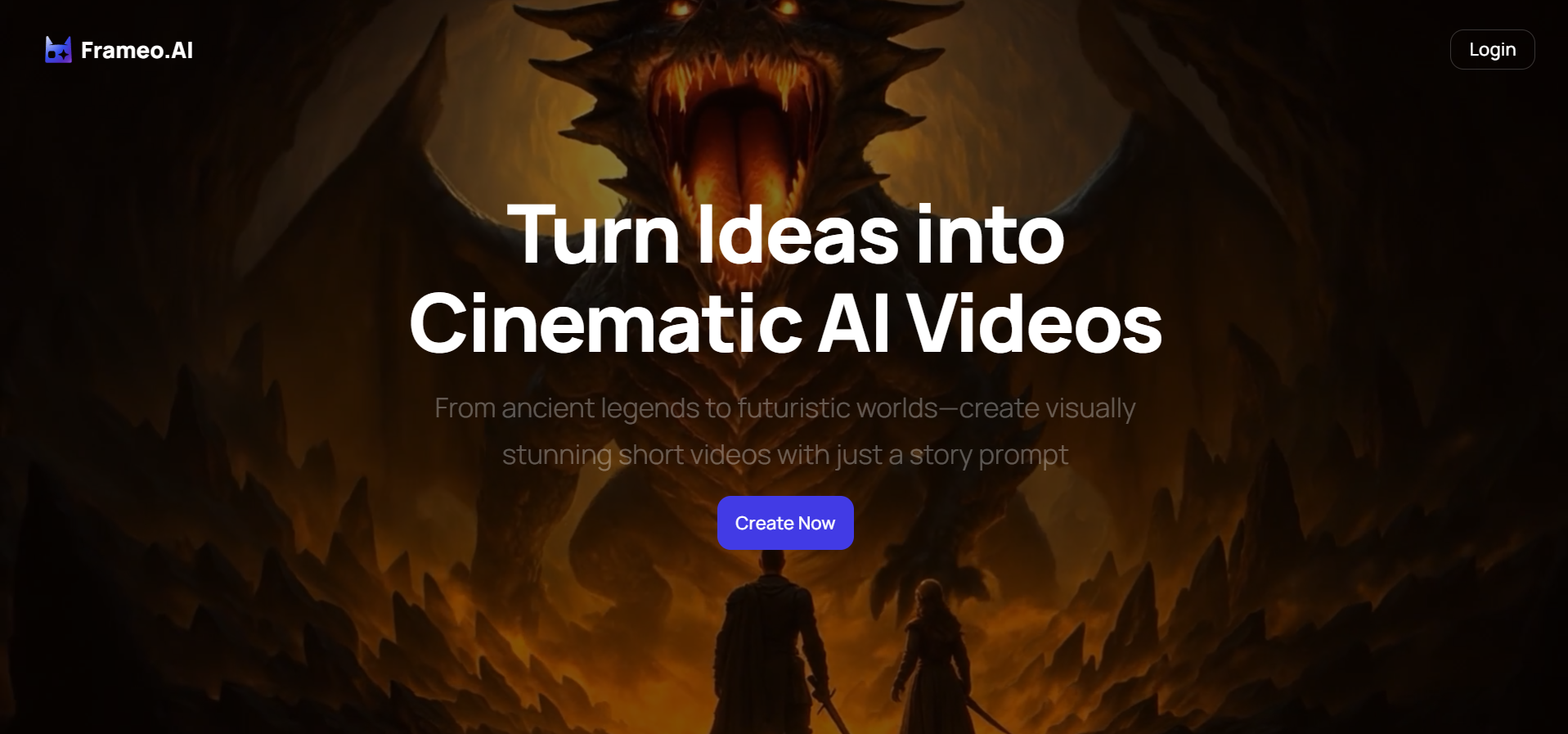
Frameo is not an avatar-based replacement for Synthesia. It is a no-code visual validation tool designed to help you test how scripts and scenes play on screen before production.
Key Features
- AI Storyboard Builder that breaks scripts into visual beats for more precise scene planning and pacing.
- Prompt-based text-to-video previews that turn written ideas into short visual drafts for flow checks.
- Faceless video creation for narration-led or anonymous storytelling without avatars.
- Voice and dubbing support to test how dialog sounds across voices or languages.
- Vertical, mobile-first output in a 9:16 aspect ratio for short-form platforms like TikTok, Instagram Reels, and YouTube Shorts.
- No-code, creator-friendly workflow that requires no editing software or design skills.
Pros | Cons |
|
|
Best For: Frameo is best for writers, freelancers, and creators who want to validate pacing, dialog, and structure before committing to a full AI video generator.
Also Read: Frameo vs. Fliki - The AI Showdown Every Creator Needs to See
2. HeyGen
HeyGen is one of the most commonly recommended AI video generators, like Synthesia. It focuses on making avatar-based video creation accessible through templates, multilingual voices, and a wide selection of digital presenters.
Key Features
- AI avatars with multiple styles and tones.
- Broad multilingual voice and language support.
- Script-to-video workflow with templates.
- Browser-based, no external editing required.
Pros | Cons |
|
|
Best For: HeyGen works best for marketing teams and businesses that need polished, presenter-led videos in multiple languages and want a workflow similar to Synthesia.
3. Colossyan
Colossyan is designed for structured, script-heavy video content, particularly in training and education. It emphasizes clarity, sequencing, and consistency across lessons.
Key Features
- Multi-actor scenes within a single video.
- Script-first creation flow.
- Training and e-learning templates.
- Collaboration and versioning tools.
Pros | Cons |
|
|
Best For: Colossyan is ideal for organizations producing training modules, onboarding videos, or educational content that follows a structured format.
4. D-ID
D-ID focuses on turning images into talking videos with realistic facial motion and lip sync, making it distinct among Synthesia alternatives.
Key Features
- Photo-to-video animation.
- Natural lip-sync technology.
- Voice and language integration.
- API access for developers.
Pros | Cons |
|
|
Best For: D-ID is best for personalized messages, marketing experiments, or use cases where you start with images rather than scripts alone.
5. Elai.io
Elai.io positions itself as a personalization-at-scale platform, enabling teams to generate large volumes of AI videos using dynamic data.
Key Features
- API-driven video generation
- Variable data fields for personalization
- Multilingual output
- Enterprise controls and workflows
Pros | Cons |
|
|
Best For: Elai.io works well for enterprises running personalized sales, marketing, or internal communication campaigns at scale.
6. Pictory
Pictory focuses on turning long-form text or video into short, shareable clips, often appearing in lists of Synthesia alternatives for repurposing workflows.
Key Features
- Blog-to-video conversion
- Auto-highlight detection
- Stock media library
- Simple template system
Pros | Cons |
|
|
Best For: Pictory is best for marketers and content teams looking to quickly convert existing material into short video assets.
7. DeepBrain AI
DeepBrain AI emphasizes professional, presenter-led videos with a strong focus on realism and broadcast-style delivery.
Key Features
- Realistic digital presenters
- Multilingual voices
- Studio-style presentation formats
- Enterprise-grade workflows
Pros | Cons |
|
|
Best For: DeepBrain AI is well-suited for corporate communications, executive messages, and professional presentations.
8. Hour One
Hour One focuses on speed, automation, and avatar variety, making it a practical choice for training and internal communication videos. The platform is designed to turn structured content, such as documents or slide decks, into presenter-led videos with minimal manual effort.
Key Features
- Turns text or documents into structured video scenes automatically.
- Extensive avatar library covering multiple roles, ages, and styles.
- Professional voices with adjustable tone and delivery.
- Prebuilt layouts for training, onboarding, and internal updates.
- Connects with presentation tools and LMS platforms for easy sharing.
Pros | Cons |
|
|
Best For: It is well-suited for mid-sized companies, training teams, and educators who need to produce instructional or internal videos regularly. It strikes a balance between ease of use, visual quality, and cost, making it a strong option for scalable learning and communication workflows.
9. VEED
VEED combines a simple online editor with AI-powered tools, making it a frequent Synthesia competitor for creators who want more control over the final video.
Key Features
- Timeline-based video editor
- Auto-subtitles and captions
- Templates for social content
- Easy resizing for multiple platforms
Pros | Cons |
|
|
Best For: VEED suits creators and social teams who value editing control and fast turnaround over fully automated avatar generation.
10. InVideo
InVideo is an AI video creation platform built for producing polished marketing, business, and social media videos without complex setup. It blends prompt-based generation with hands-on editing, giving creators control while keeping the workflow accessible for non-technical users.
Key Features
- Creates explainer videos and short clips from text prompts.
- Offers an extensive library of ready-to-use templates.
- Provides access to royalty-free videos, images, and music.
- Supports animations, transitions, and layout adjustments.
- Includes AI tools for slideshows, talking avatars, scripts, and voiceovers.
Pros | Cons |
|
|
Best For: It works well when you need to quickly produce social videos, explainers, or promotional content while still having the ability to customize visuals and layouts beyond automated outputs.
Also Read: AI Video Production Trends 2025: What Creators Can't Afford to Miss
What an AI Video Platform Must Have in 2026

By 2026, choosing an AI video platform is less about feature volume and more about workflow fit. Modern content is created, tested, and consumed faster than ever, especially in short-form, mobile-first formats. Tools that cannot adapt to this pace quickly lose relevance.
A capable AI video platform should offer:
- No-code creation: Creators should be able to move from idea to video using prompts or templates, without editing software or technical setup.
- Support for vertical and short-form formats: With 9:16 video dominating social platforms, vertical-first workflows are no longer optional.
- Multilingual and voice flexibility: Testing or producing content across languages is now standard, even at early stages.
- Fast iteration and preview workflows: Speed matters more than perfection during ideation, review, and testing.
- Transparent pricing and export rights: Limits, watermarks, and usage terms should be transparent from the start.
The strongest AI video platforms reduce uncertainty and help creators move forward with confidence.
If you're curious about where automated content workflows are heading, take a look at AI Agent for Content Creation-Explained for Creators, Marketers, and Teams.
How to Choose the Right Synthesia Alternative
When comparing Synthesia alternatives, relying on popularity or long feature lists often leads to the wrong choice. A better approach is to evaluate each tool based on the role it plays in your workflow.
Ask yourself:
- Are you producing final videos or validating ideas? Some platforms focus on polished output, others on early testing and structure.
- Do you actually need avatars? Avatars work well for formal use cases but can limit flexibility during experimentation.
- Is speed more important than polish right now? Early-stage content benefits from fast iteration over high production value.
- How often will you create or update videos? Pricing and export limits matter more as volume increases.
- Will this tool still fit as your workflow evolves? Many creators validate with one platform and produce with another.
Choosing the right Synthesia alternative becomes easier once you stop looking for a perfect replacement and instead focus on assigning the proper role to each tool.
Top 6 Use Cases for Creators Searching for Synthesia Alternatives in 2026
Creators exploring Synthesia alternatives are rarely looking for a like-for-like replacement. Most are responding to a specific workflow need where their current tool no longer fits.
1. Testing Scripts Before Production
Creators often want to see how a script reads visually before committing to full production. Quick previews help catch pacing or structure issues early.
2. Creating Short-Form, Mobile-First Content
With vertical video now standard, creators need tools built for mobile viewing rather than adapted from widescreen formats.
3. Working Across Multiple Languages
Testing how dialog flows in different languages helps creators spot timing and clarity issues before final localization.
4. Building Content Without Being On Camera
Narration-led or faceless formats suit educators and storytellers who prefer not to rely on digital presenters.
5. Iterating Quickly During Ideation
Early-stage content benefits from fast testing and revision, not long render cycles or heavy setup.
6. Reducing Risk Before Scaling Video Output
Validating ideas before committing to subscriptions or production budgets helps creators avoid wasted spending.
These use cases highlight a familiar pattern. Many creators are not looking for more features but for clarity earlier in the process. This is where Frameo tools, designed for visual validation rather than final production, begin to stand out.
How Frameo Stands Tall
Frameo stands out because it solves a problem many AI video platforms overlook: uncertainty before production.
Instead of asking you to commit to a full video render and hope it works, Frameo allows you to test how a scene or script plays visually at an early stage. This is especially useful when you are unsure about pacing, dialog rhythm, or whether a moment will hold attention in short-form formats.
What makes this approach valuable is not just speed, but clarity. With Frameo, you can:
- Visualize scenes using short, storyboard-style previews.
- Test pacing and structure without editing tools.
- Explore faceless and vertical formats early.
- Check how dialog feels when paired with visuals or voice.
- Audio-to-video AI generation to convert voice inputs into short visual previews.
- AI Story Generator to turn simple ideas or prompts into structured visual narratives.
- Iterate quickly before investing time or budget elsewhere.
Because Frameo is no-code and creator-friendly, it fits naturally into early workflows for writers, freelancers, and small teams. It does not replace avatar platforms or production tools. Instead, it helps you choose them more confidently. Try Frameo today to experience the difference.
Conclusion
Finding the right Synthesia alternative in 2026 is less about replacing one platform with another and more about building a workflow that matches how you create. As AI video tools continue to evolve, the creators who move fastest are the ones who reduce guesswork early.
Whether you ultimately choose an avatar-based platform, an editor-driven tool, or a personalization engine, validating ideas before production can save time, money, and frustration. That is why more creators are adding an early visual check into their process.
While Synthesia itself may have limited free offerings, many alternatives like Frameo offer free trials or freemium models to allow creators to experiment without upfront costs.
Try Frameo for free and preview how your scripts, prompts, or character ideas translate into short, shareable video clips.
FAQs
1. How does Frameo compare to Synthesia?
Frameo offers a distinct alternative to Synthesia by providing a wider array of tools for comprehensive video creation, including storyboard building and image animation. Frameo's focus is on cinematic quality and ease of use through text prompts, which broadens accessibility.
2. Can Frameo tools be used on any platform?
Yes, Frameo's tools are universally applicable and optimized for social media platforms, particularly those favoring vertical formats. This ensures that no matter where your audience consumes content, it appears polished and platform-ready.
3. What skills are necessary to use Frameo effectively?
No video editing skills are required to use Frameo effectively. The platform leverages AI to take on complex tasks, allowing creators of all skill levels to produce professional-grade videos. Users simply need creativity and a willingness to experiment with text prompts.
4. Is Frameo suitable for professional use?
Absolutely. Frameo's tools deliver cinematic quality, perfect for professionals seeking efficiency without sacrificing creativity. Its professional-grade features support branding, promotional content, and high-quality visual storytelling with minimal time investment.
5. What privacy features does Frameo offer?
With the Faceless Video Creation Tool, Frameo prioritizes user privacy by allowing content creation without personal appearance. This is suitable for creators who wish to remain anonymous or completely virtual, aligning with privacy-conscious content production trends.