8 Best Veed.io Alternatives That Stand Out in 2026
Find the best veed.io alternatives for 2026. Compare tools like Frameo, Kapwing, Runway ML, and Pika Labs to pick the right fit for your content workflow.
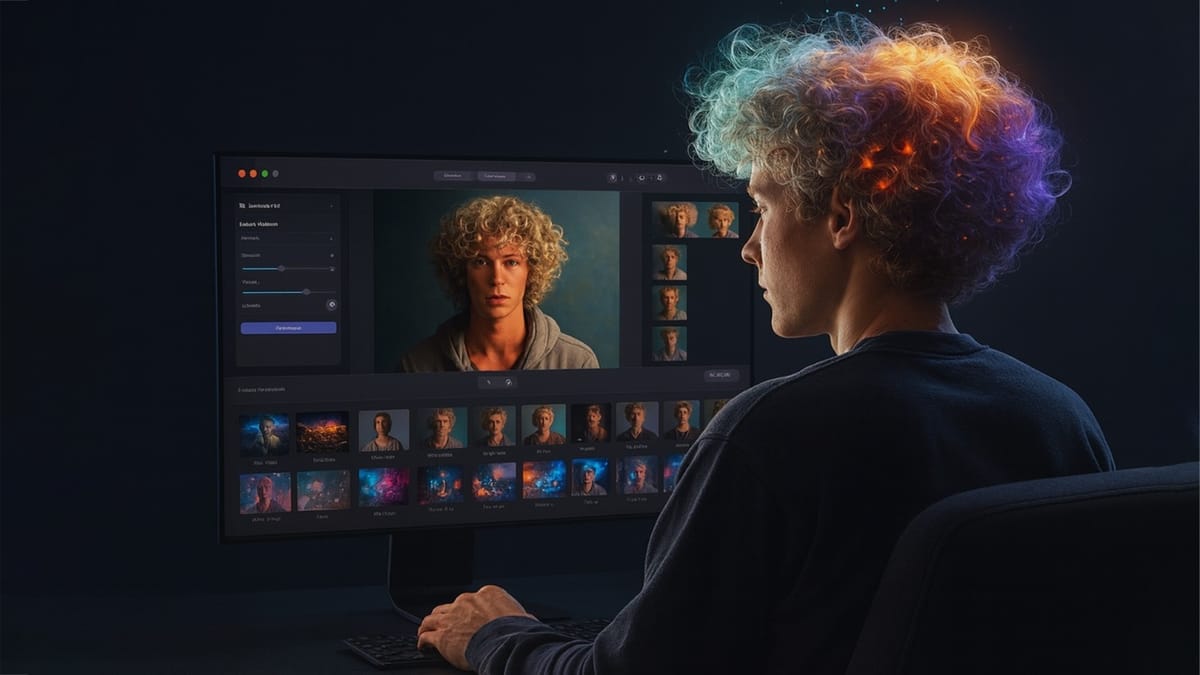
If you create clips for TikTok, Reels, or Shorts, you’ve probably reached a moment where you wondered whether a different tool might fit your workflow a little better. That’s usually when creators start searching for veed.io alternatives, not because veed.io falls short for everyone, but because posting styles, device habits, and project types vary from channel to channel. As more AI tools arrive in 2026, the search for Veed.io alternatives often comes from creators wanting features that match their pace or content format more closely.
In this guide, you’ll see what creators compare, which tools are gaining attention this year, including Frameo, Kapwing, Runway ML, Pika Labs, and others, and how to choose the option that fits your daily production flow.
Key Takeaways
- Veed.io creators often compare Veed.io alternatives when 1080p limits, render delays, template repetition, and AI depth constraints interrupt their TikTok, Reels, or Shorts posting rhythm in 2026.
- Frameo stands out among Veed.io alternatives for creators needing prompt-to-video clips, animated scenes, dubbing, and avatar workflows that convert short scripts into vertical videos without rebuilding timelines.
- Pika Labs attracts creators searching for Veed.io alternatives that support compact 5–10 second clips through its credit system, ranging from 80 to 6000 monthly credits for quick animation output.
- Runway ML and Descript meet two different needs that Veed.io alternatives must address, serving creators wanting generative visuals or transcript-led editing for commentary channels, podcasters, and educational clip formats.
- Monthly costs vary widely across Veed.io alternatives, with Veed.io Lite near US $6, Kapwing Pro around $16, InVideo Plus around $28, and Adobe Express Premium at ₹398.84 in India.
Why Creators Are Looking for Veed.io Alternatives in 2026
Creators in 2026 work across TikTok, Shorts, Reels, and long-form feeds, and many report that certain Veed.io limits slow them down. The push toward AI-led production, faster edit cycles, and avatar content has led creators to compare Veed.io with tools that offer quicker renders, deeper prompt controls, or stronger AI visuals.
- AI Output Range Feels Limited: Veed.io offers basic AI video tools, but many creators say the visuals feel template-driven and not suited for story clips, meme formats, or character-based content they post daily.
- Export Delays During Peak Hours: Creators who edit high volumes mention that Veed.io render queues spike at busy times, which disrupts posting schedules on platforms with tight trend cycles.
- 1080p Cap for Many Plans: Some Veed.io plans cap exports at 1080p, and creators shooting product clips or cinematic reels prefer tools that offer 2K or 4K output without an upgrade.
- Watermark on Lower Plans: Users on basic tiers still receive watermarked exports, which affects creators who post multiple clips per day and cannot attach a watermark to every edit.
- Limited Support for Avatar-Driven Clips: Creators building faceless channels say Veed.io lacks flexible avatar controls, character acting, and voice-first features they use for story edits or AI podcasts.
- Higher Costs for Frequent Posting: Daily posters mention that Veed.io pricing rises quickly once they hit export limits, making them compare tools that match high-volume posting without surprise add-ons.
- Restricted Text-to-Video Features: Veed.io offers AI edits but does not provide full prompt-to-scene generation, so creators shift to platforms that turn scripts into animated vertical clips with less manual setup.
- Template Repetition Across Niches: Creators in niches like booktok, edits, commentary, or meme reels often notice the same Veed.io templates across multiple accounts, which affects channel originality.
These creator priorities have pushed certain platforms to stand out in ways that address specific workflow needs Veed.io users mention most often.
If your weekly schedule feels packed with edits, drafts, and reposting tasks, you might appreciate the insights in How Digital Marketers and Creators Are Saving Hours with AI and Automation
Top Veed.io Competitors for 2026
As demand rises for AI-powered video creation tools, several platforms are gaining traction as strong alternatives or competitors to Veed.io. These tools especially appeal to creators who want features like prompt-to-video generation, avatars, animated content, and vertical/social-ready outputs that go beyond basic video editing. Below is a breakdown of the top competitors, starting with Frameo, and what they offer.
Frameo
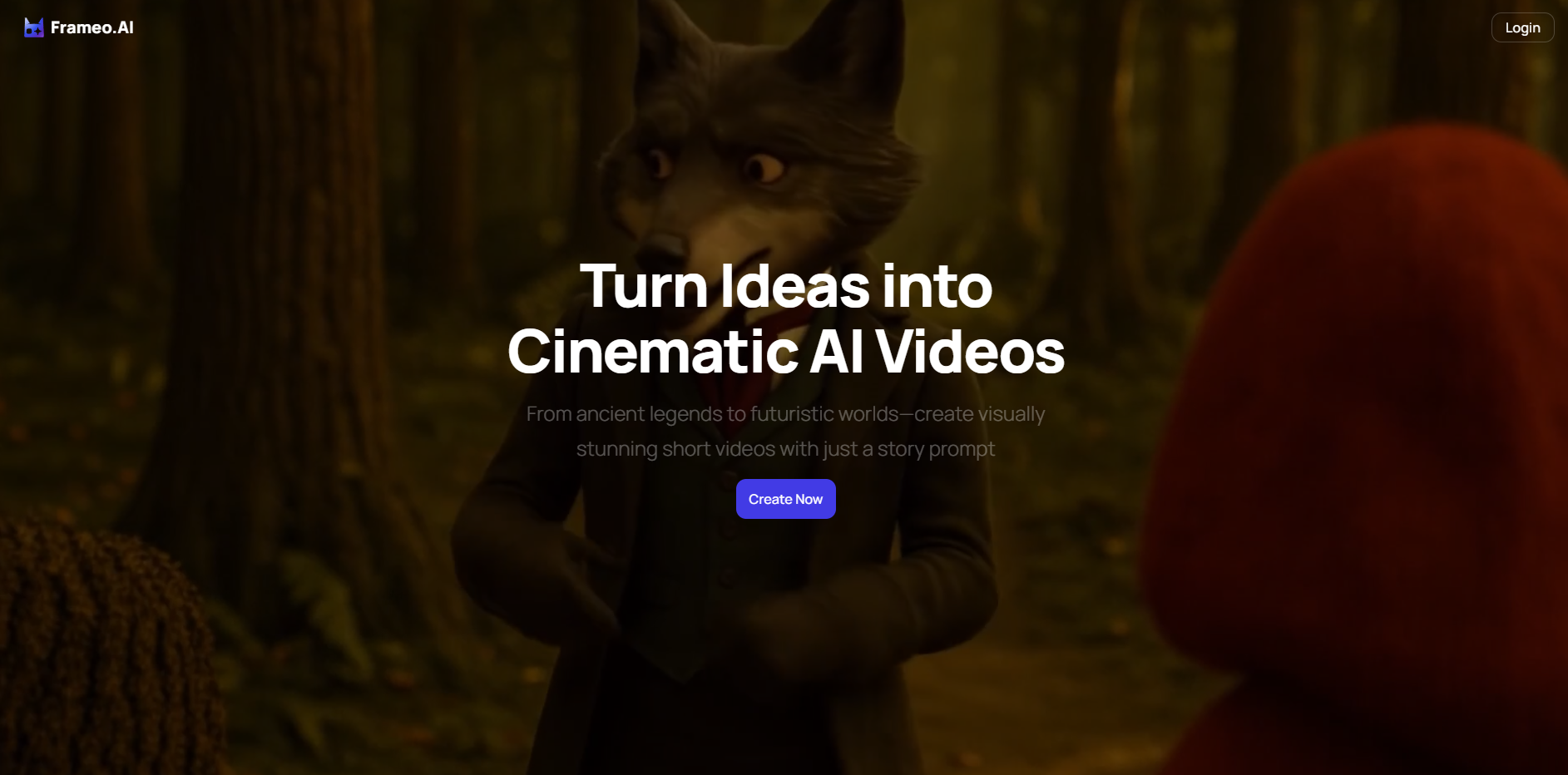
Frameo is an AI-driven video creation tool focused on converting story prompts or scripts directly into animated, social-ready video clips, often in vertical (9:16) format. It offers a suite of creation tools including animation, dubbing, avatars/characters, voiceovers, and prompt-driven storytelling, making it a compelling Veed.io alternative especially for content creators targeting short-form vertical content.
- Prompt-to-Video Generation: Content creators can type a short story or prompt and get a complete animated video, no manual editing needed.
- Vertical Output (9:16) for Social Platforms: Videos are formatted for platforms like TikTok, Reels, Shorts, matching how many creators publish content today.
- Integrated Voice & Dubbing Studio: Frameo handles voiceovers and dubbing, allowing for multilingual narration or character dialog without external tools.
- Faceless / Avatar-Friendly Creation: Users who don’t want to show their face can create content using avatars, animations, or voice-only formats, useful for meme, story, or anonymous-creator channels.
- Image / Static Art Animation: Upload images or character art, and Frameo can animate them, adding motion, scene transitions, or visual storytelling without live video.
- Quick Turnaround for Trend-Driven Content: Because the workflow is prompt-to-video + built-in dubbing/animation, creators can produce shareable videos faster than manual editing, which helps for frequent posting.
See if it fits your budget in Is Frameo Worth It? A Breakdown of Pricing and Value
Runway ML
Runway ML is a creative AI suite widely recognized for advanced AI-powered video and image editing, generative tools, and support for high-level visual manipulation. It appeals to creators and filmmakers who want more control, editing depth, and generative capabilities than basic video editors.
- Generative Models + Editing Tools: Runway allows the generation of video content and also supports advanced editing, combining AI creativity with editing precision.
- Visual Effects & Motion Tools: Good for creators wanting cinematic effects, motion graphics, or complex scene composition, beyond simple meme or short-form content.
- Flexible Output & Multi-Purpose Workflow: Suitable for both social clips and longer-form content, giving creators flexibility across use cases.
- Free Tier + Paid Plans: Offers access to basic tools without upfront costs, letting creators experiment before committing.
- Strong for Experimentation & Creative Projects: Particularly appealing for creators exploring generative storytelling, cinematic scenes, or experimental videos that go beyond templates.
Pika Labs
Pika Labs is a rising AI tool that focuses on transforming text or static images into animated video clips, often used for short-form content, social media, or conceptual animation. It’s becoming popular among creators who need quick, simple videos without heavy editing overhead.
- Text-to-Video / Animation from Prompts: Pika allows users to turn written prompts or descriptions into moving animations, a direct alternative to purely manual video creation.
- Fast Creation Workflow: The platform is designed to let creators generate clips quickly, useful for social media posts or frequent uploads.
- Accessible for Beginners & Non-Editors: With a simplified interface and minimal learning curve, it works for creators without prior video editing experience.
- Good for Animated, Meme, or Conceptual Content: Especially suited to creators doing memes, short animations, story-based posts, or stylized content rather than live-action edits.
- Lower Entry Cost / Freemium Options: Makes experimenting with AI video generation affordable, attractive to indie creators or those testing without budget risk.
Kapwing
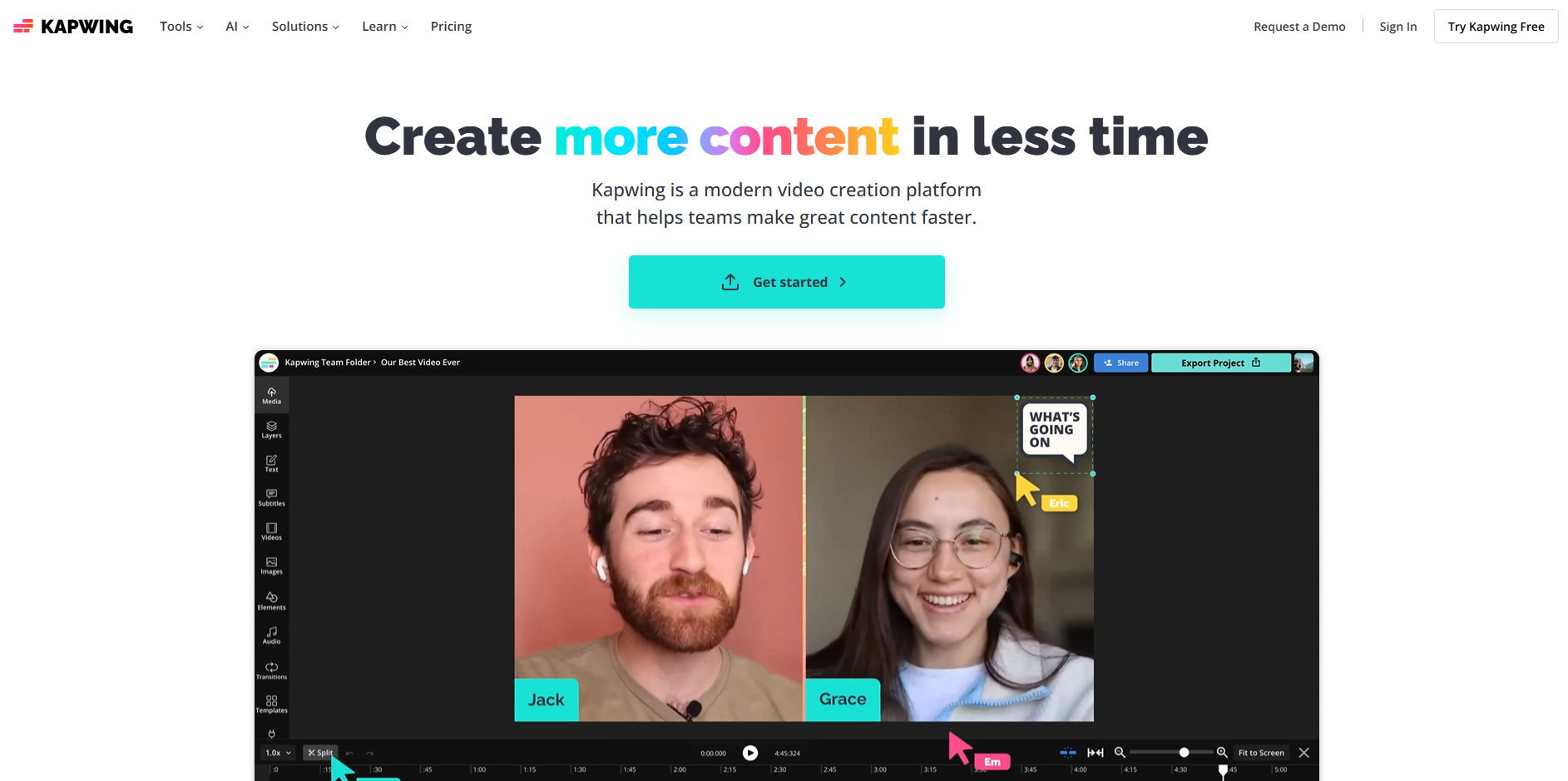
Kapwing is one of the most frequently compared Veed.io competitors because it focuses on fast browser-based editing, captions, templates, and simple collaboration, especially useful for social media content teams who want quick turnarounds without software installs.
- Auto-Caption Studio: Fast captioning built for Shorts, Reels, and TikTok clips, one of the reasons creators compare Kapwing when searching for Veed.io alternatives.
- Browser-Based Editor: Works directly in the browser without downloads, which helps teams who switch devices often.
- Team Workspaces: Lets multiple editors work inside the same project, helping brands with daily content cycles.
- Template Library for Social Clips: Offers formats for product demos, interviews, talking-head clips, and reels.
- Fast Export Pipeline: Many creators choose Kapwing when they want shorter render queues compared to some Veed.io workflow delays.
Descript
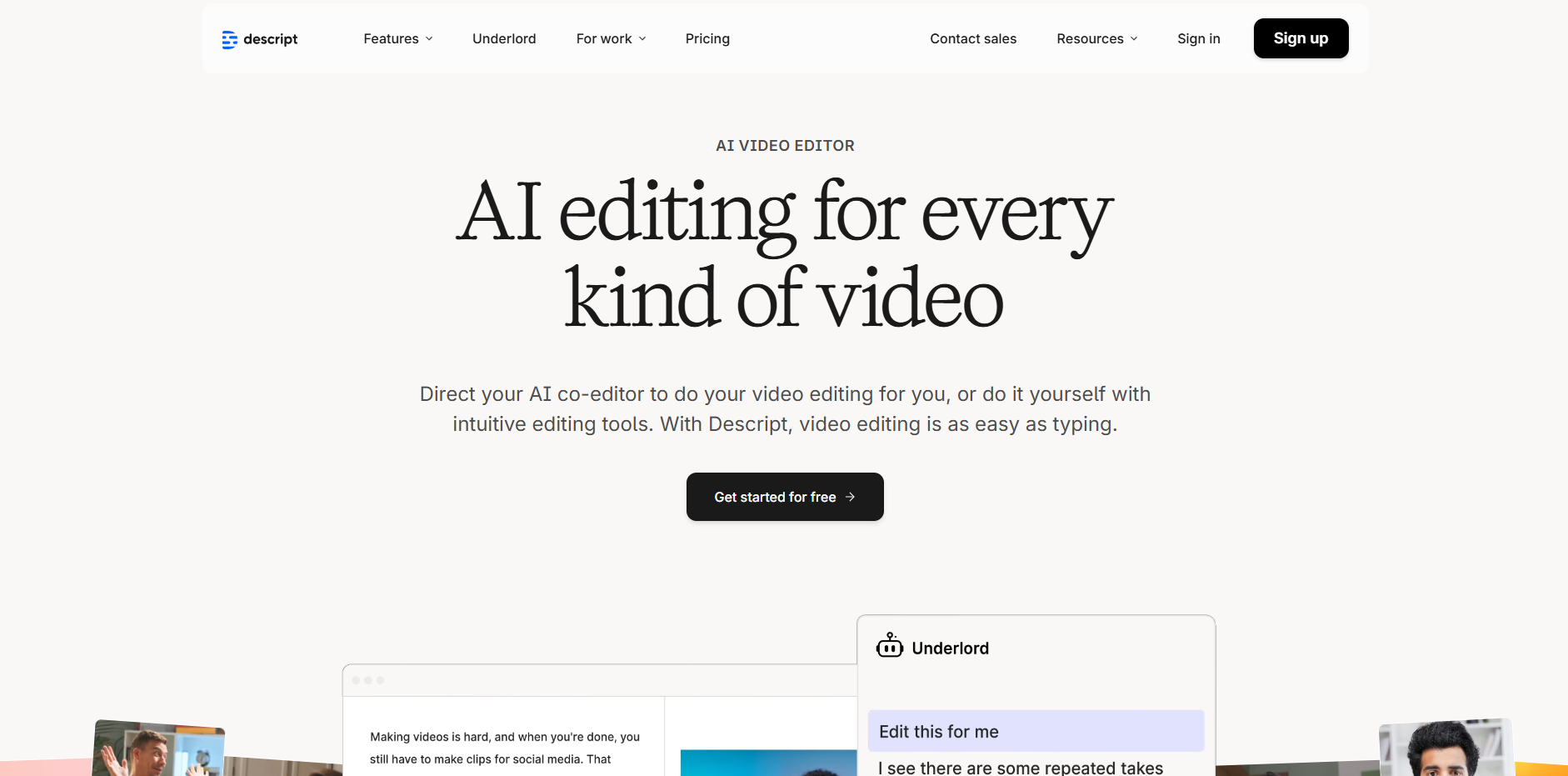
Descript is widely adopted by podcasters, YouTube creators, and short-form editors because of its text-based editing system. It replaces timeline-heavy workflows with a transcript-driven method that appeals to storytellers, educators, and video hosts.
- Edit Video by Editing Text: The transcript controls the cut, letting creators remove sections without timeline complexity.
- Screen & Audio Recording Tools: Popular for tutorials, commentary channels, and course clips.
- Studio Sound: Cleans audio for creators who record in untreated rooms.
- AI Voice Options: Helps creators generate narration without separate voiceover tools.
- Multi-Track Editing: Good for discussions, interviews, podcasts, and talking-head formats where sound quality matters.
InVideo
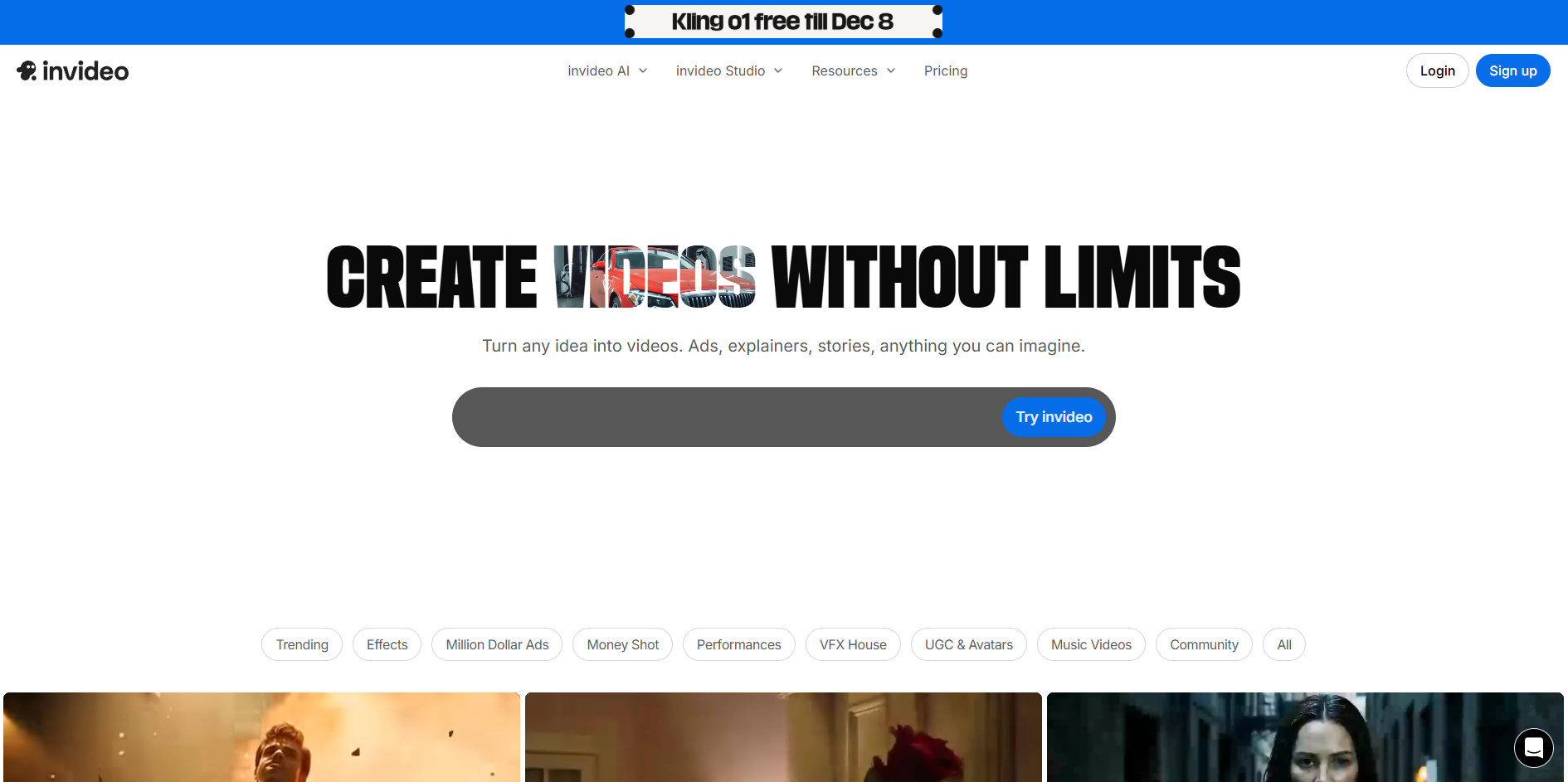
InVideo attracts creators looking for a Veed.io alternative that includes a large template library and AI-assisted script generation. It is used heavily for marketing clips, promo videos, slideshows, and YouTube intros.
- Template-Driven Workflow: Over 5,000 templates across niches like product demos, explainers, and events.
- AI Script Writer: Helps users draft quick narration for ads, promos, and slideshow-style videos.
- Stock Library Access: Integrates stock footage, photos, and music without leaving the editor.
- Preset Formats for All Platforms: YouTube, TikTok, Reels, Facebook video, banner-style clips, and more.
- Beginner-Friendly Editor: Good for non-creators such as small business owners who need straightforward editing tools.
Canva
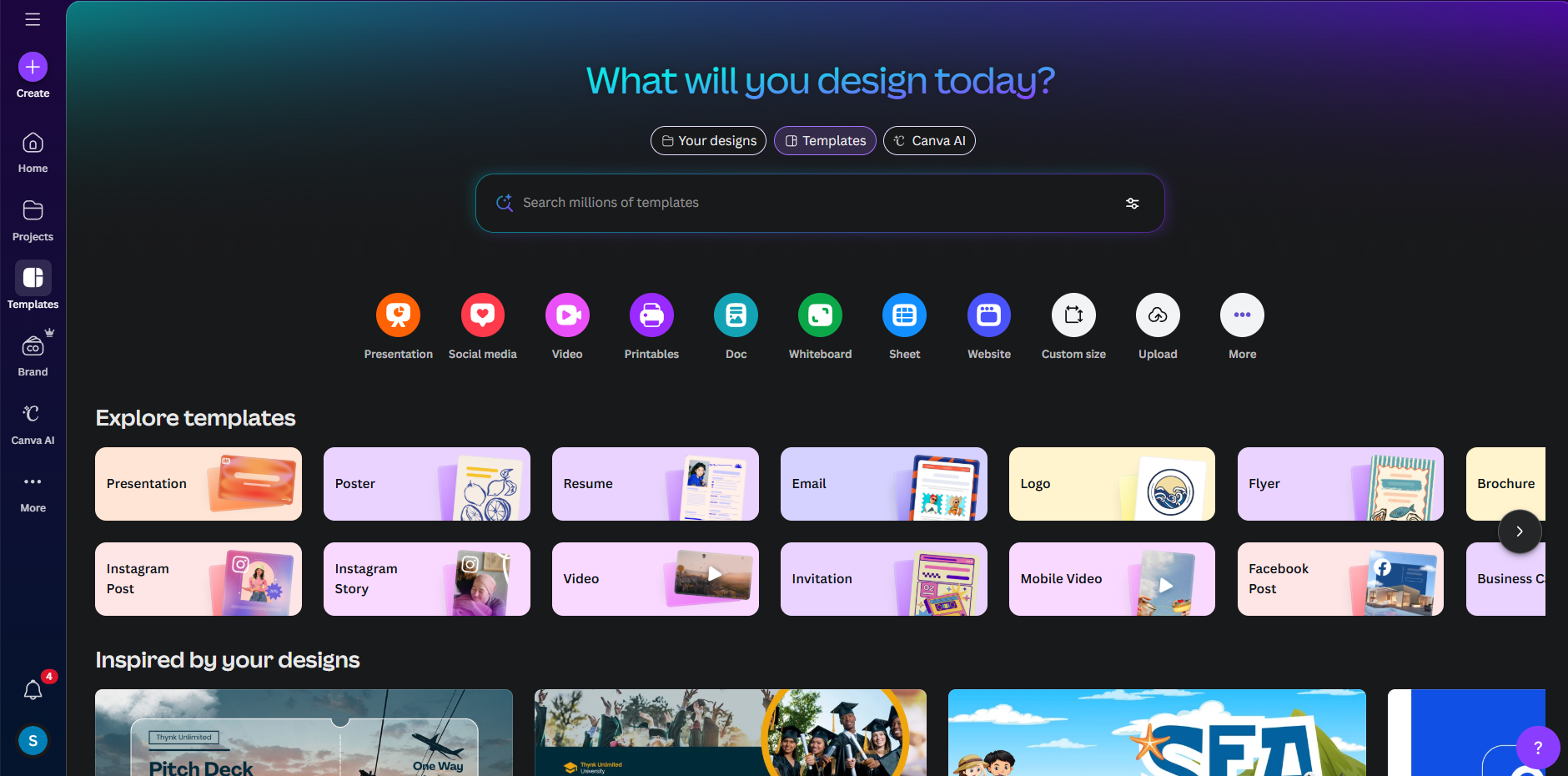
Canva has become a major Veed.io competitor in 2026 because of its upgraded video editor, AI text tools, drag-and-drop timeline, and easy brand kits. It is used heavily by marketers and teams who create large amounts of short-form and slideshow-style content.
- Drag-and-Drop Timeline Editor: Helps new creators make clean social clips without technical learning curves.
- Brand Kits for Teams: Keeps colors, fonts, and layouts consistent across all video content.
- AI Tools (Magic Media / Text): Offers AI-driven visual generation that many creators use for B-roll or backgrounds.
- Huge Template Library: Covers intros, outros, promo clips, reels, and vertical content needs.
- Integrated Asset Library: Stock photos, graphics, and animations built into the editor for quick assembly.
Adobe Express
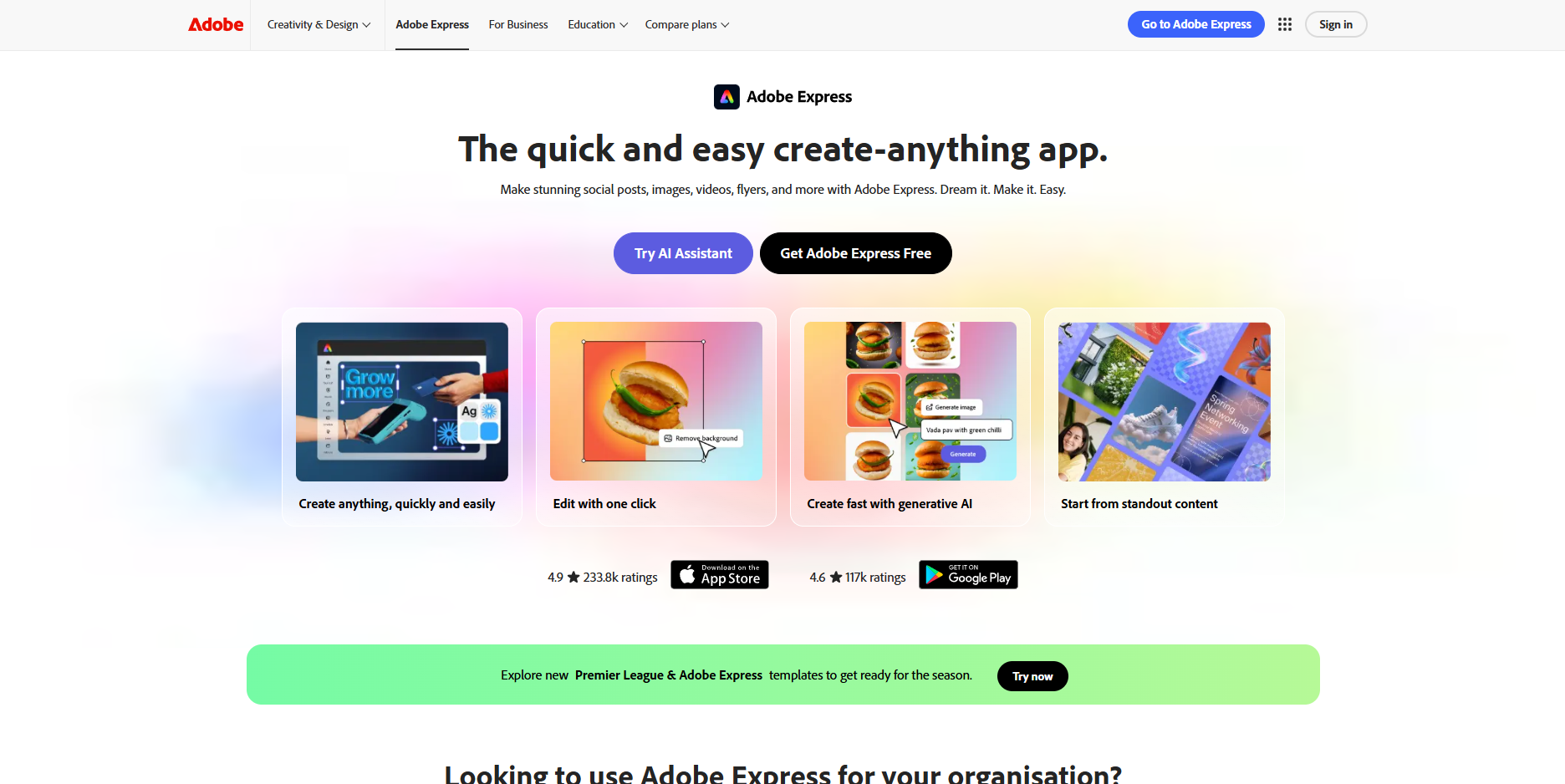
Adobe Express serves creators who want simplified editing backed by Adobe’s creative ecosystem. It’s often chosen by users who need cleaner templates, quick resizing, and easy exports without the complexity of Adobe Premiere.
- Auto-Resize for Every Platform: A single clip can be resized for TikTok, YouTube, Reels, and Shorts in seconds.
- Template-First Workflow: Focused on social media graphics, text overlays, captions, and vertical video layouts.
- Adobe Stock Access: Provides high-quality assets for creators who want polished visuals.
- Brand Controls for Teams: Helps agencies or creators keep consistent visual identity across content.
- Beginner-Friendly Editing Tools: Appeals to users who find Premiere too complex for daily clips.
Price comparison (monthly-billed view)
Below is a side-by-side pricing table for Veed.io and eight popular alternatives.
Platform | Monthly Price (monthly-billed unless noted) | Key entry-plan details |
Veed.io | Lite ≈ US $ 6.01/month; Pro ≈ $ 14.45/month | Lite removes watermark, 1080p; Pro adds advanced AI tools, brand kit. (Regional & billing-cycle variance applies.) |
Free tier; Explorer $25 / mo (billed yearly); Creator $75 / mo (billed yearly); Wizard $200 / mo (billed yearly) | Credits scale by length/complexity; free tier for testing. | |
Runway (Runway ML) | Standard ≈ $12 / mo (annual billed); Pro ≈ $28 / mo (annual billed) | Credit system for generation seconds; Pro adds advanced features. |
Pika Labs | Free; Basic $8 / mo (billed yearly); Standard $28 / mo (billed yearly); Pro $76 / mo (billed yearly); Fancy (6000 credits), price not shown in pasted block | Credit-based model; each generation consumes credits (table in your paste shows per-model credit costs, resolutions, durations)., sourced from you |
Kapwing | Pro ≈ $16 / mo (annual); Business ≈ $50 / mo (annual) (monthly rates slightly higher if billed monthly) | Free tier available with watermark/limits; Pro removes watermark, increases credits, allows team features. |
Descript | Hobbyist $16 / mo (annual) / $24 / mo (monthly); Creator $24 / mo (annual) / $35 / mo (monthly); Business $50 / mo (annual) / $65 / mo (monthly) | Media hours, AI credits and export resolution scale by plan; free tier exists., sourced from you |
InVideo | Free; Plus ≈ $28 / mo (typical); higher tiers available up to ~$50–$100 / mo | Template-driven editor, stock library access on paid tiers. |
Canva | Free; Pro ≈ $14.99 / mo (per user, common international price) | Pro unlocks brand kit, Magic Media, 100GB storage; Teams/Enterprise pricing higher., Canva pricing page referenced by you |
Adobe Express | Free; Premium (India) ≈ ₹398.84 / mo (monthly, incl. GST); Adobe Firefly Pro (India) ≈ ₹1,596.54 / mo | Free includes limited generative credits; Premium adds 250 generative credits/mo (per-user) and 100GB storage; Firefly Pro adds large generative credit allotment (text-to-video limits noted)., sourced from you (INR pricing shown) |
Their feature sets surface a few practical checkpoints worth considering before committing to any new editor.
For creators looking to turn their editing skills or design style into sellable assets, take a look at AI Tools for Creating and Selling Digital Products
What To Look For in Veed.io Competitors Before Switching in 2026
Creators who plan to move from Veed.io in 2026 usually do so because of workflow gaps tied to captions, clip handling, storage rules, AI expansion, and mobile performance. When reviewing Veed.io alternatives, these five checks help creators avoid running into the same issues on a new platform.
- Segment Control for Rapid-Cut Reels: Some Veed.io alternatives offer tighter command over micro-cuts, quick jumps, and rhythm-based edits. This matters for creators who post fast-paced reels where Veed.io timelines sometimes feel too rigid for frame-level adjustments.
- Storage Behavior for Draft Libraries: Veed.io project storage can fill quickly for creators who save multiple drafts per week. Compare how alternatives handle ongoing storage, archiving, and auto-deletion rules, especially if you keep large backlogs of half-finished clips.
- Audio Stability Across Layers: If you blend narration, background tracks, and sound effects, check how well the Veed.io alternative keeps layers locked in place during edits and exports. Some tools maintain timing better for creators working with stacked audio.
- Caption Placement for Niche Formats: Certain niches, recipes, explainer reels, meme channels, need captions placed inside tight safe zones. Look for Veed.io competitors with finer placement control instead of fixed presets, since this directly affects watch time on vertical feeds.
- AI Shot Expansion for Short Scripts: Many creators bring 1–2 sentence ideas and want AI to turn them into full clips. Not all Veed.io competitors offer AI-driven shot breakdowns or scene expansion, so check if the alternative supports script-to-clip generation before switching.
These checkpoints make it easier to see how different platforms support the way creators actually work.
Find the best value, check out AI Animation Tools Pricing Compared: Which One’s Worth Paying For?
A Creator’s Guide to Picking the Right Veed.io Alternative in 2026
Choosing a Veed.io alternative in 2026 comes down to matching your channel’s posting style, device habits, scripting flow, and format demands. Since creators on TikTok, Reels, and Shorts often work with tight deadlines and high posting volume, the right platform should remove friction instead of shifting it. These checks help creators lock in a Veed.io alternative that actually fits day-to-day production.
- Match the Tool to Your Clip Style: Before switching, check whether the Veed.io competitor supports the type of videos you post most, story clips, meme edits, talking reels, product demos, or faceless content. Many creators switch platforms only to discover the new editor struggles with their main format.
- Check how the Tool Handles Frequent Posting: If you post daily or near-daily, look at export caps, draft retention, mobile performance, and AI credit limits. A strong Veed.io alternative should keep up without slowing your publishing rhythm.
- Confirm How the Platform Treats Script Workflows: Creators who start with text, story prompts, commentary lines, hooks, or meme captions should test how quickly the alternative converts scripts into workable timelines or visual ideas. Some editors support this flow better than Veed.io.
- Test Performance on the Device You Actually Use: Many creators record and edit on mid-range phones. Before committing to any Veed.io competitor, test preview speed, layer handling, and export reliability on your real device, not a desktop demo.
- Review How the Tool Manages Brand or Channel Consistency: If your channel uses recurring colors, overlays, tags, intros, or caption styles, confirm that the Veed.io alternative can store and reapply these without rebuilding them every time. This saves hours across weekly uploads.
If you want a clearer view of how automated workflows will shape upcoming production habits, take a look at AI Agent for Content Creation – Explained for Creators, Marketers, and Teams
Top 6 Use Cases for Creators Searching for Veed.io Alternatives in 2026
Creators searching for Veed alternatives often do so for highly specific production tasks that require capabilities Veed.io does not prioritize. These use cases reflect workflows where alternate platforms offer technical advantages or expanded creative control.
- Storyboarding for Vertical Shorts: Some creators want tools that generate shot lists, pacing structures, or visual references from a short script before they begin production, which several Veed alternatives support more directly.
- AI Character Acting for Fiction Clips: Creators producing episodic micro-stories or fictional shorts look for veed alternatives that offer character posing, emotion control, mouth-sync accuracy, or scene continuation across multiple shots.
- Hybrid AI + Live Footage Workflows: Editors who mix recorded footage with AI-generated inserts, transitions, or stylized overlays often compare Veed alternatives with stronger control over blending AI segments with real clips.
- Localized Short-Form Publishing: Multilingual creators search for veed alternatives that provide native support for multiple language tracks, region-specific formatting, and faster round-trip translation workflows.
- Reference-Based Visual Generation: Artists and niche creators evaluate veed alternatives when they need AI engines that can follow a reference image, match an illustration style, or maintain character continuity across scenes.
- Batch Clip Production for Series Formats: Channels producing episodic reels, countdown series, narration threads, or multi-part Shorts need veed alternatives that render sequences in bulk, maintain consistent settings, and handle template reuse at scale.
Get the full rundown in AI Video Production Trends 2025: What Creators Can’t Afford to Miss
Conclusion
Creators comparing Veed.io alternatives in 2026 often end up weighing very specific production habits, how quickly they draft clips, how often they post, how much they rely on prompts, and how they handle character-driven or faceless formats. The tools covered in this guide approach those workflows in different ways, giving creators room to pick a setup that matches the kind of videos they produce each week rather than a generic feature list.
For creators who build short scripted clips, avatar stories, AI-animated scenes, or text-led reels, Frameo offers prompt-to-video creation, dubbing tools, character animation, and vertical output built for TikTok, Reels, and Shorts.
Try Frameo for free and see how your scripts, prompts, or character concepts turn into ready-to-post clips with minimal friction.
FAQs
1.Do Veed.io alternatives offer better tools for creators who post scripted shorts?
Some platforms built for AI-driven scenes or prompt-led workflows handle scripted shorts more smoothly than standard editors. Creators who rely on written hooks or story beats may find Veed.io alternatives that convert text into structured clips more quickly.
2.Are Veed.io alternatives useful for creators running faceless channels on TikTok or Reels?
Yes. Several Veed.io alternatives include avatar systems, AI voices, or image-to-motion tools that support channels where the creator never appears on camera, which Veed.io does not prioritize as deeply.
3.Can Veed.io alternatives reduce the time spent rebuilding brand elements in every project?
Certain editors save brand overlays, text setups, and channel formats inside reusable presets, making them helpful Veed.io alternatives for creators who post themed content on a fixed schedule.
4.Do Veed.io alternatives support creators who work mainly from mobile devices?
Some competing editors are optimized for mid-range phones and offer smoother previews or faster exports than desktop-first tools. Mobile-focused creators often evaluate Veed.io alternatives for this reason.
5.Are Veed.io alternatives better for creators who animate characters or AI scenes?
A few newer tools support character posing, image animation, or prompt-based scene generation. These features make certain Veed.io alternatives appealing to creators building story clips, fan edits, or fictional character videos.



