The sample work
A live-action clip is shared as the reference. The job is to recreate it inside Frameo, with the original cast replaced by the characters on the character sheet.
Everything else — the shots, the timing, the feel of each scene — should stay the same.
The images are where the real work happens. If an image is weak, the motion built on top of it will also be weak, and nothing in the final edit can fix that. Get the image right first, and the rest becomes easier.
The final edit and sound design happen outside Frameo. This is standard work every production house already does.
How samples are judged
Every check sits in one of four levels, based on how much it matters.
P0 — The foundation. The basics that every sample needs to get right for the video to work at all. These are the must-haves.
P1 — Closeness to the original. How well the sample matches the reference. This is where the adaptation is really judged.
P2 — The feel of a real drama. What makes the sample watch like real drama rather than a sequence of correct shots. Shared as feedback.
P3 — The final polish. The finer details that lift good work into great work. Shared as feedback for future projects.
P0 — The foundation
The basics that every sample needs to get right for the video to work at all. These are the must-haves.
Keyframe quality and consistency
Every frame should look clean and believable, like a still from a finished film.
Use the provided images smartly: when extracted frames are animated in sequence, simple conversations across too many images can lead to inconsistencies in camera angle, axis, character, composition, and colours. Choosing a minimal set of images helps maintain consistency throughout the sequence.
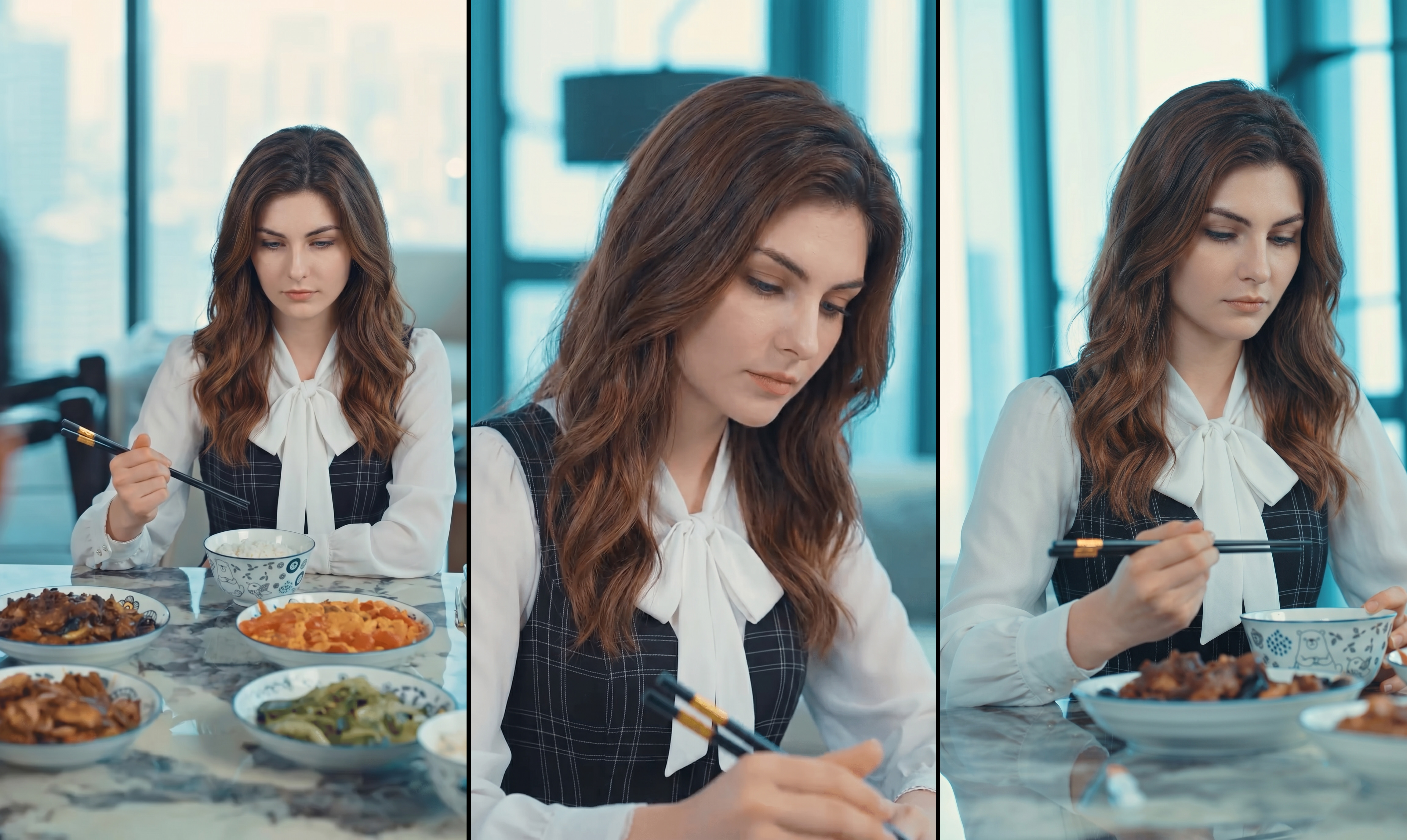
All the objects are consistent and present in all the images
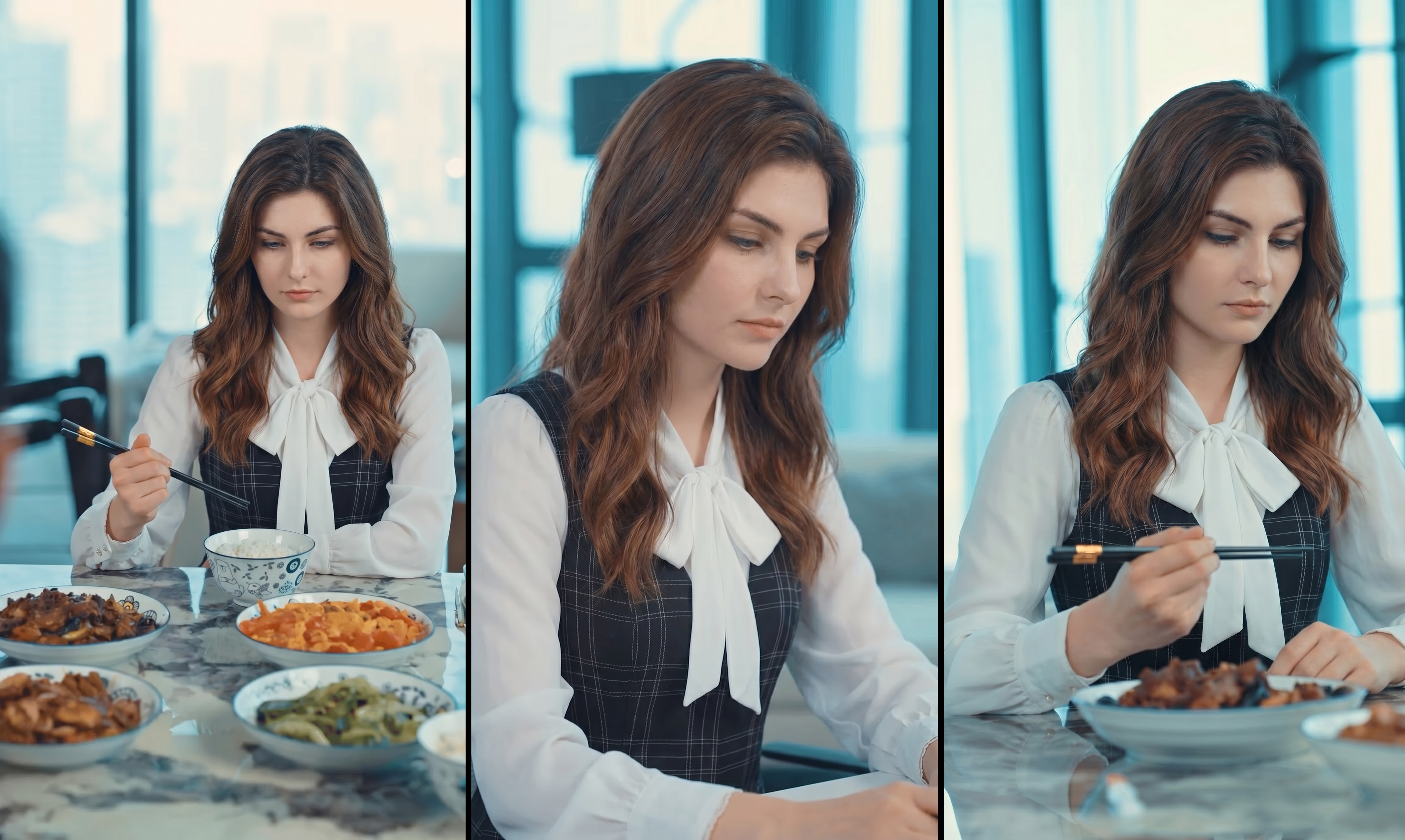
The chopstick is missing in 2nd shot / The bowl in front of her is missing in 3rd shot
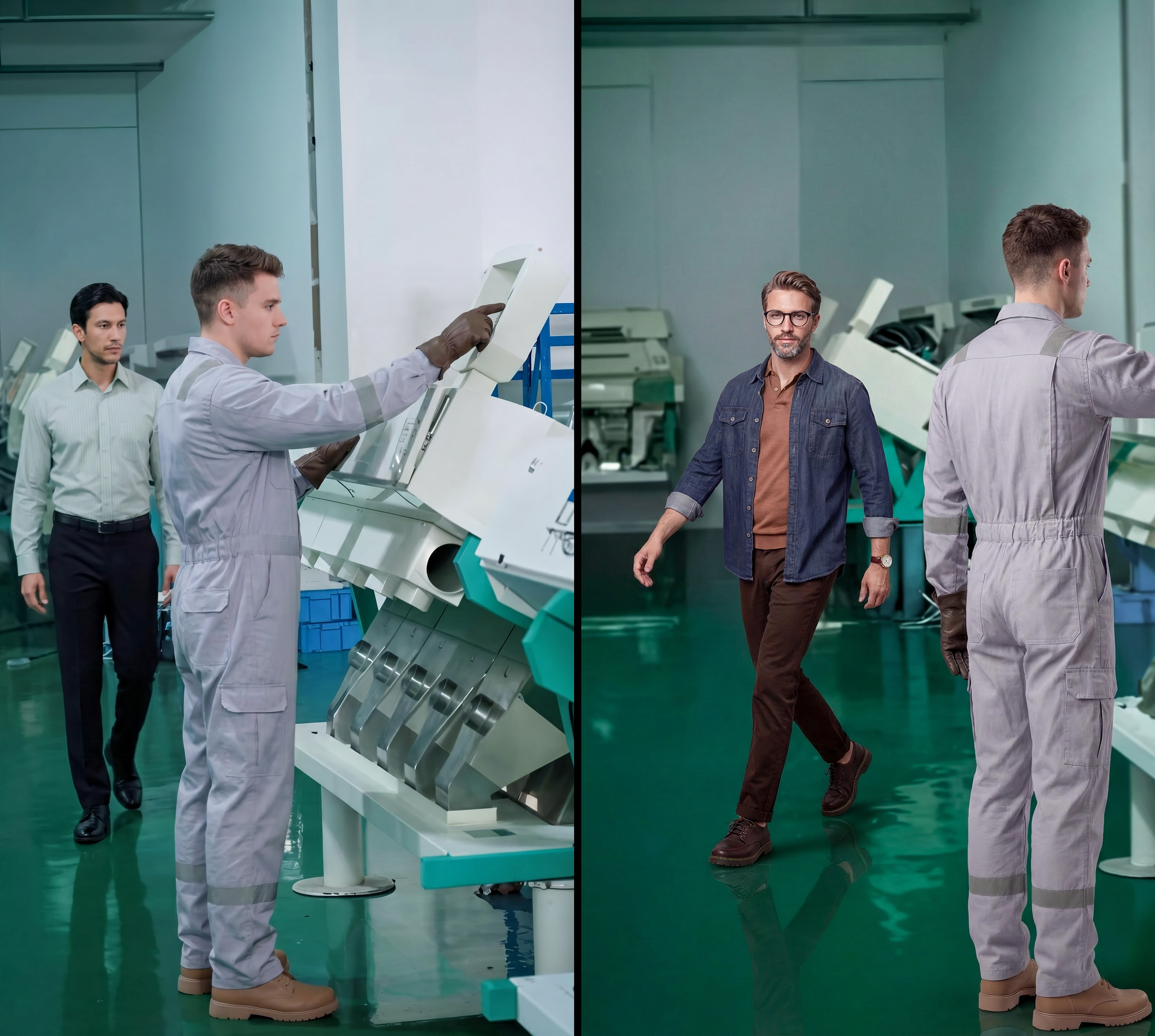
Character wearing grey jumpsuit is same in both the shots
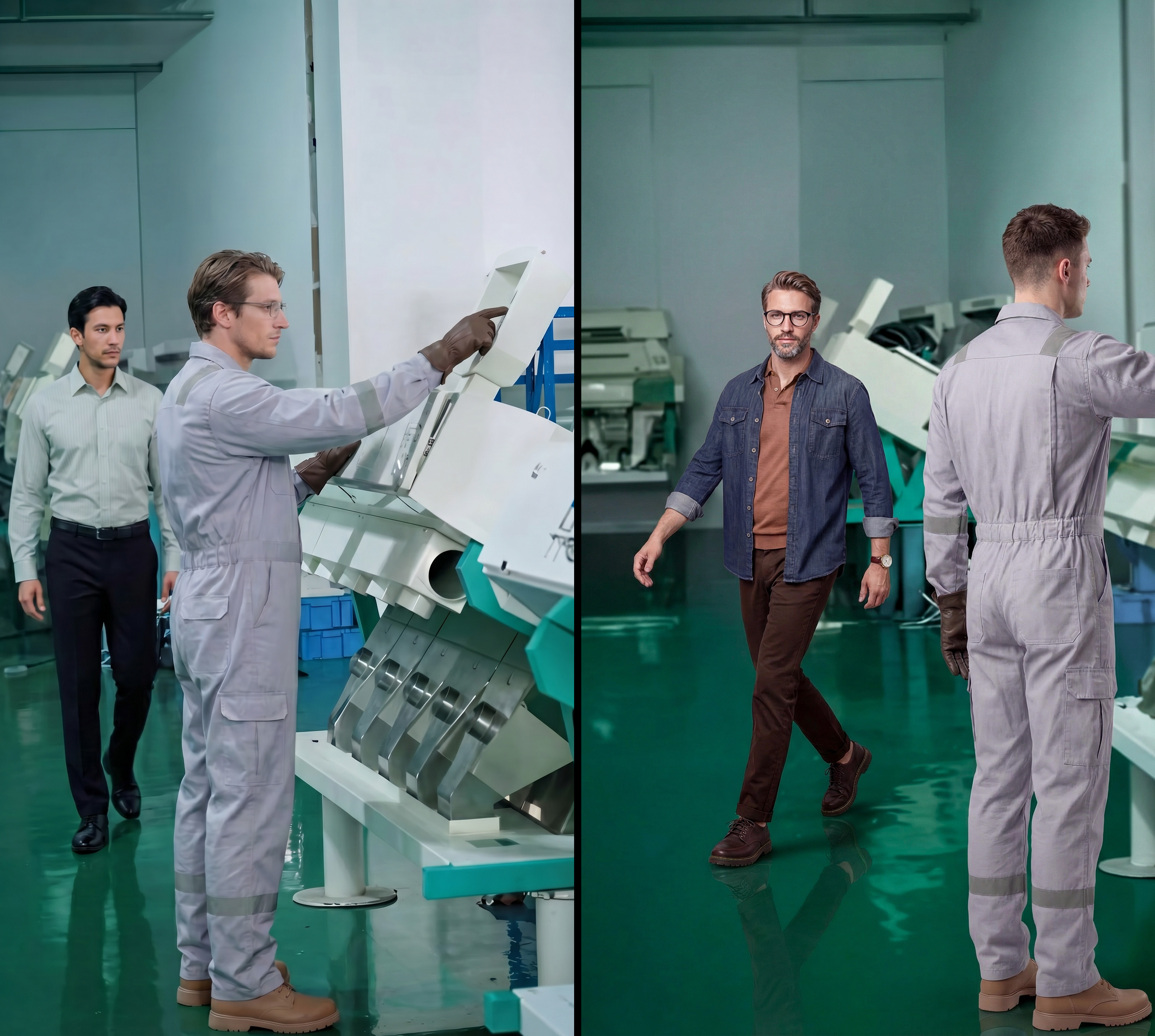
Character wearing grey jumpsuit is changing in same camera angle shot
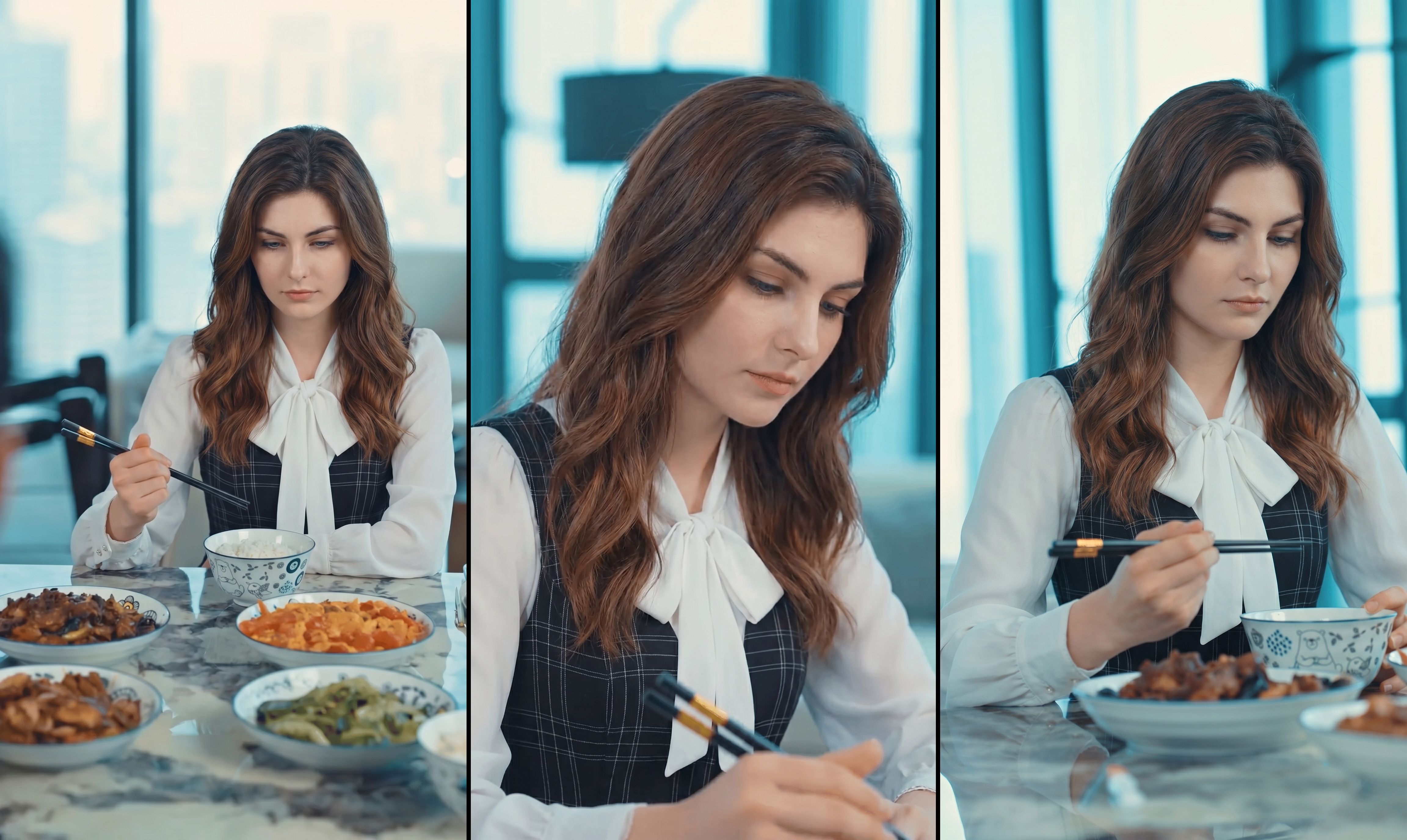
Character face and hair is consistent in all the shots
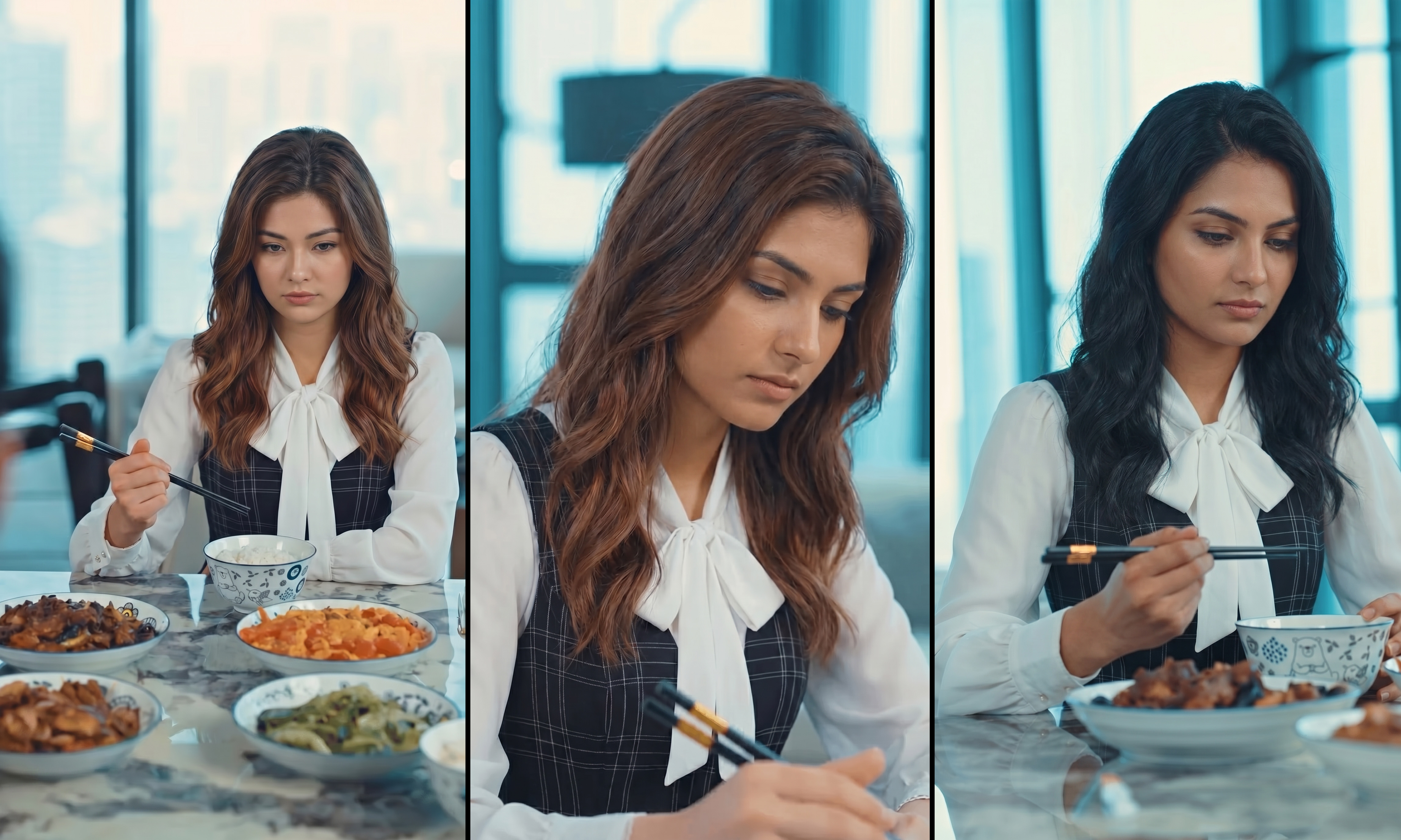
Character face and hair is changing in all the shots
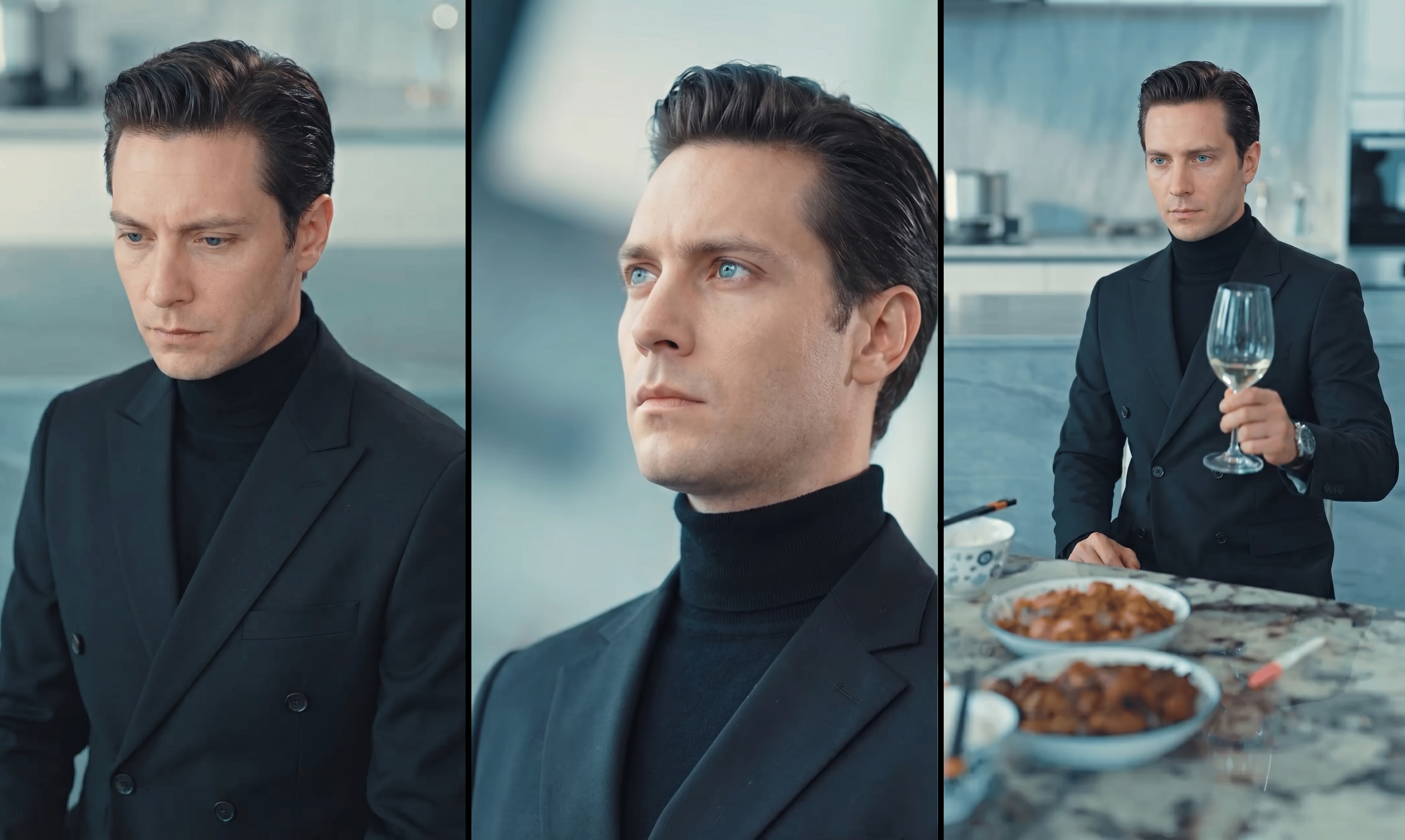
The background, color tone and lighting is same in all the shots
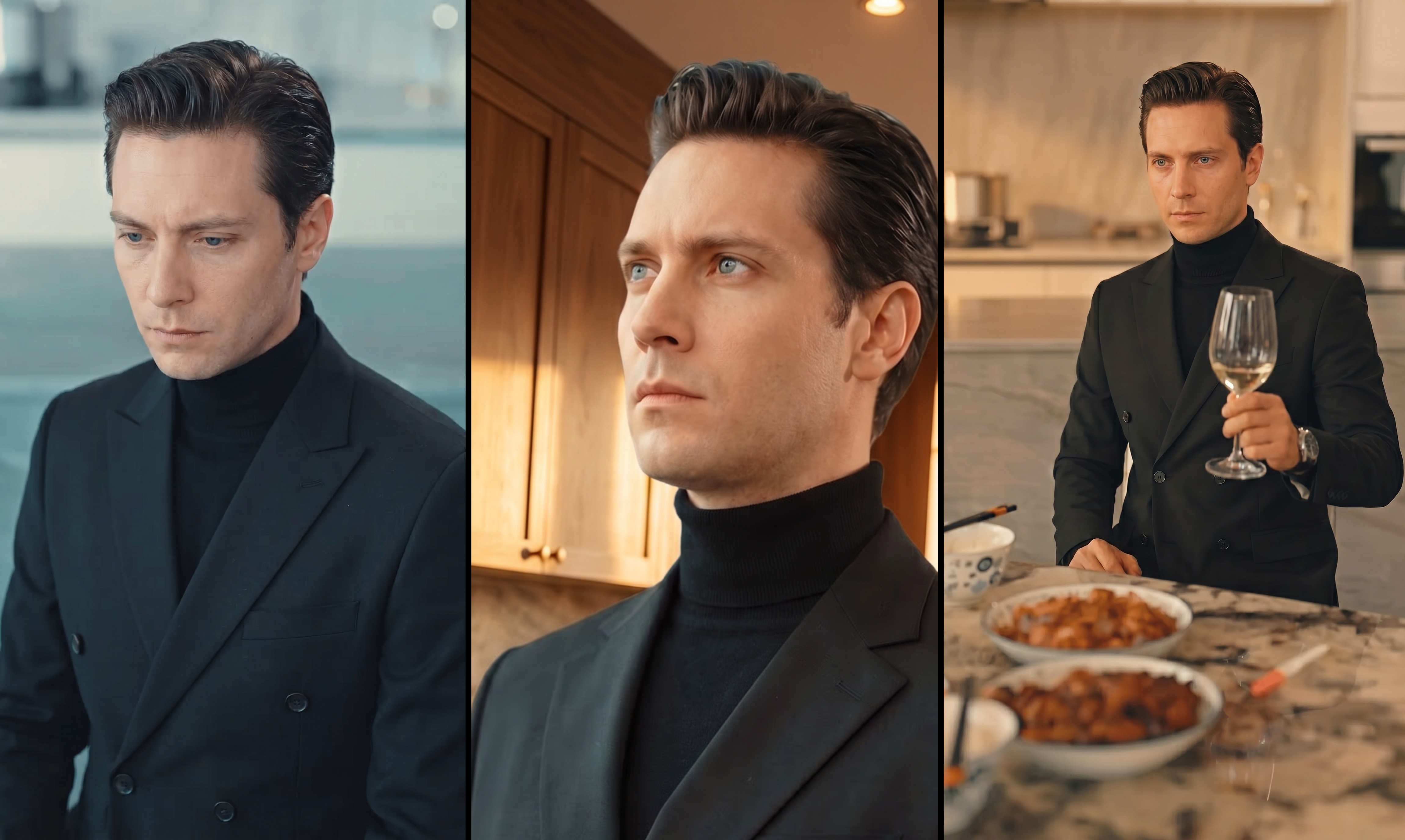
The background, color tone and lighting is changing in all the shots
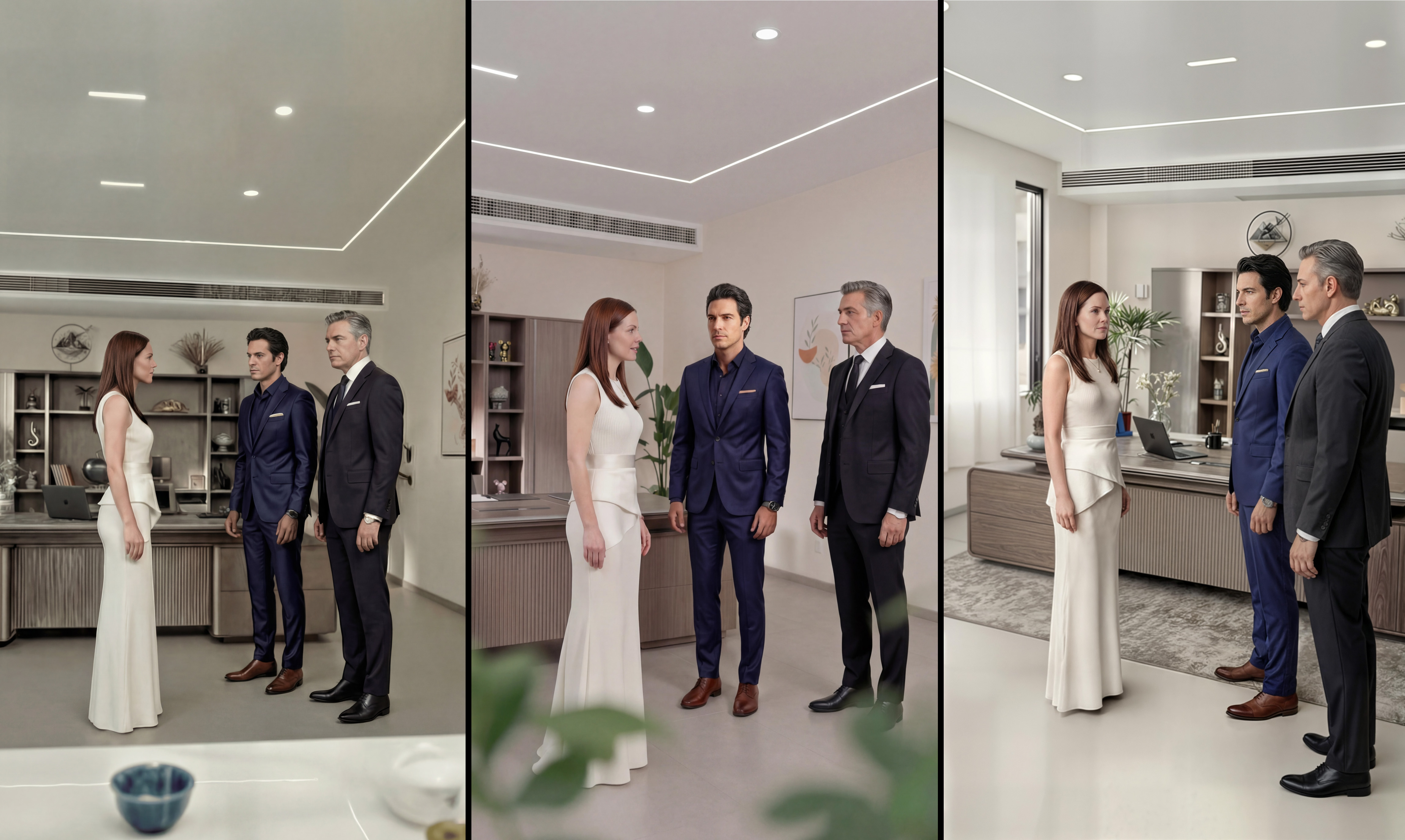
The character position in frame and head direction towards others remains same across the sequence
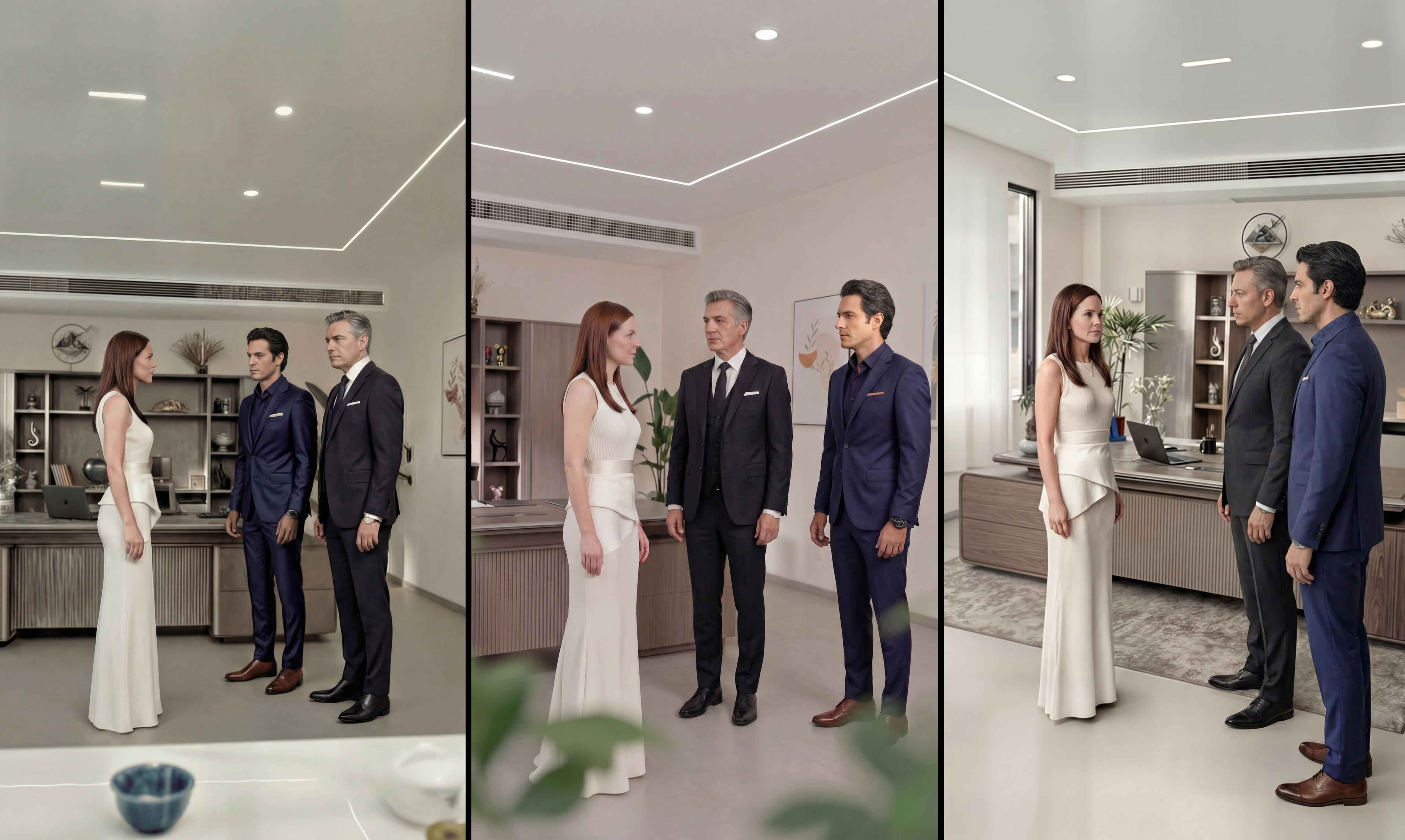
The character position in frame and head direction is changed in the sequence
Dialogue and lip sync
Every line is there, and every lip movement looks real.
The dialogue written in script is created without any pauses and completed in one shot.
The dialogue written in script is incomplete in the shot.
The lip movement is in perfect sync with audio
The lip movement is faster than audio
The lip movement is in proper flow with audio. The audio conveys the emotional emphasis required.
The lip movement is stuck in beginning and is not matching the audio. The audio feels dry with no emotion.
Nothing left out
Cut pacing
The sample should move the way the reference moves.
Sound and finishing
The final video should sound finished.
Technical standards
The audio is crisp and clear with no disturbances or background noise.
The audio is noisy and contains disturbances and background noise.
Background music enhances emotion and dialogues remain clearly audible.
Background music is overpowering the dialogue and the music is too intense, distracting the focus.
Background music change is enhancing the entire scene, making the audience engaged and connected to the atmosphere.
The entire scene is composed solely of dialogue with no musical accompaniment, which can make it feel somewhat monotonous and uninspired.
P1 — Closeness to the original
How well the sample matches the reference. This is where the adaptation is really judged.
Shot sizes match the reference
Framing is part of how the scene tells the story. Changing it changes the scene.
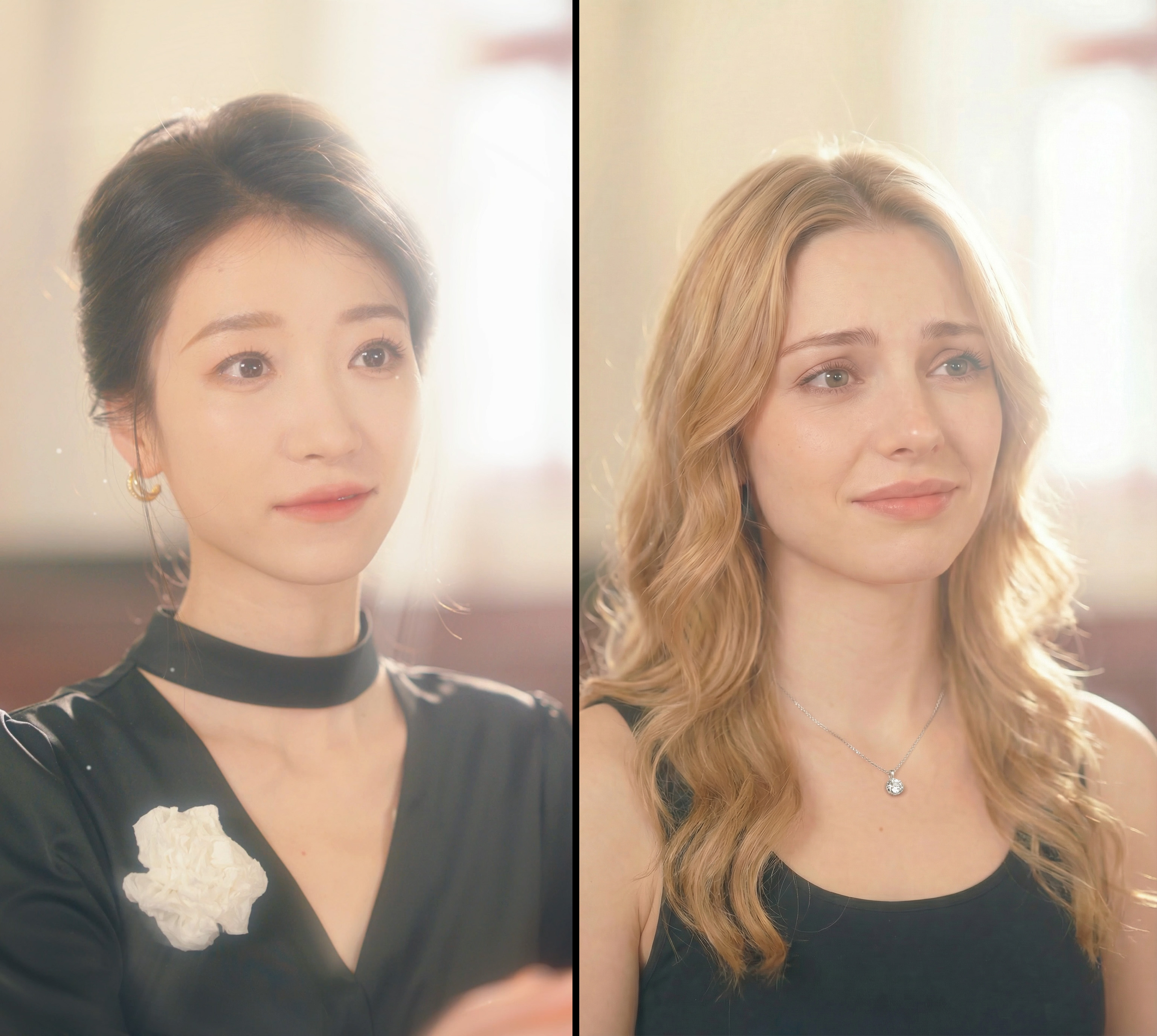
The final image matches same camera shot (Close up)
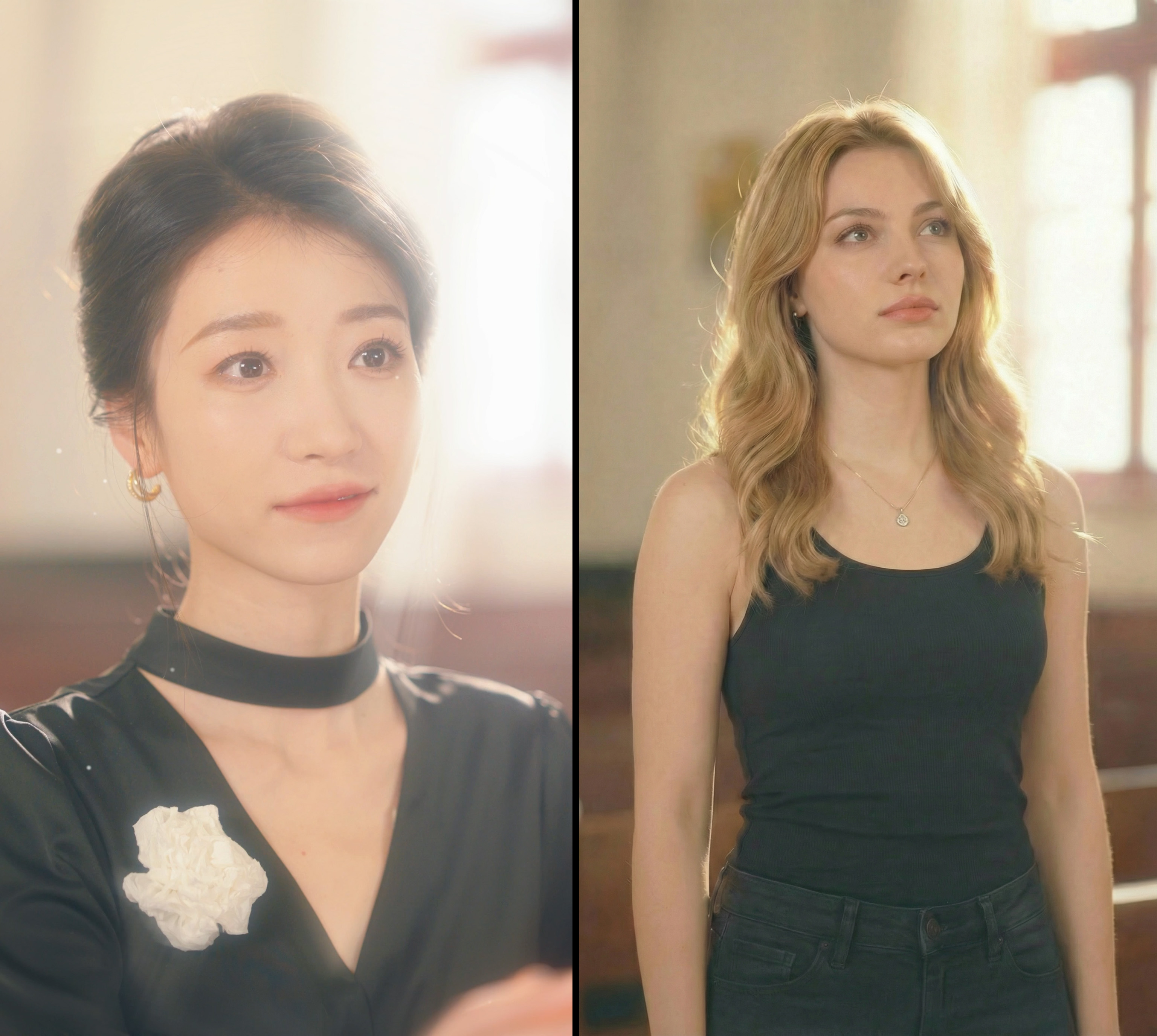
The final image mismatches from reference. The expression is not in main focus.
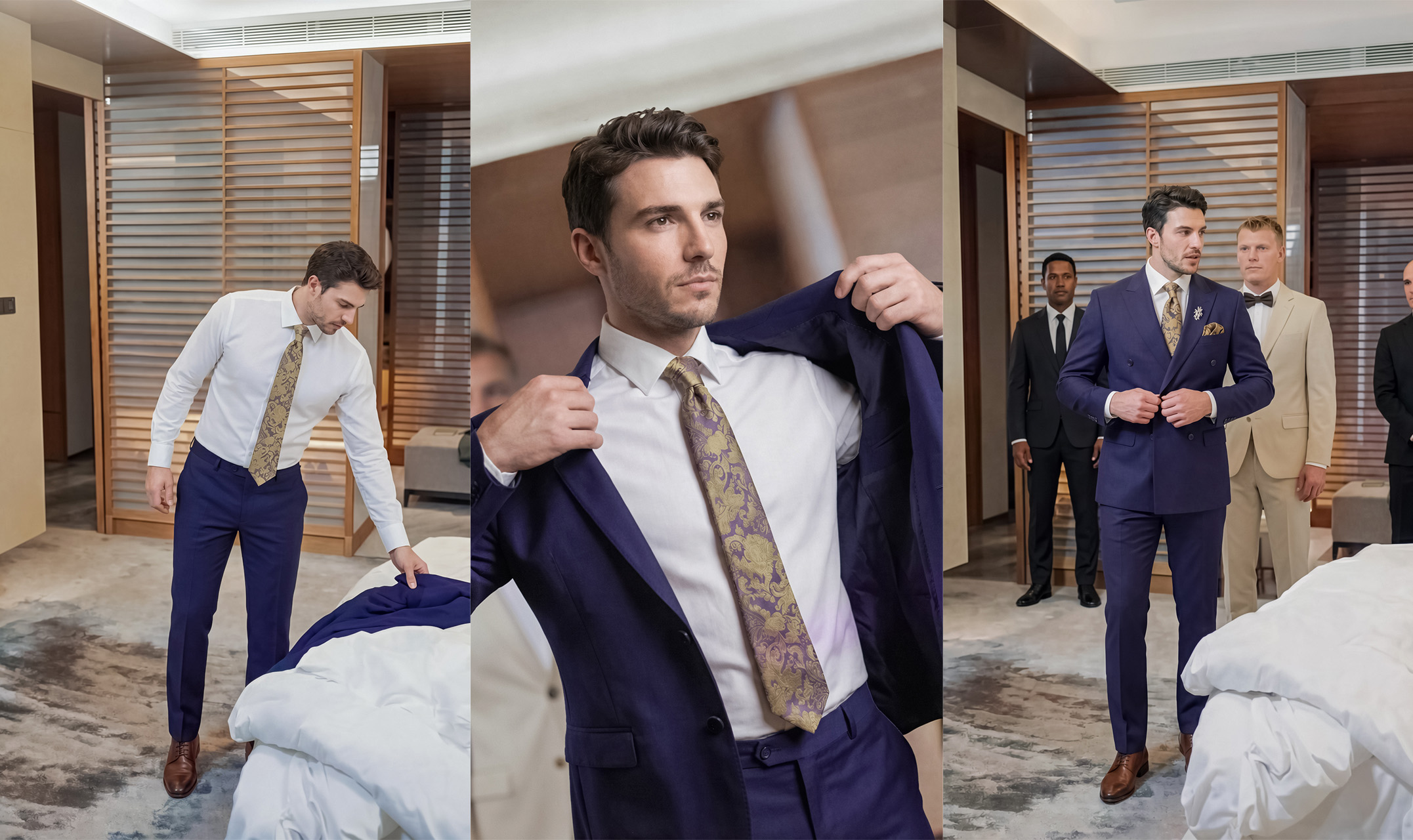
The wide shots are captured along with location leaving some breathing space in frame
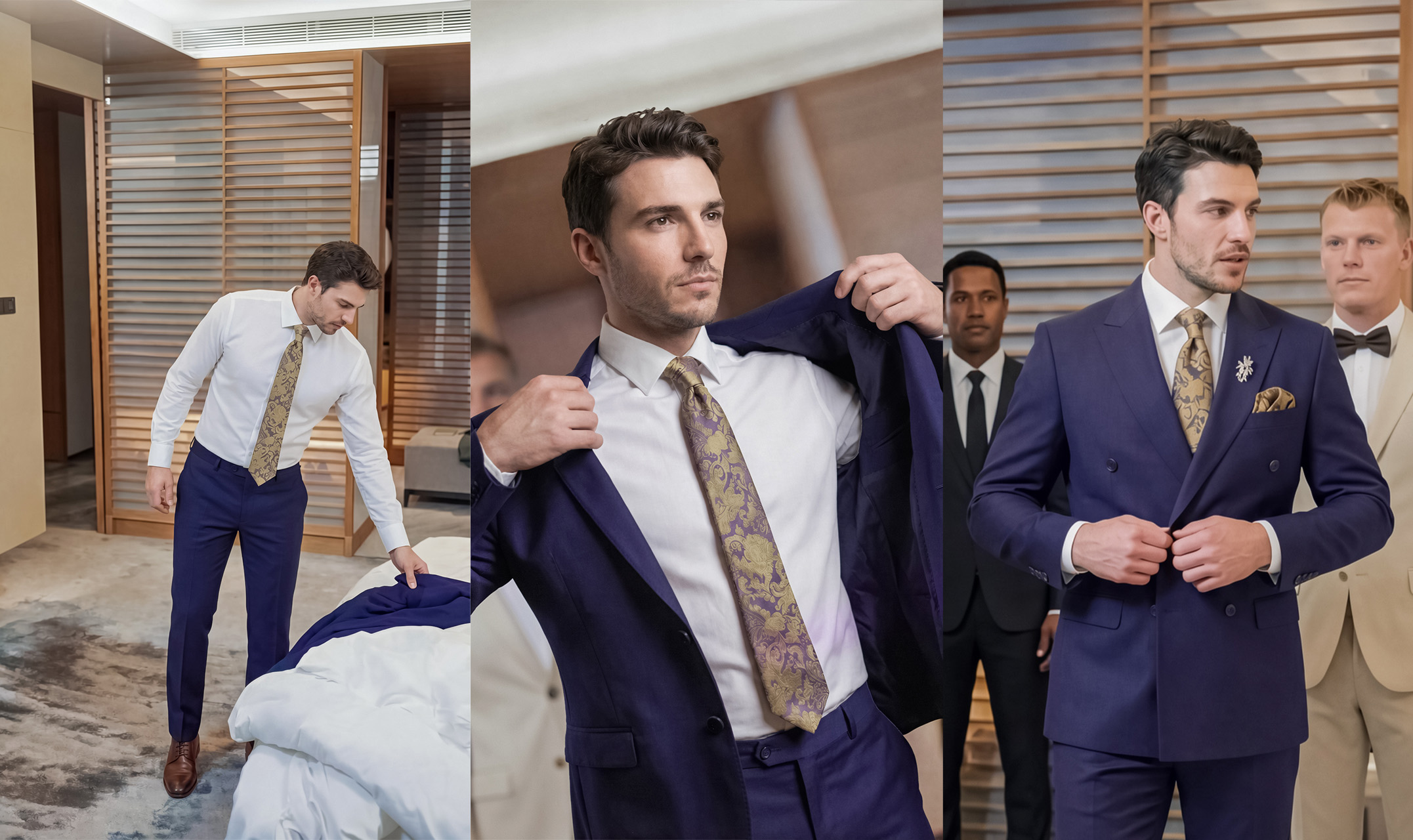
The wide shot is cropped to a mid shot and have less breathing space in frame
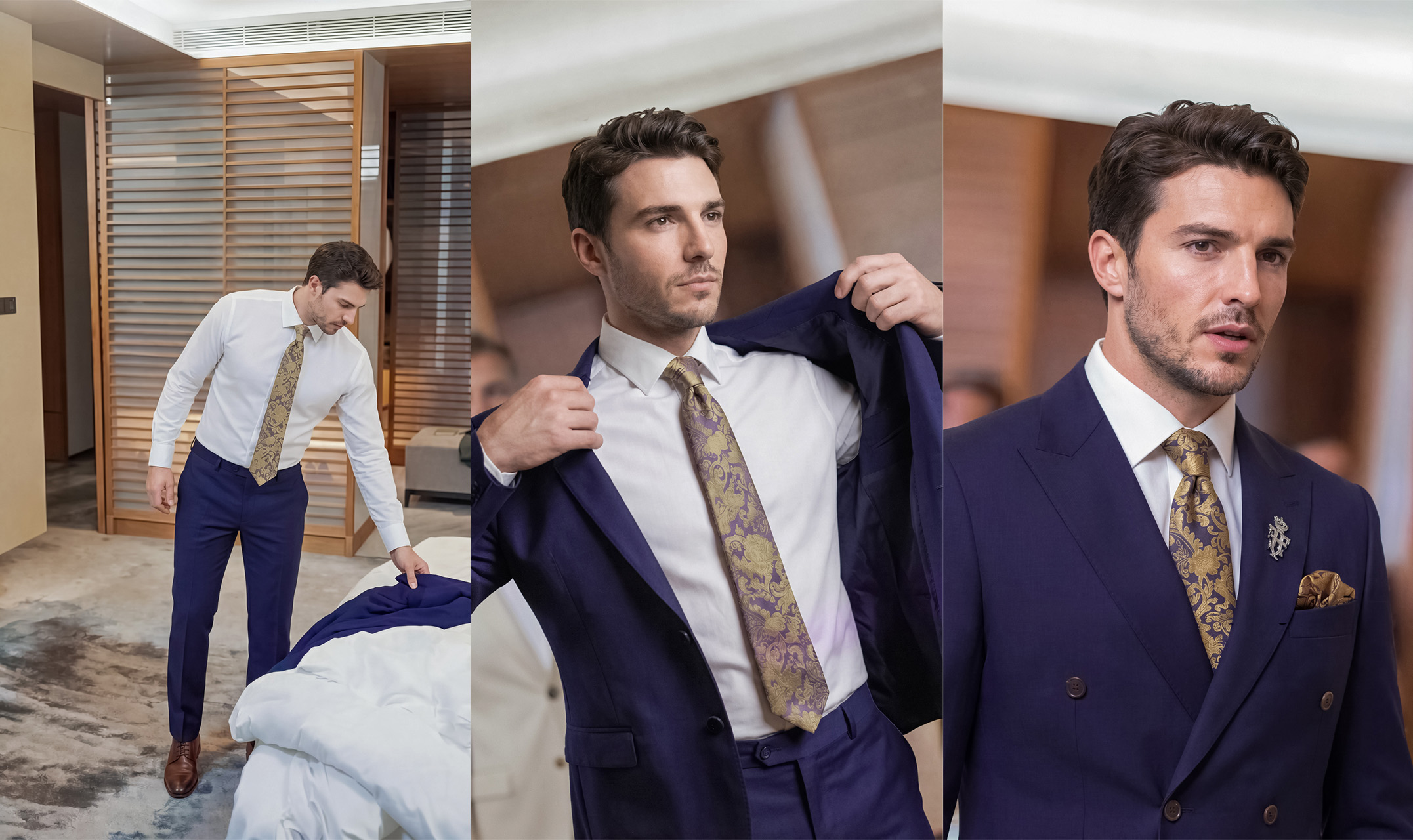
The camera angles in images makes sequence in a proper flow
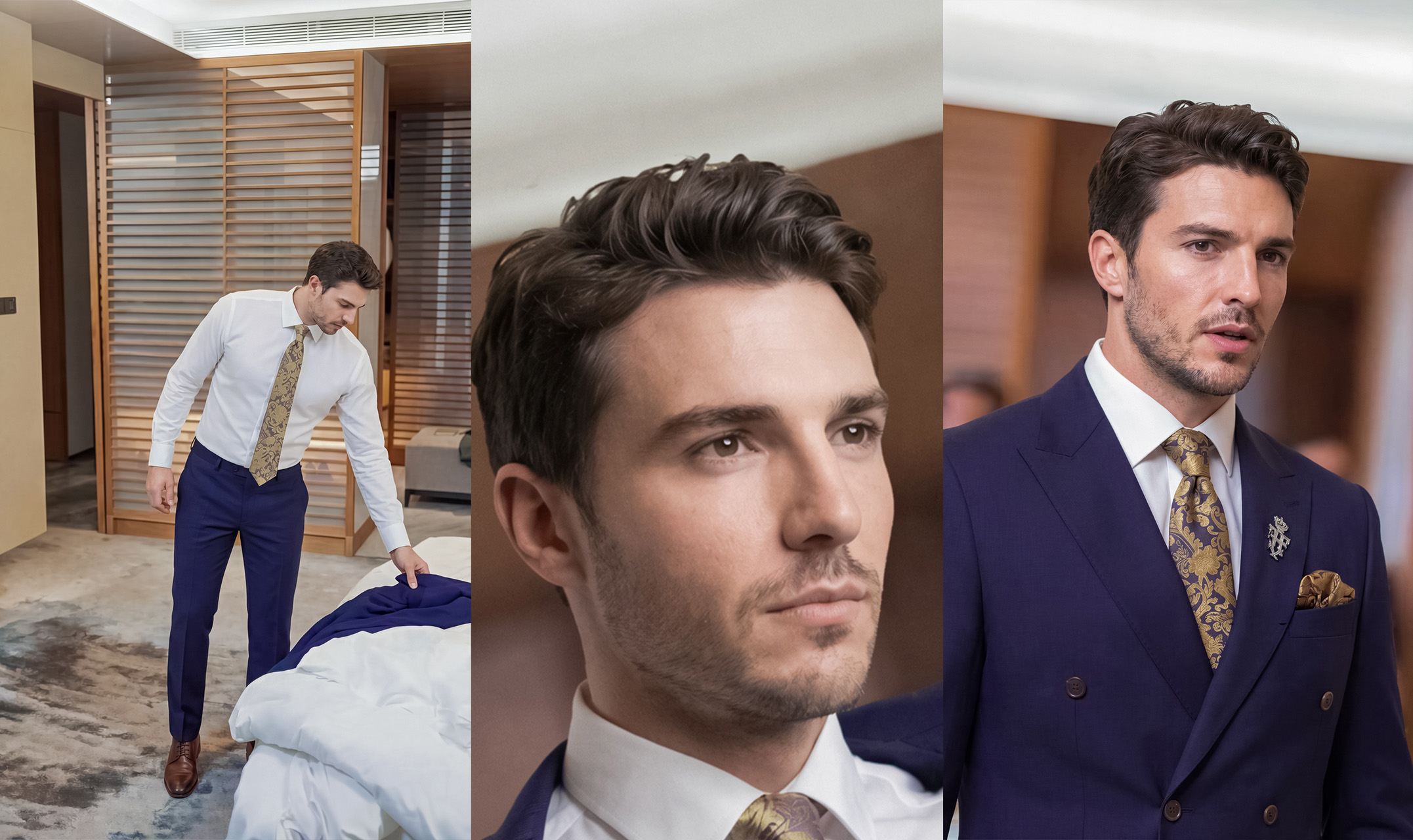
Since the second shot became closeup, the sequence flow is missing
On-screen text in English
The reference is in Chinese. The sample is for an American audience. Any visible Chinese text in the keyframes needs to be replaced with English.
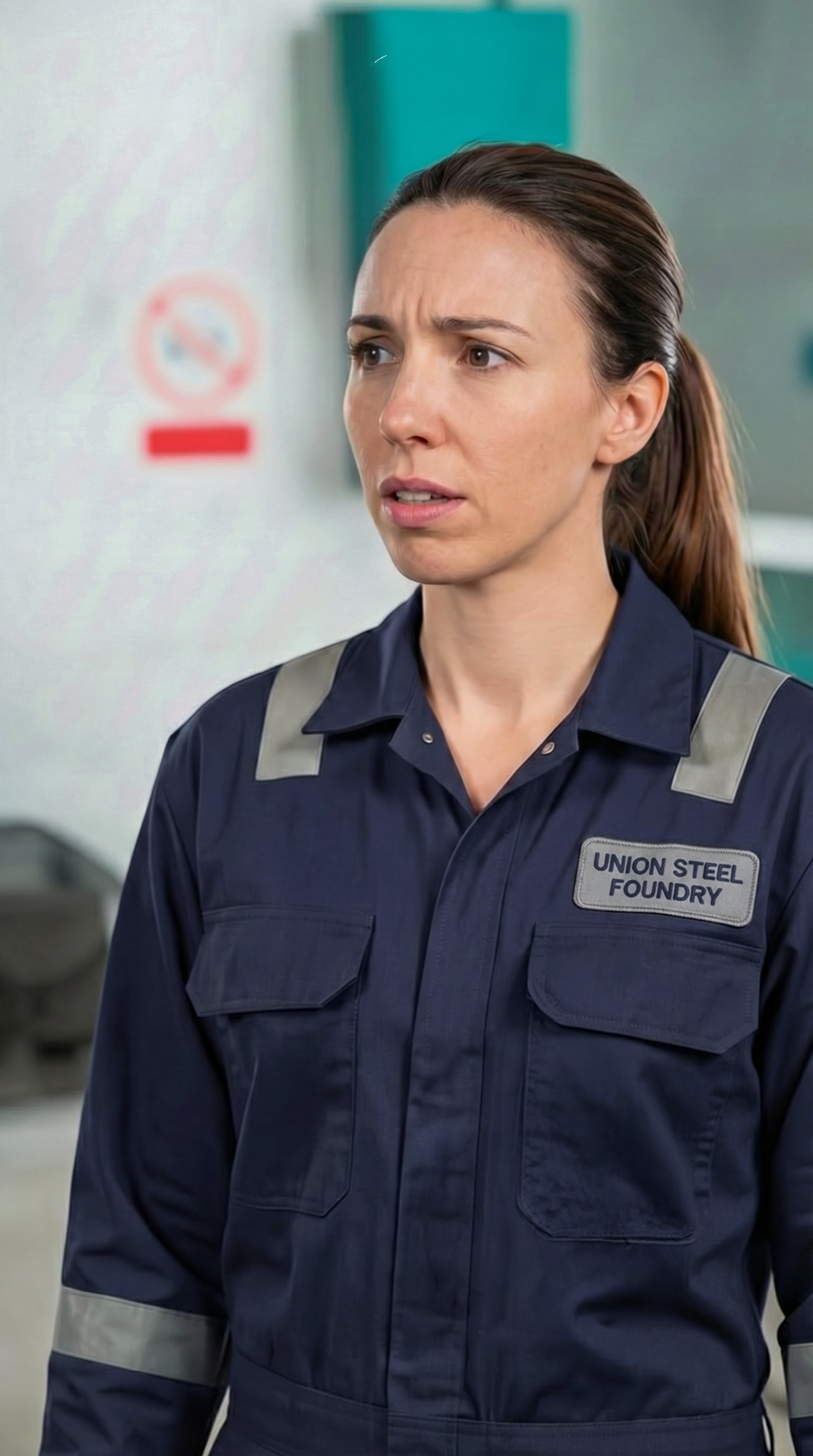
Name tag is changed as per story to English
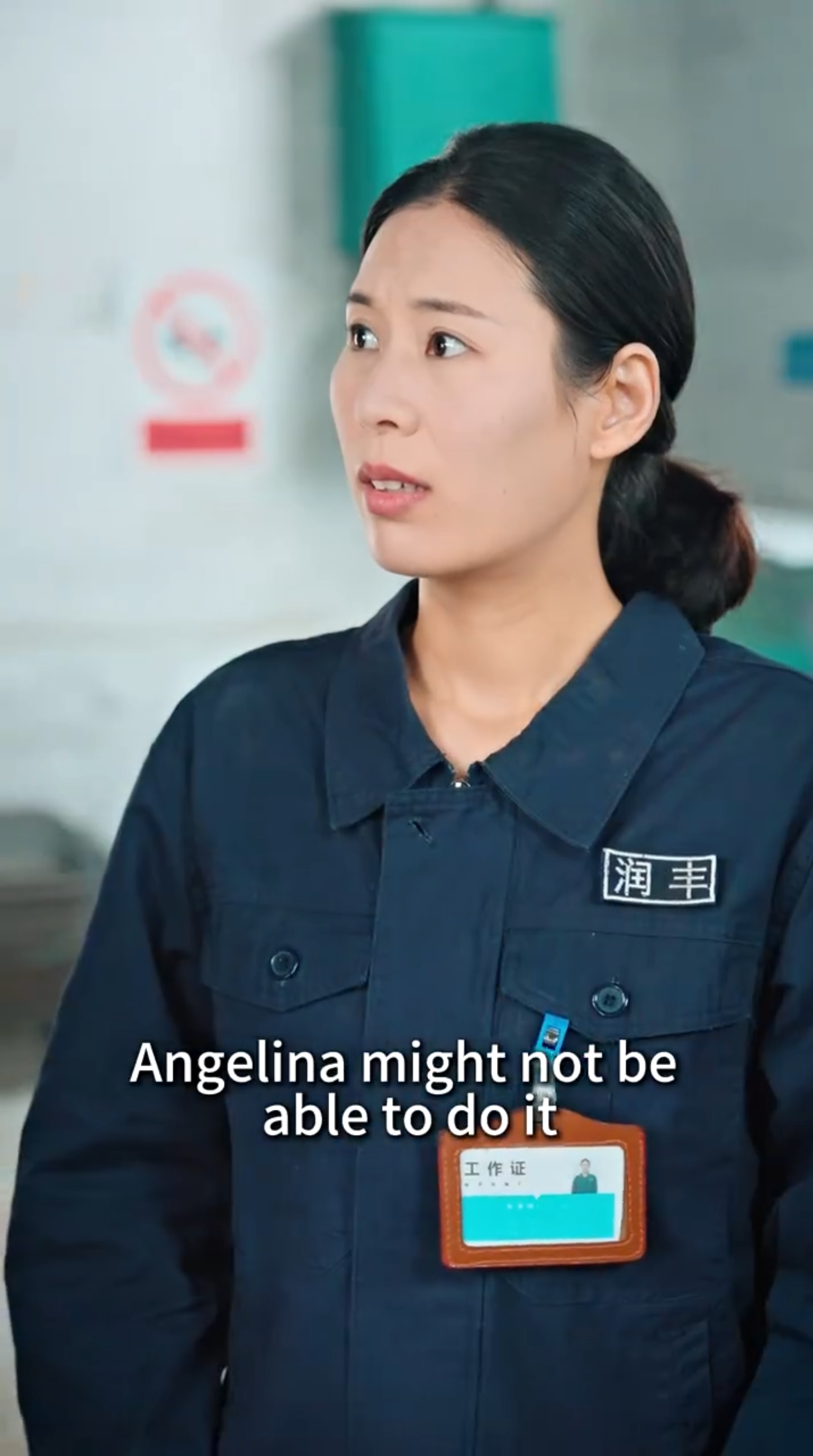
Name tag is in Chinese
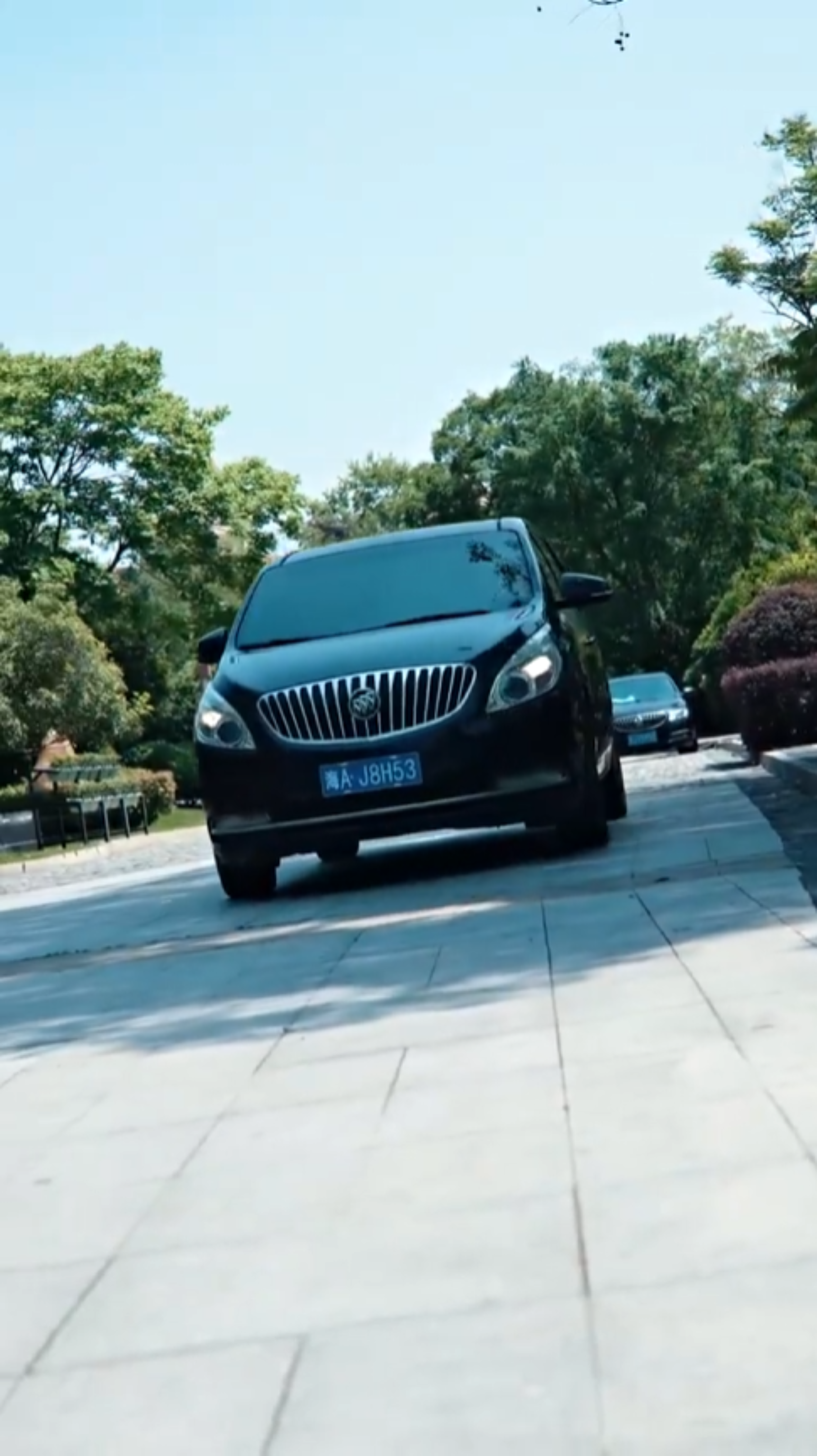
Number plate have Chinese text
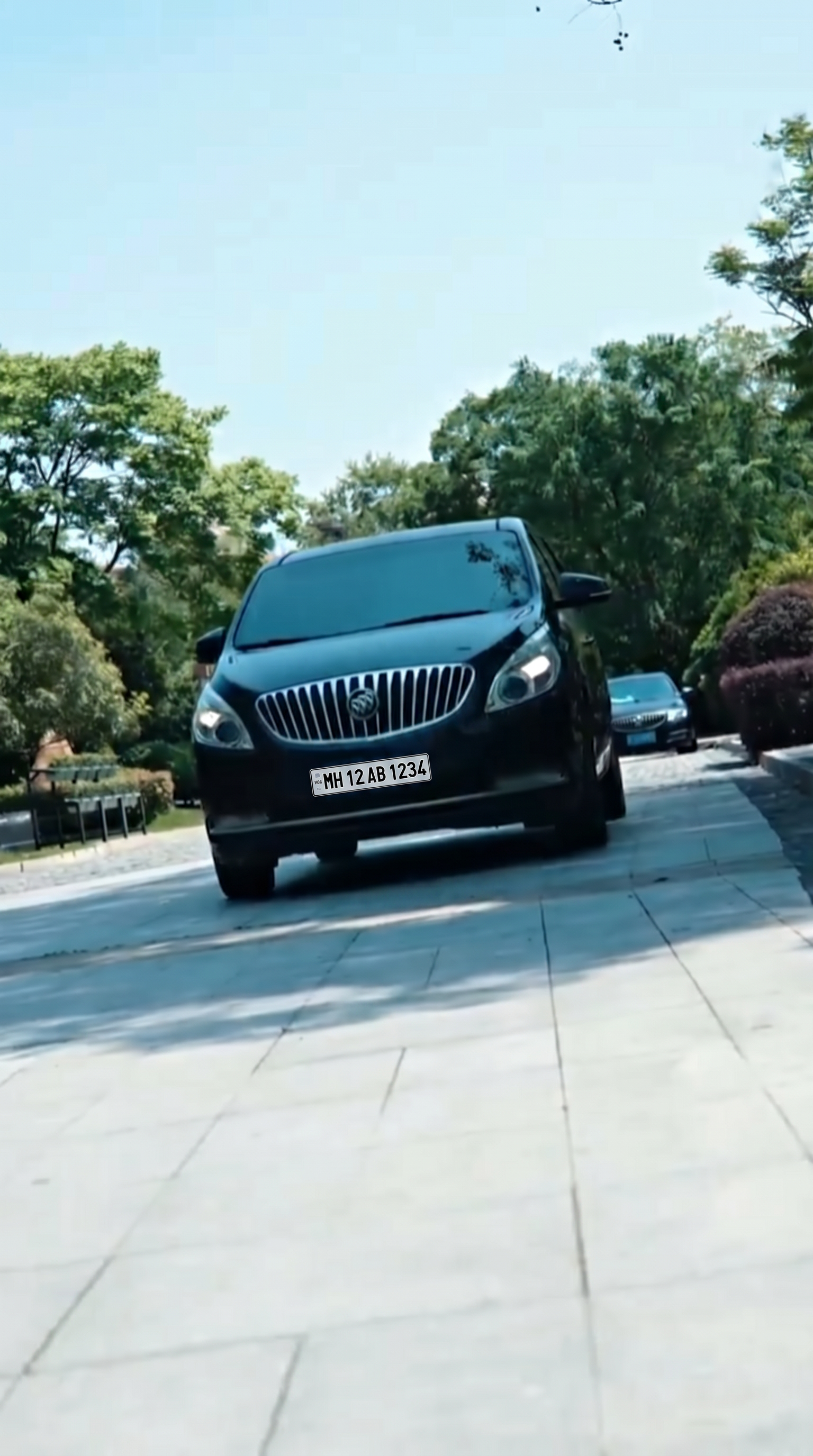
Number plate changed to Specific Country
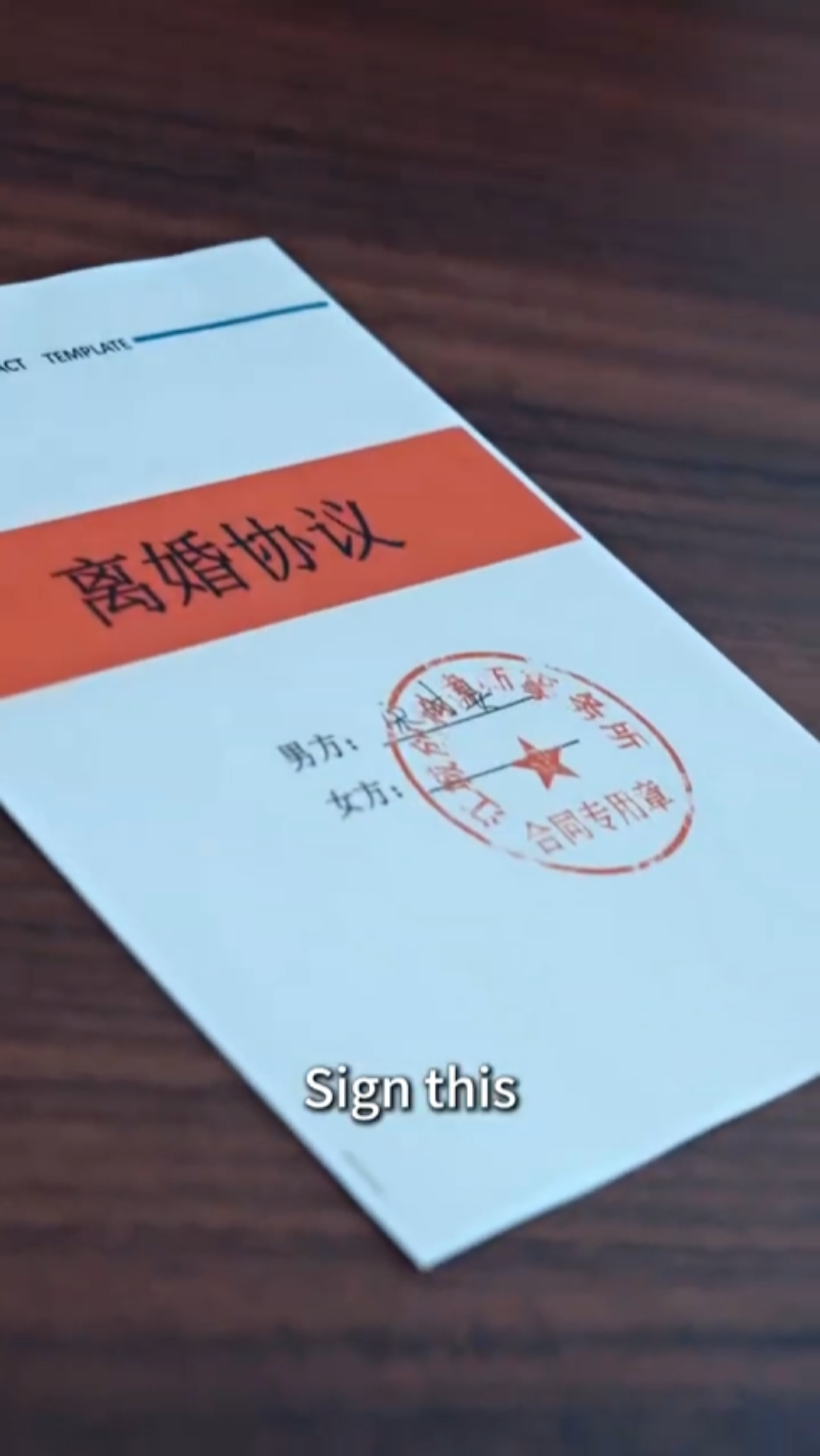
The document having Chinese text
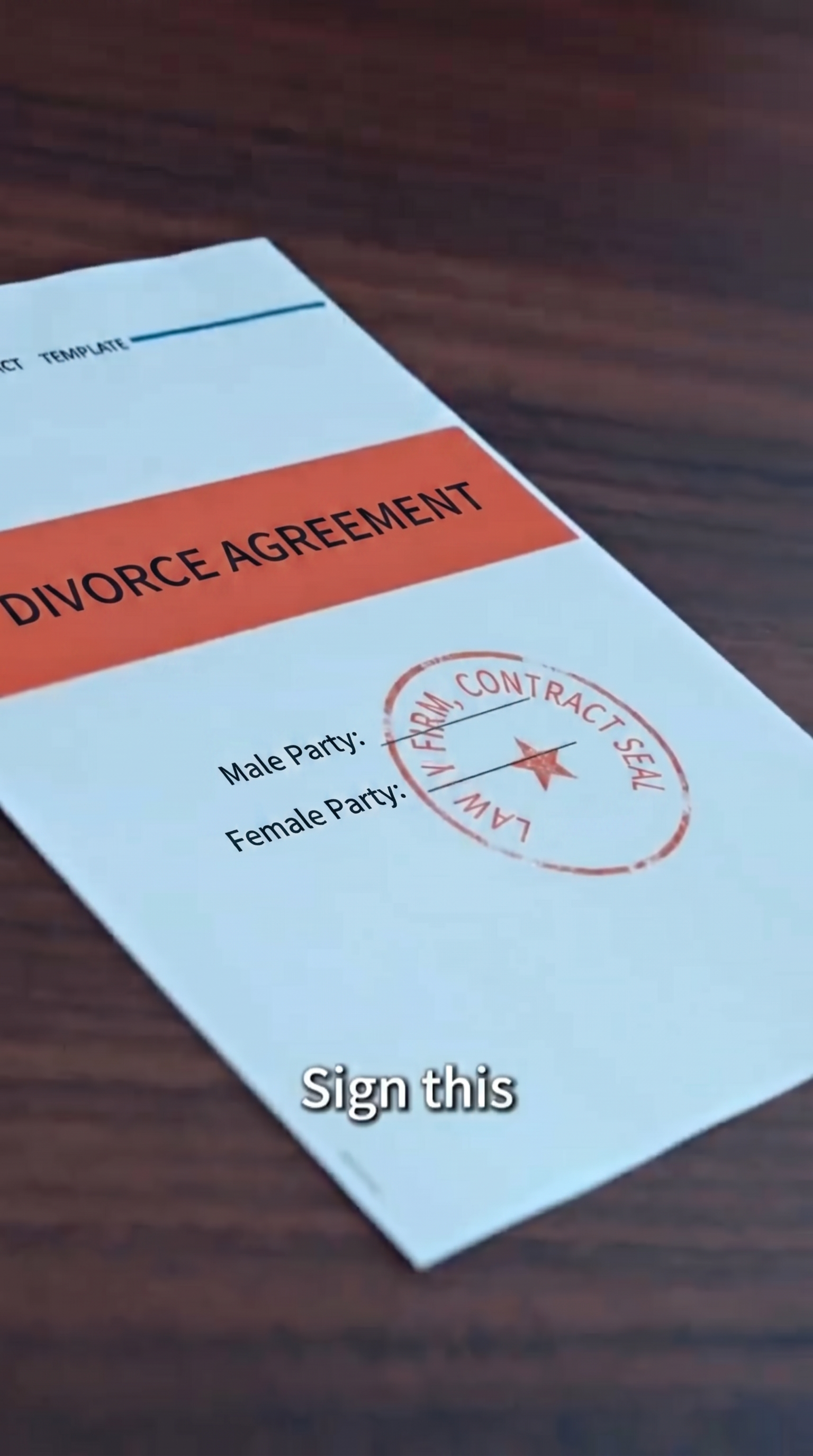
All visual text in document changed to English
P2 — The feel of a real drama
What makes the sample watch like real drama rather than a sequence of correct shots.
Motion
Movement should look natural.
The original shot.
The adaptation shot with swapped characters but with same movement and timing as original shot.
The motion of opening door is realistic and on time.
Extra door present and door opening movement is incorrect.
The original shot where the paramedic is trying to stop the woman from progressing forward.
The adapted shot where the motion is different but the context remains same as original.
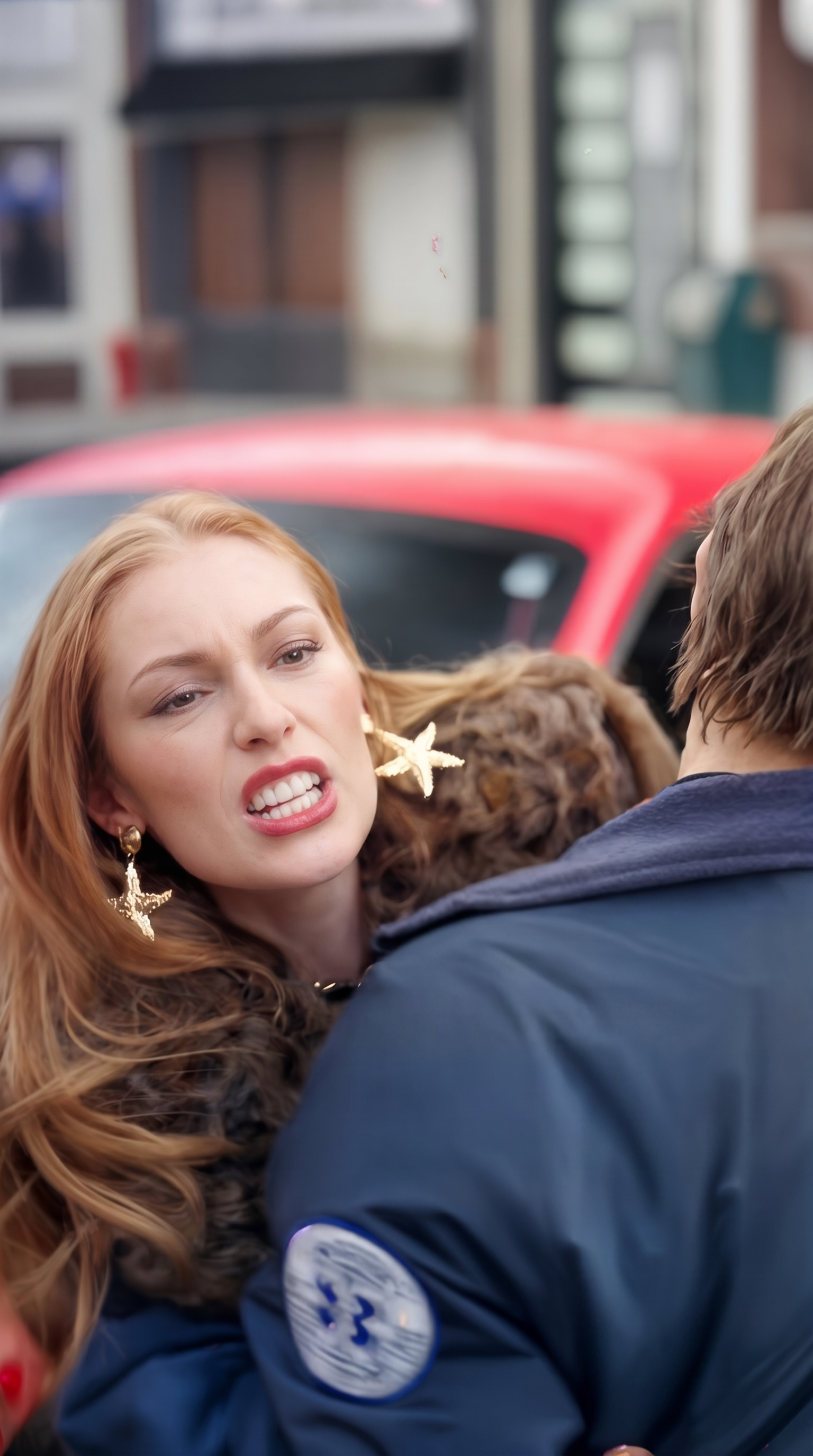
The original shot and keyframe where the paramedic is trying to stop the woman from progressing forward.
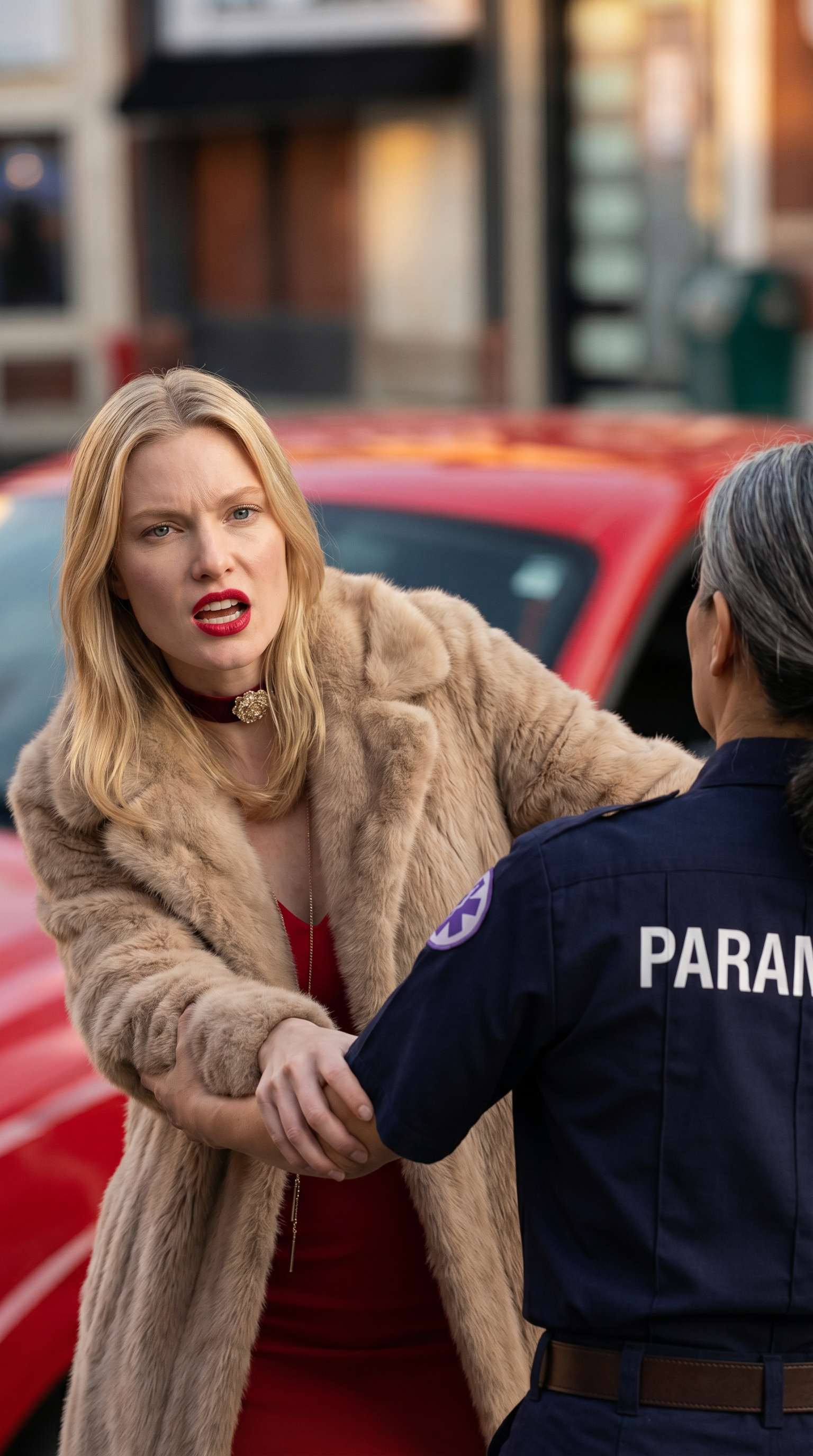
The adapted shot and keyframe where the motion is different because the keyframe doesn't match the framing with the original keyframe.
Backgrounds and depth
The world around the characters should feel alive.
The background people have natural motion that makes them look like real people.
The background people don't have natural motion and seem lifeless.
The crowd motion is realistic and natural matching with the setting.
The crowd motion is not realistic and does not match with the setting.
The motion feels realistic and nothing is changing mid shot.
Distortion in video and changes in face, makes it look unrealistic.
Background character is changing mid shot.
Background character remains same and motion is natural.
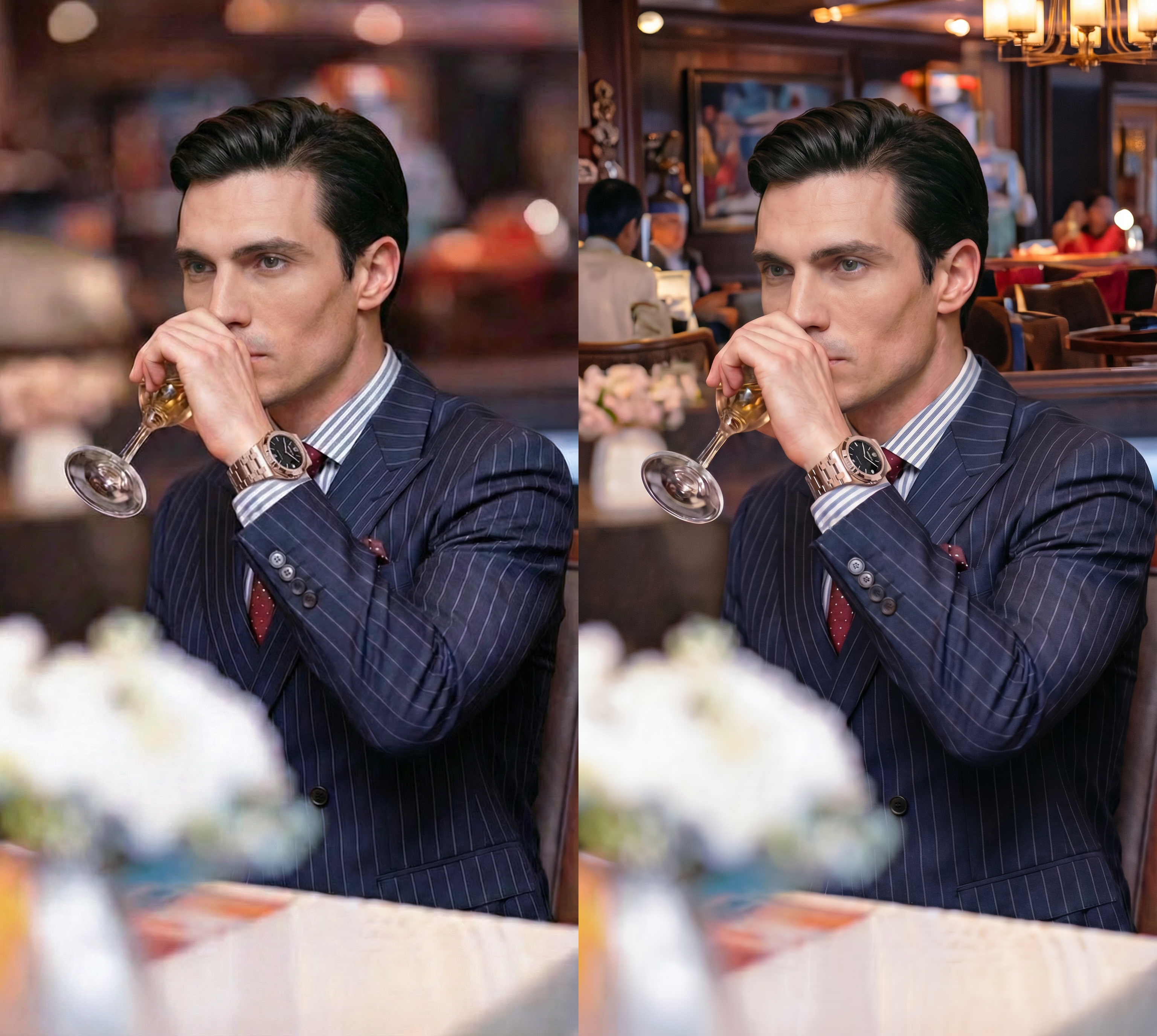
Having background in defocus, keeps the composition clean of unwanted details and attention on the character.
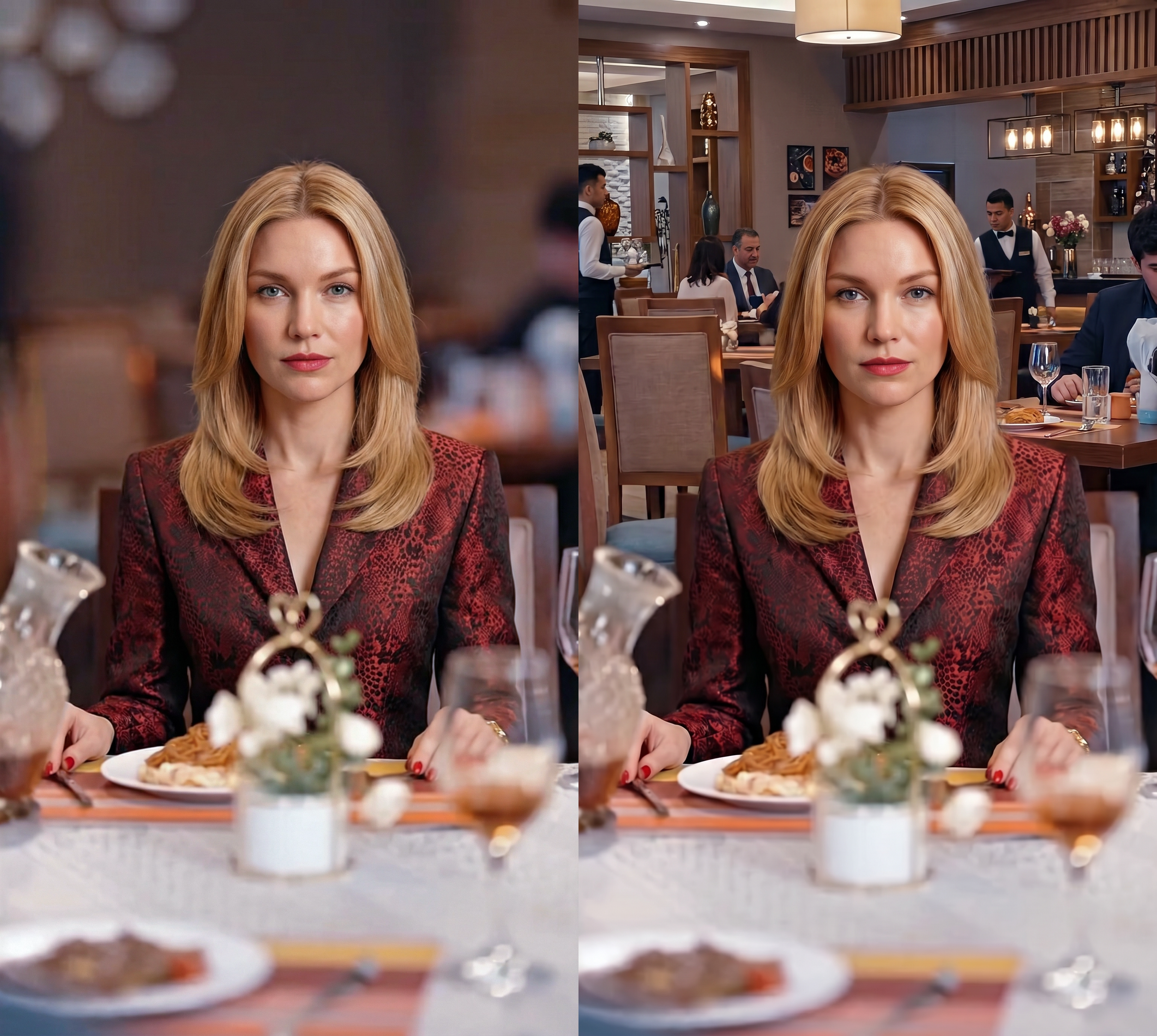
Having background in focus, makes the composition noisy and removes viewers attention from Main character.
Continuity within a scene
Small details should stay the same across cuts in a single scene.
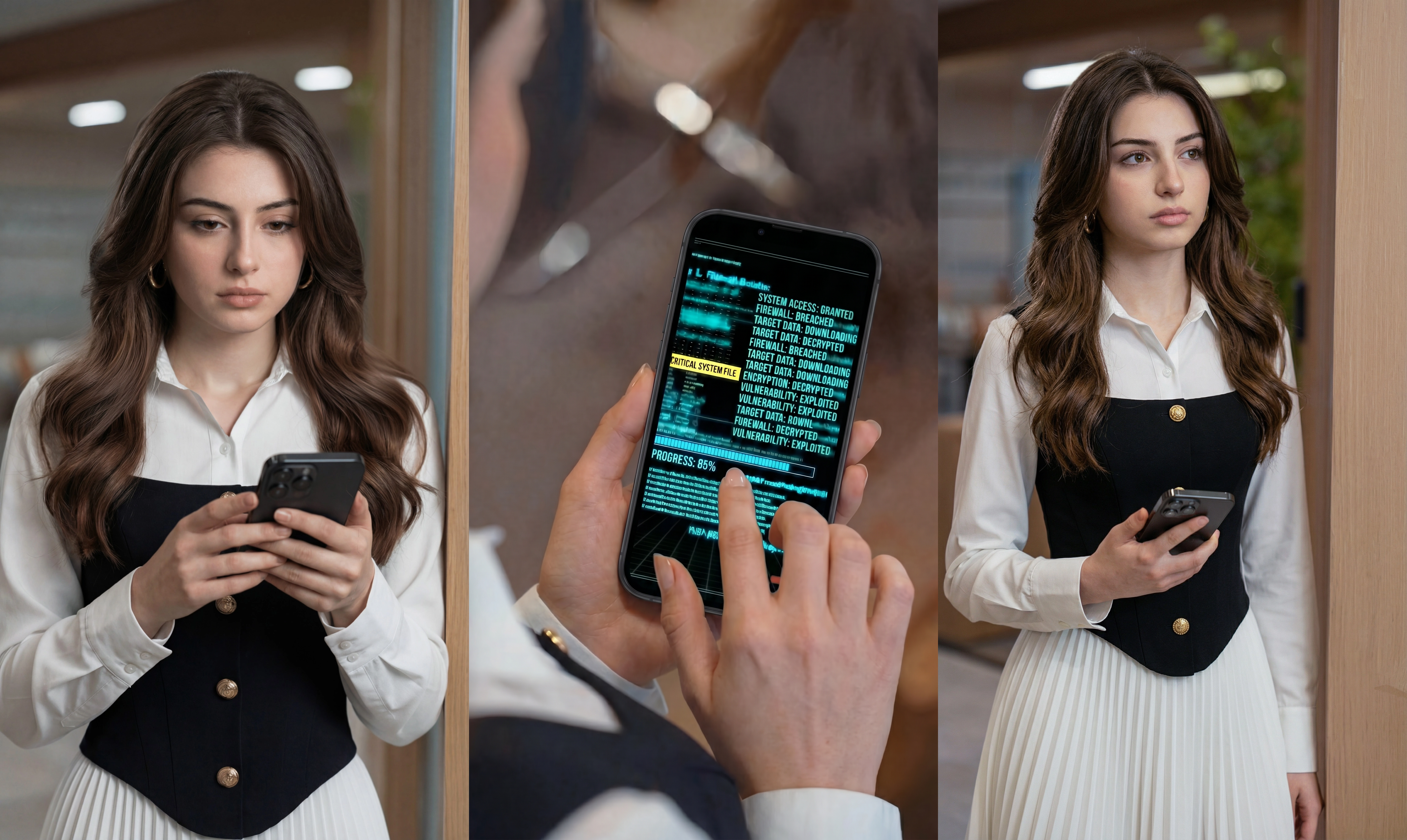
The prop remains same in terms of size and color every shot matches with the given reference.
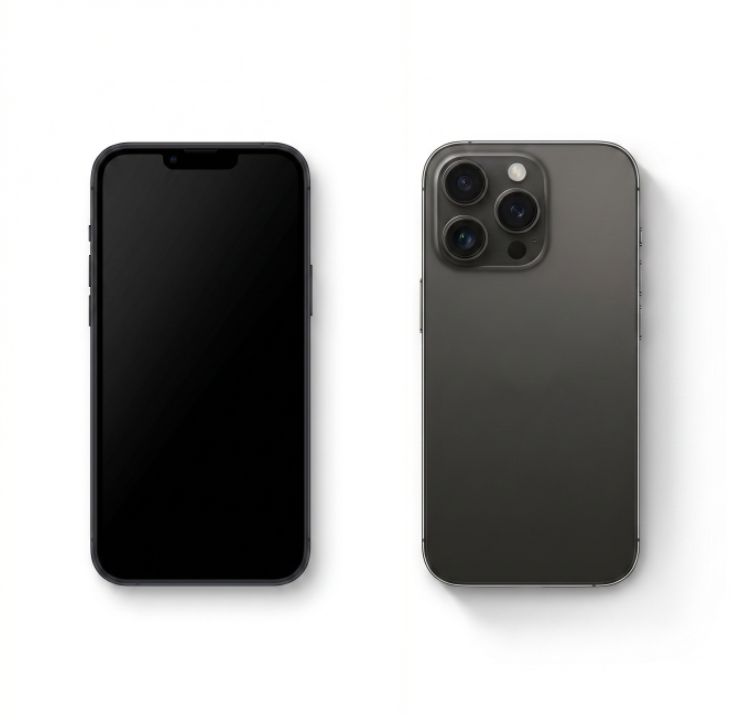
Reference

The prop changes every shot and does not match with the given reference.
The woman in grey shirt remains in the same position in 2nd scene compared to 1st scene.
The woman in grey shirt changes her position in 2nd scene compared to 1st scene.
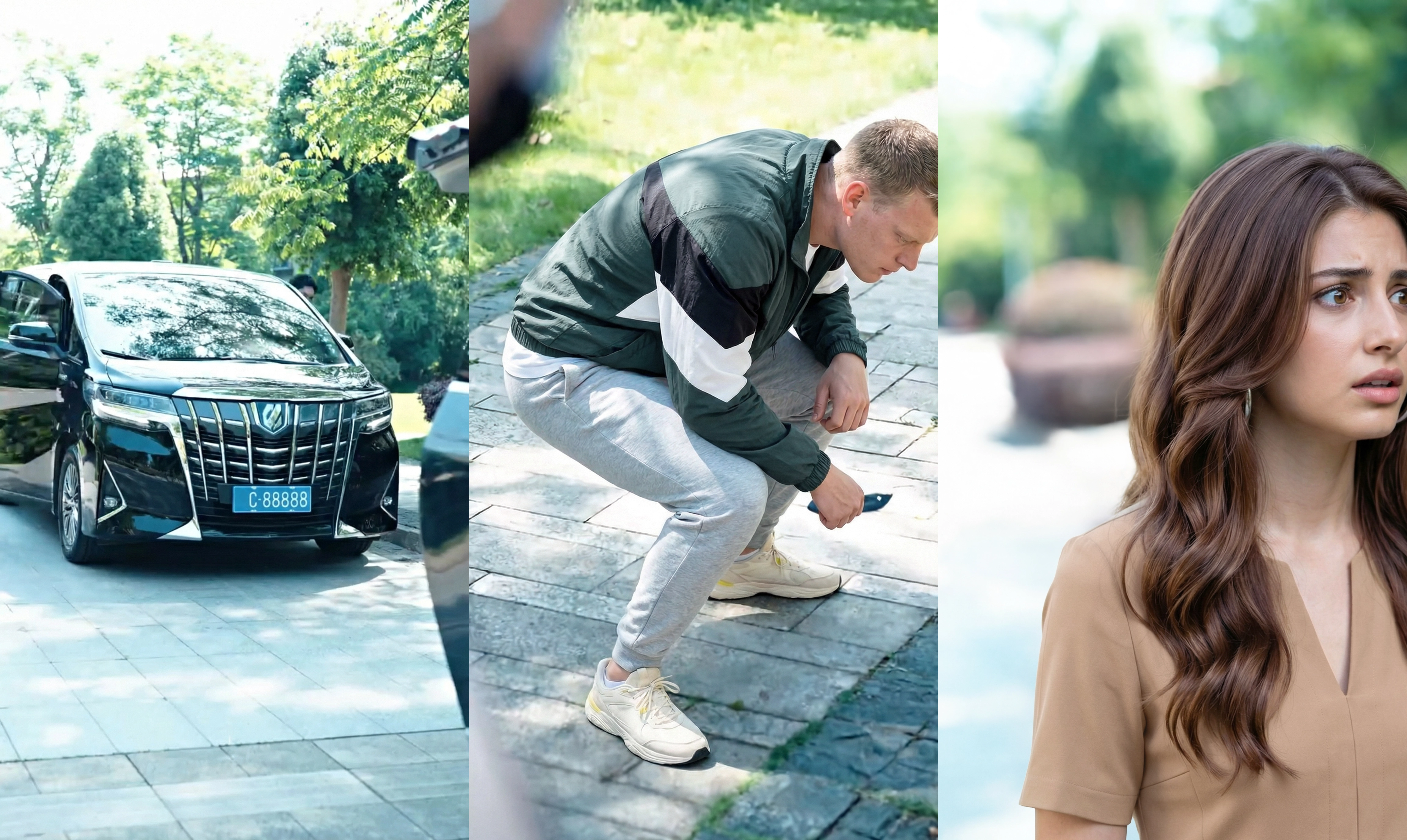
The weather and time of day is constant in each outdoor shot.
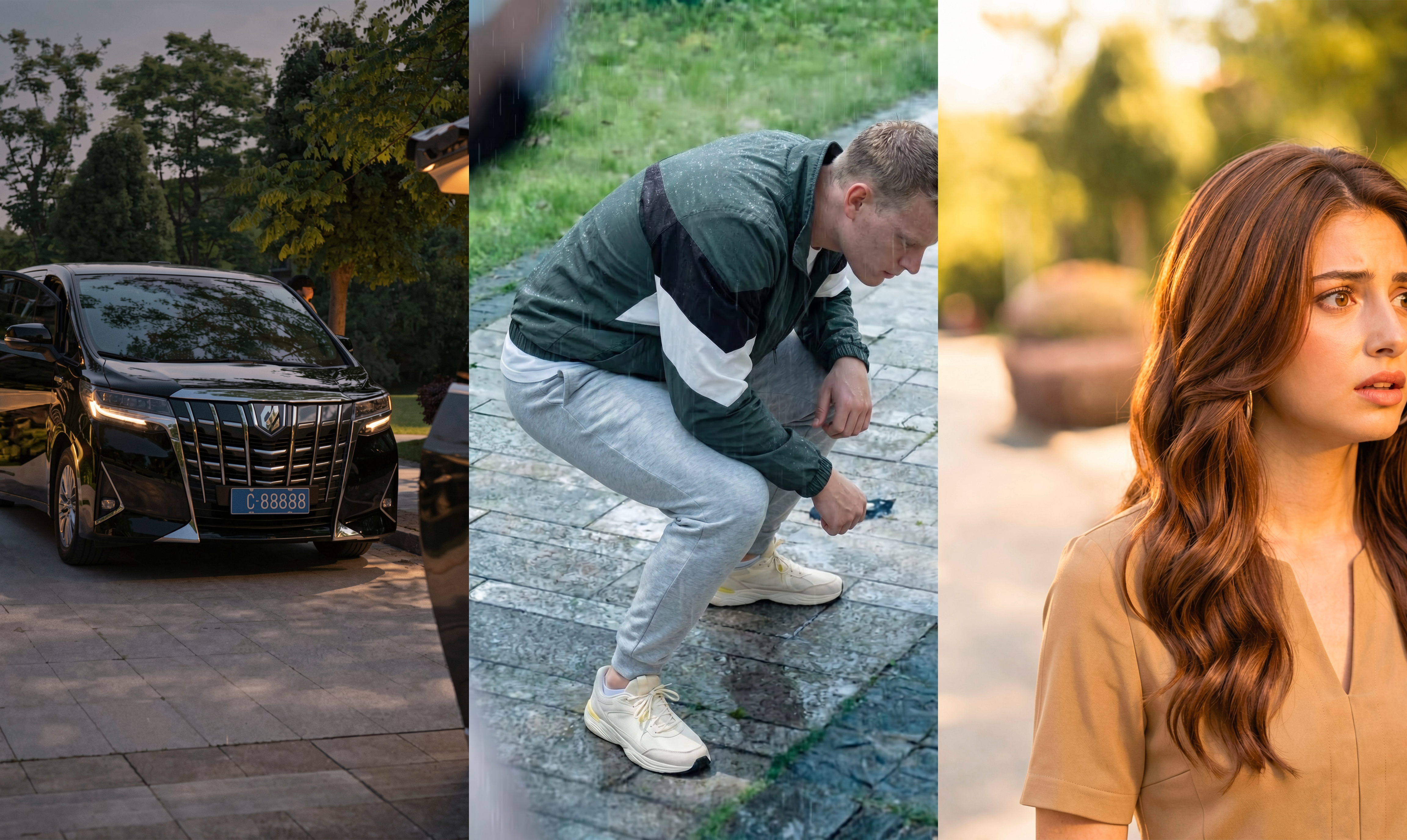
The weather and time of day is changing in each outdoor shot.
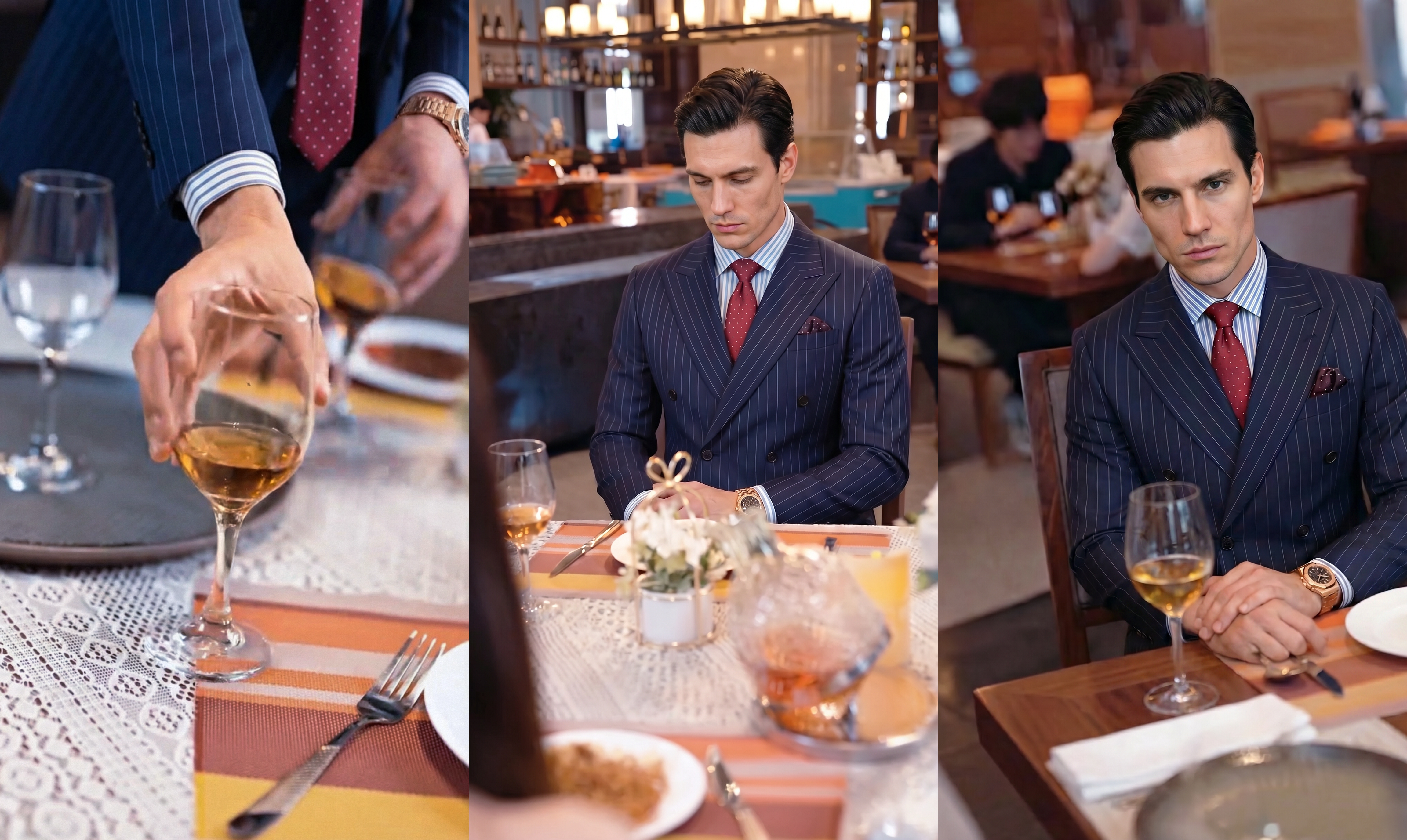
The liquid's level in wine glass matches with the reference image and is constant in each shot.
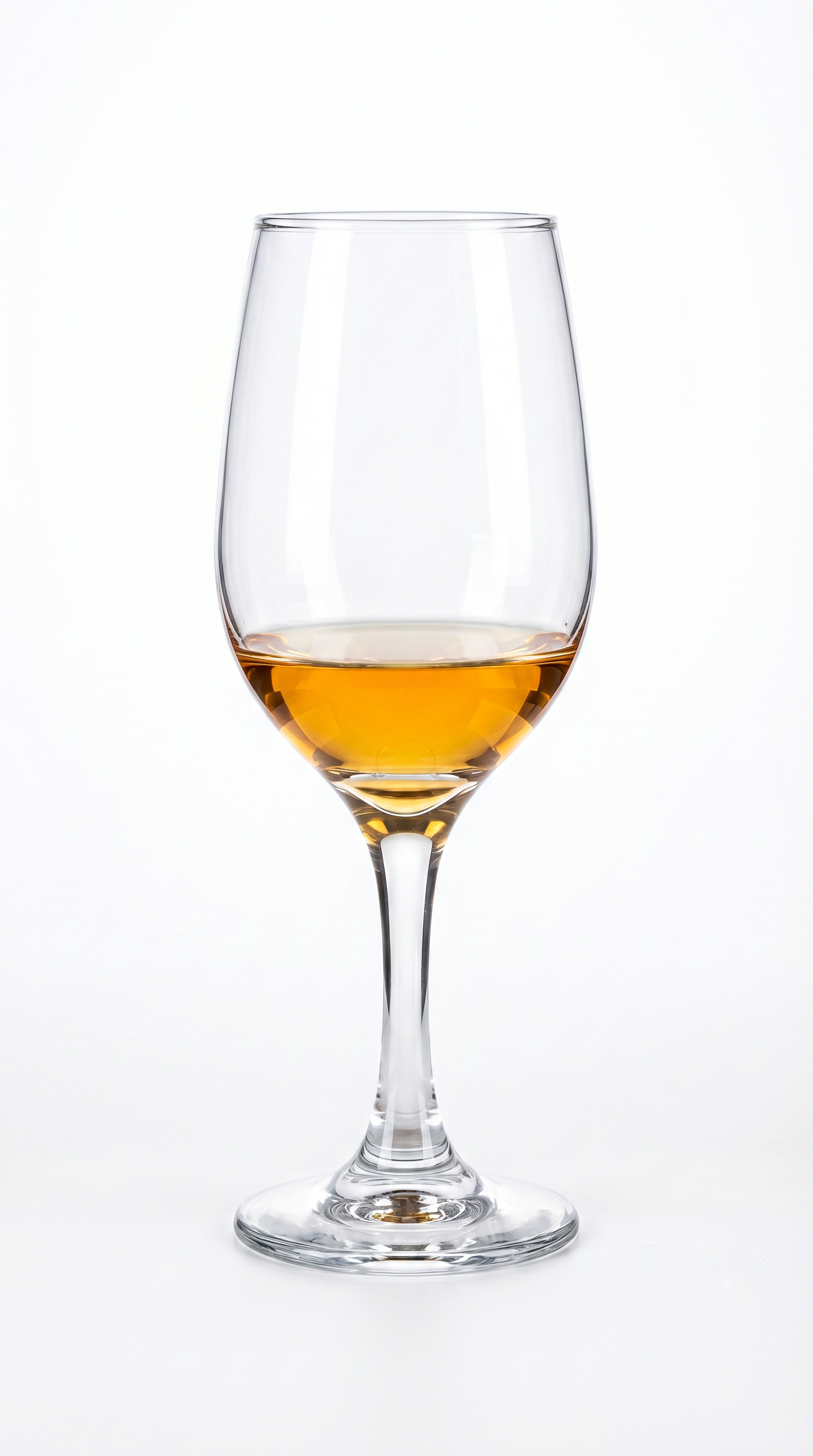
Reference
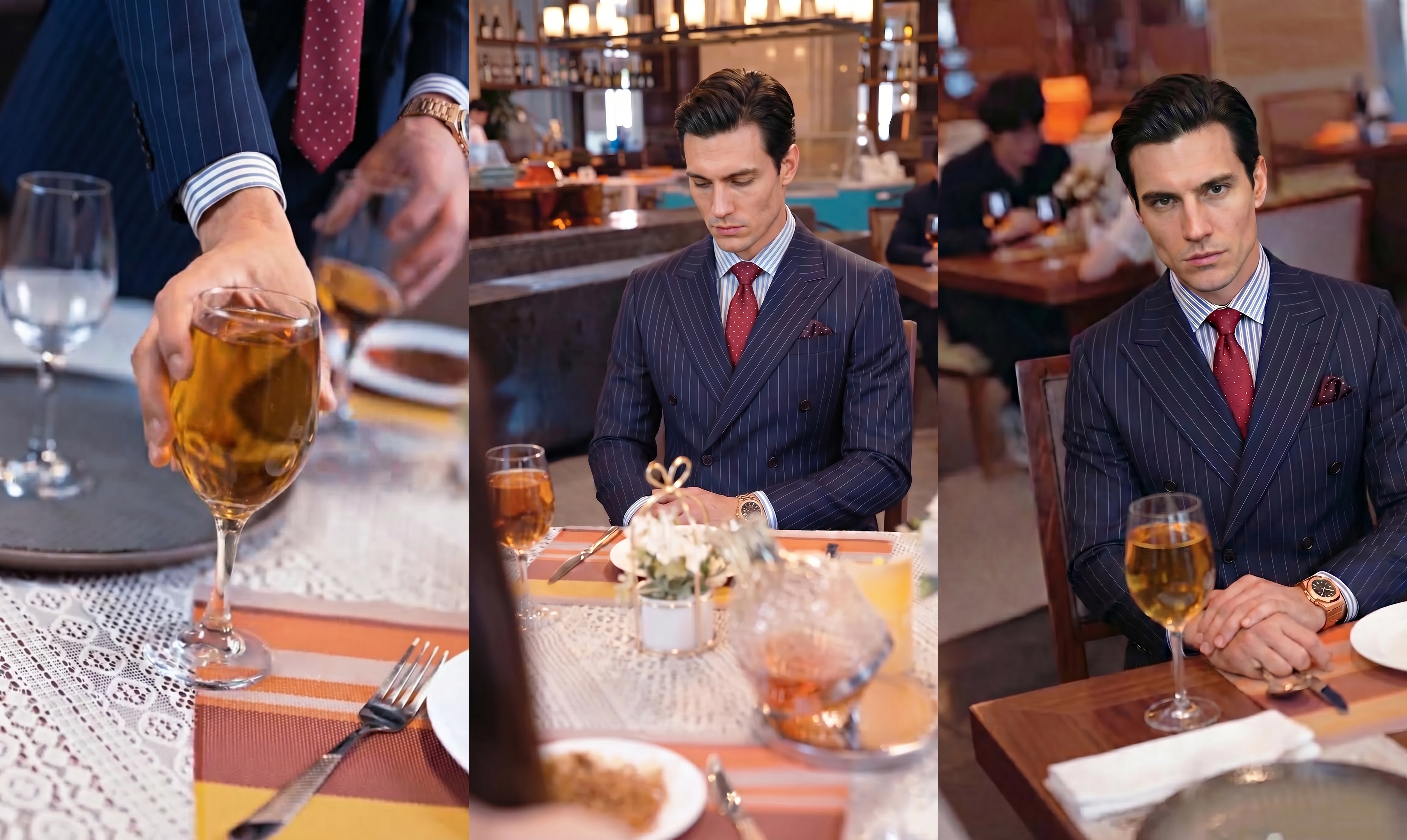
The liquid's level in wine glass does not match with the reference and is not constant in each shot.
P3 — The final polish
The finer details that lift good work into great work. Shared as feedback for future projects.