Morph Faces. Create Stunning AI Transformations Instantly.

Turn any two or more faces into smooth, cinematic morphs with Frameo’s AI Face Morph tool. Perfect for morph videos, character evolutions, or creative social content.

Explore Videos

All
Narration
All
Realistic
Manga
Anime
All
9:16

Nothing here yet!

Try these popular combinations to discover amazing prompts:

HOW IT WORKS

Create Your AI Face Morph in 3 Clicks

1

Upload Faces to Morph

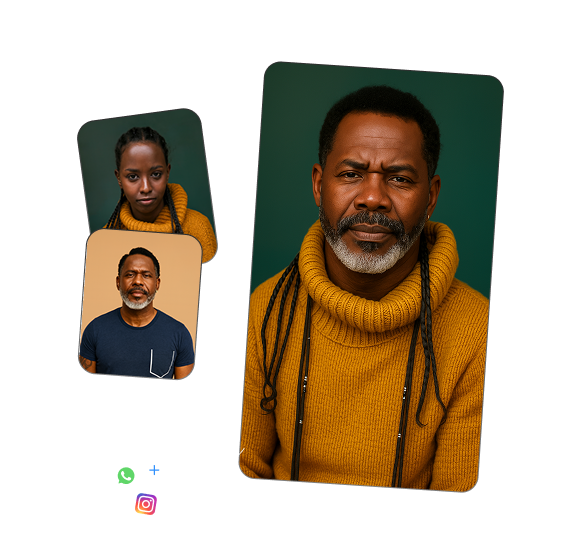
Start by uploading two or more clear photos you want to blend. You can also pull images from your library or use character templates.

2

AI Generates Smooth, Realistic Morphs

Frameo’s AI analyzes facial features, expressions, and lighting to create seamless transitions between faces for a natural, cinematic result.

3

Generate Your Morph Video or Image

Download a high-quality morph image or video. Everything is formatted perfectly for TikTok, Reels, and Shorts, ready to share instantly.
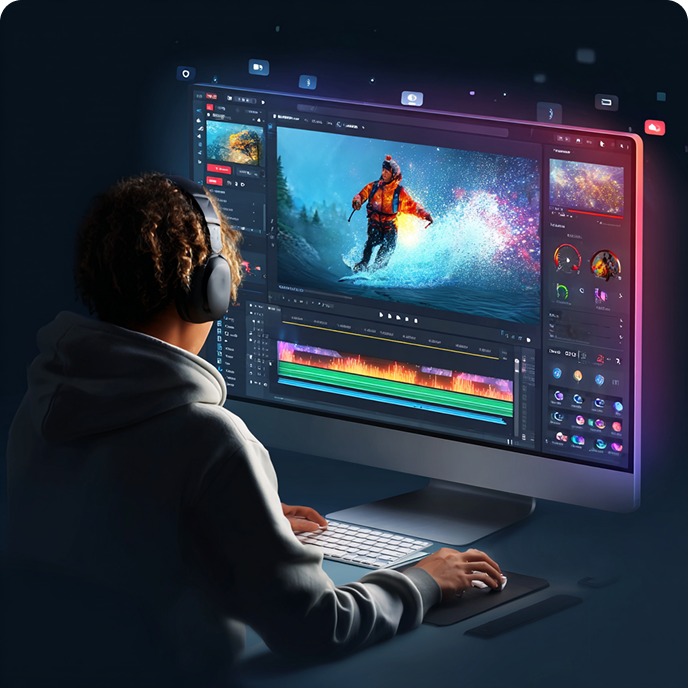
Tutorial illustration
RELATED USE CASES

Explore other features of Frameo AI

Video Ad MakerAI Birthday Video MakerAI Ad GeneratorFaceless Video
BLOGS

Also Read: From the Blog

AI Tools for Creating and Selling Digital Products

AI Tools for Creating and Selling Digital Products

Discover 10 essential AI tools, from design and images to video and copy, that make creating and selling digital products faster and easier.
Frameo Case Study: Create 30 Days Of Content In One Afternoon With AI

Frameo Case Study: Create 30 Days Of Content In One Afternoon With AI

See how a solo marketer used Frameo to create 30+ polished, vertical videos in just one afternoon, with batch content made easy. (frameo.ai case study)
AI Video Production: Key Benefits and Future Trends

AI Video Production: Key Benefits and Future Trends

Discover how AI video production boosts speed, cuts costs, and enables localization, personalization, and VFX, transforming creation for creators and marketers.

FAQ

Frequently Asked Questions

Is Frameo's AI Face Morph tool free?

+
Yes. Frameo offers a free tier for AI Face Morph, letting you create basic face transitions between photos. Upgrade to paid plans for unlimited morphs and higher quality outputs.

How does Frameo make face morphs look smooth?

+
Frameo's AI interpolates facial landmarks frame-by-frame, blending features, skin tones, and expressions gradually for seamless, natural-looking transitions that preserve motion fluidity.

Can Frameo morph faces in videos or just photos?

+
Frameo Face Morph works on both photos (static transitions) and short videos up to 30 seconds, creating dynamic morph sequences perfect for social media stories and reels.

Is Frameo's Face Morph safe and ethical?

+
Frameo promotes responsible use. Get consent before morphing faces and avoid misleading content. The tool includes usage guidelines and deletes source data after processing for privacy.

What photos work best for Frameo Face Morph?

+
Use high-res, front-facing photos with similar angles, even lighting, and clear facial features. Matching poses between source faces produces the smoothest, most realistic morph transitions.