Best 18 AI Filmmaking Tools in 2026: Features & How to Choose
Discover the best AI filmmaking tool options for 2026. Compare 18 powerful platforms for scripting, editing, visuals, and faster video production today.
A great film idea rarely fails because of creativity; it usually stalls somewhere between scripting, editing, and actually getting the final video out. Jumping between multiple tools, fixing inconsistencies, and trying to manage the entire workflow can quickly turn excitement into frustration. For many creators and small teams, the process feels heavier than the story itself.
At the same time, the demand for video content keeps growing, especially across platforms where speed and consistency matter just as much as quality. Creating cinematic videos regularly without burning time or budget has become one of the biggest challenges for storytellers today. This is exactly where the rise of the AI filmmaking tool starts to make a real difference.
The real question now isn’t whether to use AI, but how to choose the right tool that actually fits your workflow. Let’s break down what matters and how to find the best fit for your filmmaking process.
Key Takeaway
- AI filmmaking in 2026 has moved to end-to-end workflows where scripting, visuals, video, audio, and editing happen in one system, reducing production time and complexity
- Most tools like Runway, Luma, and Veo focus on video generation only, while others like Pictory and HeyGen are limited to specific formats like repurposed or avatar-based content
- The biggest limitation across tools today is workflow fragmentation, where creators switch between multiple platforms for scripting, generation, and editing
- Tools that maintain character consistency, support iteration, and reduce tool-switching are critical for producing scalable, story-driven content
- Full-stack platforms stand out by connecting the entire pipeline, from script to final video, making storytelling faster, more consistent, and easier to scale.
What Is an AI Filmmaking Tool?
An AI filmmaking tool is software that uses artificial intelligence to create, edit, and assemble films from scripts, prompts, or structured inputs across a unified workflow. These tools combine capabilities like script writing, image generation, video creation, audio production, and timeline editing into one system.
In 2026, the shift is moving from fragmented multi-tool stacks to integrated platforms where entire films can be produced end-to-end. Often referred to as an AI film generator, AI video production tool, or AI movie maker, these solutions are redefining how stories go from idea to screen.
How AI Filmmaking Has Changed in 2026?
AI filmmaking has moved from isolated tools to full production systems that handle scripting, visuals, audio, and editing within a single workflow. This shift reflects how creators now produce content faster, test ideas more frequently, and deliver videos without relying on traditional production setups.
The impact is visible across cost, speed, and access, reshaping who can create films and how often they can do it.
- End-to-end workflows are now standard:
- Platforms combine script writing, storyboard creation, video generation, and editing in one place
- Creators no longer need to switch between multiple tools to complete a film
- Production costs have dropped significantly:
- Industry estimates show AI-assisted workflows reduce costs.
- Brands are replacing physical shoots with AI-generated environments and scenes
- Real adoption across creators and studios:
- Independent creators are publishing AI-generated short films and episodic content online
- Studios and media companies are testing AI for pre-visualization and rapid prototyping
- Faster turnaround times:
- Production timelines have reduced from weeks to hours or days for short-form content
- Creators can iterate multiple versions of the same story quickly
- Expanded access to filmmaking:
- Solo creators can now handle scripting, visuals, and editing independently
- Small teams can produce high-quality video content without a large production infrastructure
These changes are shaping a new filmmaking environment where speed, flexibility, and storytelling consistency matter more than production scale.
Suggested Read: How AI Studios Are Transforming Video Production Across Industries
Best 18 AI Filmmaking Tools in 2026
AI filmmaking tools have evolved to support different parts of the creative process, from writing scripts and generating visuals to editing and final production. Each tool brings its own strengths depending on where you are in the filmmaking workflow.
Here’s a simplified comparison to help you spot the right fit faster:
Tool | Core Strength | Workflow Coverage | Best Fit | Pricing |
|---|---|---|---|---|
Frameo | Full filmmaking system | Script → storyboard → video → edit → export | Films, series, storytelling | Starts at $100/month |
Runway ML | Video generation + editing | Mid → Post | VFX, visual creators | Free → $76/month |
Google Veo | Cinematic generation | Mid | Concept videos | $0 → $249/month |
Luma AI | Realistic visuals | Mid | Scene creation | $30 → $300/month |
Kling AI | Cinematic clips | Mid | Scene prototyping | ~$9.8 → $210 |
Higgsfield AI | Multi-model generation | Mid | Model experimentation | $9 → $125/month |
Melies | Story + character workflows | Pre → Mid | Narrative creators | $7 → $79/month |
LTX Studio | Storyboarding + scenes | Pre → Mid | Pre-visualization | Free → $100/month |
Midjourney | Visual asset creation | Pre | Storyboarding, concepts | $10 → $120/month |
Adobe Firefly | Asset generation | Pre | Visual design | $9.99 → $199/month |
InVideo | Template-based videos | Partial | Marketing content | $17 → $200/month |
Descript | Editing + audio | Post | Podcasts, edits | $16 → $50/month |
HeyGen | Avatar videos | Partial | Training, explainers | Free → $99/month |
Colossyan | Avatar storytelling | Partial | Corporate videos | $19 → Custom |
Vyond | Animated storytelling | Partial | Explainers | $58 → $167/month |
Here’s a breakdown of 20 AI filmmaking tools, organized by what they do best, so you can quickly understand which ones fit your way of creating:
1.Frameo
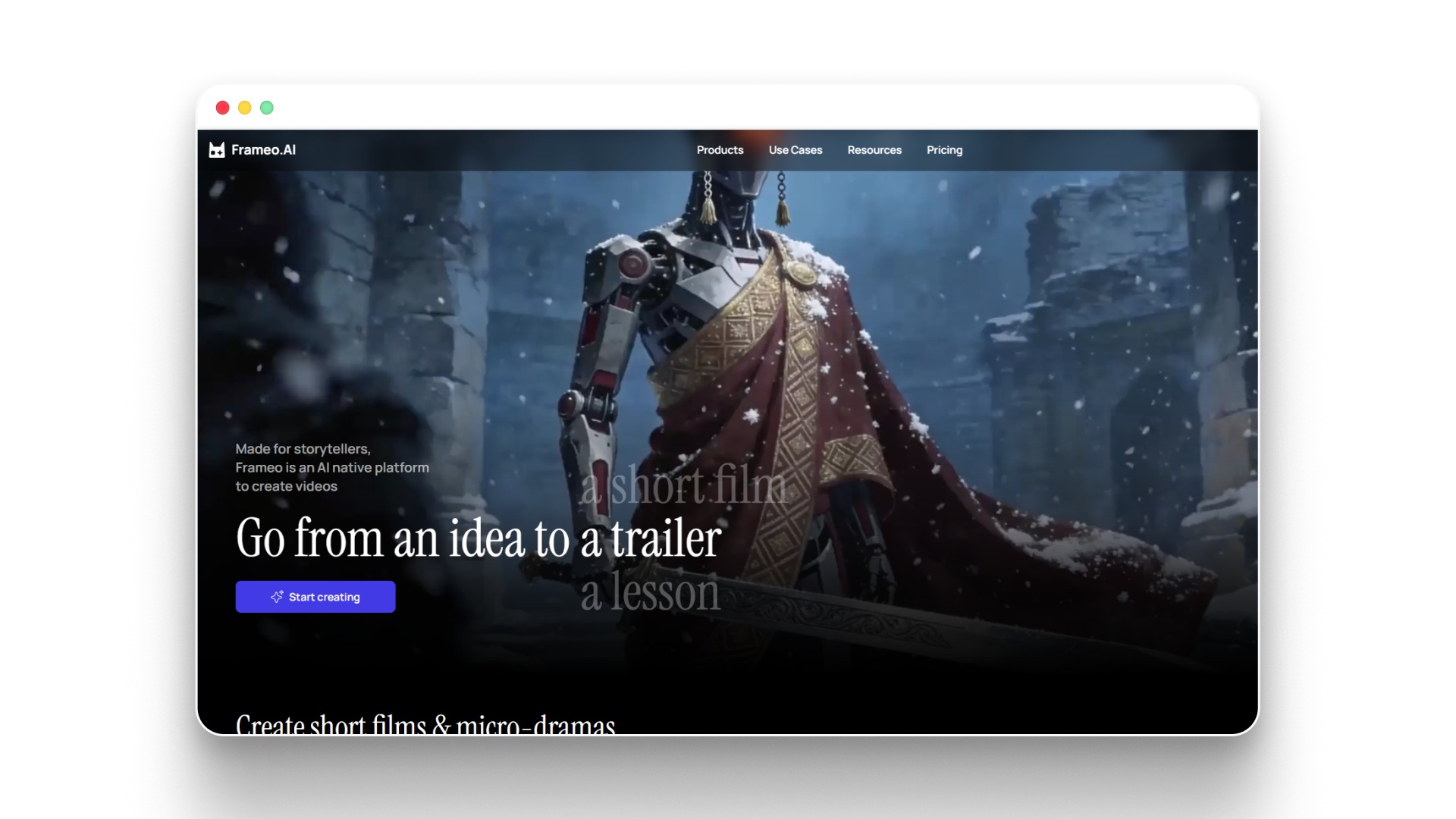
Frameo works as a complete AI filmmaking tool by handling everything from script to final video inside one system. It is built for creators who want to move from idea to cinematic output without switching between multiple tools.
How Frameo helps in filmmaking:
- Converts scripts into full-length cinematic videos with scenes and narrative flow
- Generates characters with consistent appearance, voice, and expressions
- Adds voiceovers, background music, and sound effects automatically
- Creates structured storyboards and scene-by-scene visual breakdowns
- Enables editing through simple text prompts instead of complex tools
- Maintains visual and narrative consistency across scenes and episodes
- Supports short films, micro-dramas, trailers, and episodic storytelling
- Provides a unified workspace for scripting, generation, editing, and export
- Allows batch creation and scalable content production workflows
- Offers professional controls for camera, lighting, style, and pacing
Pros:
- End-to-end filmmaking on one platform
- Strong character and style consistency
- No technical skills required
- Fast script-to-video generation
- Built for scalable content production
- Supports multiple storytelling formats
Cons:
- Credit-based usage limits apply
- Learning curve for advanced controls
- Higher cost for team plans
Frameo Pricing:
Plan | Price | Key Features |
|---|---|---|
Free (Workspace) | $0 | Access workspace, team collaboration, no generation credits |
Creator | $100/month | 8,000 credits, unlimited image generation, full editing suite, 5 parallel generations, commercial license |
Studio | $1,000/month | 120,000 credits, 30 seats, team analytics, real-time collaboration, priority generations |
Custom | Custom pricing | Enterprise controls, SSO, dedicated support, custom model integration |
Key Note: If you don’t have a script yet, Frameo also works as an AI movie script writer, helping you turn simple ideas into structured, ready-to-shoot screenplays.
2.Runway ML
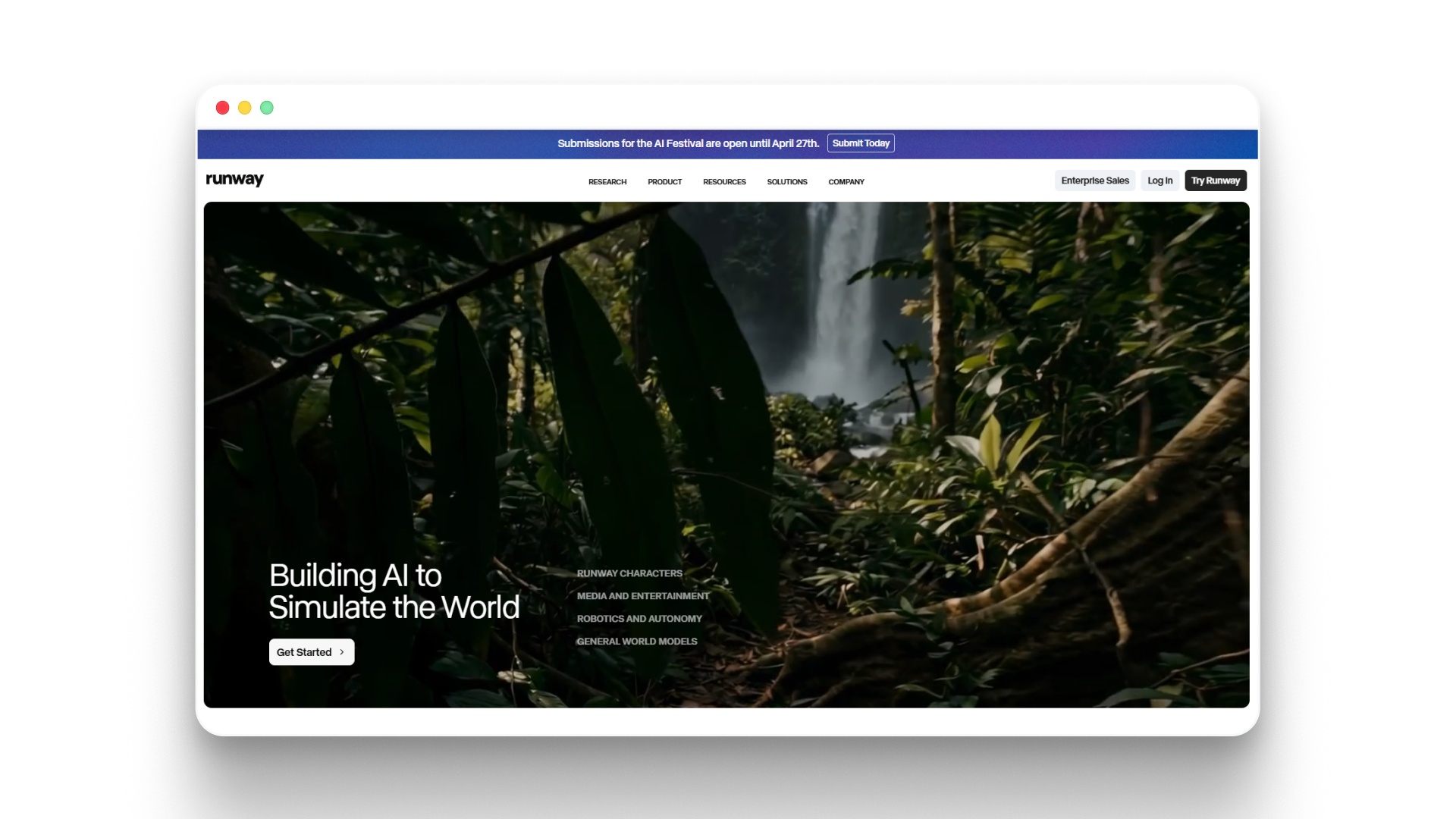
Runway ML is a widely used AI filmmaking tool focused on video generation, editing, and visual effects within a cloud-based environment. It is especially useful for creators who want advanced control over AI-generated visuals and post-production workflows.
How Runway ML helps in filmmaking:
- Generates videos from text prompts using Gen-4 and Gen-4.5 models
- Converts images into animated video sequences
- Offers AI-powered video editing through Aleph tools
- Supports performance capture with Act-Two for character animation
- Provides text-to-image generation for scene creation
- Includes text-to-speech and audio generation tools
- Enables workflow automation for repeatable video production
- Integrates third-party models for extended creative capabilities
- Allows upscaling and refinement of generated visuals
- Supports collaborative projects with shared workspaces
Pros:
- Strong text-to-video capabilities
- Advanced video editing features
- Multiple AI models available
- Supports workflow automation
- Scalable for teams and enterprises
- High-quality visual output
Cons:
- Credit-based usage limits
- Can be complex for beginners
- Higher tiers required for full access
Runway ML Pricing:
Plan | Price | Key Features |
|---|---|---|
Free | $0 | 125 one-time credits, limited video generation, 5GB storage, 3 projects |
Standard | $12/month (billed annually) | 625 monthly credits, access to all tools, 100GB storage, no watermarks |
Pro | $28/month (billed annually) | 2250 credits, custom voices, 500GB storage |
Unlimited | $76/month (billed annually) | Unlimited generation (explore mode), all Pro features |
Enterprise | Custom | SSO, advanced security, analytics, priority support, integrations |
Google Veo
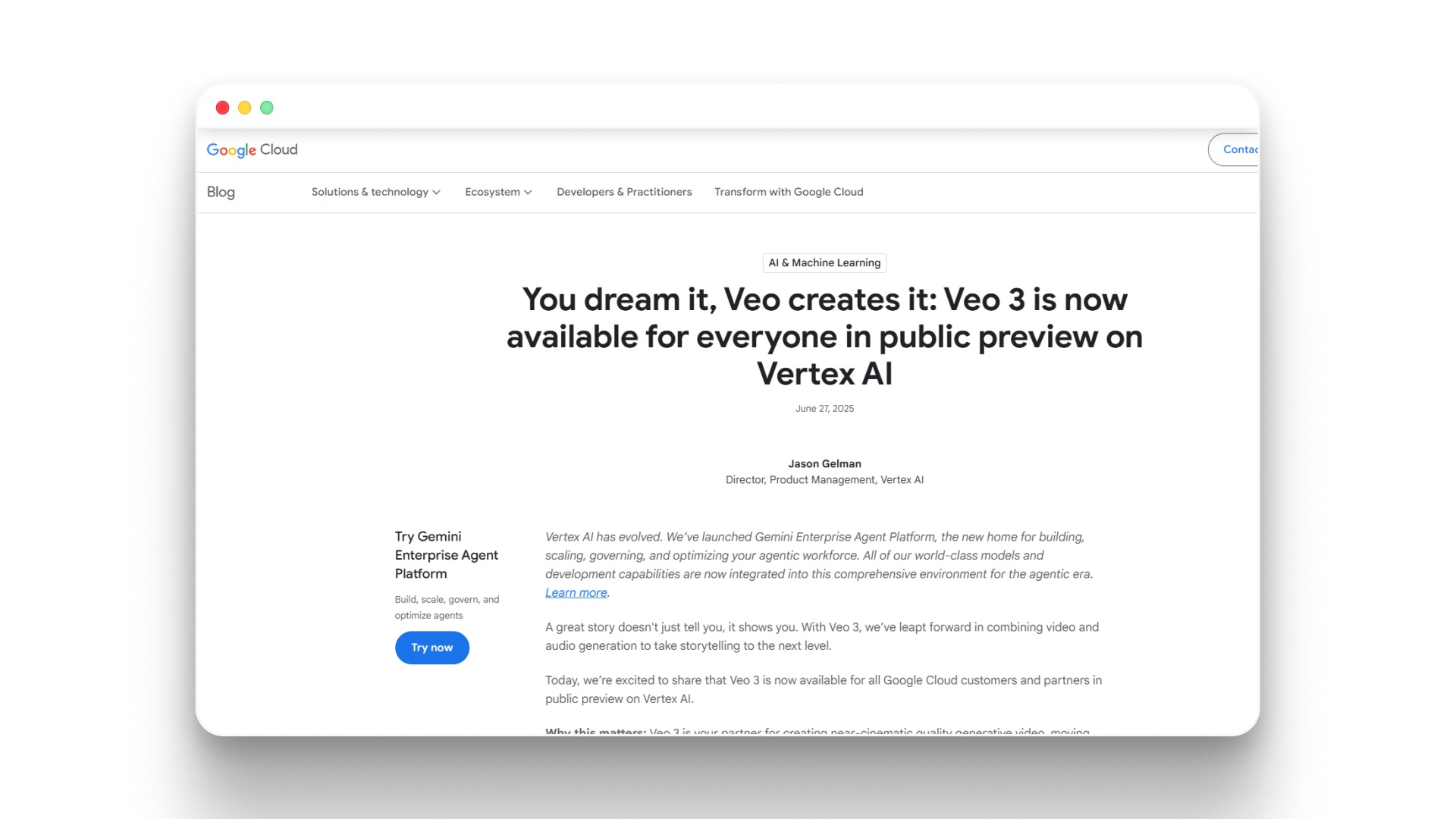
Google Veo functions as an advanced AI filmmaking tool through Google’s Gemini ecosystem, enabling users to generate cinematic video scenes from prompts. It is integrated within tools like Flow and Gemini, focusing on high-quality video generation and experimental storytelling workflows.
How Google Veo helps in filmmaking:
- Generates cinematic video clips from text prompts
- Creates realistic motion, camera movement, and scene transitions
- Supports storytelling experiments through Flow (AI filmmaking interface)
- Integrates with Gemini for scripting, research, and idea generation
- Enables iterative video creation using credit-based generations
- Produces high-quality visuals with strong realism and physics simulation
- Works within a broader AI ecosystem (Gemini, NotebookLM, Google Search)
- Allows creators to prototype scenes before full production
- Supports multi-scene storytelling through repeated generations
- Useful for concept visualization and pre-production workflows
Pros:
- High-quality cinematic video output
- Backed by the Google AI ecosystem
- Strong realism and motion accuracy
- Integrated research and scripting tools
- Scalable via a credit-based system
- Continuous updates and improvements
Cons:
- Limited access depending on plan
- Credit-based usage restrictions
- Not a full end-to-end workflow
- Requires multiple tools for completion
- Still evolving feature set
Google Veo Pricing:
Plan | Price | Key Features |
|---|---|---|
Free | $0/month | Limited Veo access via Flow, 50 daily AI credits, basic Gemini features |
Google AI Plus | $7.99/month | 200 monthly credits, limited Veo 3.1 Lite access, enhanced Gemini tools |
Google AI Pro | $19.99/month | 1,000 credits, higher Veo access, advanced Gemini capabilities |
Google AI Ultra | $249.99/month | 25,000 credits, highest Veo access, full AI ecosystem + premium features |
4.Higgsfield AI
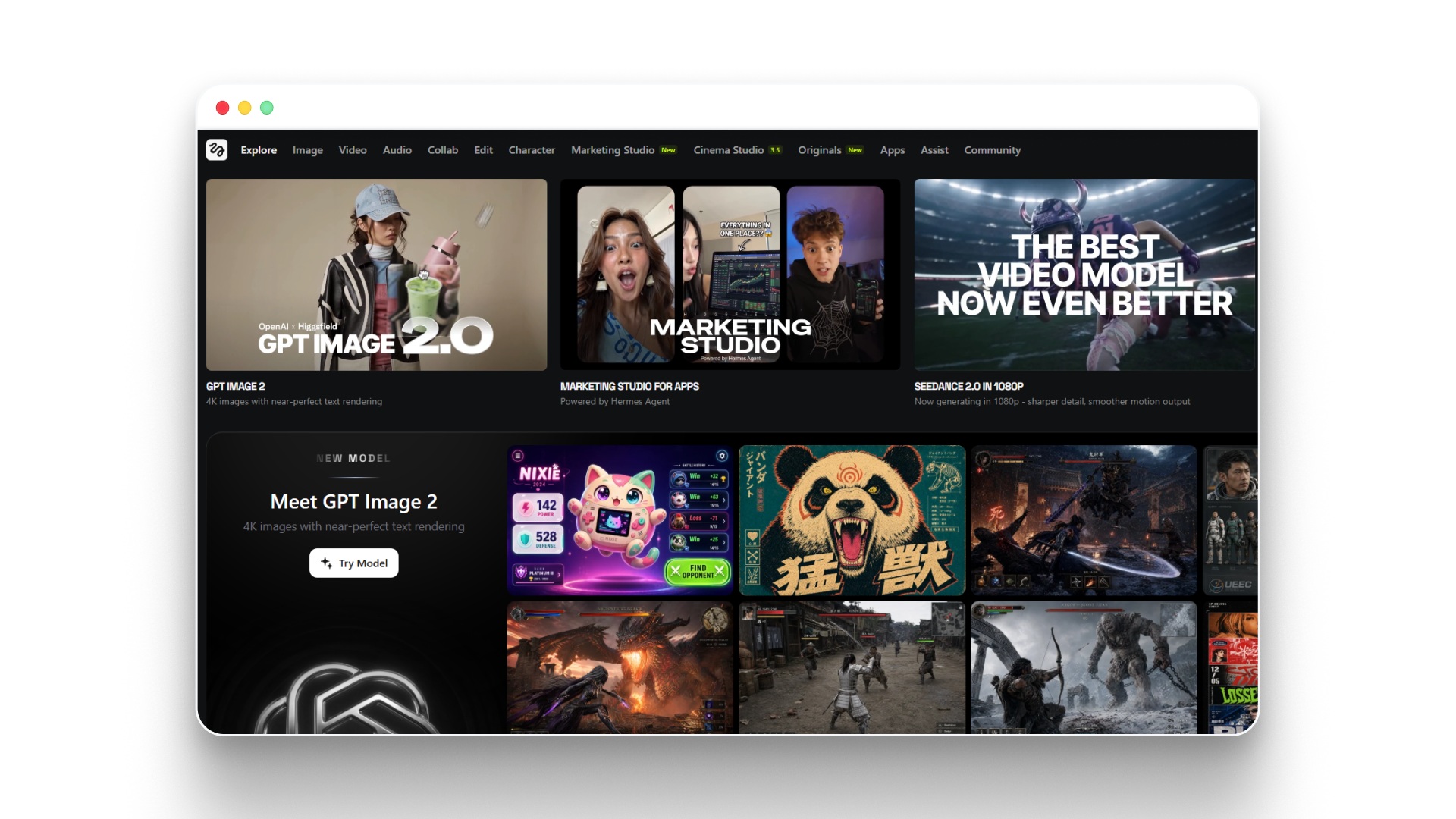
Higgsfield AI functions as a multi-model AI video and image generation platform, giving creators access to several models like Kling 3.0, Nano Banana, Seedance, and its proprietary Soul system. It is built for users who want flexibility in generating visuals and experimenting with different AI models within one interface.
How Higgsfield supports filmmaking workflows:
- Provides access to multiple AI models for video and image generation
- Supports prompt-based video creation with different model styles
- Enables switching between models like Kling and Seedance for varied outputs
- Allows experimentation with visual styles and motion generation
- Offers a unified interface to test and compare generation results
- Supports iterative content creation through credit-based usage
- Enables creators to explore different outputs before finalizing visuals
Pros:
- Access to multiple AI models
- Flexible generation options available
- Competitive entry-level pricing
- Supports experimentation workflows
- Variety of visual outputs
Cons:
- Limited model access on lower tiers
- Upgrade prompts during usage
- Speed throttling on lower plans
- Not a full filmmaking pipeline
- Requires additional tools for editing
Higgsfield Pricing:
Plan | Price | Key Details |
|---|---|---|
Basic | $9/month (annual) | Limited model access, entry-level usage |
Ultimate | $29/month (annual) | Expanded model access, improved generation |
Creator | $125/month (annual) | Full model access, higher limits, faster generation |
5.Melies
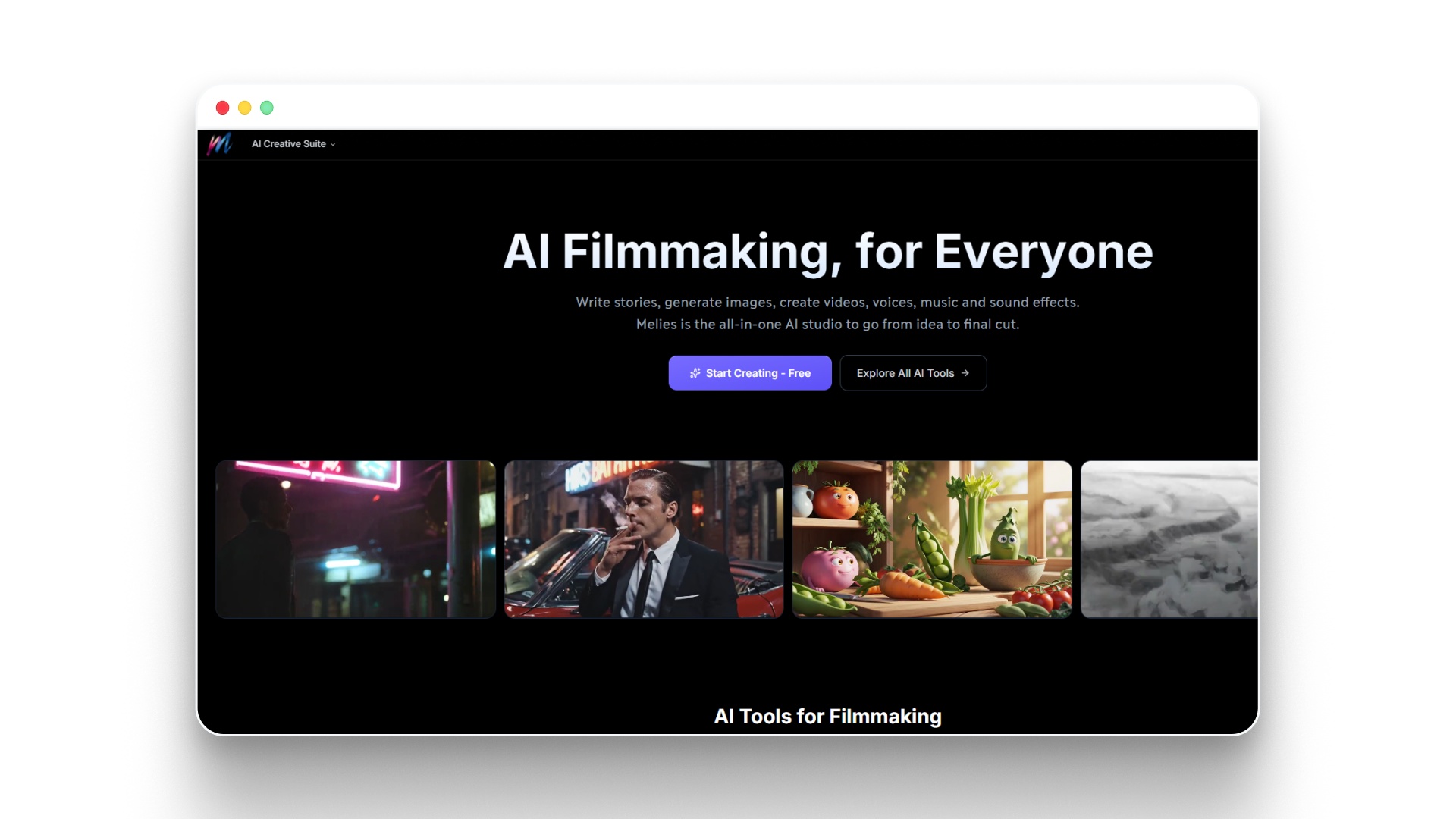
Melies is positioned as an AI filmmaking platform focused on narrative creation, combining script generation, character design, and video generation within a structured storytelling workflow. It is designed for creators who want more control over story elements like actors, scenes, and cinematic output.
How Melies supports filmmaking workflows:
- Converts story ideas into structured scripts and scenes
- Provides a library of 150+ AI actors with customization options
- Supports consistent character creation using references
- Generates both images and videos within the same platform
- Enables cinematic scene building with 4K visual outputs
- Allows creators to experiment with different story directions
- Offers early access to new AI models for evolving workflows
Pros:
- Strong focus on storytelling workflows
- Built-in AI actor library available
- Supports character consistency features
- Includes both image and video tools
- Commercial license included
Cons:
- Credit-based usage limits scaling
- Limited control on lower tiers
- Not a fully end-to-end pipeline
- Requires learning for the best output
- Performance varies by model
Melies Pricing:
Plan | Price | Key Features |
|---|---|---|
Starter | $7/month (annual) | 6,000 credits/year, all AI tools, 150+ actors, 4K images |
Pro | $39/month (annual) | 60,000 credits/year, priority queue, commercial license |
Max | $79/month (annual) | 180,000 credits/year, early model access, full capabilities |
6.Midjourney
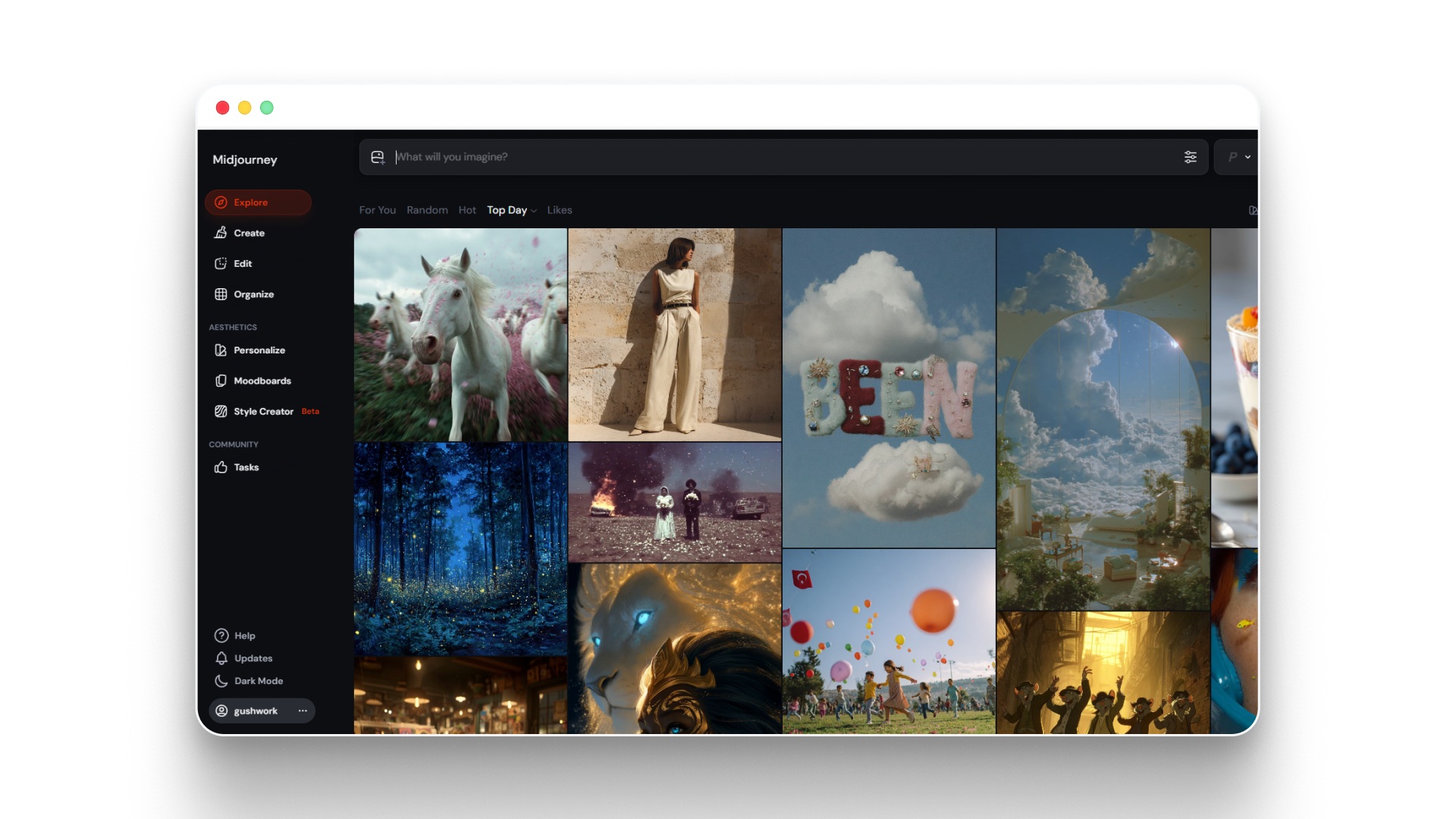
Midjourney is primarily an AI image generation tool that has expanded into video, making it useful for concept design, storyboarding, and visual development in filmmaking. It is best suited for creators who need high-quality visuals rather than full narrative video production.
How Midjourney supports filmmaking workflows:
- Generates high-quality images for storyboards and scene design
- Helps create characters, environments, and visual concepts
- Supports early-stage ideation and moodboarding
- Enables consistent visual styles through prompt refinement
- Offers limited video generation capabilities in higher plans
- Allows batch generation of visual assets for projects
- Useful for pre-production and creative direction
Pros:
- High-quality image generation
- Strong visual style control
- Useful for storyboarding
- Fast asset creation
- Scalable visual ideation
Cons:
- Not a full filmmaking tool
- Limited video capabilities
- No editing or timeline features
- Requires other tools for production
- Discord-based workflow learning curve
Midjourney Pricing:
Plan | Price | Key Features |
|---|---|---|
Basic | $10/month | 3.3 hrs GPU time, image generation, limited features |
Standard | $30/month | 15 hrs GPU, unlimited images (Relax mode) |
Pro | $60/month | 30 hrs GPU, unlimited images & video, stealth mode |
Mega | $120/month | 60 hrs GPU, highest limits, full features |
7.Luma AI

Luma AI is an AI filmmaking tool focused on generating high-quality visuals and videos from prompts, making it useful for creators working on cinematic scenes and visual storytelling. It is widely used for creating realistic shots, environments, and motion-based sequences without traditional filming.
How Luma AI helps in filmmaking:
- Generates videos from text prompts using Dream Machine
- Creates realistic scenes, environments, and motion-based visuals
- Converts ideas into short cinematic clips quickly
- Supports image-to-video and video-to-video transformations
- Enables rapid prototyping of scenes before full production
- Helps visualize concepts for storytelling and pre-production
- Produces high-quality visuals suitable for social and film content
- Allows creators to experiment with styles and motion dynamics
Pros:
- High-quality, realistic video outputs
- Fast text-to-video generation
- Strong visual rendering capabilities
- Useful for scene prototyping
- Easy to start and experiment
Cons:
- Limited full storytelling workflow support
- Less control over narrative consistency
- Not built for long-form films
- Requires multiple tools for editing
Luma AI Pricing:
Plan | Price | Key Features |
|---|---|---|
Plus | $30/month | Access to Luma & third-party models, guest collaboration, and commercial use |
Pro | $90/month | Everything in Plus + 4x usage with Luma Agents |
Ultra | $300/month | Everything in Pro + 15x usage with Luma Agents |
Team | Coming Soon | Team management, project sharing, analytics, SSO |
Enterprise | Custom | Dedicated training, custom fine-tuning, enterprise support |
Suggested Read: Best Text-to-Video Local Model for AI Video Creation For 2026
8.Kaiber AI
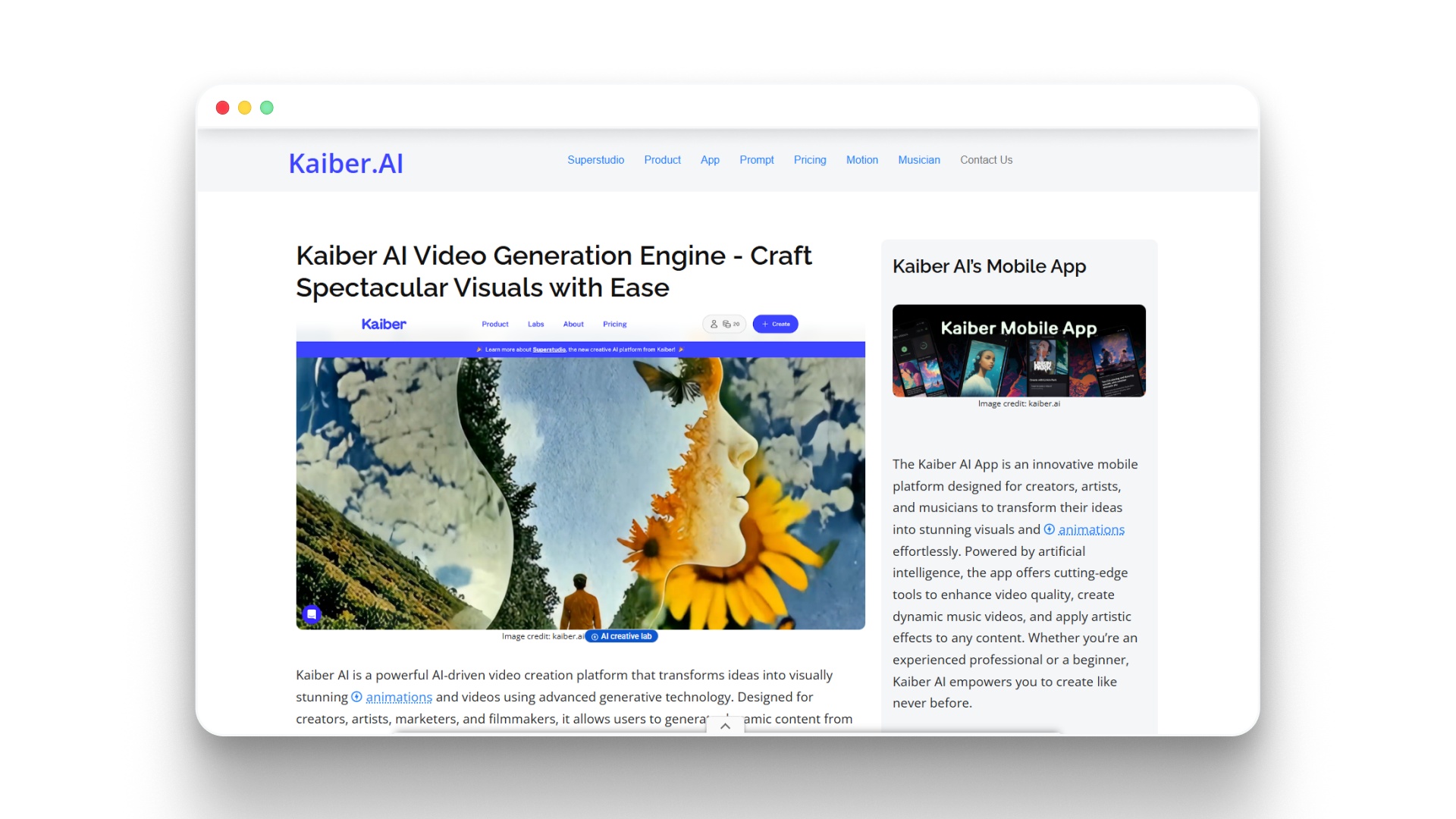
Kaiber AI is focused on turning images, music, and prompts into stylized video content. It is widely used for creative visuals, music videos, and experimental storytelling rather than full narrative film production.
How Kaiber AI helps in filmmaking:
- Transforms images and prompts into animated video sequences
- Generates music-driven visuals synced to audio inputs
- Supports style transfer for unique artistic video outputs
- Allows creation of short-form visual stories and motion clips
- Provides a canvas-based workflow for managing creative projects
- Enables quick experimentation with different visual styles
- Works well for music videos, abstract storytelling, and social content
- Offers commercial usage rights in paid plans
Pros:
- Strong visual style generation
- Great for music-based videos
- Easy-to-use interface
- Affordable entry pricing
- Fast creative experimentation
- Good for short-form content
Cons:
- Limited narrative filmmaking capabilities
- Less control over character consistency
- Not built for full story pipelines
Kaiber AI Pricing:
Plan | Price | Key Features |
|---|---|---|
Free | $0 | 50 credits, 2 canvases, 1GB storage, non-commercial use |
Monthly | $15/month | 1,000 credits, unlimited canvases, 15GB storage, commercial use |
Annual | $120/year | 12,000 credits, unlimited canvases, 15GB storage, commercial use |
Enterprise | Custom | Tailored credits, storage, team support, scalable solutions |
9.InVideo
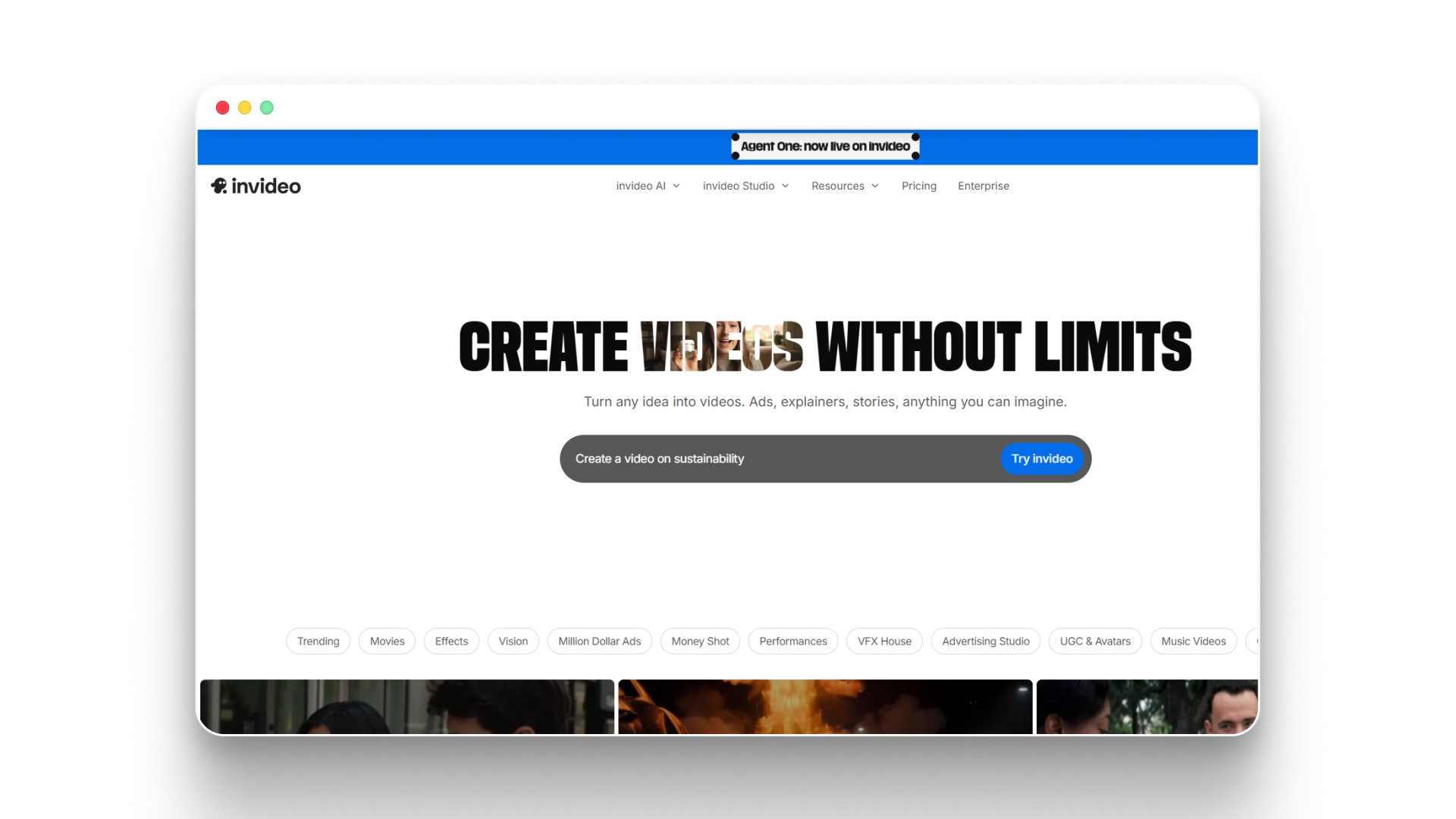
InVideo functions as a versatile AI video production platform that helps creators turn ideas, scripts, or prompts into ready-to-publish videos. It is widely used for marketing, social media content, and quick storytelling formats rather than full cinematic filmmaking workflows.
How InVideo supports video creation:
- Converts text prompts or scripts into complete videos with scenes and visuals
- Provides pre-built templates for ads, social media, and branded content
- Includes AI avatars and voice cloning for narration-based videos
- Offers access to stock media (iStock) for quick scene building
- Supports multiple AI models for video generation workflows
- Enables quick editing, trimming, and scene adjustments
- Optimized for short-form and high-volume content production
- Allows exporting videos without a watermark across plans
Pros:
- Fast content creation with templates
- Beginner-friendly interface
- Strong stock media integration
- Good for social media videos
- Multiple AI models supported
- Scales well for marketing teams
Cons:
- Limited cinematic storytelling depth
- Less control over scene consistency
- Template-heavy output style
- Not built for long-form films
InVideo Pricing:
Plan | Price | Key Features |
|---|---|---|
Plus | $17/month | 80 credits, access to AI models (Veo, Sora, Kling), 4 avatars, 20 GB storage, 100 iStock, unlimited exports |
Max | $60/month | 400 credits, 16 avatars, 2× concurrency, 100 GB storage, 200 iStock, unlimited exports |
Generative | $200/month | 1000 credits, 40 avatars, 10× concurrency, 2 TB storage, 1000 iStock, unlimited exports |
10.Descript
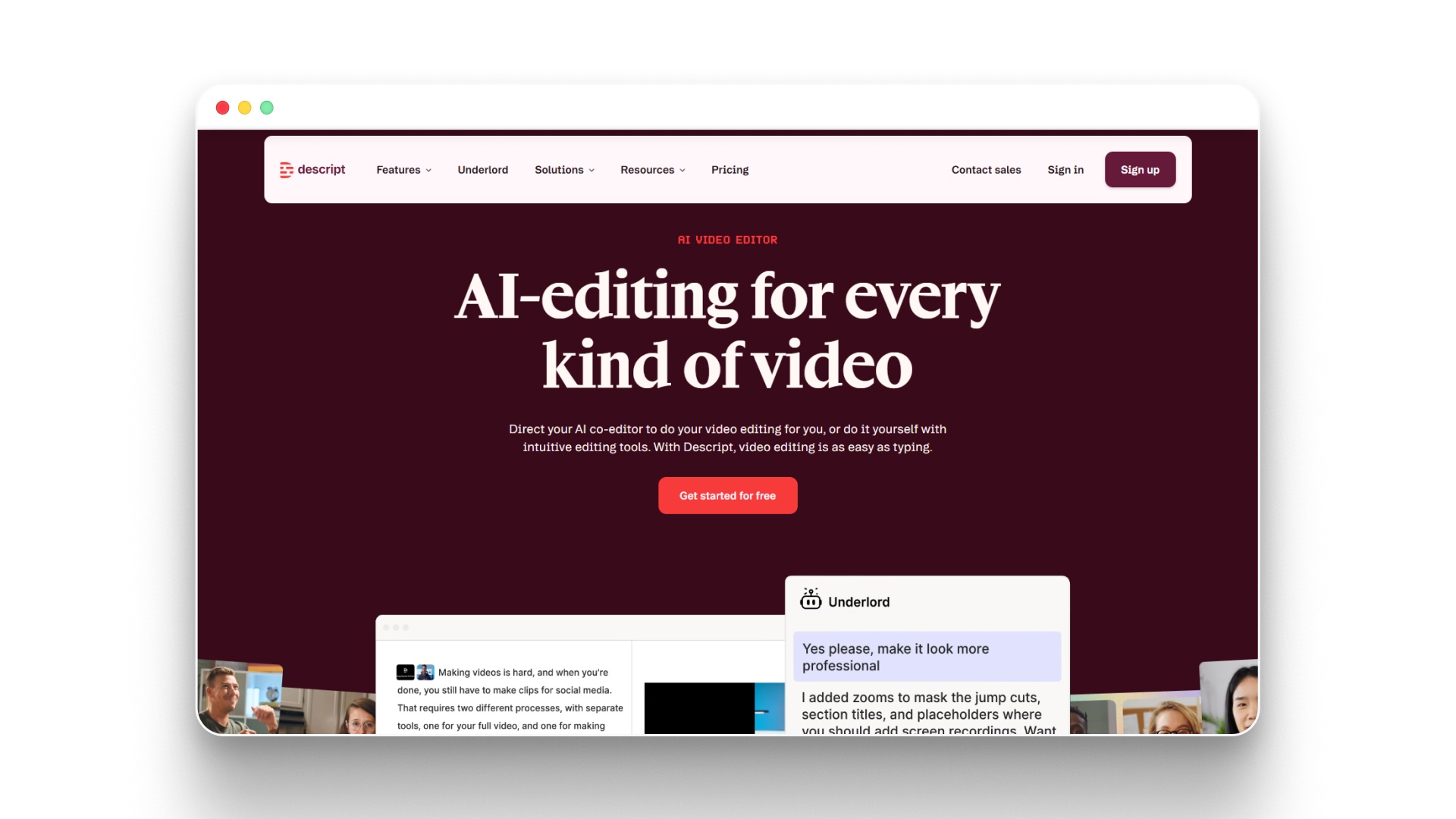
Descript functions as an AI-powered editing tool that simplifies video and audio production by turning editing into a text-based workflow. It’s widely used for podcasts, interviews, and content-driven videos where speed and clarity matter more than complex cinematic control.
How Descript helps in filmmaking:
- Edits video and audio by modifying text transcripts
- Removes filler words and silences automatically
- Enhances audio quality with Studio Sound
- Generates voiceovers using AI voice cloning
- Creates short clips from long-form content quickly
- Translates and dubs videos into multiple languages
- Supports screen recording and podcast-style production
- Provides access to stock media for quick edits
- Enables collaborative editing for teams
- Offers AI-assisted video regeneration and scene updates
Pros:
- Text-based editing saves time
- Strong audio enhancement tools
- Easy for beginners to learn
- Great for podcast-style videos
- Built-in AI assistant features
- Supports multilingual video workflows
Cons:
- Limited cinematic video control
- Not built for storytelling films
- The credit system can restrict usage
Descript Pricing:
Plan | Price (Monthly) | Key Features |
|---|---|---|
Hobbyist | $16/month | 10 media hours, 400 AI credits, 1080p export, AI tools, voice cloning |
Creator | $24/month | 30+ hours, 800+ credits, 4K export, advanced AI tools, stock library |
Business | $50/month | 40+ hours, 1500+ credits, team collaboration, dubbing, custom avatars |
Enterprise | Custom | SSO, advanced security, custom credits, enterprise controls |
11.HeyGen
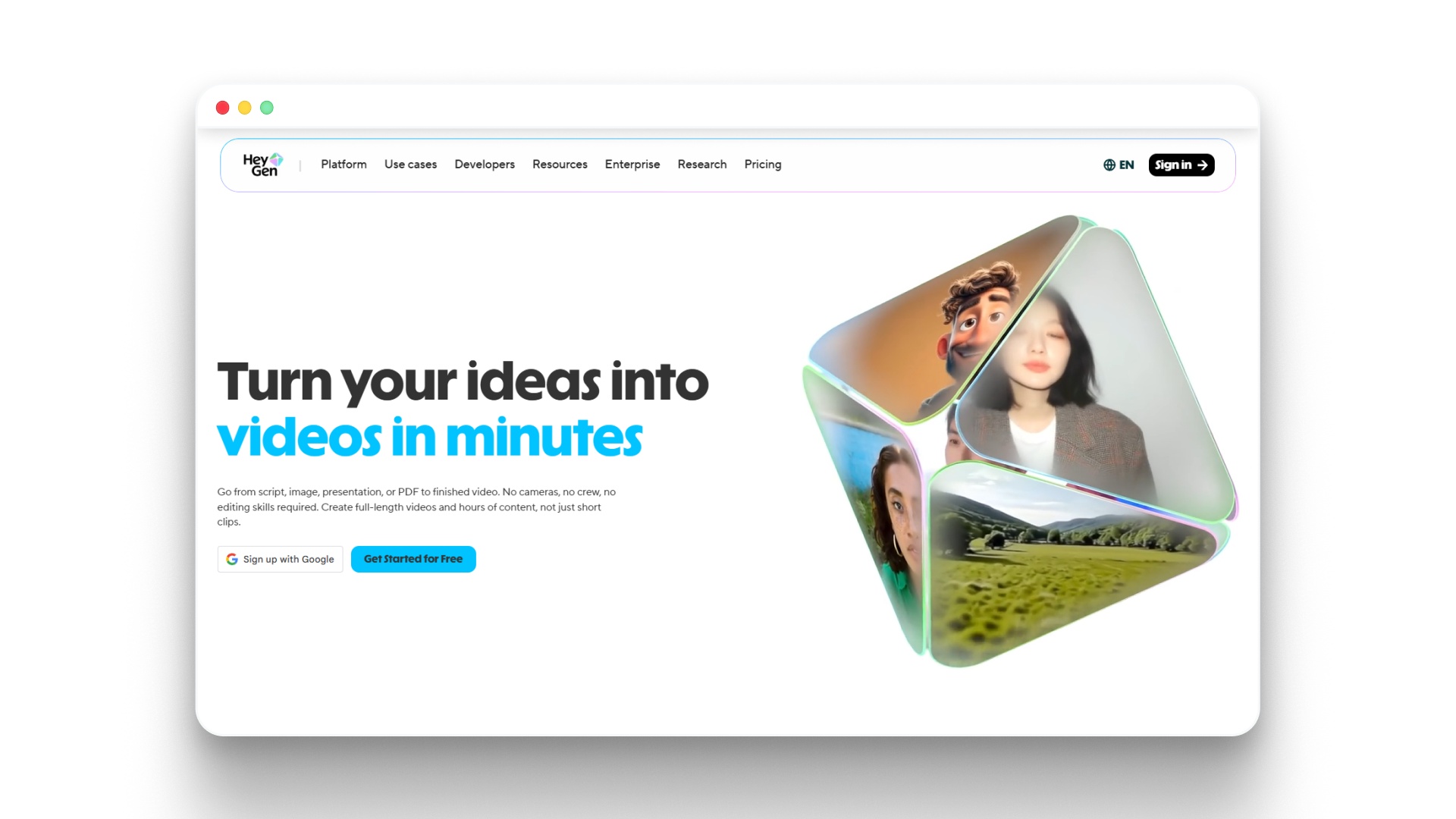
HeyGen is widely used for creating avatar-based videos where scripts are turned into presenter-style content with realistic voices and lip sync. It works well for marketing, training, and localized video content without needing on-camera recording.
How HeyGen helps in filmmaking workflows:
- Converts scripts into presenter-led videos using AI avatars
- Generates realistic voiceovers with lip-synced delivery
- Supports multilingual video creation with translation features
- Offers custom digital avatars for brand or personal identity
- Enables quick production of training, marketing, and explainer videos
- Provides ready-to-use templates for faster content creation
- Allows branding customization with logos and style elements
- Supports high-quality exports, including 1080p and 4K (Pro plan)
Pros:
- No camera or crew required
- Strong multilingual video capabilities
- Fast avatar-based video generation
- Easy to use for beginners
- Supports voice cloning features
Cons:
- Limited cinematic storytelling capability
- Avatar style may feel repetitive
- Less control over scene composition
HeyGen Pricing:
Plan | Price | Key Features |
|---|---|---|
Free | $0/month | 1 video/month, up to 3 mins, 720p export, 500+ avatars, basic features |
Creator | $29/month | Unlimited videos, up to 30 mins, voice cloning, 1080p export, 175+ languages |
Pro | $99/month | 4K export, faster processing, advanced AI models, 10× premium usage |
Enterprise / API | Custom | Scalable solutions, API access, advanced customization |
Suggested Read: Visual Effects in Modern Filmmaking Explained
12.LTX Studio
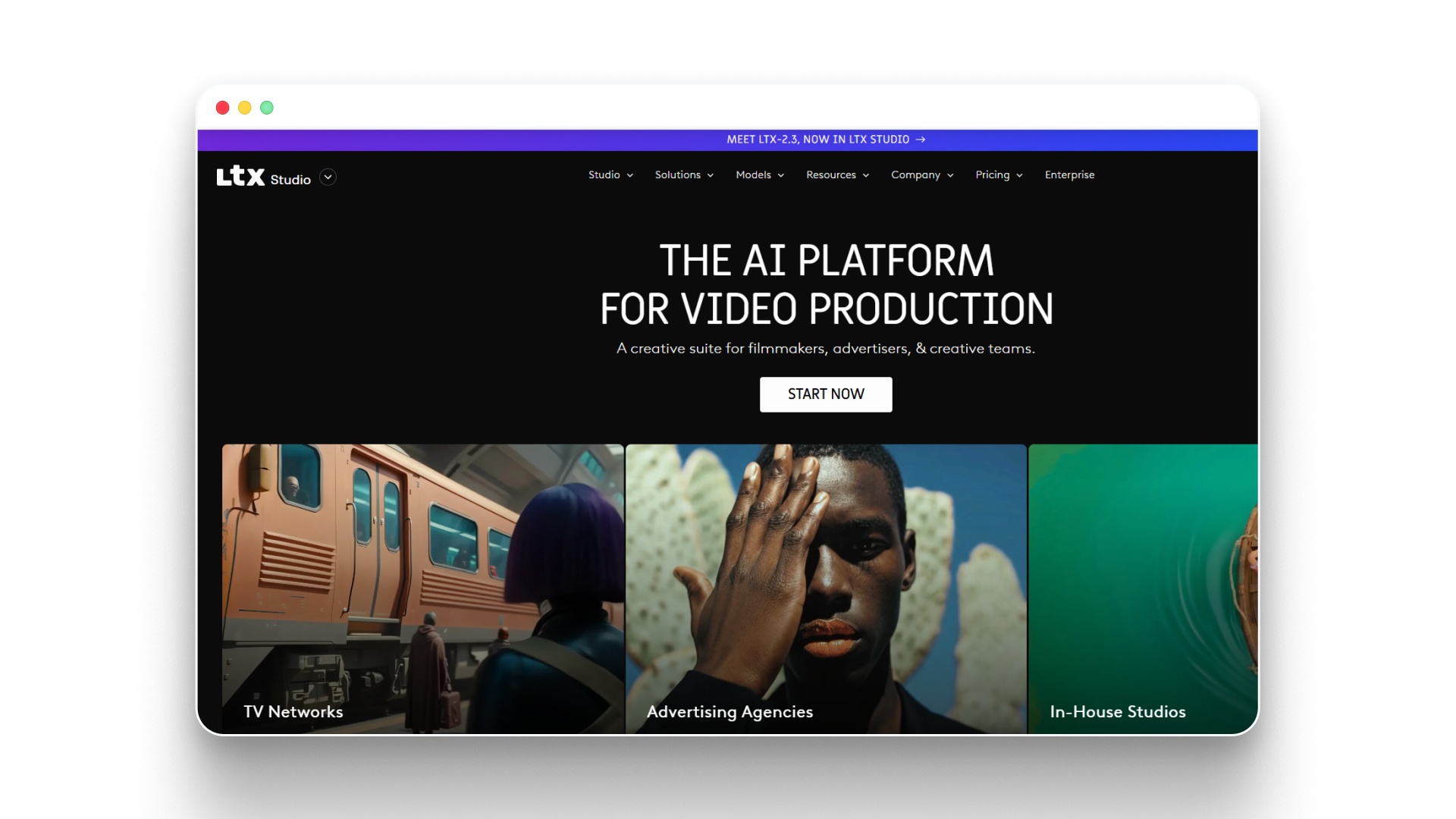
LTX Studio is designed for creators who want to move from idea to structured visual storytelling with more control over scenes, camera, and narrative flow. It focuses heavily on turning concepts into storyboards and cinematic sequences, making it useful for pre-visualization and structured video creation.
How LTX Studio supports filmmaking:
- Converts prompts or ideas into structured storyboards
- Generates scenes with consistent visual elements across shots
- Offers advanced camera controls for framing and movement
- Supports audio-to-video generation for scene creation
- Allows creation of reusable elements for visual consistency
- Provides editing tools for refining generated scenes
- Enables pitch deck creation for storytelling presentations
- Supports multi-model generation for images and videos
- Allows scaling from concept testing to production-ready visuals
Pros:
- Strong storyboard and planning features
- Advanced camera and scene controls
- Supports multiple generation models
- Good for pre-visualization workflows
- Flexible credit-based usage system
Cons:
- The credit system can limit heavy usage
- The interface may require learning time
- Full features locked behind higher tiers
LTX Studio Pricing:
Plan | Price | Key Features |
|---|---|---|
Free | $0 | 800 credits (one-time), image & video generation, basic models, personal use |
Lite | $12/month (billed yearly) | 8,000 credits/month, upscaling, editing tools, advanced controls |
Standard | $28/month (billed yearly) | 28,000 credits/month, advanced models, AI storyboards, commercial license |
Pro | $100/month (billed yearly) | 110,000 credits/month, premium models, collaborators, full feature access |
Enterprise | Custom | Unlimited collaborators, custom models, onboarding, security, and enterprise controls |
13.Adobe Firefly
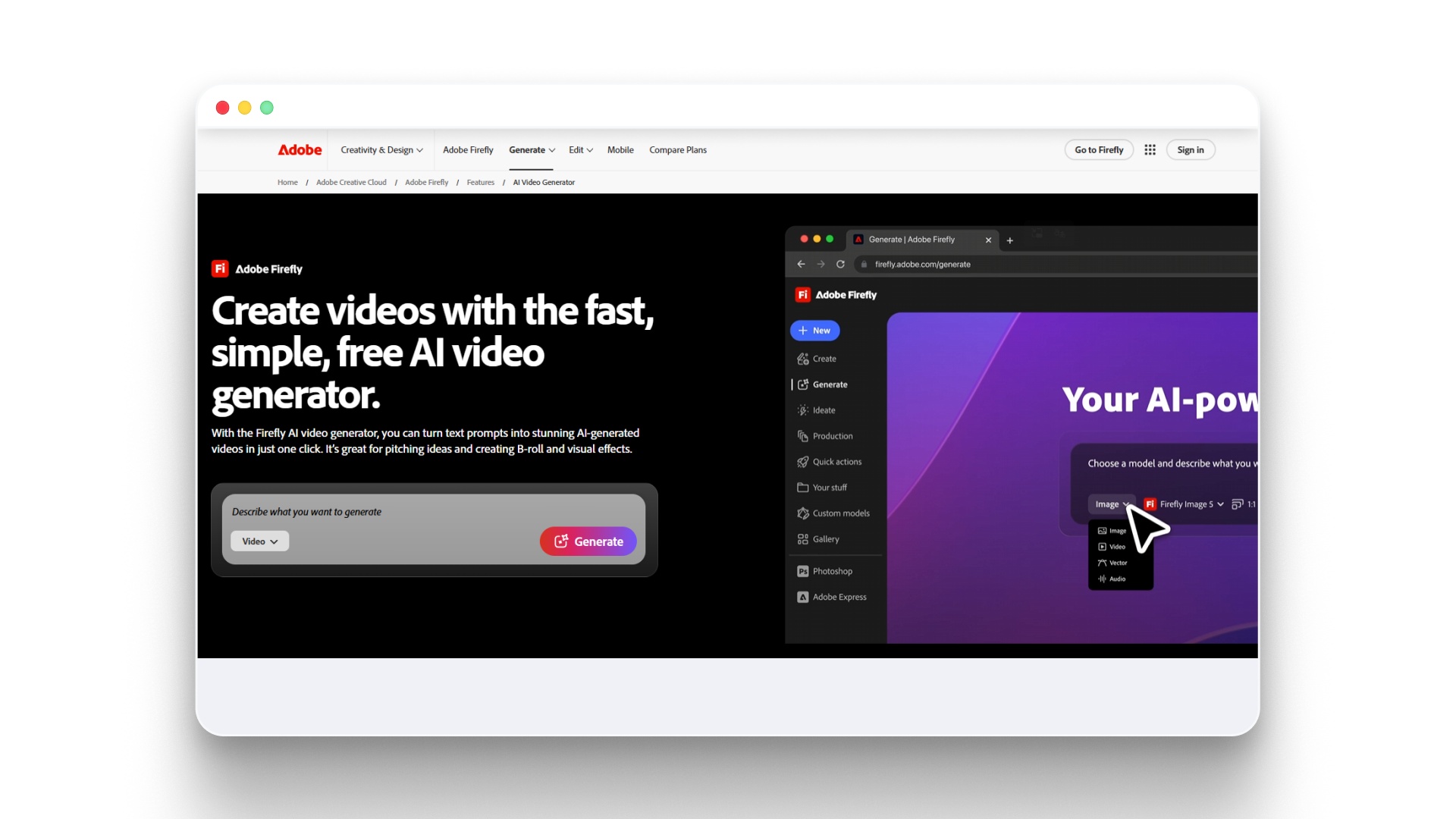
Adobe Firefly functions as a creative AI system that supports filmmakers and content creators across visuals, video generation, and audio elements. It fits into modern filmmaking workflows by enabling faster asset creation, especially during pre-production and visual development stages.
How Adobe Firefly helps in filmmaking:
- Generates images and visual assets from text prompts
- Supports text-to-video generation for short cinematic clips
- Creates sound effects and assists with audio translation
- Enables quick concept visualization and moodboarding
- Integrates with Adobe ecosystem tools for editing and design
- Allows rapid iteration of creative ideas and styles
- Provides access to multiple AI models for different outputs
- Helps in building storyboards and visual references
- Supports multilingual audio and video adaptations
- Offers web and mobile access for flexible creation
Pros:
- Strong integration with the Adobe ecosystem
- High-quality image and visual generation
- Multiple AI models available
- Good for concept and pre-visualization
- Flexible plans for individuals
Cons:
- Limited full video generation capability
- Credit-based usage restrictions
- Better suited for assets than films
Adobe Firefly Pricing:
Plan | Price | Key Features |
|---|---|---|
Firefly Standard | $9.99/month | 2,000 credits, basic image generation, limited video |
Firefly Pro | $19.99/month | 4,000 credits, more video/audio generation, premium features |
Firefly Pro Plus | $24.96–$49.99/month | 10,000 credits, expanded model access, higher limits |
Firefly Premium | $99.86–$199.99/month | 50,000 credits, advanced video, extended usage limits |
14.Kling AI
Kling AI is an AI video generation platform focused on producing high-quality cinematic clips from text prompts. It is widely used for creating realistic motion scenes and short video sequences, especially for concept visualization and visual storytelling experiments.
How Kling AI supports filmmaking workflows:
- Generates cinematic video clips from text prompts
- Produces realistic motion, lighting, and camera dynamics
- Supports high-quality scene generation for storytelling concepts
- Enables rapid prototyping of film scenes and sequences
- Works well for pre-visualization and idea testing
- Allows creators to experiment with different narrative visuals
- Integrates into broader AI video workflows for production
Pros:
- High-quality cinematic outputs
- Strong motion realism
- Fast scene generation
- Useful for concept visualization
- Advanced AI models available
Cons:
- Not a full filmmaking pipeline
- Limited editing capabilities
- Credit-based usage model
- Requires other tools for completion
- Access varies by region
Kling AI Pricing:
Plan / Package | Price | Key Details |
|---|---|---|
Trial Package | ~$9.8 – $14 | Entry-level credits for testing |
Trial Package (Higher Tier) | ~$98 – $140 | More credits for extended usage |
Video Package (Limited-Time) | ~$136.5 – $210 | Larger credit bundles for video generation |
15.Colossyan
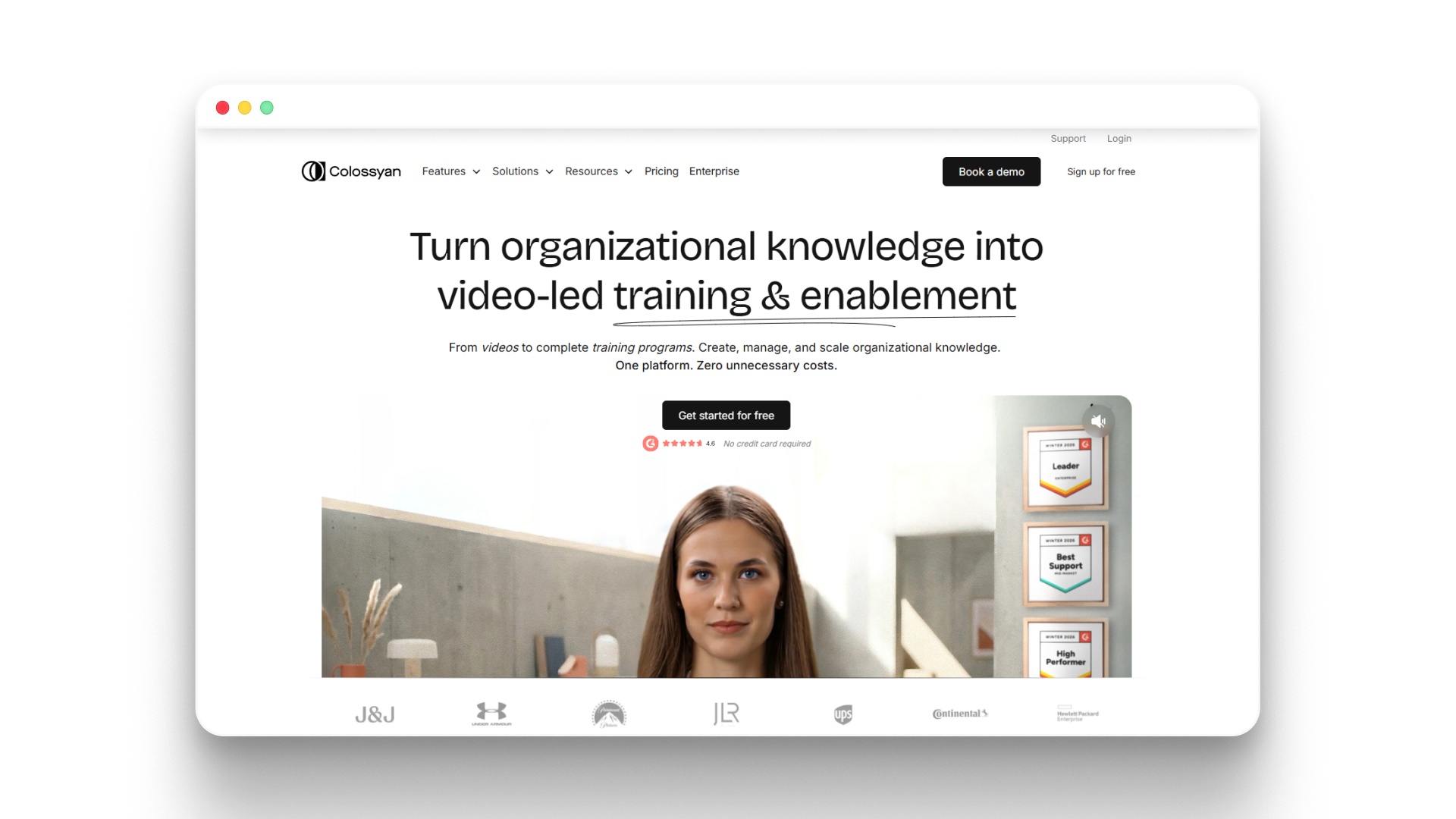
Colossyan functions as an AI video creation platform focused on turning scripts into avatar-led videos, making it useful for structured storytelling formats like training, explainers, and educational content. It fits into the filmmaking space where character-driven narration and scalable video production are needed.
How Colossyan supports filmmaking:
- Converts scripts into videos using AI avatars with natural voiceovers
- Supports multi-character conversations for scene-based storytelling
- Enables quick generation of narrative-driven explainer videos
- Allows creation of custom avatars and voice clones
- Offers multilingual video production with auto-translation
- Provides interactive storytelling features like branching scenarios
- Maintains consistency across videos using reusable avatars and templates
Pros:
- Strong avatar-based storytelling capability
- Easy script-to-video workflow
- Supports multiple languages and localization
- Good for scalable content production
- Includes interactive video features
Cons:
- Limited cinematic visual flexibility
- Focused on avatar-style videos
- Not ideal for complex film scenes
Colossyan Pricing:
Plan | Price | Key Features |
|---|---|---|
Starter | $19/month (billed annually) | 15 mins video/month, 70+ avatars, 3 custom avatars + 1 voice, unlimited viewers |
Business | $70/month (billed annually) | Unlimited video minutes, 170+ avatars, latest models, 10 custom avatars, translations |
Enterprise | Custom | 200+ avatars, brand kits, SSO, SCORM export, unlimited features |
16.Vyond
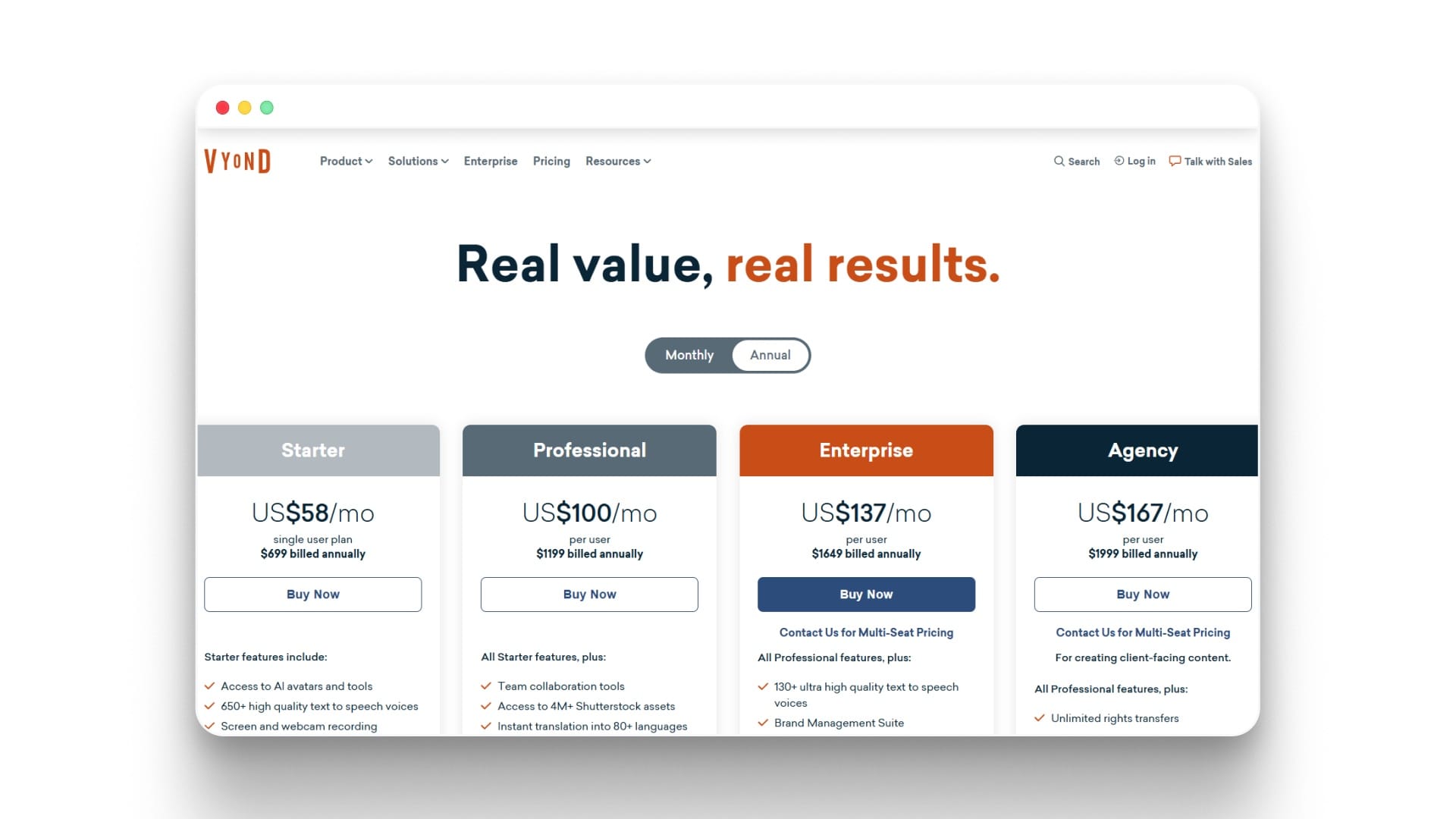
Vyond functions as an AI-driven animation and video creation platform that helps creators turn scripts and ideas into animated stories. It fits within filmmaking as a tool for producing narrative-driven animated videos, especially for explainer-style films and short-form storytelling.
How Vyond helps in filmmaking:
- Converts scripts, documents, or URLs into animated videos
- Uses AI avatars to act as characters within scenes
- Generates voiceovers with a wide range of text-to-speech voices
- Provides pre-built templates for faster story creation
- Supports scene-based storytelling with timeline control
- Enables multi-language video creation for global audiences
- Allows screen and webcam recording for hybrid storytelling
- Offers access to a large media library, including Shutterstock assets
- Supports team collaboration for multi-user projects
Pros:
- Easy animated storytelling creation
- Strong text-to-video capabilities
- Large voice and asset library
- Good for team collaboration
- Supports multiple languages
Cons:
- Focused mainly on animation style
- Limited cinematic realism
- Credit-based usage restrictions
Vyond Pricing:
Plan | Price | Key Features |
|---|---|---|
Starter | $58/month (billed annually $699) | AI avatars, 650+ voices, text-to-video, 10,000 credits |
Professional | $100/month (billed annually $1199) | Team tools, Shutterstock assets, translation, 20,000 credits |
Enterprise | $137/month (billed annually $1649) | Brand tools, advanced collaboration, enterprise security, high credits |
Agency | $167/month (billed annually $1999) | Client content tools, rights transfer, 400,000 credits |
Suggested Read: Creating AI Horror Short Films
17.Revid.ai
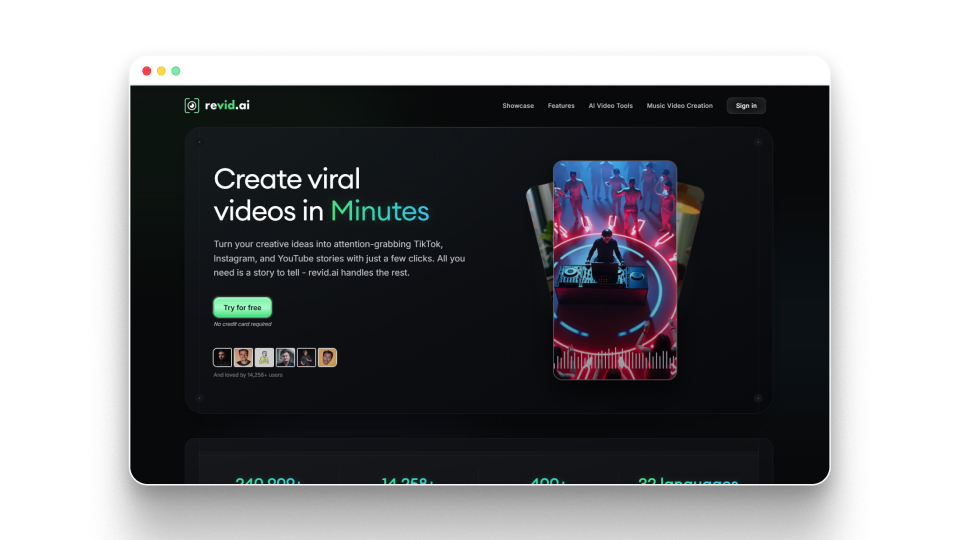
Revid.ai is an AI video creation platform that turns text, links, or recordings into short-form videos for social platforms. It supports multiple stages like scripting, voice, and video generation, making it useful for creators producing high-volume content.
How Revid.ai supports filmmaking workflows:
- Converts text, links, or recordings into ready-to-publish videos
- Generates scripts, hooks, and rewritten content automatically
- Offers AI avatars, face swaps, and voiceovers for dynamic storytelling
- Supports multilingual voiceovers across 70+ languages
- Enables remixing from a library of 3M+ viral video formats
- Publishes directly to TikTok, Instagram, and YouTube
- Provides automation through Auto-Mode workers for scaling content
- Includes API access for workflow integration and automation
Pros:
- Strong for short-form video creation
- Built-in viral content library
- Multi-language voiceover support
- Automation for scaling content output
- Direct publishing to social platforms
Cons:
- Focused on short-form, not films
- Limited cinematic storytelling control
- Credit-based usage limitations
Revid.ai Pricing:
Plan | Price | Key Features |
|---|---|---|
Hobby | $39/month | Create from text/links, remix viral videos, and editable short-form videos |
Growth | $99/month (discounted to $39) | 100+ AI tools, 70+ language voiceovers, avatars, API access, 2,000 credits |
Ultra | $199/month | Voice cloning, 10 automation workers, 12,000 credits, scaling features |
18.Pictory
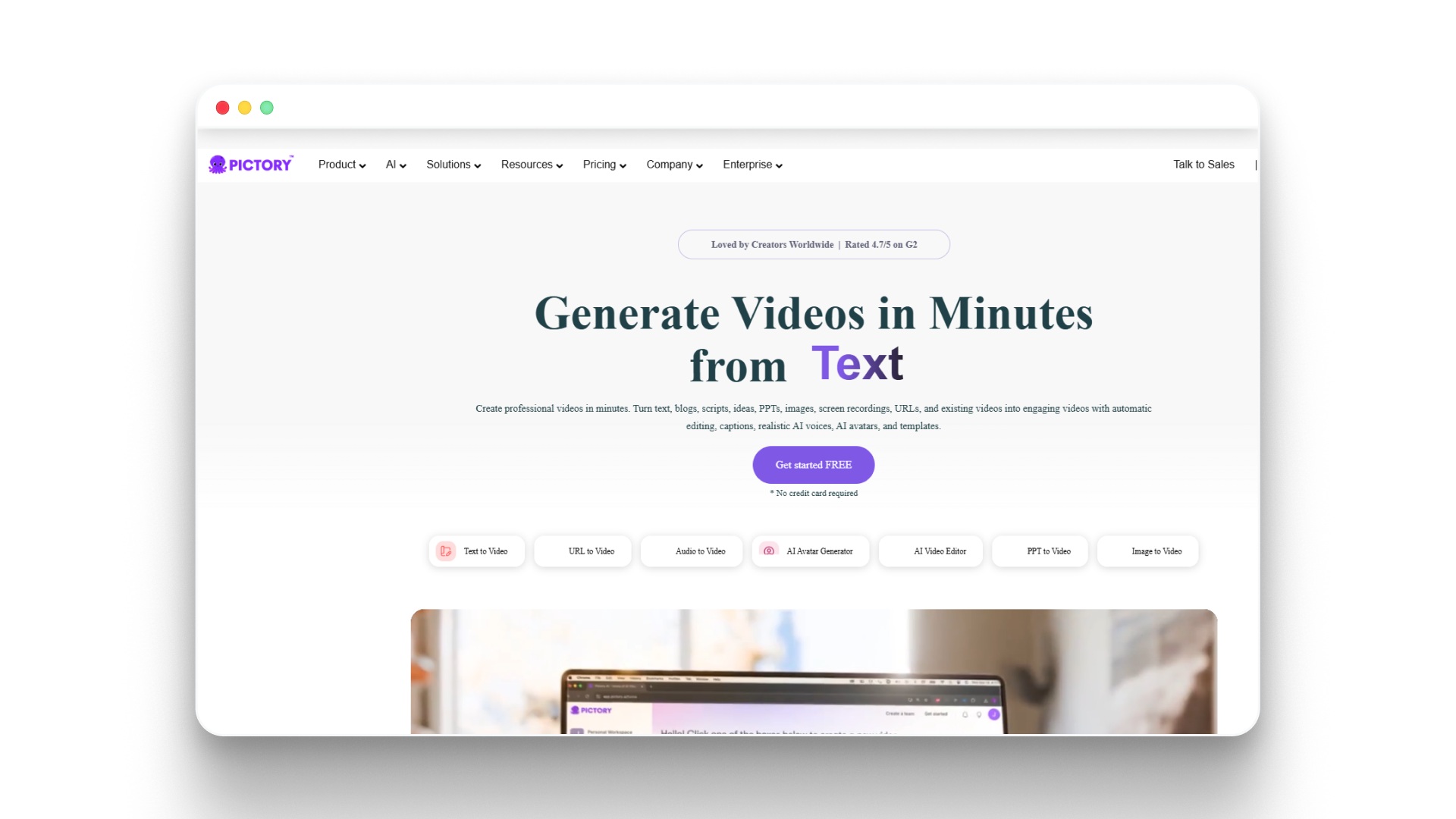
Pictory functions as an AI-powered video creation tool that helps convert text, articles, or long-form content into short, engaging videos. It is best suited for creators and marketers focused on repurposing content into visual formats quickly.
How Pictory supports filmmaking workflows:
- Converts scripts, blogs, or articles into short videos automatically
- Summarizes long-form content into concise video narratives
- Generates visuals using stock libraries like Getty Images and Storyblocks
- Adds AI voiceovers with multiple language options
- Syncs uploaded voiceovers with visuals automatically
- Creates branded videos using customizable brand kits
- Supports the quick production of social media and marketing videos
- Enables basic storytelling through scene-based video generation
Pros:
- Fast content-to-video conversion
- Strong stock media library access
- Easy to use for beginners
- Supports multiple languages
- Good for content repurposing
Cons:
- Limited cinematic storytelling control
- Relies heavily on stock visuals
- Not built for complex narratives
Pictory Pricing:
Plan | Price | Key Features |
|---|---|---|
Starter | $25/month (annual) | 200 video minutes, 5 GB storage, 1 brand kit, 100 AI credits |
Professional | $35/month (annual) | 600 minutes, 20 GB storage, 5 brand kits, advanced AI tools |
Team | $119/month (annual) | 1800 minutes, 100 GB storage, team collaboration, 2400 AI credits |
Enterprise | Custom | Custom usage, SSO, dedicated manager, advanced integrations |
This breakdown should give you a clear starting point to compare the tools and narrow down which ones actually fit your filmmaking workflow.
Other AI Tools to Consider in Your Filmmaking Workflow
Not every part of filmmaking needs a single tool. Many creators still use specialized AI tools alongside their main platform to handle specific tasks more efficiently.
Here are some additional tools that support different parts of the filmmaking process without overlapping with your core setup:
- AI Scriptwriting & Story Development:
- Sudowrite
- Final Draft
- Helps refine scripts, dialogue, and narrative structure
- AI Voice & Audio Production:
- ElevenLabs
- Murf AI
- Useful for narration, dubbing, and character voices
- AI Music & Sound Design:
- AIVA
- Soundraw
- Generates background scores and mood-based music
- AI VFX & Motion Enhancement:
- Wonder Dynamics
- EbSynth
- Enhances scenes with effects and visual consistency
- AI Image & Concept Design:
- Midjourney
- Leonardo AI
- Useful for storyboarding, characters, and visual ideation
These tools can strengthen specific parts of your workflow, but using too many of them together can quickly create fragmentation.
That’s why choosing a tool that reduces dependency on multiple platforms becomes a key decision for most creators.
Suggested Read: AI-Generated Storyboards for Film Production Improvement
How to Select an AI Filmmaking Tool: The 5-Stage Checklist
Choosing the right tool comes down to how well it fits your workflow, not just its features. These five checks help you quickly evaluate what actually matters for consistent, scalable filmmaking.
1.Does it cover your full workflow?
Many tools only handle one part of filmmaking, forcing you to connect multiple platforms. A better option supports the full journey from script to final video in one place.Ask yourself: Can I go from idea to export without switching tools?
2.Does it maintain visual and character consistency?
Inconsistent characters or changing visual styles can break the story instantly. Strong tools keep characters, scenes, and style stable across the entire project.Ask yourself: Will everything stay visually consistent from start to finish?
3.How much tool-switching is required?
Using multiple tools slows down production and adds unnecessary complexity. A streamlined workflow keeps everything connected and easier to manage.Ask yourself: How many tools do I need to complete one film?
4.Does it support batch production and iteration?
Creating multiple versions or episodes should not require starting from scratch each time. Tools that support iteration make scaling content much easier.Ask yourself: Can I quickly create and test different versions of my story?
5.Is it built for commercial use?
Some tools are made for experimentation and may limit quality, licensing, or output. Professional use requires reliability and scalability.Ask yourself: Can I use this tool for real projects without limitations?
Tip: If you’re looking for a tool that checks all five boxes, from script to final video with consistent characters and minimal tool-switching, Frameo is designed to handle the entire filmmaking workflow in one place.
Wrapping Up
AI filmmaking is moving toward workflows where ideas can be developed, visualized, and produced without breaks in between. The tools that matter now are the ones that keep this flow intact, so creators can focus on shaping stories instead of managing multiple steps across different platforms.
That’s where Frameo fits in clearly. It brings scripting, scene creation, video generation, editing, and final output into one continuous environment, making it easier to maintain consistency and move faster from concept to finished film. As storytelling continues to shift toward faster, more scalable formats, having a connected workflow becomes essential.
Ready to go from idea to cinematic video? Start creating on Frameo, free.
FAQs
1.What is the best AI filmmaking tool in 2026?
The best AI filmmaking tool in 2026 depends on your workflow stage coverage. For end-to-end production — from prompt to final export, Frameo is the only platform covering script, image generation, video generation (with access to Kling 2.6, Veo 3.1, and more), voice, and timeline assembly in a single place, without tool-switching.
2.What is the difference between an AI filmmaking tool and a video generator?
A video generator creates short clips from prompts. An AI filmmaking tool covers multiple stages of production, scripting, storyboarding, character consistency, voice, editing, and export. Video generators are a single stage; AI filmmaking tools are designed for full production pipelines.
3.Can I use an AI filmmaking tool for commercial projects?
Yes. Platforms like Frameo are built specifically for commercial use, offering asset-level editing, character consistency across scenes, batch production, and professional-grade export controls, making them suitable for ads, branded content, social media, and client deliverables.
4.How does an AI filmmaking tool maintain character consistency?
Advanced AI filmmaking tools use consistency controls tied to visual style, character appearance, voice, and format settings. Frameo maintains continuity across shots, scenes, episodes, and campaigns using built-in consistency parameters, without requiring the user to regenerate assets from scratch for each scene.
5.Which AI filmmaking tool requires the least tool-switching?
Most AI tools handle only one stage, forcing creators to switch between platforms for scripting, visuals, editing, and export. This adds friction and slows production. Full-stack tools like Frameo reduce this by combining the entire workflow in one place, making it easier to maintain consistency and move faster from idea to final video.



