How to Create AI Videos on Linux With Open-Source Tools
Learn how to create AI videos on Linux using powerful open source tools and AI video-generating software for Linux. Follow a simple workflow for quality results
AI video generation looks incredibly simple when you see the results online. A prompt goes in, a video comes out, and suddenly it feels like anyone can experiment with visual storytelling.
But things start looking very different the moment you try doing it on Linux.
You begin searching for tools and quickly discover dozens of interesting projects. Some generate images. Others animate frames. A few promise full video generation. Each tool looks powerful on its own, yet the process of turning them into a working video pipeline is rarely explained clearly.
That’s where most creators get stuck. The ecosystem around AI video-generating software for Linux is growing fast, but the information around it is scattered across repositories, tutorials, and half-complete guides.
This article is designed to solve that confusion. Instead of listing random tools, we’ll explore practical AI video-generating software for Linux, free and open-source, and show how these tools can be combined into a workflow that actually produces AI-generated videos.
Key Takeaways
- AI video generation on Linux works through a pipeline, where different tools handle frame generation, animation, video compilation, and final editing.
- Open-source tools like ComfyUI, Stable Video Diffusion, Open-Sora, and FFmpeg form the core stack used to build AI video workflows on Linux systems.
- Linux offers strong advantages for AI experimentation, including better GPU control, compatibility with machine learning frameworks, and a large open-source ecosystem.
- Running AI video tools locally requires capable hardware, typically a GPU with sufficient VRAM, adequate RAM, and correctly configured AI environments.
How AI Video Generation Works on Linux?

Before exploring specific tools, it helps to understand how AI video creation actually works in a Linux environment. Many people assume there is a single tool that generates a complete video from a prompt. In reality, most AI video tools on Linux work as part of a pipeline where different tools handle different stages of the process.
Once you understand this pipeline, it becomes much easier to choose the right tools and build a workflow that produces usable videos.
1.Generating Visual Frames From a Prompt
Most AI video workflows begin with a prompt, script, or idea. This input is used by AI models to generate the visual building blocks of a video.Depending on the tool, this stage may produce:
- Individual images that represent scenes
- A sequence of frames that simulates motion
- Short animated clips generated directly from text or images
These visuals form the base material that will later become a full video.
2.Creating Motion Between Frames
Images alone do not create a video. They need motion and transitions so the sequence looks natural.At this stage, AI tools or animation models help:
- Interpolate frames to create smooth motion
- Animate static images into moving scenes
- Generate short clips that simulate camera movement
This step is important because it transforms static visuals into dynamic footage.
3.Compiling Frames Into a Video
Once the frames or clips are ready, they are assembled into a video file using video processing tools.Typical tasks in this stage include:
- Stitching frames together into a video sequence
- Adjusting frame rates for smoother playback
- Exporting the final video in common formats
Utilities like video processors are often used here to combine the generated content into a finished video.
4.Adding Audio and Final Edits
The final stage focuses on polishing the output so it looks like a complete piece of content.Creators usually add:Once this step is complete, the generated footage becomes a fully usable AI video.
- Background music
- Voiceovers or narration
- Subtitles and captions
- Basic video edits
Understanding this pipeline makes it easier to choose the right AI video tools for Linux, allowing creators to combine open-source solutions at each stage and build a workflow that actually produces usable videos.
Suggested read: Future of Content Creation: 2026 Trends & Predictions
Why Linux Is a Powerful Environment for AI Video Generation?
Linux has long been the preferred environment for many developers and creators working with AI tools. Because most machine learning frameworks and open-source projects are built with Linux compatibility in mind, it often becomes the first platform where new models and experimental tools appear.
Some practical advantages include:
- Strong compatibility with AI frameworks: Many machine learning libraries and AI models are developed and tested primarily on Linux systems.
- Better GPU control: Linux allows more direct control over GPU drivers, CUDA environments, and system resources, which is important for running AI models efficiently.
- Large open-source ecosystem: A wide range of open-source projects, models, and developer tools are available for experimentation.
- Flexible workflows: Linux makes it easier to combine multiple tools and automate pipelines when working with AI-based media generation.
These advantages make Linux a practical platform for experimenting with modern video generation tools and building custom AI-driven creative workflows.
Best AI Video Generating Software for Linux (Open-Source Tools)
Several open-source tools and frameworks make it possible to experiment with AI video creation on Linux. While some tools focus on generating frames or images, others help animate scenes or assemble video sequences. When combined, these tools form the foundation of a working AI video generation workflow.
1.ComfyUI
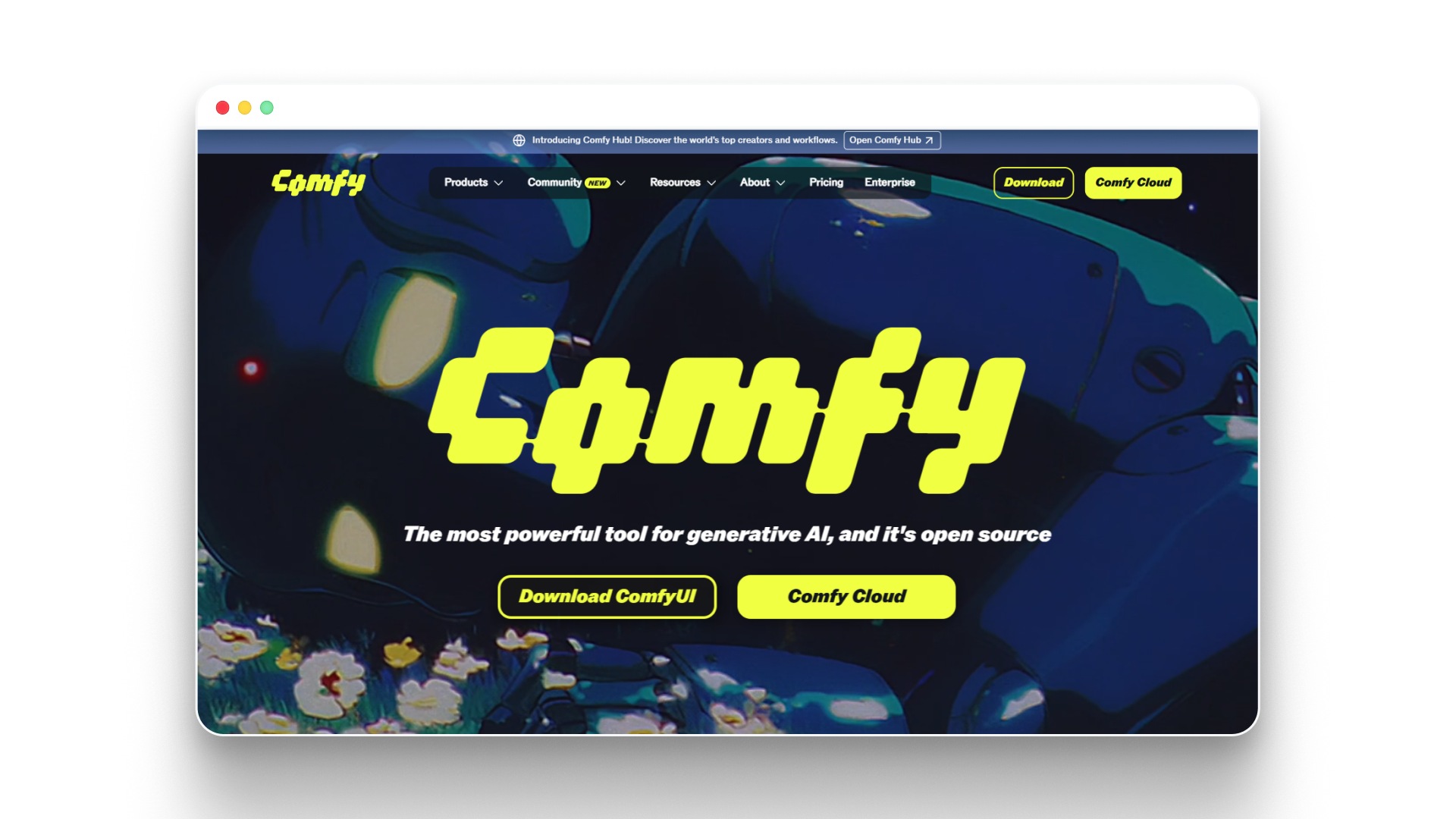
ComfyUI | Generate video, images, 3D, audio with AIComfyUI is a node-based interface that allows users to build AI workflows visually. It is widely used with Stable Diffusion models and enables creators to experiment with image generation, animation pipelines, and advanced AI workflows.Key strengths include:
- Visual workflow builder
- Support for multiple AI models
- Flexible node-based experimentation
2.Stable Video Diffusion
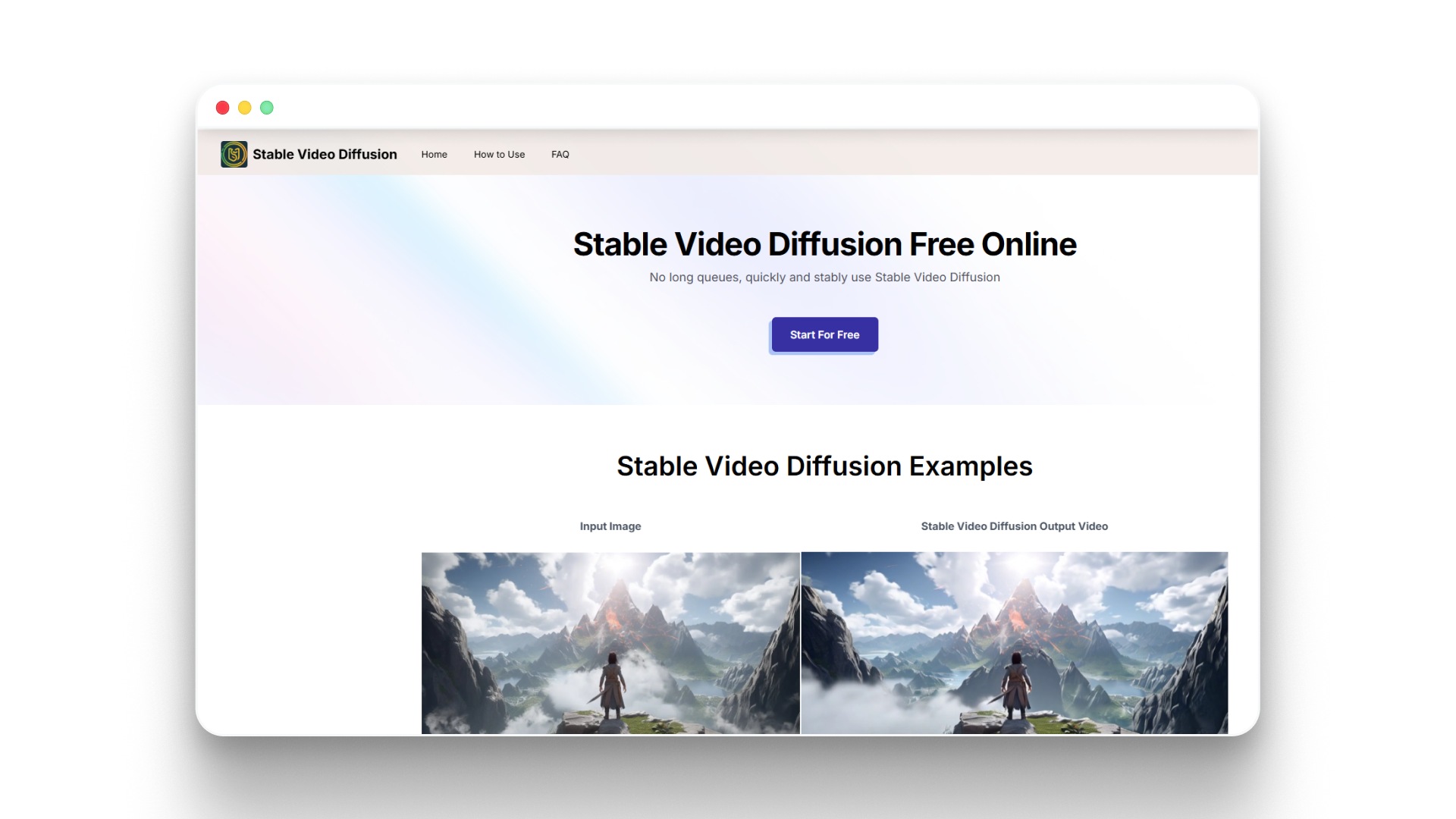
Stable Video Diffusion Generator- Online for freeStable Video Diffusion is designed to generate short video sequences from images or prompts. It extends image generation models into motion-based outputs and is often used for creating short AI-generated clips.Key strengths include:
- Image-to-video generation
- AI-generated motion sequences
- Integration with diffusion models
3.Open-Sora
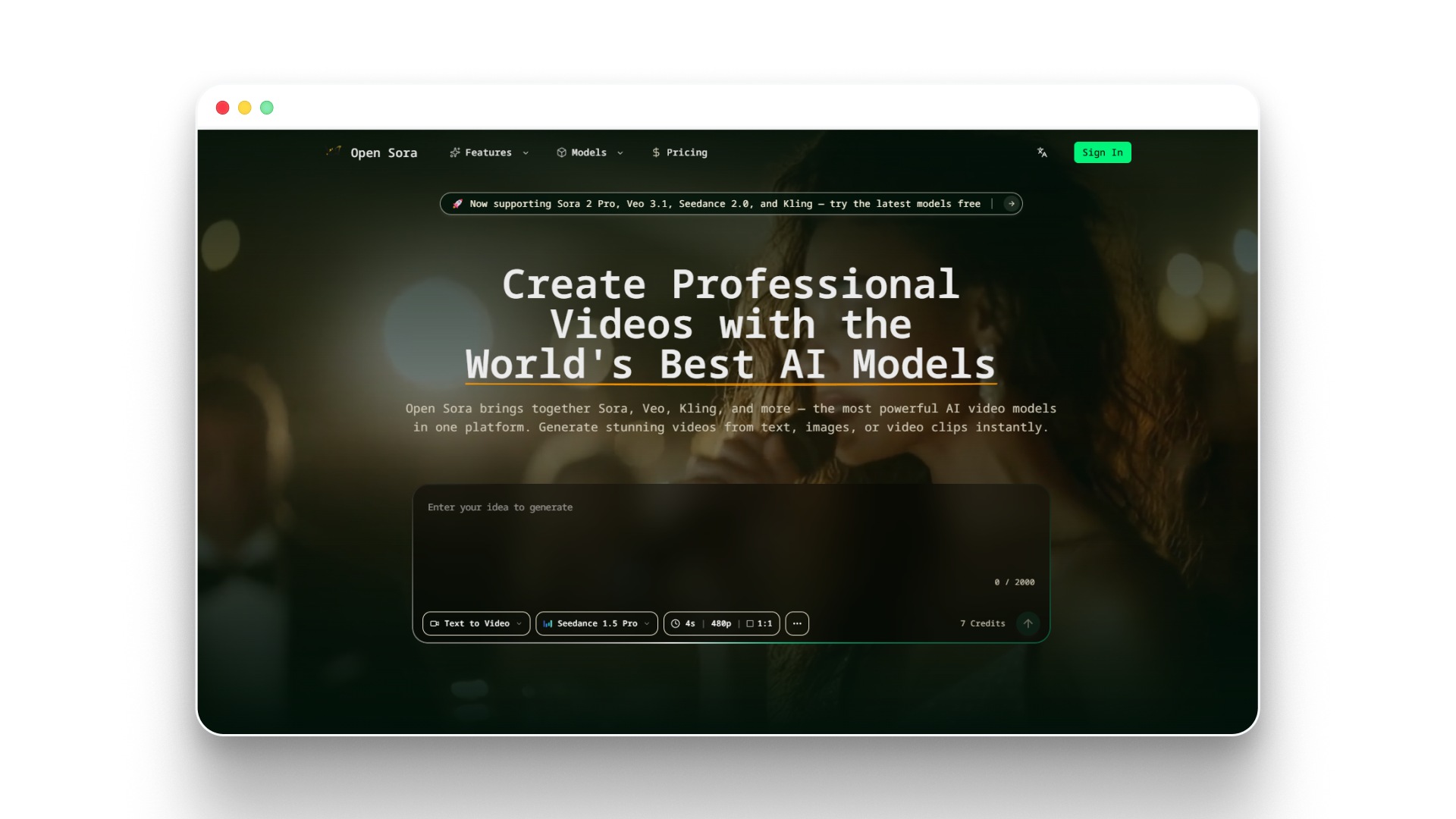
Open Sora — Free AI Video Generator | Text, Image & Video to VideoOpen-Sora is an experimental open-source project inspired by modern text-to-video systems. It focuses on generating longer video sequences directly from prompts using advanced generative models.Key strengths include:
- Text-to-video research models
- Experimental video generation pipelines
- Open-source experimentation
4.FFmpeg
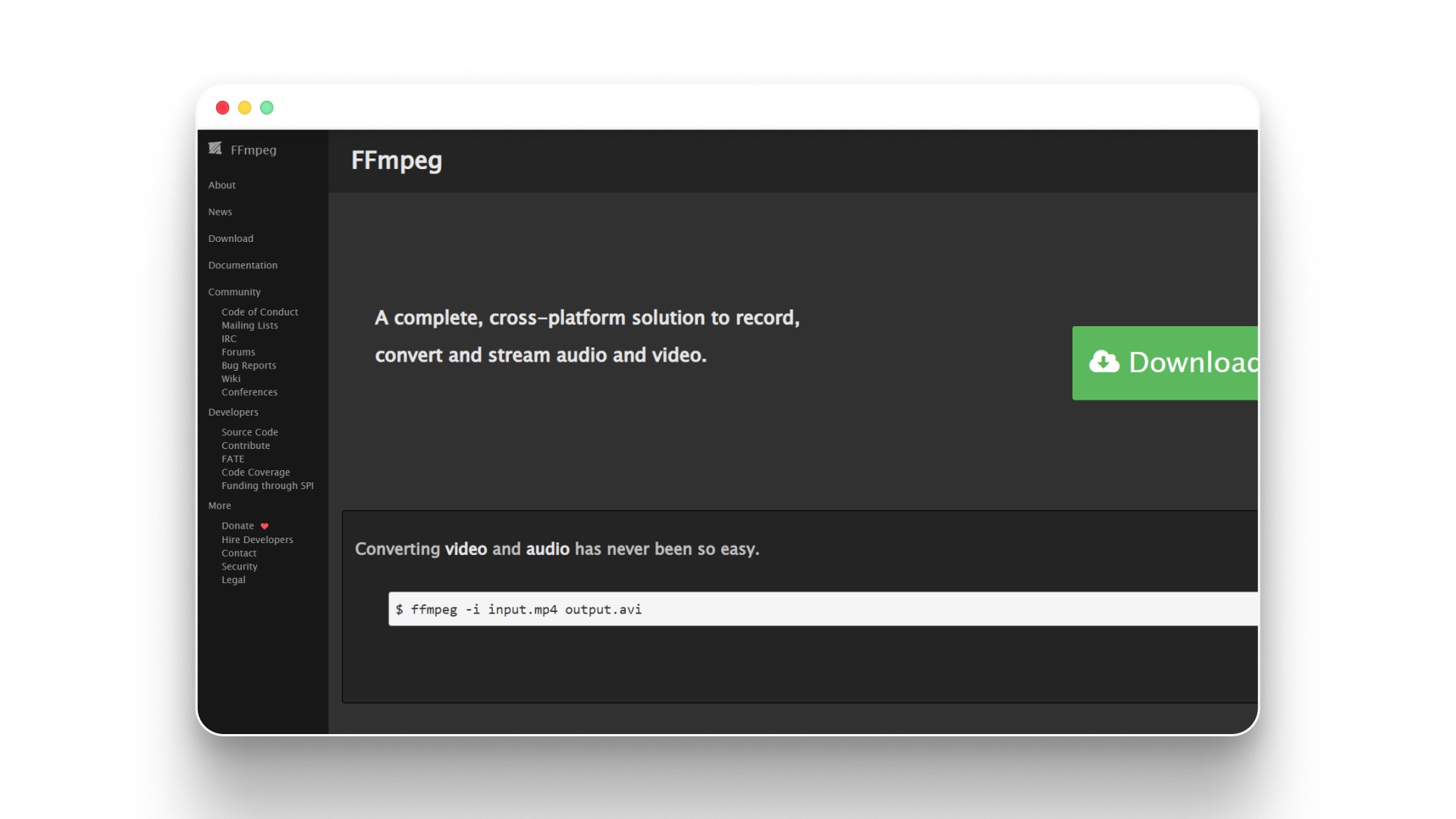
FFmpeg is not an AI model, but it plays a critical role in Linux video workflows. It is commonly used to compile frames into videos, adjust frame rates, and process video outputs generated by AI models.
Key strengths include:
- Frame-to-video conversion
- Video processing and encoding
- Integration with automated pipelines
To make it easier to compare these tools at a glance, here’s a quick breakdown of how they differ in purpose, strengths, and level of complexity.
Tool | Primary Use | Strength | Difficulty |
|---|---|---|---|
ComfyUI | Workflow building | Flexible node-based pipelines | Intermediate |
Stable Video Diffusion | Image-to-video generation | Good for short clips and motion | Intermediate |
Open-Sora | Text-to-video research | Experimental long video generation | Advanced |
FFmpeg | Video processing | Frame compilation and export | Beginner–Intermediate |
When to Use Each AI Video Tool on Linux?
Each of these tools fits into a different part of the video pipeline, so the choice depends less on preference and more on what you’re trying to build at that stage.
- ComfyUI: Use when you need control over the generation pipeline, especially for chaining models, testing prompts, and building repeatable workflows
- Stable Video Diffusion: Works best when you already have images or scenes and want to turn them into short motion clips
- Open-Sora: Makes sense for experimental setups where you’re testing prompt-driven video generation at a research level
- FFmpeg: Used at the final stage to stitch frames, adjust playback, and export usable video files
In practice, none of these tools replace the others. A typical Linux workflow combines them, moving from generation → animation → compilation to produce a complete video.
Linux creators often stitch together multiple tools to handle frames, animation, and video assembly. In contrast, Frameo replaces this fragmented pipeline with a structured workflow that handles story, characters, scenes, and final video generation in one environment.
Suggested read: AI Video Generation Ethics: Risks, Rules, and Best Practices
System Requirements for Running AI Video Tools on Linux
Before installing AI video tools on Linux, it helps to ensure your system has enough resources to run generation models smoothly. Most video generation workflows rely heavily on GPU acceleration and sufficient memory to process frames efficiently.
1.Minimum Setup
For basic experimentation with AI video generation tools, the following configuration usually works:
- CPU: Modern multi-core processor
- RAM: 16 GB system memory
- GPU: NVIDIA GPU with at least 6–8 GB VRAM
- Storage: 20 GB free space for models and dependencies
2.Recommended Setup
For smoother performance and longer video generation tasks, a stronger system is helpful:
- CPU: 8-core processor or higher
- RAM: 32 GB system memory
- GPU: NVIDIA GPU with 12 GB+ VRAM
- Storage: SSD with at least 50 GB free space
With the system requirements covered, the next step is understanding how these tools fit into a practical video generation workflow.
Suggested read: AI-Generated Content Governance Best Practices (2026 Guide)
Step-by-Step Workflow to Create AI Videos on Linux
Once the system setup and tools are ready, the next challenge is coordinating multiple tools into a working pipeline.
Most Linux-based AI video workflows follow a structured process where different tools handle different stages of video creation. By breaking the process into clear steps, creators can move from an idea to a generated video without getting lost in complex setups.
1.Install the Required AI Environment
Before generating any visuals, the Linux system needs the basic environment that most AI models depend on.Key components to set up include:
- Python environment to run machine learning scripts and models
- CUDA drivers for GPU acceleration
- Machine learning libraries such as PyTorch
- Git to download and manage open-source AI projects
Setting up these dependencies correctly ensures that AI models can run efficiently on the system.
2.Generate Visual Frames From Prompts
Once the environment is ready, the next step is generating the visual elements that will form the foundation of the video.At this stage, creators typically:
- Enter a text prompt or script idea
- Generate images representing scenes or characters
- Produce multiple frames that reflect different moments of the scene
These generated images act as the base material for building the video.
3.Animate Frames to Create Motion
Images alone do not create a video, so the next step involves adding motion between frames.This stage may include:
- Interpolating frames to create smoother movement
- Generating short animated clips from still images
- Adjusting scene transitions to make the sequence look natural
The goal is to transform static visuals into moving sequences that resemble video footage.
4.Compile Frames Into a Video File
Once the frames or clips are ready, they need to be assembled into a single video.Typical tasks in this stage include:
- Stitching frames together into a continuous video sequence
- Adjusting frame rates for smoother playback
- Exporting the final video in common formats such as MP4
Video processing utilities are commonly used to handle this compilation process.
5.Add Audio and Final Edits
The final step focuses on improving the output so it becomes a complete video rather than a raw sequence of frames.Creators often add:
- Background music or sound effects
- Voiceovers or narration
- Subtitles or captions
- Basic video edits for pacing and transitions
With the workflow complete, the generated footage becomes a polished AI video ready for sharing or further editing.
Suggested read: AI Storyboard Generator for Video Production
Common Challenges When Creating AI Videos on Linux
While Linux provides flexibility for AI experimentation, creators often encounter technical and workflow challenges when generating videos locally.
- Hardware limitations: AI video models require significant GPU power and VRAM, which can restrict resolution, generation speed, and clip length on many systems.
- Complex model setup: Installing AI models often involves configuring Python environments, CUDA drivers, machine learning libraries, and downloading large model checkpoints.
- Fragmented tool ecosystem: Most Linux workflows require combining multiple tools for frame generation, animation, interpolation, and video compilation rather than relying on a single solution.
- Performance bottlenecks: Generating large numbers of frames can strain system resources, causing slow rendering times or failures during longer sequences.
- Steep learning curve: Many open-source AI tools assume technical familiarity, making it difficult for beginners to build a complete video generation pipeline.
These challenges explain why many creators eventually look for workflows that simplify video generation without requiring complex technical setups.
Local vs Cloud vs Platform: Which AI Video Workflow Should You Choose?
AI video creation on Linux is only one approach. In practice, creators choose between three different workflows depending on their goals, technical skills, and output needs.
Workflow Type | What You Actually Get | Best For | Strength | Limitations |
|---|---|---|---|---|
Local AI Tools (Linux) | Frame generation + motion + manual video assembly using multiple tools | Developers, technical creators | Full control over models, prompts, and pipelines | Complex setup, fragmented workflow, requires GPU + multiple tools |
Cloud AI Models | Prompt → short video clips (no full scene structure) | Quick experiments, content snippets | Fast output, no setup required | No consistency, limited control, not built for full video storytelling |
Frameo (AI Video Platform) | Script → structured scenes → complete video with consistent characters and flow | Creators, marketers, storytellers | End-to-end workflow, scene continuity, no pipeline setup needed | Limited low-level model control compared to local setups |
A Simpler Way to Create AI Videos Without Managing Complex Pipelines
Building AI videos on Linux can be powerful, but the process often involves installing models, managing dependencies, and combining several tools just to produce a short clip. For creators who want to focus more on storytelling than infrastructure, newer platforms are approaching the problem differently by simplifying the entire production pipeline.
Frameo is designed around a story-first workflow that turns narrative ideas into structured video scenes without requiring multiple generation tools.
- Story-to-video workflow: Start with a prompt, script, or concept and generate a structured video sequence from it.
- Scene and shot generation: The system converts scripts into storyboard-style shots that guide the video generation process.
- Character consistency: Characters maintain visual identity across scenes, helping stories remain coherent across clips.
- Cinematic scene composition: Shots are generated with framing and motion designed to resemble short narrative videos.
- Unified creation environment: Script development, scene generation, and video assembly happen inside one workspace.
For creators experimenting with AI storytelling, this approach removes much of the technical overhead that usually comes with assembling multiple tools and models.
Wrapping Up
Creating AI videos on Linux opens the door to a powerful ecosystem of open-source tools and experimentation. With the right setup, creators can generate frames, animate scenes, and assemble complete videos using flexible workflows. Understanding how these tools fit together helps turn scattered resources into a practical video creation pipeline.
At the same time, the landscape of AI storytelling is evolving quickly. New platforms are simplifying the process by combining scripting, scene generation, and video assembly into more structured environments. As a result, creators today have multiple ways to move from an idea to a finished video depending on their workflow preferences.
If you want to experiment with a story-first approach to AI video creation, explore how Frameo turns narrative ideas into cinematic video scenes.
FAQs
1.What is AI video-generating software for Linux?
AI video-generating software for Linux refers to tools or models that use machine learning to create or edit videos from prompts, images, or scripts. These tools often rely on open-source frameworks and GPU acceleration to generate frames, animate scenes, and assemble videos.
2.Can you create AI videos directly on Linux?
Yes, Linux supports many open-source AI tools and machine learning frameworks that can generate images, animate frames, and compile them into videos. Many experimental AI projects and models are also released with Linux compatibility first.
3.Do you need a GPU to generate AI videos on Linux?
Most AI video generation tools perform best on GPUs because video models require significant processing power and VRAM. While some workflows can run on CPUs, the generation speed and video quality are usually much lower.
4.Are there free AI video tools available for Linux?
Yes, many AI video tools for Linux are free and open source, allowing creators to experiment without paid subscriptions. These tools often combine models, animation utilities, and video processing software to build complete workflows.
5.What is the difference between AI video generators and video editors?
AI video generators create visual scenes or clips using prompts, images, or scripts, while video editors are used to arrange and polish existing footage. Many Linux editors, such as Kdenlive or OpenShot, help refine AI-generated clips after they are created.