Best AI Tools for Filmmakers in 2026
Discover the best AI for filmmakers in 2026. Compare key features, unique capabilities, real-world impact. Explore user feedback now.
A strong film idea often begins with a clear visual, a quick script, or a concept shared with a team. Filmmakers can already imagine the scenes, the camera movement, and the emotion. But turning that idea into a finished film usually takes time, planning, and a lot of effort across different stages.
This is where the best AI for filmmakers is changing the process. It helps turn ideas into structured visuals faster, so creators can focus more on storytelling and less on complex production work.
This article explores the best AI tools for filmmakers in 2026, how they fit into different stages of filmmaking, and how they help create high-quality videos with more speed and consistency.
Key Takeaways
- The best AI for filmmakers is not just about generating clips, it is about creating structured, story-driven videos with consistency.
- Tools that support scene planning, continuity, and repeatable output are more valuable than those focused only on visuals.
- Filmmakers get the best results by combining tools for visuals, audio, and editing instead of relying on one platform.
- Speed is useful only when the output is already close to final and does not require heavy rework.
- AI works best as part of a workflow, helping filmmakers focus on storytelling while reducing production complexity.
What Is AI for Filmmakers?
AI for filmmakers refers to tools and systems that help create, edit, and structure videos using automation instead of manual production processes. These tools can generate visuals, assist with editing, create voiceovers, and even help plan scenes based on scripts or ideas.
Instead of handling every step manually, filmmakers can use AI to speed up production while keeping control over storytelling, pacing, and visual consistency.
At its core, AI in filmmaking is not just about generating clips. It is about supporting the entire workflow, from idea to final output, in a faster and more structured way.
AI vs Traditional Filmmaking: Key Differences
Filmmaking used to take a lot of time and manual effort. Now, AI makes it faster and easier to create videos. Traditional methods give more control, while AI helps you work more quickly and produce more. Knowing the difference below helps you choose what works best.
Aspect | Traditional Filmmaking | AI Filmmaking |
Process | Separate stages like scripting, shooting, editing, and post-production | Combined workflow from idea to final video in one system |
Time Required | Takes days or weeks | Can generate videos in minutes |
Cost | High cost for crew, equipment, and locations | Lower cost with fewer resources |
Team Size | Large teams required | Can be done by individuals or small teams |
Creative Control | Full manual control over details | Controlled through prompts and inputs |
Consistency | Difficult across multiple versions | Easier to maintain across scenes and formats |
Scalability | Hard to produce multiple versions quickly | Easy to scale and create variations |
Editing Effort | Heavy manual editing | Minimal editing, mostly automated |
Output Speed | Slower production cycles | Fast turnaround |
Use Cases | Films, TV, large productions | Ads, social content, quick videos |
Traditional filmmaking offers precision and depth, while AI filmmaking enables speed, consistency, and scale. The best approach in 2026 is often a combination of both, where AI handles production efficiency and filmmakers focus on creative direction.
What Filmmakers Actually Need in 2026?
Filmmaking isn’t limited by ideas; it’s limited by execution speed, consistency, and creative control. Directors, editors, and content creators don’t struggle to imagine scenes anymore; they struggle to produce them repeatedly without quality breakdown.
1. Consistency Across Formats
Modern productions rarely create a single video in isolation. One concept often needs:
- A vertical short for social media (TikTok, Reels, Shorts)
- A square or landscape version for feed content
- Longer cuts for explainers, trailers, or landing pages
Filmmakers need visual continuity across all versions: characters, lighting, camera framing, and tone must stay consistent without rebuilding assets from scratch. AI tools that generate one-off clips fail in real-world production workflows.
2. Speed Without Losing Structure
Fast generation is important, but coherence is critical. Filmmakers want:
- Clear story arcs with beginnings, middles, and endings
- Predictable pacing across multiple scenes
- Seamless transitions and intentional sequencing
Speed only helps if outputs are already close to production-ready.
3. Control Through Direction and Not Timelines
Traditional editing timelines can slow down creative workflows. Filmmakers now want directional control:
- Decide scene order, pacing, and emphasis without frame-by-frame editing
- Refine visuals through instruction rather than manual fixes
- Guide narrative flow while keeping AI generation fast
4. Reliability Over Spectacle
Eye-catching demos won’t survive daily production. Filmmakers value:
- Consistency across prompts, iterations, and visual assets
- Fewer regenerations to maintain schedule and budget
- Predictable outputs that reduce stress and post-production work
Reliability has become a core feature, not an optional bonus.
5. Built for Ongoing Output
Professional filmmakers often produce content weekly or daily. That means AI tools must support:
- Repeatable use without visual drift
- Iteration without breaking continuity
- Platform-ready formats with minimal cleanup
Also Read: Future of Content Creation: 2026 Trends & Predictions
Filmmakers are choosing tools that reduce friction at every stage: planning, generating, refining, and publishing. Anything requiring extra manual rebuilding gets replaced.
Why AI Tools Are Essential for Filmmakers?
Filmmaking is about building stories faster, maintaining consistency across scenes, and delivering high-quality output without slowing down production. This is where the best AI for filmmakers becomes essential, helping creators manage both creativity and scale.
Here’s why these tools are important:
- Consistent Visual Storytelling: A film or video needs to feel cohesive from start to finish. AI tools help maintain continuity across scenes, such as keeping the same character appearance, lighting style, or environment without unexpected changes.
- Faster Production Without Compromise: AI reduces time spent on tasks like scene generation, editing, and refinement, while still preserving cinematic quality. For example, a sequence that would take hours to edit manually can be generated and adjusted in minutes.
- Reduced Manual Workflows: Instead of building every scene from scratch, filmmakers can rely on structured tools to handle pacing, transitions, and visual alignment. This allows more focus on storytelling rather than technical adjustments.
- Predictable and Repeatable Results: Strong AI tools deliver stable outputs across multiple projects. Whether creating a short film, an ad, or a branded video, the results remain consistent without constant rework.
- Built for Ongoing Content Creation: Filmmakers producing content regularly can reuse formats, styles, and structures across projects. A single concept can be adapted into multiple versions without restarting the entire process.
Also Read: Gen AI in Advertising: Top Benefits and Use Cases
The best AI for filmmakers goes beyond generating visuals. It supports structured storytelling, improves efficiency, and helps creators produce high-quality videos consistently without increasing complexity.
8 Best AI Tools for Filmmakers in 2026
The best AI tools for filmmakers in 2026 are not defined by how impressive a single result looks, but by how well they fit into real workflows. Some focus on structured storytelling, others on visual experimentation, while a few specialize in voice or concept design.
Below are the AI tools filmmakers are using today to create, refine, and scale video production with better control, consistency, and speed.
1. Frameo
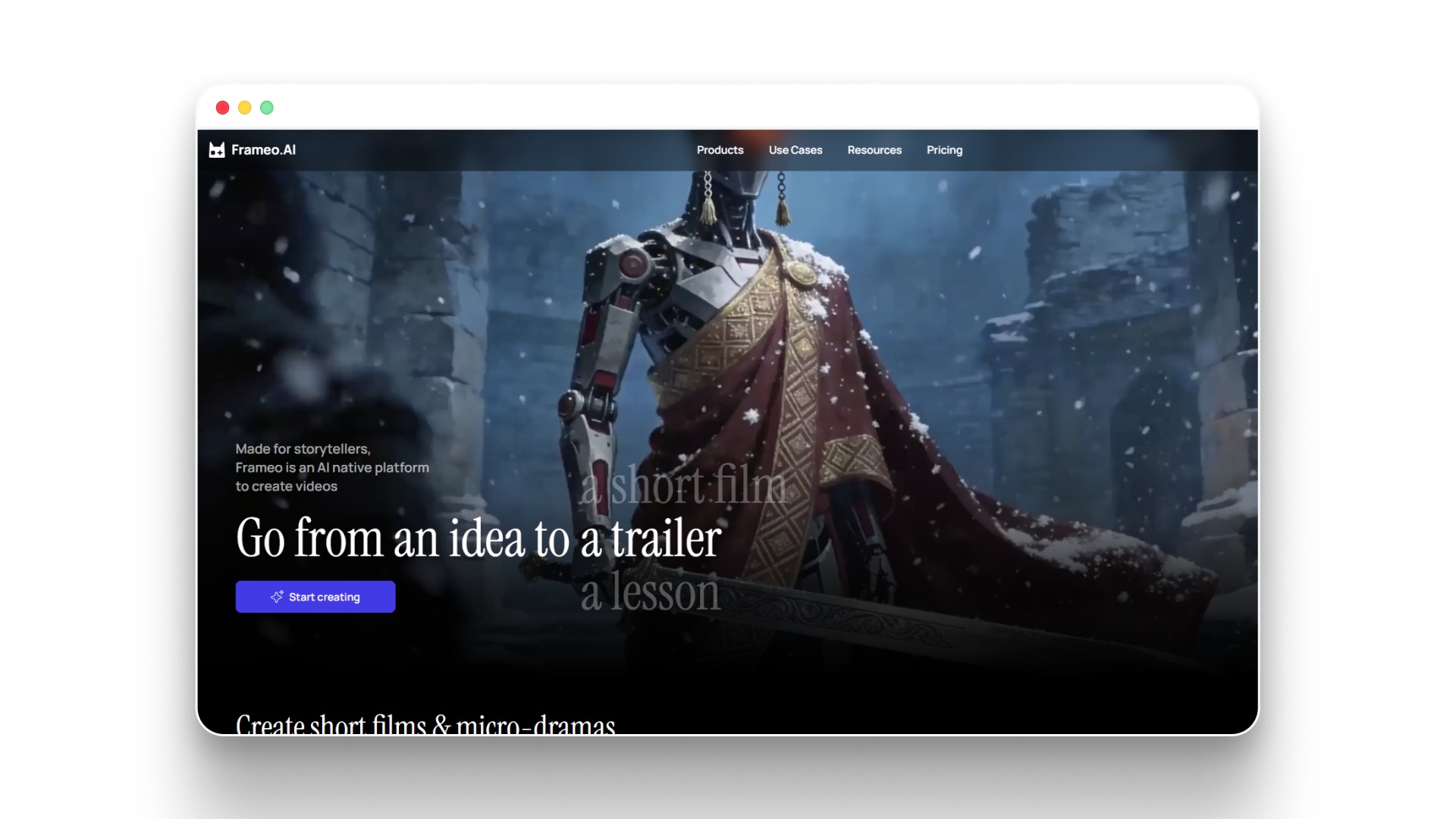
Frameo is designed for filmmakers who want clarity and control before anything is created, not corrections after. Instead of relying on a single prompt to produce unpredictable clips, it allows you to map out scenes, timing, and flow in advance. This approach is important in 2026, where consistent output and efficient workflows matter more than isolated visuals.
At its foundation, Frameo turns ideas and scripts into organized, production-ready videos. Filmmakers can shape how each scene connects, define progression, and maintain visual alignment across the entire piece. The end result feels intentional and well-directed, rather than assembled from random generations.
Why filmmakers are adopting Frameo
- Sequence-based video creation: Frameo builds videos as a series of connected scenes, making it easier to create content where order and progression directly impact storytelling.
- Stable visual identity across scenes: Characters, settings, and key elements remain consistent throughout, which helps maintain immersion in narrative or branded content.
- Early-stage scene planning: Frameo lays out a visual structure before final output, allowing filmmakers to refine pacing, arrangement, and emphasis without repeated generation.
- Narration-driven workflows: Audio inputs like voiceovers can guide how scenes are built, for example shaping visuals around a pre-recorded script.
- Ready-to-use formats: Outputs are designed for modern viewing platforms, reducing the need for resizing or reformatting later.
Key creation features within Frameo
- Script to Video Maker: Written scripts can be converted into structured visual sequences without manual editing timelines.
- Story to Video Maker: Basic ideas or outlines can be developed into complete scene-by-scene videos.
- Video Clip Generator: Specific segments can be created for ads, reels, or quick distribution.
- Voiceover for Video: Audio can be aligned with visuals to maintain natural timing.
- AI Voice Generator (Video-ready): Voiceovers can be created to match the tone and pacing of the video.
Best use cases for Frameo
- Narrative-driven short videos: Works well for reels and stories where sequence and timing shape engagement.
- Brand and product storytelling: Helps maintain consistency across multiple videos within a campaign.
- Learning and explainer videos: Supports clear delivery of information through structured visuals.
- Scaled content production: Useful for filmmakers producing multiple videos with a consistent format.
Considerations before using Frameo
- Not focused on abstract experimentation: It is less suitable for unpredictable or highly artistic visual styles.
- Limited for one-off creative exploration: It does not prioritize spontaneous, unstructured outputs.
Frameo stands apart in 2026 by functioning as a full-stack AI filmmaking system, not just a generation tool. For filmmakers who value planning, consistency, and outputs that are ready to publish, it operates more like a structured production workflow than a simple prompt-based solution.
2. Runway
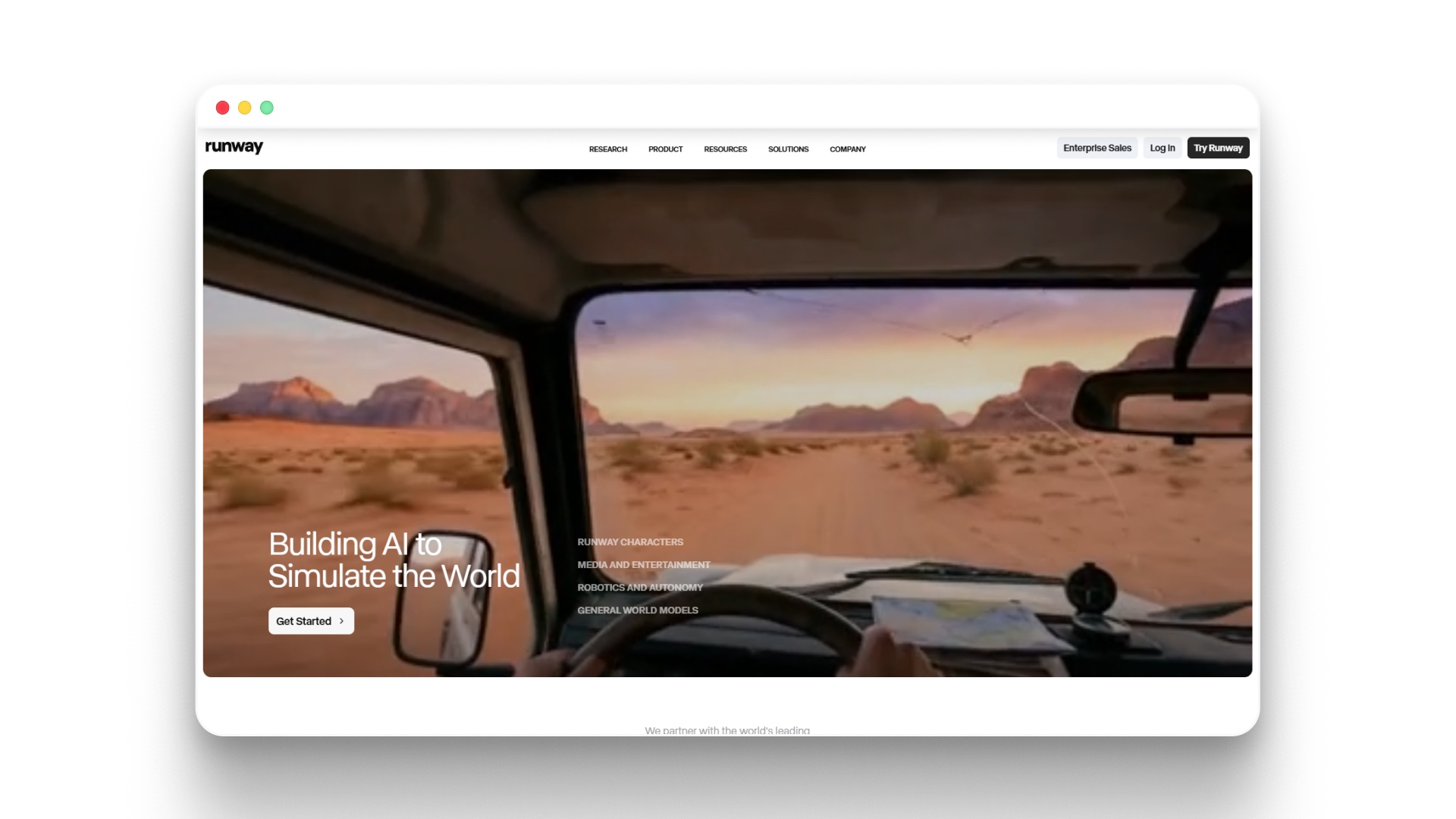
Runway | Building AI to Simulate the World
Runway is built for filmmakers who want direct control over how visuals are shaped, rather than relying on predefined structure. Instead of guiding a story from start to finish, it gives access to flexible tools that allow scenes to be created, adjusted, and refined through experimentation.
For example, a filmmaker can generate a base scene and then alter specific elements like background, motion, or lighting to match a creative vision, instead of accepting the first output.
Where Runway performs well
- Flexible video generation: Runway supports both text-to-video and image-to-video workflows, allowing filmmakers to create visually striking scenes from different starting points.
- Advanced editing capabilities: Tools like motion tracking, inpainting, and background removal make it possible to modify generated footage in detail, such as replacing elements within a scene.
- Creative freedom in visuals: Filmmakers can experiment with composition, lighting, and style, which is useful for projects like music videos or abstract sequences.
Where filmmakers face challenges
- Consistency requires manual effort: Maintaining the same character, setting, or tone across multiple scenes often involves repeated adjustments and rework.
- Steeper learning curve: The range of tools introduces more decisions, which can slow down filmmakers who are not familiar with visual editing workflows.
- Lack of built-in narrative structure: Runway does not guide scene order, pacing, or story flow, so longer videos need to be planned and assembled manually.
- Iteration-heavy workflow: Achieving a specific result often requires multiple generations and refinements, especially for precise scenes.
- Limited scalability for repeated formats: Producing high volumes of consistent content, such as ads or reels, can be time-consuming.
How filmmakers typically use Runway
- Experimental filmmaking: Used to create visually unique or unconventional scenes where creative exploration is the goal.
- Concept development: Helps test different visual styles or cinematic ideas before final production.
- Post-production enhancement: Used to refine or extend footage, such as adding effects or modifying scenes.
Runway stands out as a creative toolkit rather than a structured filmmaking system. It works best for filmmakers who want to explore visual possibilities and are comfortable shaping results step by step. For projects that require consistency, speed, and clear narrative flow, it is often combined with more structured tools in the workflow.
3. Sora 2
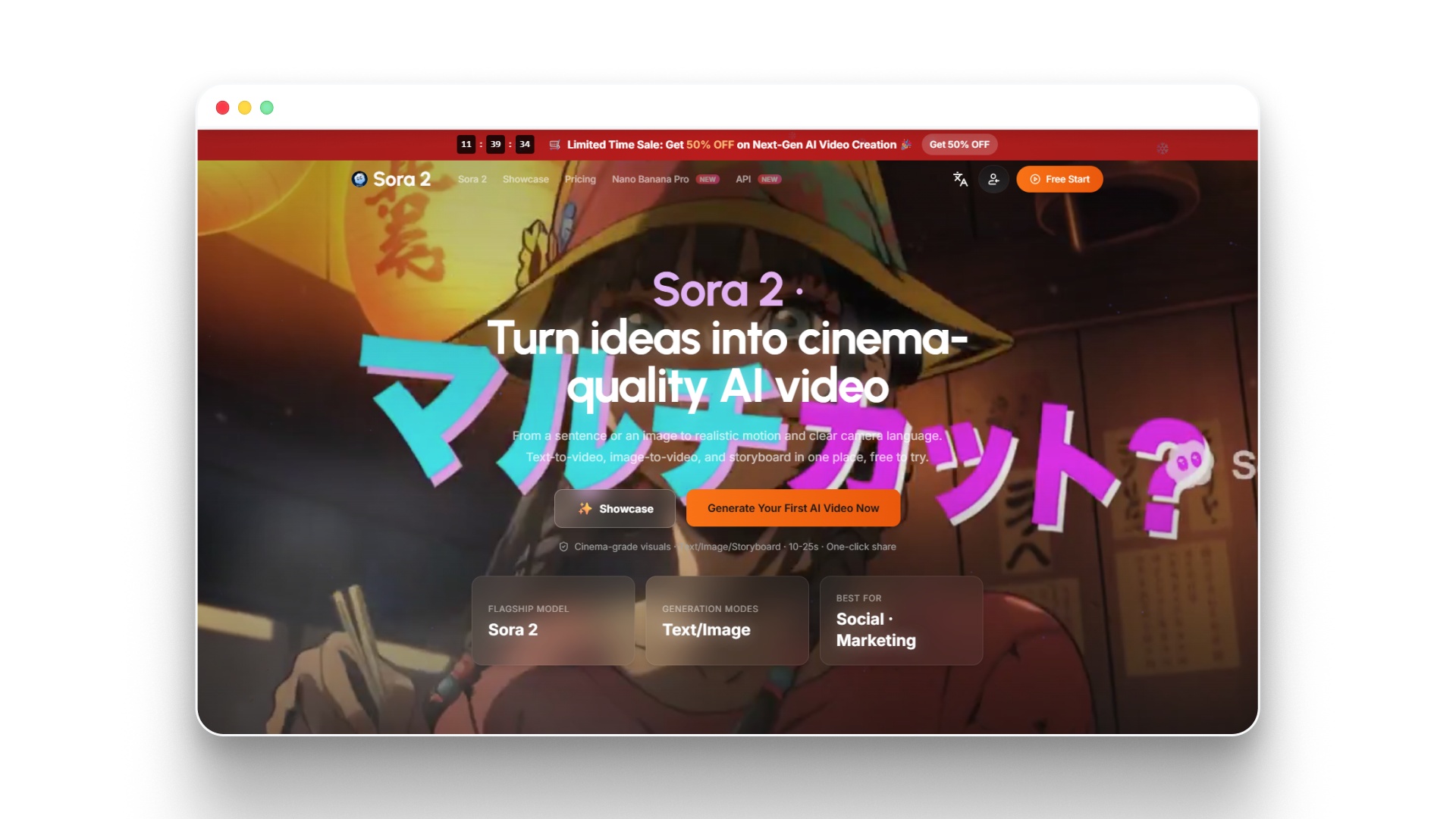
Sora 2 AI Video Generator - Text to Video & Image to Video
Sora 2 is built to convert written prompts into cinematic video clips that feel visually complete. Instead of assembling scenes step by step, it interprets ideas and generates motion, environment, and camera behavior in a way that resembles a directed shot.
Filmmakers often use Sora 2 as a creative exploration tool rather than a full production solution. It performs best when the goal is to visualize ideas, test concepts, or explore scenes that would be complex or expensive to shoot.
Where Sora 2 performs well
- Cinematic scene generation: Sora 2 turns simple prompts into visually layered scenes with depth, lighting, and camera movement, such as creating a full environment from a short description.
- Natural motion rendering: Movement within scenes, like a character walking through an environment or interacting with objects, feels smooth and cohesive.
- Concept visualization: It helps filmmakers explore story ideas, moods, and visual directions during early development stages.
Limitations filmmakers should consider
- Limited narrative control: Filmmakers cannot precisely define scene order, timing, or how a sequence progresses across multiple shots.
- Variability in outputs: Similar prompts can produce different results, making it difficult to maintain consistency across scenes.
- No built-in sequencing tools: Sora generates individual clips, so combining them into a full sequence requires external editing.
- Challenges with continuity: Maintaining the same characters, environments, or visual style across multiple clips can be unreliable.
- Restricted access and scalability: Availability and usage limits can make it difficult to rely on Sora for ongoing production workflows.
How filmmakers typically use Sora 2
- Scene exploration: Filmmakers use Sora to visualize specific moments, such as testing how a setting or shot might look on screen.
- Creative experimentation: It supports trying out different ideas quickly without committing to a full production setup.
- Mood and tone development: Sora helps establish the visual feel of a project before detailed planning begins.
- Reference generation: Clips can be used as visual references when planning shoots or guiding teams.
Sora 2 is most effective when used as a creative discovery tool. It helps filmmakers understand how an idea might translate visually, but turning those outputs into a structured film typically requires additional tools and a more controlled workflow.
4. ElevenLabs
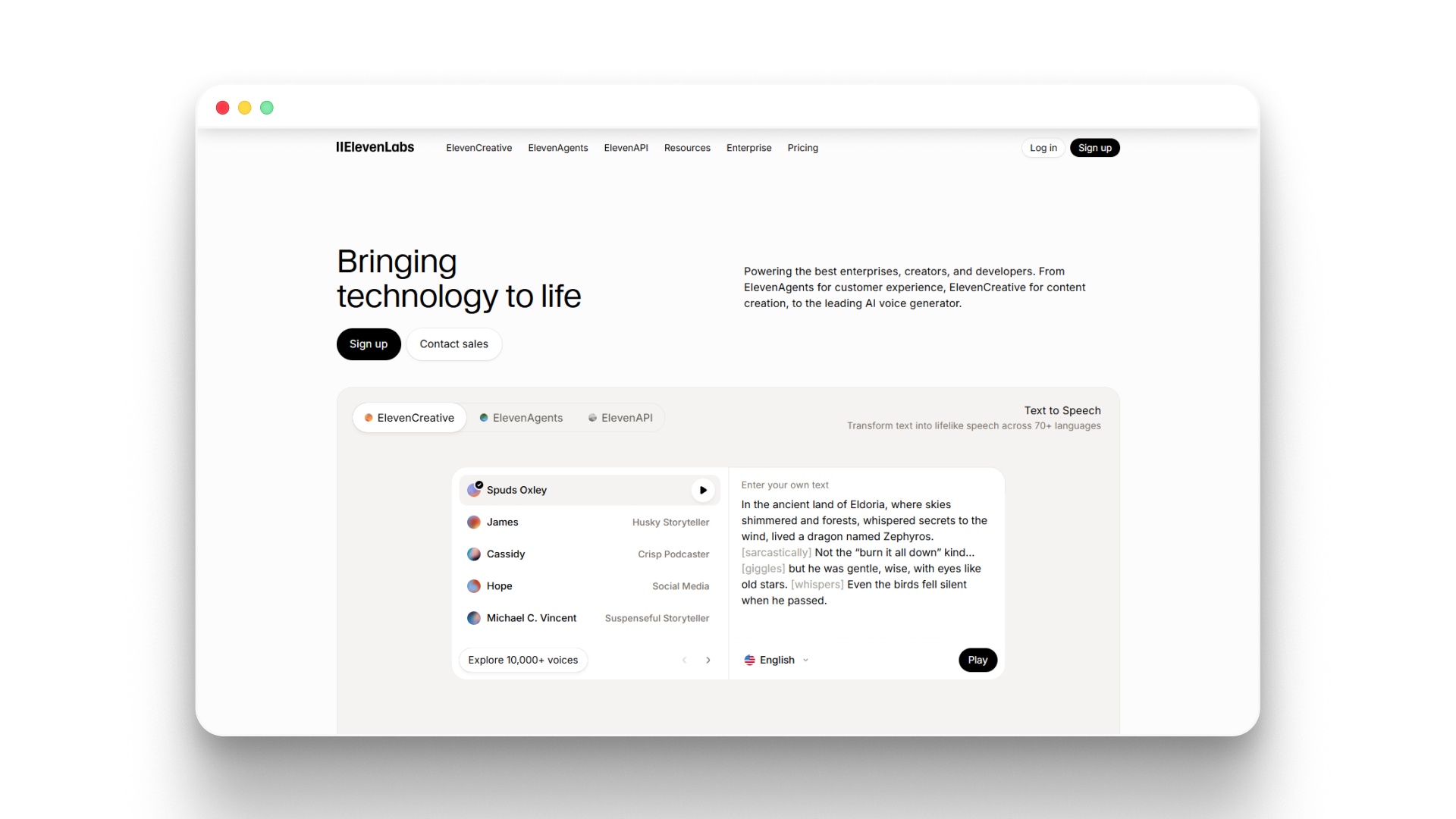
Free AI Voice Generator & Voice Agents Platform | ElevenLabs
ElevenLabs is built to handle the voice layer of filmmaking, focusing on generating realistic speech for narration, dialogue, and dubbing. Instead of relying on recorded audio sessions, it allows filmmakers to create consistent voice output directly from text.
For example, a filmmaker can assign a specific voice to a character and use it across multiple scenes, maintaining the same tone and identity without re-recording lines.
Where ElevenLabs performs well
- Natural voice generation: ElevenLabs produces speech that sounds fluid and human-like, making it suitable for narration, character dialogue, and storytelling.
- Multilingual support: It allows filmmakers to generate voiceovers in different languages, which is useful for distributing the same film across multiple regions.
- Control over delivery: Filmmakers can adjust tone, pacing, and emphasis, helping match the voice to different scenes, such as a calm narration or a more energetic delivery.
Limitations filmmakers should consider
- No visual capabilities: ElevenLabs focuses only on audio and does not generate video or visuals.
- Requires workflow integration: It needs to be combined with video tools to complete a project.
- Fine-tuning may be needed: Voice output may require adjustments to better match emotional nuance or character intent.
How filmmakers typically use ElevenLabs
- Narration and voiceovers: Filmmakers use it to create voice tracks for documentaries, explainers, or story-driven content.
- Dialogue generation: It helps build character voices without recording sessions, especially in AI-generated or animated projects.
- Content localization: It is used to produce multilingual versions of the same film without reshooting or re-recording.
ElevenLabs plays a key role in strengthening the audio side of filmmaking. While it does not handle visuals, it adds consistency and flexibility to voice-driven storytelling within a larger production workflow.
5. Higgsfield
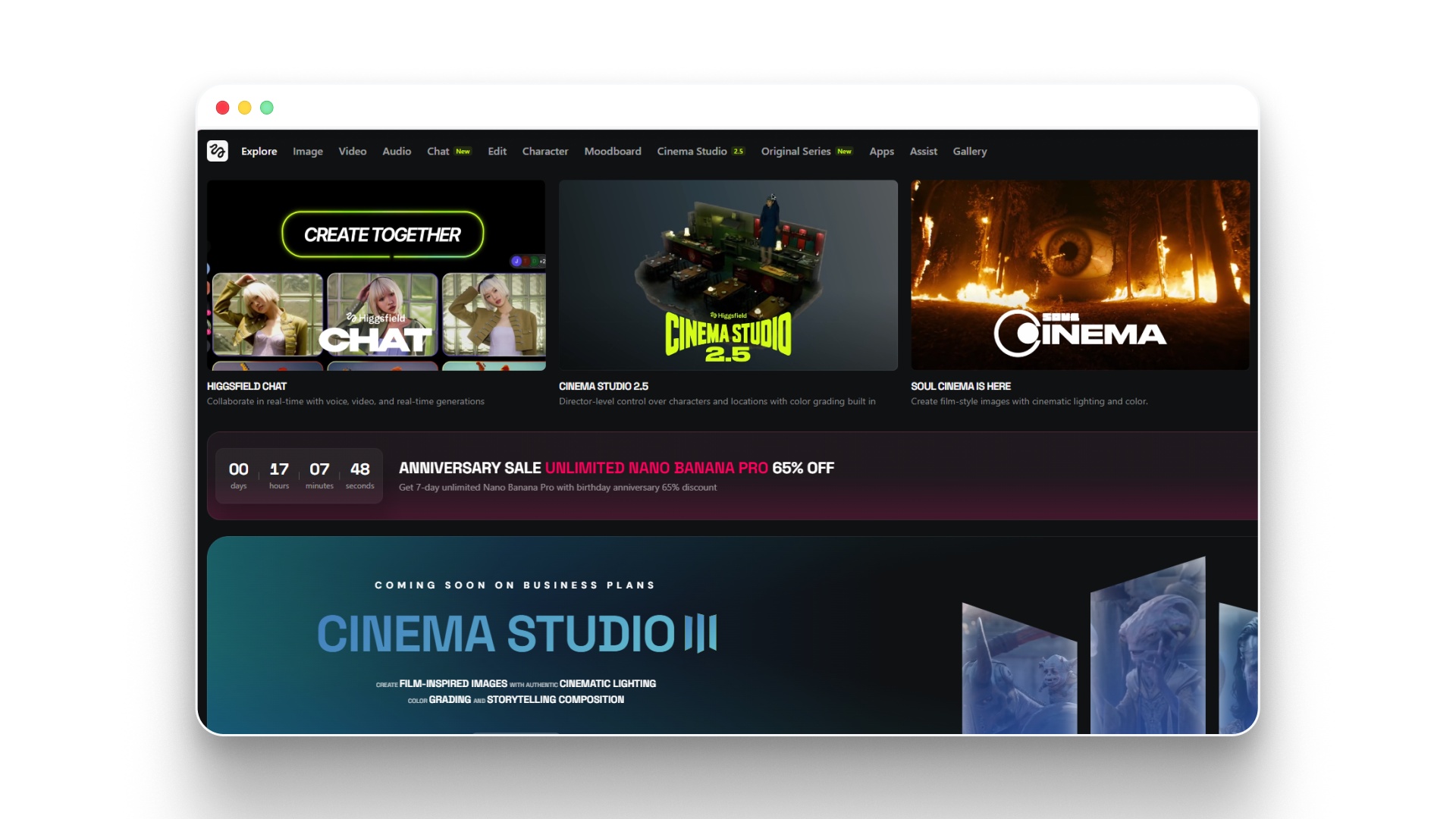
An ultimate infrastructure for AI Video and Image Generation by Higgsfield
Higgsfield is designed for filmmakers who want tighter control over how individual shots are created. Instead of depending only on high-level prompts, it allows more precise direction over framing, camera movement, and composition, making outputs feel more intentional.
For example, a filmmaker can define how a camera slowly pushes toward a subject or holds a specific angle, rather than relying on unpredictable motion generated by default.
Where Higgsfield performs well
- Shot-level control: Higgsfield allows filmmakers to guide framing and movement, helping create shots that match a specific visual idea, such as a controlled close-up or a steady tracking shot.
- Alignment with creative intent: Outputs tend to reflect the intended direction more closely, making it easier to achieve a planned look without excessive correction.
- Precision in visual design: It supports a more deliberate approach to building cinematic shots, where composition and motion are carefully considered.
Limitations filmmakers should consider
- No multi-scene workflow: Higgsfield focuses on individual shots and does not provide tools for building full sequences or structured narratives.
- Iteration required for accuracy: Achieving the exact shot often takes multiple attempts, especially for more detailed compositions.
- Limited scalability: It is not designed for producing large volumes of consistent content across multiple videos.
How filmmakers typically use Higgsfield
- Shot planning and design: Filmmakers use Higgsfield to shape how specific shots should look before production or final generation.
- Camera movement testing: It helps explore how motion, such as pans or zooms, affects the feel of a scene.
- Focused sequence creation: It is useful for short segments where precision and control matter more than overall length.
Higgsfield works best as a shot-focused tool within a larger filmmaking workflow. It gives filmmakers more control at the moment level, but still needs to be combined with other tools for full narrative construction.
6. Kling
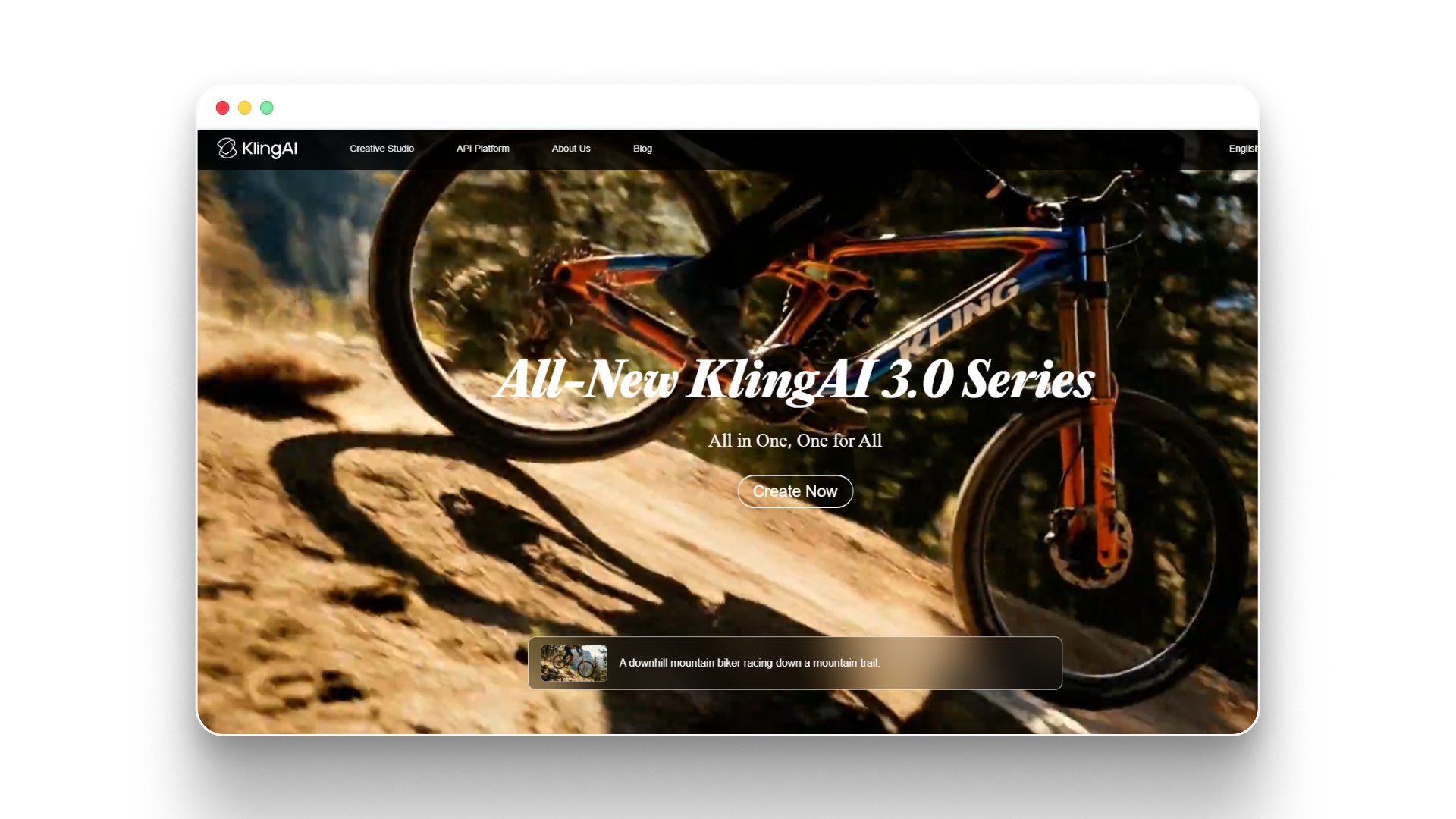
Kling AI: Next-Generation AI Creative Studio
Kling is designed to produce visually compelling video clips with strong motion quality and detailed rendering. Rather than focusing on full narratives, it specializes in creating moments that feel dynamic and visually engaging on their own.
For example, a filmmaker can generate a stylized chase sequence or a dramatic close-up with intense movement, creating a shot that feels energetic without needing complex setup.
Where Kling performs well
- Smooth motion output: Kling handles movement effectively, making actions like running, camera shifts, or environmental motion appear fluid and believable.
- High visual detail: It delivers sharp and textured visuals, which helps scenes feel more polished and cinematic.
- Strong impact in short formats: Kling is particularly effective for brief scenes that need to capture attention quickly, such as teaser shots or highlight moments.
Limitations filmmakers should consider
- Lack of narrative structure: Kling does not offer tools to organize clips into a connected storyline or sequence.
- Inconsistent continuity: Keeping the same characters or settings consistent across multiple clips can be difficult.
- Not built for long-form content: It is better suited for short clips rather than extended storytelling or full productions.
How filmmakers typically use Kling
- Creating standout shots: Filmmakers use Kling to generate visually impactful moments within a project.
- Exploring creative visuals: It is useful for experimenting with stylized or visually bold ideas.
- Short-form cinematic content: Kling supports quick, engaging clips for trailers, teasers, or social formats.
Kling is most effective when used for individual scenes that need strong visual presence. For complete storytelling, it is usually combined with tools that offer better control over structure and continuity.
7. Google Veo 3.1
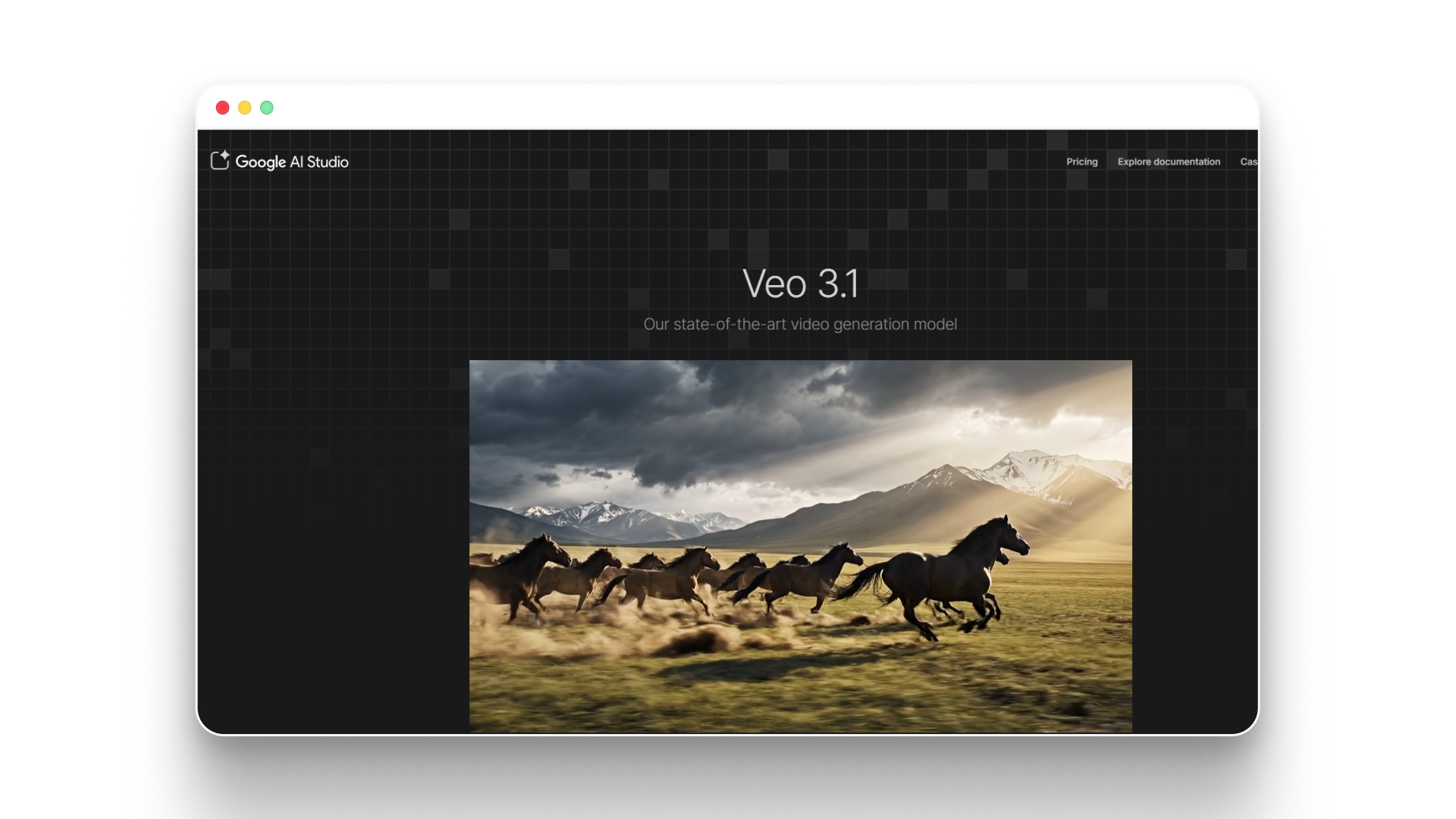
Google Veo is designed to generate video that closely reflects real-world visuals, with a strong focus on natural motion, lighting, and environmental detail. Instead of producing stylized or abstract outputs, it aims to create scenes that feel grounded and lifelike.
For example, a simple prompt describing a crowded street can result in layered movement, shifting light, and realistic background activity, giving the scene a sense of depth and realism.
Where Veo performs well
- Realistic motion and behavior: Veo generates movement that mirrors how people, objects, and environments behave in real life, such as natural walking patterns or flowing traffic.
- Cinematic visual detail: It produces scenes with depth, lighting variation, and atmosphere, helping outputs feel closer to filmed footage than generated clips.
- High-quality scene visualization: Veo allows filmmakers to explore ideas that would otherwise require complex setups, such as large environments or dynamic locations.
Limitations filmmakers should consider
- Limited narrative control: Veo does not offer strong tools to define how scenes connect, making it difficult to control story flow across multiple clips.
- Challenges with consistency: Maintaining the same characters, settings, or visual tone across different generations can be unreliable.
- Not built for long-form storytelling: It focuses on individual scenes rather than structured, multi-scene narratives.
How filmmakers typically use Veo
- Scene visualization: Filmmakers use Veo to preview how specific environments or shots might look before production.
- Creative direction testing: It helps experiment with lighting, mood, and visual style early in the process.
- Concept exploration: Veo is useful for trying out ideas that are difficult or expensive to shoot in real life.
Google Veo works best as a visualization tool within filmmaking. It helps filmmakers understand how a scene could look on screen, but building a complete, structured film typically requires additional tools and workflows.
8. Midjourney
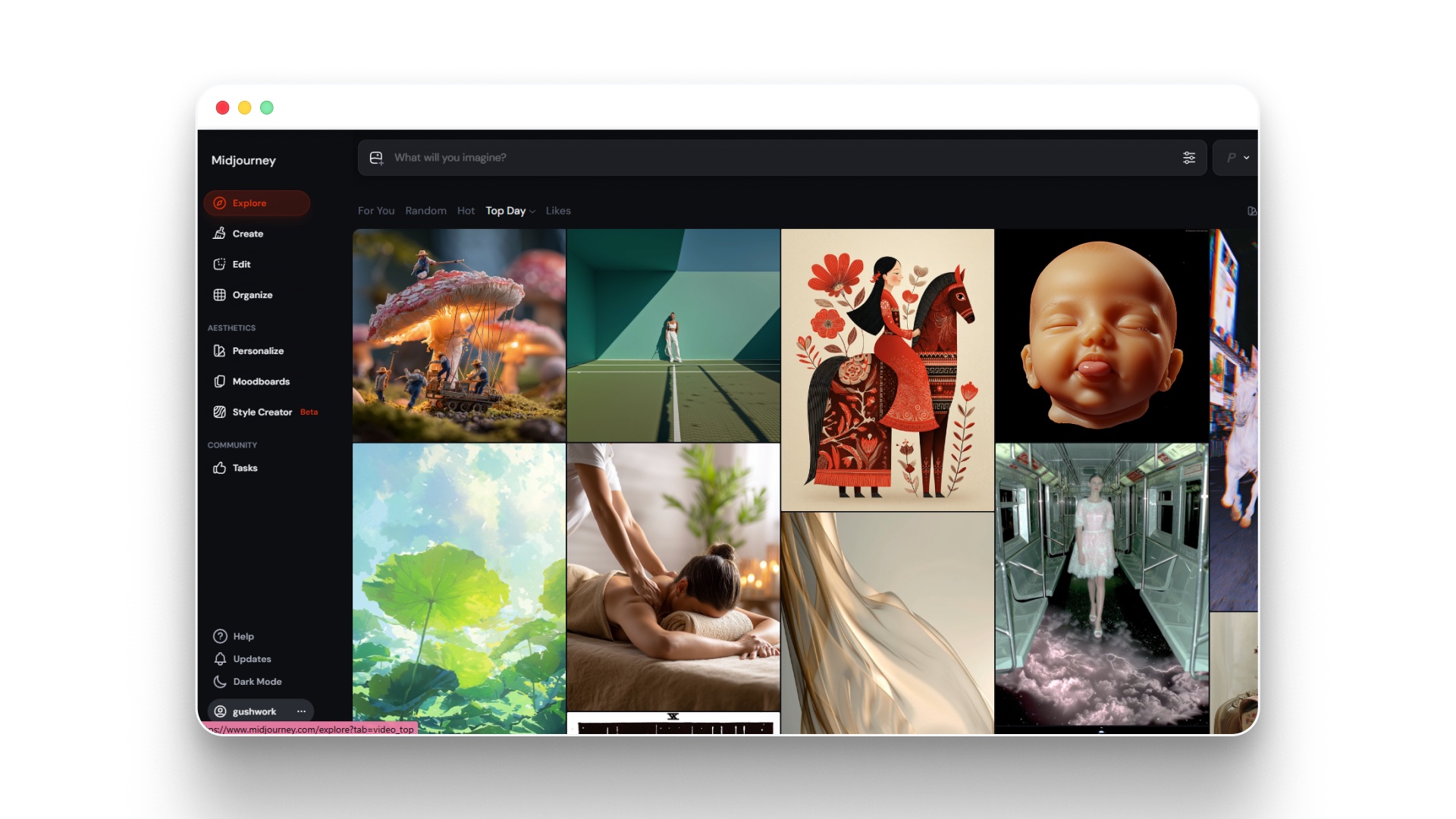
Midjourney is widely used by filmmakers during the early stages of production to shape the visual direction of a project. Instead of generating video, it focuses on creating high-quality images that help define how a film should look before anything is shot or produced.
For example, a filmmaker can generate multiple variations of a location, such as a futuristic city or a period setting, to decide on the final design and mood before moving into production.
Where Midjourney performs well
- Detailed visual concept creation: Midjourney produces high-quality images for scenes, characters, and environments, helping filmmakers visualize ideas clearly.
- Style and mood development: It helps establish lighting, color tone, and overall aesthetic direction, which guides the visual identity of a film.
- Fast creative exploration: Filmmakers can quickly test different styles or concepts, such as comparing a dark, cinematic look with a brighter, stylized version of the same scene.
Limitations filmmakers should consider
- No motion or video output: Midjourney only generates static images, so it cannot create moving scenes or sequences.
- Requires translation into production: Outputs need to be adapted into actual footage using video tools or traditional filmmaking methods.
- Limited to pre-production use: It does not support editing, sequencing, or final video creation.
How filmmakers typically use Midjourney
- Concept art and storyboards: Filmmakers use it to visualize scenes before production begins, helping plan shots and compositions.
- Visual development: It helps define the look and feel of characters, locations, and environments.
- Team communication: Generated visuals are often used to present ideas to collaborators, clients, or production teams.
Midjourney works best as a visual planning tool within filmmaking. It helps filmmakers clarify their creative direction early, making it easier to move into production with a clear and consistent vision.
Also Read: Best AI Video Generation Models of 2026
How to Choose the Best AI for Filmmakers in 2026?
Selecting the best AI for filmmakers in 2026 depends on what you need the final output to achieve after it’s created. Most tools can generate clips. Only a few help you maintain consistency, control the narrative, and scale production without starting over each time.
Use this lens when deciding:
- For storytelling and continuity: Select a tool that lets you define scenes, pacing, and structure before generation. This keeps your film cohesive and reduces repeated iterations.
- For experimentation or creative visuals: Go with tools built for flexibility and model access. They offer more creative freedom, but results may vary and require extra refinement.
- For presenter-led or corporate content: Avatar-based platforms are efficient for quick production, but they are limited in visual depth and storytelling capability.
- For speed and volume: Template- and stock-driven tools help produce content faster, but often lack originality and strong narrative impact.
For filmmakers creating consistently, the right option is the one that simplifies decisions, not adds complexity, and turns ideas into structured outputs without rebuilding every time. Tools like Frameo stand out by treating filmmaking as a repeatable system rather than a one-time generation.
Wrapping Up
Choosing the best AI for filmmakers is not about finding a tool that delivers stunning visuals in one click. It is about using AI within a structured workflow that ensures consistency, control, and narrative clarity from start to finish. The strongest results come from planning scenes, guiding outputs, and refining sequences rather than relying only on prompts.
As AI filmmaking advances, creators now have better control over character consistency, camera movement, and multi-scene storytelling. Tools like Frameo, built for narrative-driven workflows, simplify this process by combining scripting, scene generation, and refinement into a more structured system. This helps filmmakers maintain continuity and produce more cohesive results without complex traditional setups.
If you want to turn ideas into complete, structured films with consistent characters, scenes, and storytelling flow, explore how Frameo simplifies AI filmmaking.
FAQs
1. Is there an AI tool that doesn’t require post-editing?
No. Even the best AI for filmmakers cannot fully replace post-production. What they can do is reduce effort by generating more structured, usable footage that only needs light refinement rather than heavy editing.
2. Why do AI-generated videos vary with the same prompt?
Because AI relies on probabilistic outputs. The same prompt can produce different results each time. Filmmakers improve consistency by locking key elements like characters, style, and shot composition.
3. Can AI handle multi-scene films reliably?
Not on its own. Most tools generate clips, not full narratives. The best AI for filmmakers supports structured workflows, allowing creators to build films scene by scene with better continuity.
4. Are AI tools suitable for ad campaigns?
Yes, especially for short-form and digital ads. When combined with clear storytelling and controlled pacing, AI tools can produce high-quality, campaign-ready content.
5. What’s the biggest mistake filmmakers make when choosing AI?
Choosing based on visual output alone. The best AI for filmmakers is defined by workflow compatibility, consistency, and control, not just how impressive a single demo looks.
6. How long can AI-generated shots be?
Most tools generate clips lasting a few seconds. Longer sequences are created by combining multiple clips while maintaining visual and motion consistency.
7. Do AI videos still need editing?
Yes. Editing is essential to refine pacing, align visuals with audio, and ensure smooth transitions. AI speeds up creation, but not final production.
8. Can AI maintain character consistency?
Partially. While modern tools improve consistency, small variations still occur. Using reference images and controlled prompts helps maintain continuity.
9. What scenes work best with AI filmmaking tools?
Simple, controlled scenes perform best. Shots with minimal motion, clear subjects, and stable environments produce more reliable outputs than complex action sequences.
10. Can AI create cinematic camera movement?
Yes. Many tools simulate pans, zooms, and tracking shots. However, precision still requires iteration and manual guidance.