Cheapest AI Video Generators: Top 8 Picks in 2026
Looking for an affordable AI video tool? Explore the 8 cheapest AI video generators in 2026, and compare the pricing, features, pros, and cons of each tool.

Creating video content used to mean buying expensive gear and working with a large team. Now you can generate cinematic clips from a text prompt. The challenge is finding a tool that fits your budget.
The AI video market is growing rapidly with a 36.2% CAGR, and it is expected to hit $246.03 billion by 2034. As more tools are entering the space and competition increases, pricing is becoming more favorable for creators on a budget.
This guide breaks down the 8 best and cheapest AI video generators of 2026. You'll learn what each tool offers, what it costs, and which one fits your needs.
Key Takeaways
- The top 8 cheapest AI video generators: Frameo, Higgsfield, Fal.ai, Leonardo.ai, WaveSpeed.ai, Viddo AI, Hailuo AI, and Kling AI, covering plans from $7.99 to $200 per month.
- Paid plans start at $9 to $10 per month: Entry-level tiers give you enough credits to experiment and produce short content on a tight budget.
- Credits don't equal video minutes: Each platform measures credits differently, so check how many seconds your plan actually generates before subscribing.
- Free tiers help you test, not produce: Free plans are useful for checking output quality and interface feel, but are too limited for regular content creation.
- The tool’s value depends on your workflow: The best deal is the tool that matches how you create, not just the one with the lowest price.
What Is an AI Video Generator and How Does It Work?
An AI video generator is a tool that creates video clips from text prompts, images, or a combination of both. These tools use trained models to produce motion, scenes, and characters without cameras, actors, or physical sets.
Most AI video generators work on a credit-based system. You write a prompt, choose settings like resolution and duration, and the tool generates a clip. Each generation uses a set number of credits based on the complexity and length of your request.
Some tools focus on single-clip generation, which is great for social media posts or quick visual ideas. Others go further by offering full story-to-video workflows with scripts, characters, and multi-scene assembly. The right choice depends on what kind of content you plan to create.
Why Does Pricing Matter for AI Video Creators?
Pricing directly affects how much content you can produce each month. If your plan runs out of credits after a few short clips, your creative output is capped regardless of how many ideas you have. Here's why pricing deserves careful attention:
- Monthly credit limits set your ceiling: Most plans give you a fixed number of credits per month, and unused credits rarely roll over.
- Resolution and duration eat credits faster: A 10-second clip at 1080p can cost two to three times more credits than a 5-second clip at 720p.
- Iteration adds up quickly: Getting the right output often takes multiple generations, so writing effective prompts is essential to reducing your real cost per usable clip.
- Plan upgrades are steep: Jumping from a $10 plan to a $25 or $50 plan is a big leap for creators testing the waters.
The cheapest plan isn't always the best value. A $10 plan that gives you 30 seconds of video costs more per second than a $25 plan that gives you 90 seconds. Always calculate your effective cost per second of usable video.
Tip: Before subscribing, estimate how many video seconds you need per month. Then compare that against each tool's credit-to-seconds ratio to find your actual best deal.
8 Cheapest AI Video Generators Compared
Here's a quick overview of all 8 affordable and budget-friendly AI video generators:
Tool | Starting Price | Key Feature | Best For |
$10/mo | Full story-to-video pipeline | Storytellers and series creators | |
Higgsfield | $9/mo (annual) | 20+ AI models and VFX presets | Effects-focused social content |
Fal.ai | $0.05/second | 1,000+ models via API | Developers building AI apps |
Leonardo.ai | $10/mo | Image and video in one platform | Hobbyists and image-first creators |
WaveSpeed.ai | $0.01/second | Speed-optimized API inference | Technical teams and startups |
Viddo AI | $16/mo | Multi-model video and music | Budget social media creators |
Hailuo AI | $7.99/mo (annual) | Fast clip generation | Quick, affordable single clips |
Kling AI | $9.79 (one-time) | Cinematic quality with native audio | High-quality short-form video |
Each tool has a different approach to pricing and features. Let’s take a closer look at what you get with each one.
1. Frameo

Frameo is a complete AI storytelling platform built for creators who want to go beyond single clips. It turns story prompts into complete videos with scripts, characters, storyboards, and assembled scenes.
Key features:
- Character persistence: Locks character appearance across every scene, so your characters look the same from the first shot to the last.
- Script-to-video pipeline: Converts a raw idea into a screenplay, then breaks it into a shot-by-shot storyboard ready for generation.
- Conversational editing: Refine characters, scenes, and storyboards through natural chat commands instead of complex menus.
- Built-in audio tools: Adds voiceover, background music, and subtitles directly to your finished video without switching tools.
Pros:
- Story-first workflow: Designed for multi-scene narratives, not just isolated clips.
- All-in-one production: Script, visuals, audio, and export happen in a single workspace.
- Low entry price: Starts at $10 per month with all core features included.
Cons:
- Credits don't roll over: Unused credits reset each billing cycle.
- Starter plan output is short: 600 credits provide roughly 30 seconds of generated video.
- Learning curve for complex projects: Multi-scene workflows take more setup than single-prompt tools.
Best for:
- Storytellers and filmmakers: Ideal if you need characters, scripts, and scenes that stay visually consistent across an entire project.
- Social media creators: Great for producing short films, micro-dramas, and series-format content for Reels, Shorts, or TikTok.
Pricing:
- Starter: $10/mo (600 credits, ~30s video).
- Explorer: $25/mo (1,500 credits, ~1 min 30s video).
- Creator: $75/mo (7,500 credits, ~7 min 30s video).
- Wizard: $200/mo (25,000 credits, ~30 min video).
2. Higgsfield
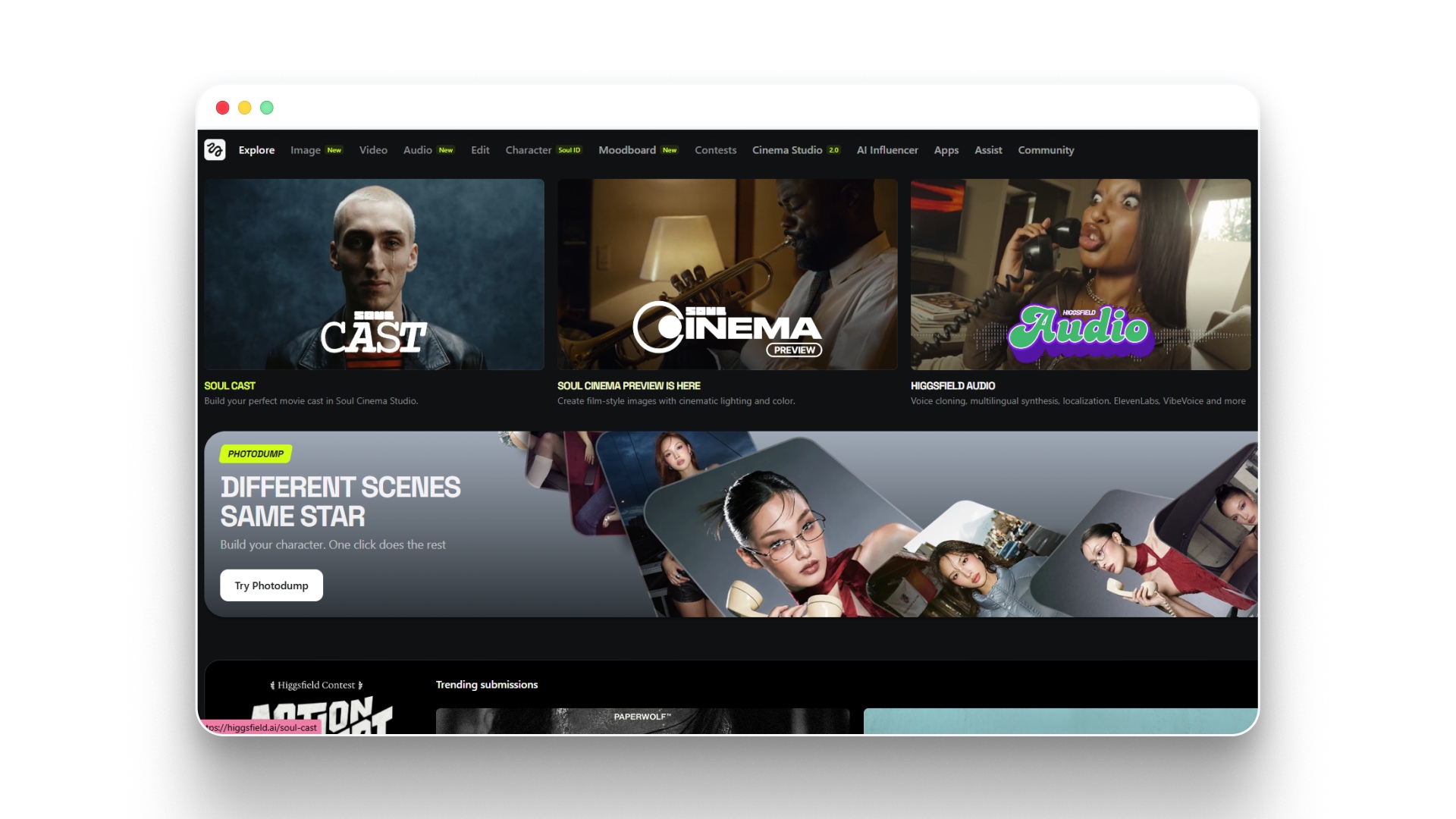
Higgsfield is a creative AI platform focused on image and video generation with a strong community and contest ecosystem. It offers access to multiple AI models including Kling 3.0, Sora 2, and its own Nano Banana models.
Key features:
- Multi-model access: Generates with Kling 3.0, Sora 2, Veo 3.1, and more from a single interface, giving you flexibility to pick the right model for each project.
- Visual effects library: Offers hundreds of ready-to-use effects like transitions, transformations, and cinematic presets, so you can add polish without manual editing.
- Soul ID character system: Creates and maintains consistent character identities across generations, keeping your creative vision intact.
- Cinema Studio: Provides professional camera controls and motion presets, letting you direct shots with cinematic framing and movement.
Pros:
- Generous free tier: Includes free Kling 3.0 and Soul 2.0 generations on paid plans.
- Active community: Contests and galleries inspire creativity and provide feedback.
- Wide model selection: Access to most major AI video and image models in one place.
Cons:
- Credit system is complex: Different models consume credits at different rates, making it hard to predict usage.
- Annual billing for best prices: Monthly plans cost significantly more than annual commitments.
- Large number of features: The number of tools and models can feel overwhelming for beginners exploring AI video generators for the first time.
Best for:
- Effects-focused creators: Perfect if you want ready-made visual effects and transitions for social content.
- Experimenters: Great for trying multiple AI models without subscribing to each one separately.
Pricing:
- Basic: $9/mo (annual), 150 credits/mo.
- Pro: $23/mo (annual), 600 credits/mo.
- Ultimate: $39/mo (annual), 1,200 credits/mo.
- Creator: $199/mo (annual), 6,000 credits/mo.
3. Fal.ai
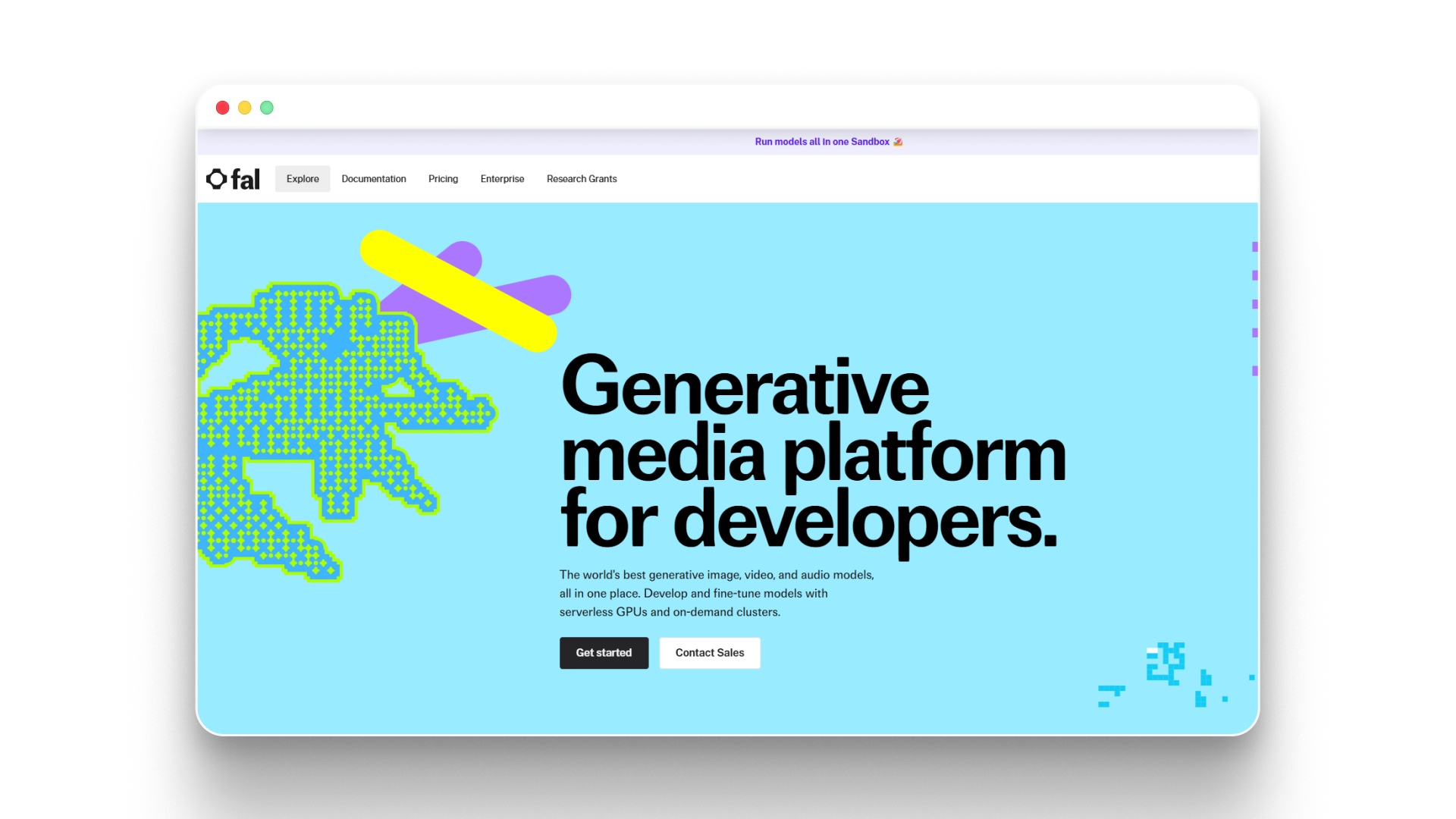
Fal.ai is a developer-focused generative media platform. It provides Application Programming Interface (API) access to over 1,000 AI models for image, video, and audio generation. This tool is built primarily for developers, not end-user creators.
Key features:
- Massive model library: Access to 1,000+ production-ready models through a single API, so developers can build custom creative applications.
- Serverless Graphics Processing Unit (GPU) infrastructure: Runs inference on distributed hardware without configuration, keeping deployment simple and fast.
- Pay-per-use pricing: Charges based on output (per second for video, per image for images), so you only pay for what you generate.
- Custom model deployment: Lets you deploy and fine-tune your own models on their infrastructure, giving full control over output quality.
Pros:
- Low per-unit costs: Video generation starts at $0.05 per second for some models.
- No subscription required: Pay only for what you use without monthly commitments.
- Developer-friendly SDKs: Clean API with support for JavaScript and Python.
Cons:
- No visual interface for creators: Requires coding knowledge to use.
- No storytelling workflow: Generates individual clips without scripts, characters, or scene assembly.
- Pricing varies by model: Premium models like Veo 3 cost significantly more per second.
Best for:
- Developers and engineers: Ideal for building AI-powered creative applications or integrating video generation into existing products.
- High-volume API users: Cost-effective for teams running thousands of generations per day.
Pricing:
- Video: $0.05 to $0.40 per second depending on model.
- Images: $0.005 to $0.14 per image depending on model.
- GPUs: Starting at $1.89/hr for H100 instances.
4. Leonardo.ai
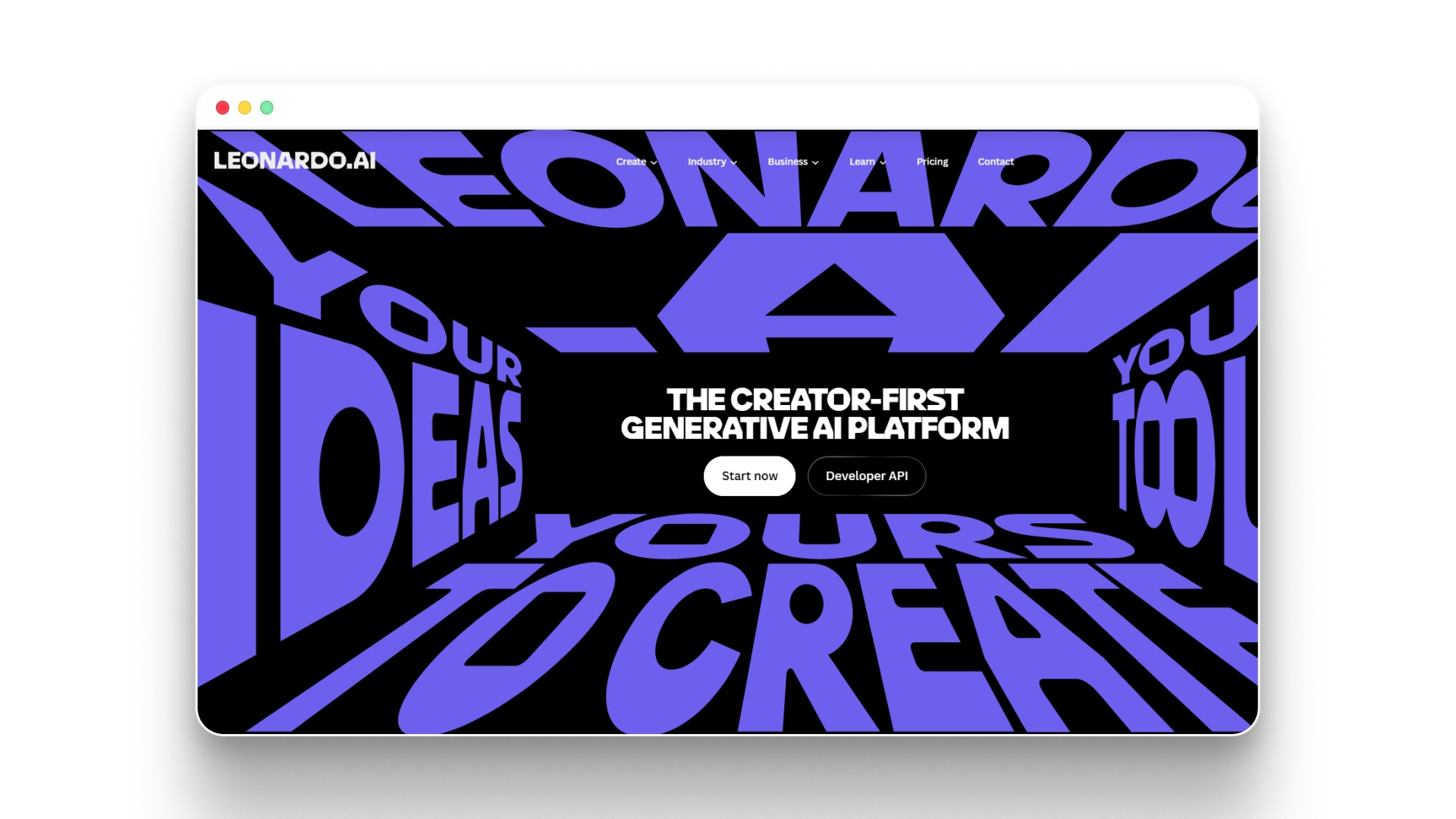
Leonardo.ai is a generative AI platform that covers both image and video creation. It offers a token-based system with access to its own models plus third-party options like Veo 3 and Kling.
Key features:
- Multi-format generation: Creates images and videos from text or image references in one platform, so you can handle both visual needs without switching tools.
- Custom model training: Lets you upload 10 to 20 reference images to train your own model, keeping style and subject consistency across generations.
- Blueprints: Pre-built workflows that combine specific models, prompts, and settings, helping you get repeatable results faster.
- Relaxed generation mode on higher plans: Offers unlimited image and video generation at slower speeds on Premium and Ultimate plans, so you can keep creating after credits run out.
Pros:
- Free tier available: 150 daily tokens let you test the platform before paying.
- Token rollover on paid plans: Unused tokens carry over to a rollover bank.
- Mobile app support: Available on iOS and Android for creating on the go.
Cons:
- Video generation uses tokens fast: Video models consume significantly more tokens than image models.
- Relaxed mode is slow: Unlimited generation runs at lower priority, which means longer wait times during peak hours.
- Third-party models always require tokens: Models like Veo 3 and Kling don't work in relaxed mode, so they always cost tokens.
Best for:
- Image-first creators: Strong choice if you primarily need AI images and want video as an add-on feature.
- Hobbyists and casual creators: The free tier and low-cost Essential plan make it easy to start without financial commitment.
Pricing:
- Free: 150 tokens/day, public generations.
- Essential: $10/mo, 8,500 tokens/mo.
- Premium: $24/mo, 25,000 tokens/mo.
- Ultimate: $48/mo, 60,000 tokens/mo.
5. WaveSpeed.ai
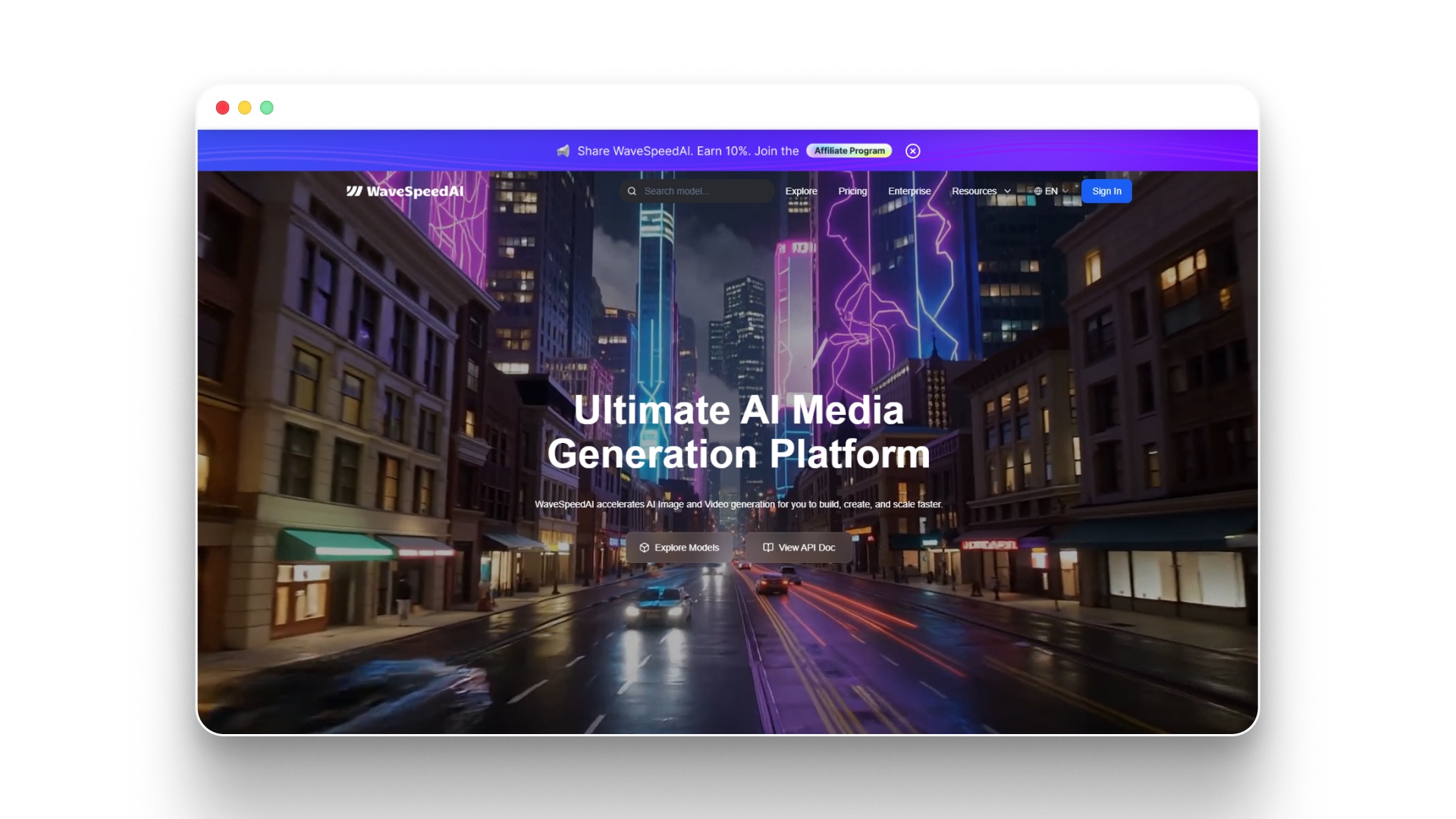
WaveSpeed.ai is an API-based platform for fast AI image and video generation. Like Fal.ai, it serves developers and businesses that need to integrate generative media into their own products.
Key features:
- Speed-optimized inference: Claims up to 10x faster processing than competitors, so your generations return in seconds rather than minutes.
- Broad model support: Offers access to Kling, Wan, Seedance, Hailuo, and many other leading models through a single API endpoint.
- Low-cost GPU access: Provides serverless GPU options starting at $0.69/hr for RTX 5090 instances, keeping infrastructure costs down.
- Model categories by task: Groups tools into clear categories like video editing, face swap, lip sync, and 3D creation, making it easier to find what you need.
Pros:
- Competitive per-second pricing: Video generation starts as low as $0.01 per second for some models.
- $1 free credit to start: No subscription needed to test the platform.
- Enterprise-grade infrastructure: SOC 2 compliant with priority support options.
Cons:
- API-only access: No browser-based creative interface for non-technical users.
- No creative workflow: Generates individual assets without story, character, or scene management.
- Pricing complexity: Different models have different per-unit costs, making budgeting unpredictable.
Best for:
- Technical teams and startups: Ideal for building AI-powered products that need fast, affordable media generation at scale.
- Cost-sensitive API users: Great if you already have a creative workflow and just need cheap inference.
Pricing:
- Video: $0.01 to $0.40 per second depending on model.
- Images: $0.005 to $0.14 per image depending on model.
- GPUs: Starting at $0.69/hr.
6. Viddo AI
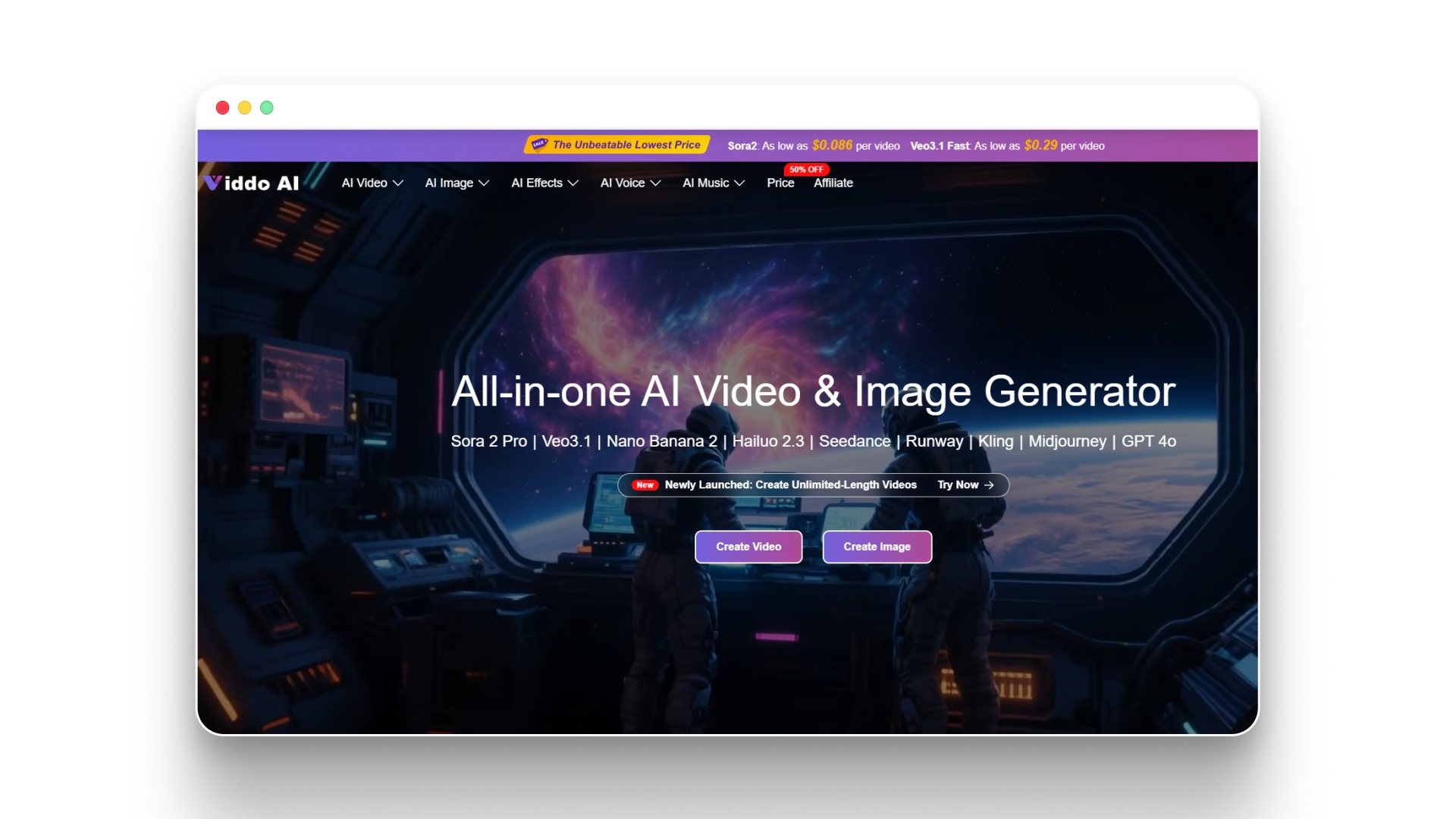
Viddo AI is an all-in-one AI video and image platform that aggregates multiple generation models under a single subscription. It provides access to Sora 2, Veo 3.1, Kling, Runway, Midjourney, and more.
Key features:
- Multi-model marketplace: Access over 20 AI models for video, image, and music generation from one dashboard, saving you from managing separate subscriptions.
- AI prompt assistant: Generates detailed prompts from simple keywords, helping beginners get better results without prompt engineering skills.
- Built-in music creation: Includes Suno integration for AI-generated music and sound, letting you produce audio alongside your video content.
- 300+ video effects: Offers a large library of AI video effects and styles, keeping your content visually fresh.
Pros:
- High output per dollar: Basic plan offers up to 260 videos per month at $16/mo.
- Refund policy for failed generations: Credits are returned if a generation fails.
- Commercial use included on all paid plans: No restrictions on using generated content for business.
Cons:
- No storytelling features: Generates individual clips without character consistency, scripts, or scene continuity.
- Watermarks on free plan: Free generations include a visible watermark.
- Credit consumption varies: Different models and settings use credits at different rates.
Best for:
- Multi-platform content creators: Ideal if you need quick video and image clips for social media across TikTok, YouTube, and Instagram.
- Budget-focused beginners: Good entry point for exploring AI video without a large upfront investment.
Pricing:
- Basic: $16/mo (annual), 19,000 credits/year.
- Pro: $23/mo (annual), 36,000 credits/year.
- Plus: $32/mo (annual), 64,800 credits/year.
- Ultra: $69/mo (annual), 144,000 credits/year.
7. Hailuo AI
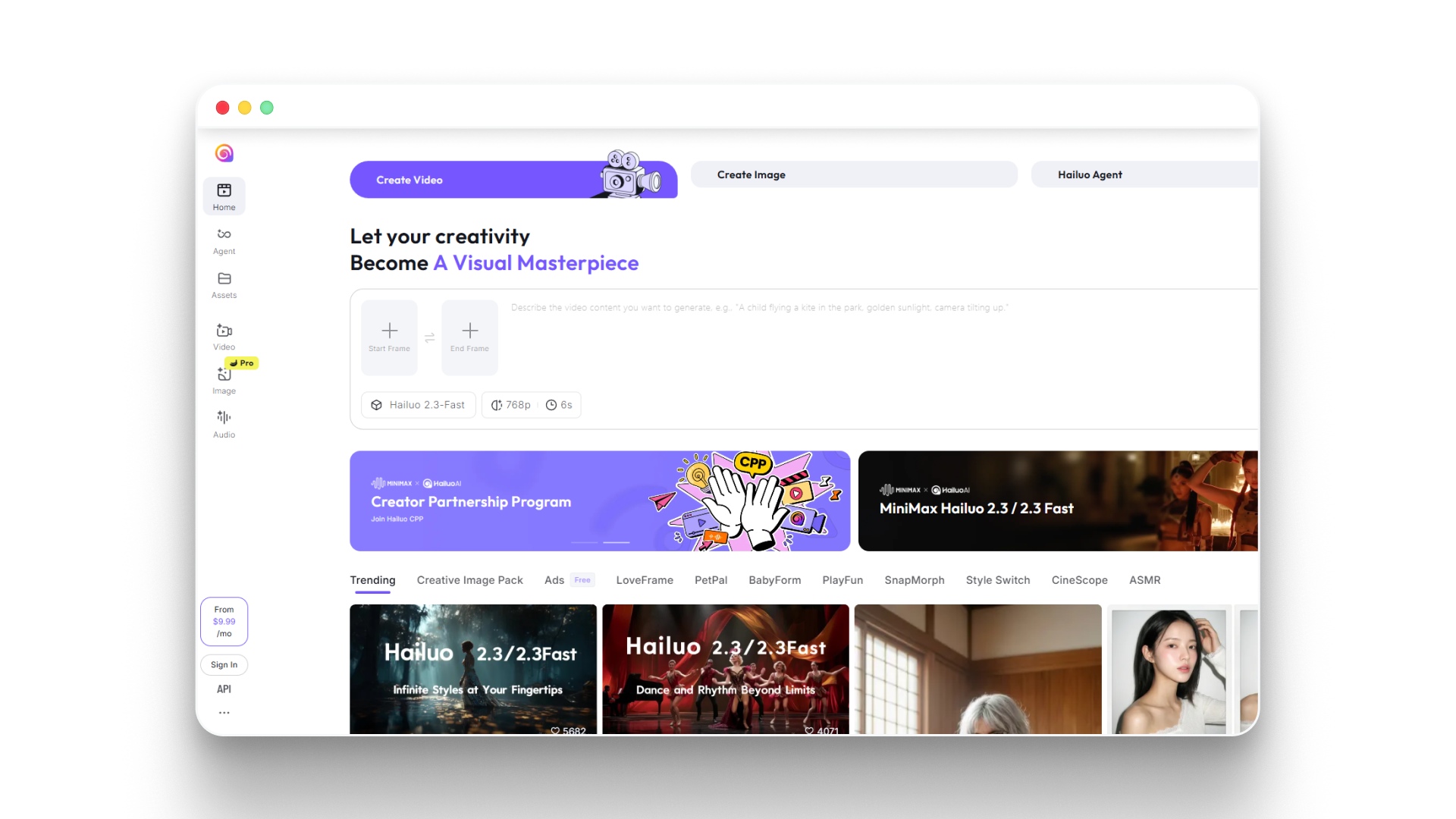
Hailuo AI is a video generation platform from MiniMax that focuses on fast, high-quality clip creation. It offers its own Hailuo 2.3 model alongside third-party options like Veo 3.1 and Sora 2.
Key features:
- Hailuo 2.3 model: Generates high-dynamic video with fast processing times, giving you quick results without long waits.
- Image-to-video and text-to-video: Supports both input types with subject reference options, so you can animate existing images or start from a text prompt.
- Camera movement controls: Lets you describe camera motion in natural language, adding cinematic movement to your clips.
- Yearly plan savings: Annual billing brings the Standard plan down to $7.99/mo, making it one of the cheapest entry points available.
Pros:
- Very low entry price: Standard plan at $7.99/mo (annual) is among the cheapest options reviewed.
- Fast generation speed: Hailuo models are optimized for quick output.
- Access to premium models: Sora 2 and Veo 3.1 available on paid plans.
Cons:
- Annual commitment for best price: Monthly pricing is significantly higher.
- Limited storytelling tools: No script, storyboard, or character consistency features.
- Free trial is one-time only: Free credits do not renew, so testing is limited.
Best for:
- Quick clip creators: Best suited for producing short, standalone video clips for social media or presentations.
- Price-sensitive creators: Strong option if monthly cost is your top priority and you can commit annually.
Pricing:
- Standard: $7.99/mo (annual), 1,000 credits/mo.
- Pro: $27.99/mo (annual), 4,500 credits/mo.
- Master: $63.99/mo (annual), 10,500 credits/mo.
- Ultra: $124.99/mo, 12,000 credits/mo.
Note: Annual billing offers savings of up to 49% on Hailuo AI plans, but you're locked in for a full year. Make sure you've tested the free trial before committing.
8. Kling AI
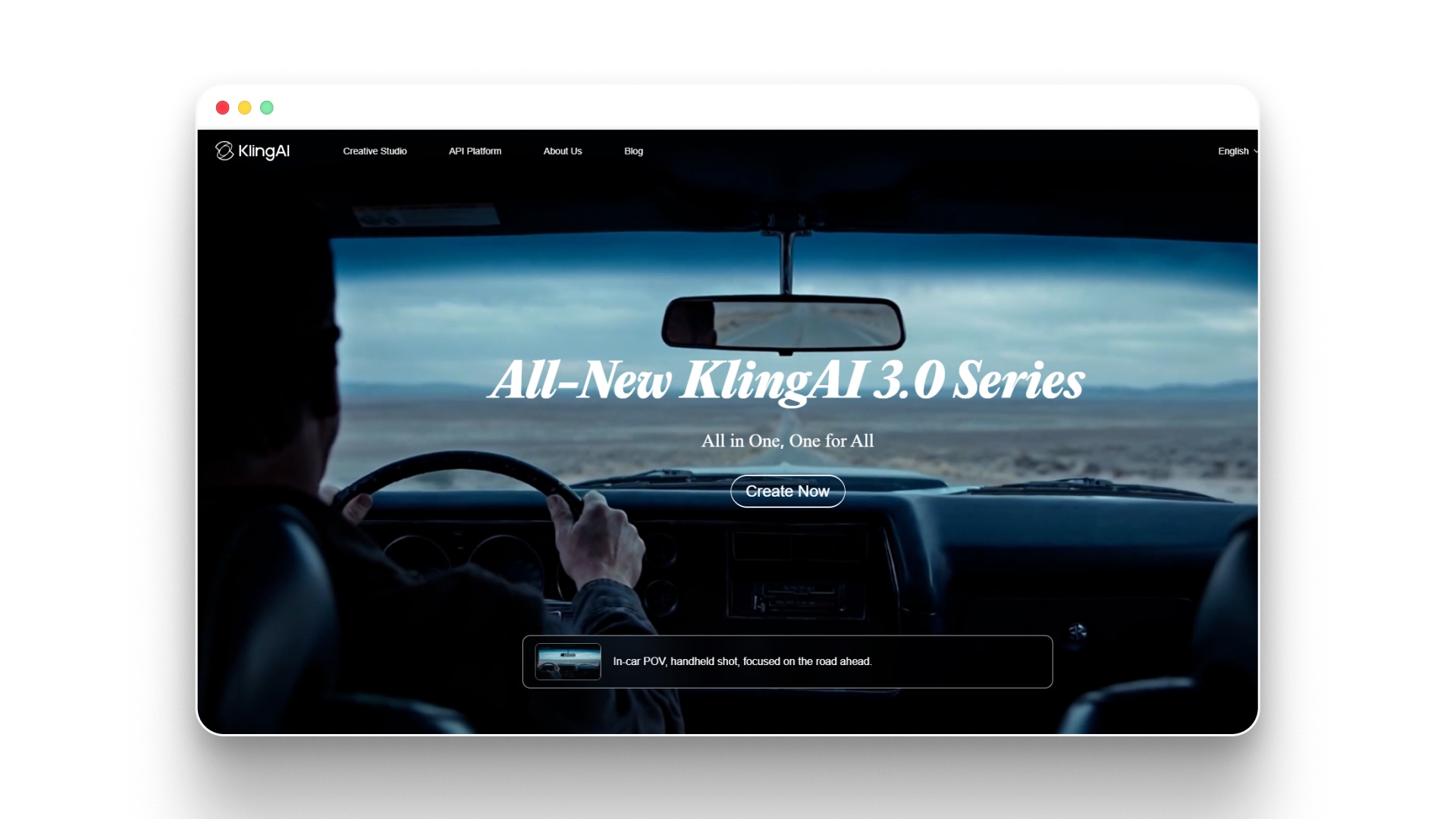
Kling AI is a video generation tool from Kuaishou known for its high-quality cinematic output. It offers its own family of models (Kling 3.0, 2.6, O1) with both consumer and API pricing.
Key features:
- Kling 3.0 series: Supports multi-shot storyboard control and native audio generation, letting you create structured scenes with synchronized sound in a single generation.
- All-in-one reference system: Locks character elements using video or image references, keeping identity consistent across shots.
- 15-second multi-shot generation: Creates multiple shots in one generation with control over framing, camera movement, and timing per shot.
- Native audio with speaker attribution: Generates dialog-synced audio and assigns voices to specific characters, avoiding speaker confusion in multi-character scenes.
Pros:
- Strong cinematic quality: Known for realistic motion, lighting, and physical accuracy.
- Multi-language audio support: Native audio includes regional dialects and code-switching.
- Trial package available: $9.79 for 100 units gives you a low-risk way to test quality.
Cons:
- API-focused pricing for volume: Consumer pricing relies on credit packages, not simple monthly subscriptions.
- Credits expire: Trial and standard packages expire after 30 to 90 days.
- Complex pricing structure: Different modes, resolutions, and audio options all affect credit consumption differently.
Best for:
- Cinematic content creators: Ideal for producing high-quality, realistic video clips that need professional-grade motion and lighting.
- Creators who need audio-video sync: Strong choice for projects where dialog, sound effects, and visuals need to work together natively.
Pricing:
- Trial: $9.79 for 100 units (30 days).
- Package 1: $97.99 for 1,000 units (30 days).
- Package 2: $5,670 for 45,000 units (90 days, 10% off).
- Package 3: $6,720 for 60,000 units (90 days, 20% off).
How to Pick the Right Affordable AI Video Tool
Choosing the cheapest option isn't the same as choosing the best value. The right tool depends on what you need to create, how often you create, and what level of quality you expect. Here are the factors to weigh:
- Calculate your real cost per second: Divide the monthly plan price by the estimated number of video seconds you can generate. This gives you a true comparison across different credit systems.
- Check commercial use rights: If you plan to publish content for business or earn revenue from your videos, confirm that your plan allows commercial usage. Some free and basic tiers restrict this.
- Match features to your content type: Single-clip generators work fine for social media posts and thumbnails. If you need multi-scene stories, look for tools with scripting, character consistency, and storyboard generation.
- Test before committing to annual plans: Many tools offer free trials or one-time credit packages. Use these to evaluate output quality and interface usability before locking into a yearly subscription.
- Evaluate the editing workflow: Some tools let you refine generated content directly. Others require you to export and edit elsewhere. A built-in video editor saves time and avoids extra software costs.
- Consider credit expiration policies: Some platforms reset unused credits monthly. Others let credits roll over or never expire. This matters if your output volume changes month to month.
The best value comes from a tool that fits your specific workflow. A low sticker price means nothing if you constantly run out of credits or need a separate tool for editing, audio, or scene assembly.
Tip: Start with a free trial or the lowest paid tier. Track how many credits you actually use over two weeks. Then project that usage forward to see which plan and tool gives you the best fit.
Common Uses for Budget-Friendly AI Video Generators
Affordable AI video generators serve creators across a wide range of content types. Here's where budget-friendly tools deliver the most value:
1.Social Media Clips and Reels
Short-form video dominates platforms like TikTok, Instagram, and YouTube Shorts. A cheap AI video generator lets you produce eye-catching clips for social media from text prompts without filming anything. For instance, you can type a scene description and get a 5-second clip ready for posting in minutes. Tools that offer TikTok video generation or Instagram Reels creation work well here.
2.Product Videos and Ads
Brands and small businesses use AI video generators to create product demos and promotional clips at a fraction of traditional production costs. For example, you can upload a product image and generate a spinning 3D showcase clip or an animated ad sequence. This is especially useful for e-commerce sellers who need fresh video content regularly.
3.Story-Based Content and Micro-Dramas
This is where budget and features need to align carefully. Creating a story with recurring characters across multiple scenes requires more than a basic clip generator. You need tools that maintain character appearance, support scripts, and assemble scenes in order.
4.Educational and Explainer Videos
Creators producing tutorials, course content, or educational videos benefit from AI video generators that support voiceover, subtitles, and visual consistency. For instance, an educator can write a lesson script and generate matching visuals for each section. Tools with voiceover capabilities and subtitle support work best for this use case.
Budget AI video generators handle all of these use cases differently. Single-clip tools work for social media and ads. For stories and educational content, you need a tool with a deeper production workflow.
What to Watch Out for with Cheap AI Video Tools
Low pricing often also comes with some trade-offs. Knowing these upfront helps you avoid frustration and wasted credits.
- Quality drops at lower tiers: Some tools limit resolution or model access on cheaper plans, giving you noticeably lower output quality.
- Hidden credit consumption: The same clip length can cost wildly different credit amounts depending on the platform, model, and resolution you choose. Always check the pricing and credit breakdown before generating.
- Limited editing after generation: Cheap tools often give you a final clip with no way to adjust timing, audio, or composition. If the result isn't right, you regenerate and spend more credits.
- Watermarks on lower plans: Several tools add watermarks to generated videos on free or basic plans. Removing them usually requires upgrading.
None of these issues are deal-breakers on their own. They become problems when they stack up and slow down your creative process. The key is matching your expectations to what each pricing tier actually delivers.
Why Choose Frameo For Video Generation Over Other Tools?
Most tools generate individual clips. Frameo takes a different approach by handling the full production workflow in one place. You start with a story idea, and the platform builds a screenplay, creates characters, generates a storyboard, and assembles the final video with voiceover and music.
The biggest difference at the $10 starting price point is character persistence. Your characters keep the same face, wardrobe, and build across every scene. That's the one thing most budget tools don't offer, and it's the reason creators building series content or narrative-driven videos end up paying for multiple tools instead of one.
If your content needs go beyond standalone clips, Frameo gives you scripting, scene assembly, audio layers, and multi-format export without upgrading to a higher tier or switching between platforms.
Final Thoughts
The cheapest AI video generator for you depends on what you actually need to create. For single clips and social media content, tools like Hailuo AI, Higgsfield, and Viddo AI offer strong output at low price points. For developers who need API access, Fal.ai and WaveSpeed.ai provide per-use pricing that scales with demand.
If your goal is to build stories with consistent characters, structured scenes, and complete audio, the calculation changes. A tool that handles the full production workflow saves you from paying for three or four separate services. Start creating with Frameo today and see how you can create cinematic short films and high-quality video content.
FAQs
1.What is the difference between credits, tokens, and units?
These are different names for the same concept: a platform-specific currency that gets deducted when you generate content. The key difference is how much each unit produces, which varies by model, resolution, and video length.
2.Are annual plans worth the savings on AI video tools?
Yes, annual plans help you save more compared to monthly billing. However, they make sense if you've tested the tool for at least a month and plan to use it consistently. Avoid annual commitments before testing output quality and usability.
3.Can I create a full short film with a budget AI video generator?
Yes, but you need a tool that supports multi-scene generation, character persistence, and scene assembly. Single-clip generators require you to manually stitch clips together in a separate editor, which adds time and cost.
4.Do AI video generators include sound and voiceover?
Some do. Higher-end tools and certain models support native audio generation, voiceover, and background music. Others generate silent clips that require you to add audio separately using third-party software.
5.How do I avoid wasting credits on bad generations?
Start with shorter, lower-resolution test generations to check if your prompt produces the result you want. Refine your prompt based on initial outputs before running a full-quality generation. Detailed, specific prompts consistently produce better results.



