How to Convert a Book into an Audiobook: A Complete Guide
Learn how to convert a book into an audiobook using the right tools. A complete guide for authors, creators, and self-publishers with tips and insights.
Converting a book to audiobook format opens up a massive audience. In fact, data shows that by 2030, audiobooks will have 21.39% of the market share, from just 3.82% in 2022. However, the process can feel overwhelming if you're new to audio production.
Several practical methods can help you create an audiobook from physical books or digital manuscripts. Some are free, others require investment, and each has different quality levels and time requirements.
This guide helps you choose the right conversion method based on your budget, distribution goals, and quality expectations, not just list tools.
Key Takeaways
- Digital books convert faster than physical books because text is already in machine-readable format.
- Physical books require scanning each page and using Optical Character Recognition (OCR) software to extract text before audio conversion begins.
- Free text-to-speech tools work for personal listening but lack the quality needed for commercial distribution.
- AI narration services create natural-sounding audiobooks suitable for publishing on platforms like Audible.
- Most platforms require MP3 format, along with proper metadata and chapter markers for professional results.
What Does It Mean to Convert a Book to Audiobook?
Converting a book to audiobook means transforming written text into spoken audio format that listeners can play on any device. The process involves extracting or inputting your book's text, generating or recording narration, and exporting the final audio file.
For digital books like ebooks or PDFs, conversion starts with the text already in digital form. You feed this text into text-to-speech software, which reads the content aloud using synthetic voices. The software processes your entire manuscript and creates audio files you can edit and distribute.
Physical books require an extra step. You scan each page using your phone or scanner, then use OCR software to convert those images into editable text. Once you have digital text, the conversion process follows the same steps as ebooks.
The quality of your audiobook depends on several factors. Voice naturalness, pacing, pronunciation accuracy, and audio clarity all impact the listener experience. Professional productions include editing, sound effects, and chapter markers. Basic conversions deliver straight text-to-speech with minimal editing. This guide helps you choose the right conversion method based on your budget, distribution goals, and quality expectations — not just list tools.
Why Convert Your Book to Audiobook Format?
The audiobook market continues growing rapidly, creating real opportunities for authors and publishers. Knowing the benefits helps you decide if conversion makes sense for your content.
Converting books to audiobook format delivers several practical advantages:
- Reach audio-first audiences: Several readers nowadays prefer listening during commutes, workouts, or while doing other tasks, giving you access to people who wouldn't otherwise engage with your content.
- Increase content accessibility: Audiobooks help visually impaired readers and people with reading difficulties access your work, expanding your potential audience significantly.
- Generate additional revenue: Audiobook sales provide a separate income stream from print and ebook sales, with some titles earning more in audio than other formats.
- Build author brand presence: Having audiobooks on major platforms like Audible increases your visibility and credibility as an author.
- Test market response affordably: AI narration lets you create audiobook versions at low cost to gauge interest before investing in expensive professional narration.
- Offer multi-format options: Readers appreciate having choices, and offering your book in multiple formats increases the likelihood of purchase.
Also, the barrier to entry has dropped dramatically. What once required hiring voice actors and booking studio time can now happen at your desk with quality AI narration tools like Frameo.ai.
How to Convert a Digital Book to Audiobook?
Digital books are the easiest to convert because you already have text in a format computers can read. Here's how the process works for ebooks, PDFs, and digital manuscripts.
1.Use Built-in Text-to-Speech Features
Most devices include basic text-to-speech functionality you can use for free. iPhones have Speak Screen, Android devices have TalkBack, and Kindle has VoiceView. These features read text aloud using system voices.
For personal listening, these work fine. Open your ebook and enable the speak function. The device reads through your book while you listen. However, these system voices sound robotic and can't be exported as audio files, making them unsuitable for distribution.
2.Upload to AI Narration Services
AI text-to-speech services like ElevenLabs, Speechify, and Murf AI offer significantly better quality. You upload your ebook file (EPUB, PDF, or DOCX), select a voice, and the service generates narrated audio files.
These platforms use advanced AI models that sound more natural than system voices. Many offer voice cloning, emotional tone adjustment, and pronunciation controls. The output comes as downloadable MP3 or WAV files ready for editing or distribution. Most services typically charge based on character count or audio length.
3.Convert with Desktop Software
Software like Calibre with text-to-speech plugins lets you convert ebooks locally on your computer. This approach works for DRM-free ebooks and gives you complete control over the process.
Calibre is free and supports multiple ebook formats. After installing a TTS plugin, you can convert your entire library to audio files. The downside is that free TTS engines included with desktop software typically sound more robotic than cloud-based AI services.
For authors converting their own unpublished manuscripts, this method provides a free way to hear how your content sounds spoken aloud before publishing.
How to Convert a Physical Book to Audiobook?
Physical books need digitization before audio conversion. The process takes more time but remains accessible with the right tools.
1.Scan Pages with Your Phone
Mobile scanning apps like vFlat Scan, Microsoft Lens, or Adobe Scan turn your phone into a book scanner. These apps capture pages, automatically crop them, correct perspective distortion, and enhance text clarity.
Place your book on a flat surface with good lighting. Open the scanning app and photograph each page. The app processes images in real-time, creating a multi-page PDF document.
2.Extract Text Using OCR
Optical character recognition converts scanned images into editable text. Most scanning apps include OCR functionality, or you can use separate tools like Adobe Acrobat or free online OCR services.
Upload your scanned PDF to the OCR tool. The software analyzes each page, identifies text, and creates a new document with selectable, editable text. OCR accuracy depends on scan quality, font clarity, and page condition. Modern OCR handles printed books well but struggles with handwritten text or poor-quality scans.
Review the extracted text carefully. OCR makes mistakes, particularly with specialized terms, formatting, or decorative fonts. You'll need to proofread and correct errors before audio conversion.
3.Convert Text to Audio
Once you have clean digital text, follow the same process as digital books. Copy your text into an AI narration service or text-to-speech tool. Services like NoteGPT and Wondercraft accept plain text input and generate audiobooks.
This step takes the longest for physical books. Between scanning, OCR correction, and audio generation, expect to invest a couple of hours for a full-length book. However, the cost remains low compared to professional narration.
What Are the Best Tools to Convert Books to Audiobooks?
Choosing the right tool depends on your budget, quality requirements, and technical comfort level. Here's a practical comparison of popular options.
Tool | Best For | Voice Quality | Cost | Export Format |
Frameo.ai | Complete audiobook creation + marketing | Excellent | $10-200/month | MP3, WAV, MP4 |
ElevenLabs | Professional AI narration | Excellent | $5-$1,320/month | MP3, WAV |
Speechify | Ebook conversion | Very Good | $29/month | MP3 |
Wondercraft AI | PDF to audiobook | Very Good | $12.50-$50 | MP3, WAV |
Calibre + Plugin | Free ebook conversion | Fair to Good | Free | MP3 |
ACX/Audible | Professional production | Excellent | $100-$400 per finished hour | Platform-specific |
Each tool serves different needs and budget levels. Let's examine the most practical options in detail.
1.Frameo.ai
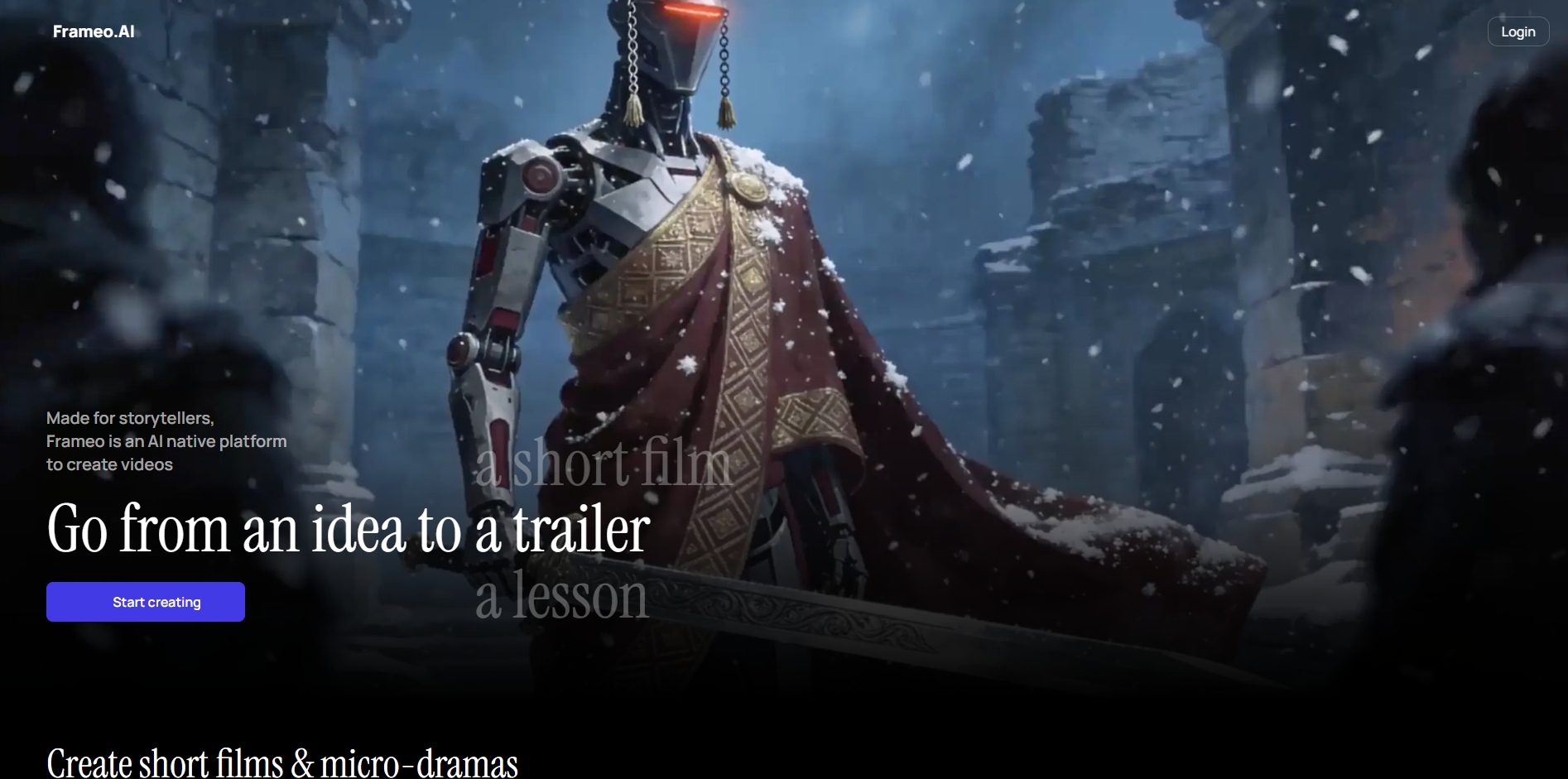
Frameo.ai converts your book, script, or story idea into a complete audiobook with AI narration and mood-matched sound design. The platform handles both audio generation and visual content creation in one workflow.
Upload your manuscript or paste your story. Choose from over 100 natural-sounding AI voices with emotional range. The system auto-detects character tone, pacing, and rhythm while adding background music that adapts to your story's mood and tension.
The platform exports in MP3, WAV, or MP4 formats ready for distribution on Spotify, Audible, YouTube, or your website. Unlike basic text-to-speech tools, Frameo.ai includes smart audio mixing that balances voice and ambience for studio-grade results.
Pricing starts at $10/month for 600 credits (approximately 30 seconds of generated content). The Creator plan at $75/month provides 7,500 credits for up to 7.5 minutes of content. All plans include character creation, editing capabilities, and watermark removal options.
For authors who want both audiobook creation and promotional marketing content, Frameo.ai delivers an integrated solution that handles the complete workflow from manuscript to finished, marketable audiobook.
2.ElevenLabs
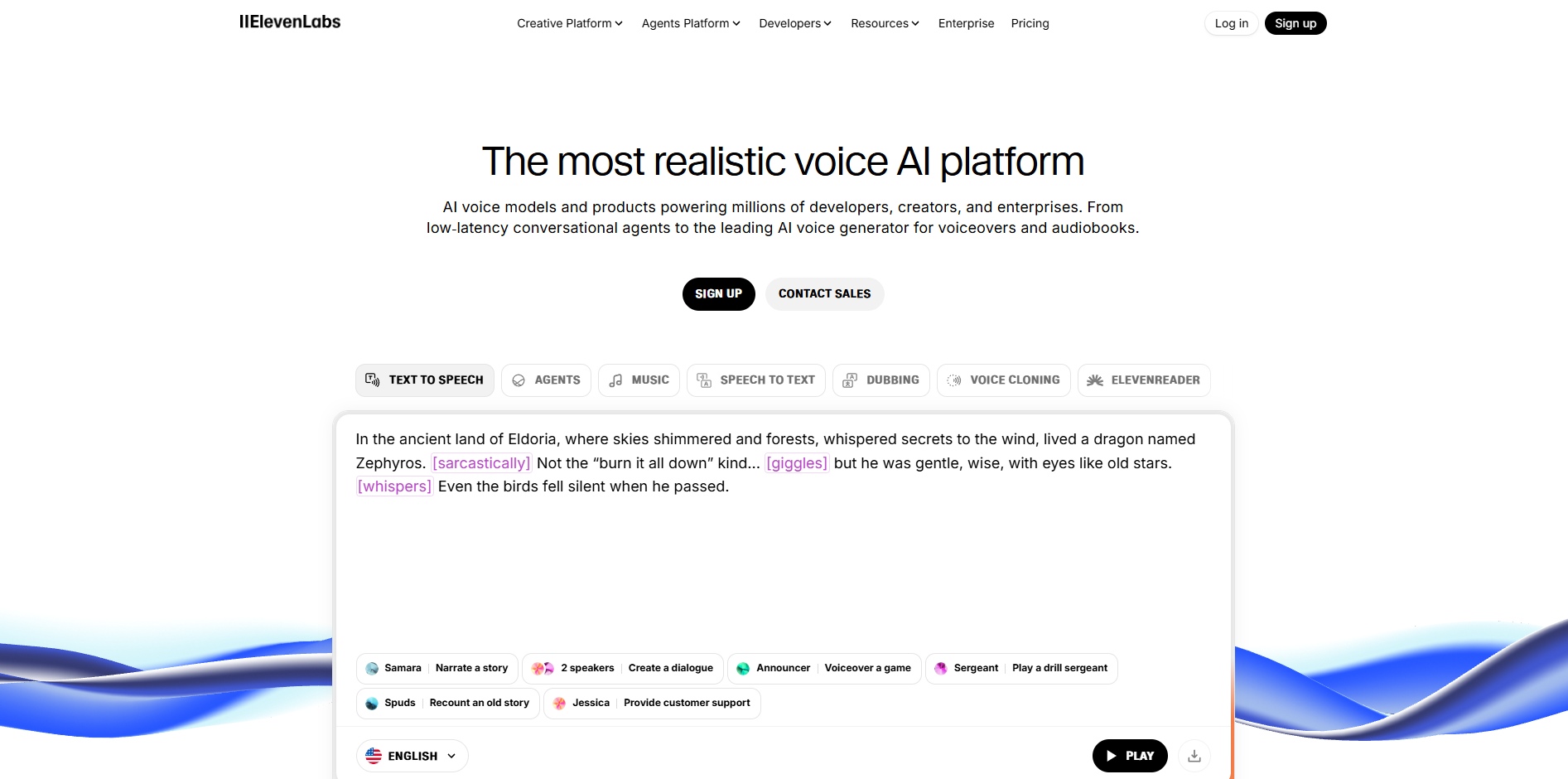
ElevenLabs offers the highest quality AI narration currently available. The service includes voice cloning, emotional range, and natural pacing that rivals human narrators.
Upload your manuscript in various formats. Choose from dozens of pre-made voices or clone your own voice. ElevenLabs processes your book and delivers professional-quality audio files. The service costs $5-$1,320 monthly depending on usage, making it affordable for serious authors.
3.Speechify
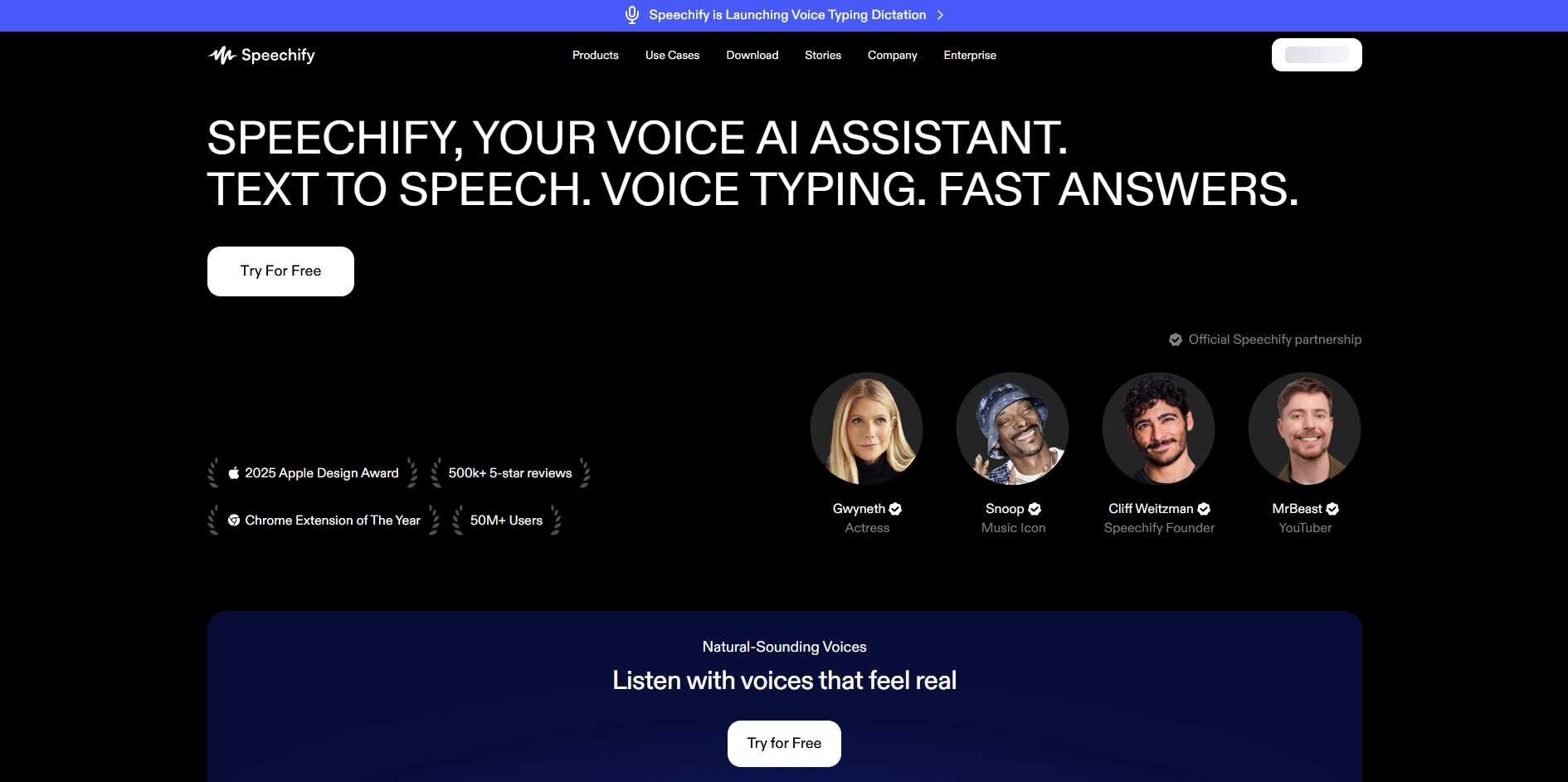
Speechify focuses on making reading accessible through audio. The platform works well for converting ebooks you already own for personal listening.
The mobile app reads ebooks, PDFs, and web articles aloud using natural-sounding voices. For conversion purposes, Speechify's desktop version lets you upload documents and export audio files. Monthly subscription costs $29, and an annual subscription costs $139.
4.Wondercraft AI
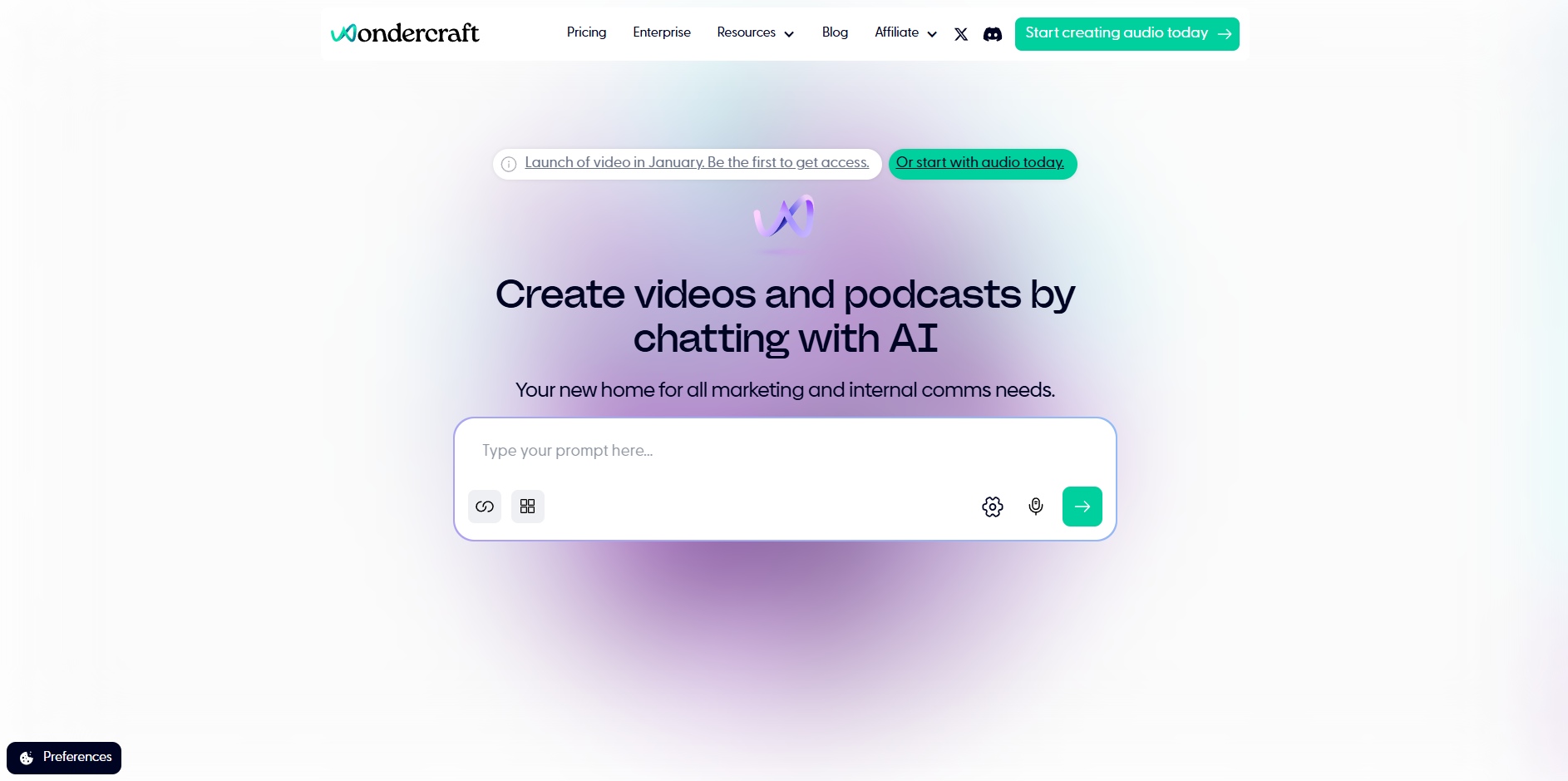
Wondercraft specializes in PDF to audiobook conversion with a user-friendly interface. Upload your PDF, customize voice settings, and export finished audiobooks.
The platform includes editing tools for adjusting pacing, adding pauses, and fixing pronunciation. Pricing uses a credit system costing $12.50-$50/month. The free plan offers 100 credits, which is good enough to test the tool.
5.Calibre with Text-to-Speech Plugin
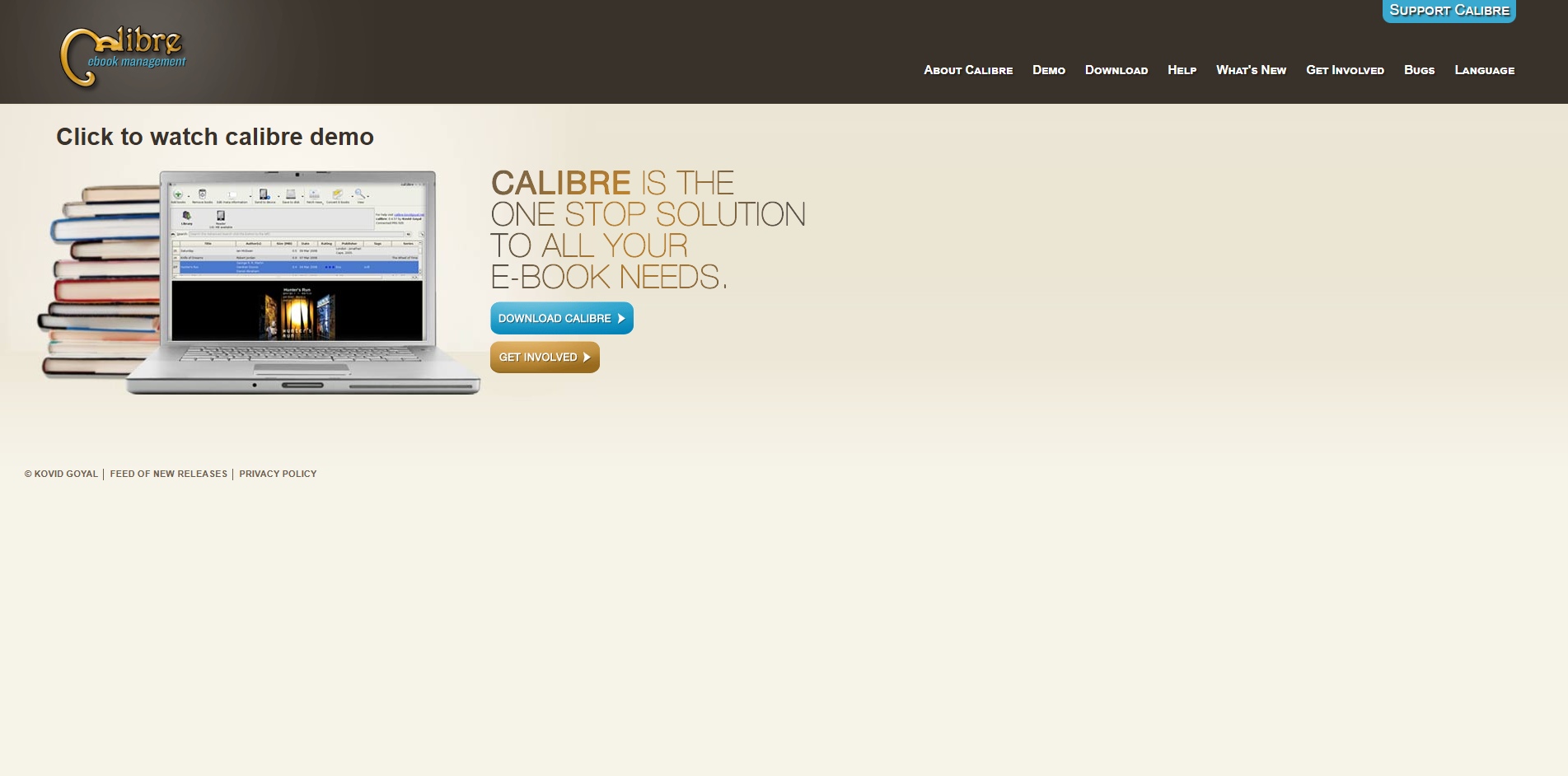
Calibre is free desktop software for managing and converting ebooks. When you add a text-to-speech plugin, it can turn your ebook files into audio.
To get started, install Calibre and add the text-to-speech plugin from their plugin library. Import your ebooks and the plugin converts them to MP3 files using your computer's built-in voices. The voices sound more robotic than paid AI services, but the tool costs nothing.
6.ACX and Audible
ACX connects authors with professional human narrators for the highest quality audiobook production. This platform handles everything from narrator auditions to final distribution on Audible, Amazon, and iTunes.
Professional narrators charge $100-400 per finished hour of audio. ACX manages all technical requirements, quality checks, and platform distribution. This option delivers the most professional results but requires the largest time and financial investment.
Technical Considerations for Audiobook Conversion
Successful audiobook creation requires attention to several technical aspects that impact quality and distribution compatibility.
1.File Format and Quality Standards
Most audiobook platforms accept MP3 format, but specific requirements vary. ACX requires constant bit rate MP3 files at 192 kbps. Apple Books accepts AAC files.
When exporting from conversion tools, choose high-quality settings. A 192 kbps MP3 balances file size and audio quality well. Higher bit rates create larger files without noticeable quality improvement for spoken word content.
2.Chapter Markers and Metadata
Professional audiobooks include chapter markers that let listeners navigate easily. Most conversion tools add these automatically based on your book's chapter structure.
Add metadata including book title, author name, narrator, genre, and copyright information. This metadata appears in audiobook players and distribution platforms. Proper metadata improves discoverability and looks professional.
3.Editing and Post-Production
Raw AI narration benefits from basic editing. Remove long pauses, fix mispronounced words, and ensure consistent volume levels throughout. Free software like Audacity handles these editing tasks.
Professional productions include intro music, outro credits, and smooth transitions between chapters. For self-published audiobooks, keep editing simple and focused on clarity and consistency.
Create and Promote Your Audiobook with Frameo.ai
Converting your book to audiobook format is just the first step. The real challenge is getting listeners to discover and choose your audiobook among thousands of options on platforms like Audible, Spotify, and Apple Books.
Most audiobook creators focus solely on production quality but overlook promotion. Static cover images and text descriptions rarely capture attention in crowded marketplaces. Listeners want to experience your story's atmosphere before committing to hours of listening time.
Frameo.ai solves both creation and promotion challenges in one platform. You can your manuscript into a fully narrated audiobook with over 100 natural-sounding voices, mood-matched background music, and professional sound design without recording equipment.
Then, you can also create promotional content where characters look the same in every frame, building recognition and professional polish.
Frameo.ai handles the complete workflow from manuscript to finished audiobook with promotional content. The platform auto-detects character tone, adjusts pacing, and balances voice with ambience for studio-grade results.
Final Thoughts
Converting books to audiobook format has become accessible for creators at every budget level. Free text-to-speech tools work best for personal use, AI narration services deliver professional quality at reasonable cost, and traditional production remains available for authors looking for high-end production.
Start with your current resources. If you have digital text, try a free or low-cost AI service to test the process. Physical books require scanning and OCR, adding time but not necessarily cost. Focus on getting clean source text first because quality narration depends on accurate input.
Once your audiobook exists, promotion determines success. Visual content drives discovery in today's crowded audiobook market. Creating compelling trailers and promotional videos separates books that find audiences from those that don't.
Ready to turn your book into an engaging audiobook experience? Get started with Frameo.ai today and create promotional content that makes your audiobook stand out.
FAQs
1.What voice quality should I expect from free conversion tools?
Free text-to-speech voices sound robotic compared to paid AI services. They work for personal listening or manuscript review but lack the naturalness needed for commercial distribution. Modern paid AI voices approach human quality.
2.Do I need audio editing skills to create audiobooks?
Basic audiobook creation requires no editing skills. AI services deliver finished audio files ready for use. Advanced creators use free software like Audacity for minor corrections, but this remains optional for most self-publishers.
3.What file format works best for audiobook distribution?
MP3 format at 192 kbps constant bit rate works universally across platforms. This balances quality and file size well for spoken word content. Some platforms also accept M4B or AAC formats with embedded chapter markers.
4.Can I update my audiobook after publishing?
Most platforms allow updates for correcting errors. Upload a corrected audio file through your publisher dashboard. However, frequent updates frustrate listeners who already purchased. Do thorough quality checks before initial publication.
5.What makes audiobook promotional videos effective?
Effective promotional videos show key visual elements from your story, include short audio samples, maintain consistent pacing, and end with clear calls-to-action. Video content drives higher engagement than static images for audiobook marketing.



