Top 7 Sora Video AI Alternatives You Can Try In 2026
Explore practical alternatives to Sora text to video AI in 2026, including tools built for creators, workflows, and short-form vertical video publishing.
If you were excited about Sora’s text-to-video promise but felt stuck waiting for access, pricing clarity, or usable workflows, you are not alone. Many creators are searching for alternatives to Sora text to video AI that they can actually use today.
We understand how frustrating it can be when promising tools like Sora are out of reach or don’t quite fit the fast-paced content creation workflows that creators need.
The good news is this. You do not need to pause your content plans.
Several AI video tools already offer practical ways to turn text into video. Some focus on visual realism. Others, including creator-first platforms like Frameo, prioritize speed, vertical formats, and no-code workflows.
This guide breaks down the top Sora video AI alternatives of 2026 you can try right now, with a clear focus on what matters most for creators producing short-form content.
Key Takeaways
- Sora introduced powerful text-to-video generation, but limited access and creator workflows have led many users to explore alternatives available today.
- Most Sora alternatives fall into two categories: cinematic AI generators and creator-focused tools designed for faster publishing.
- Choosing the right alternative depends more on how you create content than on raw AI capability.
- Tools that support vertical output, no-code workflows, and fast iteration are better suited for short-form platforms like Reels, Shorts, and TikTok.
- This guide helps you compare popular Sora alternatives and decide which tool best fits your publishing goals.
What Is Sora AI?

Sora AI is a text-to-video generation model that creates short video clips from written prompts. By describing a scene in natural language, users can generate videos that simulate motion, environments, and visual continuity.
The model focuses on producing high-quality, cinematic-style output by interpreting context and scene flow from a single prompt. This makes Sora useful for visual experimentation and concept videos.
However, access is limited, and the workflow is not designed for everyday creators. It does not prioritize vertical formats, fast iteration, or social-ready outputs. Because of this, many creators look for Sora alternatives that offer immediate usability, simpler workflows, and content built for short-form platforms.
Key Capabilities Sora Is Known For
Sora is designed to generate videos directly from text prompts, with a strong emphasis on visual continuity and scene realism. At a high level, it supports:
- Text-to-video generation, where written prompts are turned into short video clips.
- Image-to-video creation, allowing users to extend or animate existing visuals.
- Style controls, which influence the visual look of generated scenes.
- Scene-level editing, where prompts guide changes across different parts of a video.
These capabilities make Sora useful for experimentation and concept videos. However, they are not optimized for rapid, repeatable content creation, which is why many creators explore more workflow-focused alternatives.
Why Creators Are Looking for Alternatives to Sora
Sora set high expectations for AI-generated video. But many creators face real-world challenges when trying to rely on it.
Common reasons people search for alternatives to Sora text to video AI include:
- Limited access: Many creators cannot use Sora consistently due to restricted or phased availability.
- Workflow complexity: Sora is not built for fast, repeatable content creation or daily publishing.
- Lack of social-first formats: Vertical 9:16 output and platform-ready videos are not a core focus.
- Slow iteration: Generating usable results often requires multiple prompt refinements.
- Limited character reuse: Sora does not offer a simple character swap or reuse workflow across videos, making recurring content harder to scale.
For creators who publish consistently, waiting is not an option. The tool has to work now and fit into a fast content cycle.
What to Look for in a Sora Text-to-Video Alternative
Before choosing any tool, it helps to know what actually matters in daily use. Based on SERP patterns and creator needs, these factors show up repeatedly.
Criteria | Why It Matters for Creators |
Text-to-video accuracy | Your prompt should translate into clear scenes, not random visuals. |
Ease of use | No editing or design skills should be required. |
Vertical output | Social platforms demand 9:16 video formats. |
Speed | Fast generation keeps your content calendar on track. |
Voice and captions | Essential for engagement and accessibility. |
Creative control | Ability to guide story flow without complexity. |
Keep these points in mind as we review each alternative.
Note: Tools like Frameo approach text-to-video differently. Instead of generating clips from a single prompt, it helps creators turn ideas into structured, vertical videos using AI storyboards, voice, and no-code workflows.
Top 7 Sora Video AI Alternatives You Can Try In 2026
If Sora does not fit your content workflow, these AI video tools in 2026 offer practical ways to create text-to-video content without waiting or complex setup.
1. Frameo
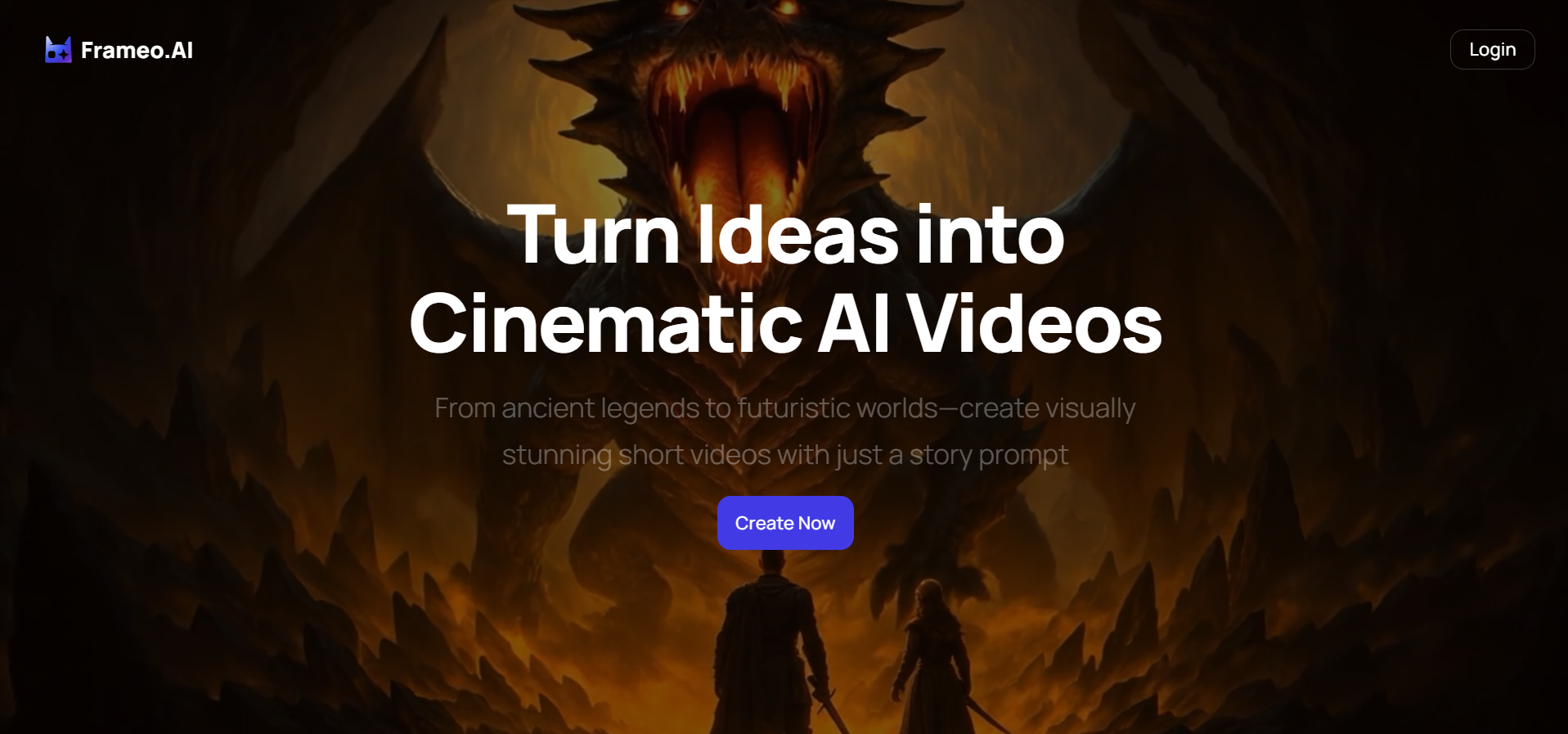
Frameo takes a creator-first approach to text-to-video creation. It helps creators turn ideas into structured, short-form videos using a no-code workflow.
The platform combines text prompts with AI storyboarding, scene flow, voice, and vertical formatting, making it easier to create videos for Reels, Shorts, and TikTok without editing or design skills.
Best for: Creators who publish frequently and need fast, repeatable workflows for social-ready vertical videos.
Limitations:
- Focused on short-form storytelling rather than long-form filmmaking
2. Runway AI
Runway AI is one of the most frequently mentioned Sora alternatives across top search results. It focuses on high-quality AI video generation with strong creative controls.
Best for: Creators and studios experimenting with cinematic visuals and advanced motion.
Limitations for creators:
- Workflow can feel complex
- Not optimized for quick social videos
- Vertical output requires extra steps
3. Kling AI
Kling AI is gaining attention for its text-to-video realism and visual consistency.
Best for: Users who want detailed scene generation from descriptive prompts.
Limitations for creators:
- Less emphasis on short-form storytelling.
- Limited creator-friendly editing flow.
- Not built around social publishing needs.
4. Luma AI Dream Machine
Luma AI focuses on visually rich text-to-video generation and dynamic camera movement.
Best for: Creators exploring experimental visuals or cinematic concepts.
Limitations for creators:
- Output control can feel unpredictable
- Not optimized for daily social content
- Requires iteration to get usable clips
5. InVideo AI
InVideo AI is a popular option for turning scripts into videos with templates, voiceovers, and captions.
Best for: Marketing videos, explainers, and promotional content.
Limitations for creators:
- Template-heavy results
- Less story flexibility
- Not focused on visual storytelling through scenes
6. Pictory AI
Pictory converts text into videos using stock visuals and automated scenes.
Best for: Blog repurposing and simple informational videos.
Limitations for creators:
- Limited creative storytelling
- Stock-style visuals dominate
- Less control over scene flow
7. VEED
VEED blends AI features with a browser-based editor.
Best for: Creators who want light AI support with manual editing.
Limitations for creators:
- Still relies on traditional editing
- AI generation is secondary
- Time investment is higher
Quick Comparison of Sora Alternatives
Tool | Text-to-Video | Vertical 9:16 | No-Code | Best Use Case |
Frameo | Yes (storyboard-based) | Yes | Yes | Short-form social content |
Runway AI | Yes | Limited | No | Cinematic AI videos |
Kling AI | Yes | Limited | Partial | Visual realism |
Luma AI | Yes | Limited | Partial | Experimental visuals |
InVideo AI | Yes | Yes | Yes | Marketing content |
Pictory AI | Yes | Yes | Yes | Blog to video |
VEED | Partial | Yes | No | Manual editing + AI |
Note: No-code workflow means users can create and edit videos without needing programming or technical design skills, using intuitive interfaces instead.
Each of these alternatives to Sora text to video AI approaches text-to-video differently. After reviewing the options, the next step is understanding how to choose the one that best fits your content goals and workflow.
Also Read: 8 Best Veed.io Alternatives That Stand Out in 2026
How to Choose the Right Sora Alternative for You
Not every Sora alternative fits the same type of creator. The right choice depends on how you create content and how often you publish.
Use these quick guidelines:
- If you are experimenting with cinematic visuals or concept videos, tools focused on realism and motion control may suit you better.
- If you create marketing videos or explainers, platforms that combine scripts, templates, and voiceovers can save time.
- If your goal is to publish short-form videos consistently on platforms like Reels, Shorts, or TikTok, prioritize tools that offer vertical output, fast generation, and no-code workflows.
- If you prefer not to appear on camera, look for options that support faceless videos, image animation, and built-in voice.
Choosing a tool that matches your workflow is more important than choosing the most technically advanced model. This is where Frameo comes in.
Where Frameo Fits Among Sora Alternatives
Most Sora alternatives focus on how powerful the AI is. Frameo focuses on how easily creators can use it.
Frameo is built as a no-code, creator-friendly AI video platform designed specifically for short-form vertical content.
Instead of complex timelines, Frameo offers:
- Prompt-based AI Storyboard Builder guides creators through arranging scenes visually based on text prompts, streamlining video structure.
- Text-to-video generation with scene flow.
- Faceless video creation for creators enables producing videos without personal appearances by animating images or using voiceovers.
- Image-to-video animation.
- Built-in Voice and Dubbing Studio.
- Mobile-optimized 9:16 vertical output by default.
You move from idea to publish-ready video without editing skills or design experience.
How Frameo Compares on Creator Workflow
Many Sora alternatives focus on what the AI can generate. This comparison looks at how those tools actually support a creator's workflow from idea to publish-ready video.
Workflow Stage | Typical Sora Alternative | Frameo Approach |
Idea input | Text prompt only | Text prompt + storyboard flow |
Editing | Manual or technical | No-code, guided |
Output format | Mixed or horizontal | Vertical-first 9:16 |
Voice and captions | Optional add-ons | Built-in |
Skill requirement | Medium to high | Beginner-friendly |
Frameo is not trying to replace cinematic AI tools. It is designed to help creators publish consistently on social platforms.
This workflow is beneficial when creating TikTok AI videos, Instagram AI video reels, and YouTube AI video previews, where attention is decided in seconds, and clarity matters more than polish. Generate a text-to-video image now with Frameo.
Final Thoughts
Sora sparked interest in AI video creation, but creators need tools they can use today. The most effective alternatives to Sora text to video AI are not defined by technical power alone. They are practical, accessible, and built around real publishing workflows.
For creators focused on turning ideas into vertical, social-ready videos without editing complexity, creator-first platforms like Frameo help close the gap between experimentation and consistent publishing.
Explore how Frameo helps you turn ideas into publish-ready vertical videos without code or editing skills. Start creating videos with Frameo today.
FAQs
1.What is the best alternative to Sora for creators?
The best alternatives to Sora text to video AI depends on your goal. For short-form social content, creator-focused tools with vertical output work better than cinematic generators.
2.Are Sora alternatives free to use?
Many tools offer free trials or limited plans. Most advanced text-to-video features require paid access.
3.Can I create vertical videos with Sora alternatives?
Some tools support vertical output, but many require manual adjustments. Frameo is vertical-first by default.
4.Do I need editing skills to use these tools?
Several Sora alternatives still rely on editing knowledge. Frameo is designed for no-code use.
5.Which Sora alternative is best for faceless content?
Tools that support storyboard-based scenes, image animation, and voiceovers are better suited for faceless videos.



