
Generate Full Story Videos With a ChatGPT Video Generator
Type your video idea like you type a chat message and get back a full multi-scene video, not a single clip. Frameo lets you generate, edit, and export every scene from plain-text instructions, with the same character carrying the story from start to finish. You skip the timeline editor, the prompt-stitching, and the constant character resets.
Create ChatGPT Video Generator Videos in 3 Simple Steps
Describe Your Scene and Story
Open the create page and type your video idea the same way you would type into a chat. For example, you can describe a dancer spinning under a single spotlight on an empty stage. The more detail you give, the closer the output matches what you imagined.
Generate Your Video With AI
The AI reads your text and produces the scene with cinematic framing, lighting, and your chosen character. You can use chatgpt to make videos with multiple scenes by adding more lines and letting the tool keep the character consistent across each shot.
Edit, Refine, and Export
Refine any scene by typing what you want changed, then pick the aspect ratio for the platform you are publishing on. Export 9:16 for Reels, Shorts, or TikTok, 1:1 for feed posts, or 16:9 for YouTube and embeds.
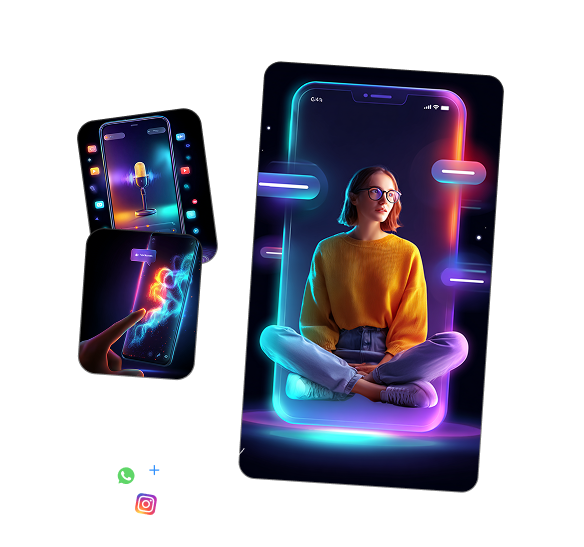
Who Benefits From a ChatGPT Video Generator
Solo Filmmakers Building Short Films
You can prototype a short film in an afternoon by typing scene descriptions instead of booking a crew, lights, or actors. Character persistence keeps your lead looking like your lead from opening shot to closing scene.
Social Media Creators Posting Daily Reels
You can build vertical reels every day without filming, lighting, or editing each one from scratch. The multi-format export option gives you 9:16 video ready for Reels, Shorts, and TikTok in one go.
Indie Marketers Running Ad Campaigns
You can write the ad in chat, generate the visual, and ship the campaign without booking a studio or hiring talent. Conversational editing lets you swap a backdrop or adjust a line of dialogue by typing what you want changed.
Writers Turning Scripts Into Visual Drafts
You can take a written scene and see it acted out on screen in minutes, helping you pitch ideas with visuals instead of pages. Multi-scene storytelling lets you generate the full story arc instead of stopping at one disconnected clip.
Creator Studios Producing Branded Content
You can run a small studio that ships branded content at the volume of a much larger team. Reusable character profiles let you bring the same on-brand presenter into every new project without rebuilding from scratch.
Educators Making Lesson Videos
You can produce lesson videos with the same teacher character explaining different topics across a whole course. Prompt-based scene control lets you direct each shot in plain words, picking the angle, the setting, and the action.
Explore More Video Creation Tools From Frameo AI
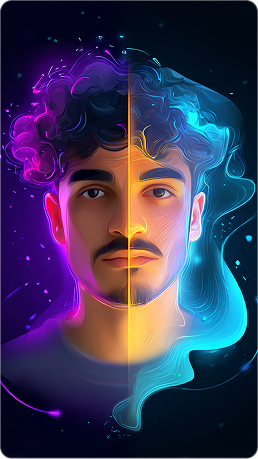
Make TikTok Videos With AI
Generate vertical TikTok-ready clips with prompt-based scene control.
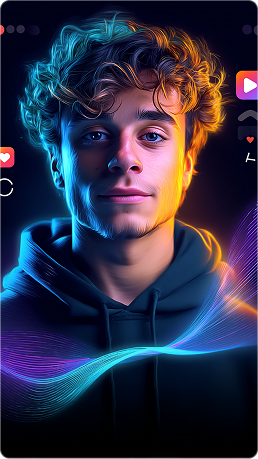
Use the AI Movie Maker
Build longer-form video projects with multi-scene storytelling and character persistence.
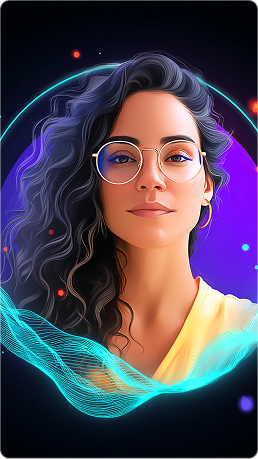
Try the AI Story Generator
Turn a story idea into a visual sequence you can refine and export.
Create AI Animation Videos
Generate animated videos from typed descriptions with consistent character design.
Learn More About AI Video Creation
Best AI Video Generators Compared
See how the leading AI video tools stack up on quality, control, and output speed.
How to Create AI Short Films With Consistent Characters
Walk through the steps for keeping your lead character the same from scene one to the final frame.
Text to Video Models Explained
Read a plain-English breakdown of how text-to-video tools turn typed ideas into shots.